Key Takeaways
- Theft Detection Lock uses AI and motion sensors to lock your phone instantly if someone grabs and runs with it
- Private Space creates an isolated profile that hides apps and data from your main phone
- These features work on older Android versions via Google Play Services updates
Android phones ship with features you never asked for. Adaptive battery throttles background apps. Pre-installed Google apps sync constantly. Usage diagnostics share data quietly unless you dig through the Privacy Dashboard to stop it.
But the opposite problem is worse. Android also ships with genuinely useful security features turned off. Features that could protect your data if your phone gets stolen. Features that could hide sensitive apps from anyone who picks up your device.
Here are three you should enable right now.
Theft Detection Lock: AI That Knows When Someone Grabs Your Phone
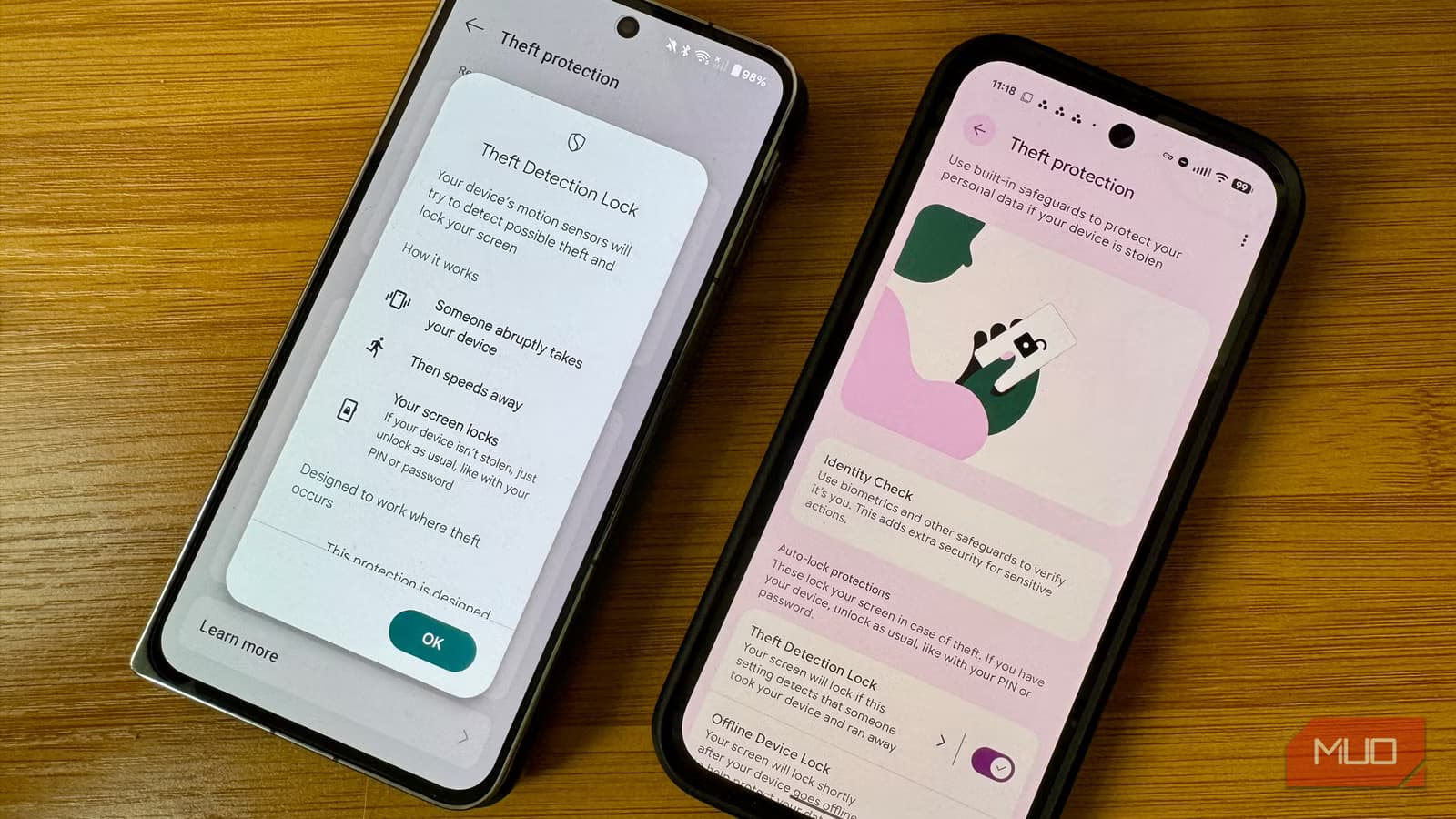
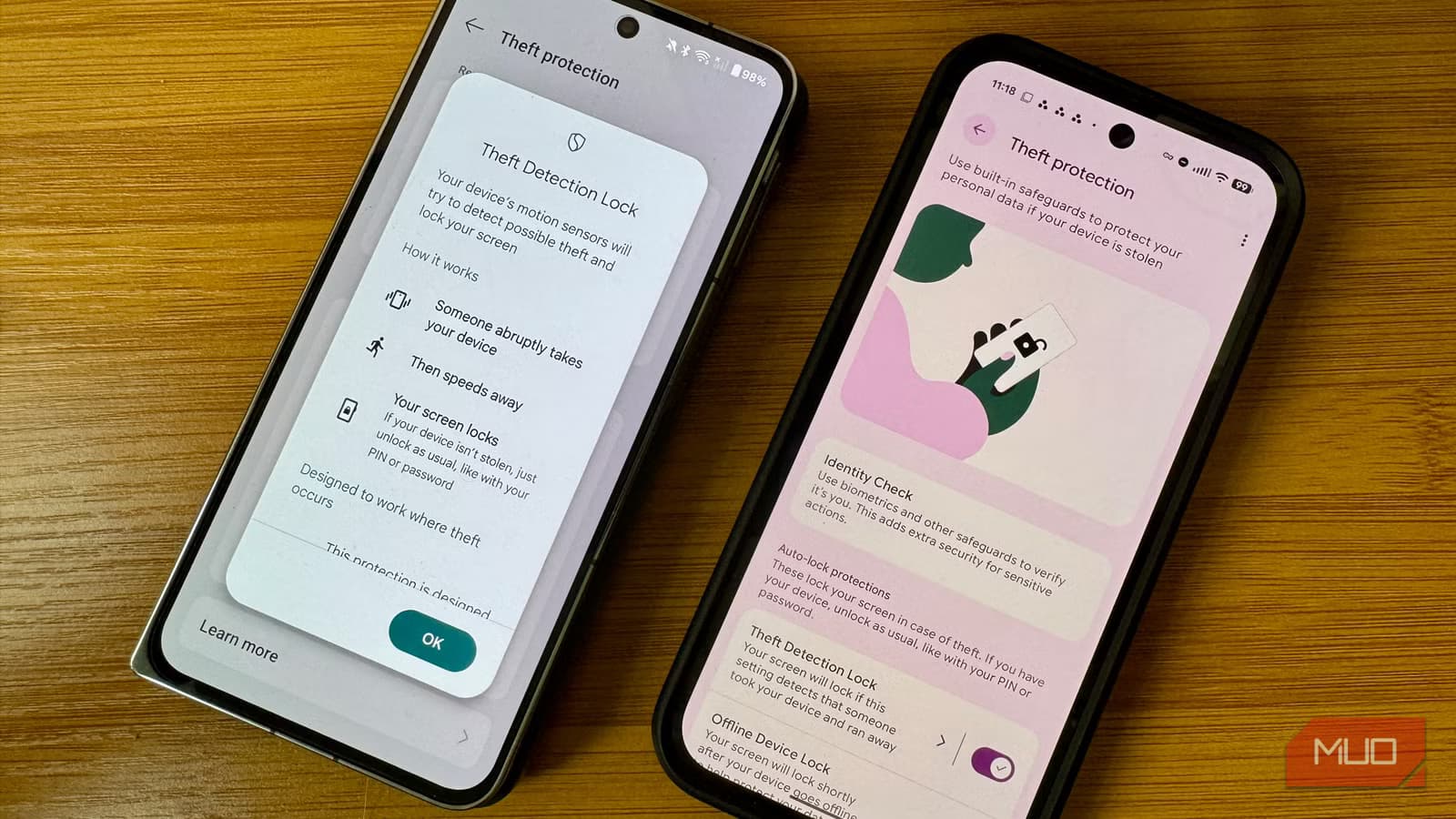
Theft Detection Lock combines on-device AI with your phone's motion sensors, Wi-Fi status, and Bluetooth to detect a specific pattern: someone grabbing your phone and running.
If the algorithm senses this snatch-and-run motion, it locks the screen immediately. The thief gets no time to open your banking apps or access your Google account.
The feature rolled out in late 2024 for any device running Android 10 or newer. Google delivered it through a Play Services update rather than a full OS upgrade. That matters for anyone with an older phone. You don't need the latest Android version to use it.
Two companion features make this system stronger. Offline Device Lock automatically locks the screen if your phone goes offline for an extended period. This stops a common theft tactic: switching the phone to Airplane Mode to block Find My Device. Failed Authentication Lock kicks in after too many wrong PIN attempts.
The three features work together. A thief can't grab the phone, can't disable connectivity, and can't guess the PIN.
How to Enable Theft Detection Lock
- Open your Settings app
- Search for "Theft Protection"
- Open the Theft Protection menu
- Toggle on Theft Detection Lock, Offline Device Lock, and Failed Authentication Lock
Google made these features default-on in Brazil as of January 2026. The rest of the world still has to enable them manually.
Private Space: A Hidden Phone Inside Your Phone
Android 15 introduced Private Space, a feature that creates an isolated environment completely separate from your main profile. Apps you install in Private Space don't share data with your main profile. They don't appear in your app drawer. They don't show notifications on your lock screen.
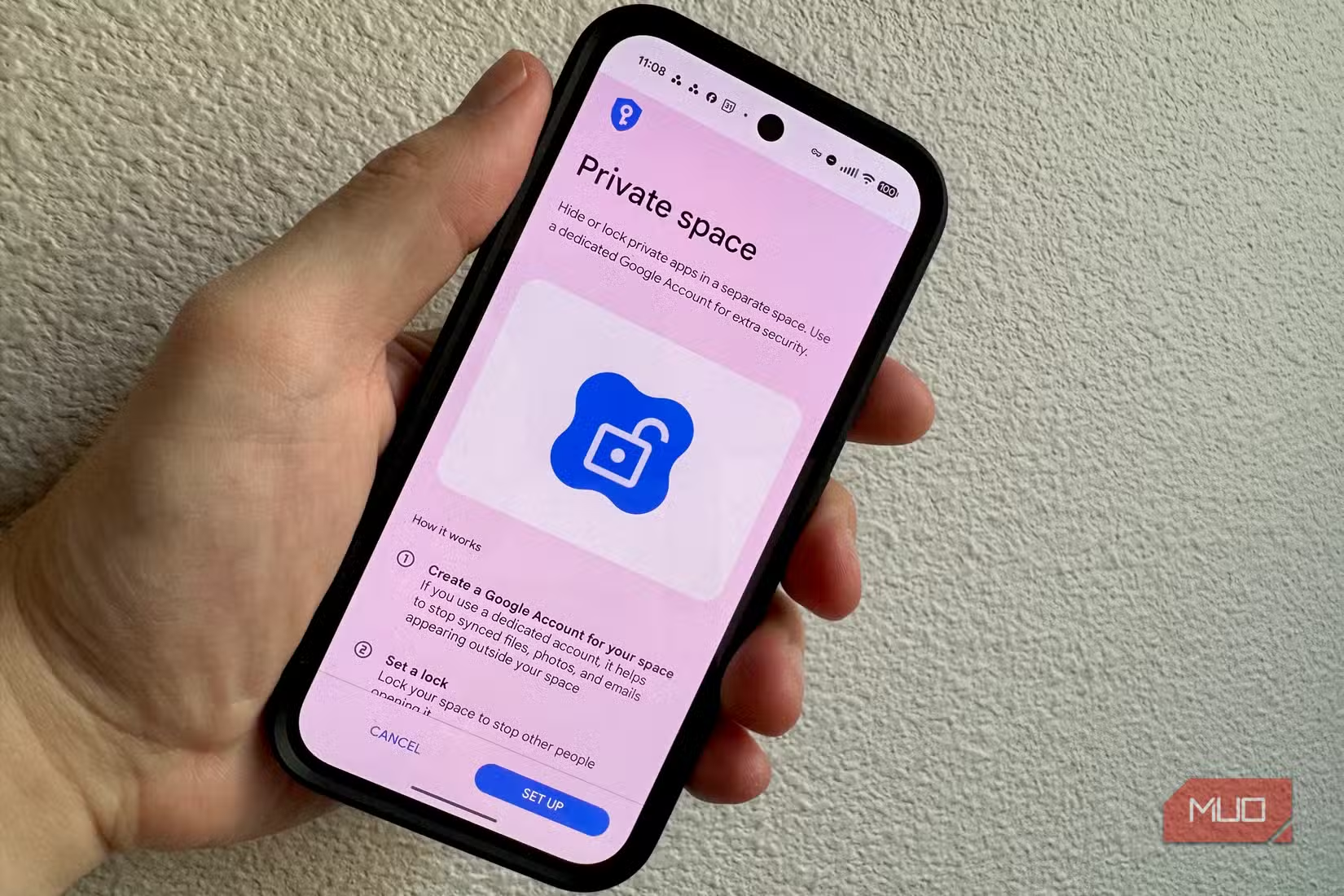
The use cases are obvious. You might want to keep work apps separate from personal ones. You might want a private messaging app that doesn't show notifications when your phone is on the table. You might want a secondary email account that stays completely siloed.
Private Space requires Android 15. Unlike Theft Detection Lock, this feature can't be backported through Play Services.
How to Enable Private Space
- Open Settings
- Navigate to Security & Privacy
- Look for Private Space in the menu
- Follow the setup wizard to create your isolated profile
Once enabled, you'll access Private Space through a separate lock screen. Apps installed there stay invisible to your main profile and to anyone who picks up your phone.
Why Google Ships These Features Disabled
The obvious question: if these features are useful, why aren't they on by default?
Google likely weighs false positives against user experience. Theft Detection Lock could trigger when you hand your phone to someone quickly or toss it to a friend. Private Space adds complexity that casual users might find confusing.
But the Brazil decision suggests Google knows these features should be defaults. When theft rates are high enough, the trade-off changes. The company just hasn't extended that logic globally.
Logicity's Take
Other Hidden Settings Worth Checking
These three features aren't the only useful settings Google buries. The Privacy Dashboard shows which apps accessed your camera, microphone, and location. App pinning locks a single app on screen when you hand your phone to someone. Guest mode creates a temporary profile with no access to your data.
All of these require manual activation. Android's default state prioritizes convenience and data collection over security and privacy.
Another look at hidden technology risks that default settings don't protect against
Frequently Asked Questions
Does Theft Detection Lock work on older Android phones?
Yes. The feature works on any device running Android 10 or newer. Google delivered it through a Play Services update rather than a full OS upgrade.
Can Theft Detection Lock trigger by accident?
It's possible. The AI looks for a specific snatch-and-run pattern, but quick handoffs or sudden movements could trigger a false positive and lock your screen.
Is Private Space the same as a work profile?
They're similar but different. Work profiles are managed by IT administrators. Private Space is user-controlled and completely hidden from your main phone profile.
Why did Google enable Theft Detection Lock by default only in Brazil?
Brazil has high phone theft rates. Google likely decided the security benefit outweighed any user experience friction from false positives.
Do these features drain battery?
Theft Detection Lock uses on-device AI and motion sensors, which have minimal battery impact. Private Space only uses resources when you're actively using apps in that profile.
Need Help Implementing This?
Source: MakeUseOf
Huma Shazia
Senior AI & Tech Writer
Produced with AI assistance and reviewed by the Logicity editorial team. Learn more in our Editorial Policy.






