Key Takeaways
- Projectivy is available free on the Google TV Play Store, no side-loading required
- The launcher removes autoplay trailers and background processes that cause lag
- Installation takes minutes and preserves the familiar interface structure
The Problem With Google TV's Default Home Screen
If you've used Google TV for any length of time, you've noticed the lag. The home screen constantly streams trailers and recommendations. These videos look nice in theory but create stuttering when you're trying to navigate to your apps. The interface prioritizes content discovery over speed.
Tech writer Shaun Cichacki ran into this while testing an Onn Streaming Box. Despite the hardware being snappy out of the box, Google TV's interface introduced friction. The constant background activity slowed down basic navigation tasks.
Google TV is also locked down compared to standard Android. Changing your launcher or making significant customizations typically requires side-loading apps. That creates a barrier for anyone who doesn't want to mess with ADB commands and developer settings.
Projectivy's Approach: Less Is More
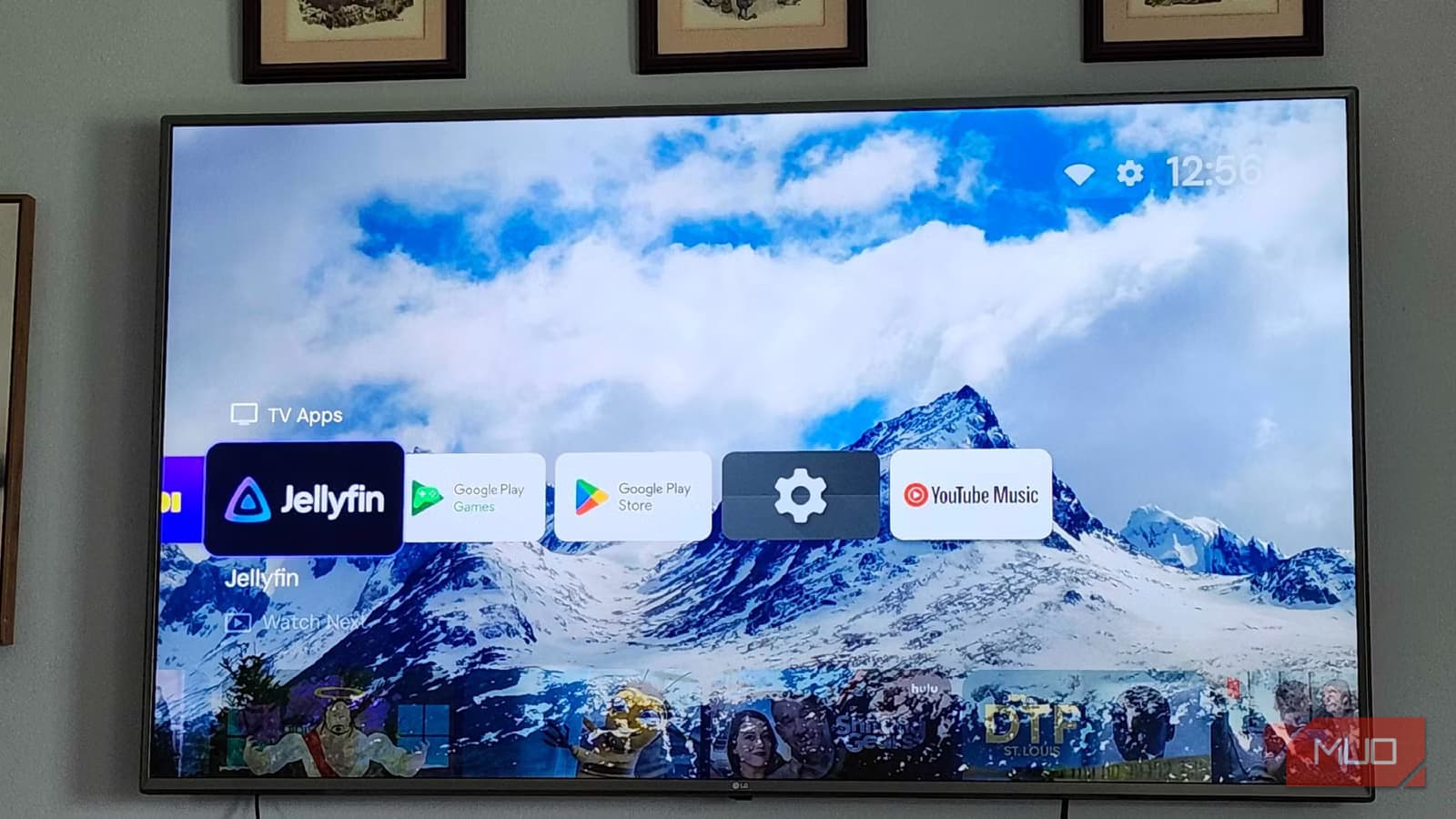
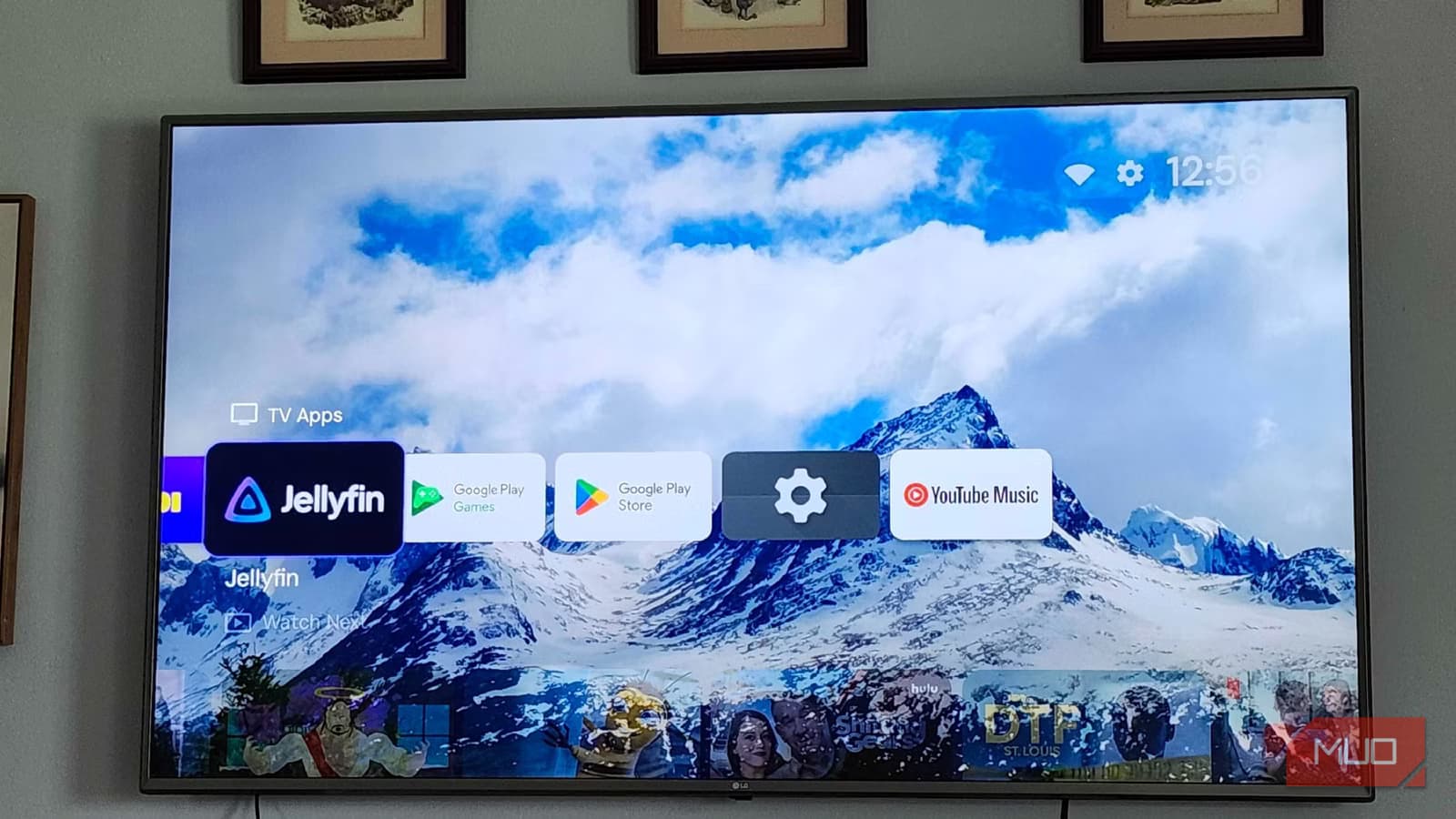
Projectivy takes the opposite approach to Google TV's default launcher. It doesn't show autoplay videos. It doesn't run processes in the background beyond displaying your wallpaper. The result is noticeably faster navigation between apps and streaming services.
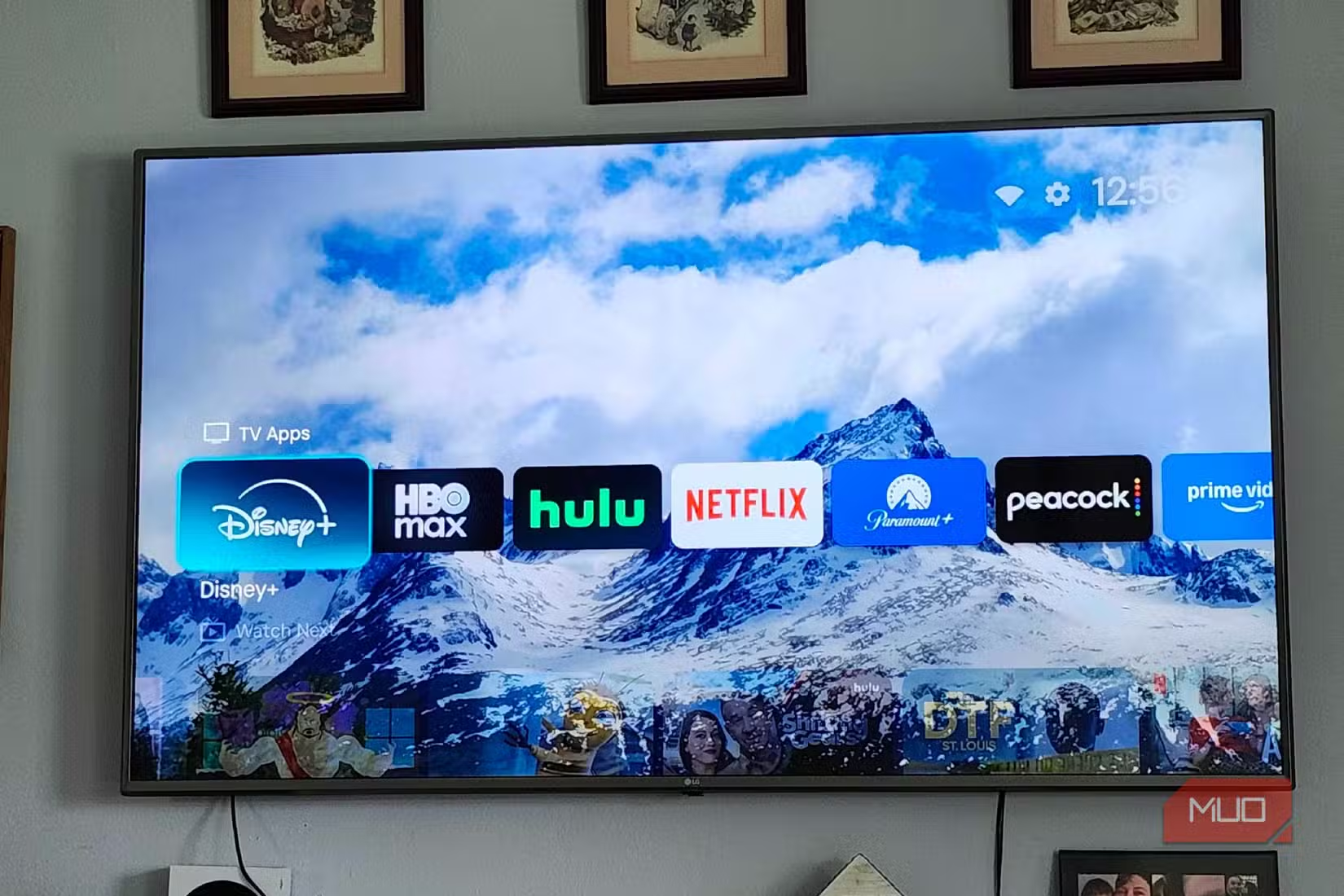
The interface still looks familiar. You're not switching to something that requires your household to relearn how to use the TV. It preserves the general structure while cutting the bloat that causes performance issues.
Cichacki specifically chose Projectivy over alternatives like Wolf Launcher and LTvLauncher. Wolf Launcher offers more layout customization. LTvLauncher focuses on privacy features. But both require side-loading. Projectivy's advantage is simpler installation combined with the performance gains most users actually want.
Installation Takes Minutes
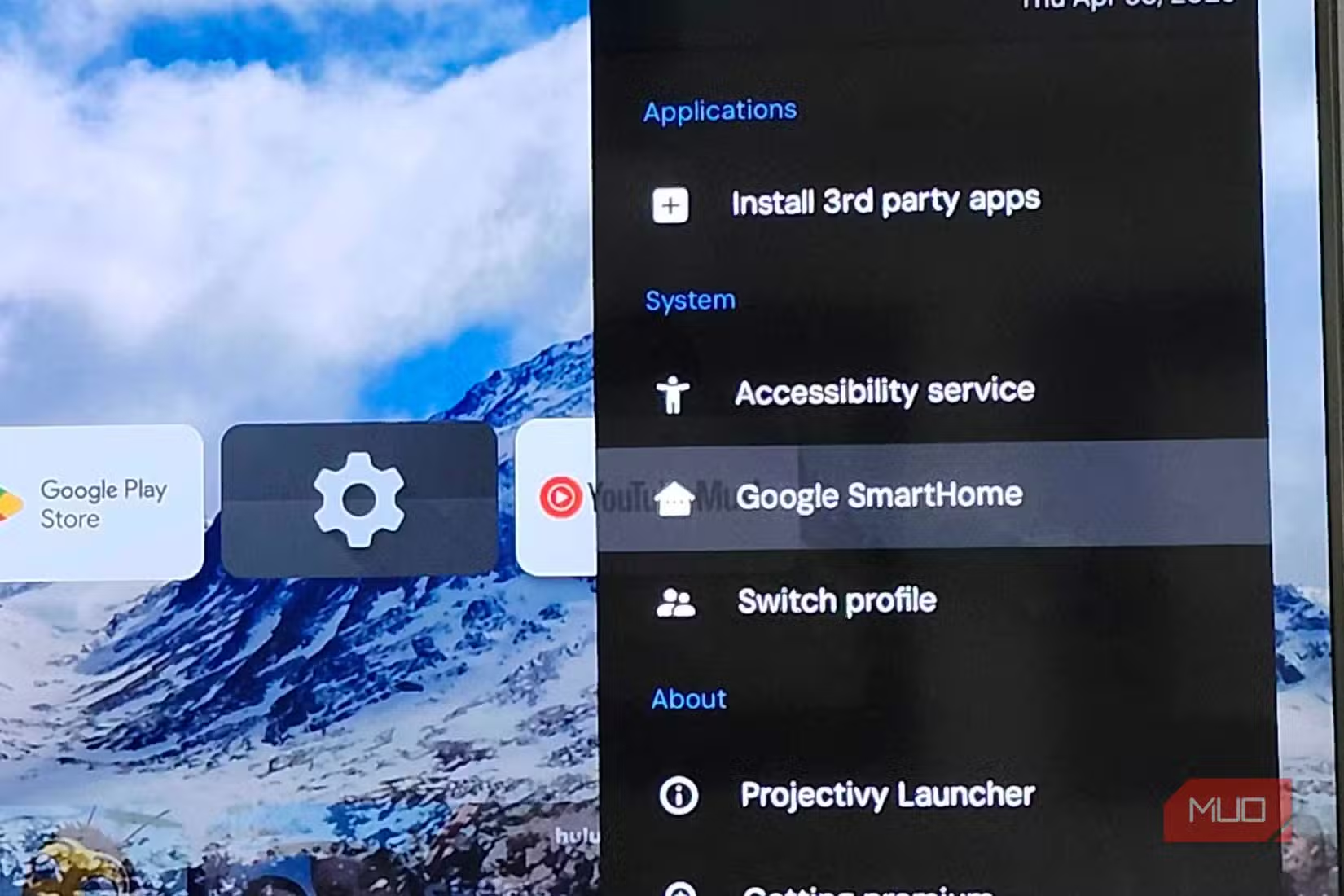
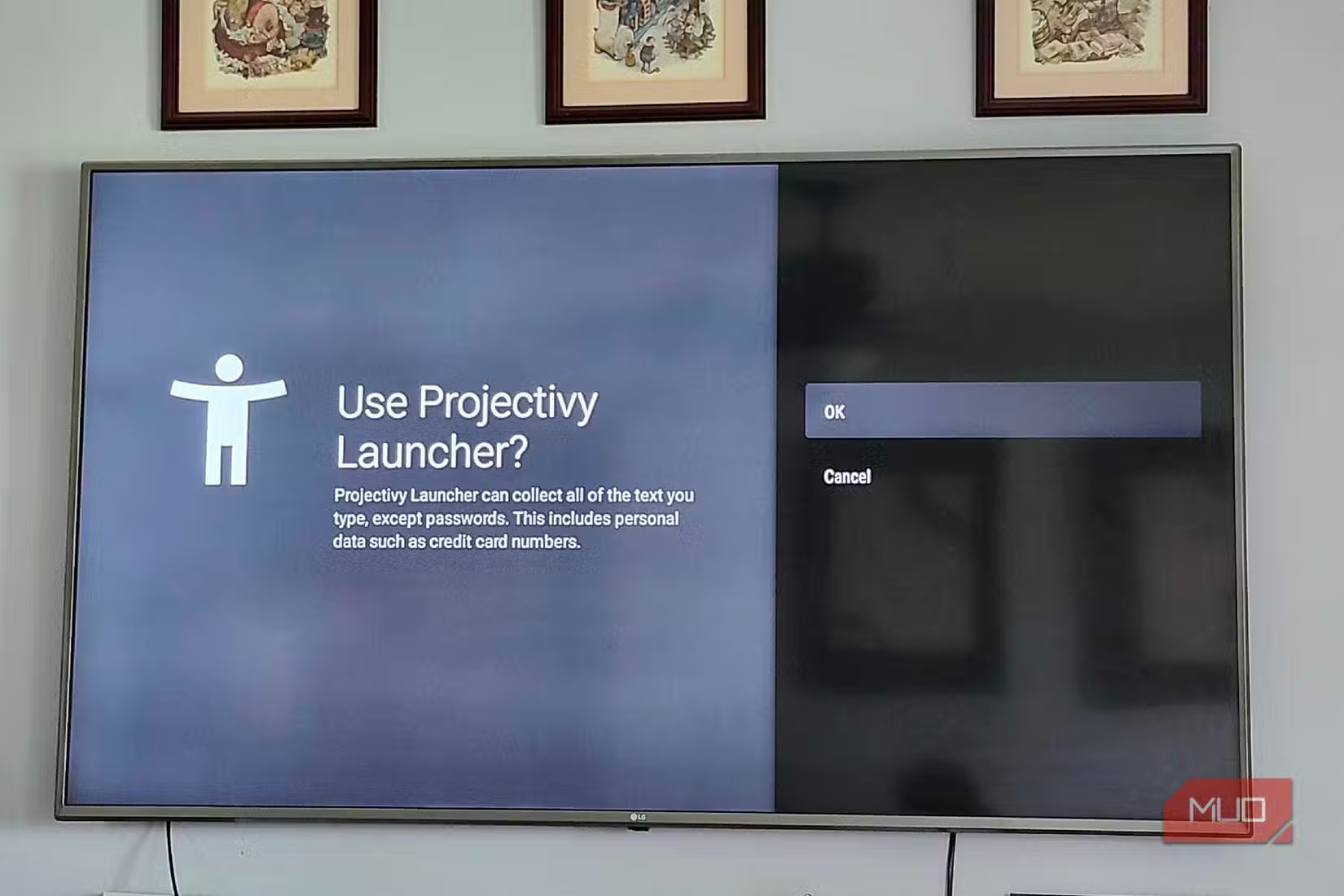
Unlike most Google TV customizations, Projectivy doesn't require side-loading. The app is available directly in the Google TV Play Store. Search for it, install it, and follow the on-screen prompts. The whole process takes a few minutes.
This matters for households where multiple people use the TV. You don't need to explain ADB debugging or walk someone through installing apps from unknown sources. Anyone who can navigate the Play Store can set this up.
✅ Pros
- • Available free on Google TV Play Store
- • No side-loading or ADB commands required
- • Eliminates lag from autoplay trailers
- • Familiar interface structure for other household members
- • Removes background processes that slow navigation
❌ Cons
- • Loses Google TV's content recommendation features
- • May need reconfiguration after Google TV updates
- • Less customization than side-loaded alternatives like Wolf Launcher
What You Lose
The tradeoff is straightforward. Google TV's recommendations occasionally surface shows you might want to watch. Projectivy removes that entirely. You're trading discovery features for speed.
For most users, this is a good trade. Streaming services already have recommendation algorithms built into their apps. Netflix, Hulu, and others will still suggest content once you open them. You're just removing the extra layer of suggestions on the home screen.
Power users who want maximum customization might prefer Wolf Launcher instead. It offers more control over layout and appearance. But it requires side-loading, which adds complexity.
Related Android customization tips
Who Should Try This
If your Google TV device stutters when navigating the home screen, Projectivy is worth testing. The installation is reversible. You can switch back to the default launcher if you miss the recommendation features.
Budget streaming devices like the Onn Streaming Box benefit most. These devices have limited processing power, so removing background processes has a noticeable impact. Higher-end devices like the Chromecast with Google TV might see smaller improvements, though the cleaner interface is still appealing.
Households where multiple people share the TV should appreciate the familiar layout. There's no learning curve for anyone else who uses the device.
Logicity's Take
Frequently Asked Questions
Is Projectivy free?
Yes. Projectivy is free to download from the Google TV Play Store.
Do I need to side-load Projectivy?
No. Unlike many Google TV launcher replacements, Projectivy is available directly in the Play Store. No ADB commands or developer settings required.
Will Projectivy work with my streaming apps?
Yes. All your installed apps remain accessible. Projectivy just changes the home screen interface, not how individual apps function.
Can I switch back to the default Google TV launcher?
Yes. You can change your default launcher back in Google TV settings if you decide you prefer the original interface.
Does Projectivy remove Google TV ads?
It removes the autoplay trailers and recommendation widgets on the home screen. Individual streaming apps still show their own promotions.
Need Help Implementing This?
Source: MakeUseOf
Huma Shazia
Senior AI & Tech Writer
Produced with AI assistance and reviewed by the Logicity editorial team. Learn more in our Editorial Policy.