
Key Takeaways

- Zen Browser uses Mozilla's Gecko engine, making it one of the few browsers not built on Chromium or WebKit
- The browser has attracted over 500,000 users and 19,000 GitHub stars since launch
- Features include vertical sidebar tabs, workflow Spaces, and customizable themes via Zen Mods
The browser wars have a new contender. Zen Browser, built on Mozilla's Gecko engine, has quietly amassed over 500,000 users who wanted Firefox's privacy benefits wrapped in a more modern interface. For those fed up with Chrome's data collection but underwhelmed by Firefox's out-of-box experience, Zen offers a third path.
Why Firefox Alone Wasn't Enough
Mozilla Firefox has long been the go-to recommendation for privacy-conscious users. It runs on Gecko, one of the only browser engines not controlled by Google or Apple. That matters. It means your browsing experience isn't shaped by a company whose primary business is advertising.
But switching from Chrome to Firefox doesn't solve every problem. Tab clutter remains. The interface feels dated compared to newer browsers like Arc. And filling feature gaps requires installing third-party extensions, each one consuming system resources.
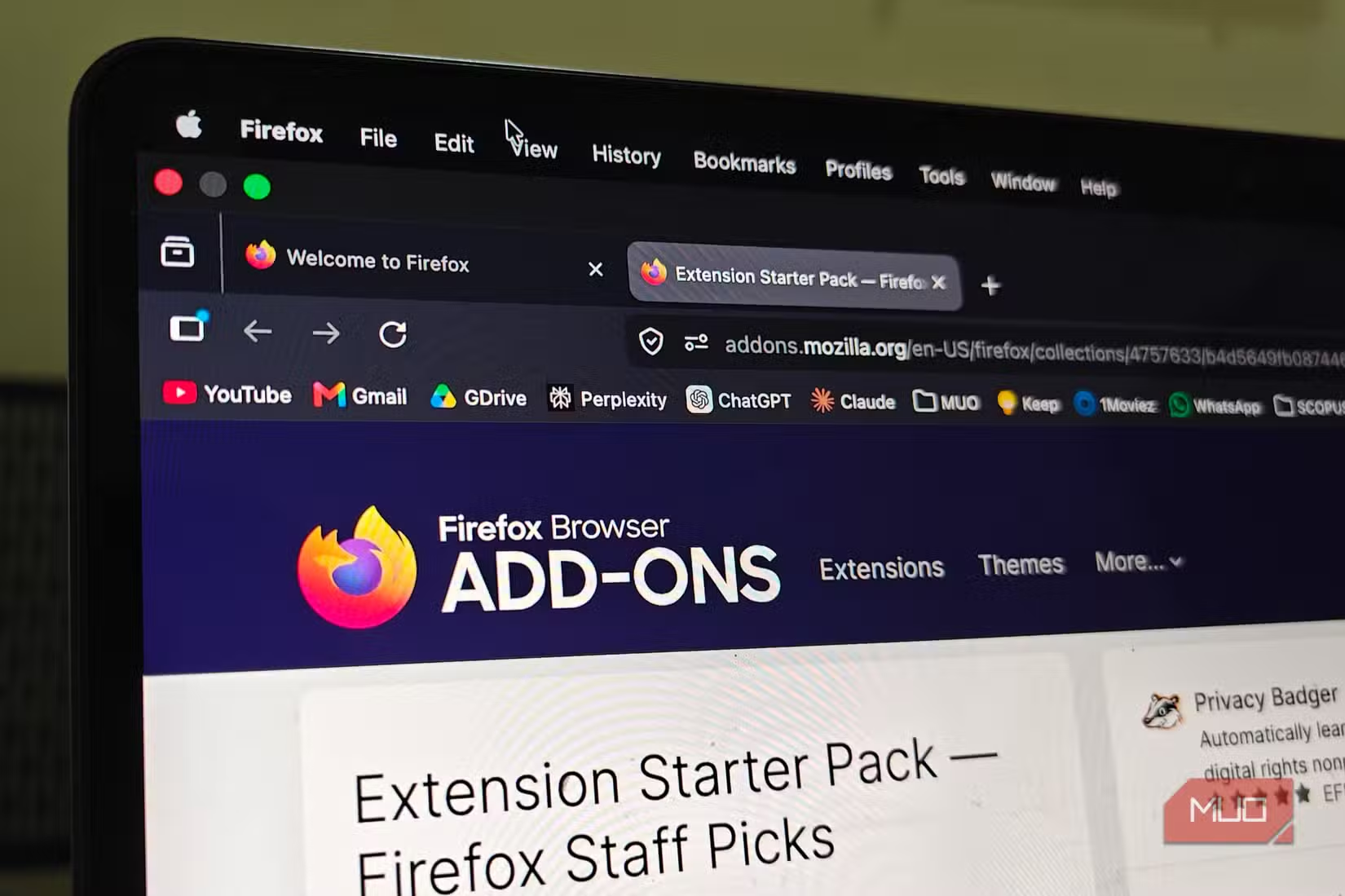
This left users in a bind. Return to the Chromium ecosystem and its privacy trade-offs? Or accept Firefox's limitations? Zen Browser emerged as an answer to that question.
What Zen Browser Actually Offers
Zen Browser is open-source software built on Firefox's foundation. It keeps the Gecko engine and its privacy benefits while adding interface features that users have come to expect from modern browsers.
“The browser should work for you, not the other way around. By stripping away the clutter, we put the focus back on your content, not the browser's interface.”
— Zen Browser Lead Developer, Official Website
The standout features include sidebar-based vertical tabs, which free up horizontal screen space. A Spaces system lets users organize tabs into separate workflows. Think of it as having different browser windows for work, personal, and research, but all accessible from one sidebar.
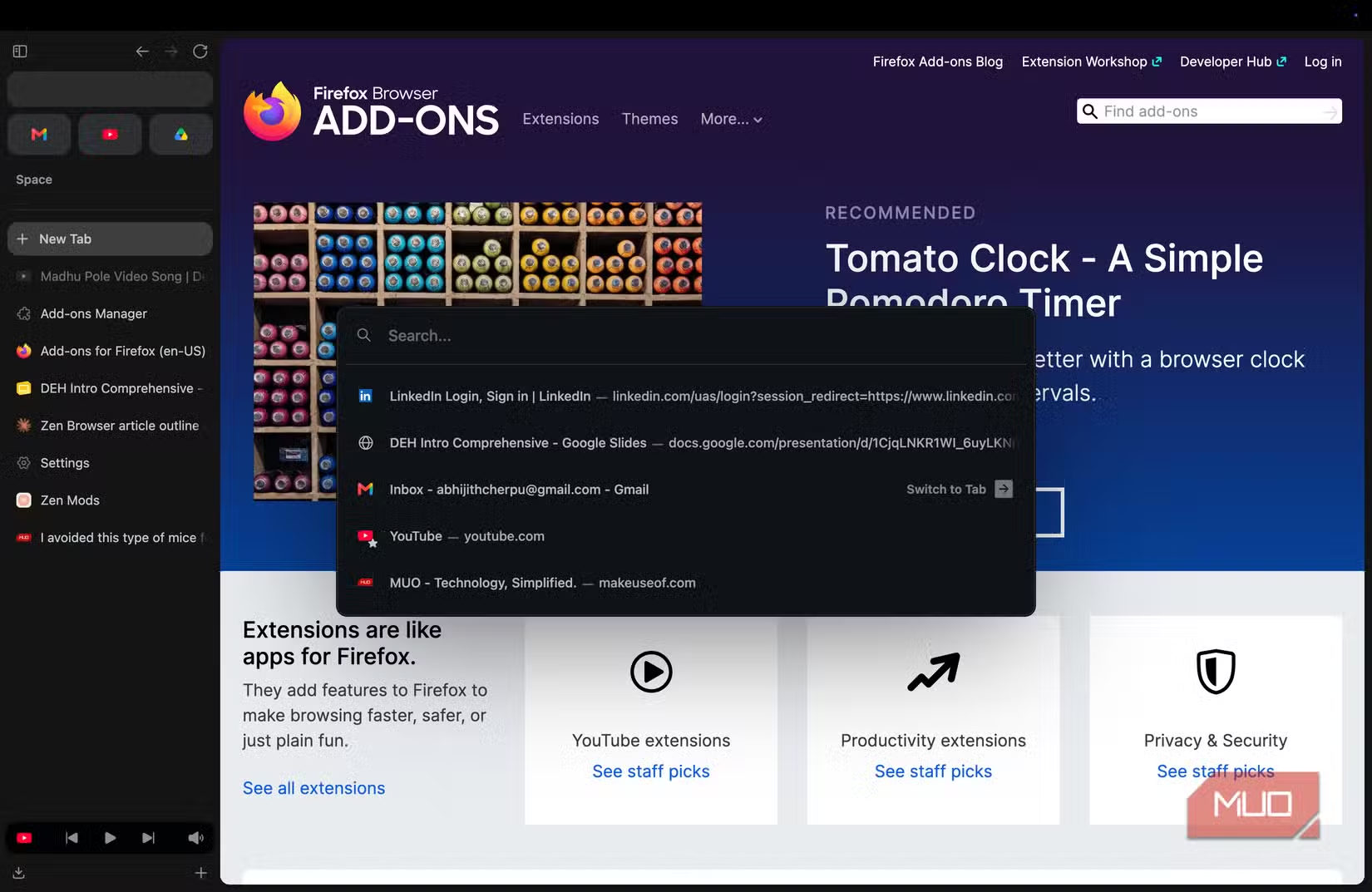
The Zen Mods system allows users to apply custom CSS themes to the browser's interface. This level of customization appeals to the same crowd that gravitates toward tiling window managers and custom keyboard layouts.
The Arc Connection
Zen Browser's rapid growth coincides with uncertainty around Arc, another design-forward browser that attracted users tired of Chrome. Arc built a devoted following with its workspace-style tab management and clean aesthetic. But Arc runs on Chromium, keeping users within Google's engine ecosystem.
Many Zen users describe themselves as "Arc refugees" who wanted similar design principles without Chromium underneath. Zen delivers that combination. You get the sidebar tabs and workspace organization, but your browsing runs on Gecko.
Split View and Productivity Features
Beyond aesthetics, Zen includes practical features aimed at getting work done. Split view lets users display multiple tabs side by side within a single window. This proves useful for comparing documents, referencing one page while writing in another, or keeping a video playing while browsing.
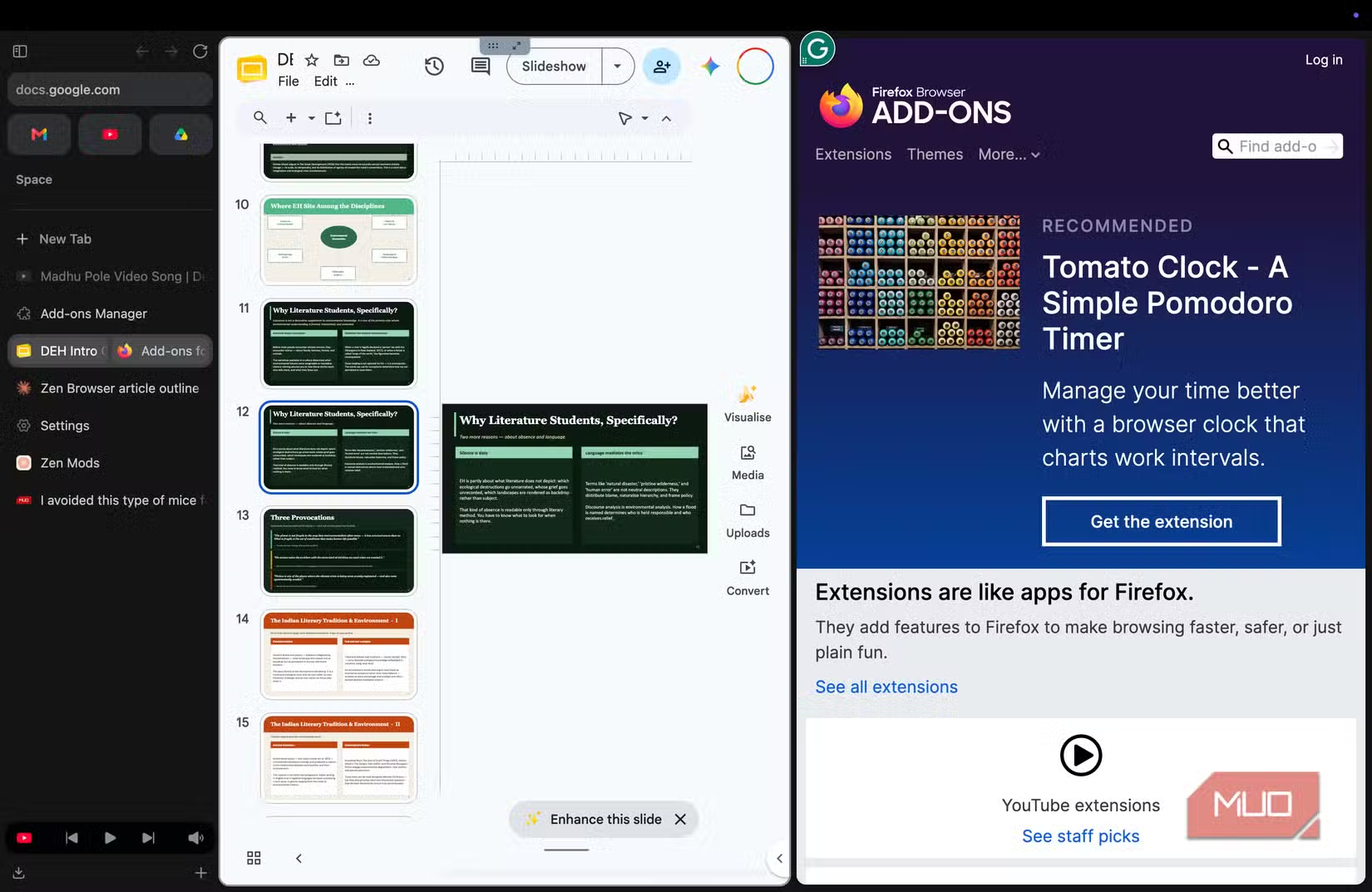
These features ship built-in. No extension installation required. That matters for system performance and reduces the maintenance burden of keeping multiple add-ons updated.
Known Limitations
Zen Browser isn't without drawbacks. Community discussions on Reddit highlight one recurring complaint: Widevine DRM support can be inconsistent on some desktop platforms. This affects streaming services like Netflix and Disney+ that require DRM to play protected content.
The browser also inherits Firefox's compatibility quirks. Some websites optimize specifically for Chrome and may render slightly differently on Gecko-based browsers. This is rarely a dealbreaker, but worth knowing.
As an open-source project maintained by a smaller team, updates may arrive less frequently than from major browser vendors. Users trading Chrome's polish for Zen's principles should set expectations accordingly.
✅ Pros
- • Built on Gecko engine, independent from Google and Apple browser engines
- • Vertical sidebar tabs and Spaces for workflow organization
- • Highly customizable via Zen Mods CSS system
- • Privacy features inherited from Firefox foundation
- • Split view and productivity features built-in
❌ Cons
- • Widevine DRM support inconsistent on some platforms
- • Smaller development team means potentially slower updates
- • Some websites optimized for Chrome may render differently
More open-source software worth considering
How to Try Zen Browser
Zen Browser is available for Windows, macOS, and Linux. Download directly from the project's website or build from source via GitHub. The browser can import bookmarks and settings from Firefox, Chrome, and other browsers.
First-time users should explore the Spaces feature early. Create separate spaces for work and personal browsing to see how the organizational system fits your workflow. The vertical tab sidebar takes adjustment if you're accustomed to horizontal tabs, but most users report adapting within a few days.
Understanding browser performance factors

Logicity's Take
Frequently Asked Questions
Is Zen Browser based on Chrome or Firefox?
Zen Browser is built on Mozilla Firefox's Gecko engine. It is not a Chromium-based browser, which means it operates independently from Google's browser technology.
Can Zen Browser use Firefox extensions?
Yes. Since Zen Browser is built on Firefox, it supports Firefox extensions from the Mozilla Add-ons store. Most popular Firefox add-ons work without modification.
Does Zen Browser work with Netflix and other streaming services?
Widevine DRM support, required for services like Netflix and Disney+, can be inconsistent on some desktop platforms. Check the project's documentation for current compatibility status on your operating system.
How does Zen Browser compare to Arc browser?
Both browsers feature sidebar tabs and workspace organization. The key difference: Arc runs on Chromium (Google's engine), while Zen uses Gecko (Mozilla's engine). Users prioritizing independence from Google's browser ecosystem tend to prefer Zen.
Is Zen Browser free and open source?
Yes. Zen Browser is fully open source with over 19,000 GitHub stars. The code is publicly available for review, modification, and contribution.
Need Help Implementing This?
Source: MakeUseOf
Huma Shazia
Senior AI & Tech Writer
Produced with AI assistance and reviewed by the Logicity editorial team. Learn more in our Editorial Policy.






