Key Takeaways
- KDE Connect lets Windows and Android devices share notifications, clipboard, files, and remote commands for free
- Many powerful FOSS apps developed for Linux work just as well on Windows
- These cross-platform tools can replace expensive paid software without sacrificing functionality
Most Windows users never discover the best free software because they stick to mainstream apps and never look beyond the Microsoft Store. Dibakar Ghosh, a tech journalist at How-To Geek, spent years in that same bubble. Then he switched to Linux.
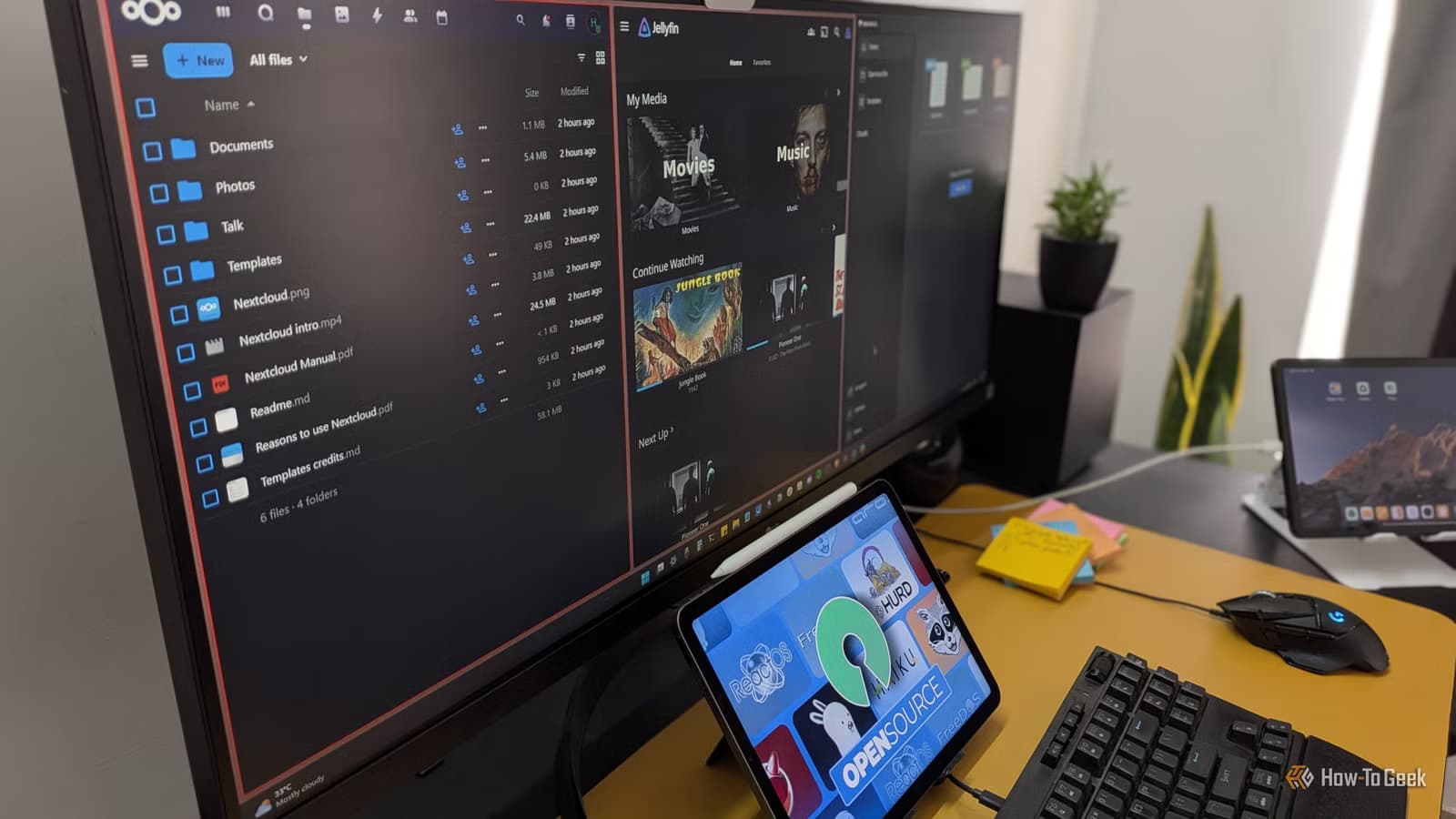
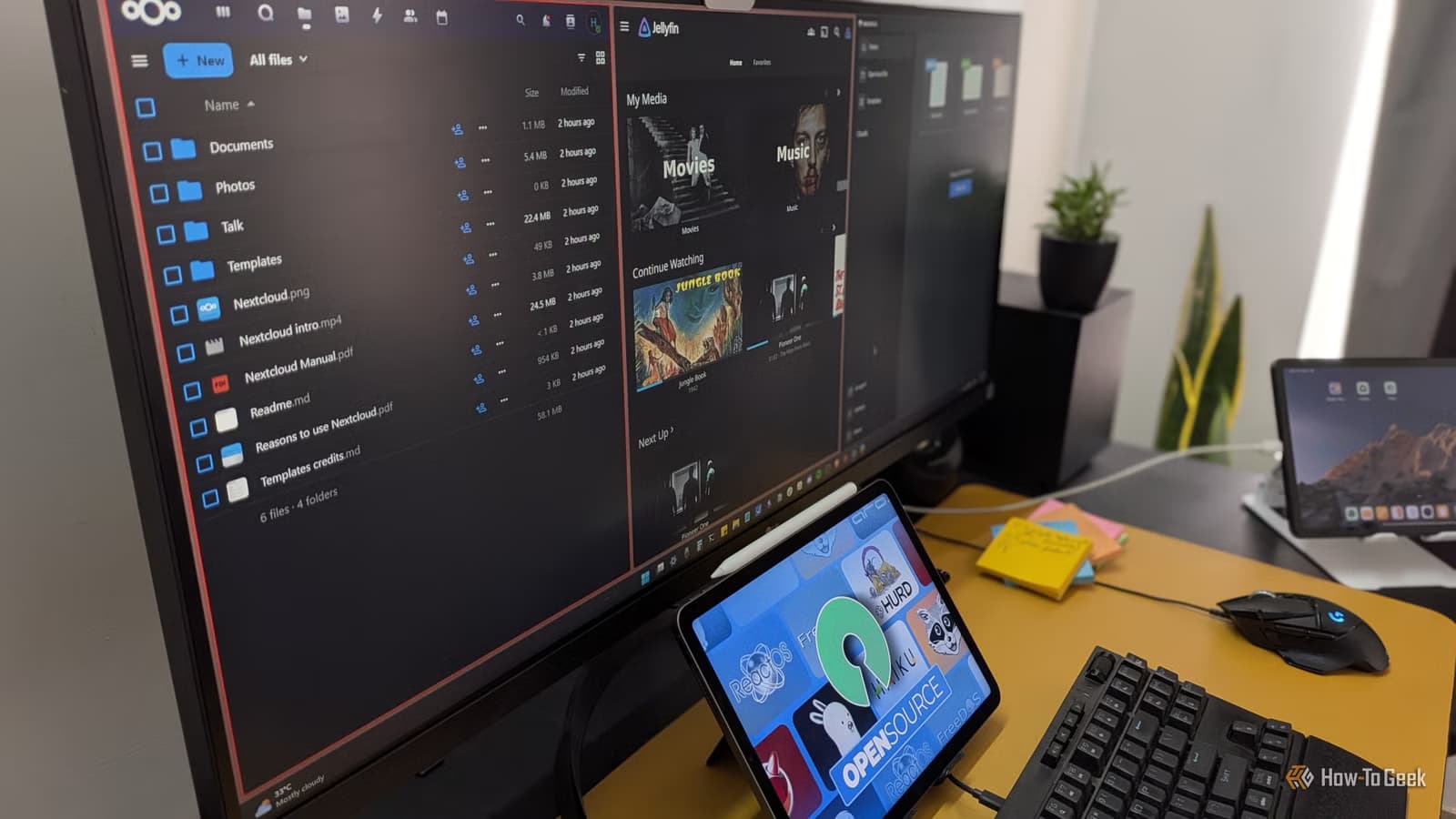
The shift forced him to hunt for alternatives since many popular apps lack Linux versions. What he found surprised him: powerful free, open-source tools that Linux users take for granted. The bigger surprise? All of them work on Windows too, often outperforming paid alternatives.
KDE Connect: The Apple Ecosystem Killer
KDE Connect is the standout discovery. Originally built for the KDE Plasma desktop environment, this app creates seamless communication between your PC and Android phone. Pair the two devices and you get notification mirroring, clipboard syncing, and drag-and-drop file transfers.
The feature list goes deeper. You can answer calls and reply to SMS from your desktop. Use your PC's keyboard and mouse to type on your phone. Flip it around and your phone becomes a trackpad and virtual keyboard for your computer.
The most powerful trick is remote command execution. Set up terminal commands on your PC and trigger them from your phone. Shut down your computer from the couch. Launch apps while you're in another room. Run scripts without touching your keyboard.
KDE Connect runs on Linux, Windows, macOS, Android, and iOS. Windows users can install it and pair with Android to build what Ghosh calls "your own Apple-like ecosystem" without spending a cent or buying specific hardware.
More open-source tools to level up your tech setup
Why Linux Users Find These Apps First
The pattern makes sense when you think about it. Linux distributions bundle FOSS apps by default. Windows users, by contrast, reach for whatever shows up first in a Google search or the Microsoft Store. That usually means freemium tools with ads or paid software with subscription fees.
FOSS apps developed primarily for Linux often have Windows ports that go unnoticed. They lack marketing budgets. They don't run ads. They rely on word of mouth from a community that Windows users rarely encounter.
Ghosh runs a dual-boot setup: Windows for work, Linux for personal use. This gives him visibility into both ecosystems. His takeaway is simple. Windows users are leaving powerful, free tools on the table because they never look outside their usual software sources.
The Cross-Platform Advantage
Cross-platform apps solve a real problem for anyone who uses multiple operating systems or devices. Your settings sync. Your workflows stay consistent. You don't pay for the same functionality twice on different machines.
For teams, this matters even more. When engineers on Linux and managers on Windows can use identical tools, collaboration gets simpler. No file format issues. No "works on my machine" problems. No license headaches when someone switches laptops.
What Windows is doing under the hood
Logicity's Take
Frequently Asked Questions
Is KDE Connect safe to use on Windows?
Yes. KDE Connect is open-source software maintained by the KDE community. The code is publicly auditable, and the app has been in active development for years with a solid security track record.
Do I need Linux experience to use these FOSS apps on Windows?
No. Most cross-platform FOSS apps have standard Windows installers and work like any other Windows software. KDE Connect, for example, installs through a regular executable.
Can KDE Connect replace Phone Link on Windows?
For many users, yes. KDE Connect offers notification mirroring, file transfer, SMS replies, and remote commands. It works with a broader range of Android phones than Microsoft's Phone Link and doesn't require a Microsoft account.
Why don't more Windows users know about these apps?
FOSS projects typically lack marketing budgets. They spread through community recommendations rather than ads. Windows users who stick to mainstream sources rarely encounter them.
Need Help Implementing This?
Source: How-To Geek
Manaal Khan
Tech & Innovation Writer
Produced with AI assistance and reviewed by the Logicity editorial team. Learn more in our Editorial Policy.






