Key Takeaways
- LubeLogger tracks vehicle maintenance history including oil changes, fuel usage, and service reminders without subscription fees
- Excalidraw provides a locally-hosted whiteboard for diagrams and brainstorming with no cloud dependency
- Wallabag saves articles for offline reading while keeping your data entirely under your control
Most homelabs start the same way: a Raspberry Pi or old PC running file shares, maybe Plex for movies. Storage fills up. The hardware sits there, doing its job but not much else. If you've hit this plateau, here are three self-hosted projects that turn passive storage into active tools you'll use daily.
All three run in Docker containers, which means setup takes minutes rather than hours. More importantly, each solves a specific problem that would otherwise require a paid subscription or handing your data to a third party.
LubeLogger: Track Every Oil Change and Brake Job
When did you last flush your transmission fluid? Change the cabin air filter? If you maintain your own vehicles, these questions haunt you. Paper logbooks get lost. Spreadsheets grow unwieldy. Subscription apps like Carfax charge recurring fees for information about your own car.
LubeLogger is a self-hosted alternative that tracks every maintenance event across multiple vehicles. The name is odd, yes, but the software is practical. You can log oil changes, filter replacements, brake pad swaps, and any other service. The dashboard shows everything at a glance: upcoming reminders, fuel economy trends, and total maintenance costs.
The multi-user feature makes it useful for households with multiple drivers or small shops tracking customer vehicles. Each user gets their own database. You can track fuel usage alongside maintenance to spot patterns, like whether that new air filter actually improved your MPG.
Installation is straightforward: pull the Docker image, set a few environment variables, and point your browser at the container. Your maintenance history stays on your server, not on someone else's.
Excalidraw: A Whiteboard That Lives on Your Server
Excalidraw is a browser-based whiteboard app for sketching diagrams, flowcharts, and rough UI mockups. The public version at excalidraw.com works well, but self-hosting gives you complete control over your data and removes any dependency on external servers.
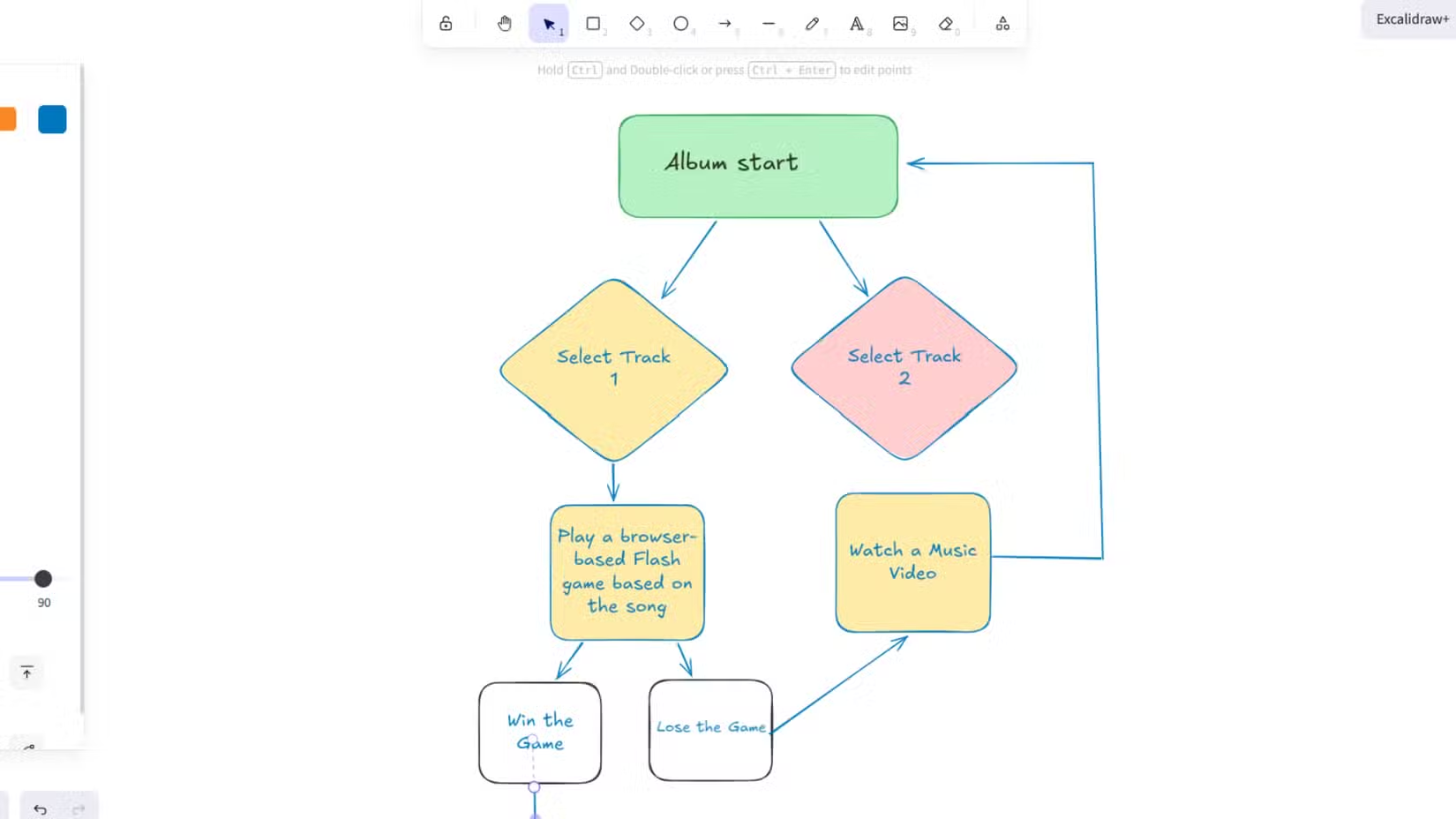
The app's hand-drawn aesthetic makes it useful for brainstorming sessions where polish would slow you down. It's stateless by design. You draw, export, and move on. No complicated project hierarchies or forced collaboration features.
For teams, self-hosting Excalidraw means diagrams stay within your network. No accidental sharing of architecture sketches or product roadmaps through a third-party service. The Docker deployment takes about five minutes.
Wallabag: Save Articles, Read Them Offline
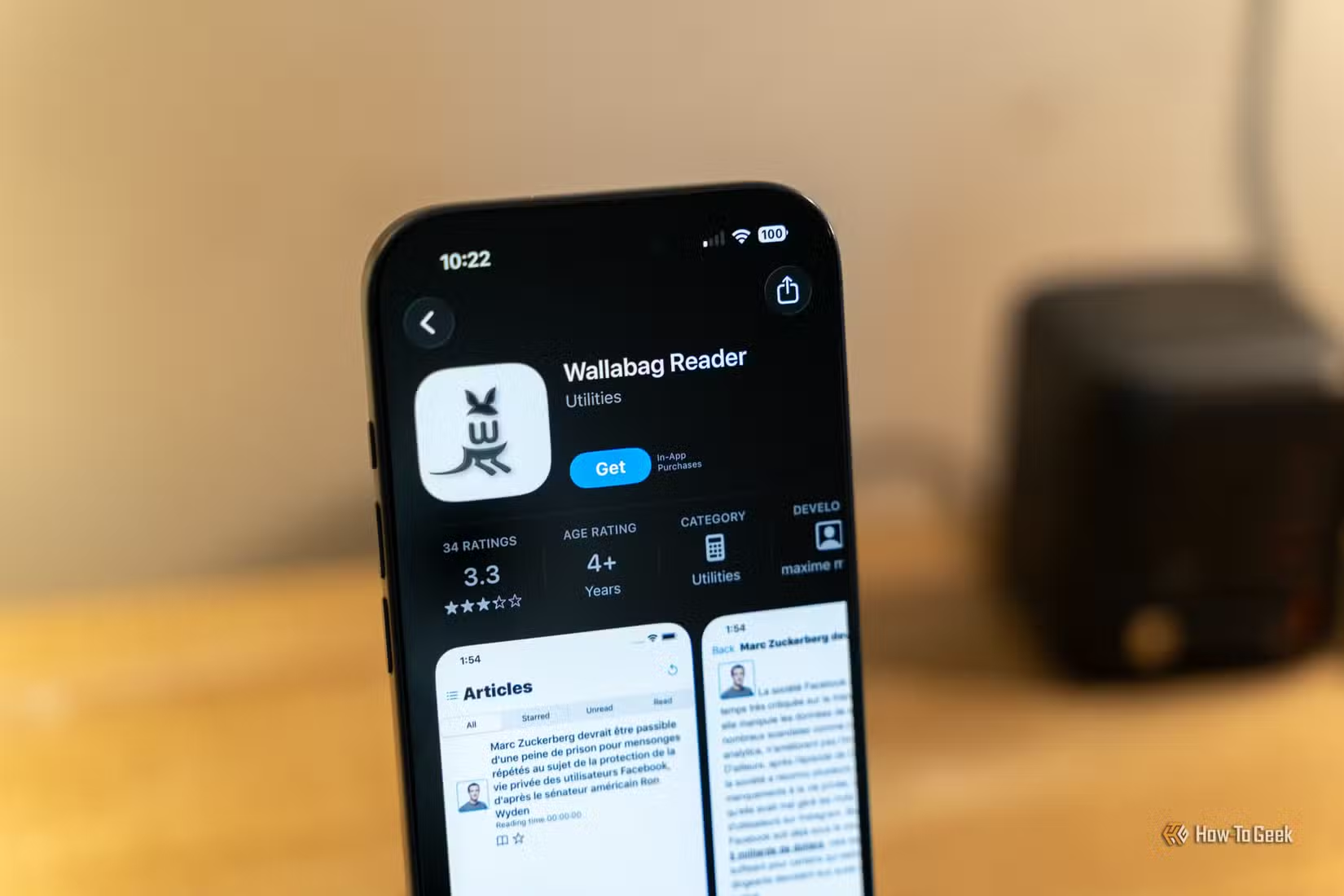
Pocket and Instapaper popularized the read-it-later category, but both services store your reading list on their servers. Wallabag does the same job while keeping everything local. You save articles from any browser, then read them on any device connected to your homelab.
The browser extensions work with Firefox and Chrome. Mobile apps exist for iOS and Android. Saved articles strip out ads and formatting clutter, leaving clean text that's easier to read. You can tag articles, archive them after reading, and search your entire library.
For anyone who reads heavily for work, Wallabag creates a personal archive of everything you've saved. That article about Kubernetes networking from 2019? Still there. The research piece you saved last week? Tagged and searchable.
Another way to repurpose old hardware for useful projects
Why Self-Host These Instead of Using Cloud Versions?
Privacy is the obvious answer. Your vehicle maintenance records, brainstorming sessions, and reading habits stay on hardware you control. But there's a practical benefit too: these services keep working even when cloud providers change pricing, shut down features, or disappear entirely.
“The true value of a homelab isn't in how much storage you have, but in the utility you extract from the services you manage yourself.”
— Patrick Campanale, Technology Journalist
Discussions on r/selfhosted highlight another angle: these projects work well as learning tools. They're small enough to understand completely but practical enough to use every day. If something breaks, you can fix it. That's a different experience from troubleshooting why a cloud service won't load.
Getting Started This Weekend
All three projects assume you have Docker running on some kind of Linux server. A Raspberry Pi 4 handles any of them. An old laptop works too. If you already run Portainer or a similar container manager, deployment is even simpler.
Pick one project that solves an immediate problem for you. LubeLogger if you work on cars. Excalidraw if you sketch diagrams regularly. Wallabag if you save articles to read later. Deploy it, use it for a week, then decide if you want to add another.
More practical tips for getting more from hardware you already own
Logicity's Take
Frequently Asked Questions
Do I need a dedicated server to run these self-hosted projects?
No. A Raspberry Pi 4, old laptop, or any machine running Docker can handle all three projects. They're lightweight by design.
Can I access these services outside my home network?
Yes, with proper setup. Options include a VPN like Tailscale, a reverse proxy with authentication, or exposing specific ports through your router. Security configuration matters here.
How do I back up data from these self-hosted services?
Each project stores data in Docker volumes or local directories. Standard backup tools work. LubeLogger supports database exports. Wallabag exports to various formats including JSON.
Is self-hosting more expensive than paid subscriptions?
Usually not. If you already have a homelab, the marginal cost is zero. Even buying a Raspberry Pi is cheaper than a year of most cloud subscriptions.
What happens if a self-hosted project stops being maintained?
Your data stays with you regardless. Since these are open-source, forks often continue development. Worst case, you export your data and migrate to an alternative.
Need Help Implementing This?
Source: How-To Geek
Manaal Khan
Tech & Innovation Writer
Produced with AI assistance and reviewed by the Logicity editorial team. Learn more in our Editorial Policy.






