Key Takeaways

- USB tethering provides more stable, lower-latency internet than Wi-Fi hotspots
- Bootable USB drives with BitLocker keys add hardware-level security to your laptop
- USB Gadget Mode turns small devices into network bridges, keyboards, or storage units
USB Tethering: The Cable Trick That Beats Wi-Fi Hotspots
You've used your phone as a hotspot before. Most people do it over Wi-Fi. That works, but it adds wireless latency, drains your phone battery faster, and introduces interference in crowded spaces.
USB tethering does the same job, sharing your phone's internet connection with your computer, but over a physical cable. The result is a more stable, more responsive connection. The USB cable acts as a direct data pipeline. Your phone shares its cellular connection through a virtual network interface instead of broadcasting a Wi-Fi signal.
Because there's no extra wireless link involved, USB tethering typically delivers lower latency. That matters in conference halls, airports, or any environment where dozens of networks compete for airspace.
Here's a lesser-known trick: USB tethering isn't limited to cellular data. If your phone is connected to Wi-Fi but your PC lacks a Wi-Fi adapter, you can pass that wireless connection directly to your computer over USB. Your phone becomes a USB Wi-Fi dongle.
Bootable USB Drives: Portable Security and Recovery
A USB drive can hold more than files. It can hold an entire operating system, a recovery environment, or a hardware security key that protects your data even if your laptop gets stolen.
Windows recovery USB drives let you repair, reset, or reinstall Windows when your system won't boot. That's the basic use case. More interesting is creating a persistent Linux USB, a fully functional operating system that boots from the drive, saves your changes, and travels with you.
Persistent USB environments let you carry your workspace in your pocket. Boot any compatible computer from the drive, and you get your exact desktop, files, and settings. When you're done, unplug and walk away. Nothing stays on the host machine.
For security-conscious users, USB drives can serve as BitLocker keys. Windows BitLocker encryption can require a physical USB key to boot your computer. Without the key plugged in, the encrypted drive stays locked. If someone steals your laptop, they get a brick.
Enterprise adoption of hardware-based authentication keys, including USB boot keys, has increased 15% since 2024. Reddit's r/sysadmin community frequently cites physical USB BitLocker keys as the most underrated, high-impact security step an average user can take.
USB Gadget Mode: Turn a $10 Device Into Anything
USB Gadget Mode is the most overlooked capability in this list. It lets certain devices, most notably Raspberry Pi boards and specialized microcontrollers, act as USB peripherals instead of USB hosts.
Normally, your computer is the host and USB devices are peripherals. Gadget Mode flips that relationship. A Raspberry Pi Zero plugged into your laptop can present itself as a keyboard, a network adapter, a storage device, or all three at once.
An estimated 500 million devices globally now support USB Gadget Mode. That includes single-board computers like the Raspberry Pi and specialized controllers used in industrial automation.
Practical applications include creating a portable network bridge that connects two isolated networks, building custom input devices, or automating repetitive tasks by emulating keyboard input. Developers use Gadget Mode to test how their software responds to different USB device types without needing actual hardware.
A word of caution: the same flexibility that makes Gadget Mode useful also makes it a potential attack vector. BadUSB attacks exploit this capability, presenting malicious devices as trusted keyboards or storage. Communities like r/linux recommend treating unfamiliar USB devices with the same suspicion you'd apply to unknown software.
Getting Started With These USB Tricks
USB tethering requires nothing but a cable. On Android, enable it in Settings > Network > Hotspot > USB Tethering while connected to your computer. iPhone users can enable Personal Hotspot with a USB connection for similar results.
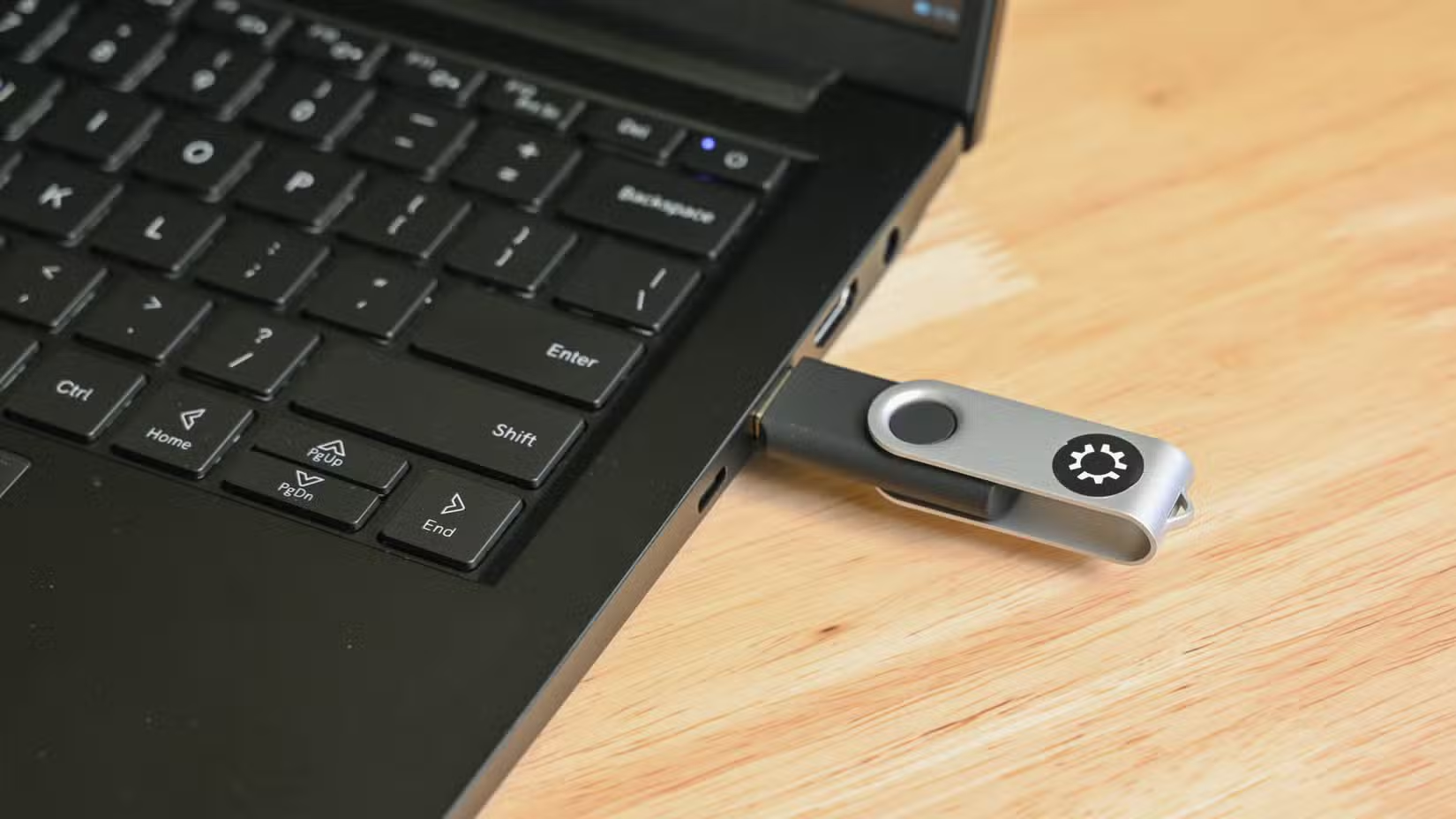
For bootable USB drives, tools like Rufus on Windows or Balena Etcher on macOS make the process straightforward. Select your ISO file, choose your USB drive, and click write. Persistent Linux installations require an extra step to allocate storage space for saved changes.
USB Gadget Mode requires compatible hardware. A Raspberry Pi Zero or Zero 2 W is the cheapest entry point at around $10-15. Enable the appropriate overlay in config.txt, and your Pi can present itself as a network device, storage, or HID peripheral.
More creative uses for single-board computers
Logicity's Take
Frequently Asked Questions
Is USB tethering faster than Wi-Fi hotspot?
USB tethering typically offers lower latency and more stable speeds than Wi-Fi hotspots. Actual throughput depends on your cellular connection, but the wired link eliminates wireless interference and congestion.
Can I boot Windows from a USB drive?
Yes. You can create a Windows recovery USB for repairs, or use tools like Windows To Go (discontinued but still functional) or third-party options to create a fully bootable Windows installation on USB.
What devices support USB Gadget Mode?
Raspberry Pi Zero, Zero 2 W, and Pi 4 support USB Gadget Mode. Many microcontrollers with USB OTG capability also support it. Standard laptops and desktops do not.
Is USB Gadget Mode a security risk?
It can be. The same capability that lets a Pi emulate a keyboard can let a malicious device inject keystrokes. Treat unknown USB devices with caution and consider disabling USB ports on high-security systems.
Does USB tethering drain my phone battery faster than Wi-Fi hotspot?
Usually not. USB tethering often charges your phone while sharing the connection, depending on your computer's USB power output. Wi-Fi hotspots, by contrast, drain battery by maintaining a wireless broadcast.
Need Help Implementing This?
Source: How-To Geek
Huma Shazia
Senior AI & Tech Writer
Produced with AI assistance and reviewed by the Logicity editorial team. Learn more in our Editorial Policy.