Key Takeaways
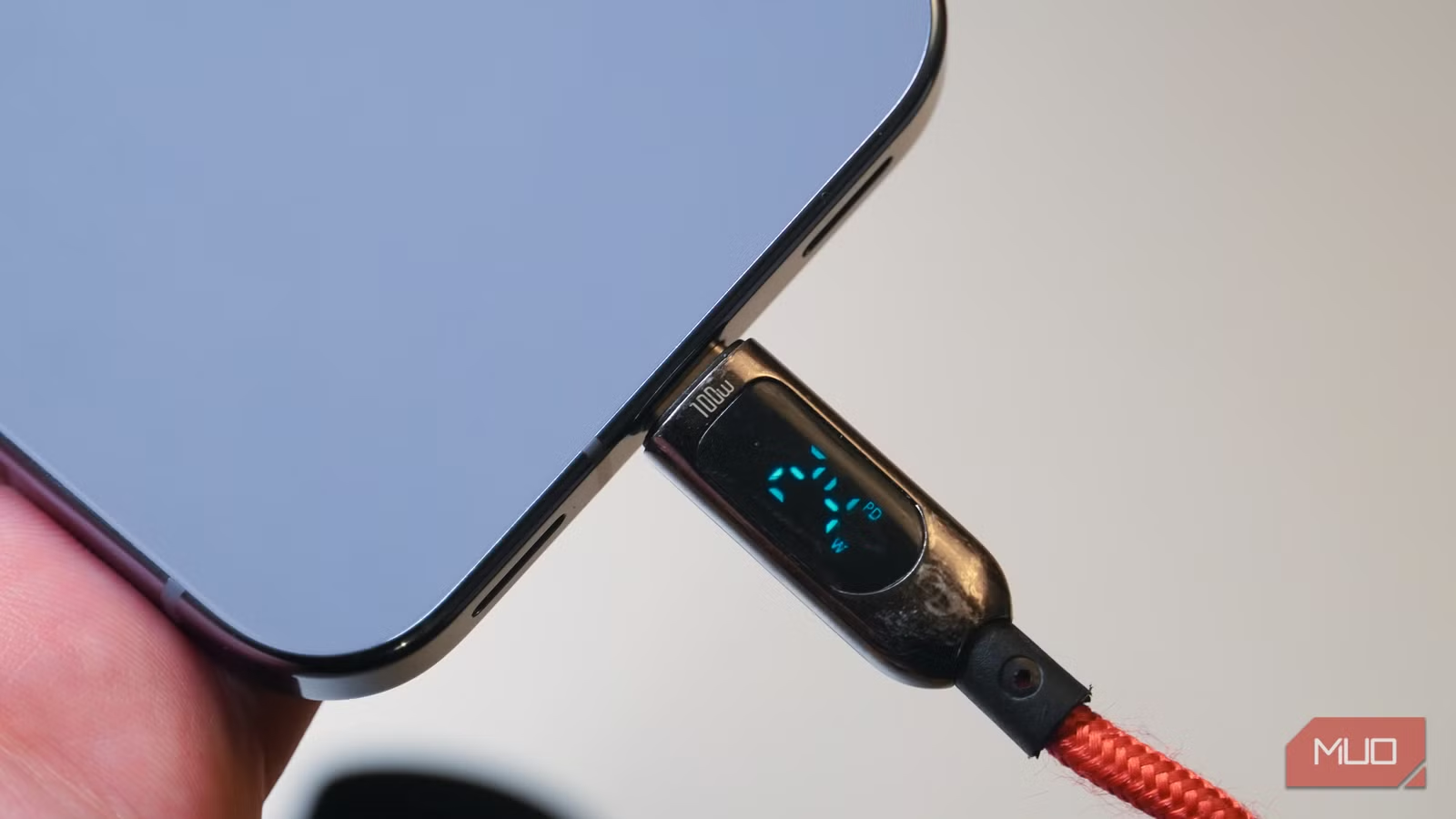
- The USB-C cable bundled with your phone is almost always USB 2.0, limiting transfers to 480Mbps even when your device supports 10Gbps
- Charging speed and data speed are separate specs. A cable rated for 100W charging can still crawl at USB 2.0 data speeds
- You can identify cable capability in about two minutes by checking markings, packaging, or running a simple transfer test
Copying a few minutes of 4K footage from an iPhone 16 Pro Max to a Mac mini should take seconds. For MakeUseOf's Jonathon Jachura, it crawled. The culprit wasn't the Mac, macOS, or the phone. It was the white cable from the iPhone box.
That cable moves data at 480Mbps. The iPhone 16 Pro Max can do 10Gbps with a better wire. You won't spot the difference by looking. Both cables have the same oval plug, the same molded ends, the same rubber coating. One is just 20 times faster.
USB-C Is a Shape, Not a Speed
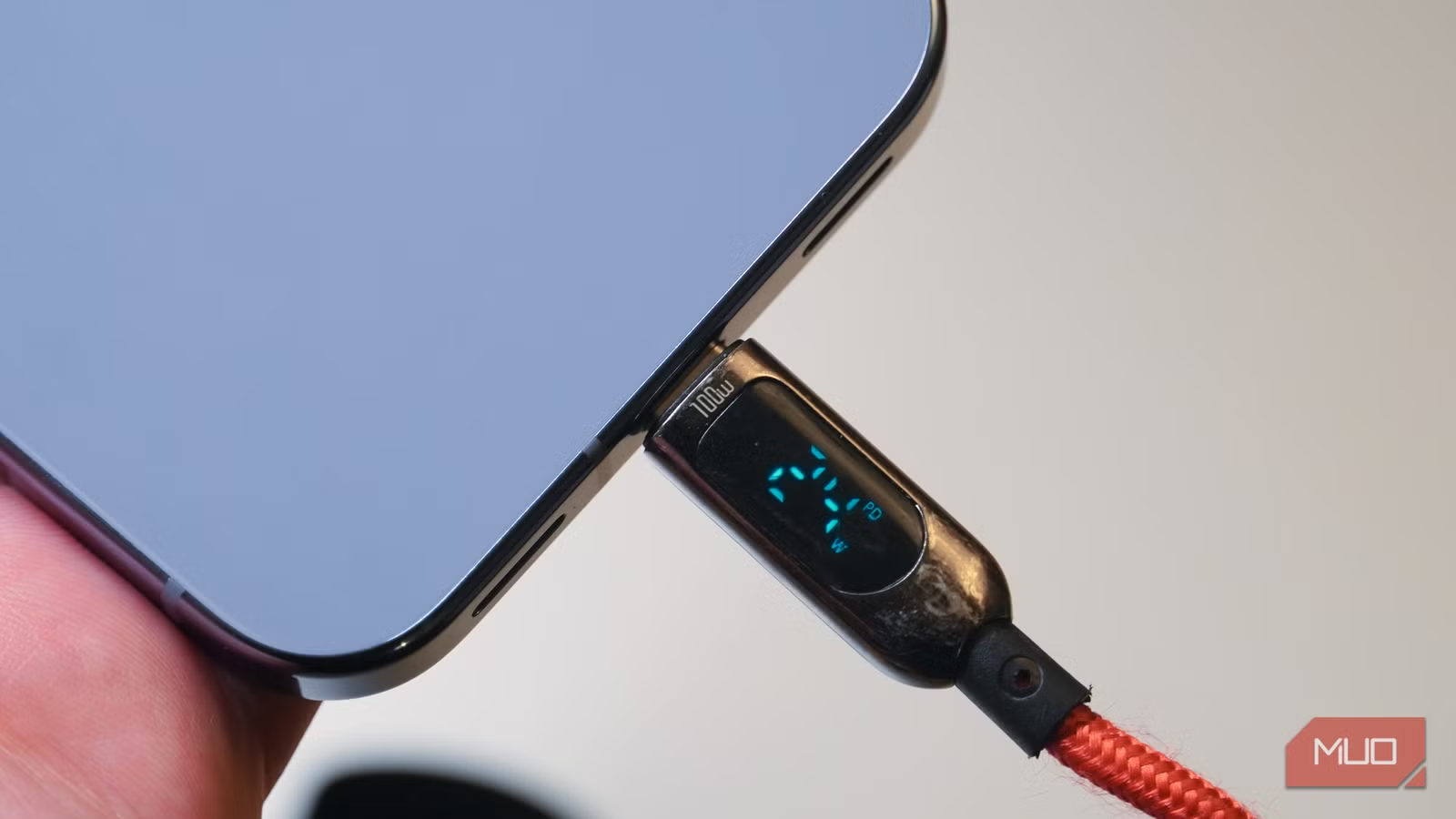
The oval USB-C connector tells you nothing about what's inside. Some cables are skeletal, carrying USB 2.0 at 480Mbps. Others push Thunderbolt at 40Gbps through the exact same plug shape.
The difference lives in the wiring and controller chips crammed into each end. A cable's internals determine its capability. The outside is just packaging.
This creates a situation opposite to the common HDMI problem, where people blame cables for limits that actually live in TV menus. With USB-C, the cable often is the bottleneck. You just can't tell by looking at it.
Why the Box Cable Is Almost Always Slow
Phone makers ship the cheapest cable that still does the job. For most buyers, that job is charging. The cable Apple bundles with the iPhone 16 Pro Max tops out at USB 2.0 for data, despite the phone supporting USB 3 at 10Gbps.
The cable charges the phone fine. It's 60W capable. But pulling a folder of video off the device is where the limits show.
Charging Speed and Data Speed Are Unrelated
This is where USB-C gets confusing. A thick, expensive cable that refills your laptop at 100W can still move files at a plodding 480Mbps. Charging wattage and data throughput are separate specs determined by different internal components.
You can have a cable that's excellent for power delivery and terrible for transfers. Or one that's fast for data but limited on charging. The USB-C plug doesn't guarantee either capability.
How to Check What Your Cable Actually Does
Identifying your cable's capability takes about two minutes. Here are the methods that work:
- Check the packaging or product listing. If you still have the box, look for USB 2.0, USB 3.0, USB 3.1, USB 3.2, or Thunderbolt markings. Higher numbers mean faster data speeds.
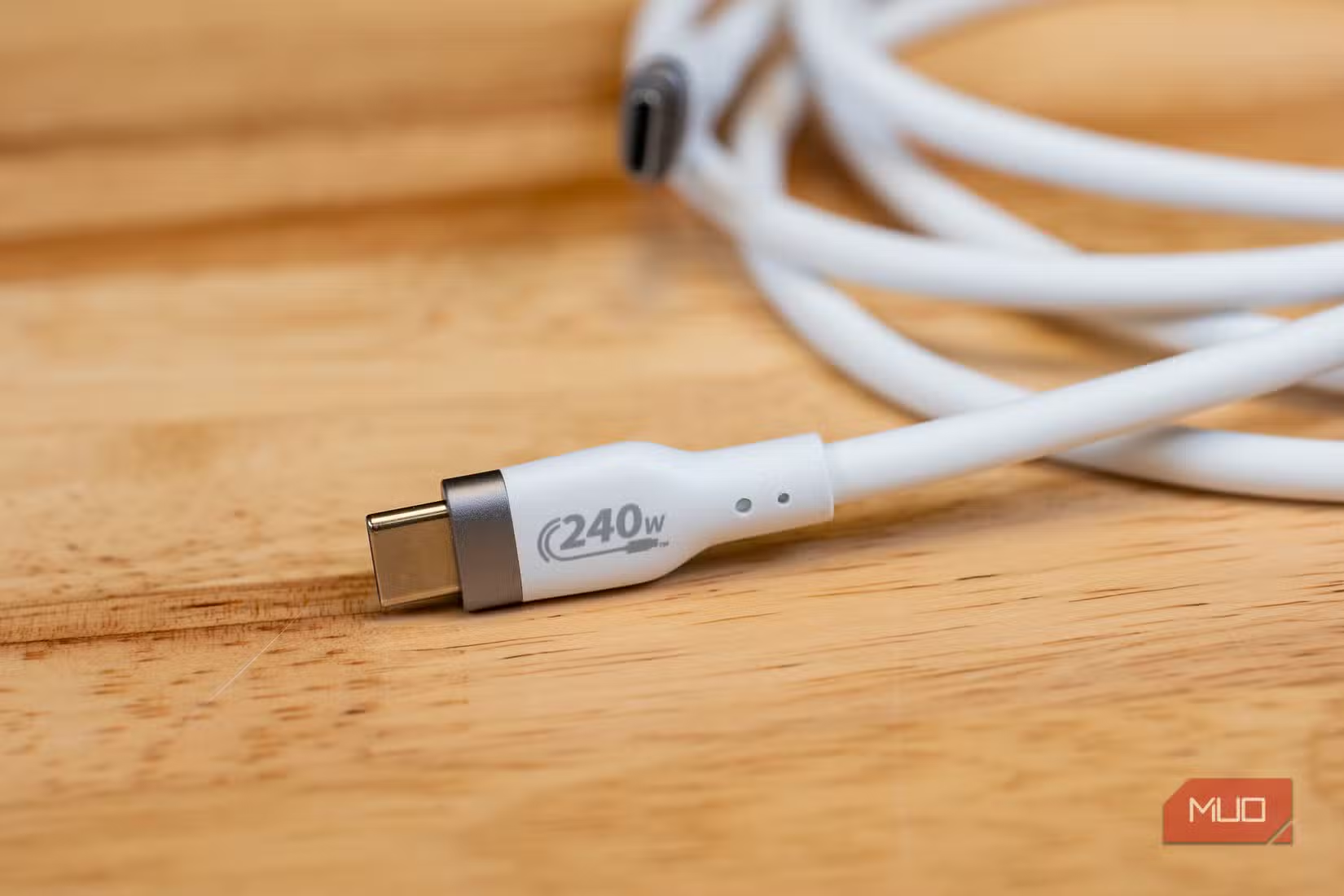
- Look for cable markings. Some manufacturers print speed ratings on the cable itself, though many don't.
- Run a transfer test. Copy a large file (1GB or more) between devices and time it. USB 2.0 maxes out around 40-50MB per second in practice. USB 3.0 should hit 300MB per second or more.
- Check the cable's product page if you bought it online. The specs should list the USB version.
What Speed Do You Actually Need?
For charging only, USB 2.0 cables work fine. The data lines aren't involved in power delivery on most modern devices.
For regular file transfers, USB 3.0 (5Gbps) is the practical minimum. This makes a noticeable difference when copying photos, documents, or small video clips.
For 4K video work, external SSDs, or Thunderbolt devices, you want USB 3.2 Gen 2 (10Gbps) or Thunderbolt (40Gbps). The cost difference between a USB 2.0 and USB 3.2 cable is often under $10, but the speed difference is 20x.
Logicity's Take
More ways to remove hidden slowdowns from your devices
Frequently Asked Questions
How can I tell if my USB-C cable is USB 2.0 or USB 3.0?
Check the packaging, product listing, or run a transfer test. USB 2.0 cables max out around 40-50MB per second in practice. USB 3.0 should hit 300MB per second or more when copying large files.
Does a faster USB-C cable charge my phone faster?
Not necessarily. Charging speed and data speed are separate specs. A USB 2.0 cable can charge at 60W or higher while still being slow for file transfers.
Why do phone manufacturers include slow USB-C cables?
Cost savings. Most users primarily charge their phones and never transfer large files. A USB 2.0 cable is cheaper to manufacture and handles charging just fine.
What USB-C cable speed do I need for external SSDs?
USB 3.2 Gen 2 (10Gbps) or Thunderbolt (40Gbps) to avoid bottlenecking the drive. A USB 2.0 cable will limit even a fast SSD to about 40-50MB per second.
Do all USB-C ports support the same speeds?
No. The port on your device also has a speed limit. Both the cable and the port need to support faster speeds to achieve them.
Need Help Implementing This?
Source: MakeUseOf
Huma Shazia
Senior AI & Tech Writer
Produced with AI assistance and reviewed by the Logicity editorial team. Learn more in our Editorial Policy.