Key Takeaways
- An old smartphone with the right app can match or beat dedicated dashcams
- This approach avoids the $200-$400 cost of devices like the Garmin Dash Cam X110
- Setup is simpler than traditional dashcams with fewer wires blocking your view
The Problem With Dedicated Dashcams
Dedicated dashcams work well, but they come with friction. Good ones cost between $200 and $400. The Garmin Dash Cam X110 sits at the higher end of that range. The Garmin Dash Cam Live with LTE starts at $399. Even budget options like the Garmin Dash Cam Mini 2 require additional wiring that can clutter your windshield and block your view.
Then there's the setup. Running cables, finding power sources, positioning the device correctly. It's not complicated, but it's enough hassle to make people procrastinate. Tech writer Nate Pangaro put off buying a dashcam for exactly these reasons.
Why Your Old Phone Already Has What You Need
Modern smartphones have high-quality cameras, GPS, motion sensors, and plenty of storage. These are the same components inside a dedicated dashcam. The difference is that your old phone already sits in a drawer.
Most people upgrade phones every two to three years. Trade-in values often disappoint. Retailers sometimes offer only store credit you don't need. Recycling feels wasteful when the device still works fine.
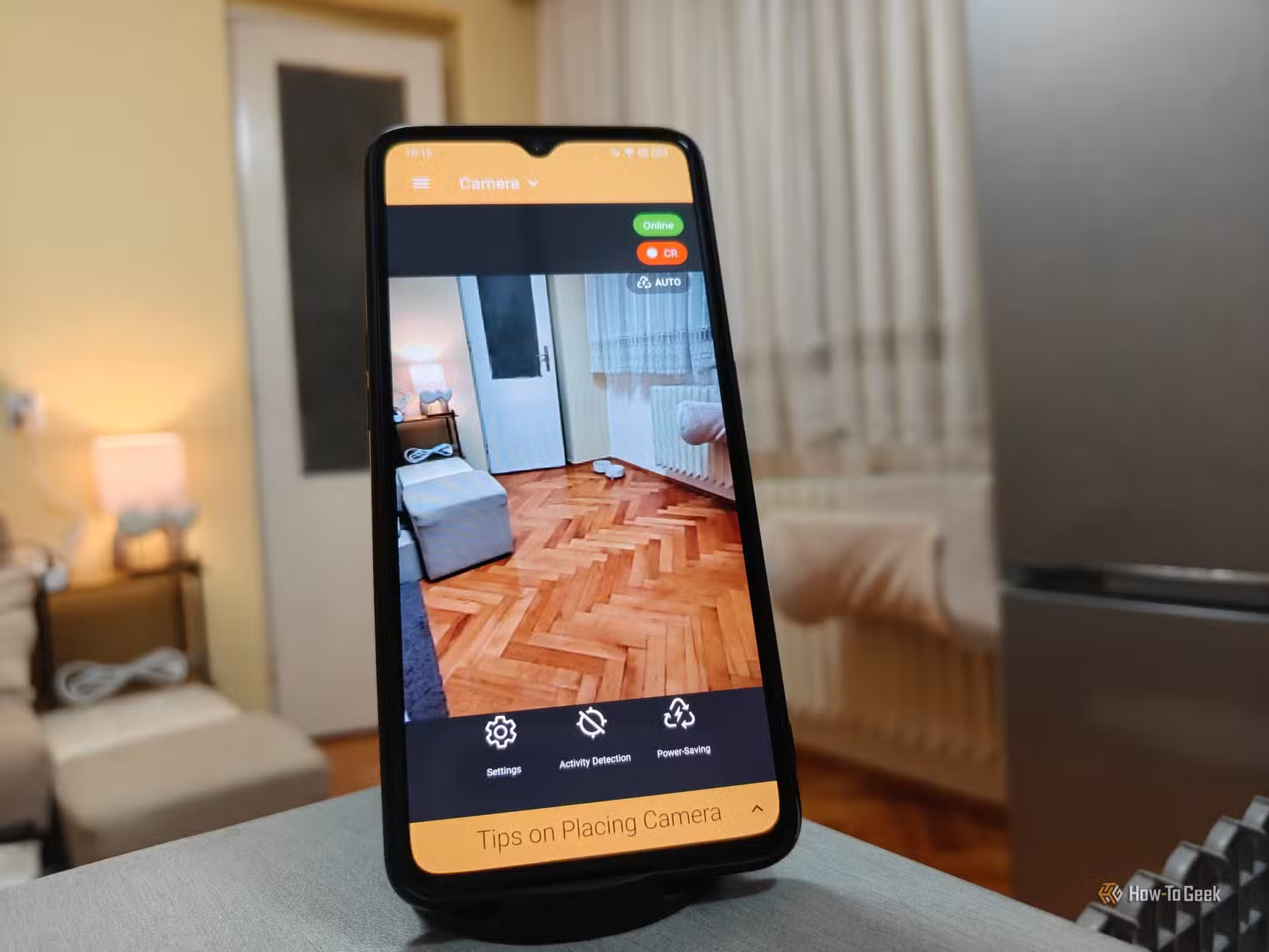
Pangaro previously turned old phones into home security cameras, but switched to dedicated smart home devices for that purpose. That left his spare phones without a job until he tested the dashcam approach.
The Setup Process
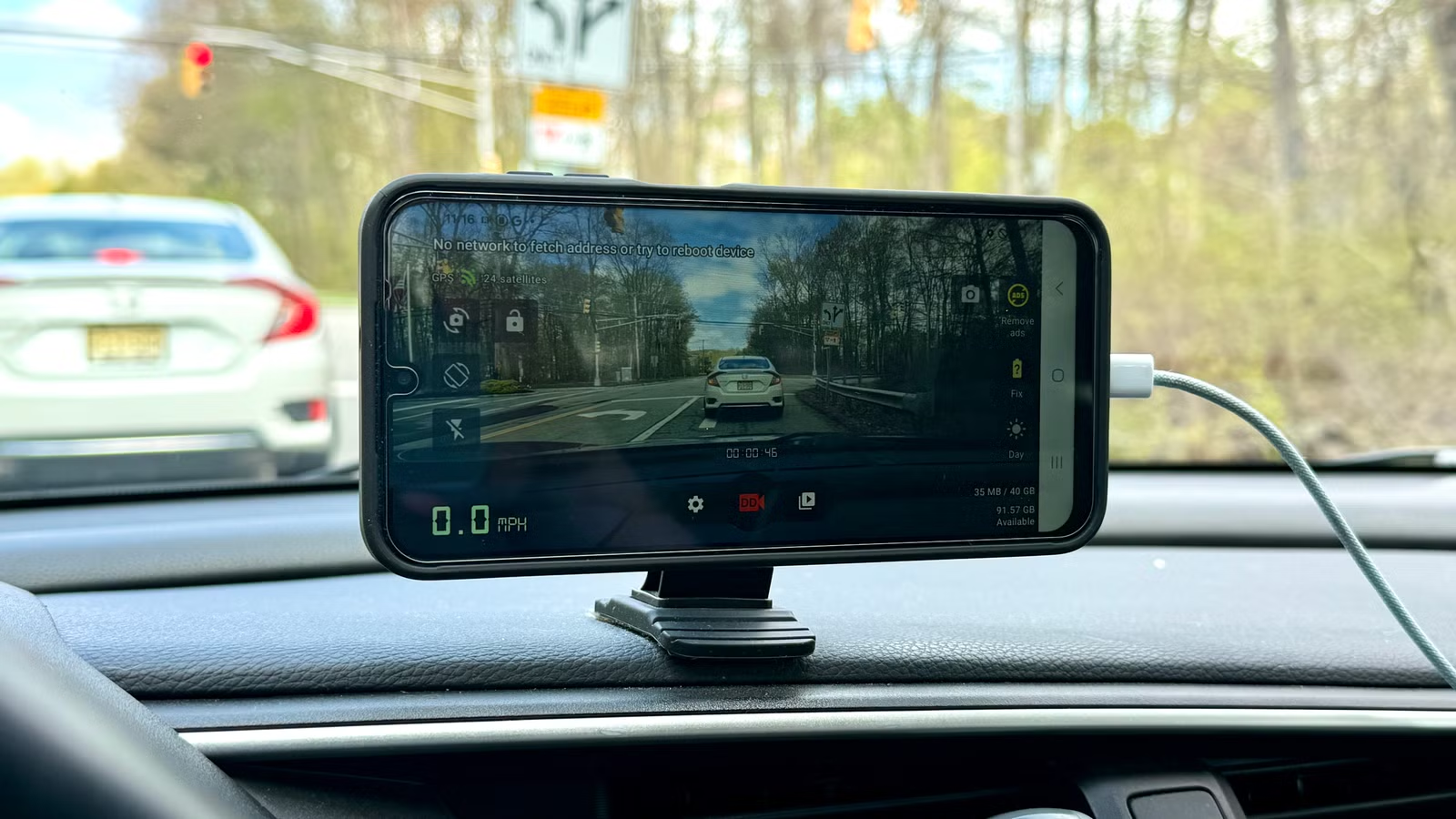
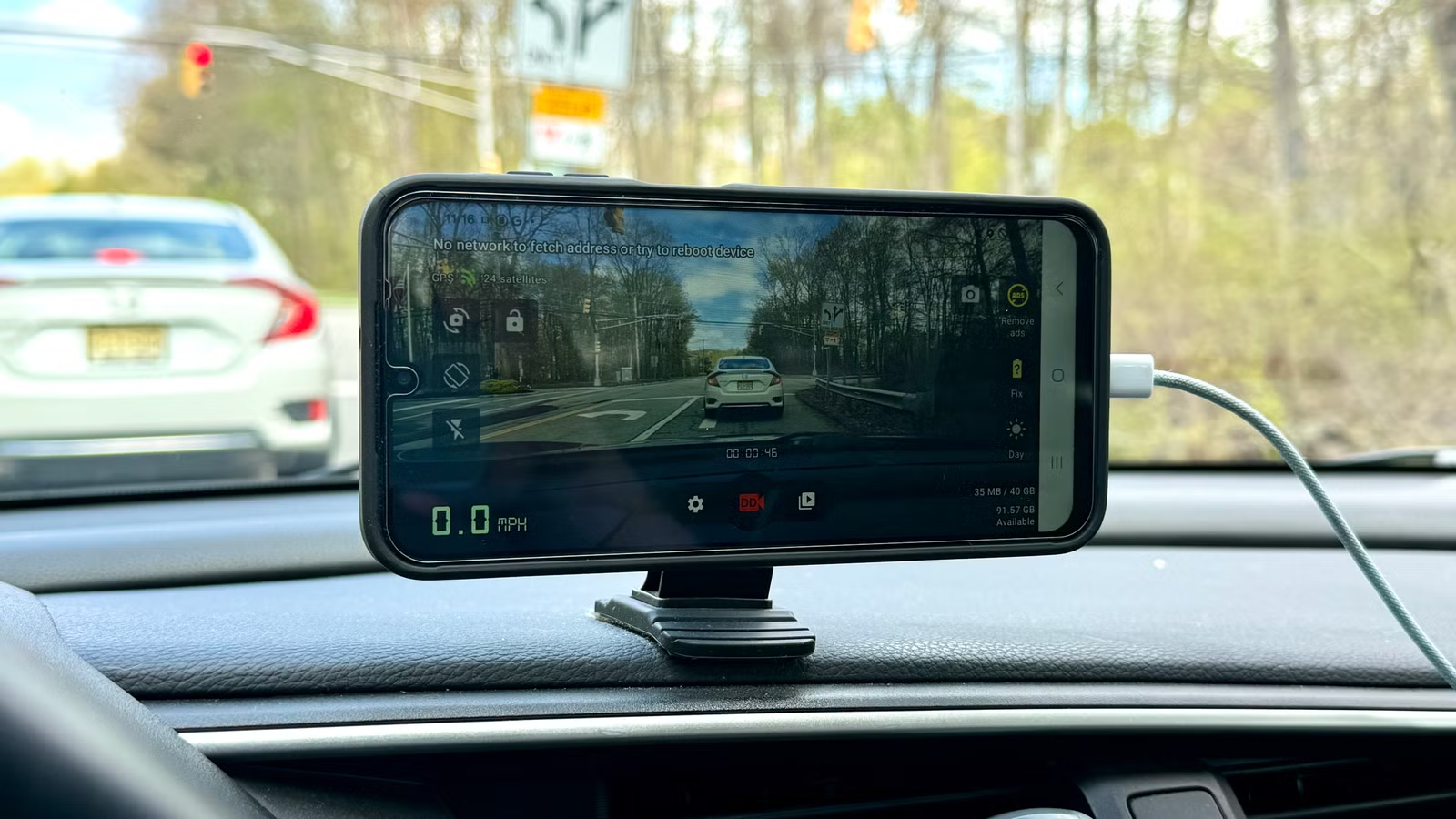
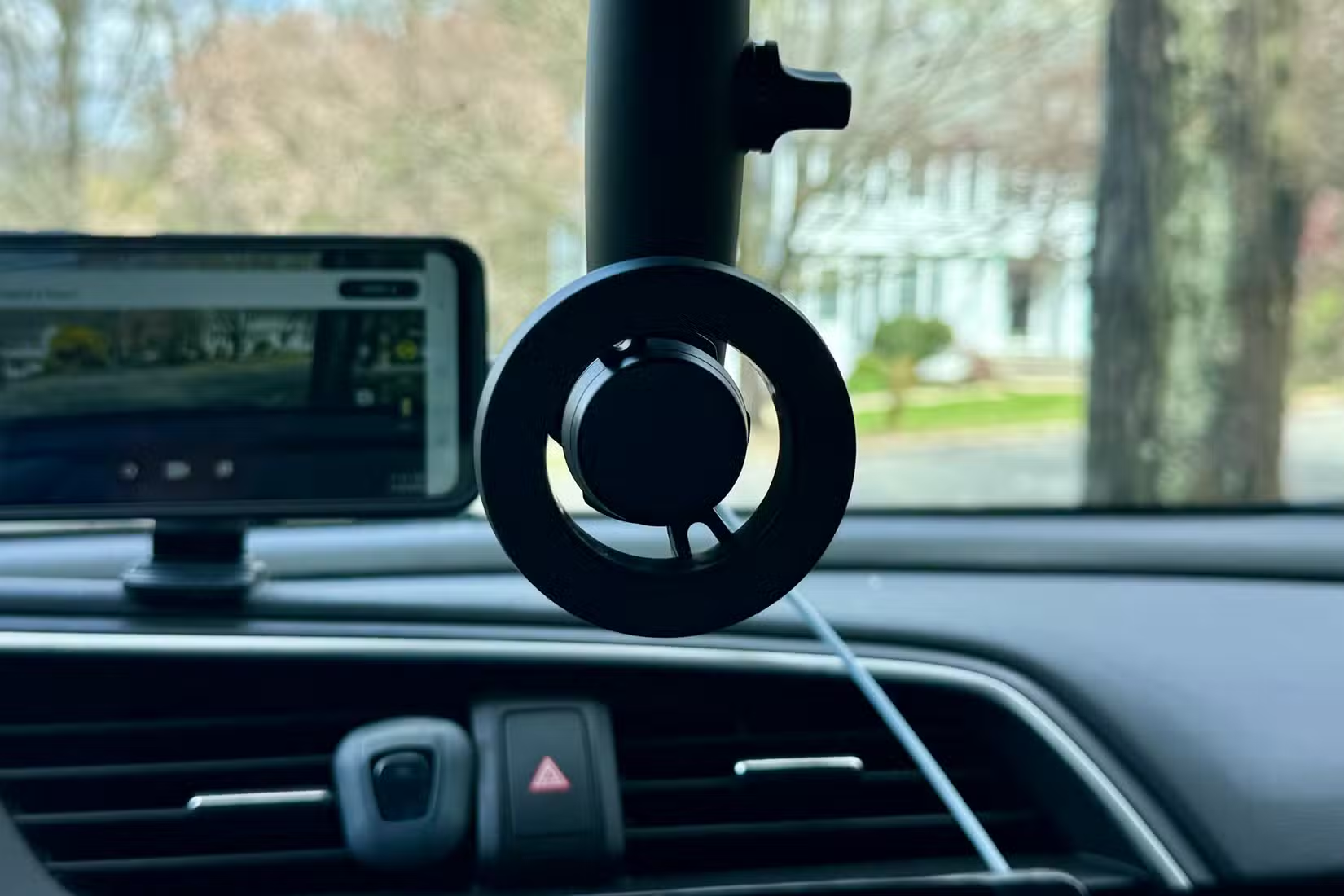
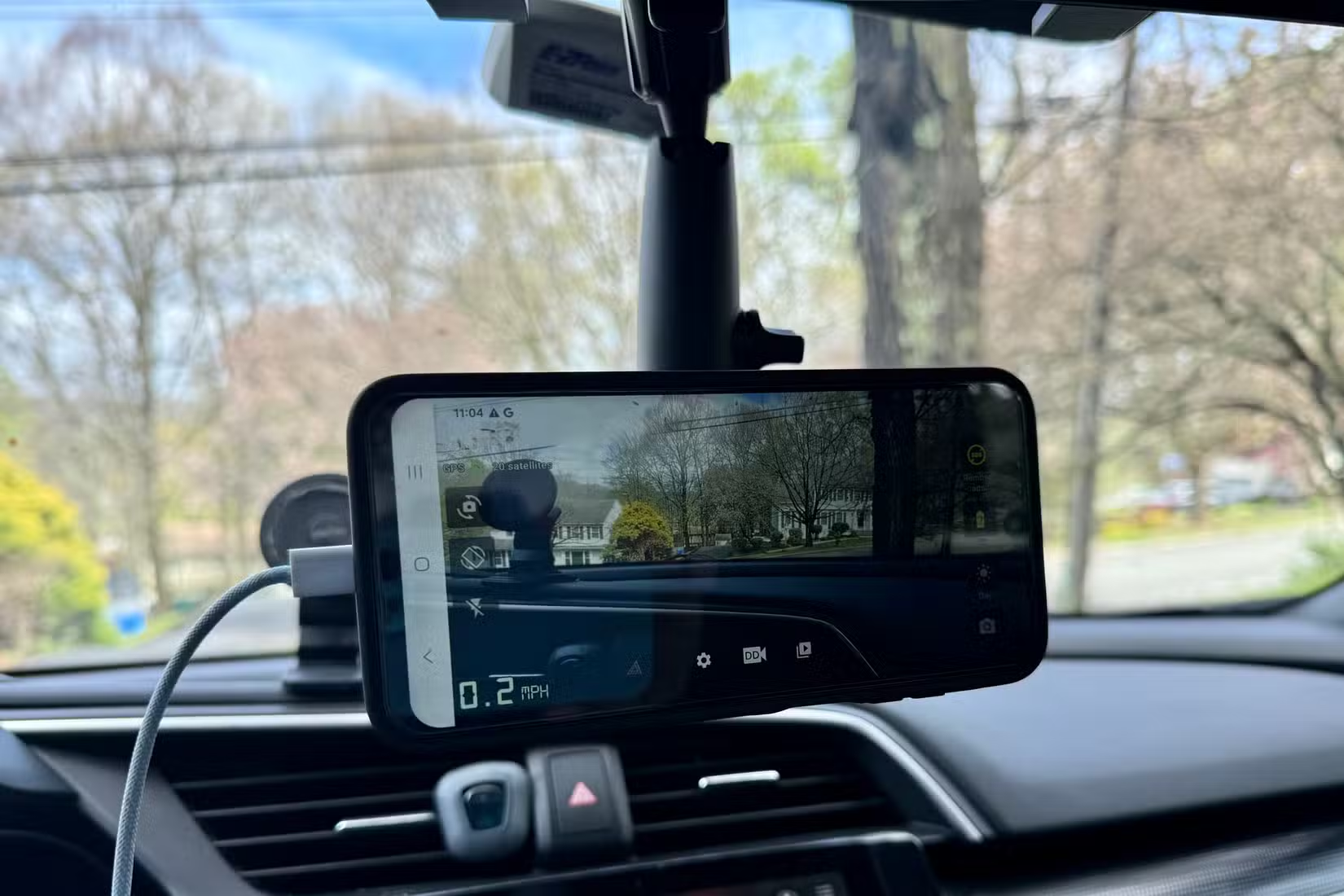
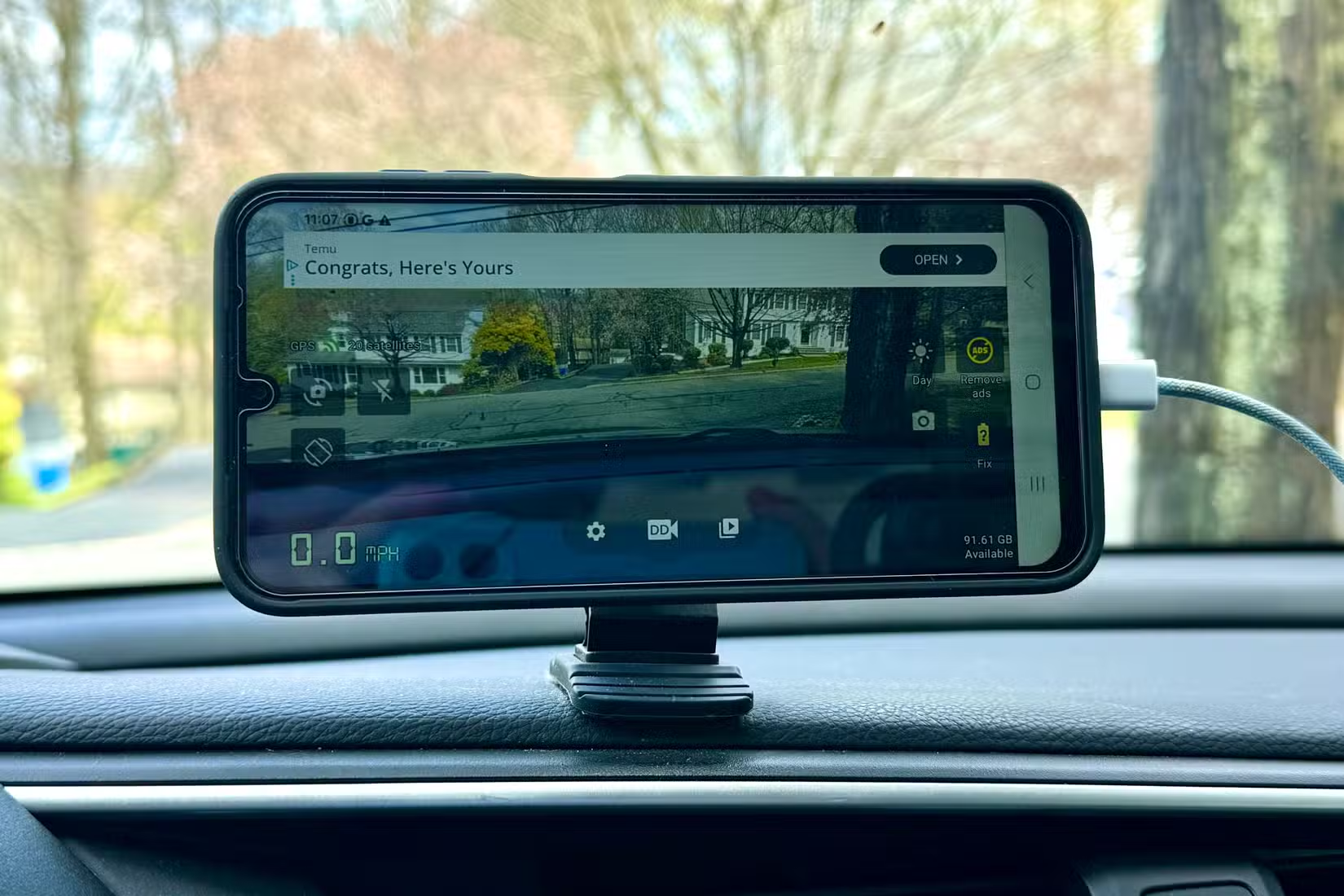
Converting an old phone to a dashcam requires three things: the phone itself, a mount, and a dashcam app. The mount attaches to your windshield or dashboard. The app handles recording, loop storage, and often adds features like GPS overlay and incident detection.
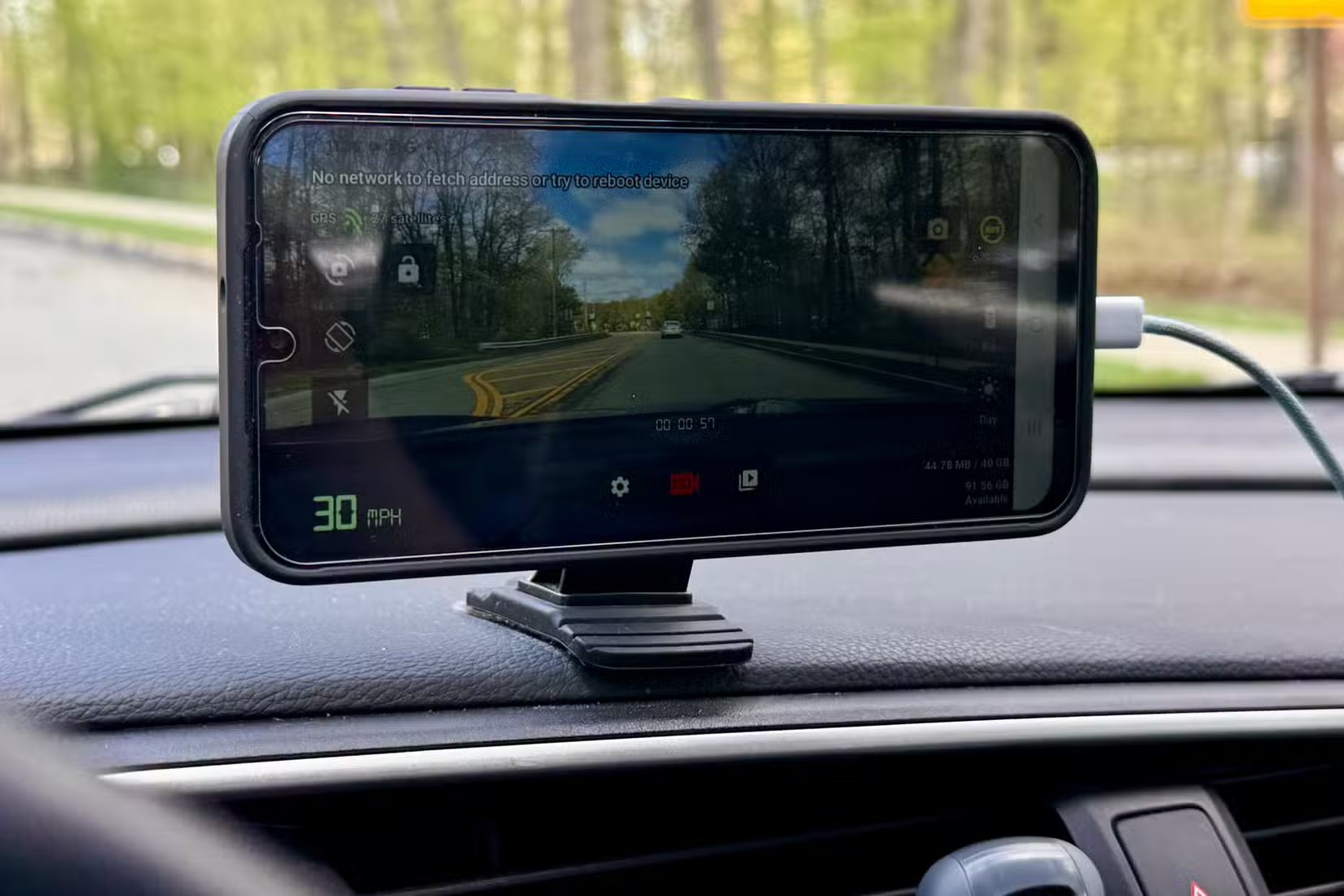
Several free and paid dashcam apps exist for both iOS and Android. Most offer continuous recording that overwrites old footage automatically. Some include crash detection that locks important clips so they won't be overwritten.
Power comes from a standard car USB adapter. Since the phone stays in the car and serves only as a dashcam, you can leave it mounted and plugged in permanently.
Advantages Over Dedicated Devices
- Cost: You already own the phone. A mount and app together cost under $30.
- Screen size: Phone displays are larger than most dashcam screens, making playback easier.
- Connectivity: Phones have Wi-Fi and cellular data. Transferring footage to cloud storage or your computer is simple.
- Camera quality: Flagship phones from the past few years often have better cameras than mid-range dashcams.
- Flexibility: You can update the app, try different apps, or adjust settings without buying new hardware.
Potential Drawbacks to Consider
This approach isn't perfect. Phones aren't designed for extreme heat. Leaving a phone in a parked car during summer can damage the battery or trigger thermal shutdowns. Some users remove the phone when parked. Others park in shade or use a sunshade.
Dedicated dashcams often include parking mode, which records when the car is off. Phone apps can do this too, but it drains the battery faster. You'd need a hardwired power solution for true parking surveillance.
Finally, older phones with degraded batteries may overheat more quickly or fail to hold charge. If your spare phone is more than four or five years old, test it thoroughly before relying on it.
✅ Pros
- • Near-zero cost if you have a spare phone
- • Better screens and often better cameras than budget dashcams
- • Easy footage transfer via Wi-Fi or cloud
- • Flexible software updates and app choices
❌ Cons
- • Heat sensitivity in parked cars
- • Battery drain for parking mode recording
- • Older phones may have reliability issues
What You Need to Get Started
- An old smartphone with a working camera and battery
- A windshield or dashboard mount (suction or adhesive)
- A car USB charger
- A dashcam app (AutoBoy, CamOnRoad, or similar)
Total investment: roughly $20 to $30 for the mount and charger if you don't already have them. Compare that to $200 or more for a quality dedicated dashcam.
Logicity's Take
More ways to repurpose hardware for practical everyday uses
Frequently Asked Questions
Frequently Asked Questions
What apps work best for using a phone as a dashcam?
Popular options include AutoBoy Dash Cam for Android and CamOnRoad for iOS. Both offer loop recording, GPS overlay, and crash detection. Several free versions exist with optional paid upgrades.
Will my phone overheat if I leave it in the car?
Phones can overheat in direct sunlight or hot cars. Remove the phone when parked for long periods, use a sunshade, or park in shade to reduce risk.
Can I use a phone dashcam for parking mode recording?
Yes, but it drains the battery. For continuous parking surveillance, you'd need a hardwired power solution connected to your car's electrical system.
How much storage do I need on the phone?
Most dashcam apps use loop recording, which overwrites old footage automatically. 32GB is enough for several hours of footage. Higher resolution uses more storage.
Is phone dashcam footage admissible as evidence?
Generally yes. Dashcam footage from phones has the same legal standing as dedicated devices. Quality and clarity matter more than the recording device.
Need Help Implementing This?
Source: How-To Geek
Huma Shazia
Senior AI & Tech Writer
Produced with AI assistance and reviewed by the Logicity editorial team. Learn more in our Editorial Policy.






