Key Takeaways
- Windows 11 voice typing (Windows+H) now handles normal speech and punctuation well enough for most users
- Premium dictation apps add cost and complexity that many users won't need for everyday tasks
- The built-in feature works across browsers, chat apps, and note-taking software without extra accounts
The Case for Built-In Over Premium
Voice dictation on Windows used to be an accessibility feature you tolerated, not a tool you chose. It worked, technically, but corrections ate up whatever time you saved. Premium apps like Wispr Flow, Dragon NaturallySpeaking, and newer AI-powered options promised better accuracy in exchange for monthly subscriptions.
That calculus has shifted. Windows 11's voice typing has quietly become good enough that paying for an alternative feels unnecessary for most use cases. The question isn't whether premium apps are better. They often are. The question is whether that improvement justifies the cost and complexity.
What Windows 11 Voice Typing Actually Does Well
Activating voice typing takes one shortcut: Windows+H. A small toolbar appears, you speak, and text appears. No account creation, no background processes eating system resources, no monthly bill.
The accuracy isn't perfect. You'll make corrections. But for quick notes, Slack messages, email drafts, or getting ideas down before they escape, it's more than capable. The punctuation handling has improved enough that you don't need to say 'period' and 'comma' constantly, though you can if you prefer explicit control.
The feature works across browsers, chat applications, and note-taking tools. If you use Notion, Obsidian, Joplin, or plain text editors, voice typing integrates without configuration. You're not locked into specific apps or workflows.
When Premium Apps Still Make Sense
This isn't a blanket dismissal of paid dictation software. Wispr Flow, Otter.ai, and similar tools offer features Windows doesn't match: better accuracy with specialized vocabulary, transcription of recorded audio, real-time meeting notes, and cross-device sync.
If you dictate for hours daily, work with technical or medical terminology, or need meeting transcription, premium tools earn their subscription. A lawyer dictating case notes or a doctor recording patient summaries will hit Windows' limits quickly.
But most people don't have those requirements. They want to draft an email without typing, capture a thought while their hands are busy, or avoid repetitive strain from constant keyboard use. For that, Windows 11 voice typing handles the job.
Hardware Matters More Than Software
Voice dictation accuracy depends heavily on microphone quality. A laptop's built-in mic in a quiet room works fine. Add background noise, and accuracy drops regardless of which software you use.
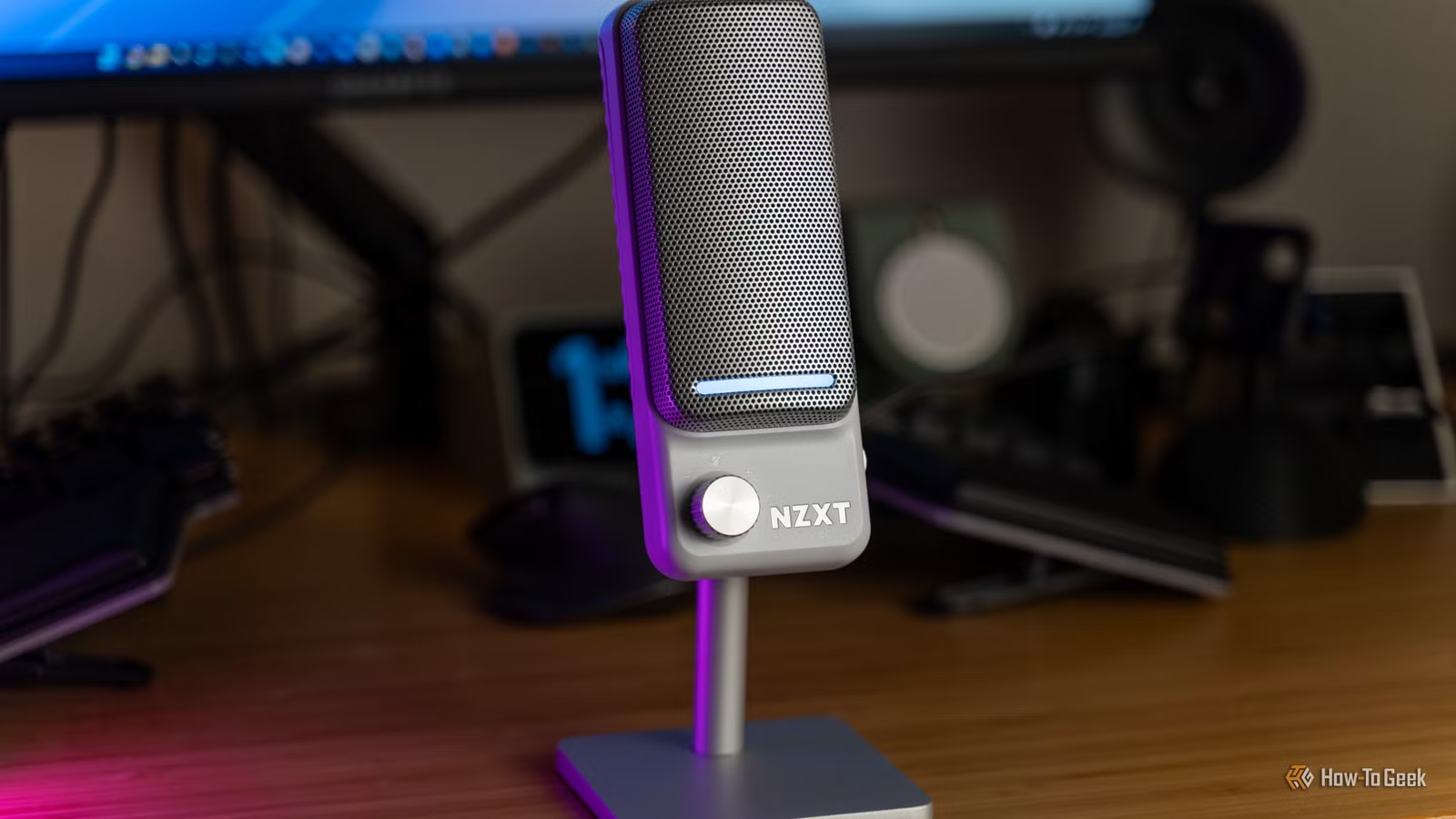
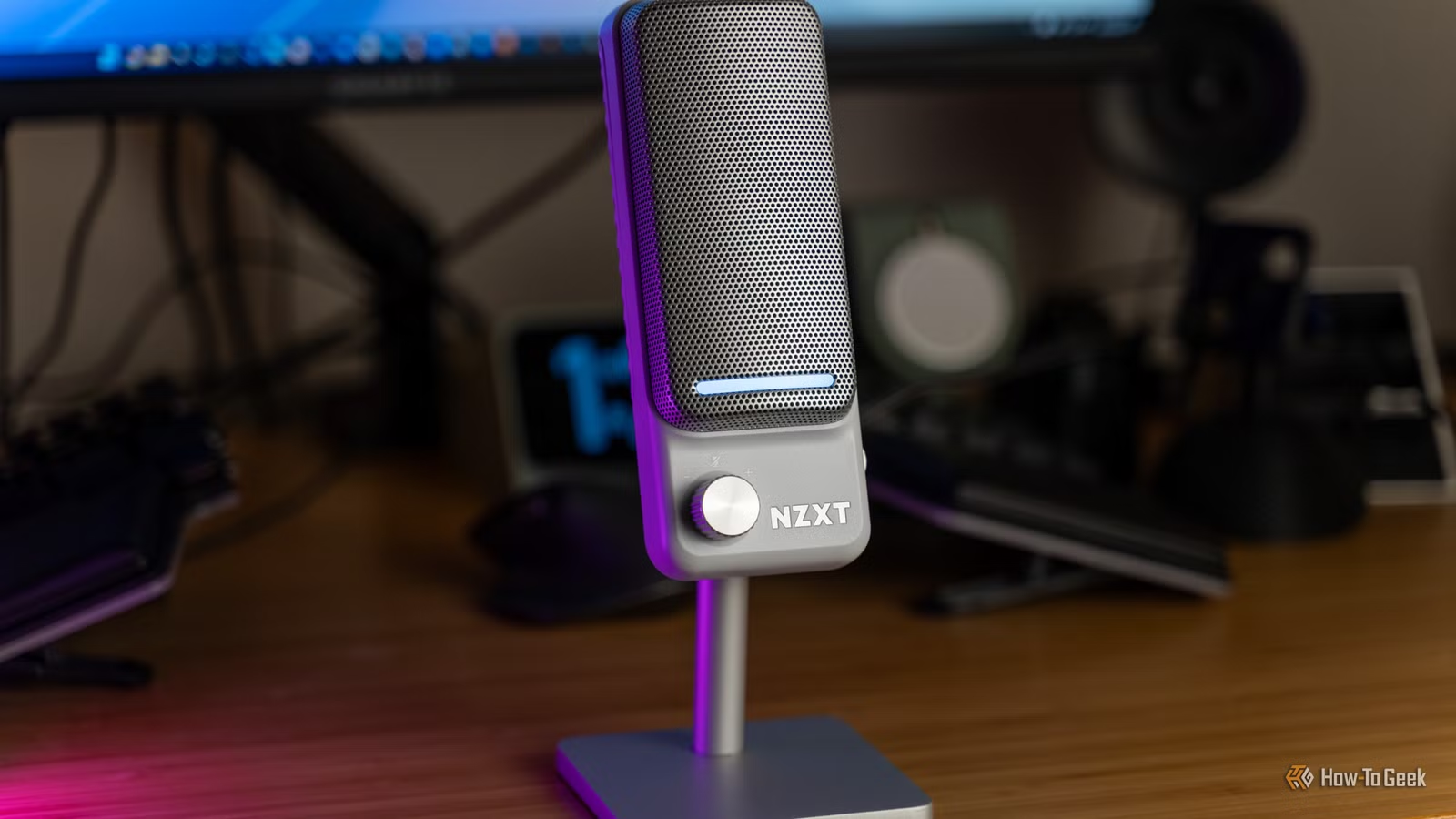
A decent USB condenser microphone improves results dramatically. Models in the $25-50 range, like the Amazon Basics USB Condenser Microphone, deliver clear audio with minimal ambient noise pickup. That one-time hardware investment often matters more than monthly software subscriptions.
Privacy Considerations
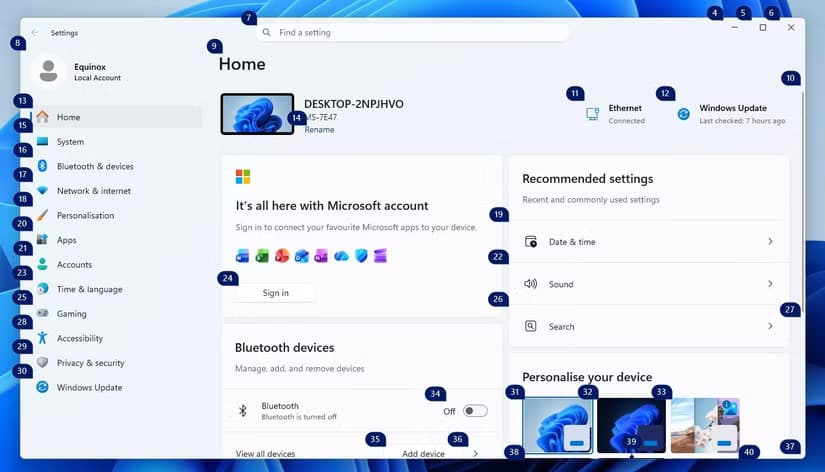
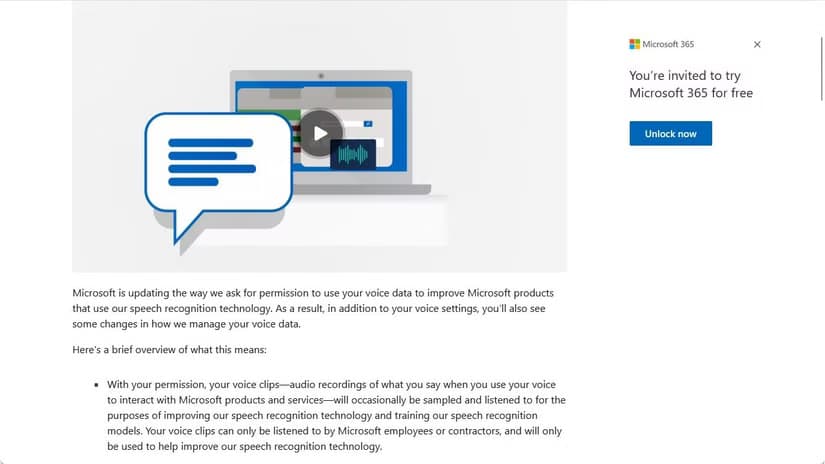
Voice data handling differs between Windows and premium alternatives. Microsoft processes voice input to improve its services, though you can adjust these settings. Navigate to Settings > Privacy & security > Speech to review what's shared.
Premium apps vary widely. Some process everything locally on your device. Others send audio to cloud servers for transcription. Before paying for privacy-focused features, check whether Windows' privacy controls already meet your requirements.
The 'Good Enough' Threshold
Technology products often improve past the point where upgrades matter to most users. Smartphone cameras, word processors, and now voice dictation have crossed into 'good enough' territory where the built-in option handles 80% of use cases.
Windows 11 voice typing sits at that threshold. It won't replace a transcriptionist. It won't handle your medical practice's documentation needs. But for the everyday task of turning speech into text quickly, it works. The occasional typo or missed word takes seconds to fix.
Before committing to a premium subscription, spend a week using Windows+H. You might discover, as many users have, that the built-in tool does exactly what you need.
Logicity's Take
More ways to optimize your Windows 11 experience and protect your privacy
Recent Windows 11 improvements that enhance daily usability
Frequently Asked Questions
How do I activate voice typing in Windows 11?
Press Windows+H to open the voice typing toolbar. Click the microphone icon or start speaking to begin dictation. The feature works in most text fields across browsers and applications.
Is Windows 11 voice typing as accurate as Wispr Flow?
Premium apps like Wispr Flow typically offer better accuracy, especially with specialized vocabulary and in noisy environments. However, Windows 11 voice typing handles everyday dictation well enough that many users won't notice a meaningful difference.
Does Windows 11 voice typing work offline?
Windows 11 voice typing requires an internet connection for best results, as it uses cloud-based speech recognition. Some basic functionality may work offline, but accuracy decreases significantly.
What microphone works best with Windows voice typing?
A USB condenser microphone in the $25-50 range dramatically improves accuracy over laptop built-in mics. Look for models with cardioid pickup patterns that focus on your voice while reducing background noise.
Can I use Windows voice typing for long documents?
Yes, though it works best for shorter dictation sessions. For documents requiring hours of dictation or specialized terminology, premium alternatives may offer better sustained accuracy and vocabulary support.
Need Help Implementing This?
Source: How-To Geek
Manaal Khan
Tech & Innovation Writer
Produced with AI assistance and reviewed by the Logicity editorial team. Learn more in our Editorial Policy.






