Key Takeaways
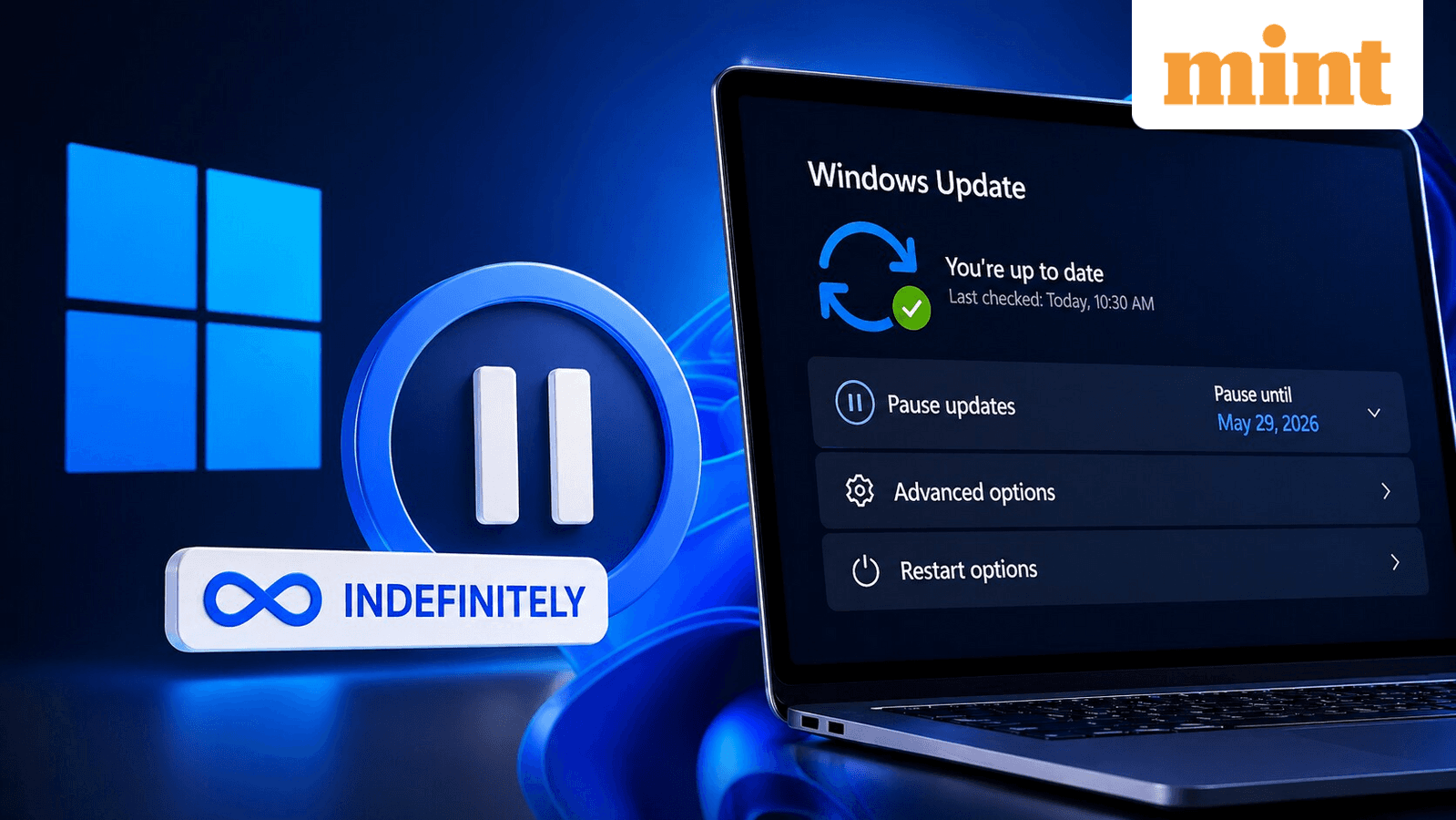
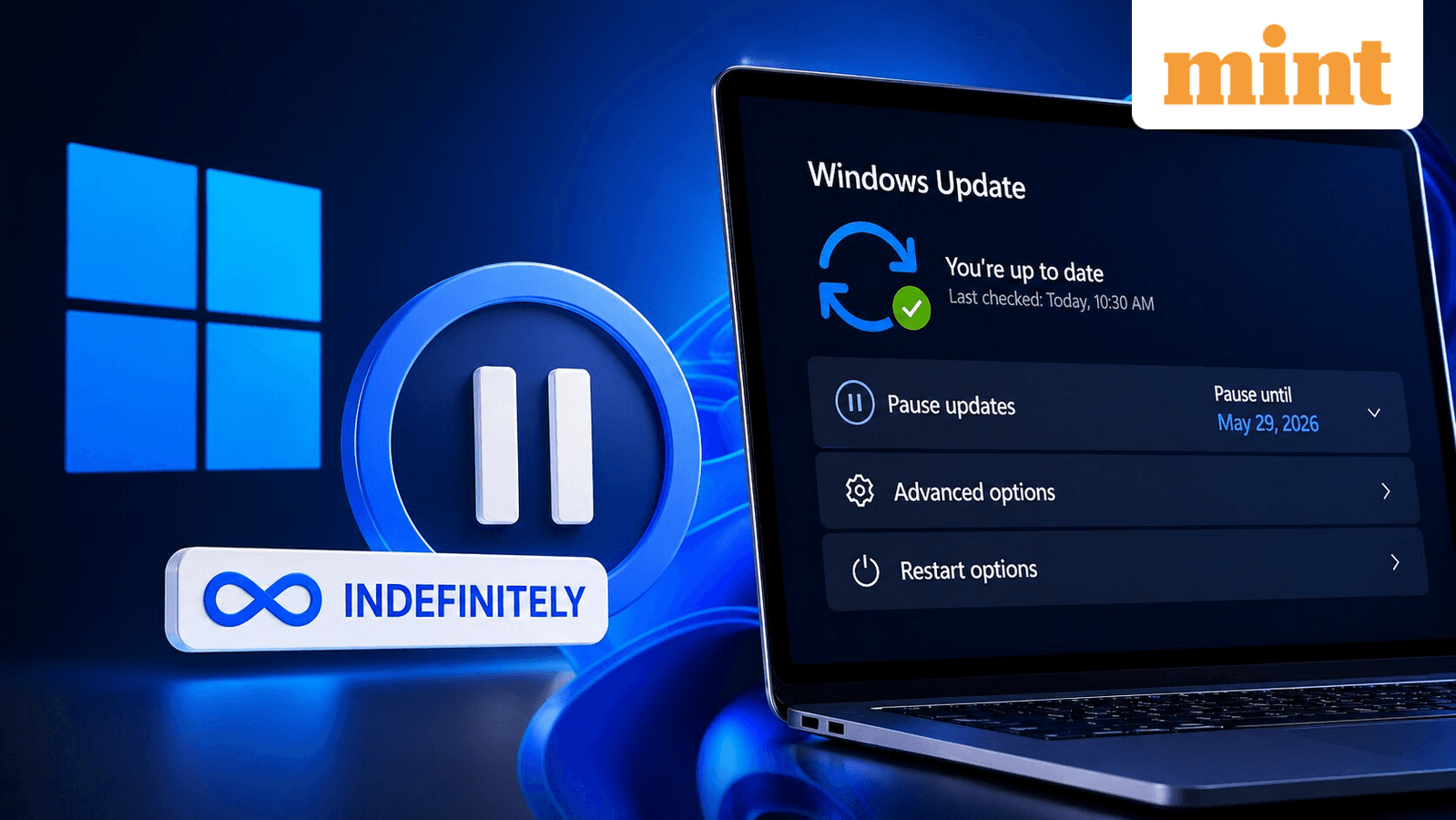
- Users can now pause Windows 11 updates 35 days at a time, indefinitely
- The power menu will show standard Restart and Shut down options without forcing updates
- Changes are rolling out to Windows Insider channels now, with stable release in coming weeks
For years, Windows users have dealt with a familiar annoyance: you're packing up your laptop, you click shut down, and the system forces you to install a 40-minute update first. Or worse, you come back from lunch to find Windows rebooted itself mid-task.
Microsoft is finally addressing this. The company announced changes to Windows 11's update policy that give users genuine control over when updates install and when their machines restart.
The 35-Day Pause, Repeated Forever
Windows has allowed users to pause updates for 35 days. That limit still exists. What's new: you can now renew that pause indefinitely. Once your 35 days expire, you can pause for another 35 days. And again. And again.
Microsoft added a calendar picker that lets you choose a specific date to pause until, up to 35 days out. The company explicitly mentioned travel, conferences, exams, and busy work weeks as use cases.
“With a new calendar experience, you can choose a specific day of the month you want to pause until, up to 35 days, enabling you to plan around expected travel, conferences, exams, or even just busy weeks.”
— Aria Hanson, Microsoft
This is a significant shift. Previously, after 35 days, Windows would force the update. Users on IT-managed machines or with registry tweaks could work around this, but average users were stuck. Now the option is built in.
Shut Down Without Updating
The second change addresses a long-standing frustration. When updates are pending, Windows replaces the normal power options with "Update and restart" and "Update and shut down." Your only choice is to update.
Microsoft is decoupling these actions. The standard "Restart" and "Shut down" options will now always appear in the power menu, even with pending updates. You can turn off your machine without being forced through the update process.
“Restarting or shutting down your PC should always be simple, predictable, and on your terms – even with updates waiting to be installed.”
— Aria Hanson, Microsoft
Why Microsoft Made These Changes
Microsoft cited two consistent themes in user feedback: "disruption caused by untimely updates" and "not enough control over when updates happen." With over a billion Windows users globally, these complaints have been persistent and loud.
The company framed the changes as giving users "more control over their PC experience, while keeping devices secure by design and by default." That last phrase matters. Microsoft isn't removing security updates. It's giving users the choice of when those updates happen.
There's an obvious tension here. Delayed updates mean unpatched vulnerabilities stay open longer. But Microsoft seems to have concluded that frustrated users who delay updates through workarounds, or avoid updating entirely, are a bigger security risk than users who have official pause controls.
Additional Update Improvements
Microsoft also announced it's working to reduce how often users get interrupted by updates overall. The company didn't provide specific details on this front, but suggested more changes are coming to make updates less intrusive.
When Can You Get This?
The new update controls have started rolling out to Windows Insider and Experimental channels. Microsoft said support for the stable version is expected in the coming weeks, though no specific date was given.
If you're on Windows Insider, you may already have access to these features. For everyone else, it's a matter of waiting for the stable rollout.
Logicity's Take
Frequently Asked Questions
Can I pause Windows 11 updates forever now?
Effectively, yes. You can pause updates for 35 days, then renew the pause for another 35 days, with no limit on repetitions.
Will Windows still force me to update when I shut down?
No. Microsoft is decoupling the power menu from updates. You'll always see standard Restart and Shut down options, even with pending updates.
When will the new Windows 11 update policy be available?
It's currently rolling out to Windows Insider and Experimental channels. Microsoft expects stable release in the coming weeks.
Is it safe to pause Windows updates indefinitely?
Technically you can, but it's not recommended for long periods. Security patches fix vulnerabilities that hackers actively exploit. Pausing for a busy week is fine. Pausing for months puts your system at risk.
More tech product coverage
Need Help Implementing This?
Source: mint / Aman Gupta
Manaal Khan
Tech & Innovation Writer
Produced with AI assistance and reviewed by the Logicity editorial team. Learn more in our Editorial Policy.




