Key Takeaways
- Waze offers real-time traffic updates and community-driven alerts that Apple Maps can't match in many regions
- Third-party podcast and music apps often provide better playback controls and library management than Apple's defaults
- Switching from default CarPlay apps requires minimal setup and can improve your daily commute
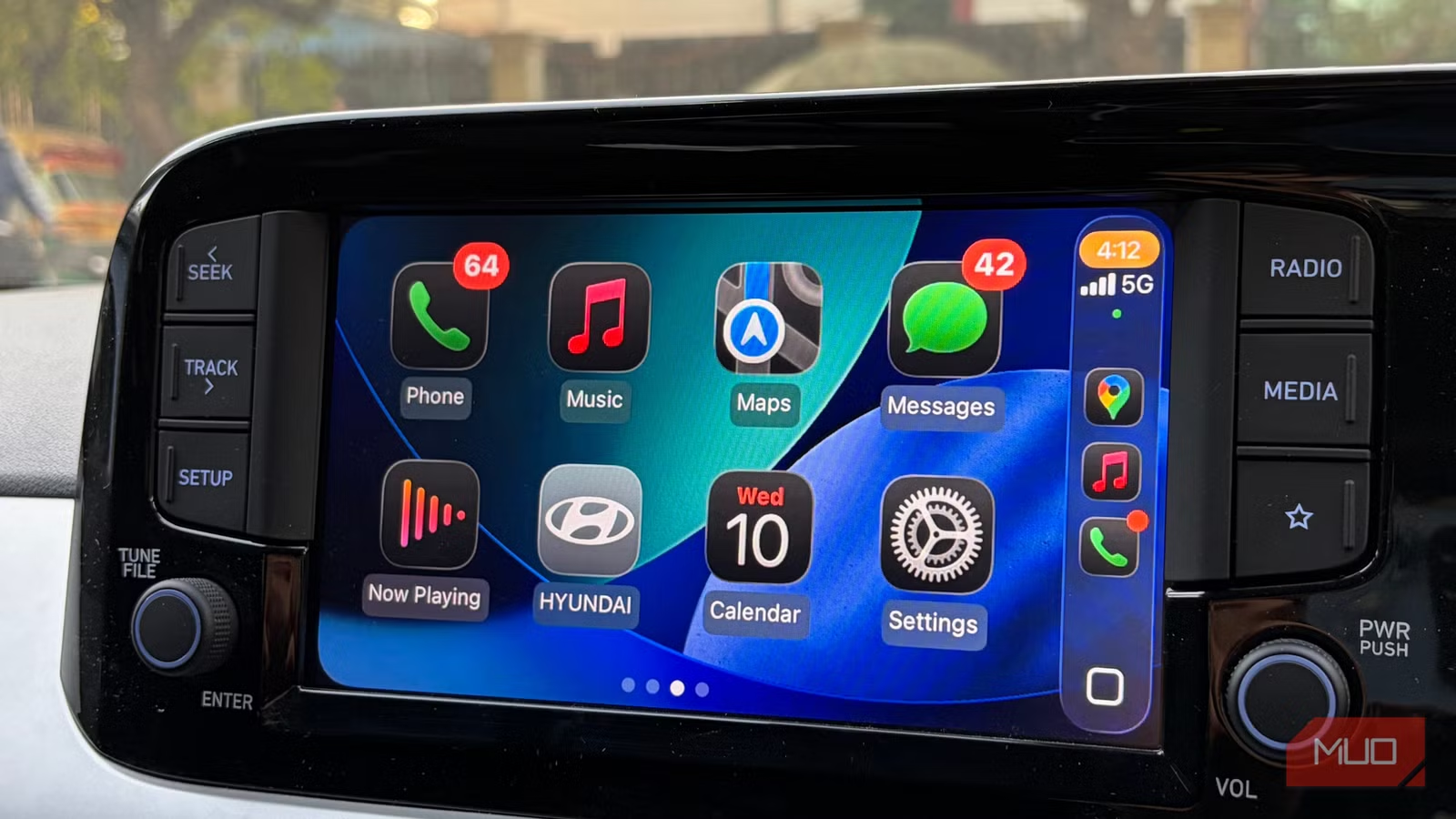
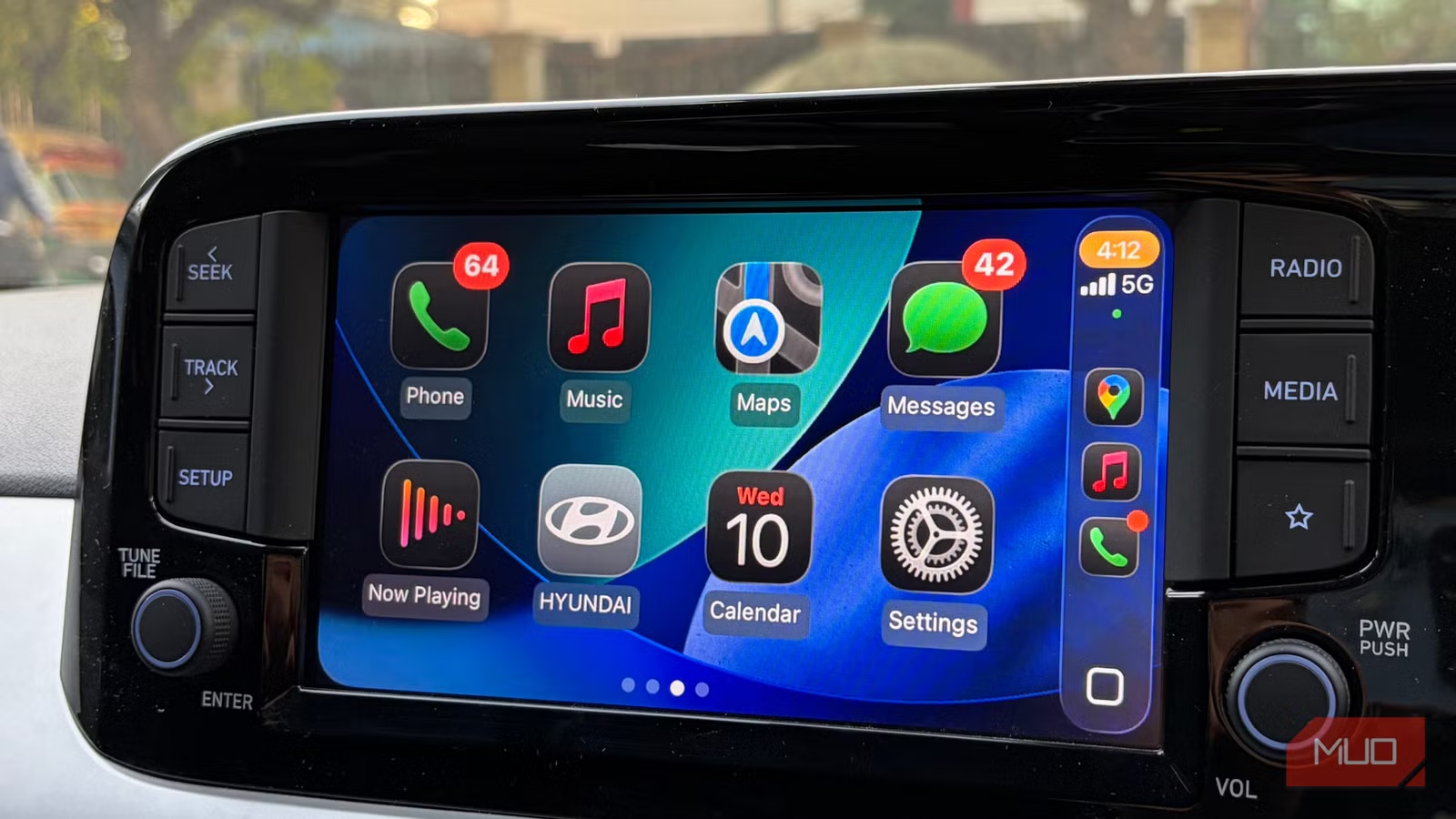
Apple CarPlay gets the basics right. The interface is clean, animations are smooth, and setup is straightforward. Once it's running, you don't have to think about it. But the default app selection? That's where things get limiting.
Apple Music, Maps, and Calendar work fine. They're solid, reliable, and integrate seamlessly. But solid isn't the same as best. Several third-party apps handle specific tasks better, or at least in ways that suit certain driving routines more effectively.
Here are six CarPlay apps worth trying if you want more flexibility from your dashboard.
Waze: Community-Powered Navigation
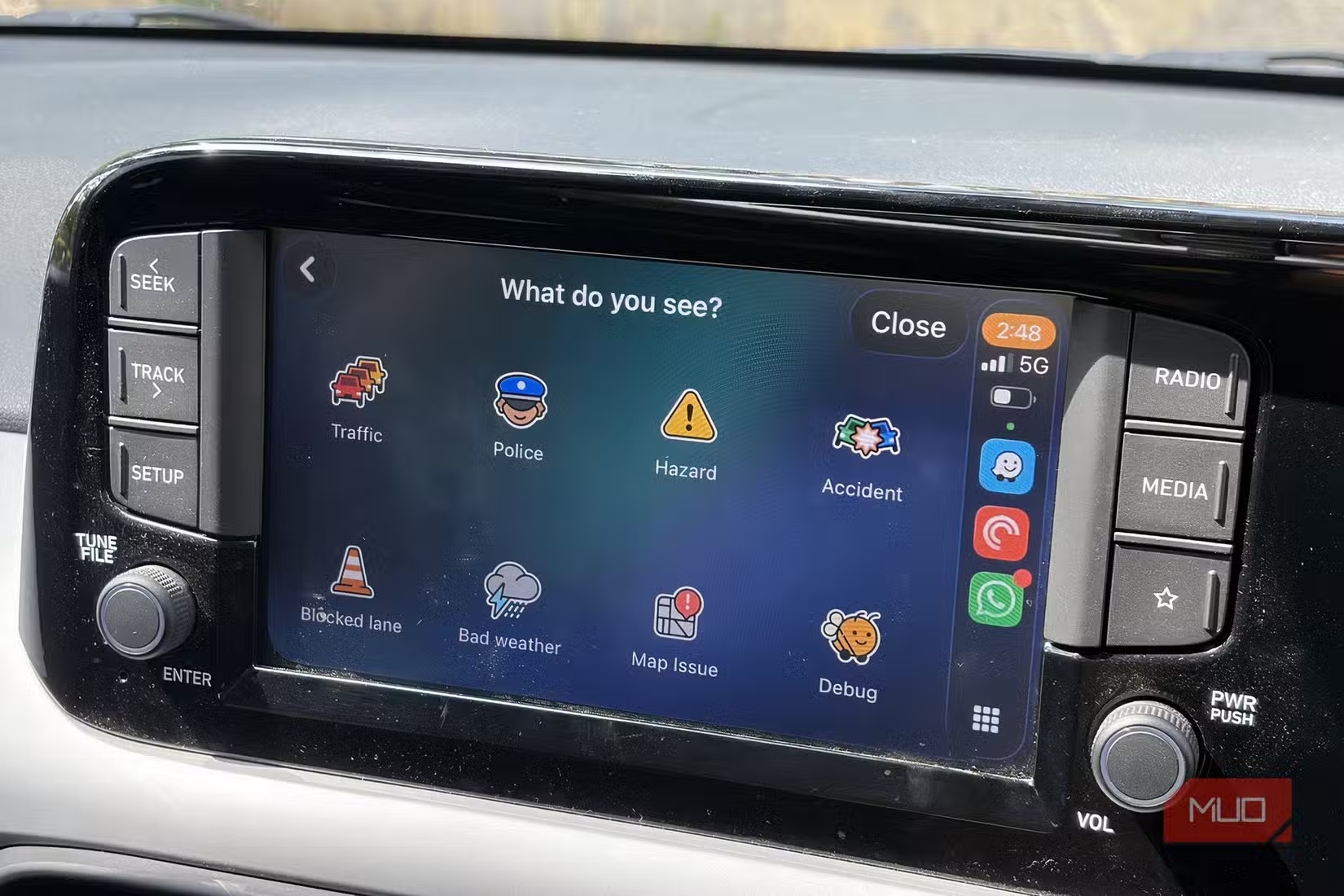
Apple Maps works well in the US. Outside that market, the experience varies. Waze tends to perform better in regions where Apple's mapping data is less comprehensive, thanks to its community-driven approach.
What makes Waze different is how alive it feels. Users report traffic jams, accidents, and roadblocks in real time. You get alerts about speed limits, police presence, and smarter reroutes as congestion builds. The app actively helps you avoid trouble rather than just showing you where it is.
Waze also handles details you might not think about. It shows fuel stations along your route and highlights cheaper options. You can skip GasBuddy entirely.
Even compared to Google Maps, Waze often wins on route optimization. The community data gives it an edge for avoiding delays that mapping algorithms alone might miss.
Pocket Casts: Better Podcast Control
Apple Podcasts is functional, but Pocket Casts offers more granular control over your listening experience. The app lets you adjust playback speed, set up custom filters, and manage your library in ways that Apple's default doesn't support.
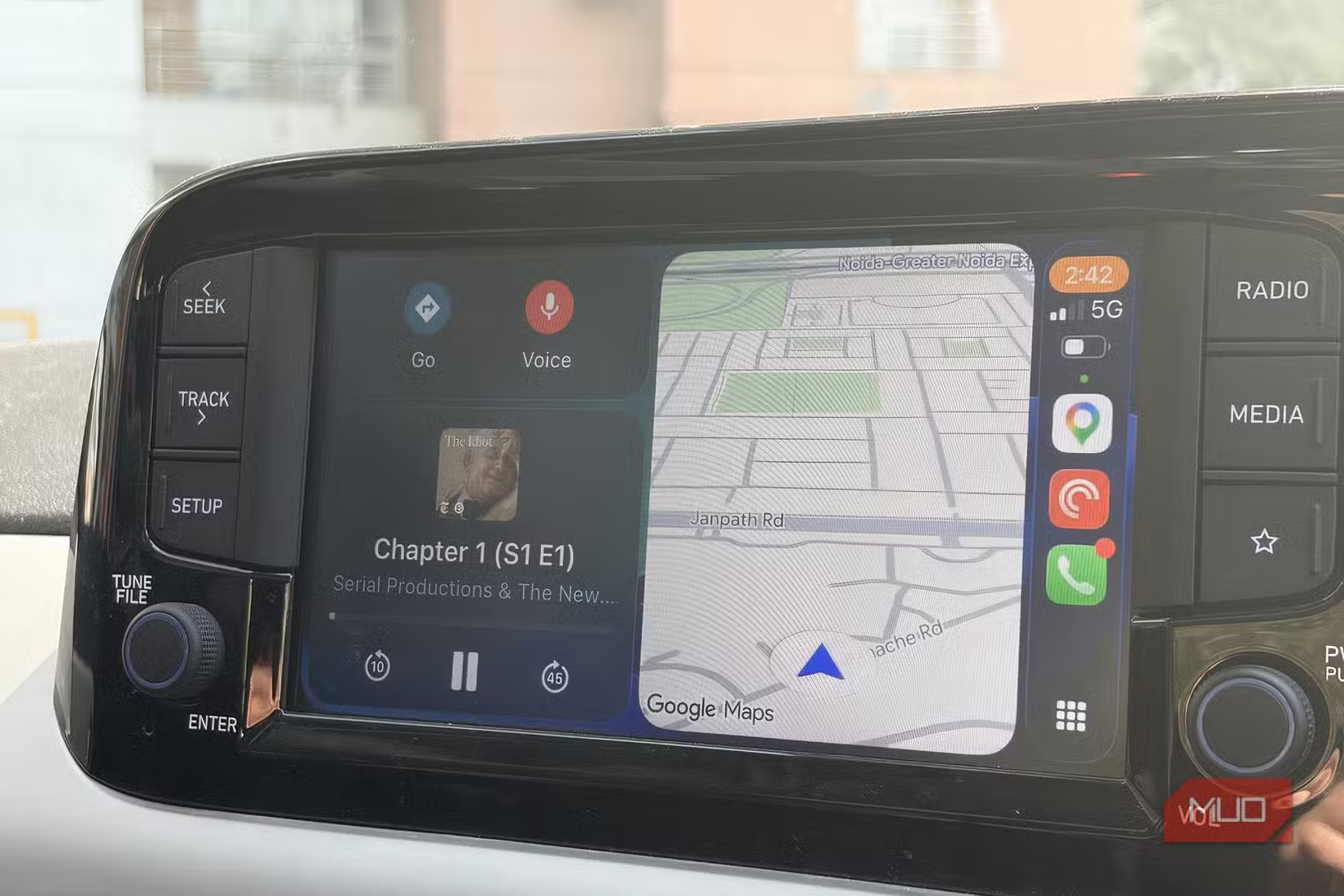
On CarPlay, Pocket Casts keeps the interface simple while giving you quick access to your queue. If you listen to podcasts during your commute, the extra control makes a noticeable difference over time.
Why Third-Party Apps Matter
The case for switching from Apple's defaults isn't about rejecting Apple's ecosystem. It's about finding tools that fit your specific routine. If you drive in a region where Waze's community data is richer than Apple Maps, use Waze. If you want podcast features Apple doesn't offer, try Pocket Casts.
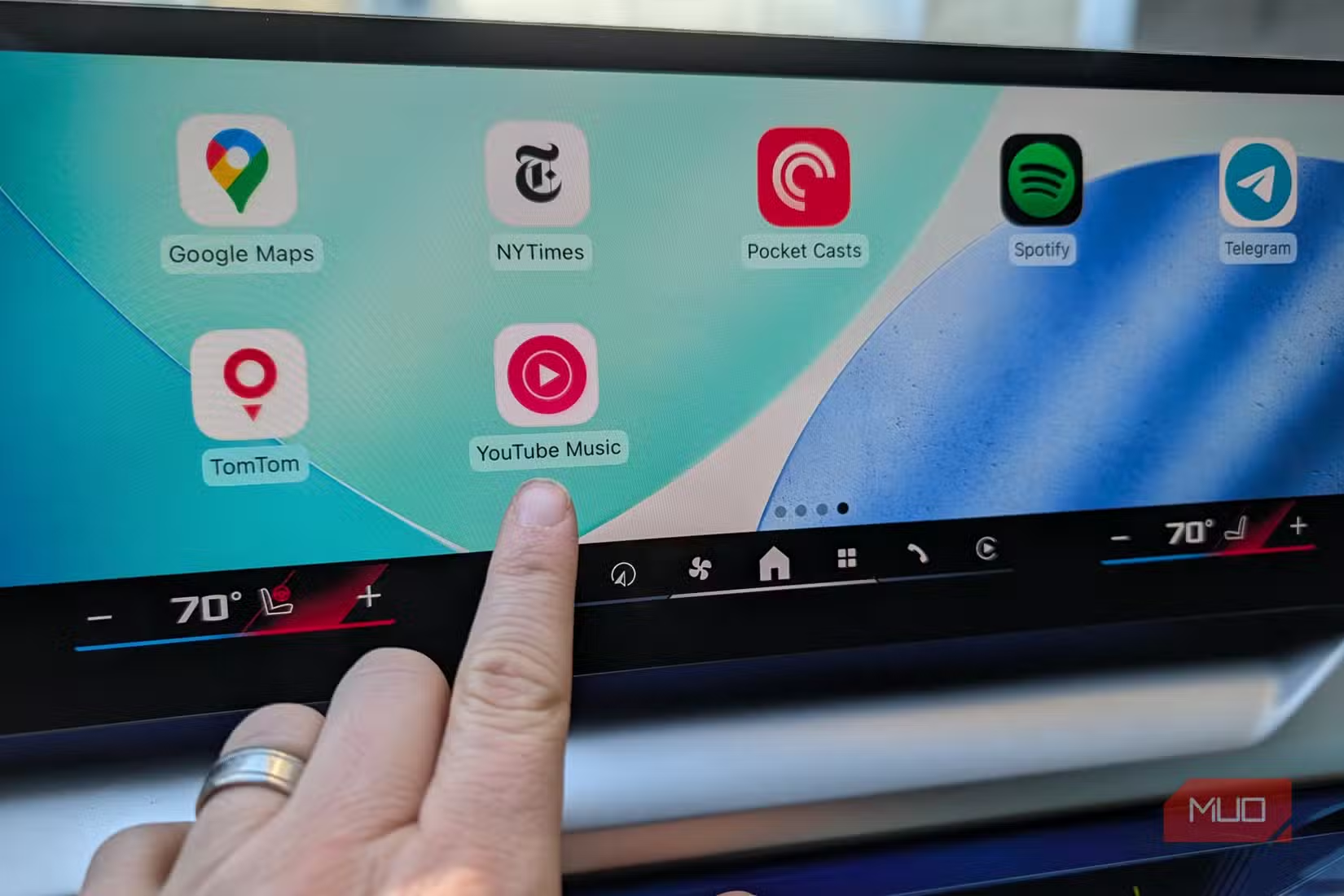
CarPlay supports a growing library of third-party apps. The setup process is minimal. You download the app on your iPhone, and it appears on your CarPlay dashboard automatically. No complicated configuration required.
Similar approach to improving default tools with better alternatives
The Wired vs Wireless Question
Before loading up new apps, consider how you connect to CarPlay. Wireless CarPlay is convenient but comes with trade-offs. Some users report latency issues or occasional disconnections. Wired connections remain more reliable for daily use, especially with navigation apps that need consistent data.
If your car only supports wired CarPlay, you can add wireless capability with aftermarket receivers. Just know that you're trading some reliability for convenience.
Logicity's Take
Another example of third-party software outperforming defaults
Frequently Asked Questions
Can I use Waze and Apple Maps together on CarPlay?
Yes. Both apps can be installed and used on CarPlay. You can switch between them depending on your needs. Some users prefer Apple Maps for familiar areas and Waze for longer trips where traffic avoidance matters more.
Do third-party CarPlay apps drain more battery than Apple's defaults?
Battery usage varies by app, but the difference is usually minimal. Navigation apps like Waze use GPS continuously, which does consume battery. Keeping your phone plugged in while driving solves this.
How do I add new apps to CarPlay?
Download the CarPlay-compatible app on your iPhone. It will automatically appear on your CarPlay dashboard the next time you connect. You can reorder or hide apps in Settings > General > CarPlay on your iPhone.
Is Waze free to use?
Yes. Waze is free and ad-supported. The ads appear as small banners when you're stopped, not while driving.
Need Help Implementing This?
Source: MakeUseOf
Manaal Khan
Tech & Innovation Writer
Produced with AI assistance and reviewed by the Logicity editorial team. Learn more in our Editorial Policy.