Key Takeaways
- Low Latency Profile temporarily boosts CPU frequency for 1-3 seconds during UI interactions, making Windows feel snappier
- Microsoft claims 70% faster Start menu loading and 40% faster app launches with LLP enabled
- You can force-enable LLP today using ViVeTool before the official June 2026 rollout
Windows 11 is about to get noticeably faster. Not because of new hardware requirements or AI features, but because Microsoft is finally addressing the micro-delays that plague everyday interactions.
The June 2026 update introduces Low Latency Profile (LLP), a system optimization that temporarily boosts CPU performance when you click, tap, or launch anything. The result: a Start menu that loads 70% faster and apps that open 40% quicker.
If you don't want to wait for the official rollout, you can enable LLP today using a free tool called ViVeTool. Here's what the feature does, whether it's worth enabling early, and the tradeoffs you should know about.
What Low Latency Profile Actually Does
LLP is part of Microsoft's Windows K2 initiative, an internal project focused on fixing core responsiveness issues. The concept is simple: instead of waiting for CPU demand to rise before boosting clock speeds, Windows now anticipates the need.
“The goal with Windows K2 is to eliminate the 'micro-delays' users feel during daily navigation.”
— Senior Windows Engineering Lead, Microsoft
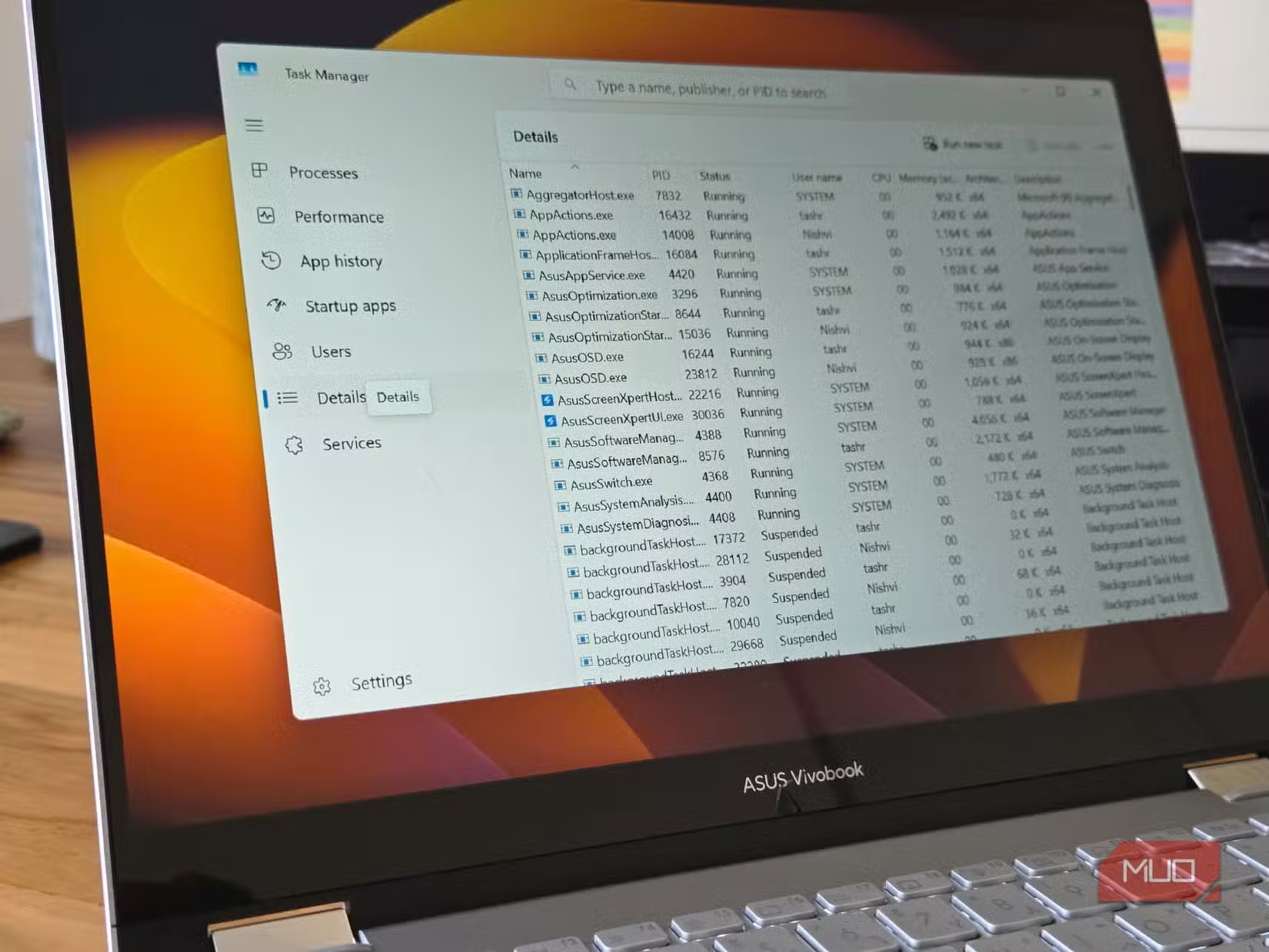
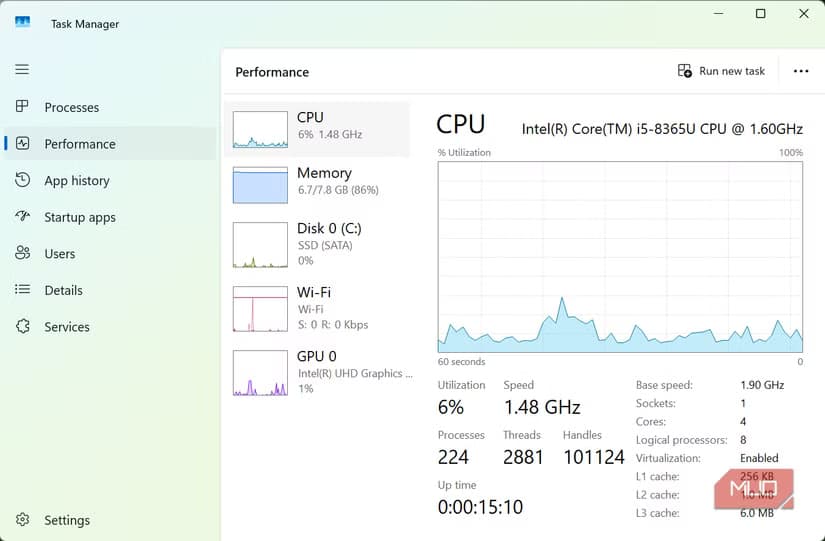
Here's how it works in practice. When you launch an app like Outlook or Edge, LLP spikes CPU frequency for one to three seconds. This burst helps the system respond immediately to your input. Once the interaction completes, the CPU returns to normal operation.
The key difference from previous Windows behavior: traditionally, the OS would only boost CPU performance during sustained demanding tasks like gaming or video editing. LLP applies the same logic to mundane interactions. Opening the context menu. Switching windows. Starting a search.
The Numbers Behind the Snappiness
According to Windows Central's testing, the performance gains are substantial. Native apps launch 40% faster with LLP enabled. Start menu and other UI elements load 70% more quickly. These aren't synthetic benchmarks. They're the interactions you perform hundreds of times daily.
The CPU boost lasts only one to three seconds per interaction. Microsoft designed LLP to be invisible. You won't see a notification or indicator when it activates. You'll just notice that Windows feels more responsive.
How to Enable LLP Early with ViVeTool
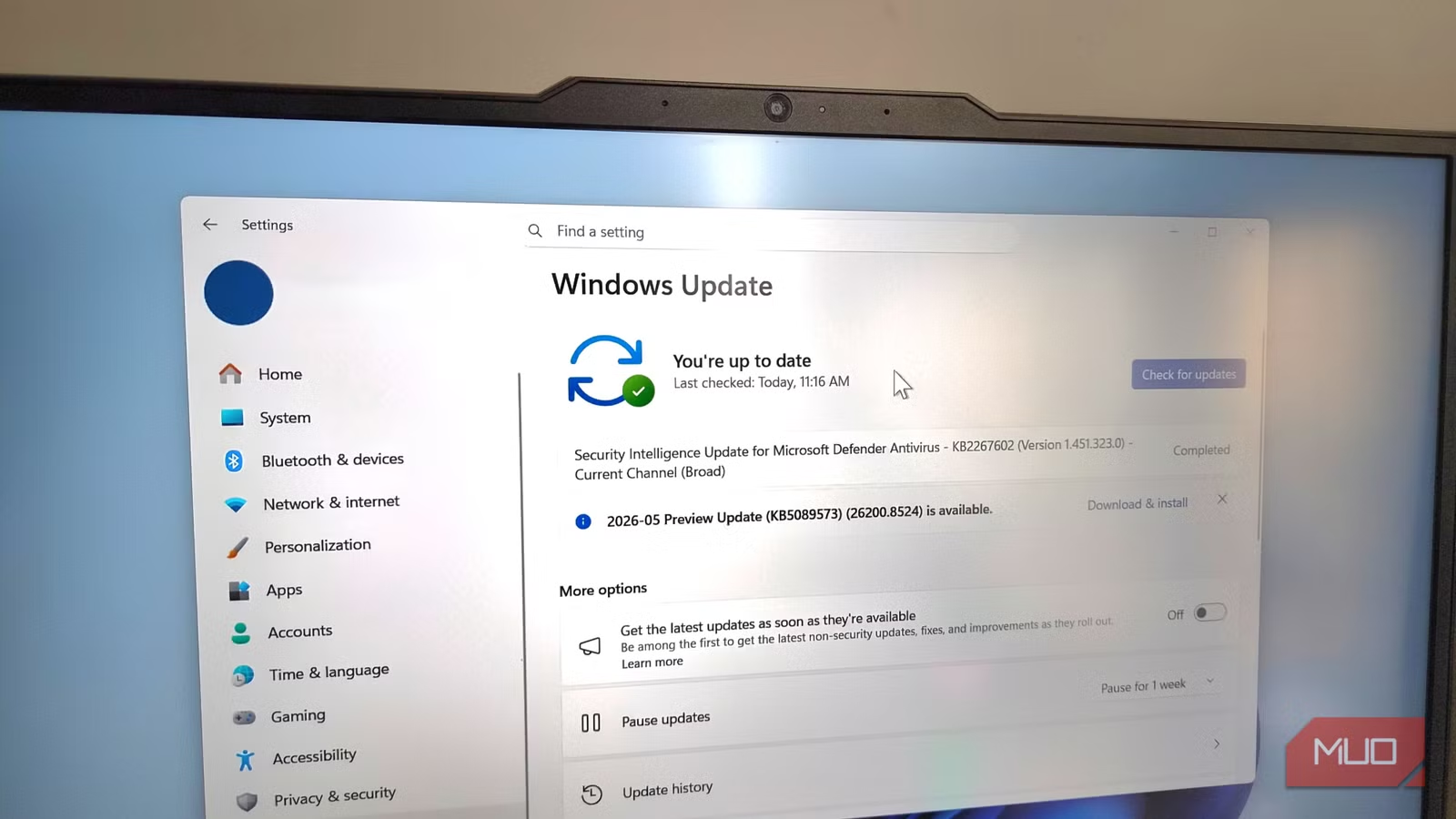
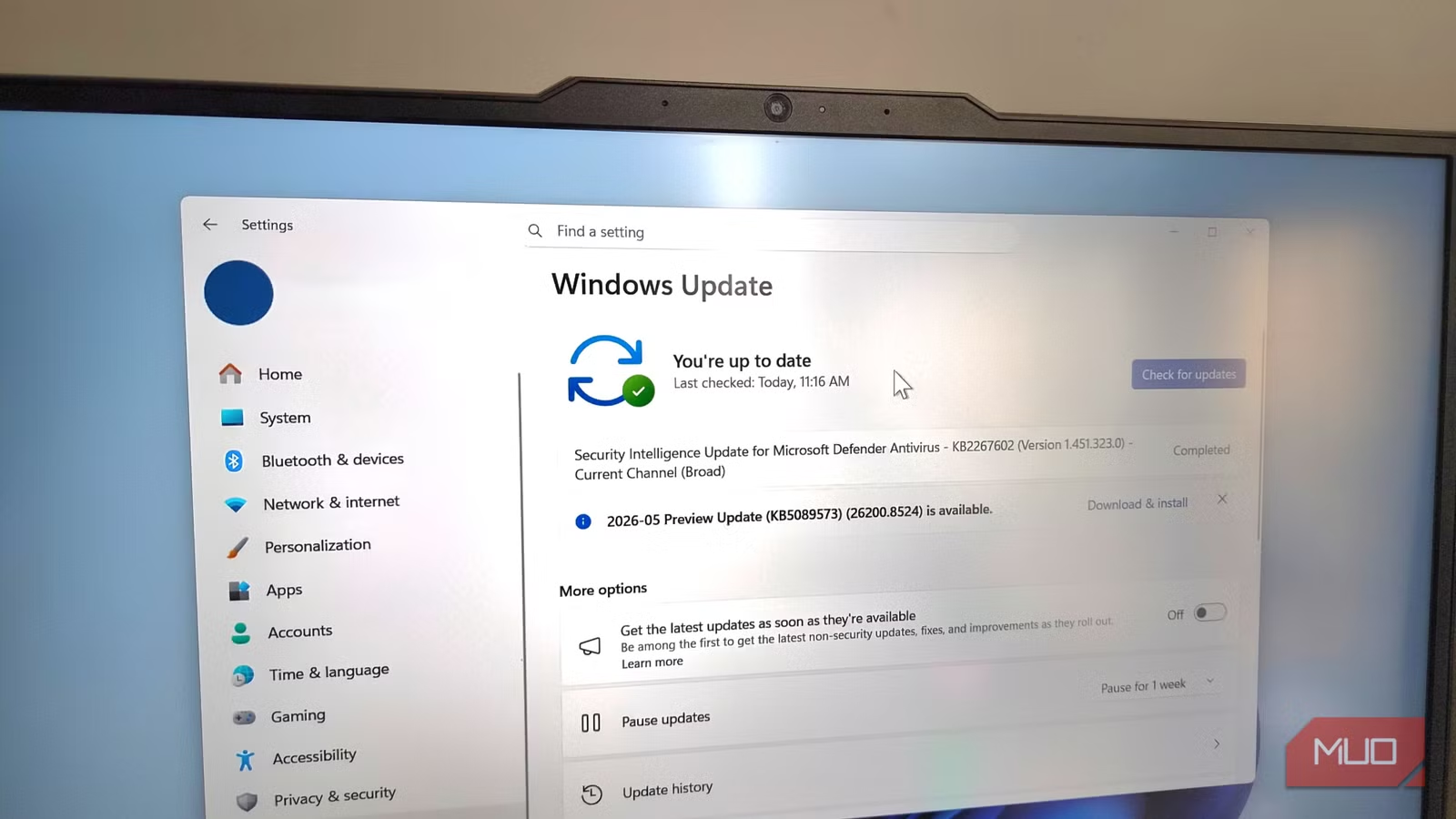
Microsoft is rolling out LLP gradually as part of the June 2026 update. But if you're on a recent Windows 11 Insider build, you can force-enable it now using ViVeTool, a free utility for toggling hidden Windows features.
- Download ViVeTool from the official GitHub repository
- Extract the files to a folder (e.g., C:\ViVeTool)
- Open Command Prompt as Administrator
- Navigate to your ViVeTool folder using cd C:\ViVeTool
- Run the command to enable LLP (feature ID varies by build, check community forums for current ID)
- Restart your PC for changes to take effect
A word of caution: ViVeTool enables experimental features that Microsoft hasn't fully validated. While LLP appears stable in testing, you're essentially running pre-release software. Back up important data before experimenting.
If you're optimizing Windows responsiveness, Flow Launcher is another tool worth exploring
The Tradeoffs: Battery Life and Fan Noise
LLP sounds great on paper. But it's not without downsides, and the r/Windows11 community is already debating whether the tradeoffs are worth it.
The primary concern: power consumption. Every time LLP boosts CPU frequency, it draws more power. On a desktop, this is negligible. On a laptop running on battery, those one-to-three-second spikes add up over a full workday.
Laptop owners are also reporting increased fan activity. Higher CPU frequency means more heat, which means more cooling. If you're in a quiet meeting room, your laptop suddenly spinning up fans every time you open an app could be distracting.
✅ Pros
- • 70% faster UI responsiveness for Start menu and search
- • 40% faster app launches
- • Automatic activation with no user configuration needed
- • CPU returns to normal after each interaction, limiting sustained power draw
❌ Cons
- • Increased power consumption on laptops during battery operation
- • More frequent fan activation due to CPU heat spikes
- • Some users view it as a 'band-aid' rather than fixing underlying Windows performance issues
Is LLP a Real Fix or Just a Band-Aid?
Some Windows power users are skeptical. The criticism: LLP doesn't fix the underlying reasons Windows feels sluggish. It just masks them by throwing more CPU power at the problem.
There's merit to this argument. A well-optimized operating system shouldn't need temporary performance boosts for basic interactions like opening a menu. macOS and Linux handle these tasks smoothly without similar tricks.
But pragmatically, LLP delivers real improvements. If your Windows machine feels snappier after enabling it, does it matter whether the fix is elegant? For most users, the answer is no. Results matter more than implementation details.
Microsoft's 2026 Pivot: Performance Over AI
LLP signals a broader shift in Microsoft's priorities. After a 2025 dominated by Copilot integrations and AI features, the company is refocusing on core operating system performance.
The Windows K2 initiative, which includes LLP, represents an acknowledgment that users care about basics. Fast app launches. Responsive menus. Smooth window switching. These fundamentals got neglected while Microsoft chased AI headlines.
It's a welcome course correction. No amount of AI assistance matters if the OS feels slow during routine tasks.
Logicity's Take
Should You Enable LLP Early?
If you're on a desktop PC and comfortable using command-line tools, enabling LLP early is low-risk with noticeable benefits. The feature appears stable in current Insider builds.
If you're on a laptop where battery life matters, consider waiting for the official rollout. Microsoft may include power management optimizations that aren't present in the early builds.
Either way, the June 2026 update should bring LLP to all Windows 11 users automatically. It's one of the most tangible performance improvements Microsoft has shipped in years.
Frequently Asked Questions
Does Low Latency Profile work on all Windows 11 PCs?
LLP will be available to all Windows 11 users through the June 2026 update. Early access via ViVeTool requires recent Insider builds.
Will LLP drain my laptop battery faster?
Yes, the short CPU frequency boosts consume additional power. Desktop users won't notice, but laptop users may see reduced battery life.
Can I disable Low Latency Profile if I don't like it?
Microsoft hasn't confirmed whether LLP will be user-configurable in the final release. Currently, it activates automatically with no toggle.
Is ViVeTool safe to use?
ViVeTool is a legitimate open-source tool, but it enables experimental features. Use it on secondary machines or after backing up important data.
What is Windows K2?
Windows K2 is Microsoft's internal codename for a project focused on fixing core performance and responsiveness issues in Windows 11. LLP is one component of this initiative.
Need Help Implementing This?
Source: MakeUseOf
Manaal Khan
Tech & Innovation Writer
Produced with AI assistance and reviewed by the Logicity editorial team. Learn more in our Editorial Policy.






