Key Takeaways
- Flow Launcher is a free, open-source launcher that replaces Windows Search with instant local file finding
- The tool has 10,000+ GitHub stars and 100+ community plugins for extended functionality
- Pairing Flow Launcher with the Everything search engine provides millisecond file searches
Why Windows Search Frustrates Power Users
Windows Search wasn't always this way. Over the years, Microsoft transformed it from a simple local file finder into something closer to a web portal. You type a file name, and the results are buried under Bing search suggestions, sponsored content, and web results you never asked for.
The Start menu also loads widgets before it processes your search query. That adds delay. If you know a file is on your drive and you're waiting for Microsoft's search to catch up, something has gone wrong with the user experience.
Tech writer Sagar Naresh put it directly: "If you find yourself waiting for Windows Search to load web results while you're trying to open a local file, you're doing it wrong. Keyboard-driven launchers are the single biggest productivity boost for Windows power users."
Flow Launcher: Spotlight for Windows
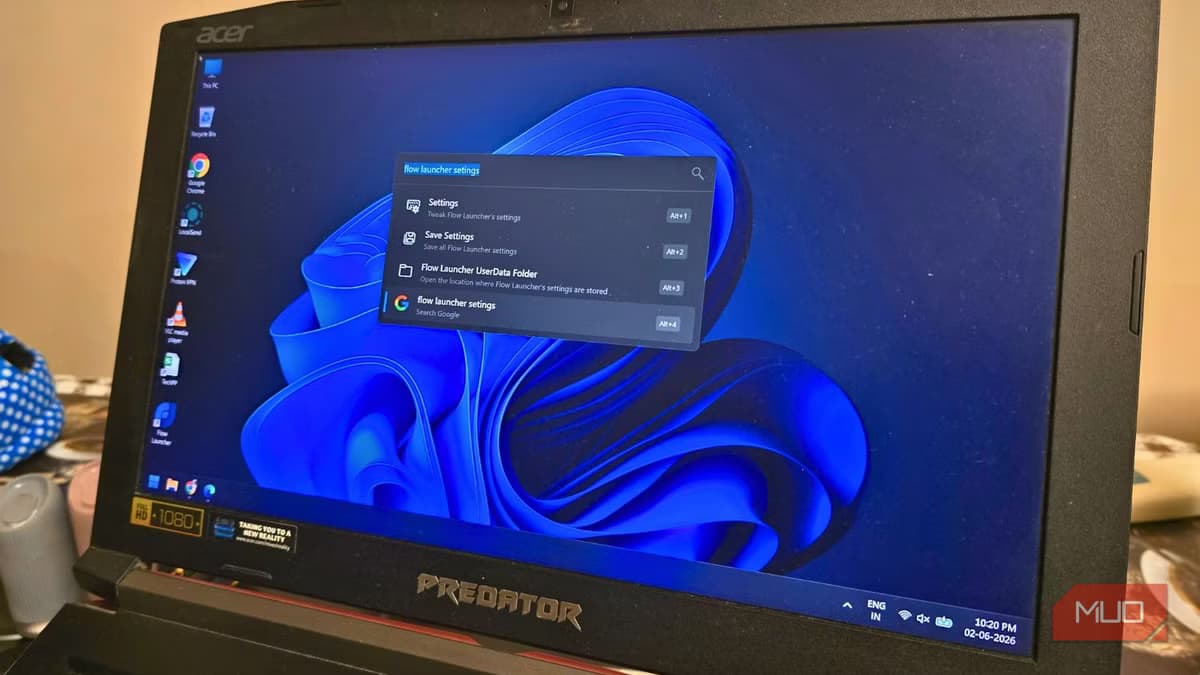
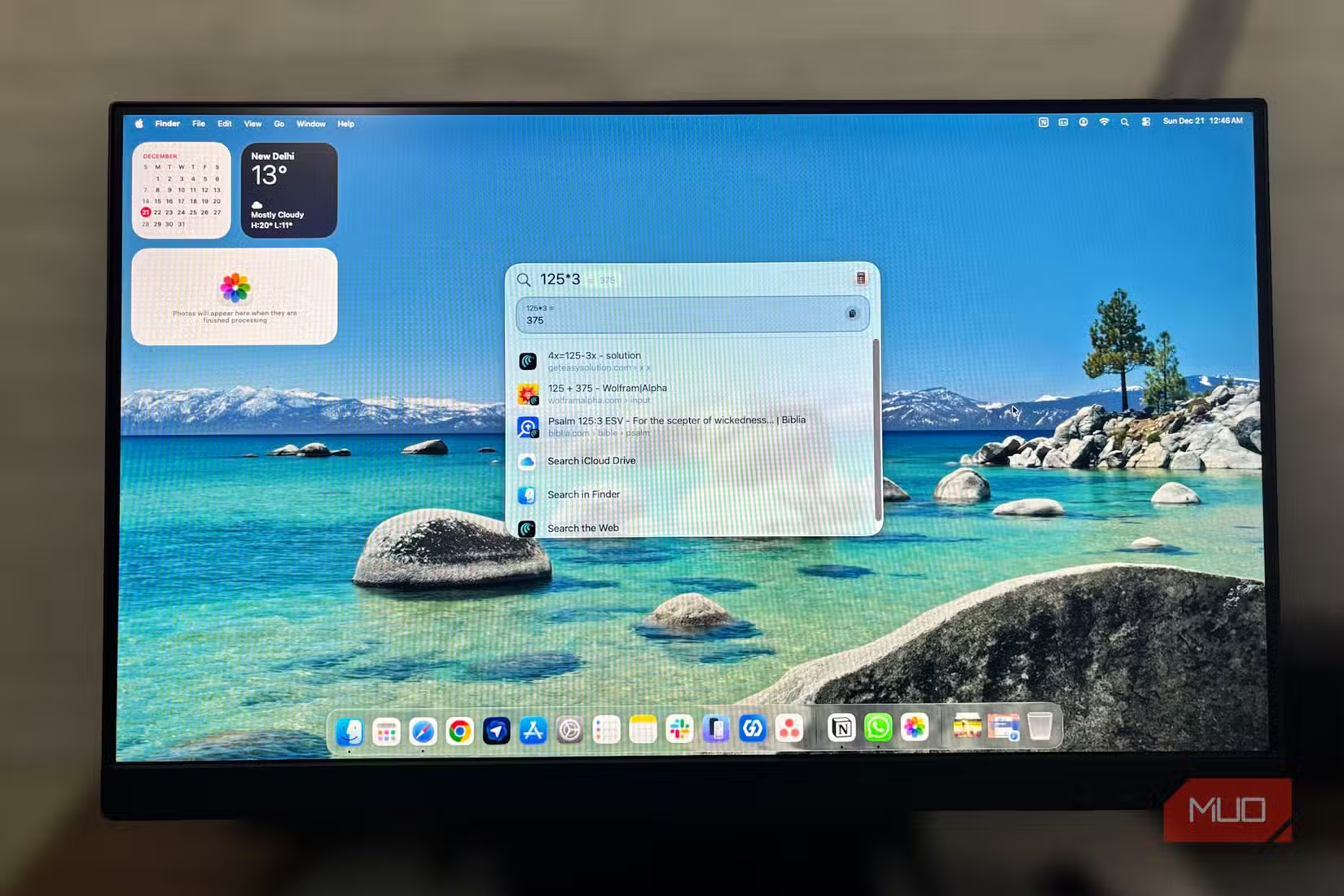
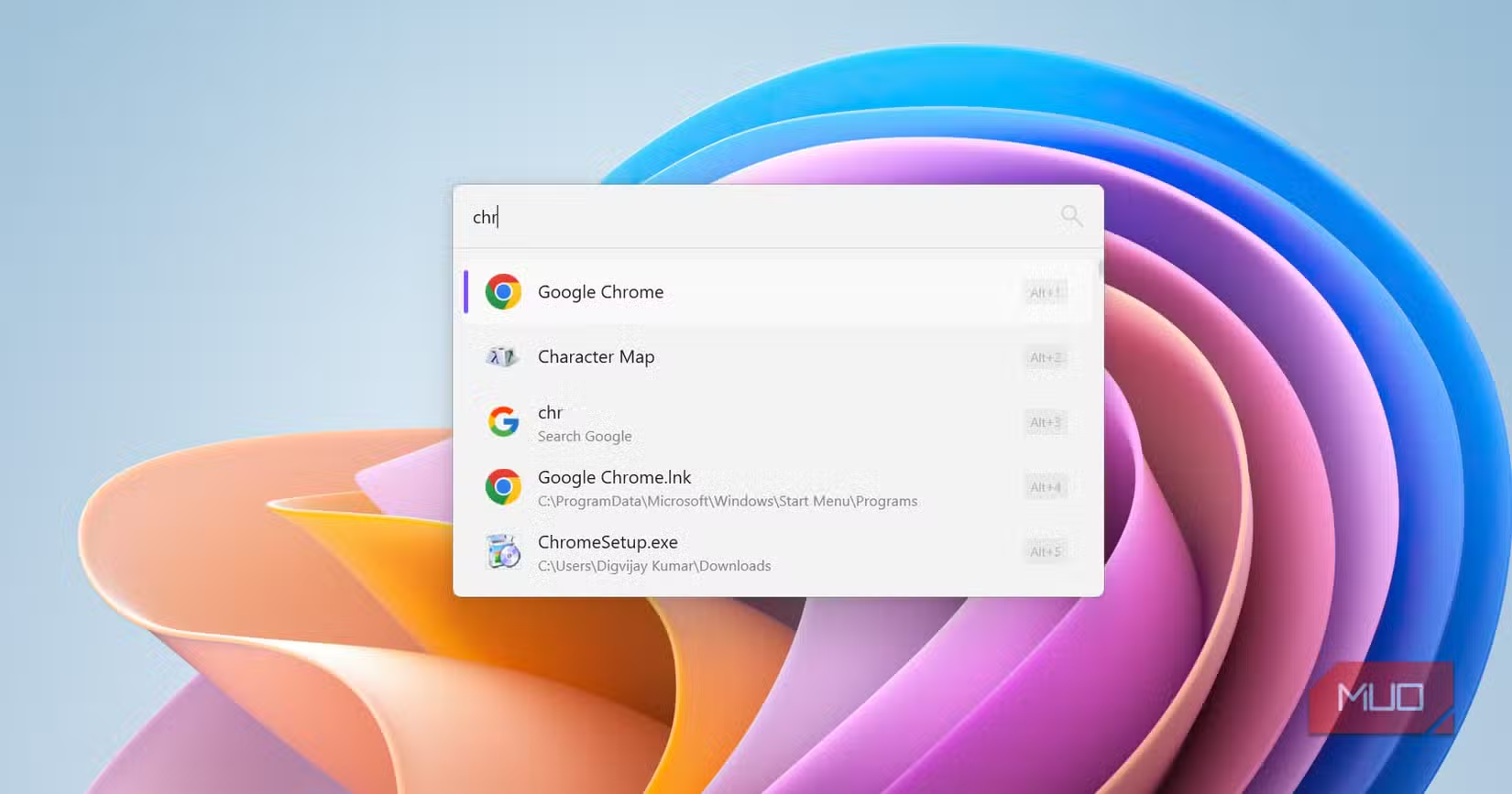
If you've used macOS, you know what Spotlight feels like. Press a key combination, a small search bar appears, type what you need, and get the result. No lag. No web results. No widgets loading first.
Flow Launcher brings that exact experience to Windows. It's free, open-source, and does one thing well: find your files from anywhere, fast.
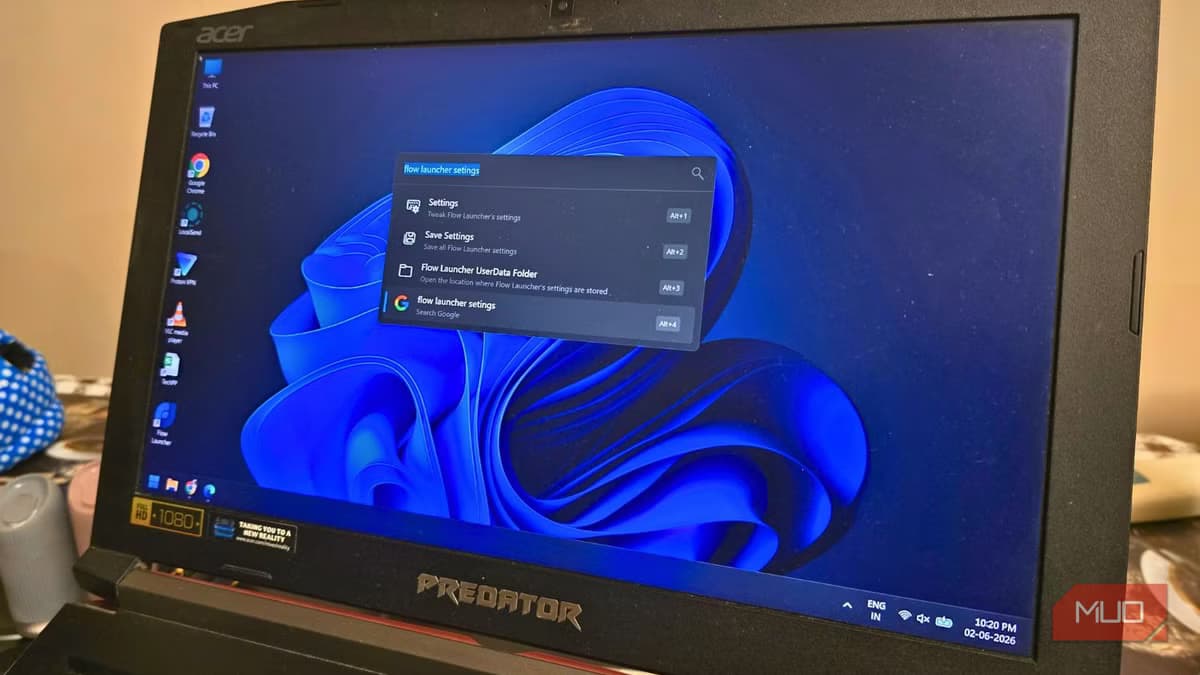
The project has accumulated over 10,000 GitHub stars, which signals genuine community adoption. Developers have built more than 100 plugins that extend functionality beyond file search. You can control Spotify, manage processes, run web searches (when you actually want them), and more.
How Flow Launcher Works
You hit a keyboard shortcut (Alt+Space by default), and a minimal search bar appears. Type the name of a file, application, or folder. Results appear instantly because Flow Launcher indexes your local system and skips the web entirely unless you tell it otherwise.
For even faster results, many users pair Flow Launcher with Everything, a search engine that indexes every file on your drives in milliseconds. The combination is what makes the speed difference dramatic.
Setup in Under Five Minutes
- Download Flow Launcher from GitHub (flowlauncher.com redirects there)
- Run the installer. The default settings work for most users.
- Press Alt+Space to open the launcher. Type any file or app name.
- Optional: Install the Everything plugin from Flow Launcher's plugin store for faster indexing.
- Customize the theme, hotkey, and fonts in Settings if needed.
The default configuration handles most use cases. Power users can dig into plugin settings, custom keybindings, and theme customization. But you don't need any of that to start getting value immediately.
Flow Launcher vs PowerToys Run
Microsoft offers its own alternative through PowerToys Run, part of the PowerToys utility suite. It's a solid option and good enough for casual users. But Flow Launcher wins on customization and plugin ecosystem.
| Feature | Flow Launcher | PowerToys Run |
|---|---|---|
| Price | Free, open-source | Free, open-source |
| Plugin ecosystem | 100+ community plugins | Limited built-in plugins |
| Theme customization | Full control (themes, fonts, colors) | Basic |
| Everything integration | Native plugin available | Not available |
| Community support | Active GitHub, Reddit presence | Microsoft-backed updates |
Reddit's r/Windows and r/productivity communities consistently recommend Flow Launcher over PowerToys Run for users who want maximum customization. The consensus: PowerToys Run is "good enough," but Flow Launcher is the definitive choice for power users.
Another productivity boost for developers who prefer local tools
Plugins Worth Installing
- Everything: Indexes all files on your system for millisecond searches
- Calculator: Quick math without opening an app
- Process Killer: End tasks without opening Task Manager
- Spotify: Control playback from the launcher
- Web Search: Route specific queries to Google, DuckDuckGo, or other engines
The plugin system is what separates Flow Launcher from basic search replacements. You can turn it into a command center for most common tasks, all triggered by keyboard.
Logicity's Take
Frequently Asked Questions
Is Flow Launcher free?
Yes. It's completely free and open-source, hosted on GitHub with no paid tiers or premium features.
Does Flow Launcher replace Windows Search entirely?
It doesn't disable Windows Search, but you can use Flow Launcher exclusively for all your searching needs. Most users stop opening the Start menu search after installing it.
What's the difference between Flow Launcher and Everything?
Everything is a file indexing engine that finds files extremely fast. Flow Launcher is a launcher interface that can use Everything as a backend. Together, they provide instant file search.
Does Flow Launcher work on Windows 11?
Yes. Flow Launcher works on Windows 10 and Windows 11 without issues.
Can I customize the keyboard shortcut?
Yes. The default is Alt+Space, but you can change it to any key combination in the settings.
Need Help Implementing This?
Source: MakeUseOf
Manaal Khan
Tech & Innovation Writer
Produced with AI assistance and reviewed by the Logicity editorial team. Learn more in our Editorial Policy.