Key Takeaways
- IT teams spend 45-60 minutes per fresh Windows install removing unwanted apps and adjusting settings
- Winhance automates the entire debloating process, reducing setup time to under 10 minutes
- For organizations deploying 50+ machines annually, this translates to 40+ hours of IT labor recovered
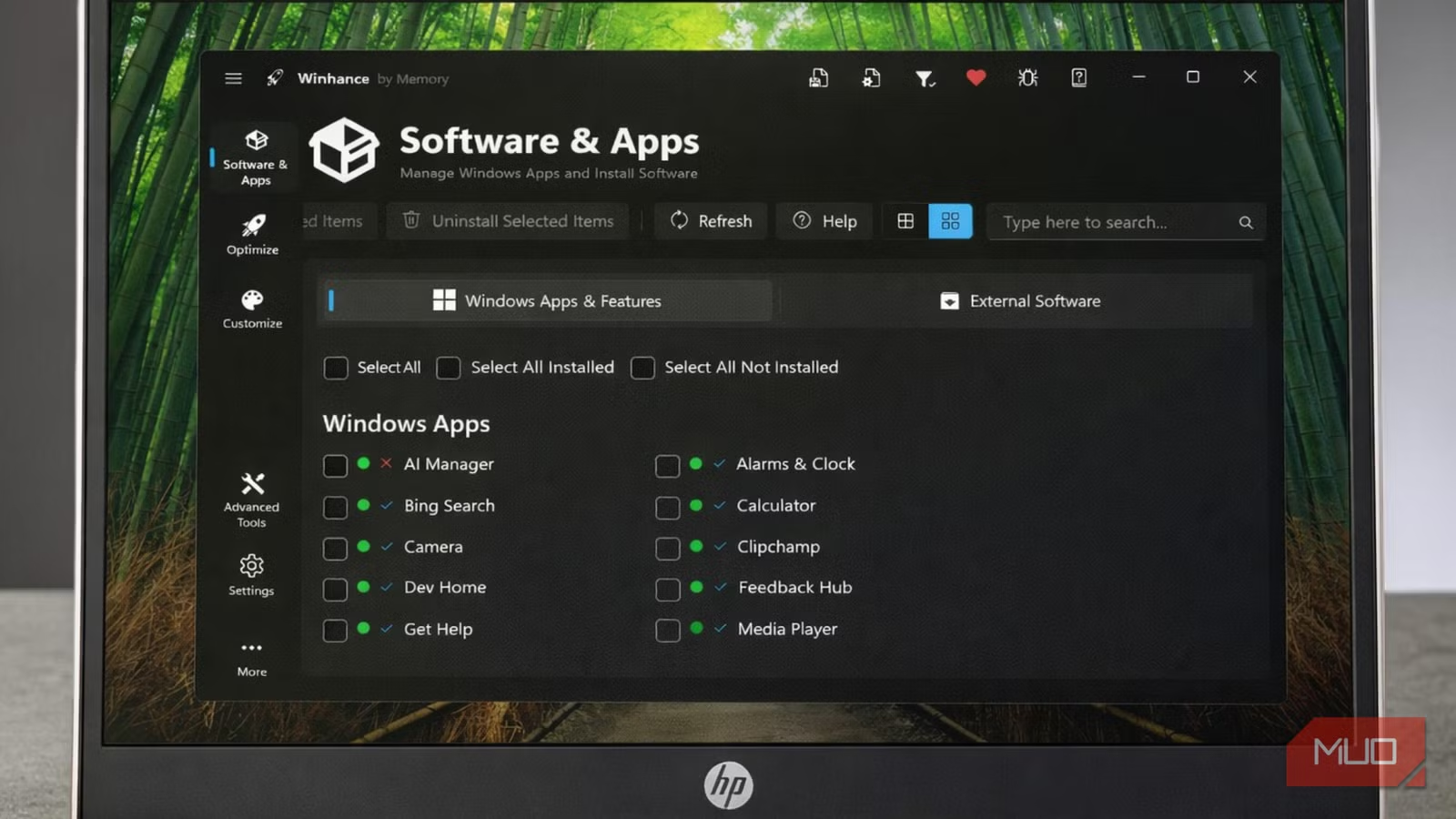
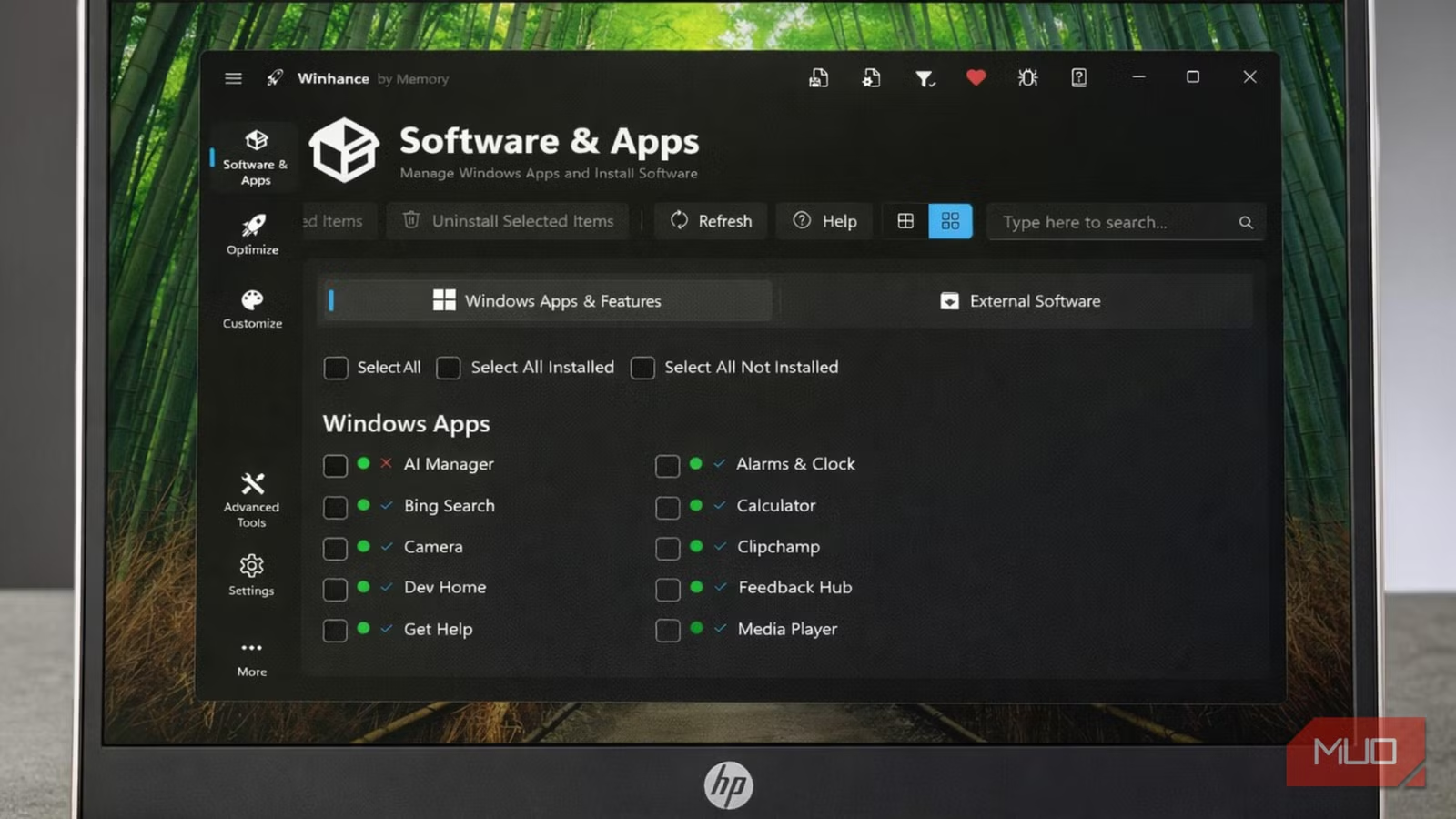
According to [MakeUseOf](https://www.makeuseof.com/i-wont-set-up-windows-again-without-installing-this-free-tool-first/), a free tool called Winhance has become essential for anyone who regularly performs Windows installations, automating the tedious process of removing bloatware and adjusting default settings that Microsoft bakes into every fresh setup.
Here's a number that should concern every CTO: your IT team likely spends 45-60 minutes on every single Windows 11 deployment just removing software your employees will never use. Multiply that across your fleet refresh cycle, and you're looking at serious labor costs burning away on what should be a solved problem.
Why Does Windows 11 Setup Cost IT Teams So Much Time?
Microsoft's default Windows 11 experience comes with opinions. Strong ones. Copilot sits in your taskbar. OneDrive demands credentials before you've finished your coffee. A parade of pre-installed apps that nobody asked for clutters the Start menu. And telemetry settings? They're configured for Microsoft's benefit, not yours.
For an individual user, this is annoying. For an IT department managing 100, 500, or 1,000 machines, it's a resource drain that compounds with every hardware refresh, every re-image, every new hire laptop.
- Pre-installed apps like Candy Crush, TikTok, and Spotify that violate many corporate software policies
- OneDrive auto-configuration that conflicts with enterprise file sharing solutions
- Copilot integration that may not align with AI governance policies
- Telemetry settings that security teams must manually lock down
- Taskbar clutter that reduces employee productivity during onboarding
The original MakeUseOf author put it perfectly: a fresh Windows install feels less like a blank slate and more like moving into an apartment where the previous tenant left all their furniture and your landlord keeps sneaking it back when you go to sleep.
How Do Windows 11 Debloating Tools Save IT Budget?
Winhance started as a PowerShell script created by a developer who spent years in IT support. It evolved into a desktop application with a clean interface that works on both Windows 10 and Windows 11. But the business case isn't about the tool itself. It's about what your IT team can do when they're not manually unchecking boxes and uninstalling apps.
| Task | Manual Process | With Winhance | Time Saved |
|---|---|---|---|
| Remove pre-installed apps | 15-20 minutes | 2 minutes | 85% |
| Adjust privacy settings | 10-15 minutes | 1 minute | 90% |
| Configure taskbar/UI | 5-10 minutes | 1 minute | 80% |
| Disable unwanted services | 10-15 minutes | 2 minutes | 85% |
| Total deployment time | 45-60 minutes | 8-10 minutes | 80% |
Let's run the math for a mid-sized company. If you're deploying 100 machines per year (new hires, replacements, refreshes), and each deployment saves 45 minutes of IT labor, that's 75 hours recovered annually. At a fully-loaded IT support cost of $75 per hour, you're looking at $5,625 in annual savings from a free tool.
What Can Winhance Actually Remove From Windows 11?
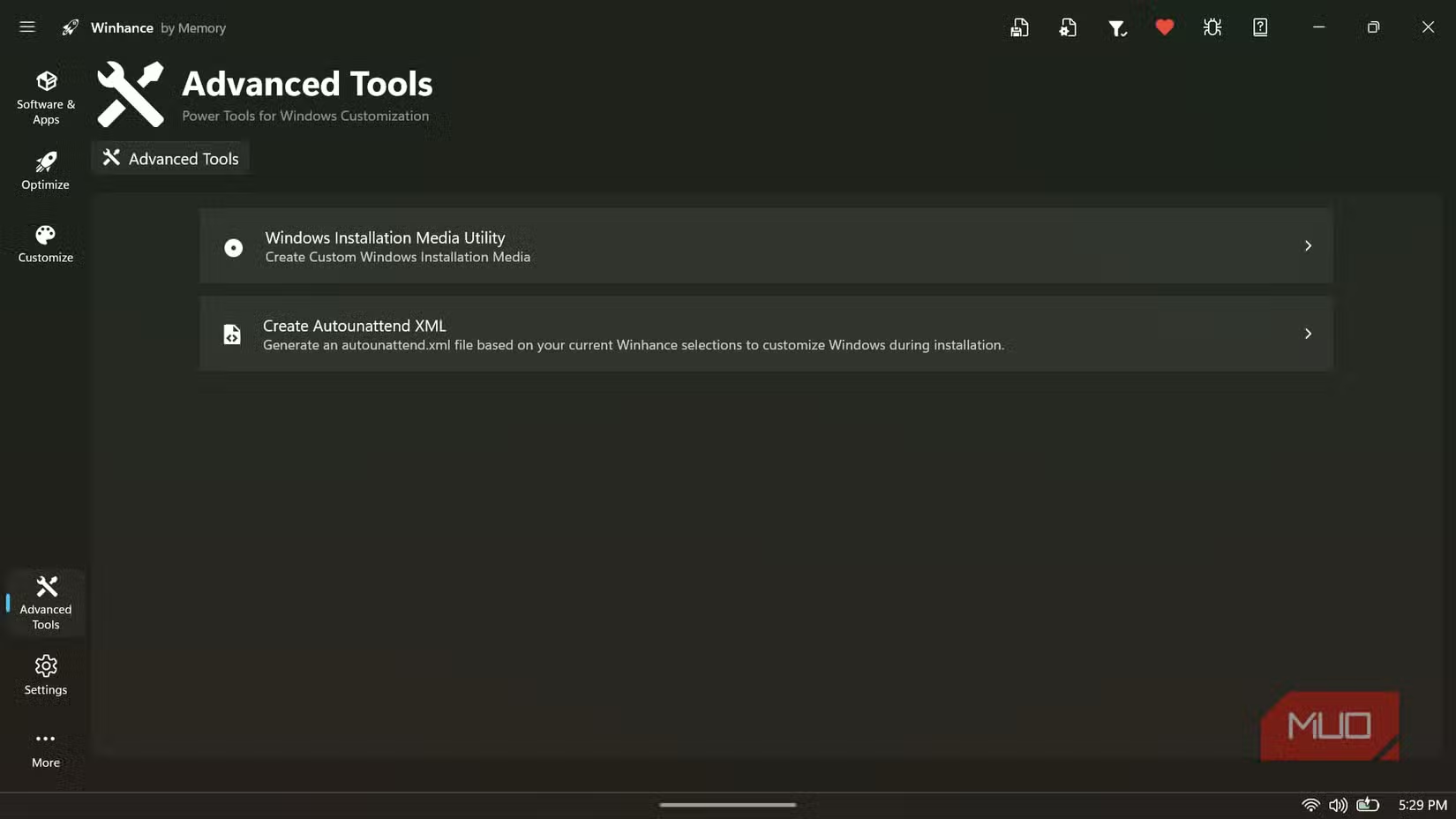
The tool's interface organizes Windows optimization into logical categories that IT administrators can customize based on corporate policy. This isn't a nuclear option that breaks Windows. It's a surgical tool that respects the choices your organization needs to make.
- Bloatware removal: Microsoft's consumer apps, third-party sponsored apps, and games
- Privacy hardening: Telemetry settings, advertising ID, location tracking
- UI customization: Taskbar layout, Start menu configuration, widget removal
- Service optimization: Background processes that consume resources without providing value
- OneDrive management: Complete removal or configuration based on enterprise needs
For organizations already using tools like Microsoft Endpoint Manager or SCCM for deployment, Winhance can complement existing workflows. The PowerShell foundation means it integrates into automated deployment scripts, and IT teams can create standardized configurations that match corporate policy.
If you're optimizing workstation costs, your server infrastructure deserves the same attention
Is Windows Debloating Safe for Enterprise Environments?
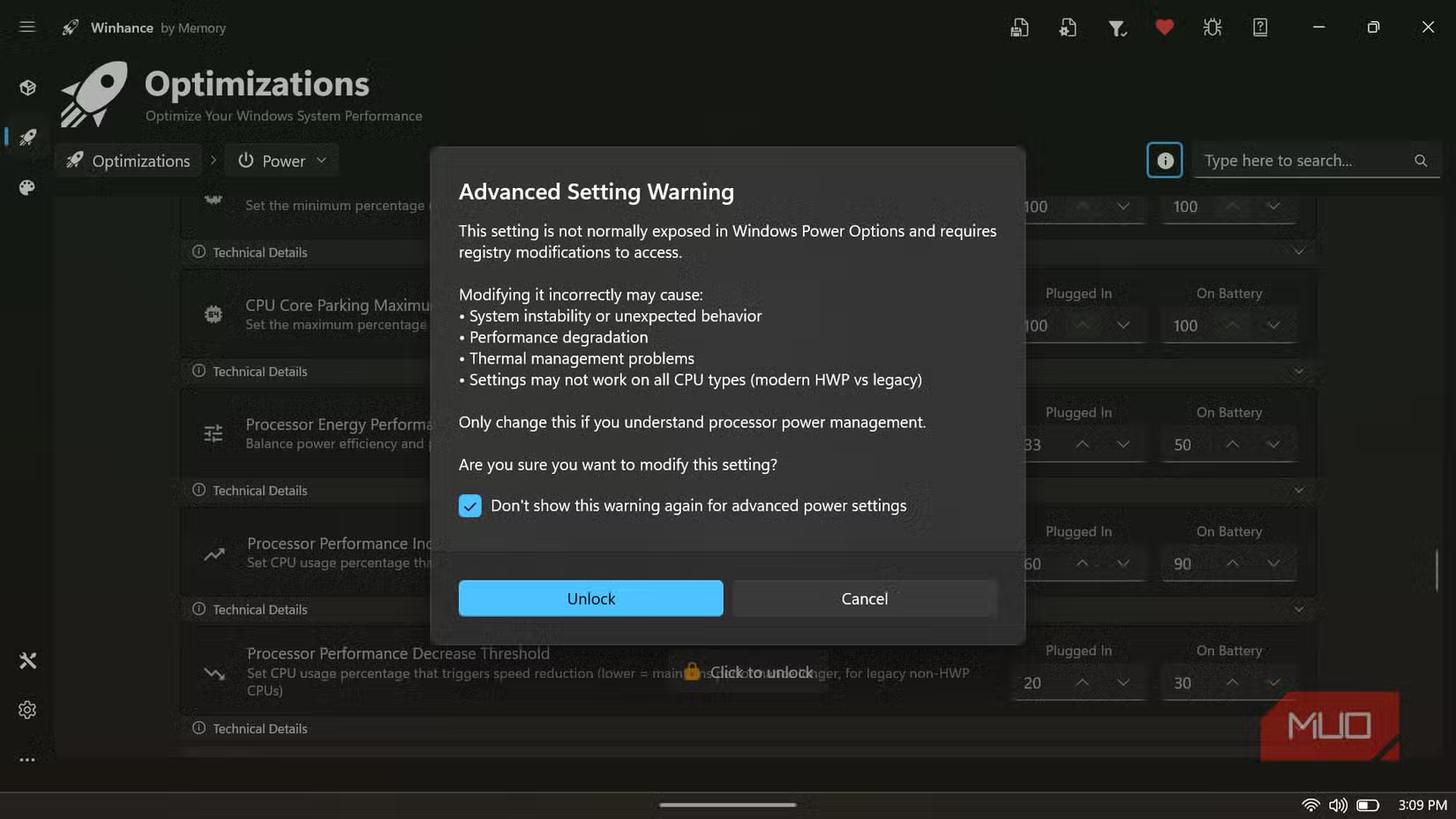
This is the question every IT director asks before deploying any third-party tool. The answer requires nuance. Winhance removes components that Microsoft itself designates as optional. It doesn't touch core system files or disable essential services. But enterprise environments have unique requirements.
✅ Pros
- • Open-source code available for security review
- • Granular control over which components to remove
- • Reversible changes for most settings
- • Active development with regular updates
- • No installation required (portable option available)
❌ Cons
- • May require testing with specific enterprise applications
- • Some removed components may be required by certain LOB apps
- • Not officially supported by Microsoft
- • Requires administrative privileges to run
- • Settings may reset after major Windows updates
The prudent approach: test on a pilot group before wide deployment. Create a golden image with Winhance applied, validate that your line-of-business applications function correctly, then roll out. This is standard practice for any system modification tool.
How Does This Compare to Enterprise Deployment Tools?
Large enterprises already have SCCM, Intune, or similar platforms for Windows deployment. These tools can accomplish similar debloating through policies and task sequences. But they require expertise, licensing costs, and significant setup time. The question isn't whether Winhance replaces enterprise tooling. It's whether Winhance makes sense for your organization's scale.
| Factor | Winhance | Microsoft Intune | SCCM/MECM |
|---|---|---|---|
| Cost | Free | $8-10/user/month | $5,000+ setup |
| Setup complexity | Minimal | Moderate | High |
| Best for org size | 1-500 devices | 100-10,000 devices | 1,000+ devices |
| IT expertise required | Basic | Intermediate | Advanced |
| Policy management | Manual | Centralized | Centralized |
| Ongoing maintenance | Low | Moderate | High |
For startups, SMBs, and even enterprise IT teams handling ad-hoc deployments, Winhance fills a gap. It's the tool you use when spinning up a developer workstation at 4 PM on a Friday, not the foundation of your enterprise device management strategy.
Hardware decisions impact the same bottom line as software optimization
What's the Real ROI of Windows Optimization?
Beyond deployment time savings, optimized Windows installations deliver ongoing benefits that compound over the machine's lifecycle. Fewer background processes mean faster boot times. Reduced telemetry means less network bandwidth consumed by non-productive traffic. Cleaner systems mean fewer help desk tickets about "my computer is slow."
Consider the productivity impact: if 500 employees each save 30 seconds per boot, twice daily (startup and wake from sleep), that's 250 hours of recovered productivity per year. At an average fully-loaded employee cost of $50/hour, you're looking at $12,500 in annual productivity gains from faster machines.
These numbers compound. Faster machines lead to happier employees. Happier employees stay longer. Lower turnover reduces recruiting and training costs. The ROI chain extends far beyond the initial deployment time savings.
How to Deploy Winhance in Your Organization
- Download from winhance.net or use the PowerShell command: irm "https://get.winhance.net" | iex
- Run on a test machine and document which options align with corporate policy
- Create a configuration checklist for consistent deployment across machines
- Test with all business-critical applications before wide rollout
- Consider integrating into existing deployment scripts for automation
- Document the configuration for compliance and audit purposes
For organizations with strict change management processes, treat Winhance deployment like any other software rollout. Document the business justification (IT labor savings), the risk mitigation steps (pilot testing), and the rollback procedure (Windows restore points or re-imaging).
Logicity's Take
We've deployed close to forty development workstations over the past eighteen months for our AI agent projects and client engagements. Every single one runs through a debloating process before any real work begins. Not because we're anti-Microsoft, but because a clean Windows install runs Claude API calls, n8n workflows, and Next.js builds measurably faster when you're not competing with background telemetry and dormant consumer apps for resources. Tools like Winhance formalize what experienced IT teams have done manually for years. The real value for Indian tech businesses isn't just the time savings. It's standardization. When every developer machine starts from the same clean baseline, you eliminate an entire category of "works on my machine" debugging. For agencies and startups shipping production code, that consistency pays dividends long after the initial setup. Our recommendation: if you're deploying more than ten machines per year, automate this process. Whether you use Winhance, a custom PowerShell script, or enterprise tooling depends on your scale. But manual debloating in 2026 is like manually provisioning servers. You can do it, but you're wasting resources that should go toward building your actual product.
Frequently Asked Questions
How much does Winhance cost for business use?
Winhance is completely free, including for commercial and enterprise use. The tool is open-source, which means your security team can audit the code before deployment. There are no licensing fees, per-seat costs, or hidden charges.
Will Windows updates reverse the debloating changes?
Major Windows feature updates (released twice yearly) may restore some removed components and reset certain settings. The solution is to re-run Winhance after major updates or integrate it into your post-update procedures. Minor security updates typically don't affect the changes.
Can Winhance break Microsoft 365 or Teams?
When configured properly, no. Winhance gives granular control over what gets removed. You can remove consumer apps like Candy Crush while preserving business tools like Teams and Microsoft 365. The key is testing your specific configuration before wide deployment.
Is this approach compliant with corporate IT policies?
That depends on your specific policies. Many organizations actually require bloatware removal and telemetry restrictions for security and compliance reasons. Document your Winhance configuration and get approval from your compliance team just as you would with any system modification tool.
How long does it take to implement Winhance organization-wide?
For a pilot deployment, expect 2-4 hours to download, test, and document your configuration. Rolling out to existing machines requires running the tool on each device (10 minutes each) or integrating into re-imaging workflows. For new deployments, add Winhance to your golden image creation process.
Operational efficiency decisions like this compound over time, as top founders understand
Need Help Implementing This?
Logicity helps businesses optimize their IT operations and development workflows. Whether you need help automating Windows deployments, building internal tools, or implementing AI agents that reduce operational overhead, our team brings hands-on experience shipping production systems. Reach out to discuss how we can help your organization work smarter.
Source: MakeUseOf
Manaal Khan
Tech & Innovation Writer
Produced with AI assistance and reviewed by the Logicity editorial team. Learn more in our Editorial Policy.