Key Takeaways
- Businesses report 40-60% reduction in server hardware costs after Proxmox consolidation
- Self-hosted media and automation services eliminate recurring SaaS fees
- Single Proxmox server can replace 5-10 dedicated machines for SMBs
According to [How-To Geek](https://www.howtogeek.com/home-assistant-plex-proxmox-services-you-should-set-up/), Proxmox is a virtualization platform that lets businesses run multiple isolated services on the same machine using containers or virtual machines, making it ideal for consolidating infrastructure.
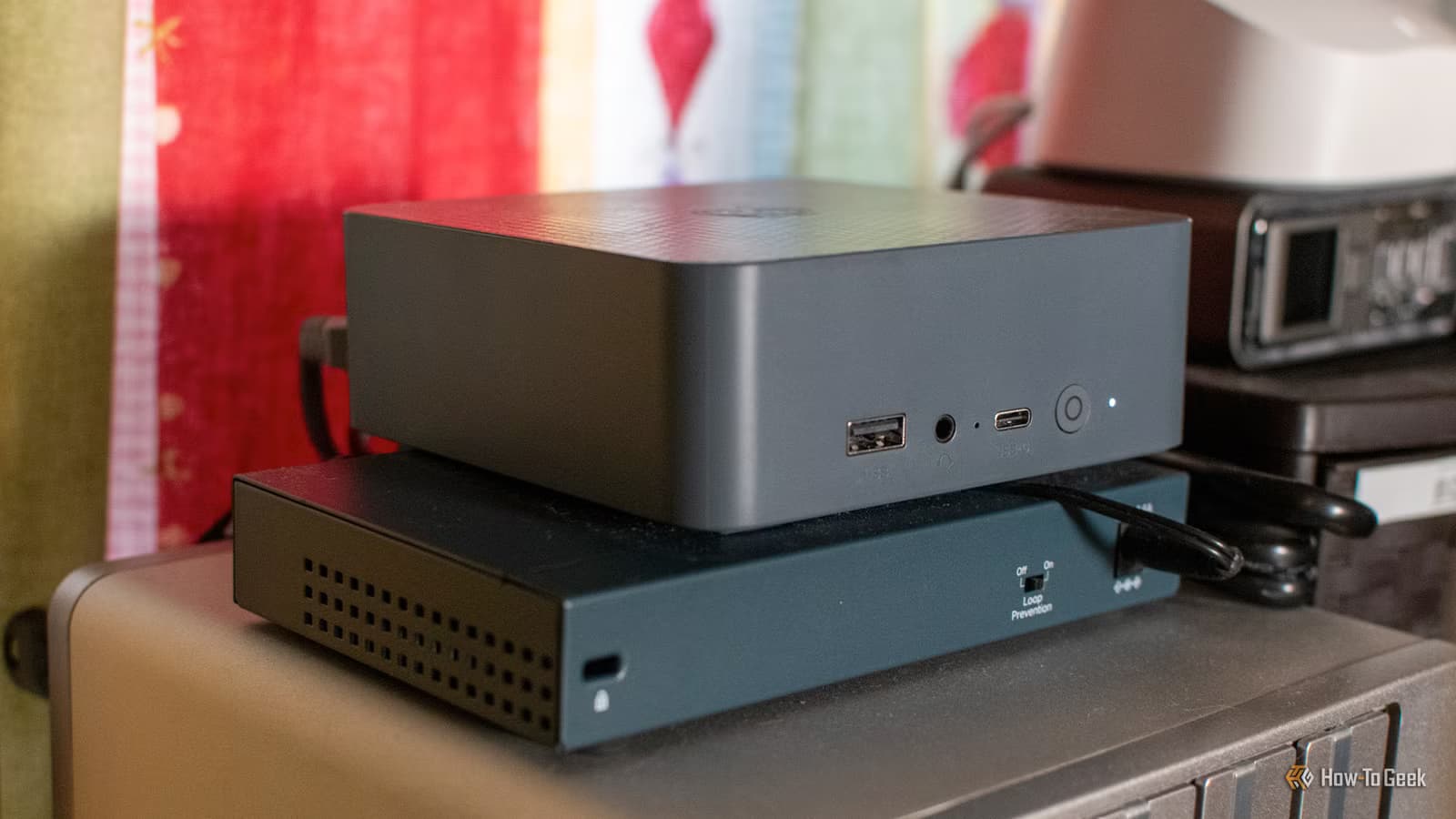
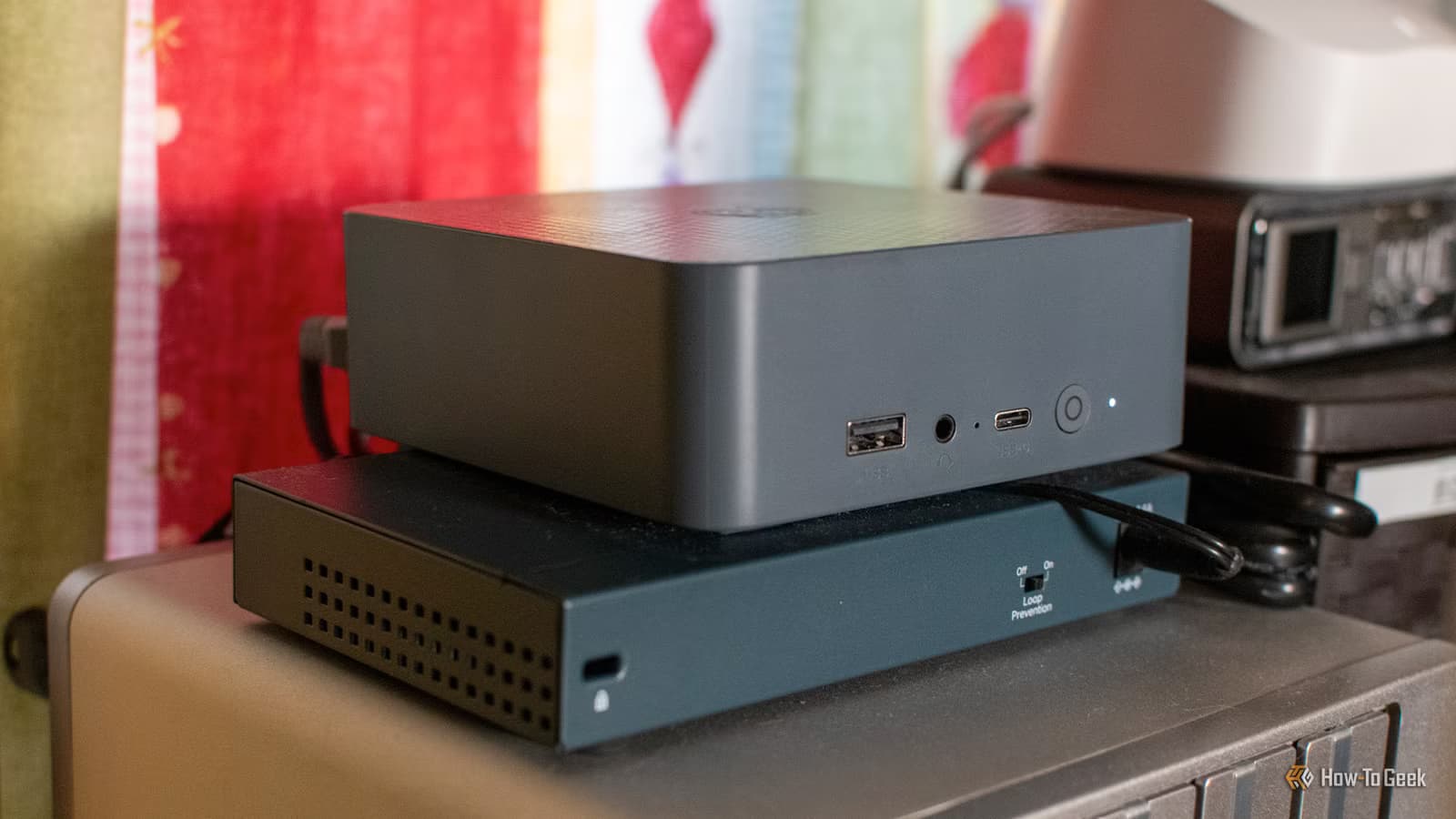
Every CTO faces the same math problem: you need a server for monitoring, another for backups, one for internal tools, maybe one for home automation testing. Before you know it, you're managing a dozen machines, paying for electricity, maintenance, and real estate in your server room. Proxmox solves this by letting you run everything on one piece of hardware.
Why Are Businesses Moving to Self-Hosted Infrastructure?
The SaaS subscription model has reached a breaking point for many organizations. A mid-size company easily spends $50,000+ annually on cloud services that could run on a $3,000 server sitting in their office. The math gets even more attractive when you factor in data sovereignty concerns and the ability to customize everything to your exact needs.
Proxmox is open-source and free to use. You can pay for enterprise support if you want it, but the core platform costs nothing. Compare that to VMware's licensing fees, which recently increased by 300-500% for many customers after the Broadcom acquisition. Suddenly, that "free" option looks pretty strategic.


Executive Summary
Proxmox lets you run 5+ critical services on one server. Key wins: eliminate recurring SaaS fees, gain complete data control, reduce hardware footprint by 80%. Implementation time: 2-5 days for basic setup, 2-4 weeks for full migration.
What Services Should Businesses Self-Host on Proxmox?
Not every service belongs on your own hardware. The sweet spot is services with high recurring costs, predictable resource needs, and data you'd rather keep in-house. Here are five that deliver immediate ROI.
1. Home Assistant for Smart Office Automation
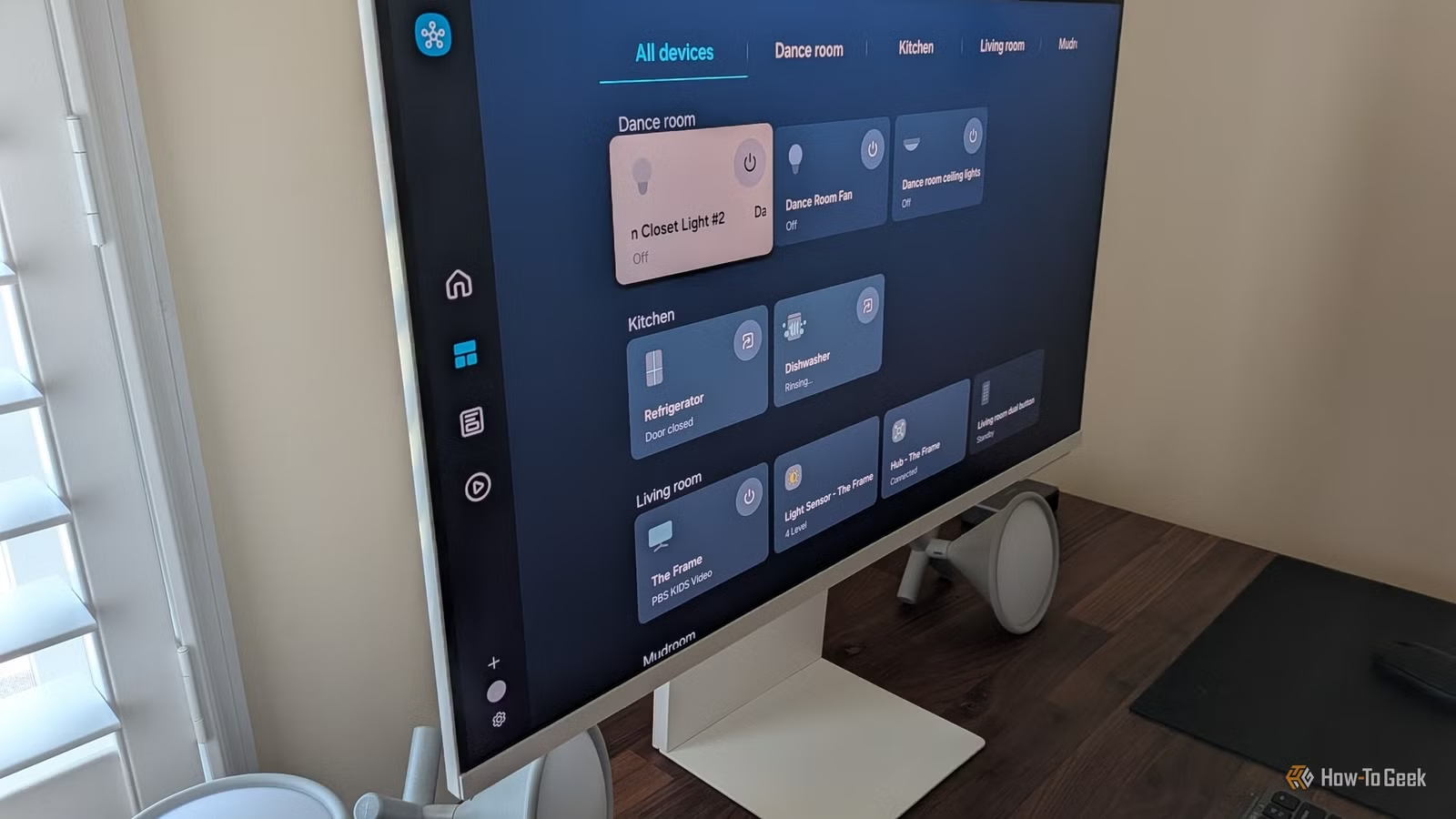
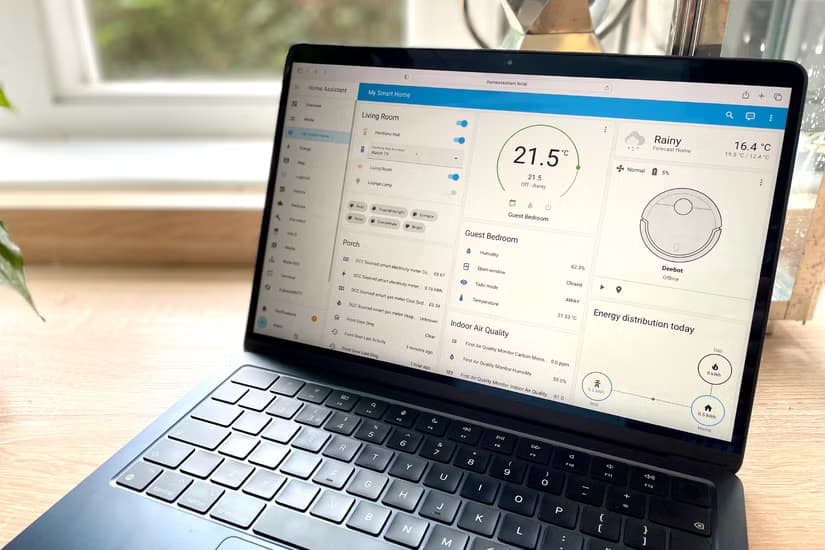
Home Assistant isn't just for home hobbyists. Businesses are using it to automate HVAC scheduling, lighting based on occupancy, and security monitoring. The open-source platform connects to virtually any IoT device, unlike commercial systems locked into specific ecosystems.
Running Home Assistant in a Proxmox VM gives you the full operating system version with access to add-ons. This matters because the add-on store includes enterprise-relevant tools like Node-RED for complex automation workflows and InfluxDB for long-term data storage.
If you're evaluating hardware for office automation projects, our comparison of [ESP32 vs Raspberry Pi for smart office ROI](esp32-vs-raspberry-pi-smart-office-roi-for-business) breaks down the cost-per-sensor economics that matter for scaling deployments.
2. Plex Media Server for Internal Communications
Before you dismiss this as entertainment software, consider how companies actually use internal video. Training materials, recorded meetings, product demos, onboarding content. Hosting this on YouTube or Vimeo means paying subscription fees and giving up control over who can access sensitive content.
A self-hosted Plex server keeps everything on your network. Employees can stream training videos on any device without external dependencies. Mount a NAS or dedicated drive to the Proxmox container, and you've got a private YouTube for your organization.
3. Nextcloud for File Sync and Collaboration
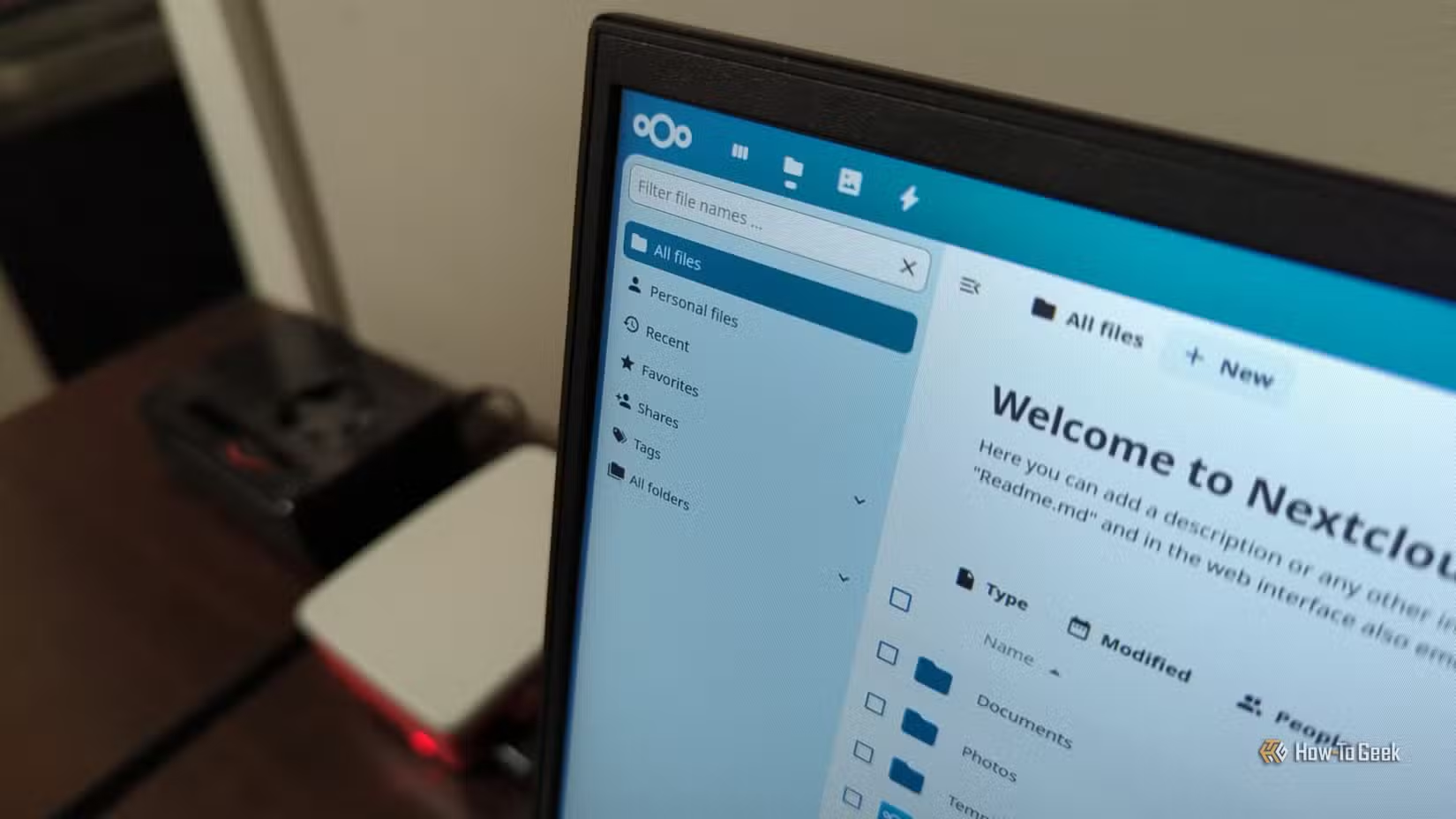
Dropbox Business costs $20 per user per month. For a 50-person company, that's $12,000 annually. Nextcloud gives you the same file sync, calendar sharing, and document collaboration features for the cost of the hardware running it.
The real value is data control. Your files never touch someone else's server. For companies handling sensitive client data or operating in regulated industries, this isn't a nice-to-have. It's a compliance requirement. Running Nextcloud in a Proxmox container takes about 30 minutes to set up.
4. Pi-hole for Network-Wide Ad Blocking
Ads aren't just annoying. They're bandwidth hogs and security risks. Malvertising attacks increased 42% last year, with many delivered through legitimate ad networks. Pi-hole blocks ads and trackers at the DNS level, protecting every device on your network without installing anything on individual machines.
For businesses concerned about AI tools and data privacy, network-level controls become even more important. Understanding [how to protect sensitive information when using AI tools](ai-data-privacy-for-business-protect-sensitive-info-in-chatgpt) is essential as employees adopt these platforms.
5. Uptime Kuma for Infrastructure Monitoring
Monitoring services like Datadog or New Relic can easily cost $30-50 per host per month. Uptime Kuma is a beautiful, self-hosted alternative that monitors websites, APIs, and services with immediate alerts when something goes down.
It won't replace full APM solutions for complex microservices architectures. But for monitoring your critical websites, internal tools, and external dependencies? It's more than enough, and it runs happily in a tiny Proxmox container.
How Much Does Proxmox Self-Hosting Cost?
| Cost Category | Cloud/SaaS Approach | Proxmox Self-Hosted |
|---|---|---|
| Initial Hardware | $0 | $2,000-5,000 (one-time) |
| File Sync (50 users) | $12,000/year | $0 |
| Monitoring (10 hosts) | $6,000/year | $0 |
| Media Server | $1,200/year | $0 |
| Building Automation | $12,000/year | $500 (sensors) |
| 3-Year Total | $93,600 | $5,500 |
The hardware investment pays for itself within 3-6 months for most SMBs. After that, you're essentially running your infrastructure for free, minus electricity and occasional maintenance.
Proxmox vs VMware: What's the Real Difference?
VMware has been the enterprise standard for decades. But Broadcom's acquisition changed the economics dramatically. Perpetual licenses are gone. Subscription pricing hit many customers with 3-5x increases overnight. Suddenly, the "safe" choice became the expensive one.
✅ Pros
- • Proxmox is open-source with no licensing fees
- • Full feature parity for most SMB use cases
- • Active community and extensive documentation
- • Optional paid support starting at $95/year per socket
❌ Cons
- • Smaller talent pool than VMware certified engineers
- • Less polished UI for complex enterprise deployments
- • Some enterprise integrations require more manual setup
- • No phone support without subscription
For companies running fewer than 100 VMs, Proxmox handles everything VMware does at a fraction of the cost. The learning curve is real but manageable. Most IT teams get comfortable within a week.
How Long Does Proxmox Implementation Take?
Most small businesses can have a fully functional Proxmox environment running in under a month. The actual installation takes hours. The rest is planning, testing, and making sure you don't break anything when you switch over.
What Hardware Do You Need for Business Proxmox?
Don't overthink this. A used enterprise server from eBay works fine for most SMBs. Dell PowerEdge or HP ProLiant systems from 3-4 years ago cost $500-1,500 and handle 10+ VMs without breaking a sweat.
- Minimum: 32GB RAM, 4-core CPU, 500GB SSD (handles 3-5 light services)
- Recommended: 64GB RAM, 8-core CPU, 1TB NVMe + 4TB HDD (handles 10+ services)
- Enterprise: 128GB+ RAM, 16+ cores, redundant storage (handles 30+ VMs with room to grow)
RAM is usually the bottleneck. Each VM or container needs its allocation, and you can't overcommit RAM the way you can with CPU. Budget for more RAM than you think you need.
Logicity's Take
We run our internal development infrastructure on Proxmox. For a small agency doing AI agent development and web projects, it handles our staging environments, internal tools, and client demos without any issues. The honest assessment: Proxmox is fantastic for predictable workloads but requires someone who understands Linux basics. If your team has never touched a command line, budget for initial setup help or training. The cost savings are real, we cut our infrastructure spend by roughly 50% after migrating from various cloud services, but so is the learning curve. For Indian startups watching their runway, self-hosting makes tremendous sense once you hit 10-15 employees. Below that, managed services might be worth the premium just so your engineers can focus on product instead of servers.
Common Questions About Proxmox for Business
Frequently Asked Questions
Is Proxmox secure enough for business use?
Yes. Proxmox uses KVM virtualization and LXC containers, both battle-tested in enterprise environments. Regular security updates are released, and you control the entire stack. Many businesses find self-hosted solutions more secure because they eliminate third-party access to their data.
How much does Proxmox support cost?
Proxmox offers subscription tiers starting at $95/year per CPU socket for Community support, up to $510/year for Premium support with 2-hour response times. The free version includes all features but no direct support, you rely on community forums and documentation.
Can Proxmox handle production workloads?
Absolutely. Organizations running hundreds of VMs use Proxmox in production. It supports clustering, high availability, live migration, and automated backups. For most SMB workloads, it's overkill in the best way possible.
What happens if our Proxmox server fails?
Same as any server failure: you restore from backups. Proxmox has built-in backup tools that can snapshot VMs to external storage. For critical workloads, set up a two-node cluster with shared storage for automatic failover.
Should we migrate from VMware to Proxmox?
If you're facing a 300%+ VMware license increase, the math usually favors migration. Proxmox can import VMware VMs directly. Plan for 2-4 weeks of testing before cutting over production workloads. The effort is significant but one-time.
Compare hardware costs for IoT sensors that integrate with your Home Assistant setup
Network-level controls like Pi-hole are just one layer of protecting business data
Need Help Implementing This?
Logicity helps businesses set up self-hosted infrastructure that actually works. From Proxmox deployment to custom automation workflows, we handle the technical complexity so you can focus on running your business. Reach out for a free infrastructure assessment.
Source: How-To Geek
Huma Shazia
Senior AI & Tech Writer
Produced with AI assistance and reviewed by the Logicity editorial team. Learn more in our Editorial Policy.