Key Takeaways
- Zed uses native GPU acceleration (Metal, Vulkan, Direct3D) instead of Electron's browser-based rendering
- The editor starts in about 0.4 seconds and targets 120 FPS for a game-like coding experience
- Built in Rust by the creators of Atom, Zed compiles directly to machine code with no JavaScript overhead
The Electron Tax We've Accepted
If you've spent years coding in VS Code, you know the feeling. The interface stutters on large projects. Extensions pile up. Memory usage creeps toward gigabytes. We've accepted this as the cost of modern development tooling.
Jorge Aguilar, writing for How-To Geek, finally hit his breaking point. After years of tolerating VS Code's performance issues, he switched to Zed. Now he says going back "genuinely feels like the editor is fighting you."
The culprit is Electron. VS Code runs inside what is essentially a full web browser bundled as a desktop app. Every keystroke travels through your operating system, a JavaScript engine, layout calculations, and finally to your GPU. That's a lot of steps for something that should feel instant.
JavaScript's garbage collector makes things worse. It periodically pauses everything to clean up memory, causing those brief stutters during long coding sessions. You might not notice them consciously, but they add friction.
How Zed Bypasses the Browser Stack
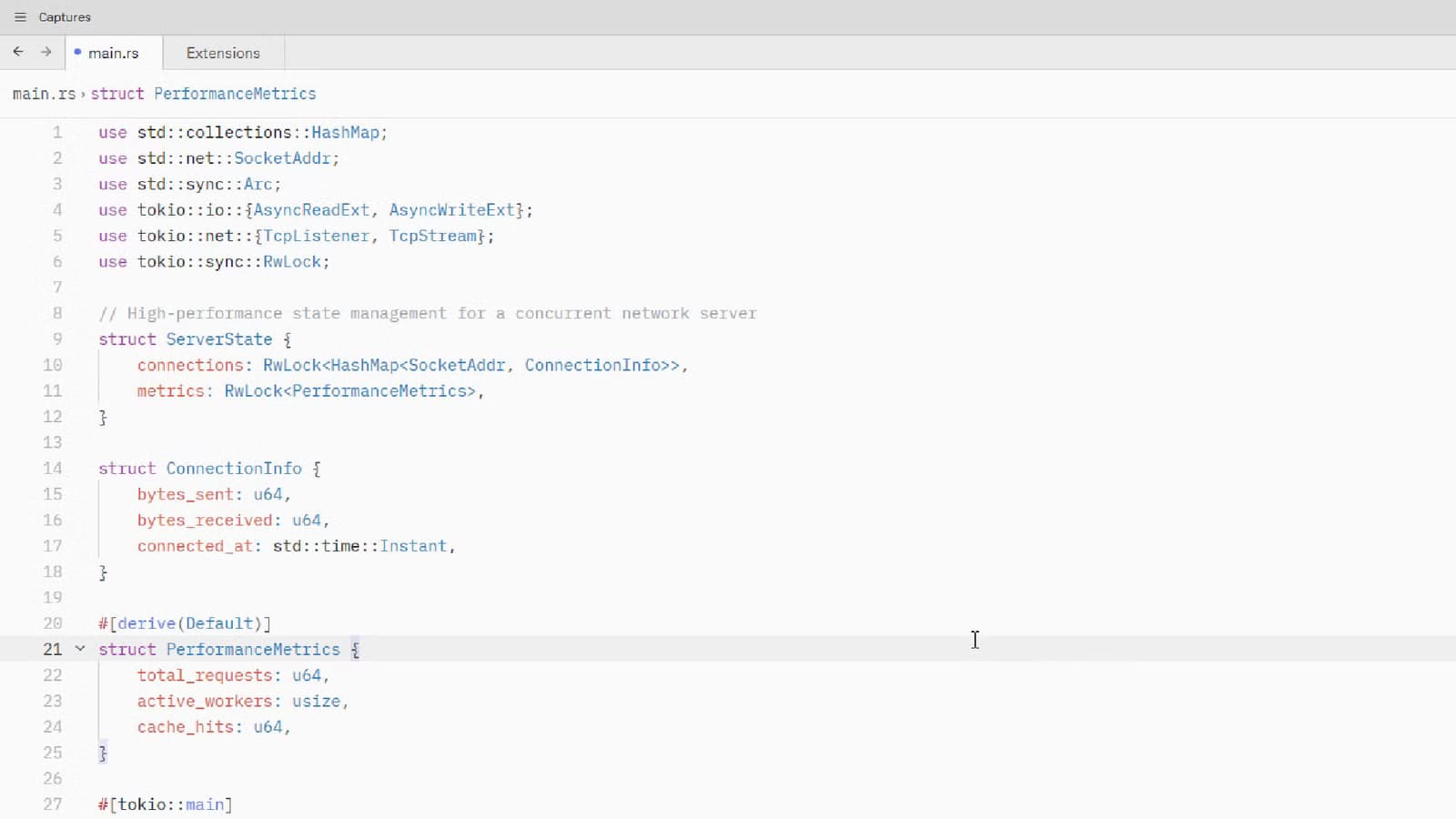
Zed takes a fundamentally different approach. It's built in Rust, which compiles directly to machine code. There's no JavaScript layer, no garbage collector pauses, no browser-style layout recalculations.
“The goal was to build an editor that doesn't feel like a web app, leveraging the full power of the GPU.”
— Max Brunsfeld, Co-founder of Zed
Instead of treating the editor like a webpage that needs constant recalculation, Zed renders directly to your graphics card. On macOS it uses Metal. On Linux, Vulkan. On Windows, Direct3D. These are the same low-level graphics APIs that video games use.
The result is an editor that targets 120 FPS rendering with typical startup times around 0.4 seconds. Compare that to VS Code, which can take several seconds to become responsive, especially with extensions loaded.
The Team Behind Zed
Zed comes from the same team that built Atom, the text editor that GitHub later acquired and eventually discontinued. They learned from Atom's performance limitations and started fresh with a Rust foundation.
The project went open source in 2024, which sparked significant adoption. Zed's X account has grown to over 64,600 followers, and the editor has become a regular topic on HackerNews and Reddit developer communities.
“Zed is not just another editor; it's a high-performance engine for code that feels more like a game than a text editor.”
— Fireship, Tech Creator
The Trade-off: Speed vs. Extensions
Zed isn't a drop-in VS Code replacement. The main gap is the extension ecosystem. VS Code has thousands of extensions covering nearly every language, framework, and workflow imaginable. Zed's extension library is growing but much smaller.
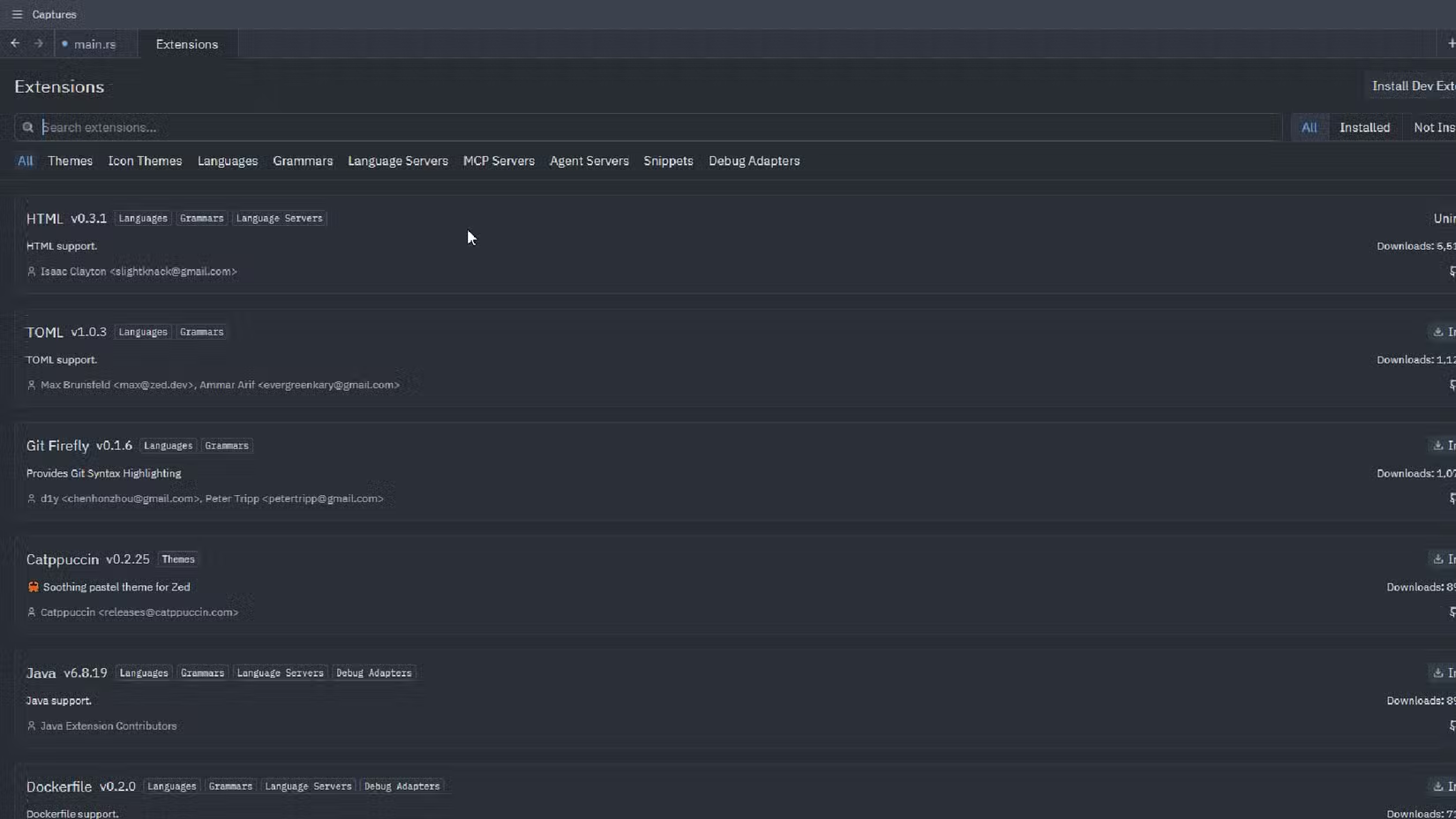
Community reactions are split along predictable lines. Performance enthusiasts and developers who work on large codebases have migrated eagerly. Others stay with VS Code because they depend on specific plugins or have workflows built around extensions that don't exist in Zed yet.
✅ Pros
- • Native GPU rendering at 120 FPS
- • Sub-second startup time
- • Built in Rust with no garbage collection pauses
- • Open source with active development
❌ Cons
- • Smaller extension ecosystem than VS Code
- • Some workflows may need adjustment
- • Newer project with fewer community resources
Resource Usage in Practice
Beyond raw speed, Zed uses significantly fewer system resources. Where VS Code can consume gigabytes of RAM with a moderate number of extensions and open files, Zed stays lean.
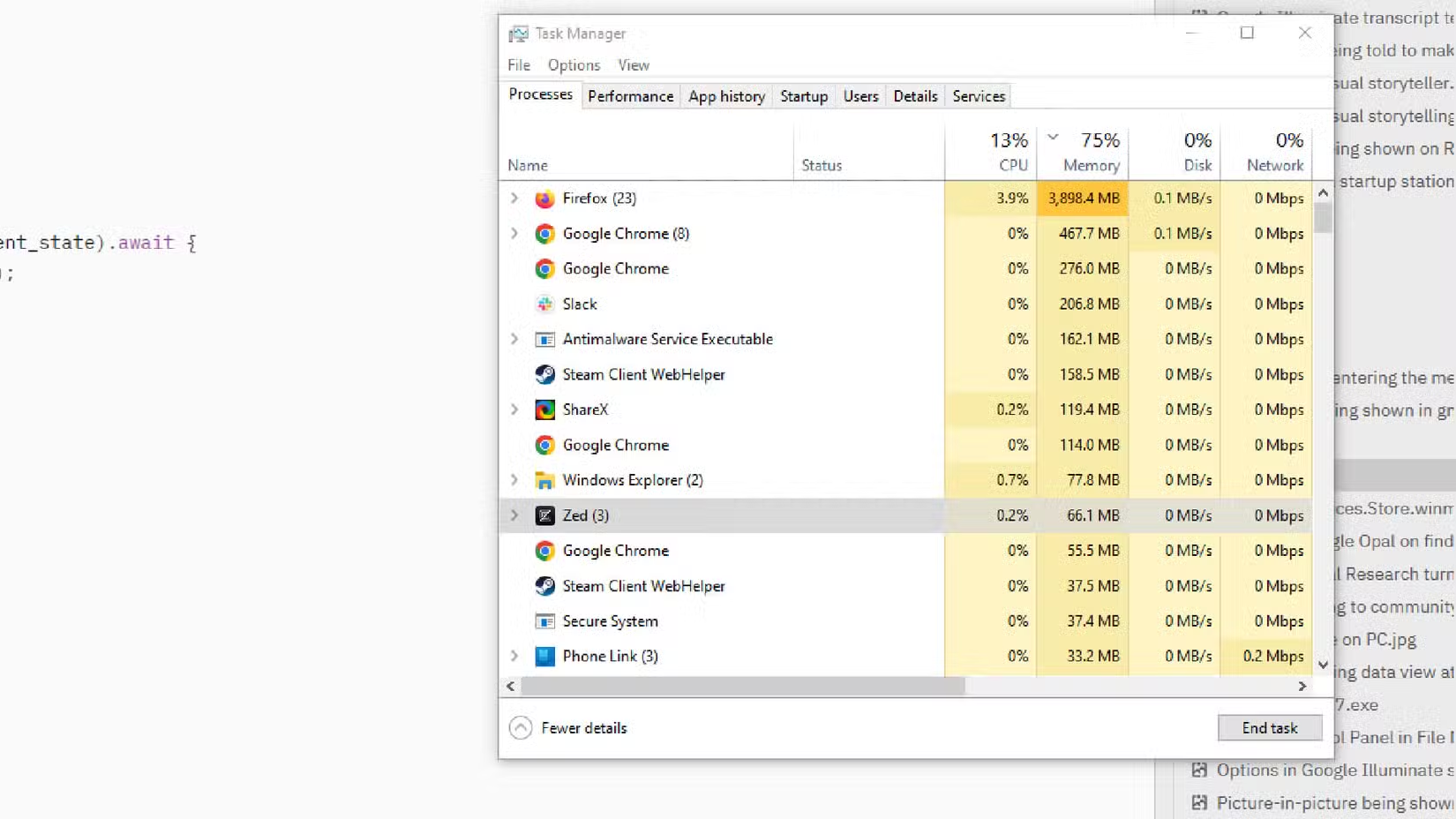
This matters if you're running your editor alongside other demanding applications. Build processes, Docker containers, and browser dev tools all compete for memory. An editor that stays light leaves more headroom for everything else.
Should You Switch?
If VS Code's sluggishness has never bothered you, Zed won't change your life. But if you've felt the stutters, watched your memory usage climb, or just want your tools to feel faster, it's worth a serious trial.
Start by using Zed for a small project where you don't depend on VS Code extensions. See if the speed difference matters to your workflow. For many developers, the answer is a clear yes.
Logicity's Take
More tools for developers who care about performance
Frequently Asked Questions
Is Zed free to use?
Yes. Zed is open source and free. The project went open source in 2024 and is available on GitHub.
Does Zed support Windows?
Yes. Zed uses Direct3D on Windows, Metal on macOS, and Vulkan on Linux for native GPU rendering across all major platforms.
Can I use VS Code extensions in Zed?
No. Zed has its own extension system. The extension library is smaller than VS Code's but growing. Check Zed's extension browser to see if your must-have plugins are available.
Who made Zed?
Zed was built by the team behind Atom, the text editor GitHub acquired. Co-founder Max Brunsfeld and others started fresh with Rust after seeing Atom's performance limitations.
How fast is Zed compared to VS Code?
Zed targets 120 FPS rendering and starts in about 0.4 seconds. VS Code, running on Electron, typically takes longer to start and can stutter during heavy use.
Need Help Implementing This?
Source: How-To Geek
Huma Shazia
Senior AI & Tech Writer
Produced with AI assistance and reviewed by the Logicity editorial team. Learn more in our Editorial Policy.