Key Takeaways
- Multiple smart home hubs including Revolv, Insteon, and Wink have failed or degraded, leaving users stranded
- Cloud infrastructure and maintenance costs make proprietary hubs financially precarious for companies
- Open-source alternatives like Home Assistant offer protection against sudden shutdowns
The graveyard of smart home hubs keeps growing
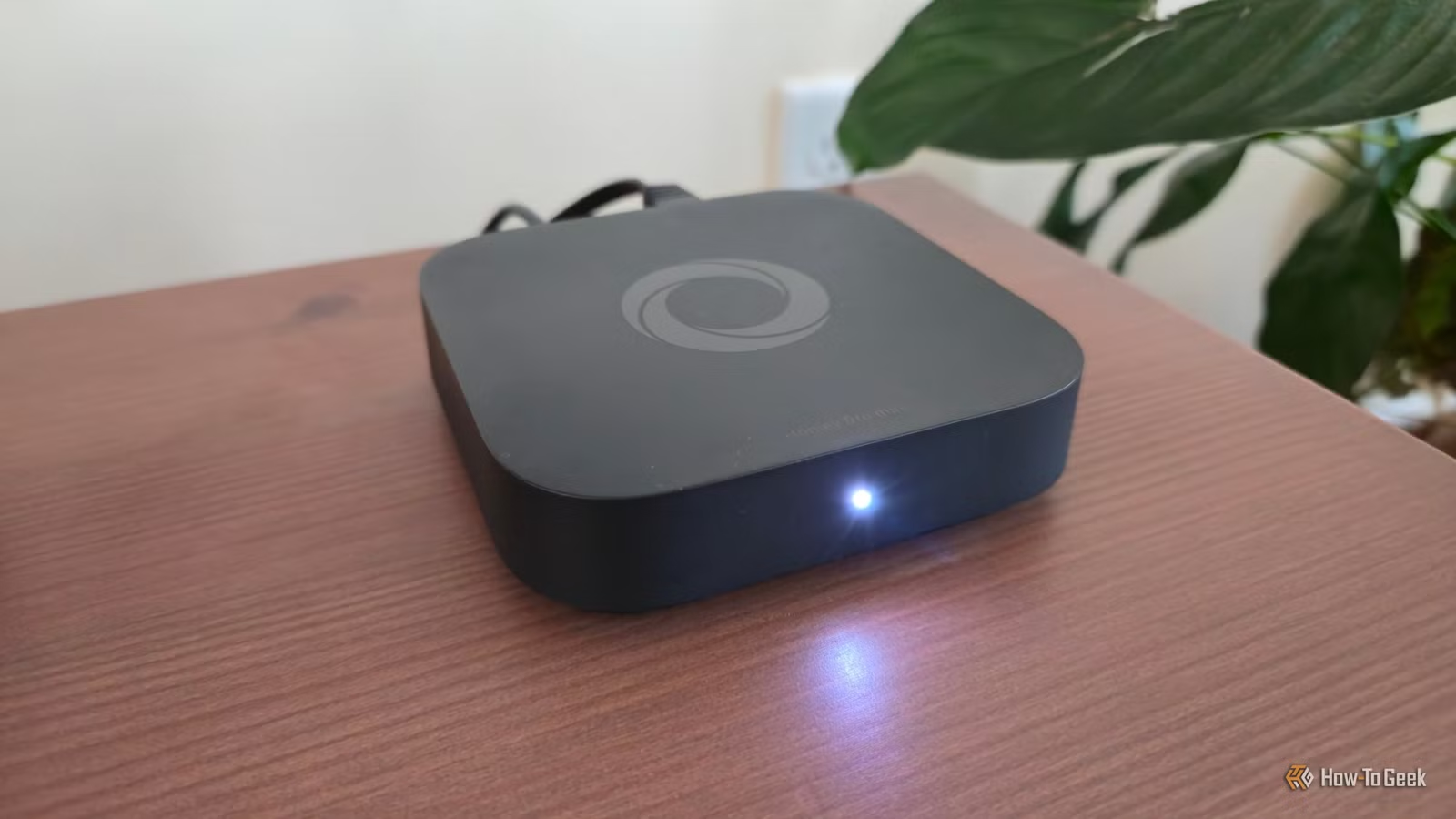
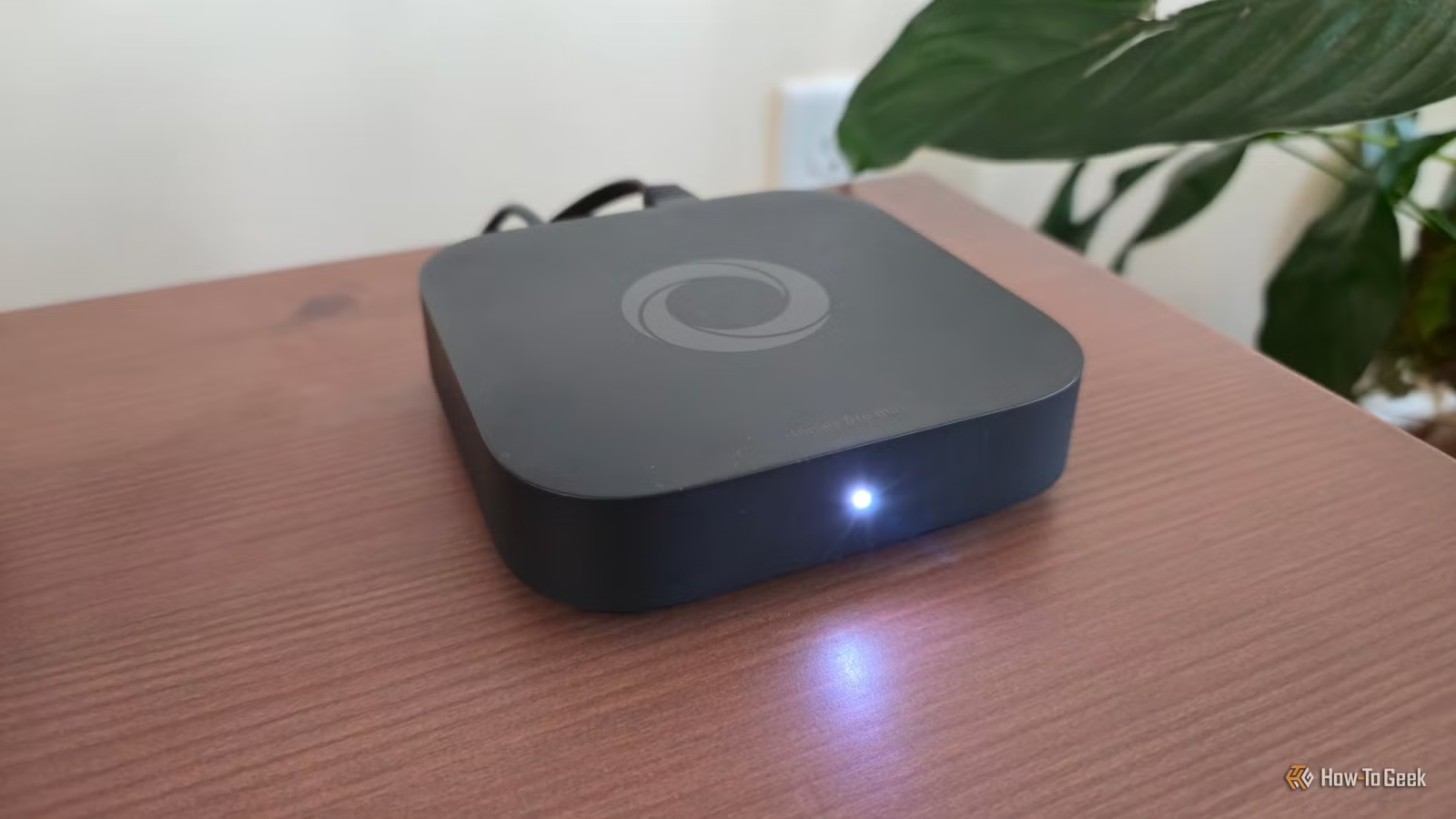
You bought a smart home hub expecting years of reliable service. Maybe you imagined controlling lights, thermostats, and locks from a single app for the foreseeable future. But the smart home industry has other plans.
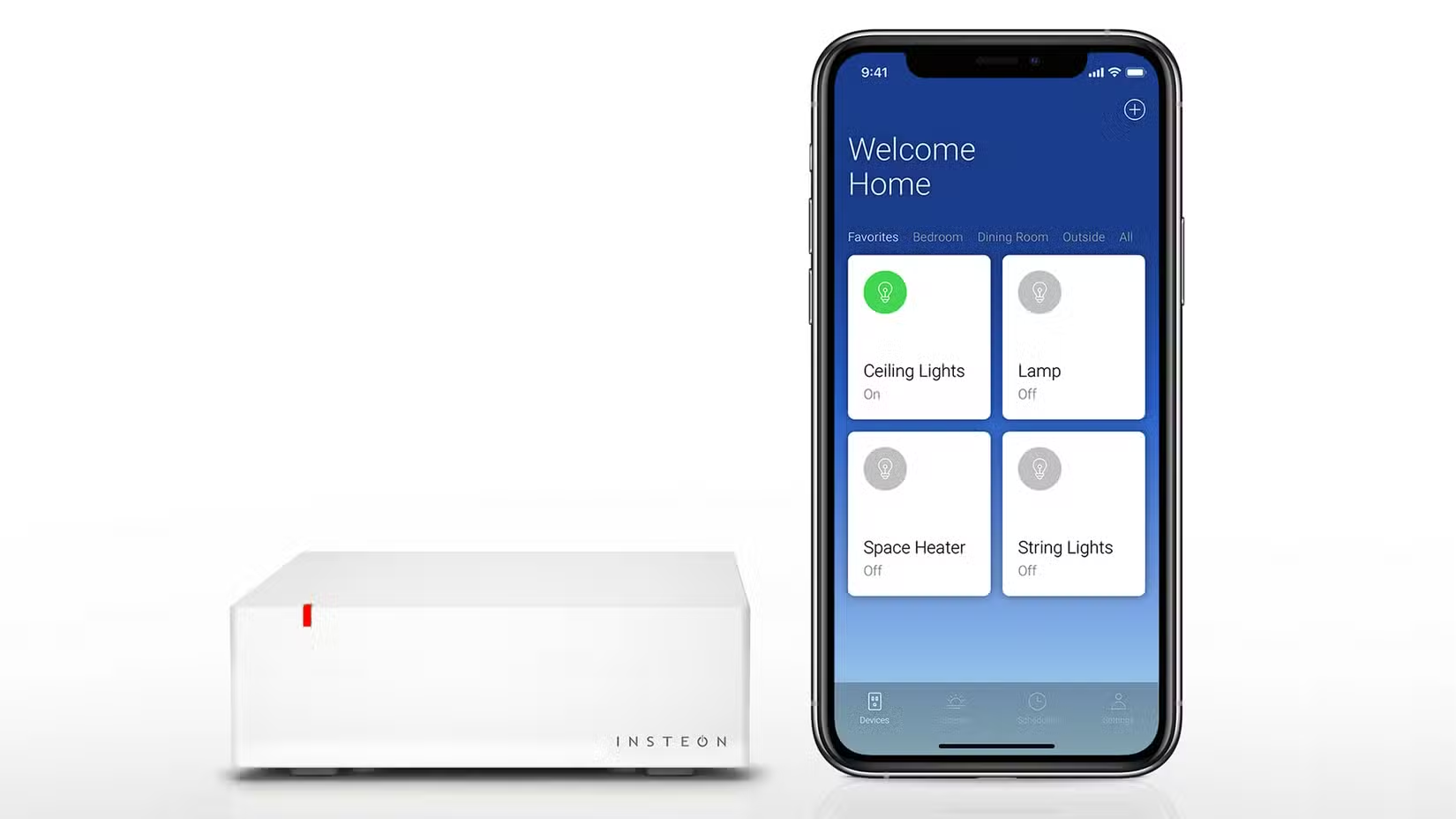
The list of dead smart home hubs is surprisingly long. Revolv smart home hubs were sold with a "lifetime" subscription. Then Google acquired the company, shut it down, and turned those hubs into bricks. Insteon's servers went dark overnight. Users woke up unable to access the cloud authentication they needed to sign in to their own hubs. Wink didn't shut down entirely, but it started charging for features that had previously been free.
Each of these hubs worked perfectly fine as hardware. The electronics inside were still functional. But without server support, they became expensive paperweights. A smart home hub in perfect working order can be rendered useless the moment a company decides to pull the plug.
Why even big companies abandon their hubs
Running a proprietary smart home hub is expensive. Companies need cloud infrastructure to keep everything connected. They need teams for regular security updates. They need developers maintaining apps and adding support for new devices and protocols. All of this costs real money, month after month.
At some point, the math stops working. When supporting a smart home hub stops being financially viable, the simplest option is to pull the plug. Companies don't announce this ahead of time. They don't give you a year to migrate. They just stop.
The alternative is finding new revenue streams. Wink chose the subscription route. Free features suddenly required payment. Users who had already paid for hardware were now being asked to pay monthly just to keep using it.
Your devices will outlive your hub
Here's the uncomfortable truth: the smart bulbs, sensors, and switches you've installed throughout your home will likely outlast whatever hub you're using to control them. A good smart switch can last a decade. The company behind your hub might not.
This creates a planning problem. You've invested money in devices, time in setting up automations, and effort in making everything work together. When your hub dies or gets discontinued, you lose all of that integration work. The devices still work, but the brain coordinating them is gone.
How to protect your smart home investment
The best protection against hub death is avoiding proprietary lock-in entirely. Open-source alternatives like Home Assistant run locally on hardware you own. There's no cloud server that can be shut down. No company can decide your hub is no longer profitable to support.
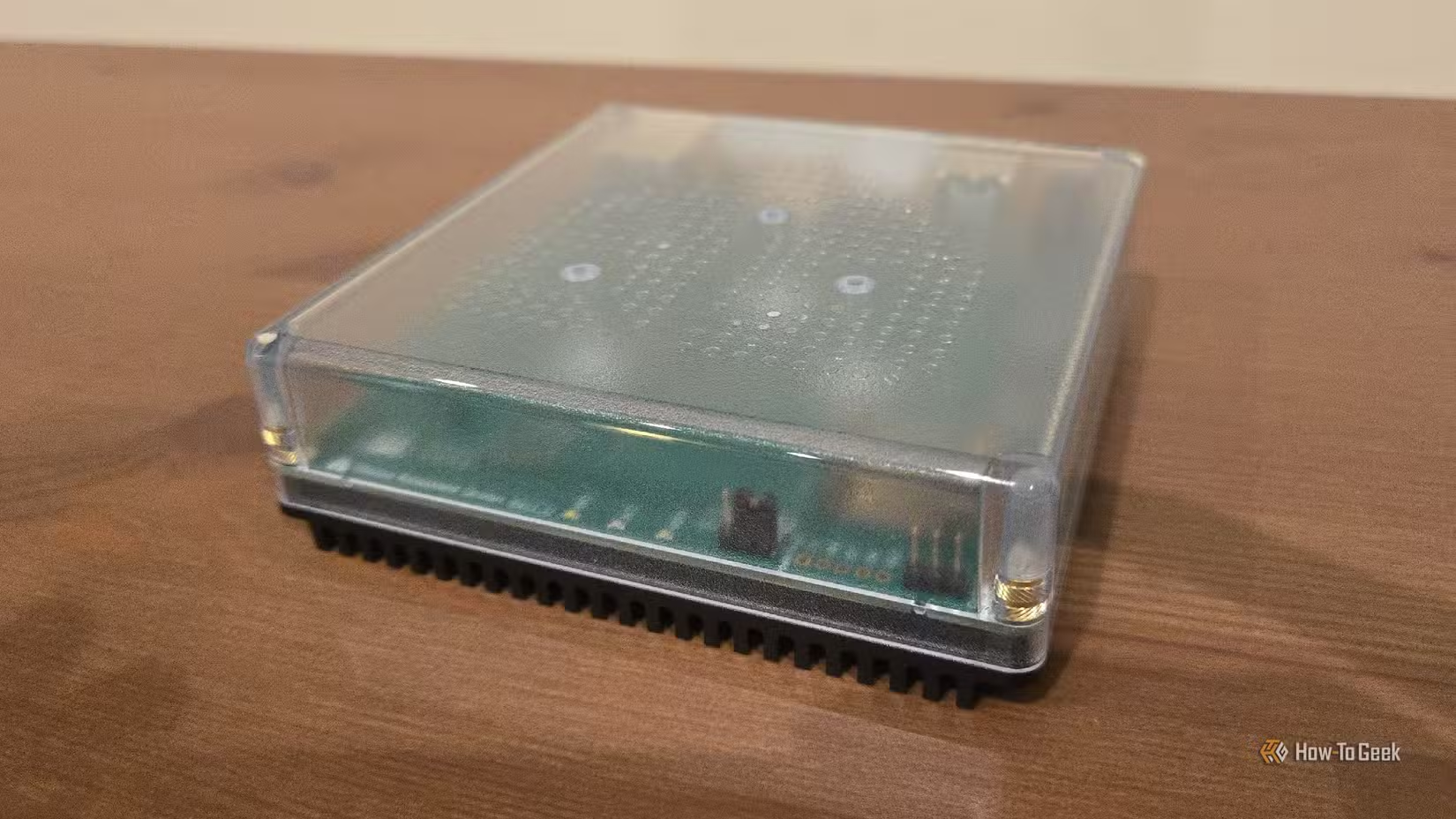
The Home Assistant Green is a pre-built hub directly from the Home Assistant team. It's a plug-and-play solution that comes with everything you need to set up Home Assistant without installing software yourself. At $179, it's priced competitively with proprietary hubs but runs entirely locally.
The ideal smart home should work with minimal interaction. Automations should run as if by magic rather than requiring you to push buttons on a control panel. Home Assistant makes this possible while keeping you in control of the infrastructure.
Choosing devices that survive hub changes
Beyond picking the right hub, you should choose devices that support open standards. Zigbee, Z-Wave, and Matter devices can work with multiple hub platforms. If your current hub dies, these devices can migrate to a new system.
Devices locked to a single ecosystem are the most vulnerable. If the only way to control a smart lock is through one company's app, you're betting that company will exist and support that lock for as long as you own your home. That's often a bad bet.
Logicity's Take
Planning for the inevitable
Even if you're happy with your current hub, it makes sense to plan for its eventual death. Document your automations. Keep a list of which devices use which protocols. Know which ones can migrate to another platform and which ones can't.
When buying new smart home devices, ask yourself: what happens if this company goes away? If the answer is "this device becomes useless," consider alternatives. The few extra dollars for a standard-compliant device is insurance against future heartbreak.
Practical examples of what Home Assistant can do once you've made the switch
Frequently Asked Questions
What smart home hubs have been discontinued?
Revolv was bricked after Google acquired and shut down the company. Insteon's servers went dark overnight without warning. Wink remains operational but moved previously free features behind a paywall.
Is Home Assistant better than proprietary smart home hubs?
Home Assistant runs locally on hardware you own, so no company can shut it down. It supports more devices than most proprietary hubs and has an active open-source community maintaining it.
What smart home standards are most future-proof?
Zigbee, Z-Wave, and Matter are open standards supported by multiple hub platforms. Devices using these protocols can typically migrate to a new hub if your current one fails or gets discontinued.
How much does Home Assistant Green cost?
Home Assistant Green costs $179 and is a plug-and-play hub that comes ready to use without needing to install software yourself.
Need Help Implementing This?
Source: How-To Geek
Manaal Khan
Tech & Innovation Writer
Produced with AI assistance and reviewed by the Logicity editorial team. Learn more in our Editorial Policy.