Key Takeaways
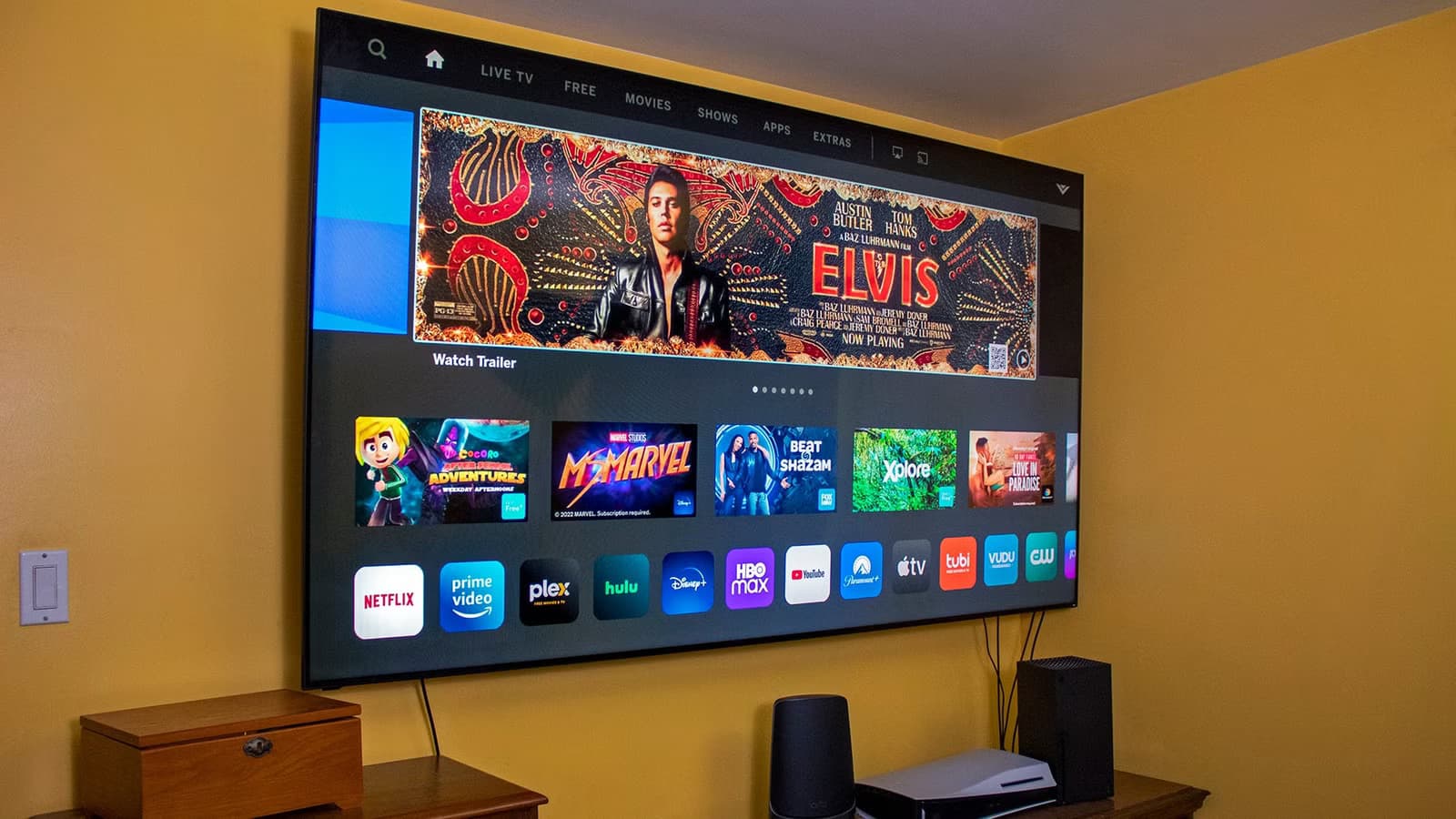
- Motion smoothing creates the 'soap opera effect' and can be disabled in settings under names like TruMotion, Auto Motion Plus, or Motionflow
- Wired Ethernet connections eliminate buffering issues caused by Wi-Fi interference from walls, microwaves, and neighboring networks
- Default smart TV settings prioritize showroom appearance over home viewing quality
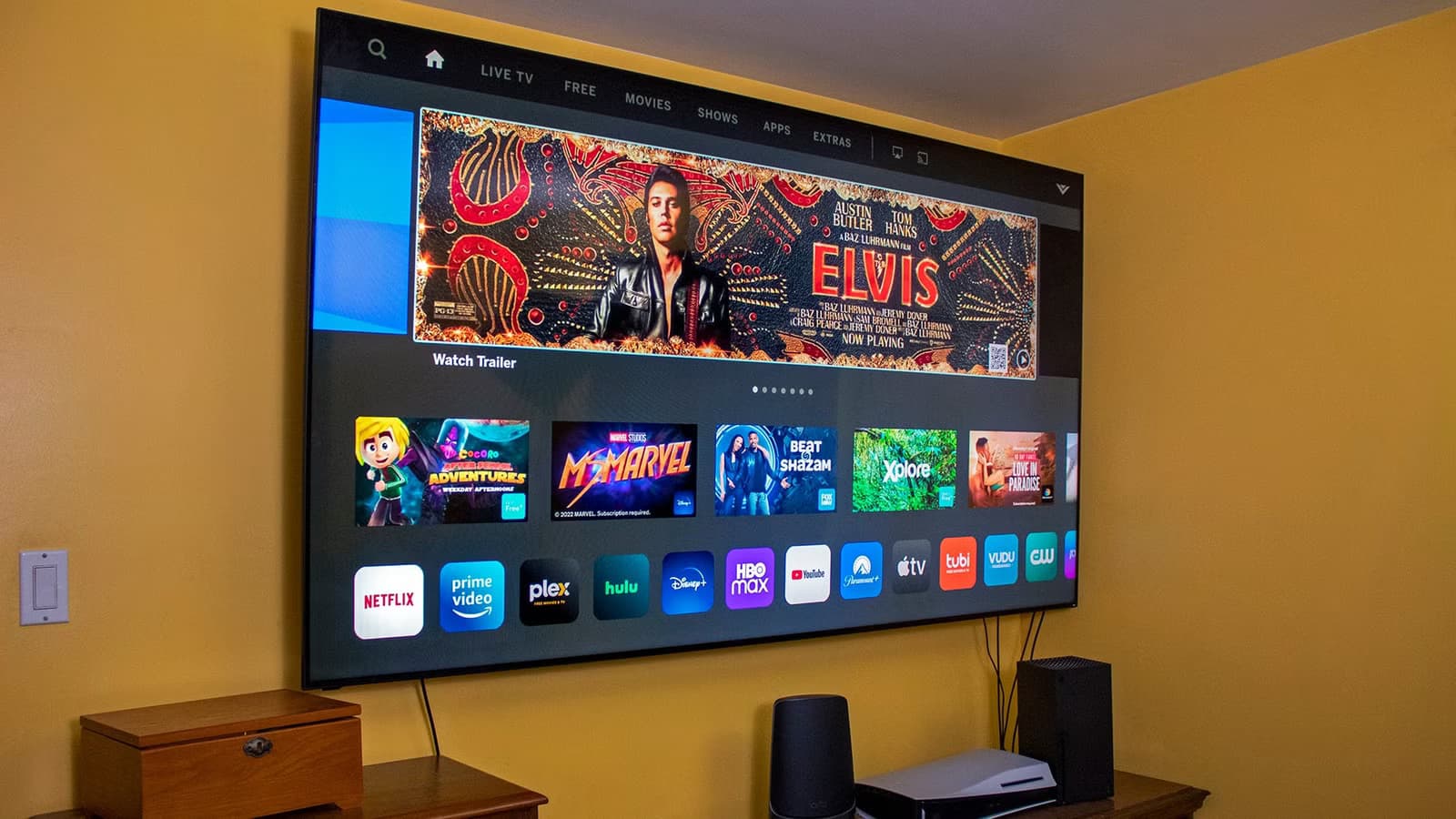
That new smart TV looked incredible in the store. Now it's in your living room, and something feels off. Movies look like they were shot on a camcorder. Streaming keeps buffering. Your viewing data is being tracked by default.
The problem isn't the hardware. It's the factory settings. TV manufacturers configure displays for bright showroom floors, not dimly lit living rooms. They enable features that look smooth but destroy cinematic texture. They default to Wi-Fi when Ethernet would solve your connection issues.
The good news: these fixes take minutes, cost nothing, and work on any brand. Here are five settings to change today.
1. Disable Motion Smoothing
If movies on your new TV look strange, like they were filmed on a home video camera, you're seeing motion smoothing. The industry calls this the "soap opera effect" because it makes Hollywood productions look like daytime television.
Here's what's happening: most films are shot at 24 frames per second. That's intentional. The slight motion blur creates the cinematic look audiences expect. Modern TVs have refresh rates of 60Hz or 120Hz, so they use motion interpolation (also called MEMC) to fill the gap. The TV's processor guesses what should appear between real frames and inserts artificial ones.
The result looks fluid. Too fluid. It strips away the texture that makes movies feel like movies.
Every brand hides this setting under a different name. Samsung calls it Auto Motion Plus. LG uses TruMotion. Vizio labels it Clear Action. Sony went with Motionflow. Search your picture settings for these terms and turn them off.
The faster fix: switch to Filmmaker Mode or Cinema Mode. Both automatically disable motion smoothing and adjust other settings to match how directors intended their work to appear.
2. Switch to Wired Ethernet
Wi-Fi is convenient. It's also the reason your 4K stream keeps dropping to fuzzy 720p mid-scene.
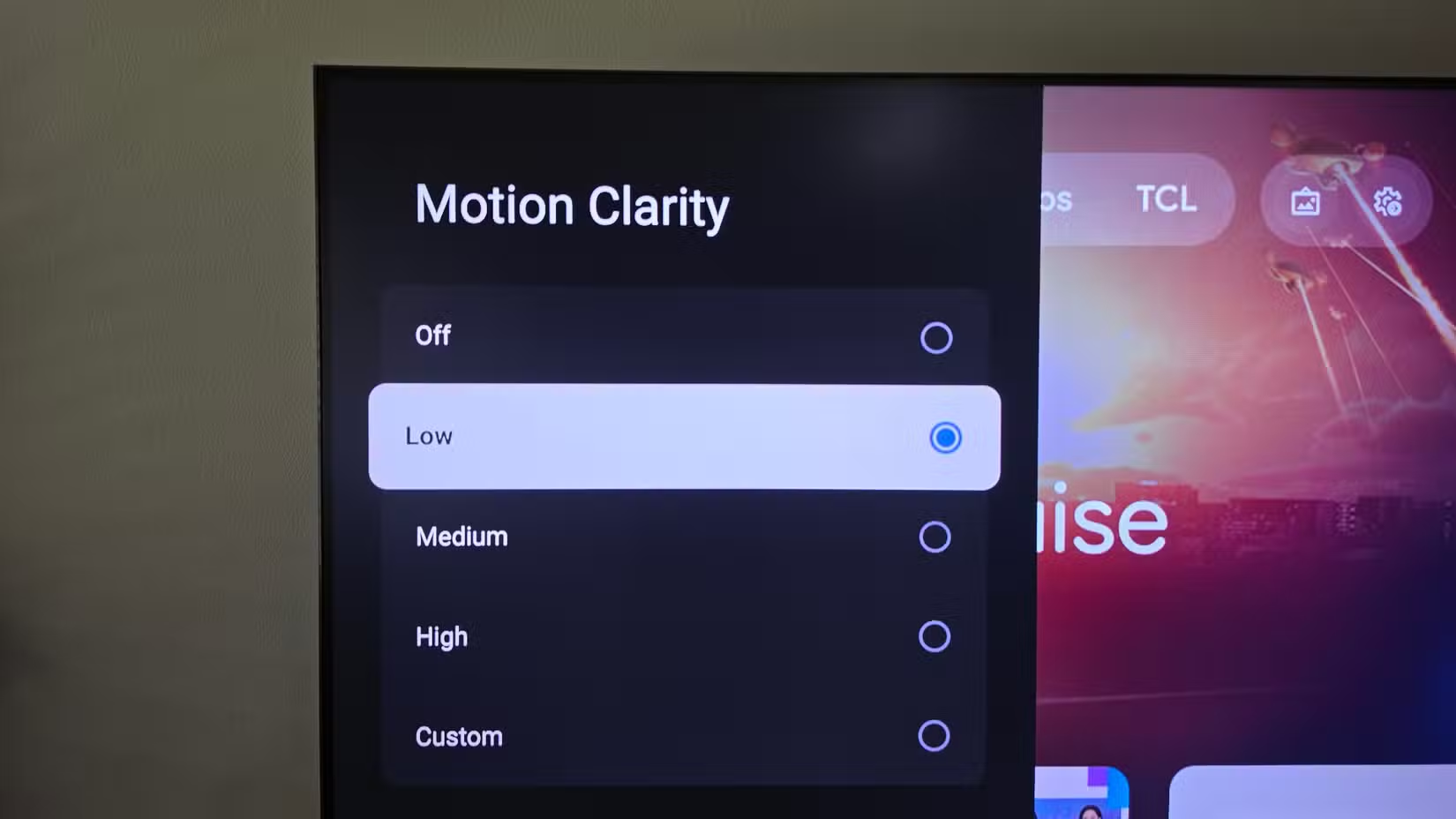
Wireless signals degrade when they pass through walls. They compete with your microwave. Your neighbor's network creates interference. When signal strength drops, streaming services automatically lower video quality. You see pixelation, buffering, and audio glitches.
Plugging an Ethernet cable directly into your TV eliminates these variables. A physical connection doesn't care about your apartment walls or the router in the next unit.
Most smart TVs include 10/100 Mbps Ethernet ports. That's not gigabit speed, but it doesn't need to be. Netflix recommends 25 Mbps for 4K HDR streaming. YouTube needs similar bandwidth. A 100 Mbps wired connection gives you plenty of headroom and the consistency that matters more than raw speed.
3. Adjust Picture Mode for Your Room
TVs ship in "Vivid" or "Dynamic" mode. These settings crank up brightness and color saturation to catch your eye in a Best Buy showroom. In a dark living room, they create eye strain and wash out subtle details.
Switch to "Movie" or "Cinema" mode for evening viewing. These presets use accurate color temperatures and lower backlight levels designed for dim environments. For daytime watching in a bright room, "Standard" mode provides a reasonable middle ground.
4. Review Privacy and Tracking Settings
Smart TVs collect viewing data by default. This information feeds recommendation algorithms, but it also gets shared with advertisers and third parties. The consent screens during setup are designed to make you click "Accept" quickly.
Dig into your privacy settings. Look for options labeled ACR (Automatic Content Recognition), viewing data collection, or personalized advertising. Turn these off if you prefer your TV not to track what you watch.
This won't affect streaming service functionality. Netflix and Disney+ will still work. You're disabling the TV manufacturer's separate tracking layer, not the apps themselves.
5. Clear Cache and Remove Unused Apps
Smart TVs slow down over time. Apps accumulate cached data. The operating system bogs down with services running in the background.
Delete streaming apps you don't use. Clear the cache for apps you do use (usually found under Settings > Apps > [App Name] > Clear Cache). Some TVs offer a general "clear cache" option in system settings that handles everything at once.
If your TV feels sluggish after years of use, a factory reset returns it to original speed. You'll need to sign back into your streaming services, but the performance improvement is often worth the ten minutes of setup.
Similar approach to extracting better performance from existing hardware through settings changes
Logicity's Take
Frequently Asked Questions
What is the soap opera effect on TVs?
The soap opera effect occurs when motion smoothing creates artificial frames between real ones, making films look like they were shot on cheap video cameras instead of cinema equipment. Disable motion interpolation (called TruMotion, Auto Motion Plus, or Motionflow depending on brand) to fix it.
Is Ethernet faster than Wi-Fi for streaming?
Ethernet isn't necessarily faster, but it's more reliable. Wi-Fi signals degrade through walls and face interference from other devices. Wired connections provide consistent speeds, which prevents streaming services from dropping video quality mid-show.
Does Filmmaker Mode make TVs look different?
Yes. Filmmaker Mode disables motion smoothing, adjusts color temperature to match studio monitors, and turns off post-processing effects. Movies look closer to what directors saw during editing. Some viewers find it darker than expected at first.
Can I stop my smart TV from tracking what I watch?
Yes. Look for ACR (Automatic Content Recognition) or viewing data settings in your TV's privacy menu. Disabling these stops the TV manufacturer's tracking but doesn't affect streaming apps like Netflix, which have separate data collection.
Why do smart TVs get slower over time?
Apps accumulate cached data, background services pile up, and the limited processors in most TVs struggle to keep pace. Clearing app caches, removing unused apps, or performing a factory reset can restore original responsiveness.
Need Help Implementing This?
Source: How-To Geek
Huma Shazia
Senior AI & Tech Writer
Produced with AI assistance and reviewed by the Logicity editorial team. Learn more in our Editorial Policy.