Key Takeaways
- Moving from 1080p to 1440p delivers more visible improvement than cranking Ultra settings on an old display
- Most Steam users run RTX 3060-level cards with 8GB VRAM, which handles 1440p at 60FPS with the right tweaks
- A mid-range GPU paired with a quality OLED monitor can outperform a flagship GPU on an LCD panel
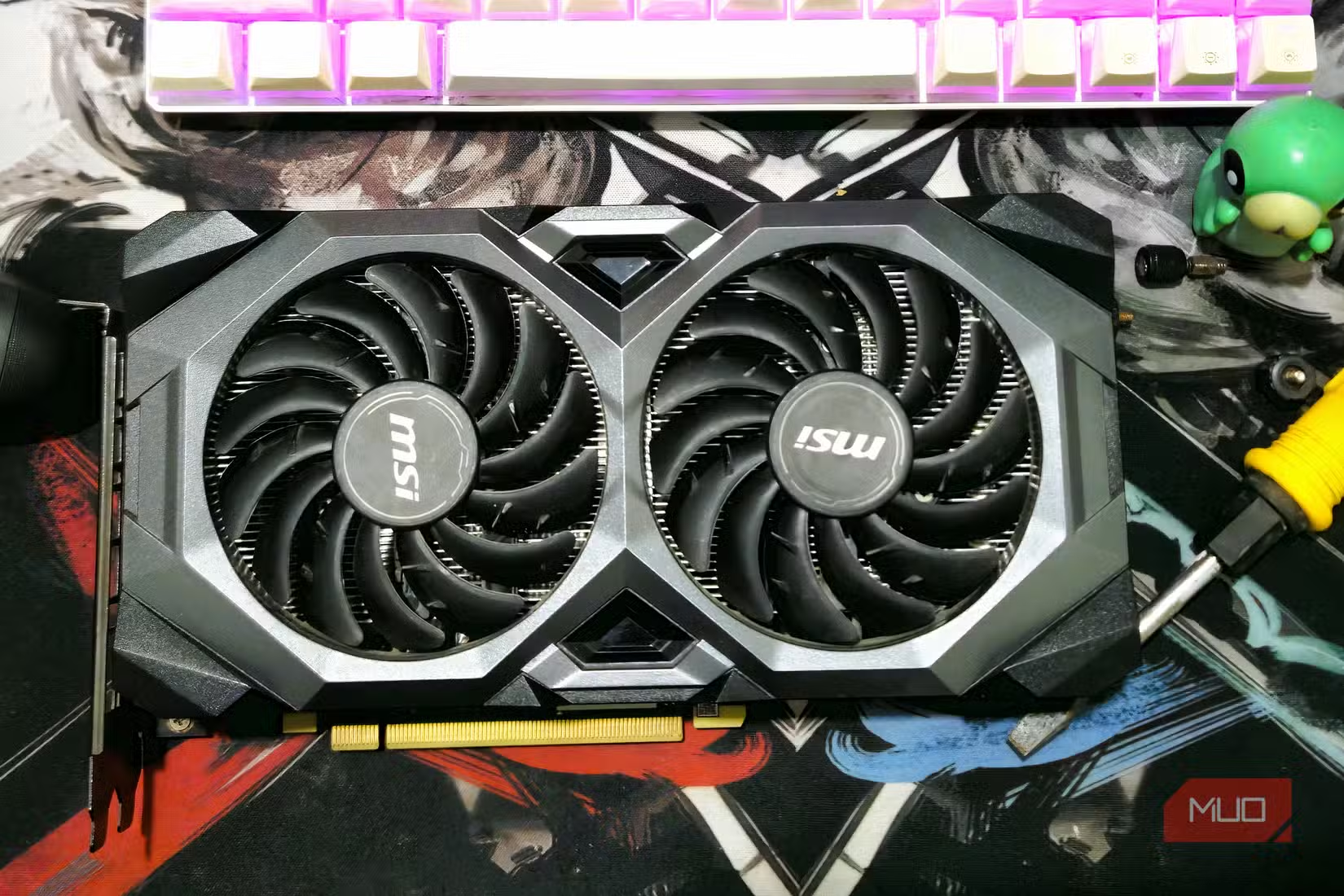
GPU prices have become genuinely painful. The AI boom has pushed graphics card costs to levels that make upgrading feel like a financial crisis. If you've been eyeing an Nvidia RTX 50-series card but can't stomach the price, there's a smarter move: upgrade your monitor instead.
This isn't a consolation prize. A display upgrade can deliver more noticeable improvement to your daily gaming and work experience than jumping to a new GPU. Here's why your monitor deserves your money first.
Resolution Beats Graphics Settings Every Time
The latest Steam Hardware Survey tells a clear story: most PC gamers are still on 1080p monitors. The majority run RTX 3060-level cards with 8GB of VRAM. That hardware combination works, but it's leaving visual quality on the table.
Here's the thing about resolution: it affects every single pixel on your screen, all the time. Ultra texture settings? They matter in specific scenes, at specific angles. But going from 1080p to 1440p sharpens everything. Text. UI elements. Distant objects. The improvement is constant and obvious.
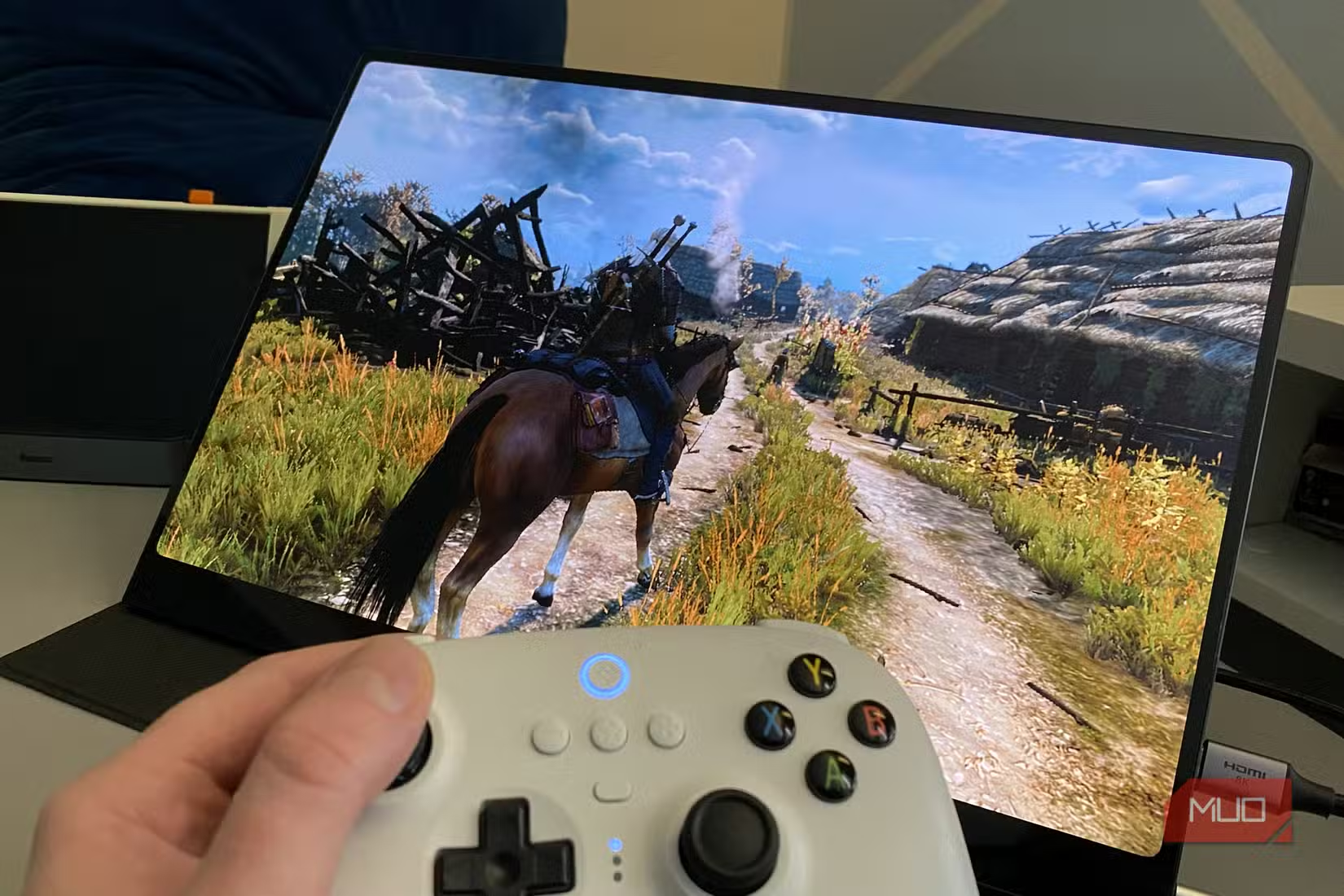
Modern games will crush an 8GB GPU at 4K. But at 1440p? You can hit 60FPS with sensible settings tweaks. A sub-32-inch 1440p monitor offers pixel density sharp enough that you won't miss 4K, and 2K panels have been affordable for years.
Refresh Rate Changes Everything
If you're running a 60Hz monitor, jumping to 120Hz or higher transforms how games feel. The difference isn't subtle. Mouse movement becomes smoother. Camera panning stops looking like a slideshow. Even scrolling through documents feels better.
Your current GPU might already push well above 60FPS in many games. You just can't see those extra frames because your monitor throws them away. A 144Hz or 165Hz display lets your existing hardware show what it can actually do.
The OLED Argument
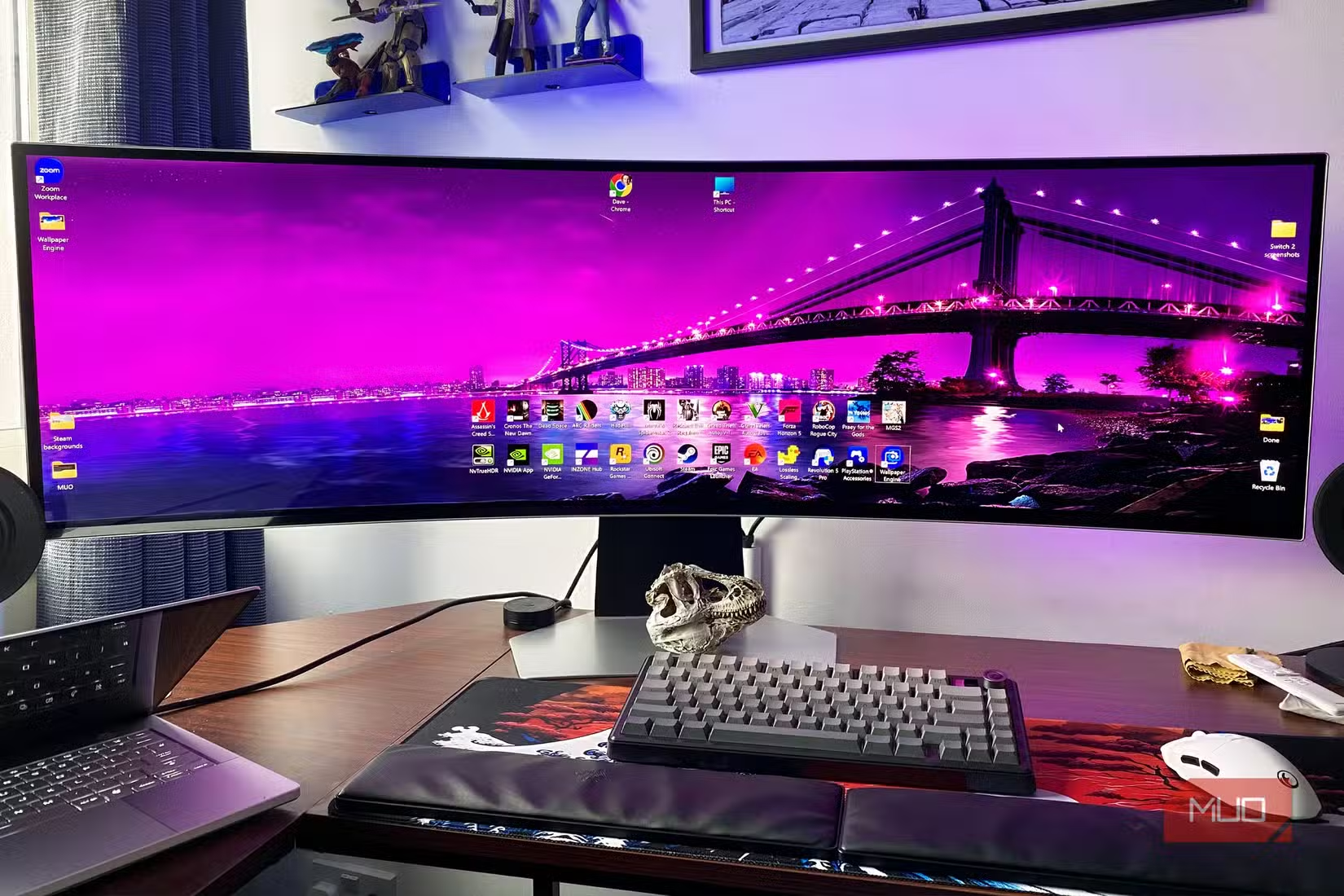
This is where the math gets interesting. Given the choice between an RTX 5090 with an LCD monitor versus a much cheaper RTX 5060 with a top-tier OLED screen, the OLED setup wins for actual visual enjoyment.
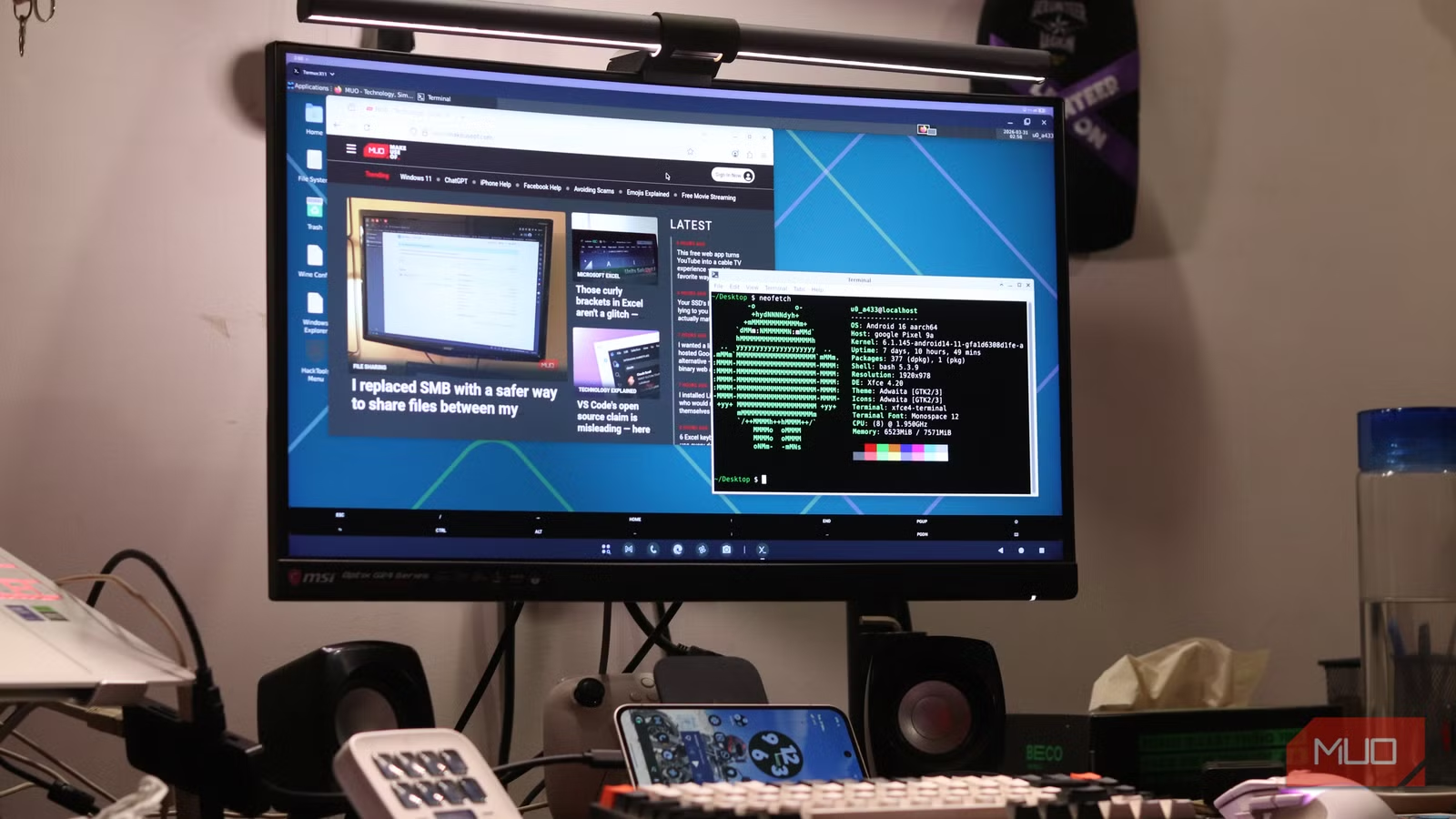
OLED panels deliver perfect blacks, infinite contrast ratios, and colors that LCD simply cannot match. No amount of GPU horsepower makes an LCD look like an OLED. The display technology sets a ceiling on visual quality that your graphics card can't push past.
A mid-range GPU pushing frames to an OLED panel will look better in most scenarios than a flagship GPU connected to a budget LCD. The image quality fundamentals come from the display, not the card.
The Practical Upgrade Path
If you're running a 1080p 60Hz monitor with a decent GPU from the last few generations, here's the priority order:
- Jump to 1440p with 144Hz or higher refresh rate. This alone transforms your experience.
- Consider OLED if your budget allows. The contrast and response time improvements are substantial.
- Only then think about GPU upgrades, ideally waiting for prices to stabilize.
The monitor you buy today will likely outlast multiple GPU generations. Display technology moves slower than graphics cards. A quality 1440p OLED purchased in 2026 will still be excellent in 2030.
When GPU Upgrades Still Make Sense
This advice doesn't apply to everyone. If you already have a great monitor but your GPU struggles to push 60FPS in games you actually play, the calculus changes. Ray tracing features require GPU hardware. Some workflows genuinely need more VRAM.
But if you're gaming on a five-year-old 1080p panel while dreaming of RTX 50-series cards, stop. Put that money into a display upgrade first. The visual improvement will be more dramatic and more immediate.
Logicity's Take
Related analysis on whether current GPUs still meet gaming needs
Frequently Asked Questions
Is 1440p worth it over 1080p for gaming?
Yes. The resolution increase sharpens every element on screen, from textures to UI text. On monitors under 32 inches, 1440p offers excellent pixel density without requiring a top-tier GPU to run well.
Can my current GPU handle a 1440p monitor?
Most RTX 3060-level cards and above can run modern games at 1440p and 60FPS with optimized settings. You may need to drop from Ultra to High in demanding titles, but the resolution improvement outweighs maxed graphics settings.
Is OLED worth the extra cost for gaming?
For most users, yes. OLED delivers perfect blacks, near-instant response times, and contrast ratios that LCD cannot match. The visual improvement is more noticeable than most GPU upgrades.
How long do gaming monitors typically last?
Quality gaming monitors regularly last 5-7 years or longer. Display technology evolves slower than GPUs, so a good 1440p or 4K monitor purchased today will remain relevant through multiple graphics card generations.
Should I get 4K or 1440p for gaming?
For most setups, 1440p offers the best balance. It looks sharp on monitors up to 32 inches and doesn't demand flagship GPU hardware. 4K makes sense mainly for 32-inch or larger displays where you sit closer to the screen.
Need Help Implementing This?
Source: MakeUseOf
Huma Shazia
Senior AI & Tech Writer
Produced with AI assistance and reviewed by the Logicity editorial team. Learn more in our Editorial Policy.