Key Takeaways
- Good Lock tools like Theme Park, Sound Assistant, and Home Up create deep customization that iOS cannot match
- Per-app volume controls let users route audio to different outputs simultaneously
- Small habits built over years of Android use become invisible until you lose them
Digvijay Kumar used Samsung phones for years before curiosity pushed him to try an iPhone. He expected a quick adjustment. Instead, he spent weeks missing features he never knew he depended on.
The experience, documented in MakeUseOf, reveals something many Android power users suspect but rarely articulate: Samsung's customization tools create invisible habits. You forget they exist until they disappear.
The iPhone felt locked down from day one
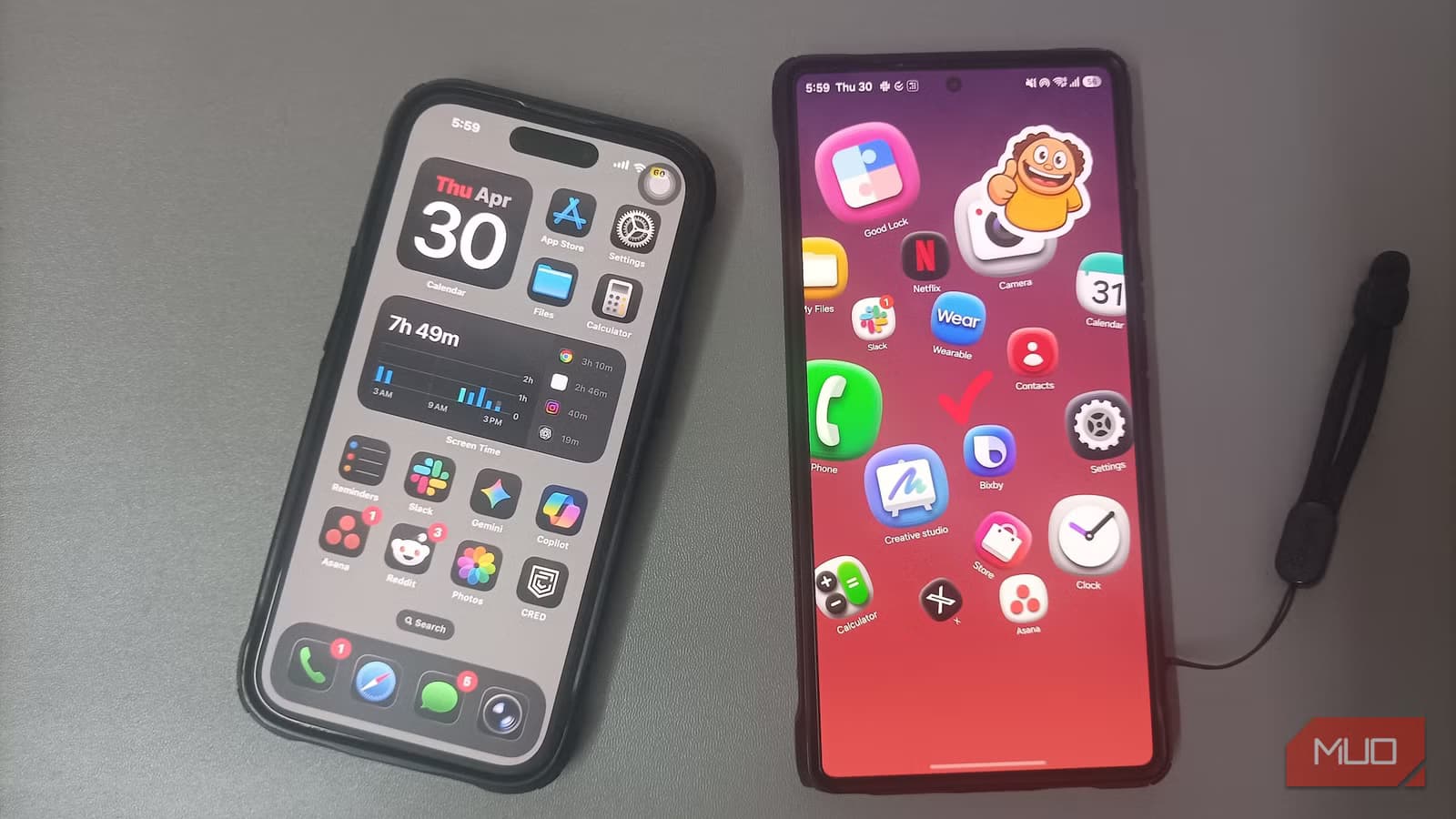
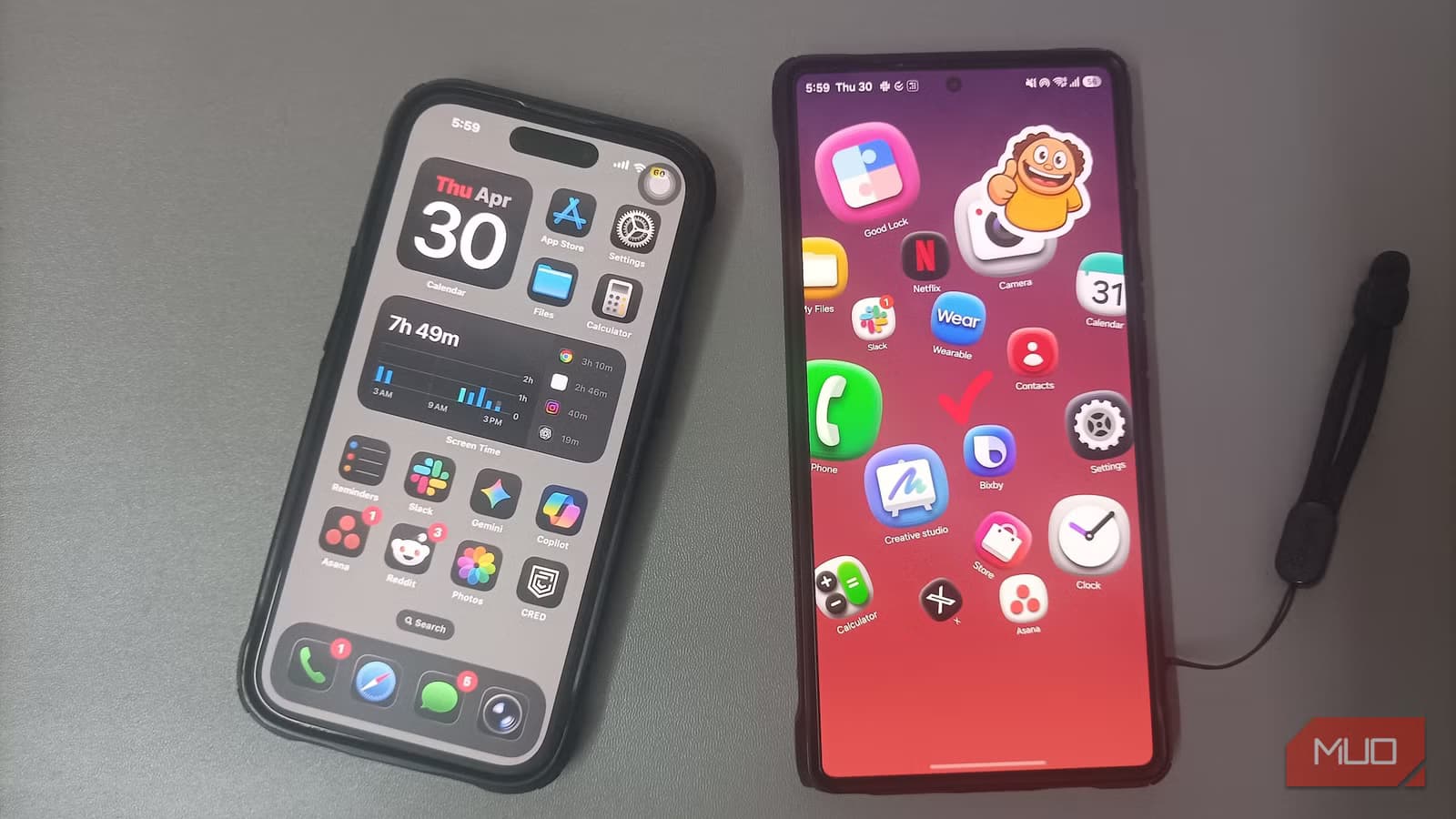
Kumar's first frustration wasn't a missing feature. It was how little his new phone let him change. The home screen locked icons to a grid. The lock screen barely allowed rearrangement. Quick settings looked identical to every other iPhone.
Clean, yes. But not his.
He hadn't noticed how much he had shaped his Galaxy until those controls disappeared. The culprit, or rather the hero, was Good Lock, Samsung's suite of customization tools that most users set up once and forget exists.
Good Lock: The hidden advantage Galaxy users forget they have
Good Lock is not a single app but a collection of modules that let Samsung users modify nearly every aspect of their phone's interface. Kumar relied on several without realizing it.
- Theme Park matches keyboard, quick panel, app icons, and volume slider to wallpaper colors automatically
- Sound Assistant enables per-app volume controls, so Spotify can play through Bluetooth speakers while YouTube stays on the phone speaker
- One Hand Operation+ adds edge swipe gestures for navigation, screenshots, and launching shortcuts without thumb stretching
- Home Up removes the home screen grid entirely, letting users arrange icons freely instead of forcing them into rows
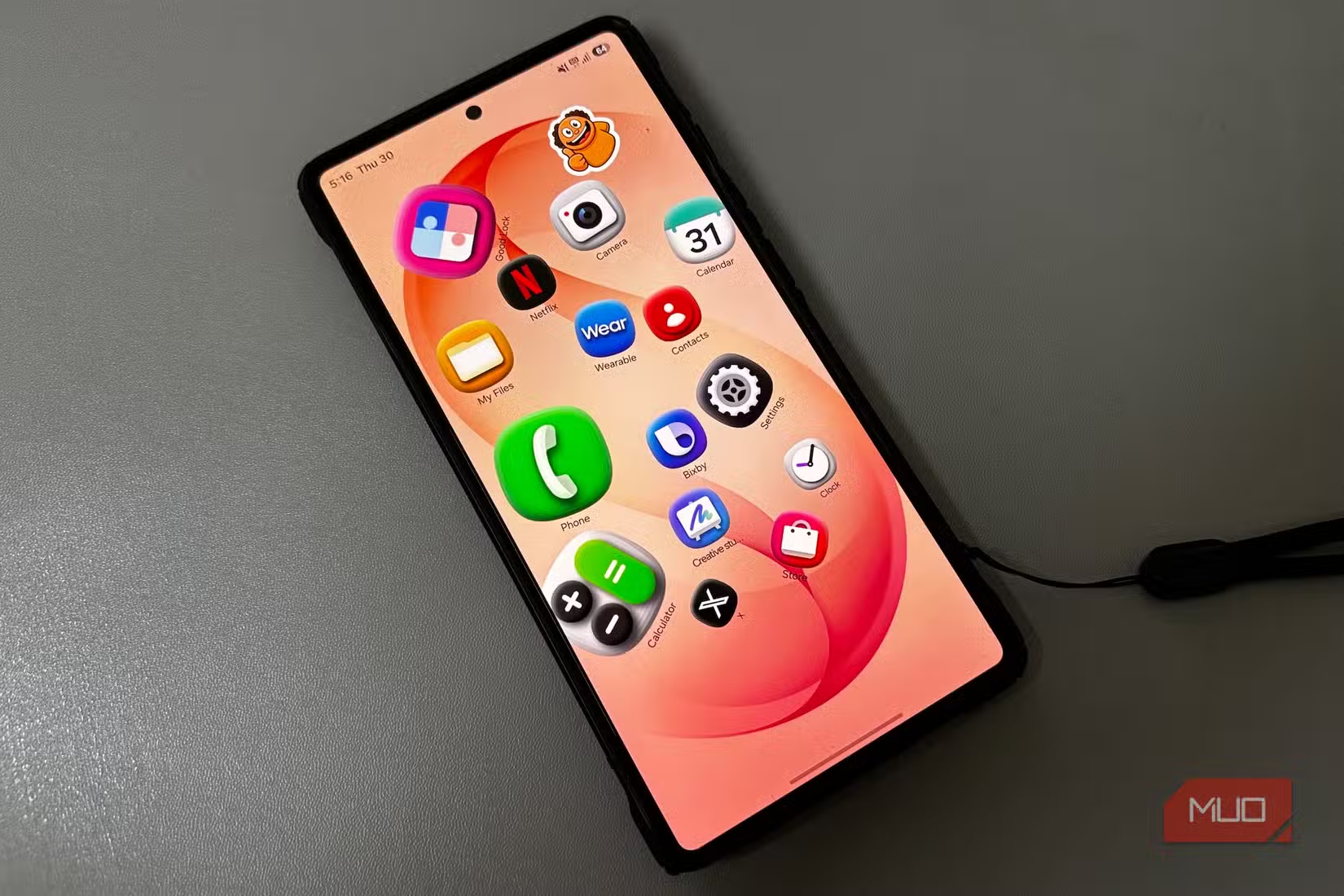
The problem on iPhone was not just that these exact tools were missing. There was no real replacement. Settings could not recreate them. Third-party apps lacked access to that depth of the system.
Logicity's Take
Shortcuts built over years, erased in one switch
When you use the same phone for years, you build small habits that save time. Switching to iPhone wiped most of Kumar's away.
Keys Café gave him two-finger swipe gestures for text editing. Bixby Routines automated context-aware reminders that appeared inside other apps. These were not features he thought about daily. They were features that worked so seamlessly he forgot they existed.
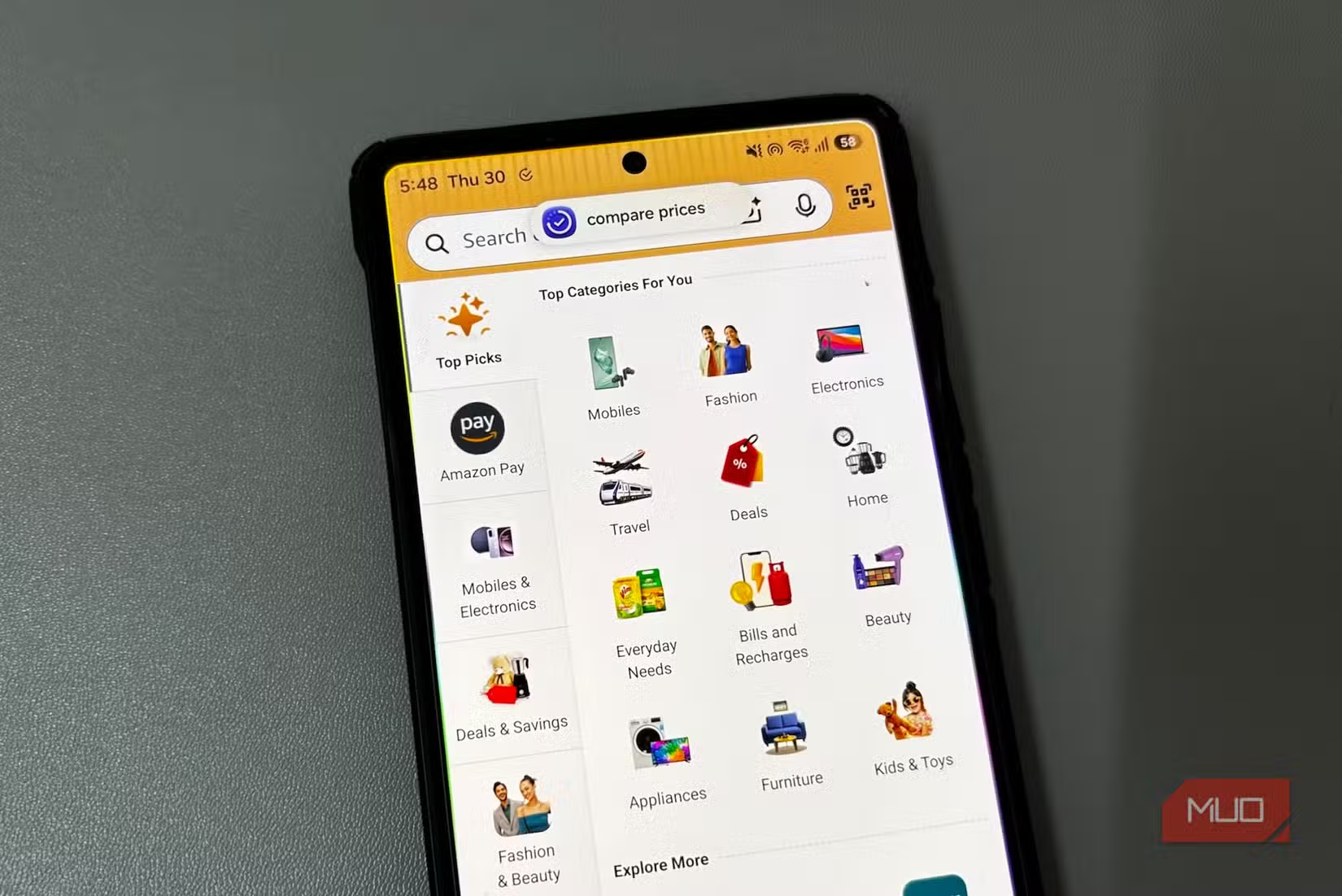
iOS has Shortcuts, but it requires active setup for each automation. Samsung's approach bakes flexibility into the system itself, letting power users customize once and benefit forever.
The real lock-in isn't ecosystem, it's habit
Tech analysts often discuss platform lock-in through the lens of services. iCloud, Apple Watch, AirDrop. But Kumar's experience suggests a different kind of stickiness: behavioral lock-in.
Samsung users who configure Good Lock do not just prefer their phones. They have trained their thumbs, their eyes, and their workflows around specific interactions. Switching platforms means unlearning years of muscle memory.
This explains why power users rarely switch even when they admire the other platform's hardware or software polish. The cost is not just money or time. It is cognitive load.
Another perspective on switching tools after years of built-up habits and workflows
What this means for choosing your next phone
If you value customization, Samsung's Android implementation offers depth that iOS cannot match. But that depth comes with a hidden cost: once you build those workflows, leaving becomes harder than you expect.
For users who prefer simplicity and consistency across devices, iPhone's locked-down approach is a feature, not a bug. The question is not which phone is better. It is which type of user you are.
Frequently Asked Questions
What is Samsung Good Lock?
Good Lock is a suite of Samsung apps that let users customize their Galaxy phone's interface, including theme colors, volume controls, gestures, and home screen layouts.
Can you get Good Lock features on iPhone?
No. iOS does not allow the system-level customization that Good Lock provides. Third-party apps cannot access the same depth of controls.
Is Samsung or iPhone better for power users?
Samsung offers more customization options through Good Lock. iPhone prioritizes consistency and simplicity. The better choice depends on whether you value flexibility or uniformity.
Why do Samsung users stay loyal?
Beyond ecosystem features, Samsung users build years of muscle memory and workflows around customization tools. Switching means unlearning those habits.
Need Help Implementing This?
Source: MakeUseOf
Manaal Khan
Tech & Innovation Writer
Produced with AI assistance and reviewed by the Logicity editorial team. Learn more in our Editorial Policy.






