Key Takeaways
- Deleting pagefile.sys caused browser crashes, app failures, and out-of-memory errors despite Task Manager showing free RAM.
- Windows uses the pagefile for memory commitments and reservations, not just low-RAM emergencies.
- The fix is simple: re-enable the pagefile through System Properties, but the lesson applies to any 'optimization' that removes core OS components.
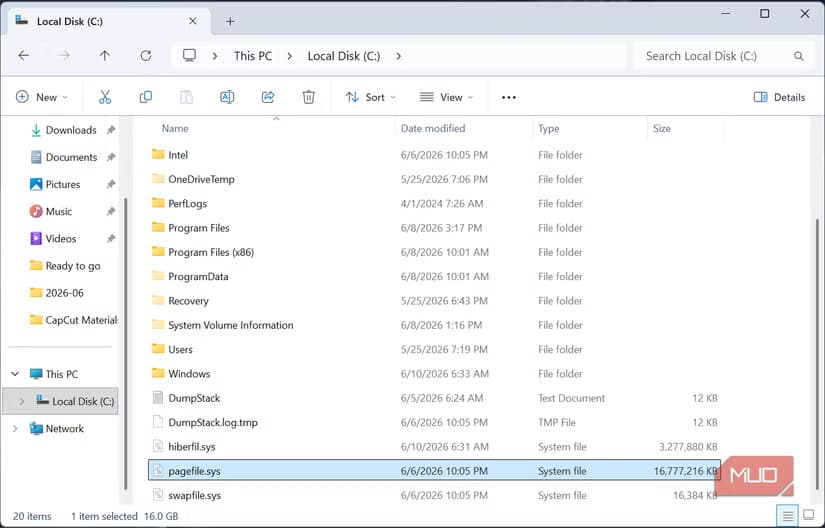
A tech writer deleted pagefile.sys from his Windows PC to reclaim 16GB of storage. Within hours, his system became unstable, apps crashed, and an out-of-memory error appeared despite Task Manager showing free RAM. The experiment, documented by MakeUseOf contributor Afam Onyimadu, is a cautionary tale for anyone tempted by "optimization" guides that promise free disk space by disabling Windows features.
Onyimadu reasoned that his machine had enough physical RAM. The pagefile, he assumed, was a safety net for low-memory situations he'd never encounter on a system used mainly for journaling and light work. He was wrong.
What broke after deleting the Windows pagefile?
The problems didn't appear immediately. Windows booted normally. Apps launched. For a moment, deleting the pagefile seemed harmless.
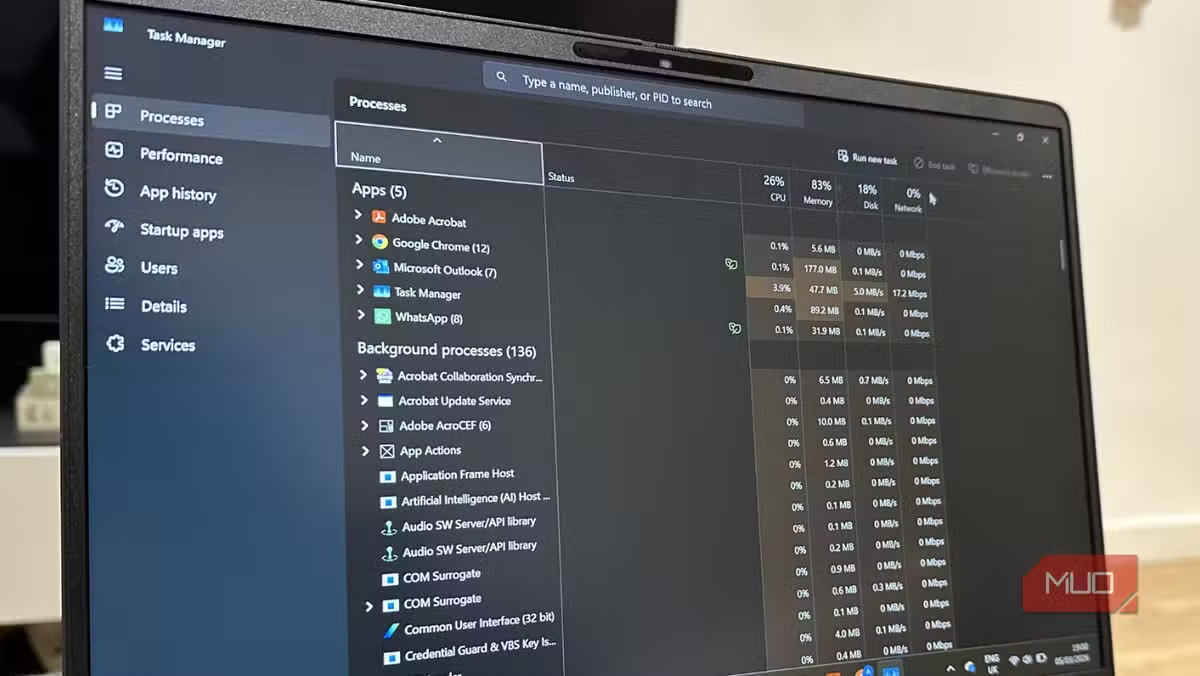
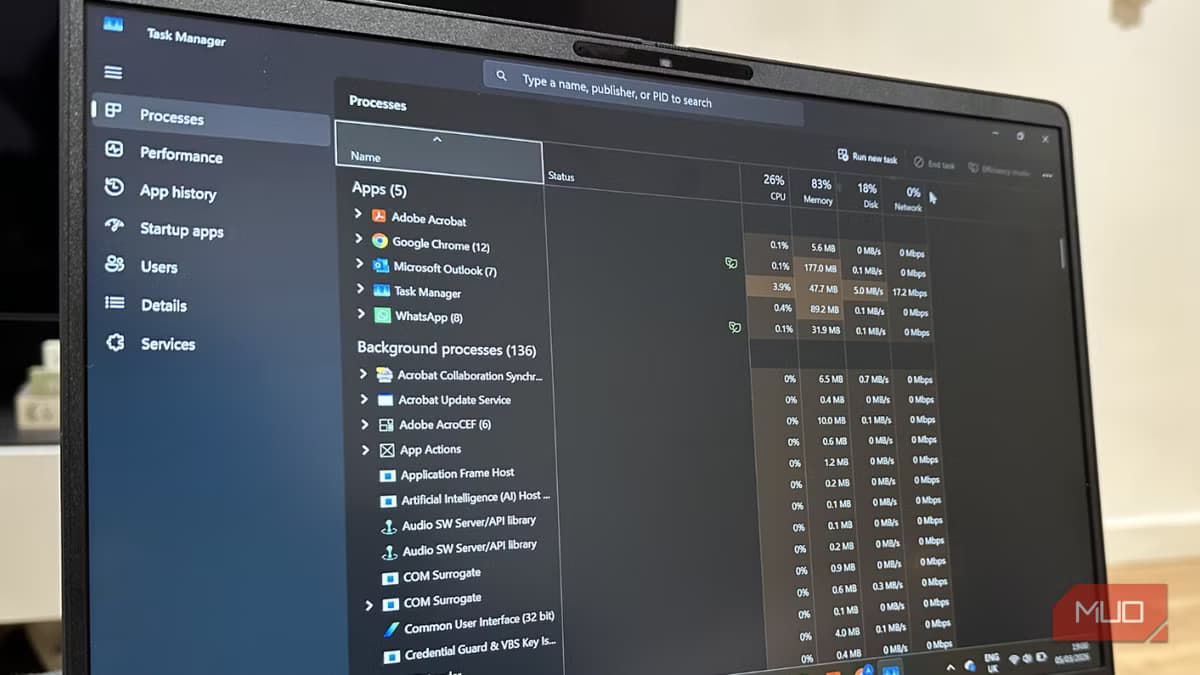
Then the browser tabs started crashing. At first, Onyimadu dismissed it as a coincidence. But the crashes repeated throughout the day. Joplin, his note-taking app, refused to launch entirely. Then an out-of-memory notification popped up, even though Task Manager showed plenty of free RAM.

The disconnect is telling. A clean boot is misleading because Windows defers much of its memory commitment until processes actually run. The pagefile's absence only becomes a crisis under real load. Some programs worked fine; others crashed mid-use or wouldn't start. Each failure looked like an app bug, but the pattern pointed to something deeper.
Why Windows needs the pagefile even with plenty of RAM
The common misconception is that pagefile.sys exists only as a spillover tank for when RAM fills up. If you have 32GB of memory and never use more than 8GB, the thinking goes, why waste disk space on virtual memory?
The reality is different. Windows uses the pagefile as part of its normal memory management. Applications reserve memory for later use, even when they're not actively consuming it. The pagefile lets the OS handle these commitments. Without it, the system has fewer options for managing memory, and that leads to the unpredictable behavior Onyimadu experienced.
Browsers illustrate this well. Each open tab runs as its own process and reserves memory. Creative applications do the same. Games allocate large memory chunks as they load. System functions like crash dumps also rely on the pagefile. Windows can technically run without it, but the OS is designed around the assumption that a pagefile exists.
How to fix it and re-enable the pagefile
Restoring the pagefile is straightforward. Search for sysdm.cpl in the Start menu to open System Properties. Click the Advanced tab, then select Settings under Performance. In the Performance Options window, go to the Advanced tab and click Change under Virtual memory. Uncheck "Automatically manage paging file size" if needed, select the drive, and choose "System managed size" to let Windows handle it.
Reboot, and the system should stabilize. The 16GB Onyimadu reclaimed wasn't worth the hours of troubleshooting and lost productivity.
The broader lesson for system optimization
This story echoes a familiar pattern. The internet is full of guides promising to speed up Windows by disabling services, deleting system files, or tweaking registry keys. Some advice is solid. Much of it dates from the Windows XP era, when RAM was expensive and SSDs didn't exist.
Reddit's r/Windows10 community has a standing rule in troubleshooting threads: "Never disable the pagefile." Users regularly share similar stories of crashes after following outdated optimization guides. The common thread is the same. A feature that looks wasteful often serves a purpose that isn't obvious until it breaks.
A more measured approach to freeing system resources without breaking core functionality.
The pagefile on a modern SSD is fast enough that the disk space trade-off rarely matters. If storage is genuinely tight, upgrading the drive is a better solution than removing OS components.
Logicity's Take
The pagefile debate resurfaces every few years, usually when someone with a high-RAM system wonders why Windows still allocates disk space for virtual memory. The answer hasn't changed since Windows NT: the pagefile isn't just overflow storage. It's how Windows manages memory promises. Disabling it saves a few gigabytes but breaks the contract the OS has with every running application. On modern NVMe drives, the performance cost of a pagefile is negligible. The stability cost of removing it is not.
Frequently Asked Questions
Can I delete pagefile.sys if I have 32GB or more RAM?
You can, but it's not recommended. Windows uses the pagefile for memory commitments and reservations regardless of how much physical RAM you have. Deleting it can cause crashes even when RAM appears available.
Why does Task Manager show free RAM when I get out-of-memory errors?
Windows pre-reserves memory for applications that haven't used it yet. Without a pagefile, the system can't fulfill these reservations, triggering memory errors even though physical RAM is free.
How much disk space does the Windows pagefile use?
By default, Windows sizes the pagefile based on your RAM. Systems with 16GB of RAM typically have a 16GB pagefile. You can configure a smaller size, but removing it entirely causes stability issues.
Is the pagefile still necessary on an SSD?
Yes. SSDs reduce the performance penalty of using a pagefile, making the disk space trade-off even less significant. The pagefile's role in memory management remains the same regardless of storage type.
What Windows features stop working without a pagefile?
Crash dumps, which are essential for diagnosing blue screens, require a pagefile. Some applications that reserve large memory blocks may also fail to launch or crash unexpectedly.
Need Help Implementing This?
If you're troubleshooting Windows memory issues or considering system optimizations for your organization's fleet, Logicity can connect you with enterprise IT consultants who specialize in Windows configuration and performance tuning. Contact us at hello@logicity.in.
Source: MakeUseOf
Manaal Khan
Tech & Innovation Writer
Produced with AI assistance and reviewed by the Logicity editorial team. Learn more in our Editorial Policy.






