Key Takeaways
- Claude uses token limits, not message limits. A 15-message chat can consume 63,500 tokens if you paste long documents.
- MCP servers can silently eat 35-50% of your context window before you type anything.
- Starting fresh conversations instead of continuing old ones prevents context bloat that drains your weekly allocation.
The Token Economy Most Users Ignore
Anthropic's Claude pricing creates a perception problem. The $100 and $200 Max tiers exist. Users hit rate limits on the $20 Pro plan. The obvious conclusion: pay more, get more. But Dibakar Ghosh, a tech journalist at How-To Geek, argues the real issue is efficiency, not capacity.
Ghosh has used the $20 Pro plan since 2024 and claims he's never once burned through his weekly limit. His approach centers on understanding how Claude actually counts usage, which differs from most AI chatbots.
Most AI chat apps give you a fixed message count per day. Claude works differently. It allocates tokens, and how fast you burn through them depends entirely on what you're asking it to process. Tokens are the small chunks of text AI models handle internally. As a rough estimate, 100 English words translate to around 133 tokens.
What the Numbers Actually Look Like
Ghosh shares a concrete example. He had a conversation with Claude about his daily routine and built an HTML artifact to visualize it. The entire chat was only 10-15 messages. It consumed roughly 63,500 tokens.
Before that conversation, his session usage sat at 2% and weekly usage at 10%. A single productive session moved those numbers significantly. The lesson: short prompts with concise responses let you send hundreds of messages. But paste a 10,000-word brief and ask Claude to build an app from scratch, and that single conversation can burn through a huge portion of your budget.
How to Monitor Your Token Spend
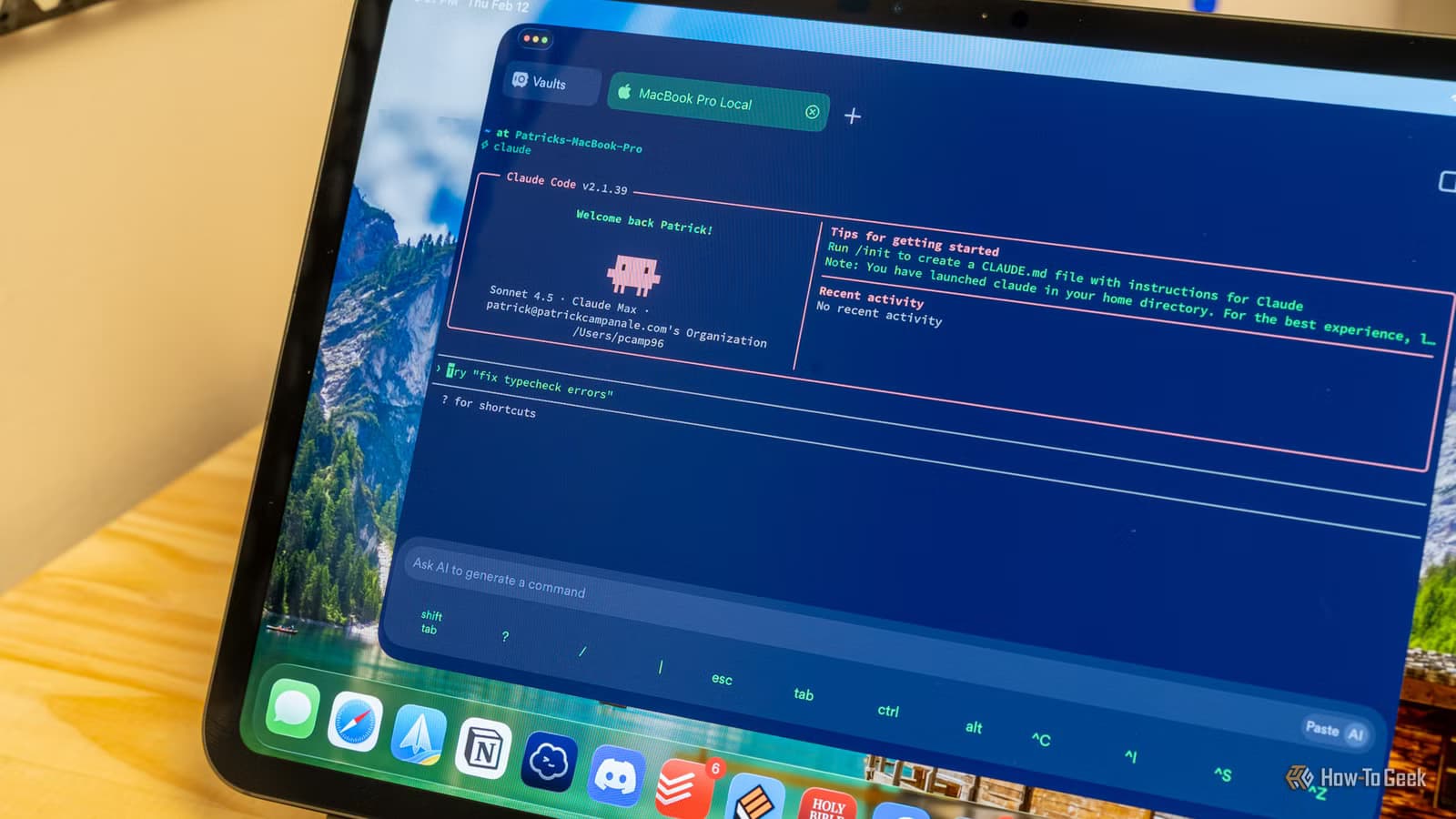
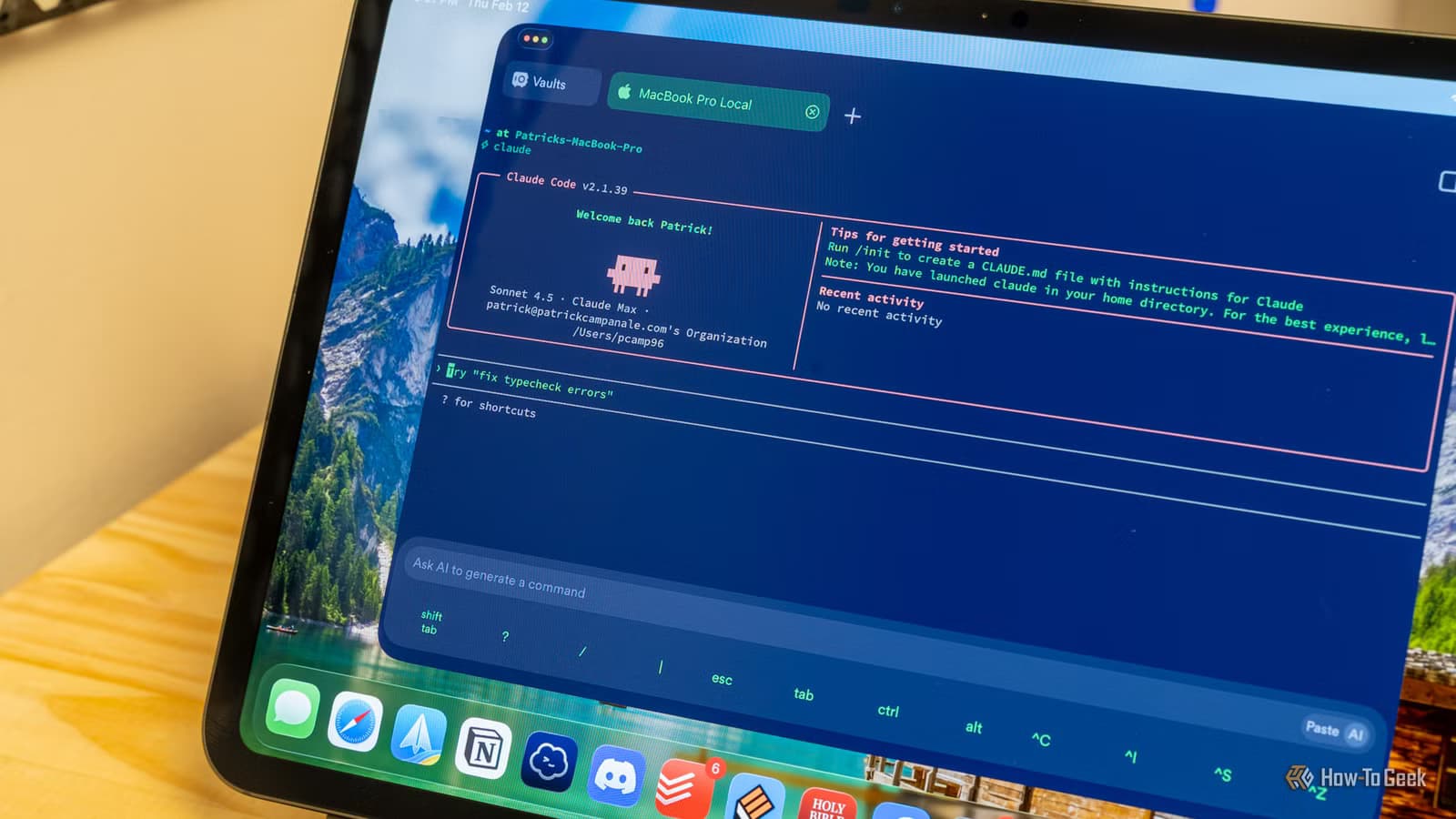
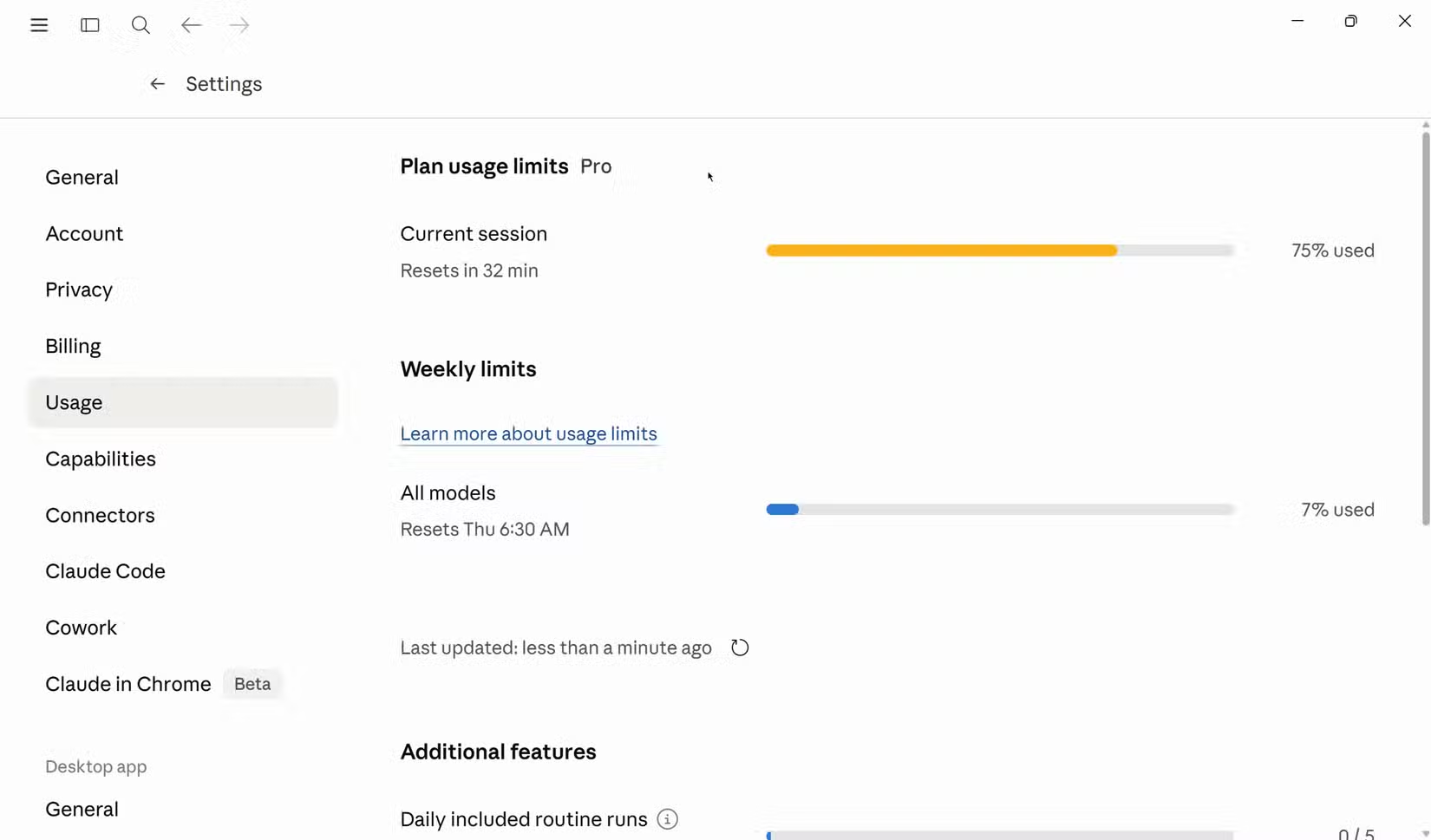
The first step is visibility. On the Claude website or mobile app, go to Settings > Usage. You'll see your weekly limit and current session usage. If you're using Claude Code or Cowork, typing /context shows exactly how many tokens the current chat has consumed.
This matters because Claude's sessions work differently than you might expect. Context accumulates within a conversation. Every message you send, every response Claude generates, and every file you attach adds to the running total. Long conversations become expensive fast.
The Hidden Cost of MCP Servers
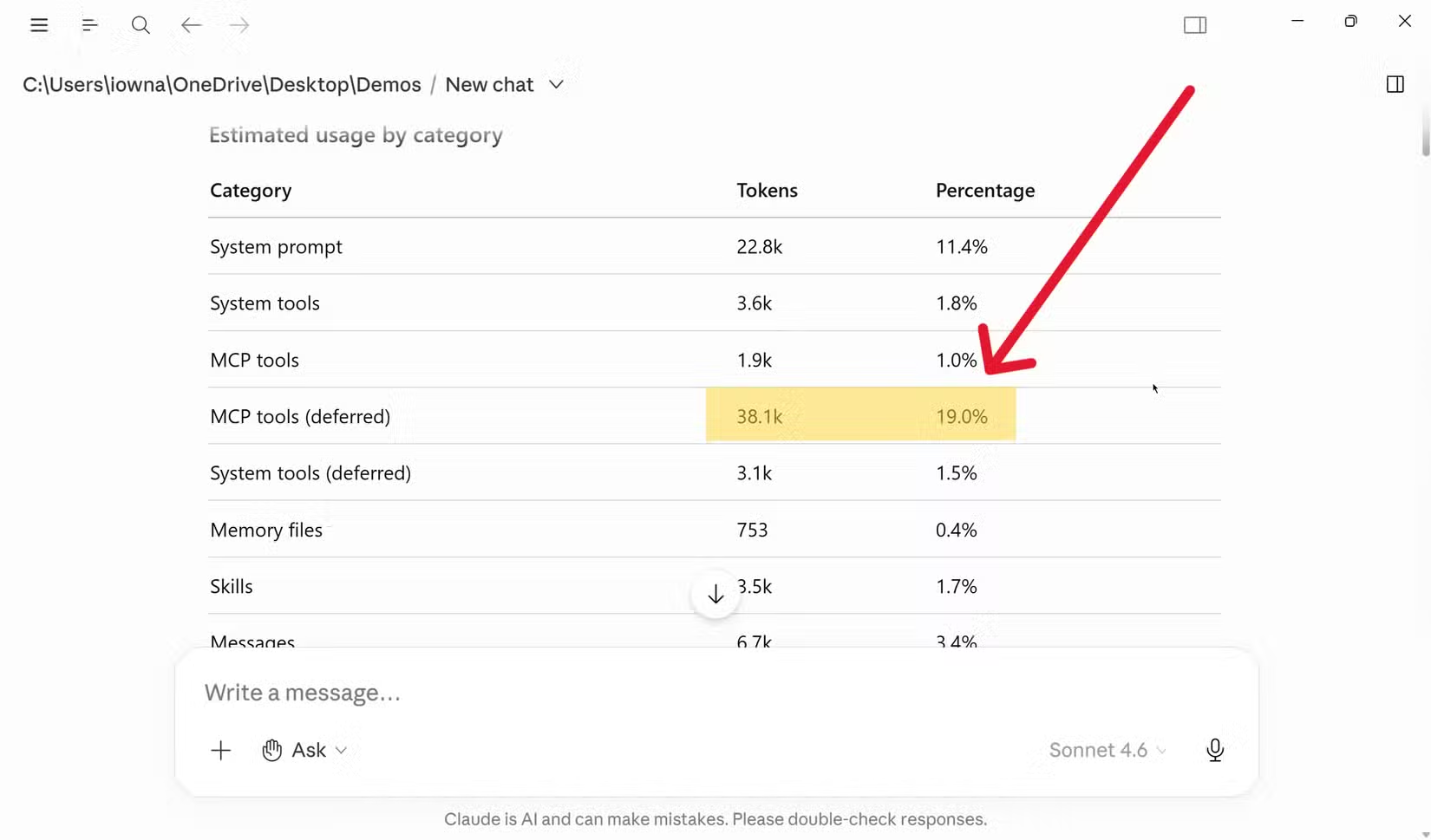
Here's a detail that catches many power users off guard. If you use Claude with MCP (Model Context Protocol) servers, those connections eat into your context window before you type a single character.
MCP servers let Claude connect to external tools and data sources. Useful, but each connection loads context. Ghosh notes that MCP servers can consume 35-50% of your available context window just by being active. If you're wondering why you're hitting limits faster than expected, check what's running in the background.
The Fresh Conversation Strategy
The most actionable tip from Ghosh's approach: start new conversations aggressively. Many users keep adding to the same chat thread, thinking it maintains context. It does, but that context has a cost.
Every new message in an existing conversation includes all previous context in the token count. A conversation that started as a quick question and grew into a 50-message thread is now sending 50 messages worth of context with every new prompt. Starting fresh resets that accumulation.
- Finish a task, start a new chat for the next one
- Copy relevant context manually rather than relying on conversation history
- Use Claude's project feature to maintain necessary context without bloating individual conversations
- Check /context regularly if you're in Claude Code to catch runaway token usage
When Max Actually Makes Sense
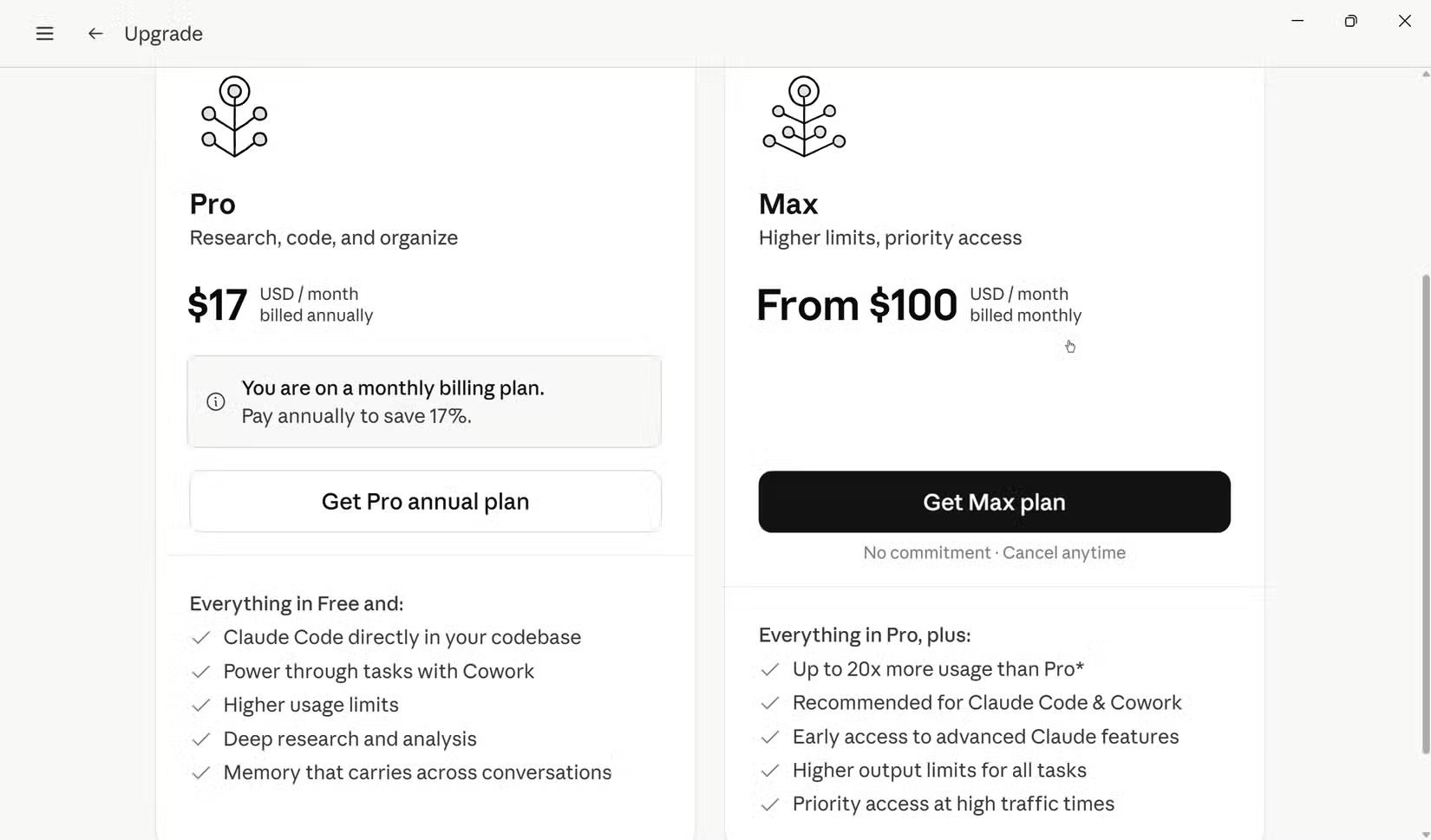
This isn't to say the Max tier is a scam. It serves a specific use case. Recent updates in May 2026 gave Max subscribers a dedicated $200 monthly credit pool specifically for programmatic and agentic tasks. That's separate from interactive chat usage.
If you're using Claude Code to autonomously read, test, and commit code across repositories, the Max tier functions more like a tool cost replacement than a chat subscription. You're not paying for more messages. You're paying for an AI that operates independently while you work on something else.
The Community Split
Discussion on r/Claude and Hacker News reflects this divide. Hobbyists find the Max tier's price hard to justify compared to the $20 Pro plan. Professional developers share benchmarks showing how Claude Code has cut their time on boilerplate and regression testing.
The consensus emerging: view Max as a developer platform fee, not a chat upgrade. If you're chatting with Claude to write emails and brainstorm ideas, Pro is plenty. If you're having Claude ship features while you sleep, Max pays for itself.
One additional option for open-source contributors: Anthropic's Claude for Open Source program offers 6-month free Max 20x access to 10,000 eligible maintainers. Applications are currently open.
The Efficiency Checklist
- Check Settings > Usage weekly to understand your consumption patterns
- Use /context in Claude Code to catch high-token conversations early
- Start new conversations after completing distinct tasks
- Audit active MCP servers and disable ones you're not using
- Paste only relevant excerpts from long documents, not entire files
- Write clear, specific prompts that don't require extensive clarification loops
None of this is complicated. It requires awareness more than discipline. Once you understand that Claude's limit is fundamentally about tokens, not messages, the optimization becomes obvious.

Logicity's Take
Frequently Asked Questions
What's the difference between Claude Pro and Claude Max?
Pro costs $20/month and is designed for interactive chat use. Max costs $100-$200/month and includes a dedicated credit pool for autonomous agentic tasks like Claude Code, which can independently write and commit code.
How do I check my Claude token usage?
On the Claude website or app, go to Settings > Usage to see weekly limits and session usage. In Claude Code or Cowork, type /context to see exactly how many tokens your current conversation has consumed.
Why am I hitting Claude limits with few messages?
Claude counts tokens, not messages. Long document uploads, accumulated conversation context, and active MCP servers all consume tokens. A 15-message conversation can use 63,500+ tokens if it involves lengthy content.
Do MCP servers affect Claude's token limits?
Yes. MCP server connections load context before you even start typing. They can consume 35-50% of your context window, significantly reducing available tokens for your actual work.
Is Claude Max worth it for coding?
It depends on your workflow. If you use Claude Code for autonomous development tasks that run while you do other work, Max functions as a tool replacement cost. For interactive coding assistance, Pro is usually sufficient with proper token management.
Need Help Implementing This?
Source: How-To Geek
Claude Opus 4.8 Launches on AWS
The new article introduces the release of Claude Opus 4.8 on AWS (via Amazon Bedrock), highlighting its specific capabilities for agentic coding and long-term autonomous tasks. This provides a tangible product update and platform expansion that is distinct from the original article's focus on cost-efficiency and token management strategies.
Huma Shazia
Senior AI & Tech Writer
Produced with AI assistance and reviewed by the Logicity editorial team. Learn more in our Editorial Policy.