Key Takeaways
- The Raspberry Pi ecosystem provides years of documentation and tutorials that cheaper boards lack
- Raspberry Pi OS is a mature Linux distro with active support, while rivals often have half-baked software
- Time spent debugging obscure SBCs can cost far more than the $20 you saved on hardware
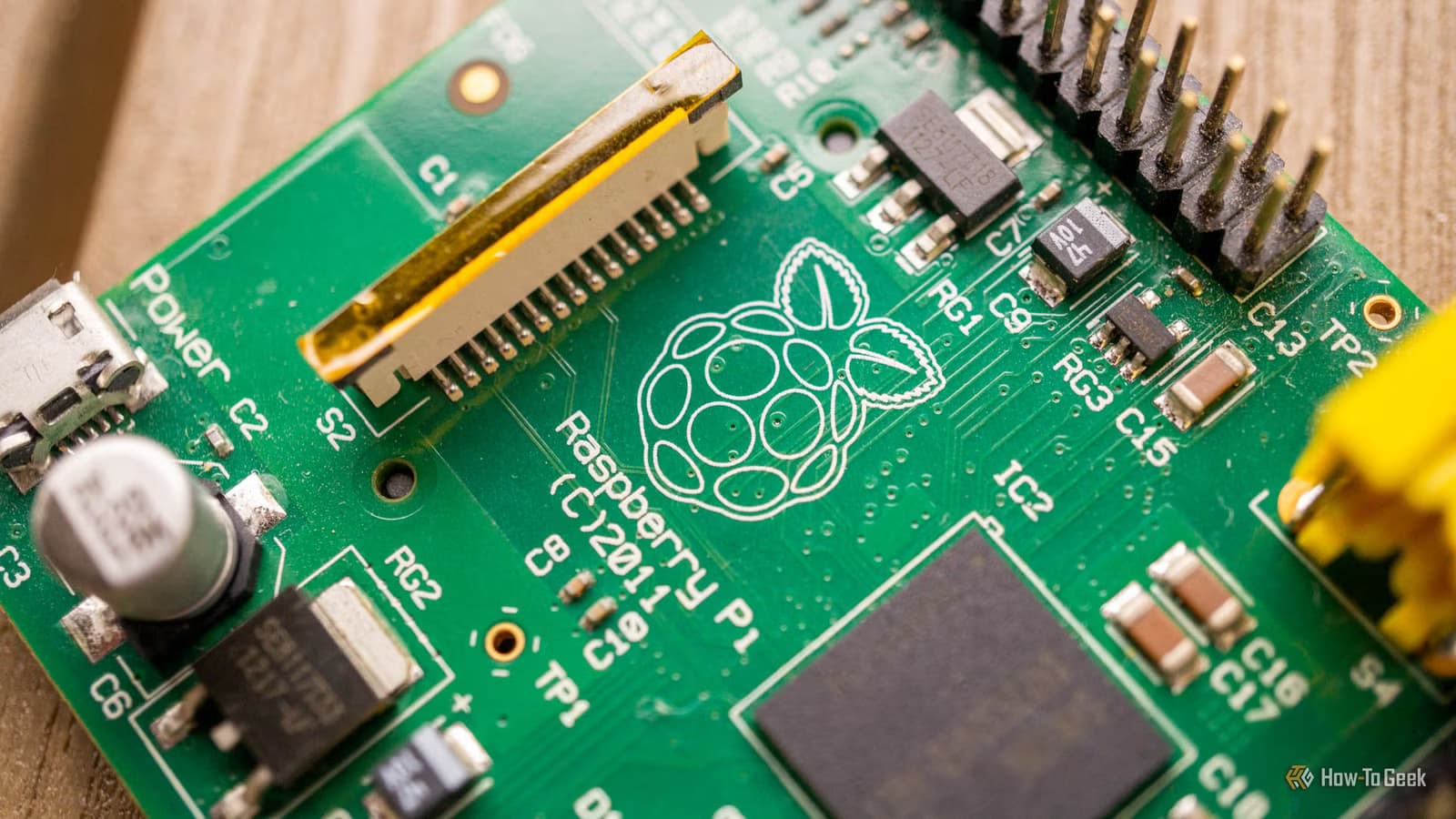
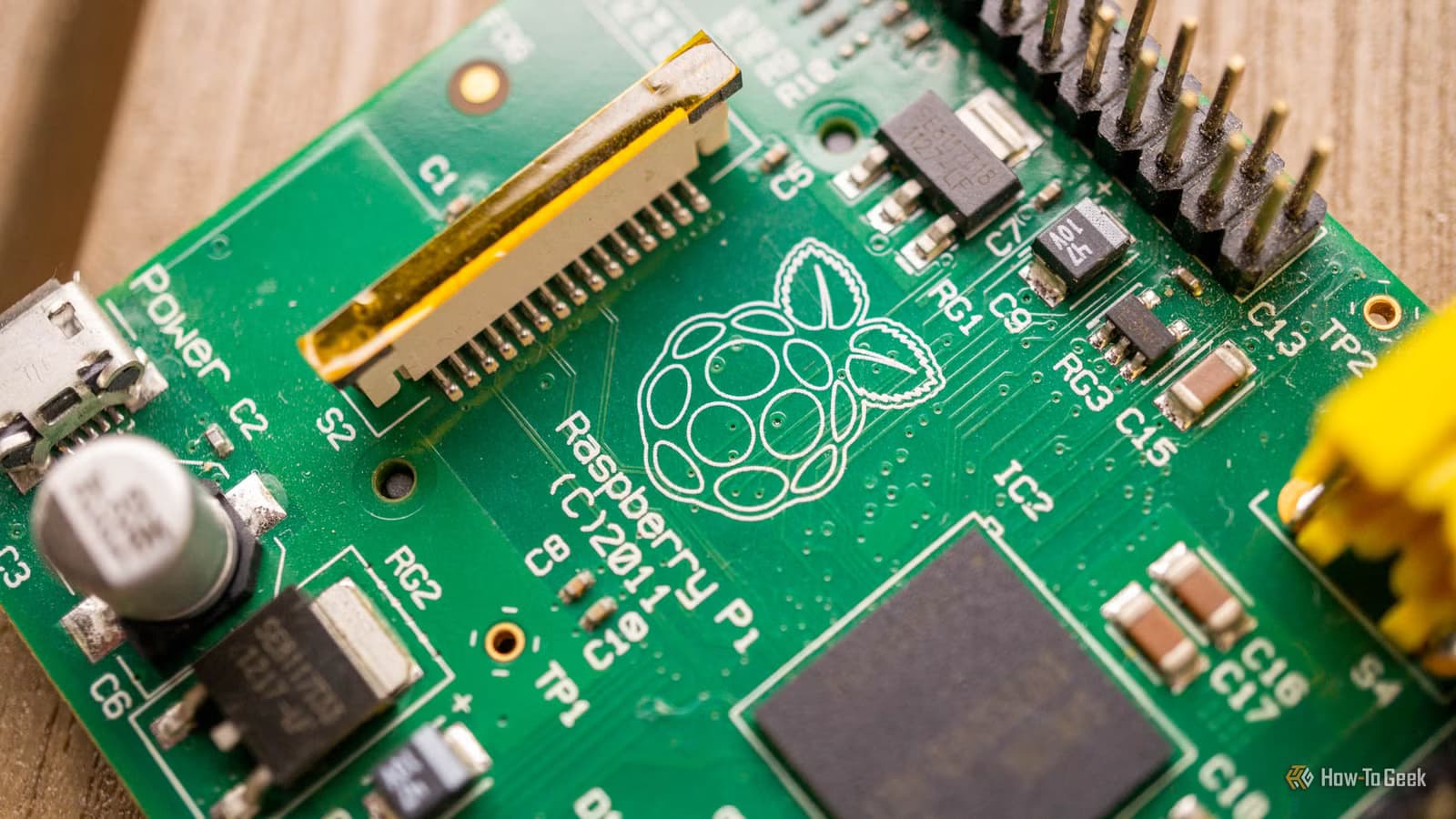
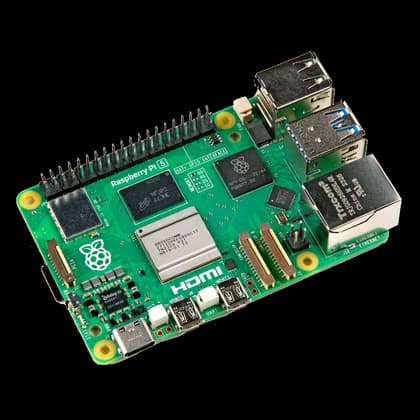
When the first Raspberry Pi launched, it created a category. A full Linux PC for pocket change seemed impossible. Now the Pi is on its fifth generation, and prices have climbed. A Raspberry Pi 5 costs more than early models, pushing hobbyists and engineers toward cheaper alternatives like Orange Pi, Banana Pi, and dozens of others.
The math seems obvious: why pay $60 for a Pi when you can get similar specs for $40? But that $20 difference rarely tells the whole story.
The Ecosystem Is the Product
Buying a Raspberry Pi is a bit like buying into Apple's ecosystem. Yes, it costs more upfront. But you're not just getting hardware. You're getting access to years of documentation, tutorials, troubleshooting guides, and community knowledge.
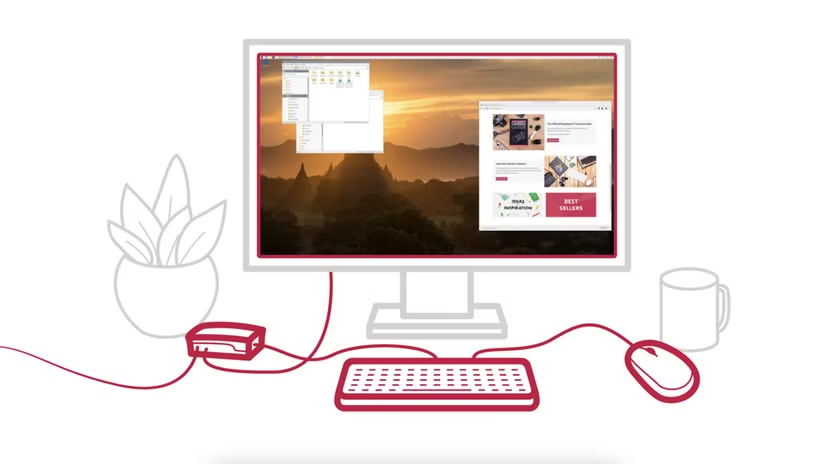
When you hit a problem on a Raspberry Pi, someone else has almost certainly hit it before. A quick search usually surfaces a forum thread, a blog post, or a YouTube walkthrough. That's not the case with less popular boards. You might spend hours or days debugging an issue that Pi users solved five years ago.
Time is money. Saving $20 on hardware becomes a bad deal when it costs you a weekend of frustration.
Software Support Separates Winners From Cheap Imitators
Raspberry Pi OS is a mature Linux distribution. It's been refined over more than a decade, receives regular updates, and has active developer support. The Pi Imager utility makes setup almost foolproof. You download an image, flash it to an SD card, and boot into a working system.
Cheaper alternatives often ship with half-baked operating systems. Some boards rely on community-maintained images that lag months behind official releases. Others have custom kernels with spotty driver support. You might find that your USB peripherals don't work, your network drops intermittently, or specific software packages refuse to compile.
It's the chicken and egg problem. Without a large user base, boards don't get robust software. Without robust software, they can't build a user base. The Raspberry Pi solved this years ago. Most rivals are still stuck in the loop.
Documentation Quality Matters More Than Specs
The Raspberry Pi Foundation publishes excellent documentation. Official guides cover everything from basic setup to advanced GPIO projects. Third-party resources fill in the gaps. Books, courses, and maker sites treat the Pi as the default platform.
Budget boards often have sparse documentation. You might get a quick-start guide in broken English and a GitHub repo with a handful of example scripts. When something goes wrong, you're on your own.
- Raspberry Pi has official docs, community wikis, and thousands of tutorials
- Most alternatives have minimal docs and small communities
- Hardware-specific quirks often go undocumented on cheap boards
- Third-party projects rarely support non-Pi boards out of the box
Accessories and HATs Assume You're Using a Pi
The Raspberry Pi's 40-pin GPIO header has become an unofficial standard. Thousands of HATs (Hardware Attached on Top) exist for adding sensors, displays, motor controllers, and more. Many of these boards include Pi-specific libraries and setup scripts.
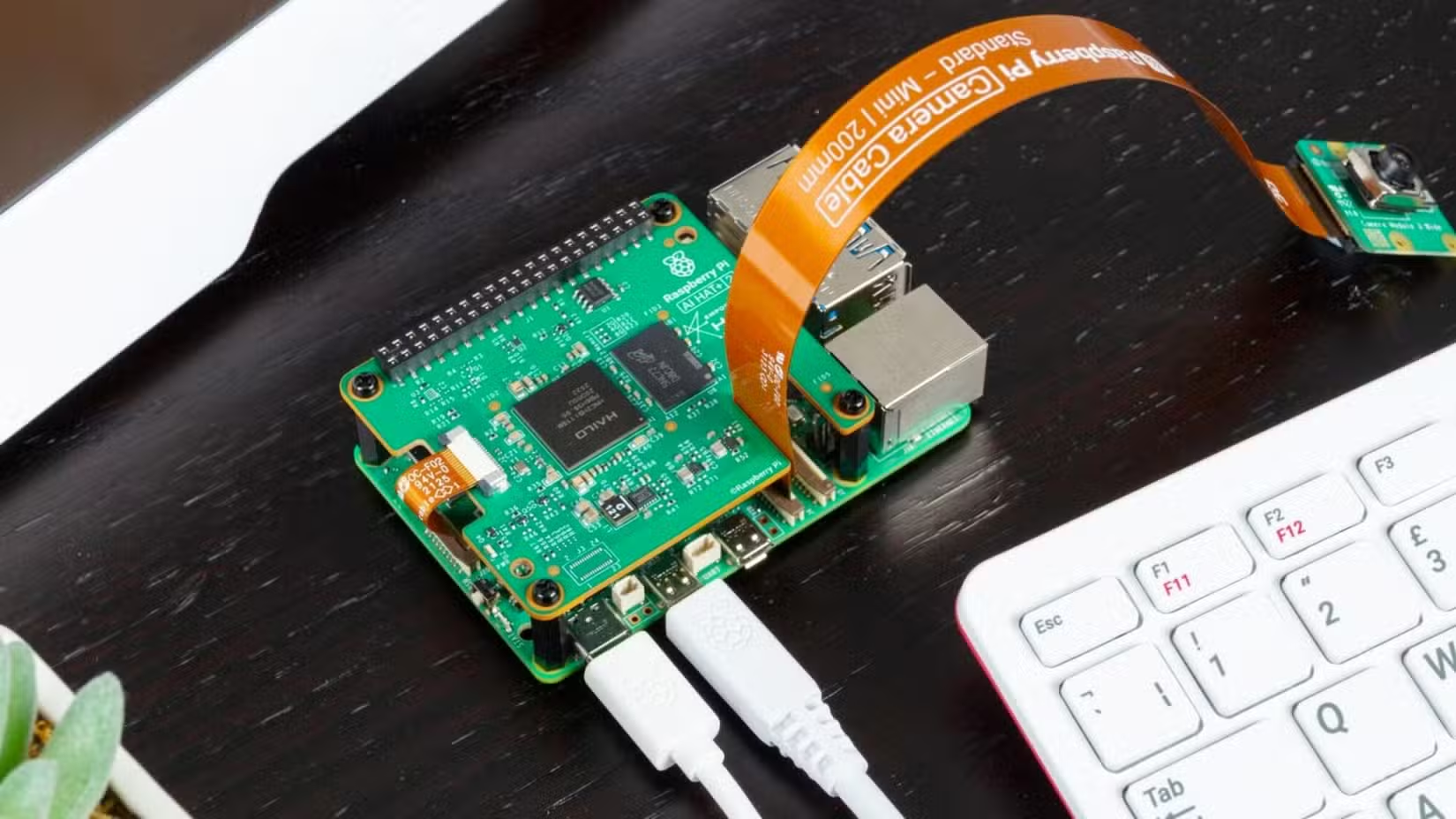
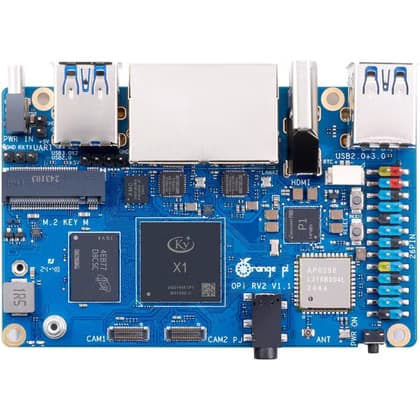
Some budget SBCs use compatible GPIO layouts. But compatible doesn't mean supported. You might physically attach a HAT to your Orange Pi only to discover that the accompanying software throws errors. Getting it working could require rewriting drivers or hunting down alternative libraries.
When Cheap Alternatives Make Sense
Not every use case demands a Raspberry Pi. If you're building a simple headless server that only needs to run standard Linux packages, a cheaper board might work fine. Boards based on mature chips with good mainline Linux support can be reasonable choices.
RISC-V boards appeal to developers who want to experiment with the architecture. Some alternatives offer features the Pi lacks, like onboard eMMC storage, multiple Ethernet ports, or specific industrial interfaces.
The key question: does your project require anything Pi-specific? If you need to follow existing tutorials, use popular HATs, or rely on community support when things break, the Pi is usually worth the premium.
✅ Pros
- • Cheaper upfront cost on hardware
- • Some offer specs or features Pi lacks
- • RISC-V options for architecture exploration
❌ Cons
- • Poor or nonexistent software support
- • Sparse documentation and small communities
- • HATs and accessories may not work properly
- • Debugging can consume days of time
The Real Cost Calculation
Hardware cost is the smallest part of most projects. Your time has value. If you're a hobbyist, frustration has a cost too. A weekend wasted debugging a $35 board means less time actually building something interesting.
For professional projects, the math is even clearer. Developer time costs far more than a $20 price difference. Choosing a well-supported platform pays dividends across the project lifecycle.
The Raspberry Pi isn't perfect. Stock availability has been spotty at times, prices have crept upward, and some use cases genuinely need different hardware. But for most makers and engineers, the ecosystem advantages outweigh the cost premium. Sometimes paying more really does save money.
Logicity's Take
Frequently Asked Questions
Are Orange Pi and Banana Pi compatible with Raspberry Pi accessories?
Many use similar GPIO layouts, but software compatibility varies. HATs may physically fit but require driver modifications or alternative libraries to function properly.
Which cheap Raspberry Pi alternative has the best software support?
Boards using chips with good mainline Linux support fare better. Some Orange Pi models and boards based on Allwinner or Rockchip SoCs have reasonable community support, though none match the Pi's ecosystem.
Is Raspberry Pi overpriced compared to alternatives?
On pure specs-per-dollar, yes. But the price includes access to superior documentation, software, and community support that often saves more in time than the hardware premium costs.
When should I choose a Raspberry Pi alternative?
Consider alternatives for headless servers running standard Linux software, RISC-V development, or when you need specific features like multiple Ethernet ports or onboard eMMC that the Pi lacks.
More open-source alternatives that prioritize community over cost
Practical hardware upgrades worth the investment
Need Help Implementing This?
Source: How-To Geek
Huma Shazia
Senior AI & Tech Writer
Produced with AI assistance and reviewed by the Logicity editorial team. Learn more in our Editorial Policy.






