Key Takeaways
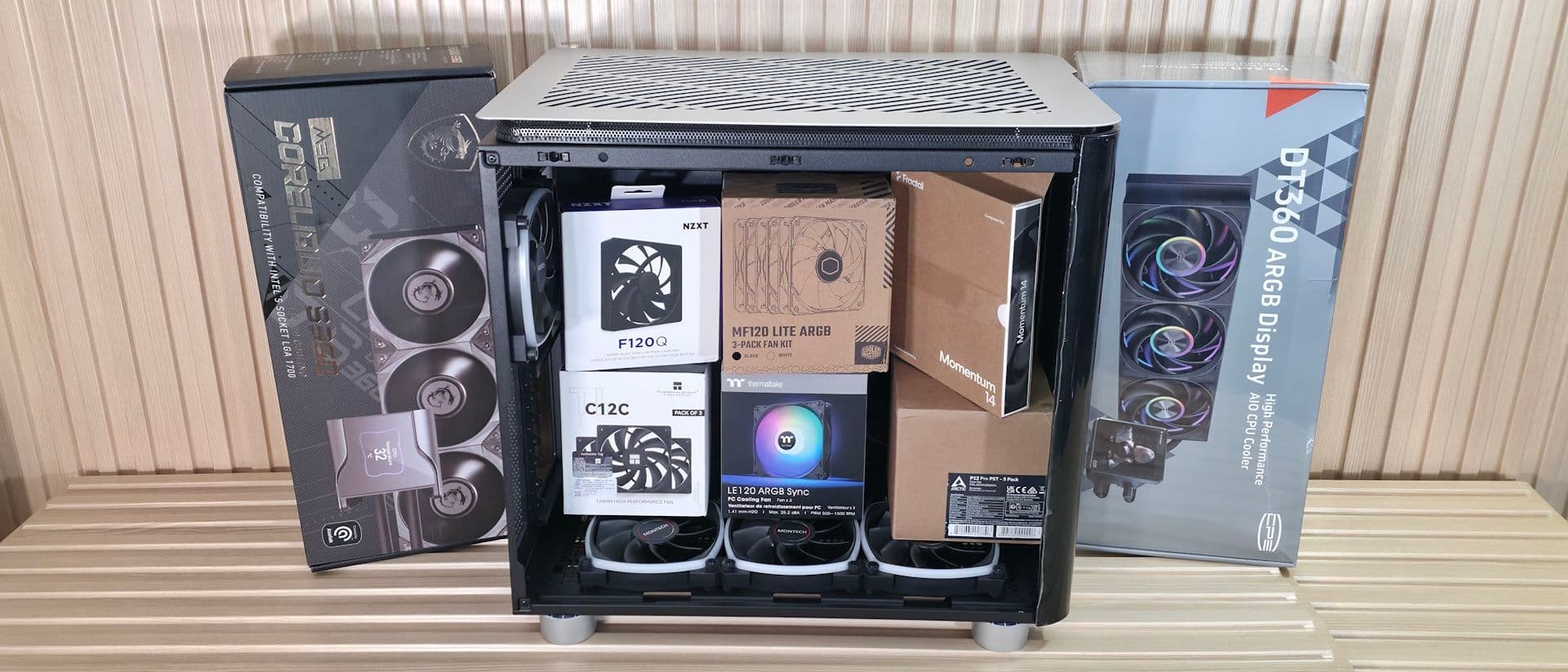
- Noise comes from multiple sources: case fans, CPU coolers, GPU fans, hard drives, AIO pumps, and even chassis vibrations
- Higher TDP components generate more heat, requiring either louder cooling or larger cooling surfaces to stay quiet
- Coil whine remains the one noise source you cannot easily fix without hardware replacement or unconventional methods
The satisfaction that turns to frustration
Every PC builder knows the moment. You flip the power switch, press the case button, and watch the BIOS screen appear while RGB lighting floods the chassis. The machine takes its first breath. Fans spin up. Air rushes through the case. Then you notice it: that ever-constant hum, the wind noise, the vibrations that form the soundtrack of your new build.
Some people don't care about PC noise. For everyone else, silence becomes a goal. Gamers want immersion without fan drone breaking concentration. Professionals want productivity without a loud distraction competing for attention. The obvious solution seems simple: buy quiet fans.
That approach isn't wrong, but it's incomplete. Noise comes from too many sources to solve with one upgrade.
Where all that noise actually comes from
Fans exist everywhere in a modern PC. Case fans. AIO cooler fans. CPU air cooler fans. Video card fans. Even chipsets and VRM heatsinks have fans on some motherboards. But fans aren't the only culprits.
- Hard drives produce mechanical noise from spinning platters and moving read heads
- AIO pumps and custom loop coolers add pump noise to the mix
- Coil whine creates high-pitched squealing from power delivery components
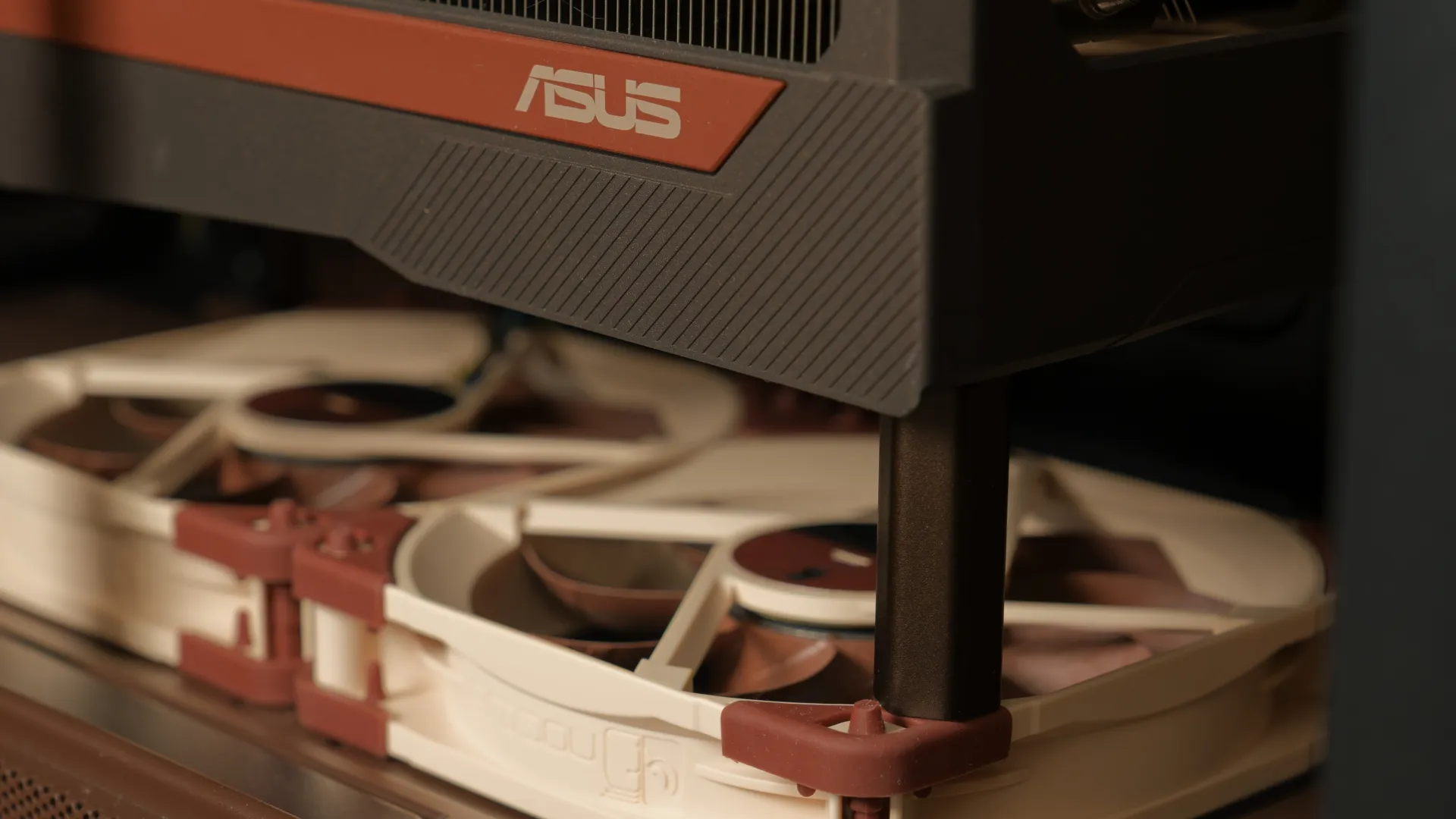
- Chassis vibrations amplify noise from any component that isn't properly isolated
The good news: you can mitigate almost all of these sources. The bad news: coil whine stands as the exception. Your options are tolerating it, applying clear nail polish to the chokes and inductors, or attempting an RMA. Even then, a replacement unit might develop the same problem later.
The physics working against you
PC noise is fundamentally a byproduct of heat and airflow. Achieving silence requires balancing multiple competing factors, and the math gets harder as components get more powerful.
The core problem: higher TDP (Thermal Dynamic Power) and TBP (Total Board Power) ratings demand more cooling. More cooling means either louder fans or larger cooling surfaces. A processor or graphics card that consumes more power generates more heat that must go somewhere.
You face a choice. Accept louder cooling to maintain performance. Or invest in larger, more expensive cooling solutions that can move heat away at lower fan speeds. There's no free lunch in thermodynamics.
Logicity's Take
Loudness versus tone: not all noise is equal
Decibel measurements don't tell the whole story. Sound frequency matters as much as volume. High-pitched noises like coil whine irritate more than lower-frequency sounds at the same measured loudness.
This explains why some fans that test quieter in reviews can feel more annoying than louder alternatives. A low hum from large, slow-spinning fans often bothers people less than a higher-pitched whine from small, fast-spinning ones.
The real question: how much will you spend?
Building a quiet PC isn't just about fans and better parts. It's about working within the physical limits of your setup and deciding how much money silence is worth to you.
Premium cases with sound dampening panels cost more. Larger CPU coolers with slow-spinning fans cost more. High-quality aftermarket GPU coolers cost more. SSDs instead of hard drives cost more per gigabyte. At every decision point, quieter usually means more expensive.

Practical steps toward a quieter build
Start by identifying your loudest component. It's often the GPU under load or the CPU cooler. Focus your first upgrade there rather than replacing every fan at once.
- Use software monitoring to identify which component runs hottest under your typical workloads
- Consider larger fans that can move the same airflow at lower RPMs
- Check your case for vibration sources and add dampening where metal panels resonate
- Replace spinning hard drives with SSDs if mechanical noise bothers you
- Adjust fan curves in BIOS or software to reduce speeds when full cooling isn't needed
The diminishing returns hit quickly. Going from loud to reasonable costs relatively little. Going from reasonable to near-silent can cost as much as the original build.
Frequently Asked Questions
Can I make my PC completely silent?
True zero-noise is nearly impossible with air cooling. You can get close with passive cooling solutions, but these limit your hardware choices significantly and often require underclocking for thermal headroom.
Are water cooled PCs quieter than air cooled?
Not automatically. AIOs and custom loops add pump noise and still require fans on radiators. A well-designed air cooler with large, slow fans can be quieter than a cheap AIO.
How do I fix coil whine in my PC?
Coil whine is the hardest noise to eliminate. Options include RMA if severe, applying clear nail polish to inductors, or simply tolerating it. Some users report changes in power supply can reduce it.
Do bigger fans mean a quieter PC?
Generally yes. Larger fans move more air per rotation, so they can spin slower while providing the same cooling. A 140mm fan at 800 RPM typically makes less noise than a 92mm fan moving equivalent air.
Should I get a case with sound dampening panels?
Sound dampening helps reduce noise that escapes the case, but it also reduces airflow. You may need to run fans slightly faster to compensate, which can offset some of the benefit.
Need Help Implementing This?
Source: Latest from Tom's Hardware
Huma Shazia
Senior AI & Tech Writer
Produced with AI assistance and reviewed by the Logicity editorial team. Learn more in our Editorial Policy.