Key Takeaways
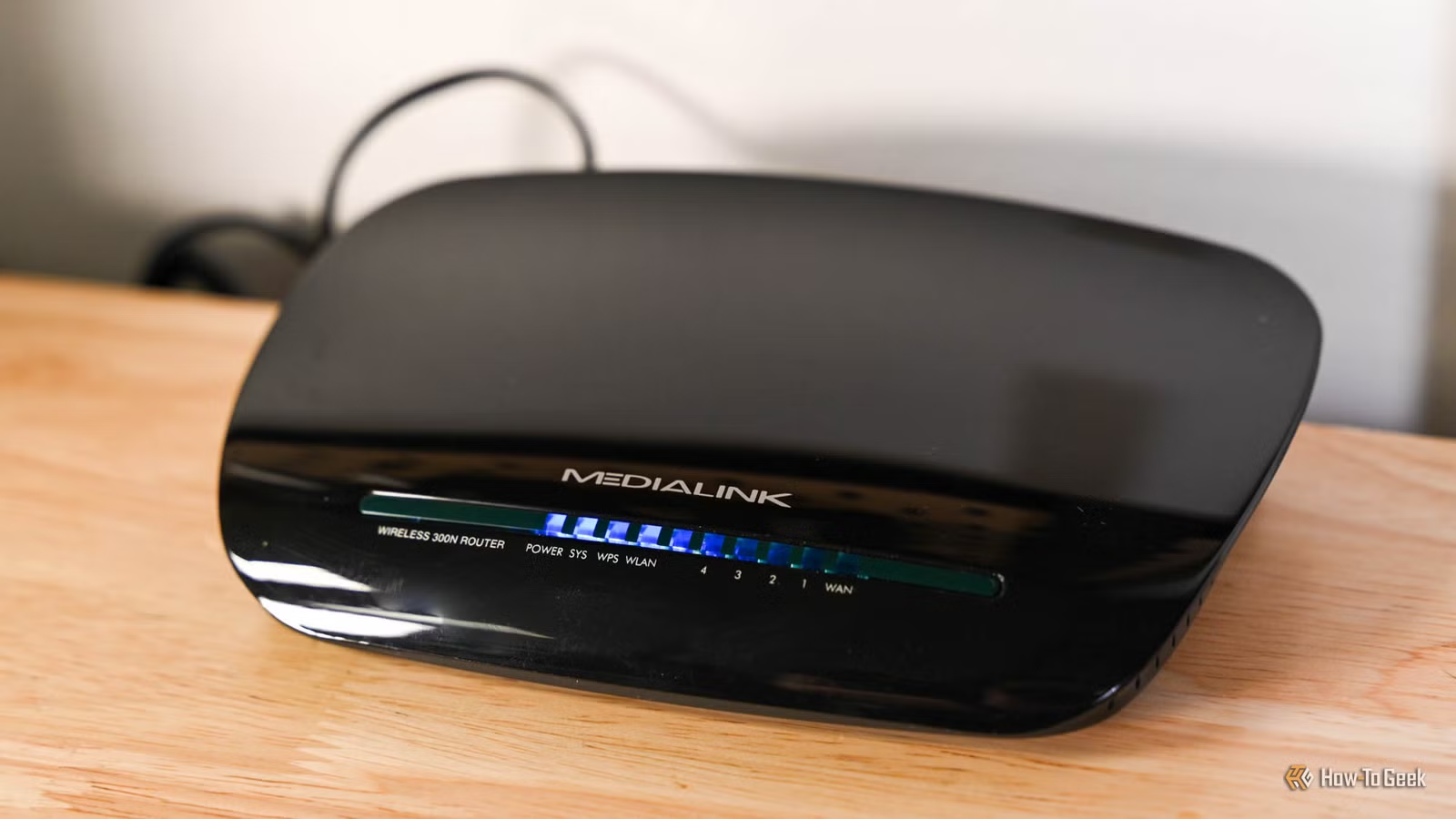
- A router that stops receiving firmware updates is a security liability, not just slow hardware
- Check your manufacturer's support page: end-of-life status means it's time to upgrade
- Bad Wi-Fi alone isn't proof your router is obsolete, but combined with outdated standards and no updates, it's a clear signal
Your old router is probably still working. It turns on, it broadcasts a signal, devices connect. But working and safe are different things, and routers age faster than most people realize. The real question isn't whether your router functions. It's whether it still receives security updates.
Unlike a phone with a dying battery or a laptop that chokes on too many browser tabs, routers rarely announce their obsolescence. They just keep running. That quiet reliability makes them easy to ignore for five, seven, even ten years. But during that time, the security landscape shifts dramatically.
Why does router age matter for security?
A router sits between every device in your home and the open internet. It's the front door. When manufacturers stop releasing firmware updates for a model, any newly discovered vulnerabilities stay unpatched. Attackers know this. End-of-life routers are low-hanging fruit.
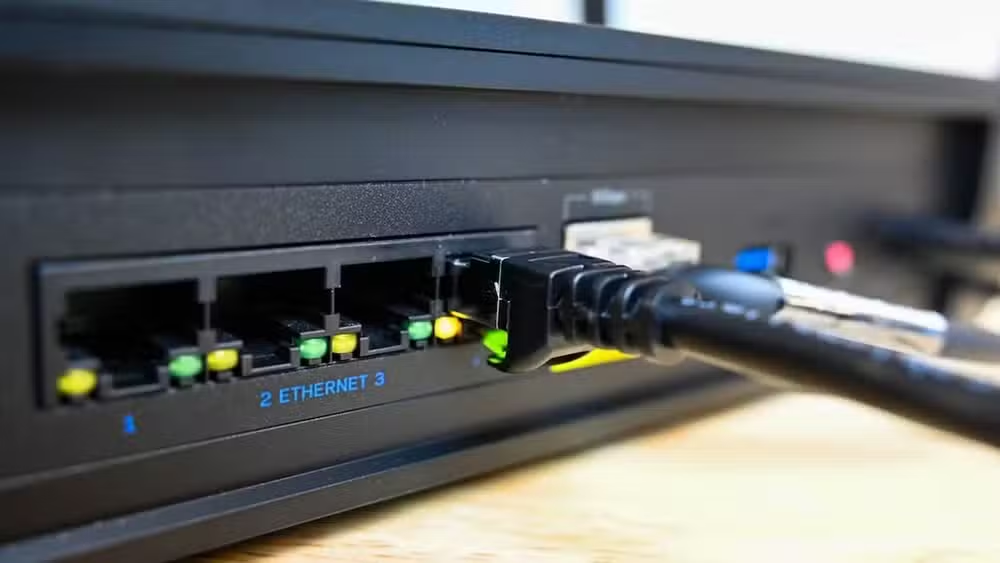
The practical lifespan of most consumer routers is four to five years before security support typically ends. Some premium models last longer. Budget models often get abandoned sooner. The only way to know your router's status is to check the manufacturer's support page or the device's web interface for the last firmware update date.
If the last update was years ago and the model is listed as end-of-life or end-of-service, the clock has run out. You're running a device with known vulnerabilities that will never be fixed.
Slow Wi-Fi isn't always the real problem
Bad Wi-Fi can signal an aging router, but it's not conclusive on its own. Before blaming the hardware, run diagnostics. Test your connection over Ethernet first. If wired speeds match what your ISP promises, the router's processing is fine. Then compare Wi-Fi speeds near the router versus across the house.
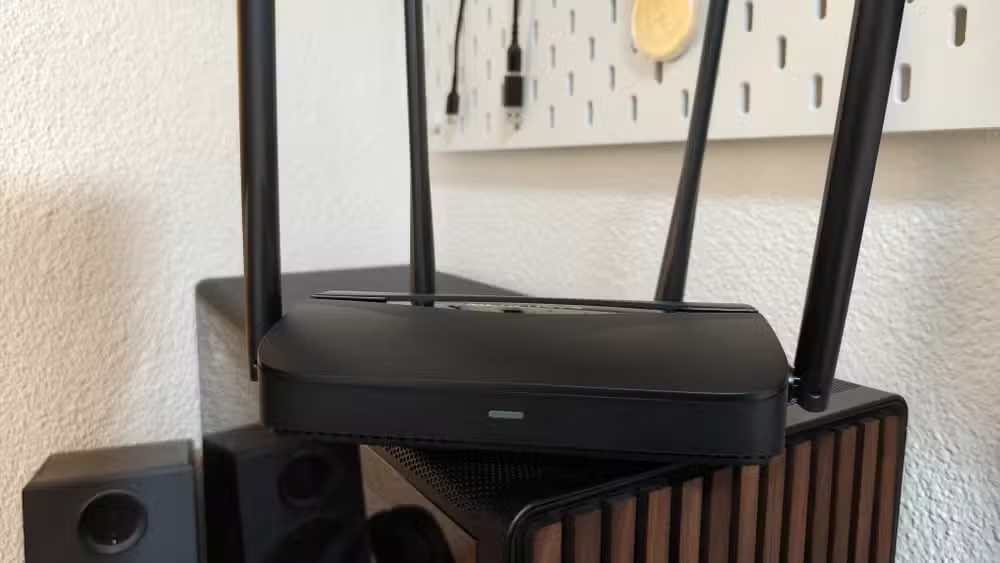
If wireless performance tanks only when multiple devices are online, your router might be struggling with device congestion rather than raw speed. Older Wi-Fi standards (802.11n from 2009, for example) weren't designed for homes with 15 or 20 connected devices. A router that handled three laptops and two phones in 2015 may buckle under smart TVs, thermostats, security cameras, and a home office setup.
The checklist: when an old router must go
Not every old router needs immediate replacement. If yours still receives firmware updates, handles your current device count without dropping connections, supports WPA3 or at least WPA2, and doesn't bottleneck your internet speed, you have time.
- No firmware updates in the past two years
- Listed as end-of-life by the manufacturer
- Only supports WEP or WPA (not WPA2 or WPA3)
- Uses WiFi 4 (802.11n) or older standards
- Struggles with your current device count
- Ethernet speeds are fine but Wi-Fi can't keep up
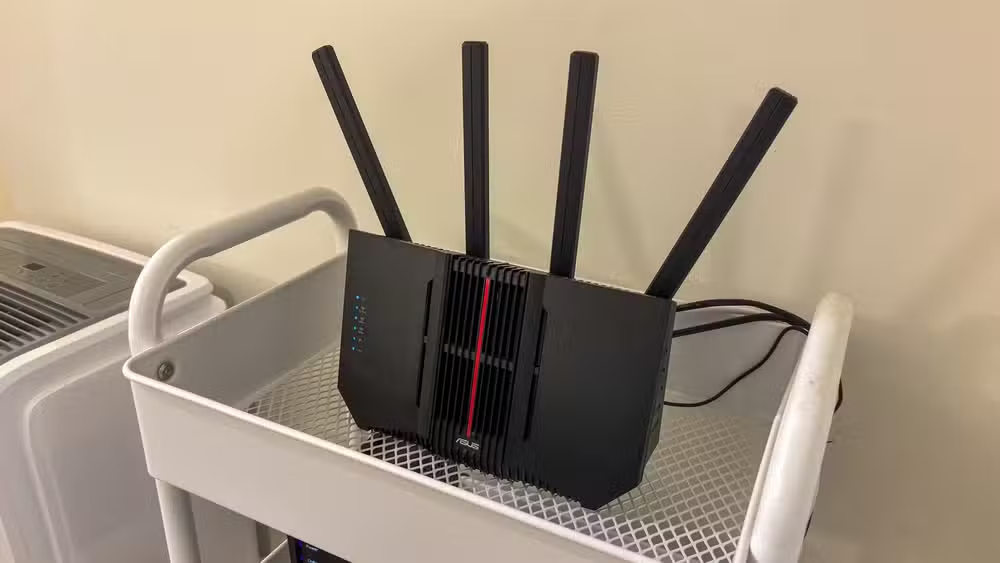
Once your router fails on two or more of those points, upgrading becomes a matter of when, not if. Security support ending is the hard line. Everything else is negotiable annoyance.
What should you buy to replace an old router?
WiFi 6 routers have dropped into the $50 to $150 range, making upgrades accessible. For most homes, a mid-range WiFi 6 model handles 20+ devices without strain. WiFi 7 exists but remains expensive and overkill for typical use.
For those wanting future-proofing and business-grade features, options like the UniFi Dream Router 7 (around $279 to $295) provide extended support cycles and advanced network management. But most households don't need that level of hardware.
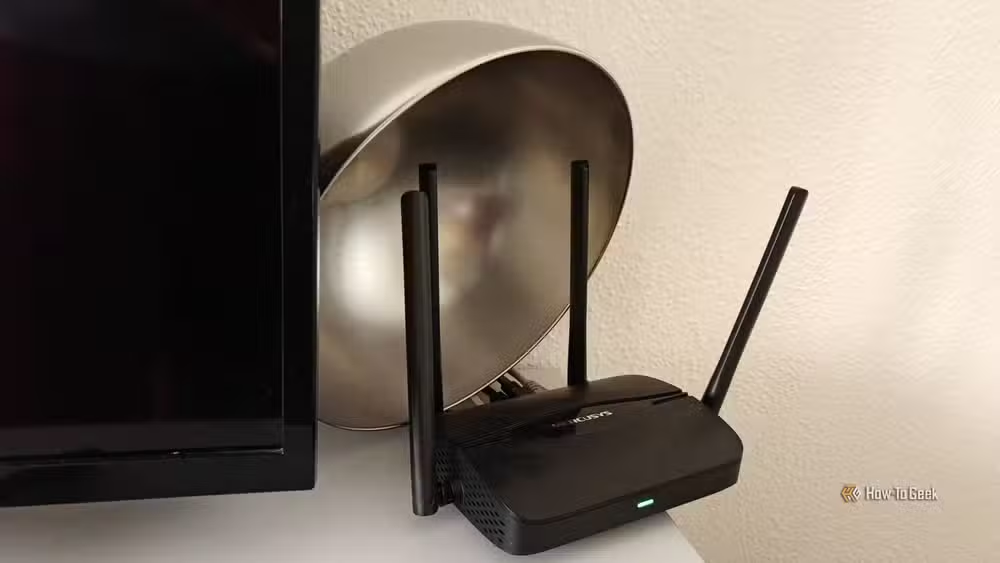
The key factor isn't raw speed specs. It's buying from a manufacturer with a track record of providing firmware updates for at least four to five years after release. Check support forums and see how the company treated previous models before committing.
Don't trash the old router entirely
A router that's unsafe as your primary gateway can still serve as a wired network switch or access point for a detached garage or basement. Disconnecting it from direct internet access neutralizes most security concerns while squeezing remaining value from the hardware.
Another common home network security threat worth understanding
Logicity's Take
The router market has a transparency problem. Manufacturers rarely advertise how long they'll support a model, making the purchase a gamble. Until that changes, the safest bet is assuming a five-year window and planning accordingly. Treat router purchases like phone purchases: factor in the software support timeline, not just the hardware specs.
Frequently Asked Questions
How do I check if my router still receives security updates?
Log into your router's web interface (usually 192.168.1.1) or the manufacturer's app. Look for a firmware update section that shows the last update date. Then check the manufacturer's website to see if your model is listed as end-of-life or supported.
Can an old router be hacked?
Yes. Routers without current firmware patches contain known vulnerabilities that attackers actively exploit. Once a manufacturer stops releasing updates, those security holes remain open permanently.
Is WiFi 5 still secure in 2026?
WiFi 5 (802.11ac) can still be secure if the router receives firmware updates and supports WPA3 or WPA2 encryption. The WiFi generation affects speed and features, not inherently security. Update status matters more.
How often should I replace my router?
Plan for replacement every four to five years, which aligns with typical manufacturer support cycles. Replace sooner if your model is listed as end-of-life or you notice consistent performance issues the router can't handle.
What's the cheapest way to upgrade an old router?
WiFi 6 routers from brands like TP-Link and Netgear start around $50. For most homes with standard ISP speeds under 500 Mbps, a $75 to $100 router handles everything without overspending.
Need Help Implementing This?
If you're unsure about your current router's security status or need guidance selecting a replacement that fits your network requirements, reach out to Logicity. We help teams and individuals make smart infrastructure decisions.
Source: How-To Geek
Manaal Khan
Tech & Innovation Writer
Produced with AI assistance and reviewed by the Logicity editorial team. Learn more in our Editorial Policy.






