Key Takeaways
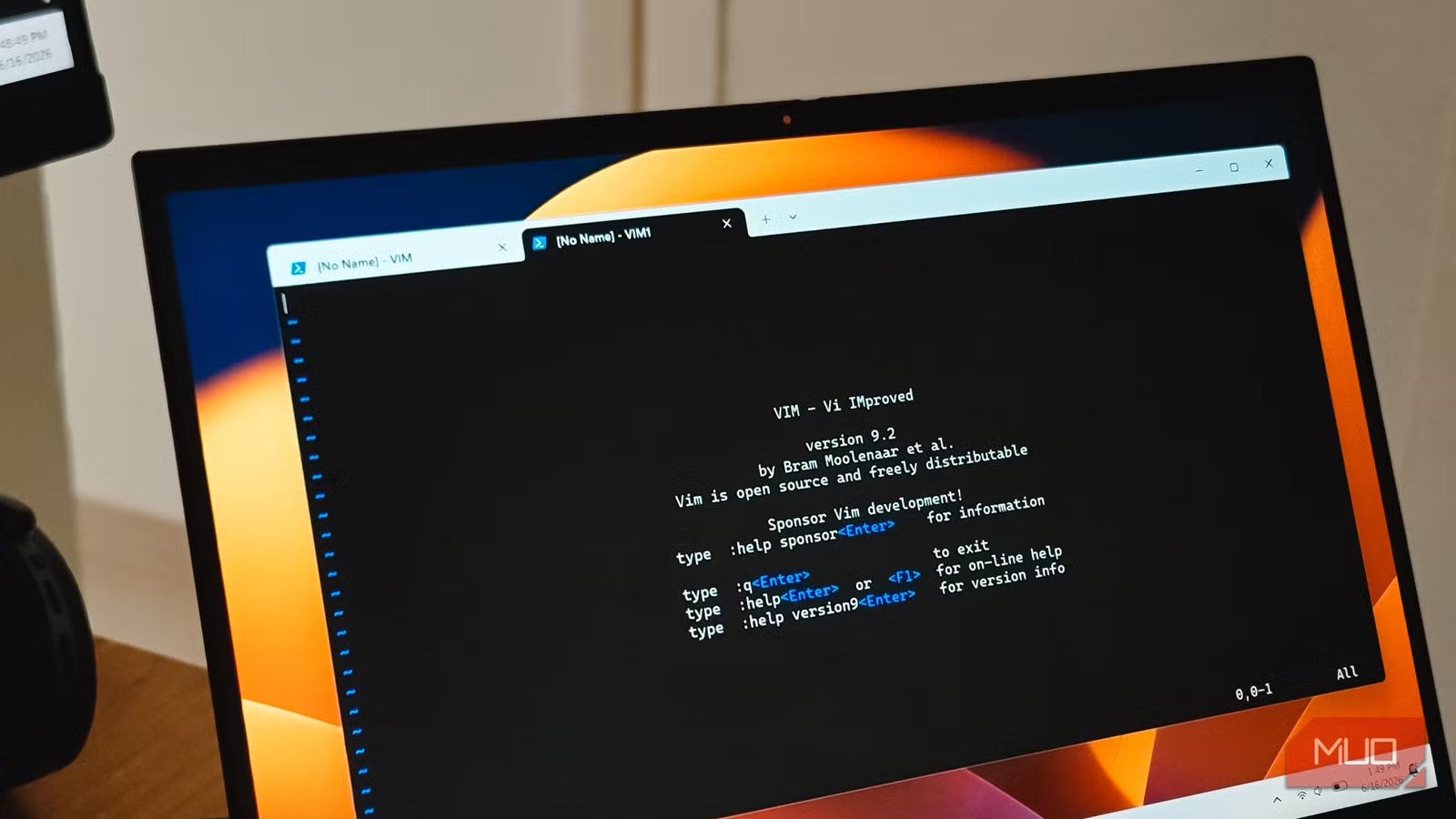
- Vim's grammar-like command structure lets writers reshape paragraphs in two or three keystrokes, far faster than mouse-driven editors
- 38.3% of developers now use Vim or Neovim, making the 'Vim family' a top-tier choice rivaling major GUI editors
- Vim keybindings work across VS Code, browsers, and even Gmail, creating a portable editing language rather than a single app
Vim, a terminal-based text editor released in 1991, still outperforms modern writing apps like Obsidian, Notion, and iA Writer at the core task of editing prose. That is the conclusion from Tashreef Shareef, a technology author at MakeUseOf who spent a year testing writing-first applications against the 34-year-old editor.
His verdict lands with a thud against every subscription-based, AI-enhanced writing tool on the market: when you strip away the sidebars and sync engines, Vim handles the actual work of moving through text and reshaping it faster than anything else.
How Vim's grammar beats point-and-click editing
Most writing apps follow the same pattern: select text with your mouse or keyboard, then apply an action. Vim inverts this. You type what you want to do first, then what to do it to. The command ci" means "change inside the quotes" from anywhere on the line. The command dap means "delete around paragraph."
These verbs and motions combine like words in a sentence. Once a handful live in muscle memory, a fiddly edit collapses into two or three keystrokes instead of a sequence of clicks and drags.
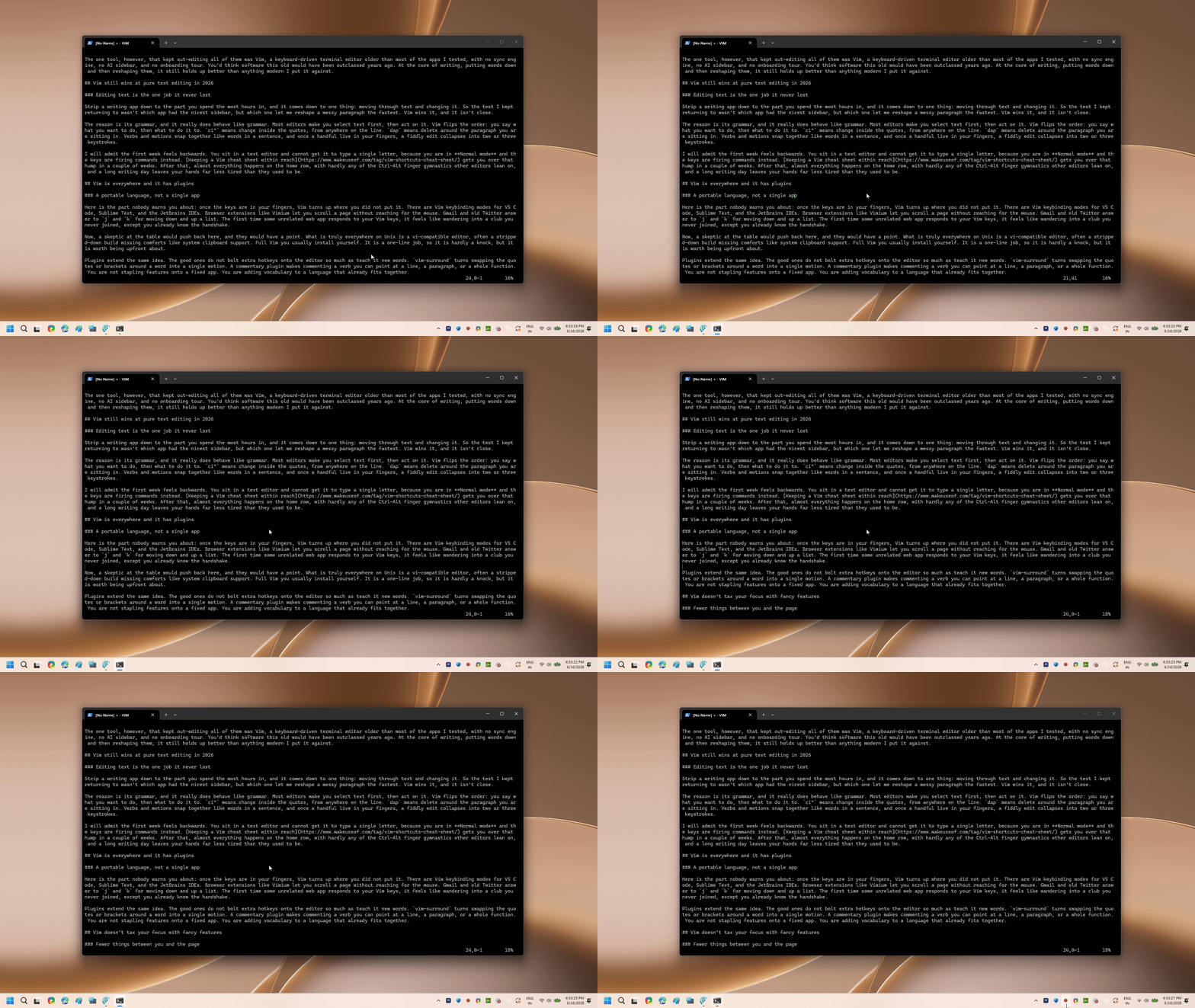
The learning curve is real. The first week feels backwards. You open a text editor and cannot type a single letter because you are in Normal mode, where every key fires a command instead of inserting characters. Shareef recommends keeping a cheat sheet nearby for the first two weeks.
After that initial investment, almost everything happens on the home row. No Ctrl-Alt finger gymnastics, no reaching for the mouse. A long writing day leaves your hands less tired.
Vim adoption is climbing, not falling
Despite its age, Vim is not a relic used by a shrinking group of loyalists. According to 2025 developer surveys, 24.3% of global developers use Vim. When you add Neovim users, the "Vim family" holds a combined 38.3% market share, rivaling major GUI editors.
Neovim, a modern fork of Vim with better extensibility and Lua-based configuration, has attracted writers and developers who want the modal editing model with a more hackable foundation. Both editors share the same core commands.
A portable language, not a locked-in app
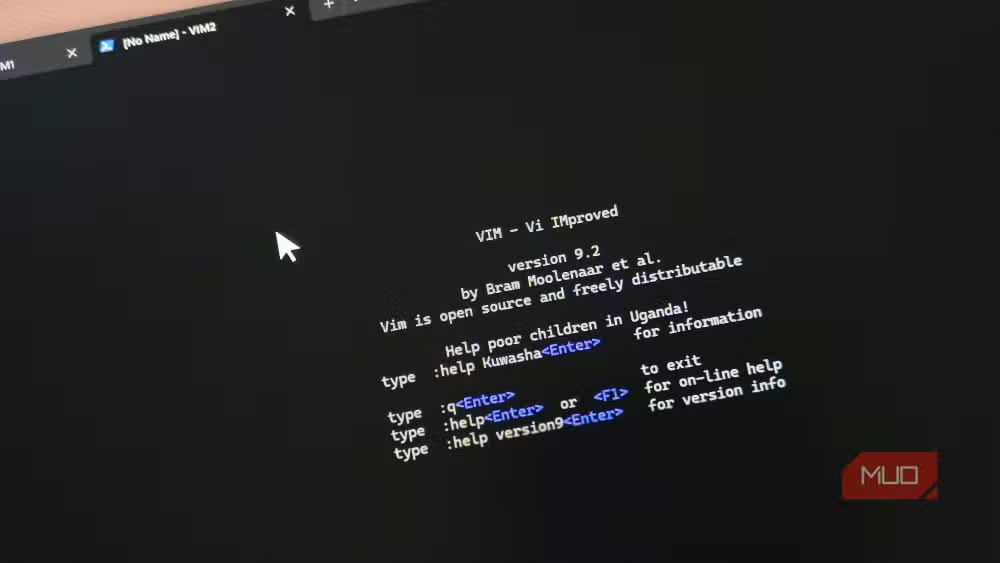
Once you learn Vim's commands, they follow you everywhere. VS Code, Sublime Text, and the JetBrains IDEs all offer Vim keybinding modes. Browser extensions like Vimium let you scroll and navigate without touching the mouse. Gmail responds to j and k for moving through your inbox. Old Twitter did the same.
Shareef describes the experience of discovering a random web app responds to Vim keys: "It feels like wandering into a club you never joined, except you already know the handshake."
One caveat worth noting: while a vi-compatible editor exists on nearly every Unix system, it is often a stripped-down build missing features like system clipboard support. Full Vim requires a one-line install command. Hardly a barrier, but worth knowing upfront.
Plugins add vocabulary, not clutter
Vim plugins follow the same grammar-based philosophy. They do not bolt extra hotkeys onto the editor. Instead, they teach it new words.
The vim-surround plugin turns swapping quotes or brackets around a word into a single motion. A commentary plugin makes "comment out" a verb you can point at a line, a paragraph, or an entire function. You are not stapling features onto a fixed application. You are expanding a language that already fits together.
Where modern apps still have an edge
Community discussions on HackerNews and Reddit reflect a polarized but intense devotion to Vim. Proponents argue the steep learning curve is a one-time investment that pays dividends for decades. Critics counter that modern writing apps like Obsidian or iA Writer offer better organization, linked notes, and psychological comfort for long-form creative projects.
The consensus: Vim remains unmatched for raw editing speed. Modern tools are often preferred for project management and knowledge discovery. Shareef himself still uses Obsidian as his daily driver for note organization. He just opens Vim when he needs to actually write.
Fewer distractions, more focus
Vim offers no AI sidebar suggesting completions. No onboarding tour. No sync engine asking for an account. The terminal opens. The cursor blinks. You write.
For writers who find modern apps have accumulated too many features between them and the blank page, that simplicity is the point. The interface disappears. What remains is text and the fastest way to shape it.
Customizing your keyboard can complement Vim's home-row philosophy
Logicity's Take
The resurgence of Vim among writers, not just developers, signals a backlash against feature creep in modern productivity software. Every app now wants to be a second brain, a project manager, and an AI assistant. Vim wants to be exactly one thing: fast. For professionals who measure their output in words shipped, not features explored, that focus has compounding value. The question is whether you can afford the two-week learning tax to collect it.
Frequently Asked Questions
How long does it take to learn Vim for writing?
Most users report needing about two weeks of daily practice with a cheat sheet before basic commands become automatic. Full fluency takes a few months of regular use.
Is Vim better than Obsidian for writing?
Vim excels at raw text editing speed. Obsidian is better for organizing notes, linking ideas, and managing writing projects. Many writers use both: Obsidian for structure, Vim for drafting.
Can I use Vim keybindings in other apps?
Yes. VS Code, Sublime Text, JetBrains IDEs, and browser extensions like Vimium all support Vim keybindings. Gmail and some social platforms also respond to basic Vim navigation keys.
What is the difference between Vim and Neovim?
Neovim is a modern fork of Vim with better extensibility and Lua-based configuration. Both share the same core editing commands and modal editing philosophy.
Is Vim only for programmers?
No. Vim's modal editing benefits anyone who spends hours writing and editing text, including journalists, authors, and technical writers who prioritize speed over visual features.
Need Help Implementing This?
Want to switch your writing workflow to Vim or integrate Vim keybindings into your existing tools? Logicity's consulting team can help you design a distraction-free writing environment tailored to your needs. Contact us to discuss your setup.
Source: MakeUseOf
Manaal Khan
Tech & Innovation Writer
Produced with AI assistance and reviewed by the Logicity editorial team. Learn more in our Editorial Policy.






