Key Takeaways
- Vert processes all file conversions locally in your browser, never uploading files to external servers
- The tool has no file size limits, no conversion caps, and no quality restrictions
- Vert handles document, image, audio, and video conversions in one interface
Need to convert a PNG to JPG? A quick search gives you dozens of options. The problem: every one of those sites uploads your file to a remote server. Even the ones promising to delete your data "in a few hours" still hold your files on third-party infrastructure during that window.
For anyone working with sensitive documents, client files, or personal data, that's a non-starter. But there's an alternative that skips the upload entirely.
Why Most Free Converters Are a Privacy Problem
Traditional online converters work by transferring your file to their servers, running the conversion there, then sending the result back. This model creates several issues.
- Your files sit on someone else's infrastructure, even if only temporarily
- Many services impose limits on file size, number of conversions, or output quality
- Batch conversion often requires a paid tier
- Some services monetize by analyzing uploaded content
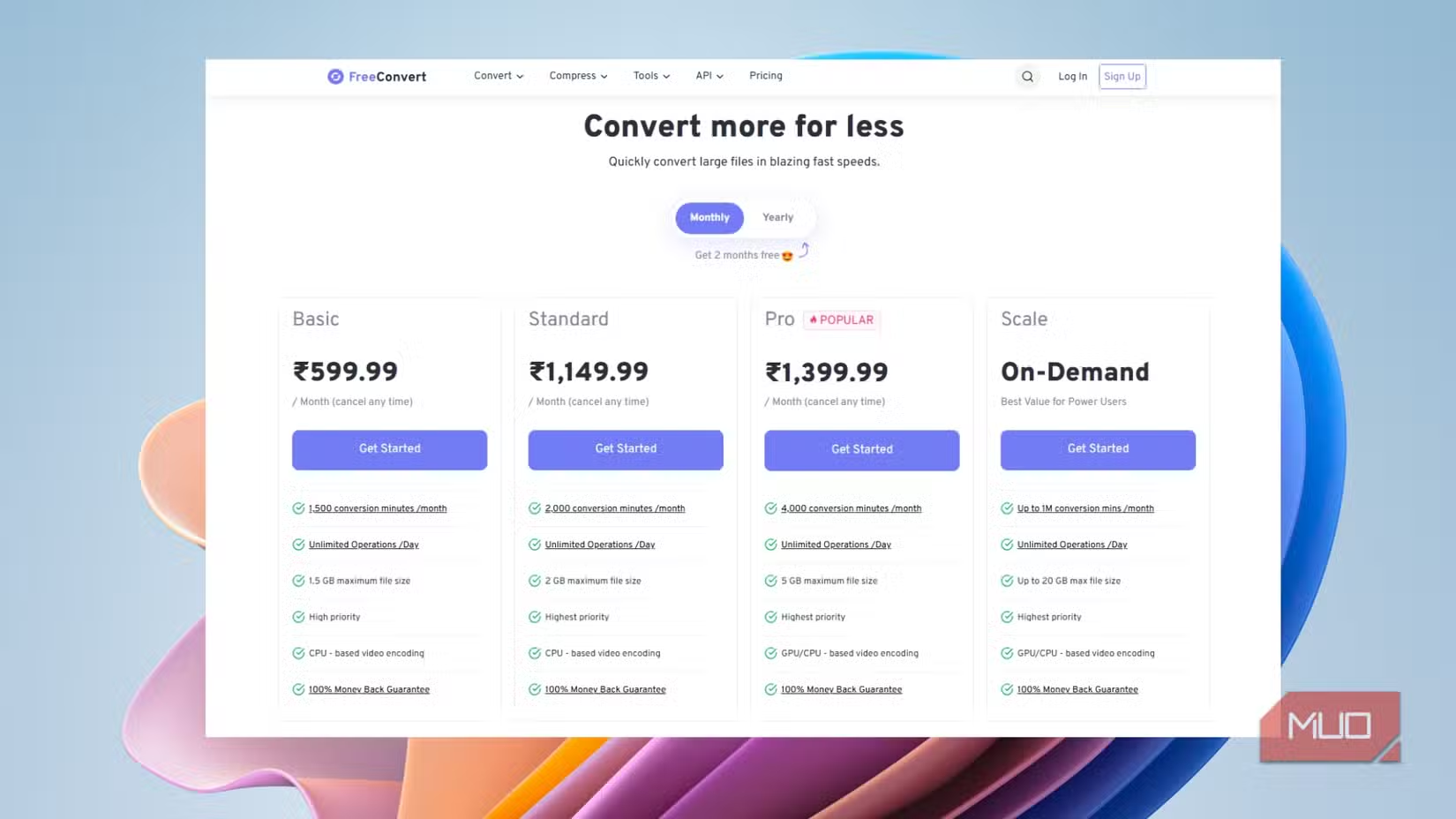
The "free" tier is often a funnel to upsell you on premium features. And even if a service claims to delete files automatically, you're trusting a third party with data that might include contracts, financial records, or personal photos.
Vert: Everything Happens in Your Browser
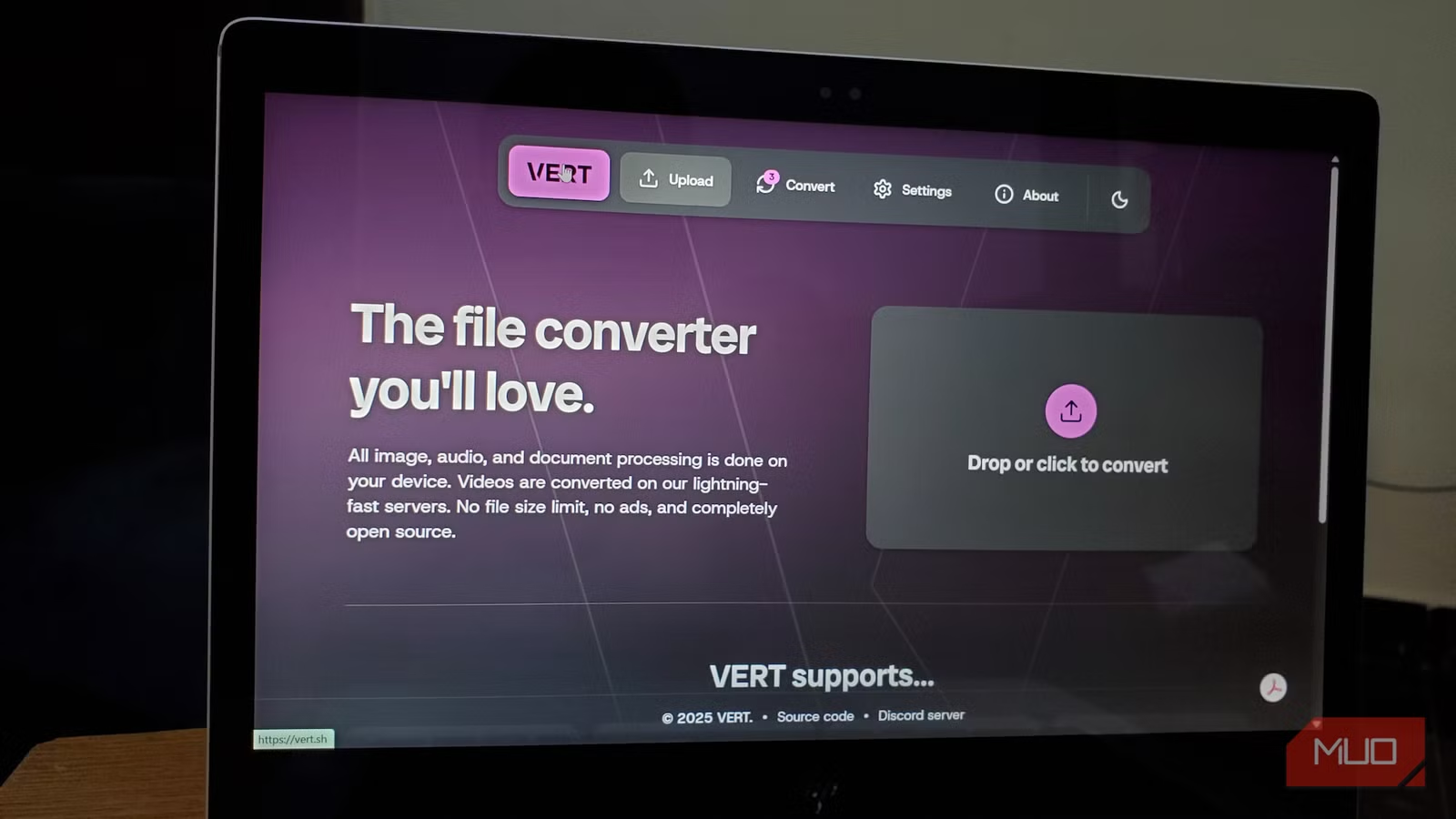
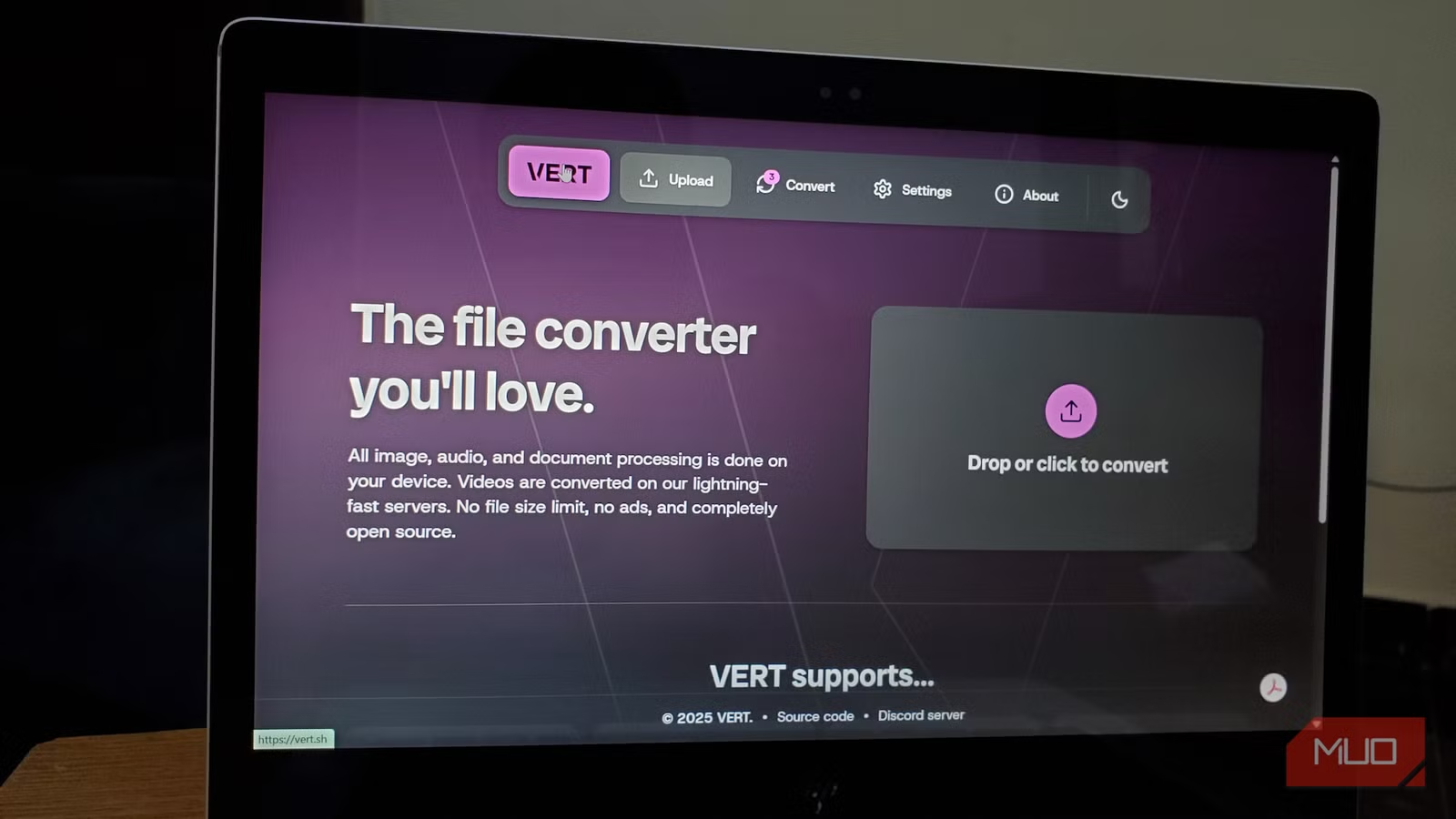
Vert takes a different approach. It runs entirely in your browser using WebAssembly technology. When you drop a file into Vert, the conversion happens on your machine. Nothing leaves your device.
This isn't just a privacy feature. It also removes the practical limits that server-based tools impose. There's no file size cap because the service isn't paying for bandwidth. There's no conversion limit because there's no server load to manage. Output quality stays at full resolution because there's no incentive to compress results to save storage costs.
What Vert Can Convert
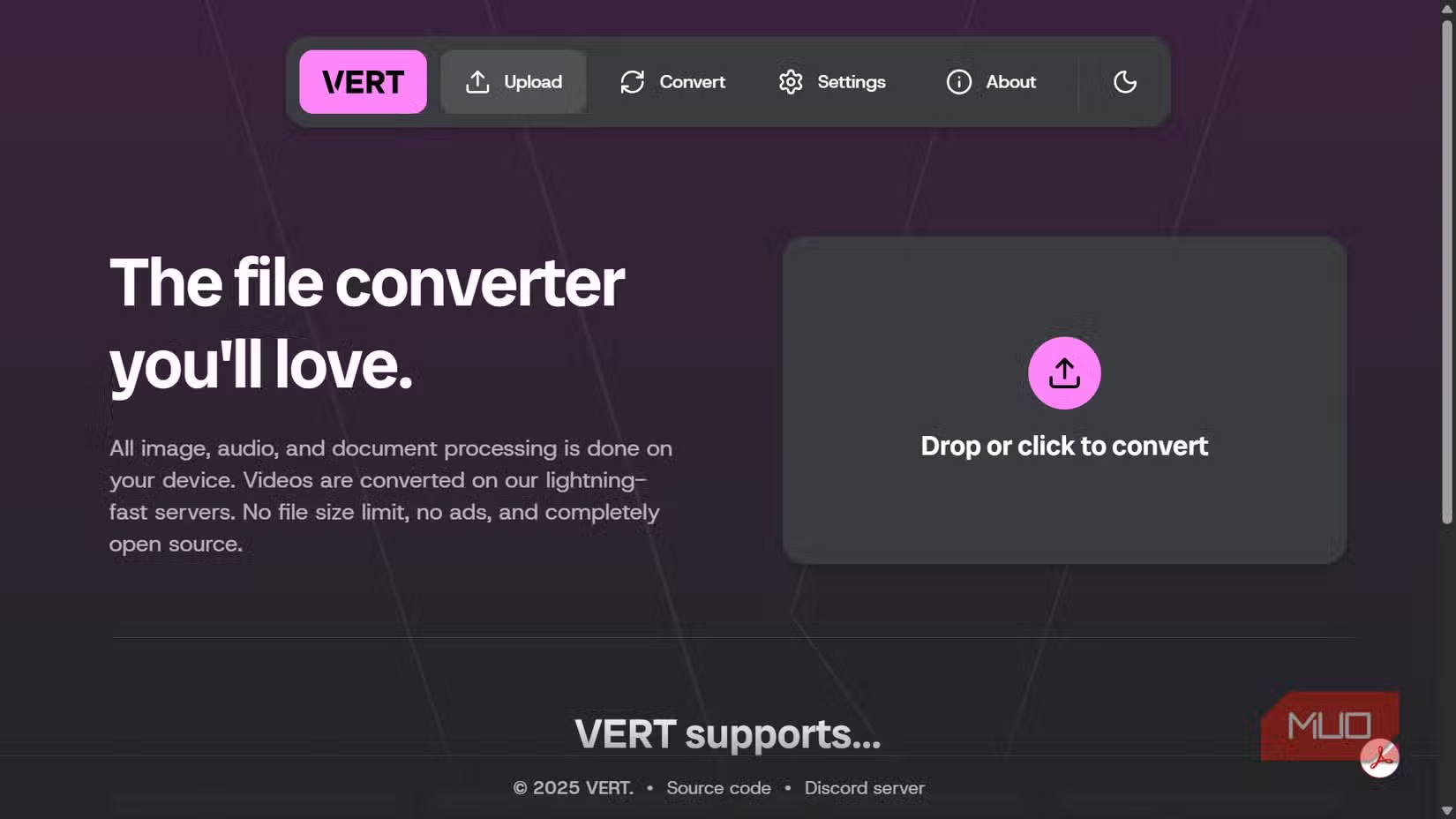
The tool positions itself as a one-stop shop for format conversion. It handles the most common use cases across multiple file types.
- Images: PNG, JPG, WebP, GIF, and other standard formats
- Documents: PDF conversions and document format changes
- Audio: MP3, WAV, and other audio formats
- Video: Common video format conversions
Batch conversion works without restrictions. You can queue up multiple files and process them in one go, something that typically sits behind a paywall on other services.
The Trade-off: Processing Power
Since Vert runs on your hardware rather than cloud servers, conversion speed depends on your device. A laptop with a modern processor will handle most conversions quickly. Older machines or heavy video files might take longer than a server-based alternative.
For most document and image work, this isn't noticeable. For large video files, you're trading speed for privacy. Whether that's the right trade depends on what you're converting.
✅ Pros
- • Files never leave your device
- • No size limits or conversion caps
- • Full quality output without watermarks
- • Batch conversion included free
❌ Cons
- • Conversion speed depends on your hardware
- • Large video files may process slower than cloud tools
- • Requires a modern browser with WebAssembly support
Who Should Use Vert
Anyone handling sensitive files has an obvious reason to prefer local processing. That includes legal professionals, healthcare workers, financial teams, and anyone bound by data protection requirements.
But even for casual use, Vert solves the annoyance of hitting conversion limits or seeing quality degraded. If you've ever been blocked by a "3 free conversions per day" message, a local tool removes that friction permanently.
More productivity tools for teams handling creative work
Logicity's Take
Browser-based local processing is the right model for file conversion. The old approach of uploading to random servers was always a privacy compromise users accepted because alternatives didn't exist. Now they do. Vert isn't the only local converter out there, but it's a clean implementation of the concept.
Frequently Asked Questions
Is Vert really free with no limits?
Yes. Because it runs on your hardware rather than cloud servers, there's no infrastructure cost that would require monetization through limits or premium tiers.
Does Vert work offline?
You need to load the web app initially, but once loaded, the actual conversion happens locally. Check the specific tool for full offline capability.
What file formats does Vert support?
Vert handles common image formats (PNG, JPG, WebP, GIF), documents including PDF, audio formats like MP3 and WAV, and various video formats.
Is local file conversion as fast as cloud conversion?
It depends on your hardware. Modern devices handle most conversions quickly. Large video files may process slower locally than on dedicated cloud servers.
Need Help Implementing This?
Looking to standardize secure file handling across your team? Reach out to discuss workflow tools that keep sensitive data off third-party servers. We're happy to point you toward solutions that fit your security requirements.
Source: MakeUseOf
Huma Shazia
Senior AI & Tech Writer
Produced with AI assistance and reviewed by the Logicity editorial team. Learn more in our Editorial Policy.






