Key Takeaways
- Vaultwarden is a free, open-source reimplementation of the Bitwarden server that runs on your own hardware
- You keep using official Bitwarden apps on all devices; only the server location changes
- Setup requires Docker and takes roughly 30 minutes for the full configuration
Vaultwarden lets you run Bitwarden's backend on your own machine instead of trusting their cloud servers. The open-source project, written in Rust, has crossed 62,500 GitHub stars and 100 million Docker Hub pulls. It's lightweight enough to run on a Raspberry Pi, yet compatible with every official Bitwarden client.

The appeal is straightforward: you get the same browser extension, mobile app, and autofill features you already use, but your encrypted vault sits on hardware you control. No subscription fees, no reliance on a third party's uptime, and no anxiety about what happens if that third party gets breached.
Why ditch Bitwarden's cloud in the first place?
Bitwarden itself remains a solid password manager. End-to-end encryption means even Bitwarden's servers can't read your passwords. But encryption doesn't eliminate every risk. Cyberattacks happen. Zero-day vulnerabilities get discovered. Reports indicate frontier AI models like Anthropic's Claude Mythos have autonomously uncovered thousands of previously unknown exploits during internal testing alone.
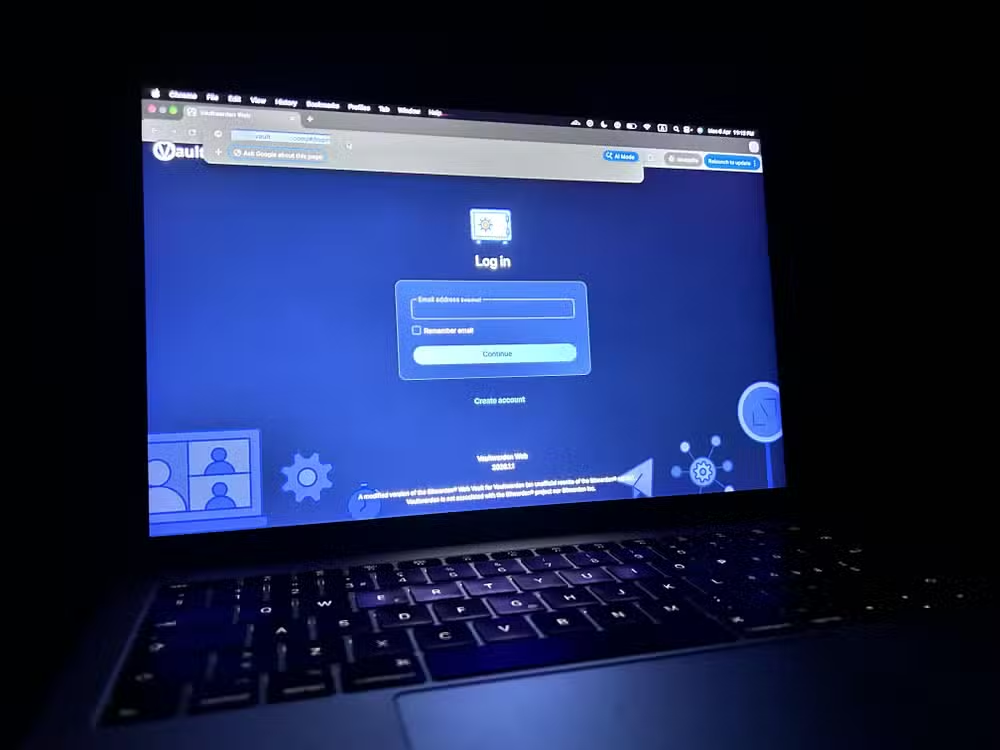
Large cloud providers are high-value targets. Attackers invest resources to breach services with millions of users. Your home server? Not worth the effort. Security through obscurity isn't a complete defense, but combined with encryption and good practices, it meaningfully shrinks your attack surface.
How Vaultwarden works with official Bitwarden apps
Bitwarden has two layers. The client, your browser extension or mobile app, handles password generation, storage, and autofill locally. The server stores your encrypted vault and syncs it across devices. By default, that server lives on Bitwarden's cloud.
Vaultwarden reimplements the server API. Install it on any machine running Docker, point your Bitwarden clients to your server's address, and everything works as before. The official apps don't know the difference.
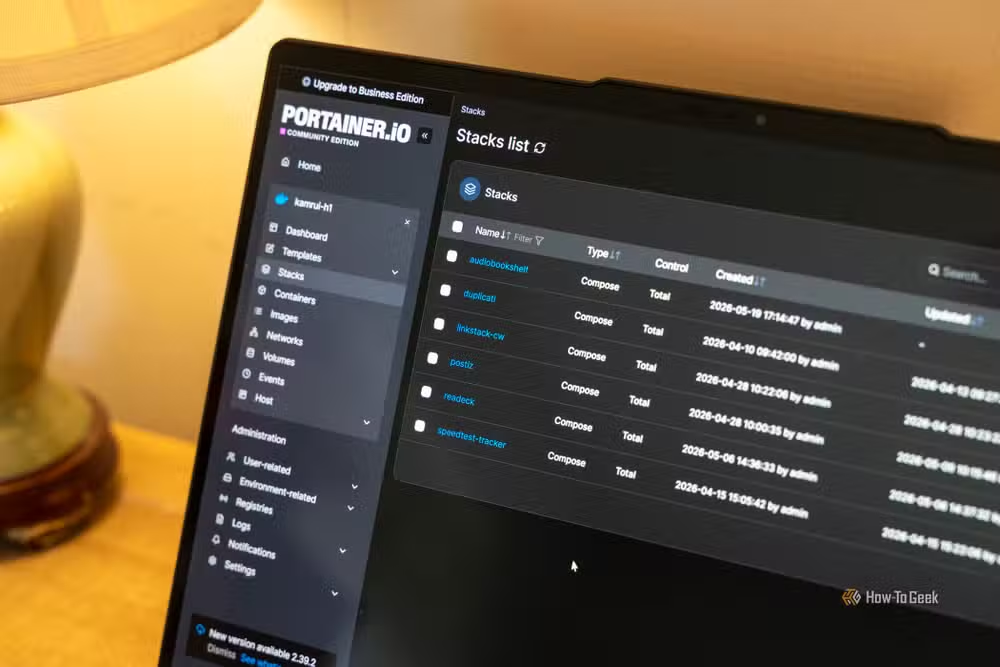
One bonus: Vaultwarden unlocks premium Bitwarden features for free. TOTP authenticator support, advanced organization collections, and emergency access all come included. The r/vaultwarden community, with 4,200 weekly active visitors, frequently calls it the gold standard for open-source password management.
What you need to set up Vaultwarden
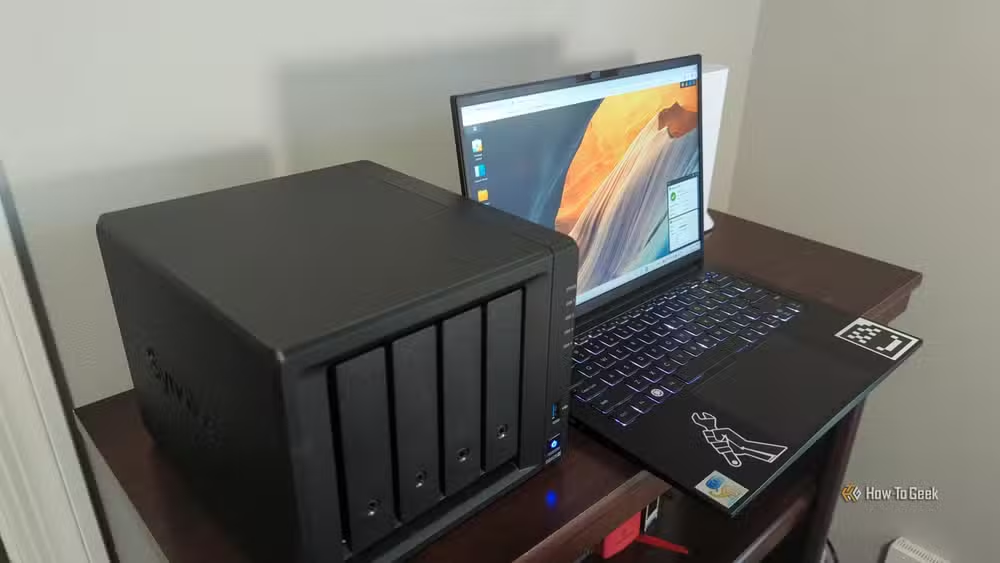
The requirements are minimal. You need a machine that can run Docker, a few minutes to configure SSL certificates, and basic comfort with a terminal. A Raspberry Pi works fine. So does an old laptop, a NAS, or a virtual machine on your desktop.
Resource consumption stays remarkably low. Users report Vaultwarden running happily on under 100MB of RAM. Compare that to the official Bitwarden server, which requires Microsoft SQL Server and considerably more overhead.
Step-by-step: getting Vaultwarden running
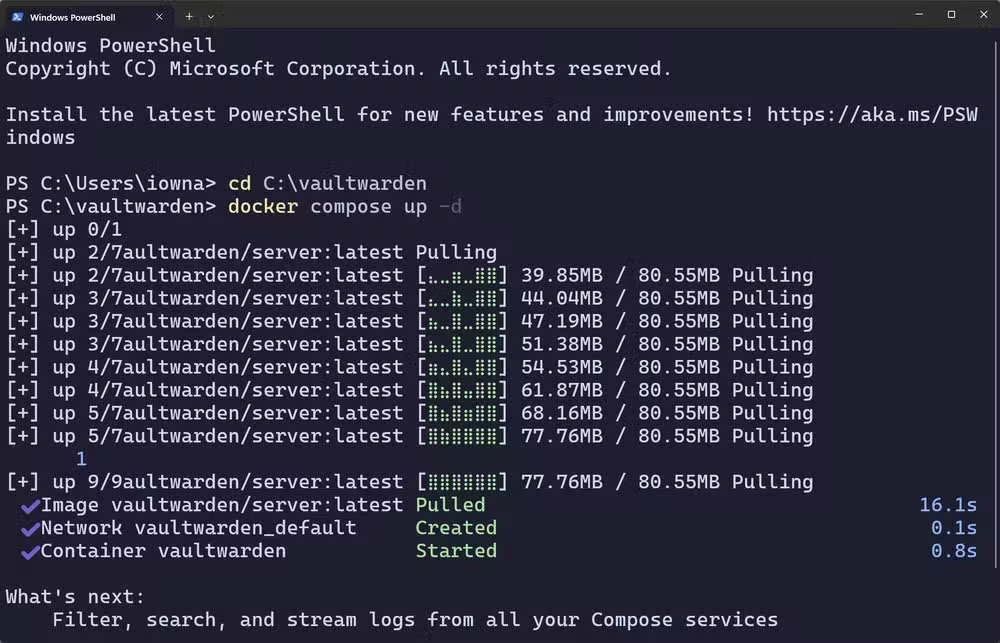
The Vaultwarden container itself installs in under a minute. The full setup, including Docker installation and SSL configuration, takes around 20 to 30 minutes.
- Install Docker on your host machine if you haven't already
- Pull the Vaultwarden image from Docker Hub
- Create a docker-compose.yml file with your configuration
- Generate SSL certificates for HTTPS (required for browser extensions)
- Run docker-compose up -d to start the container
- Point your Bitwarden apps to your server's URL
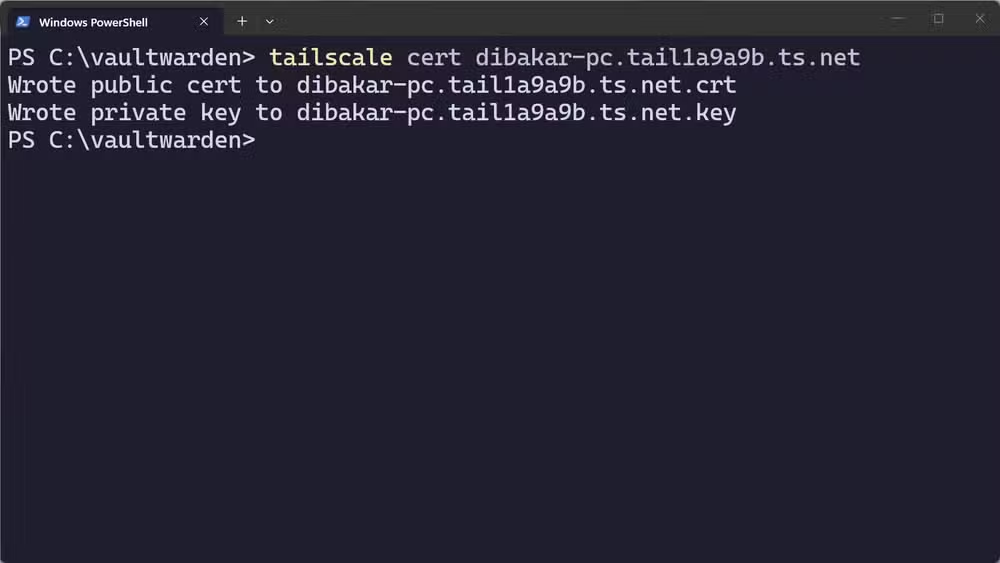
SSL certificates can come from Let's Encrypt, Tailscale, or a reverse proxy like Caddy. The last option handles certificate renewal automatically. Pick whichever fits your existing setup.
What about backups and reliability?
Self-hosting means you're responsible for uptime and backups. Vaultwarden stores everything in a single SQLite database file, making backups trivial. Copy that file to another location, preferably off-site, on a schedule. Many users automate this with rsync or rclone to a second machine or encrypted cloud storage.
Reliability depends on your hardware. A dedicated Raspberry Pi or NAS that stays powered on works well. If your server goes down, you lose sync, not your passwords. The Bitwarden clients cache your vault locally.
Useful context for readers building self-hosted infrastructure at home
Who should consider Vaultwarden?
Power users who already run home servers will find Vaultwarden a natural addition. If you're comfortable with Docker, you can be operational in half an hour. The privacy benefits are real, the cost is zero, and the premium features are a nice bonus.
For everyone else, the calculus is different. Self-hosting introduces maintenance overhead. You need to keep Docker updated, monitor your server's health, and handle your own disaster recovery. If that sounds like work rather than a weekend project, Bitwarden's cloud remains a perfectly reasonable choice.
Logicity's Take
Vaultwarden represents a broader shift: as cloud breaches pile up and AI-assisted exploits mature, technical users are reclaiming control over critical infrastructure. Password managers are the natural starting point because the stakes are highest. The 62,500 GitHub stars aren't just about free premium features. They reflect growing distrust in the implicit bargain of cloud services. Expect more tools like Vaultwarden to emerge across categories, from note-taking to email, as self-hosting moves from hobby to hygiene.
Frequently Asked Questions
Is Vaultwarden compatible with all Bitwarden apps?
Yes. Vaultwarden implements the Bitwarden server API, so official browser extensions, mobile apps, and desktop clients work without modification. You just change the server URL in settings.
Does self-hosting Vaultwarden require a static IP?
No. You can use dynamic DNS services or a VPN like Tailscale to access your server remotely without a static IP.
What happens if my Vaultwarden server goes offline?
Bitwarden clients cache your vault locally. You can still access and use saved passwords. Sync resumes when the server comes back online.
Is Vaultwarden secure enough for sensitive passwords?
Vaultwarden uses the same encryption as Bitwarden. Security depends on your hosting practices: strong server passwords, updated software, SSL certificates, and proper backups.
Can I migrate my existing Bitwarden vault to Vaultwarden?
Yes. Export your vault from Bitwarden as a JSON or CSV file, then import it into your Vaultwarden instance through the web interface.
Need Help Implementing This?
Setting up Vaultwarden or other self-hosted infrastructure? Logicity can connect you with DevOps consultants and security specialists who've deployed these systems at scale. Reach out through our consulting directory.
Source: How-To Geek
Huma Shazia
Senior AI & Tech Writer
Produced with AI assistance and reviewed by the Logicity editorial team. Learn more in our Editorial Policy.






