Key Takeaways
- Identical USB-C ports can range from USB 2.0 (480 Mbps) to USB4/Thunderbolt (40 Gbps), with no visual way to tell the difference
- Apple's MacBook Neo ships with two USB-C ports that look the same but are decades apart in capability
- USB-C cables suffer the same problem: once packaging is discarded, there's no reliable way to identify a cable's actual specs
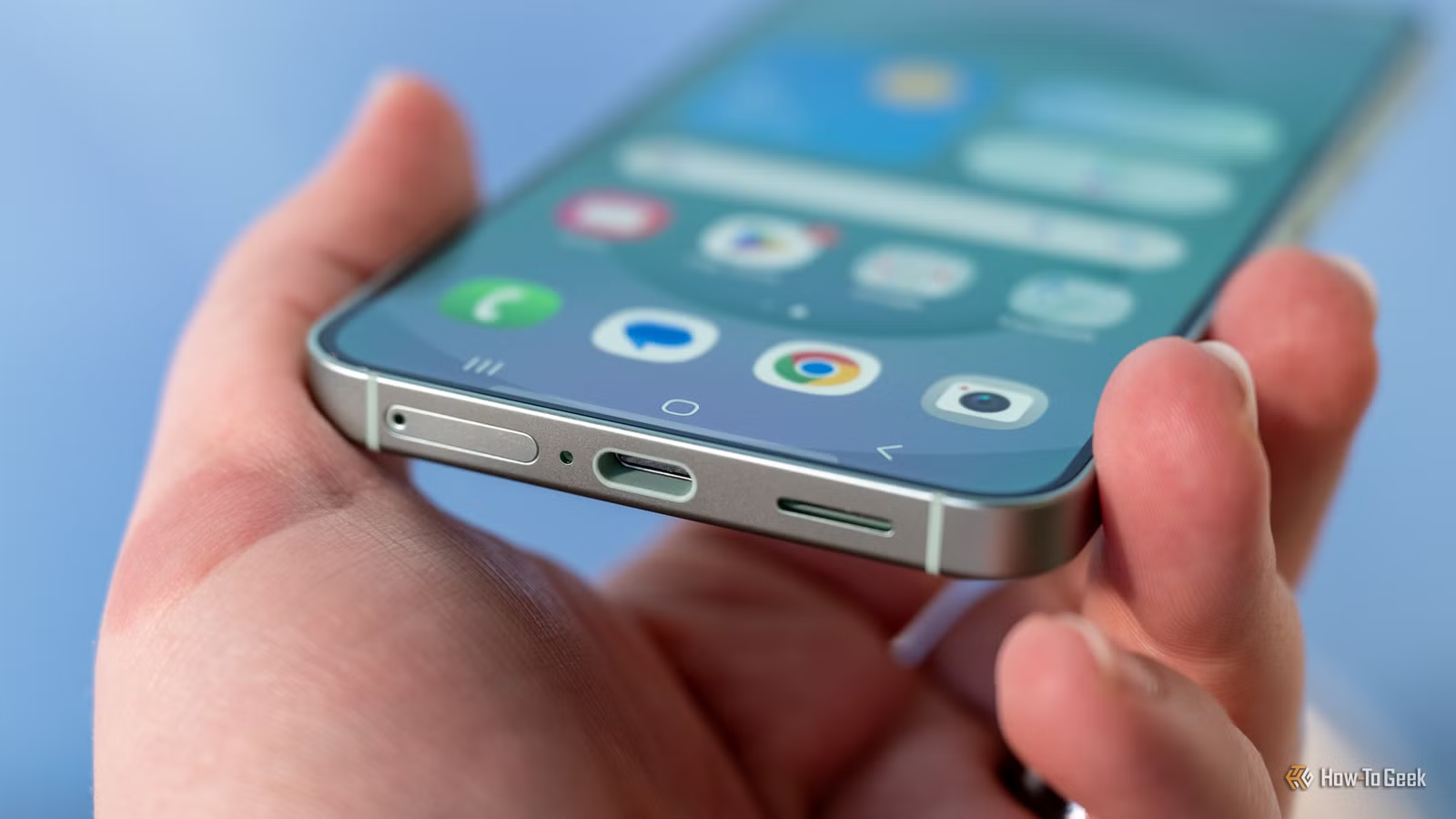
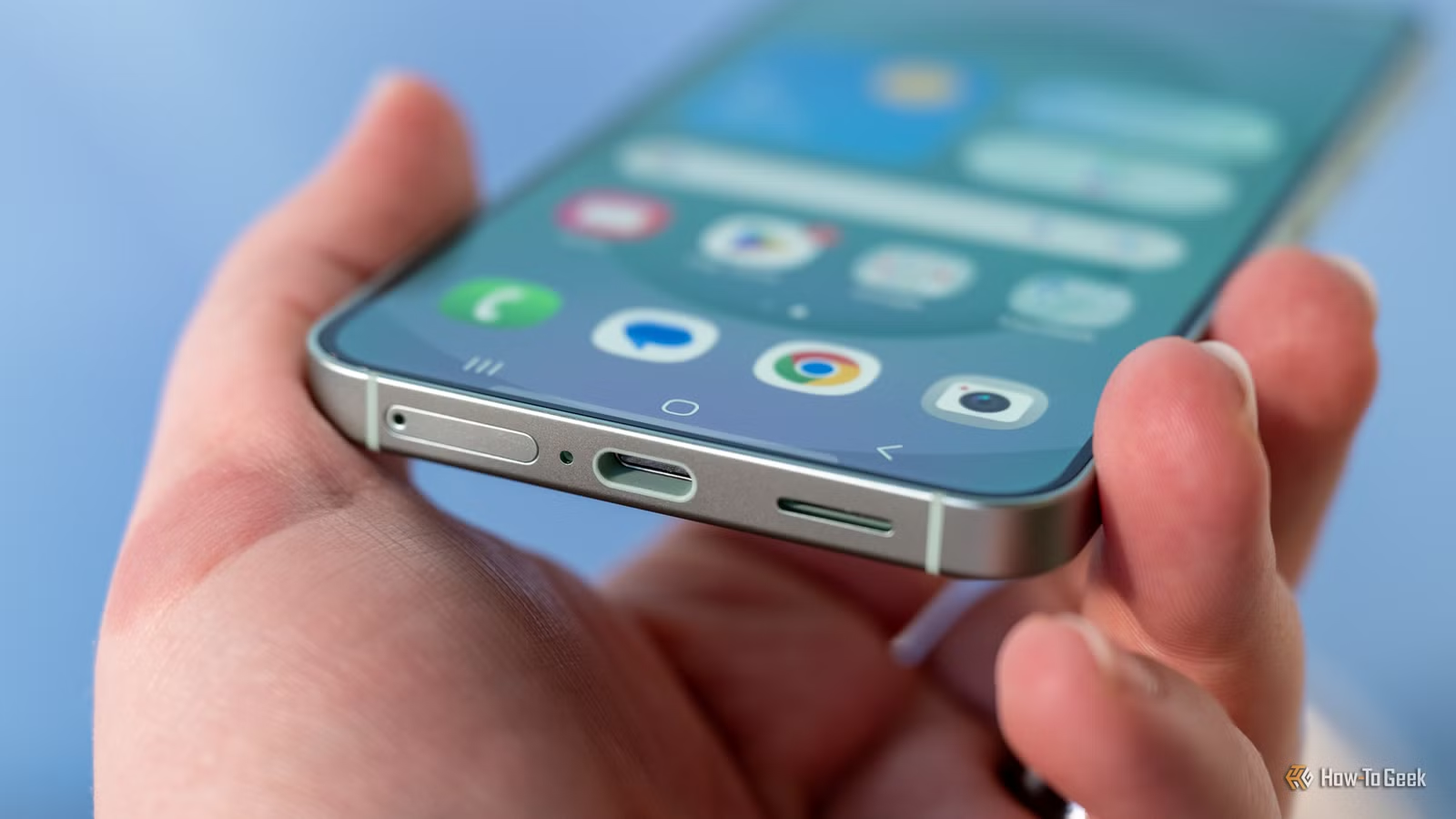
The USB-C connector was supposed to end the cable chaos. One port shape for everything: charging, data, video, audio. Instead, 2026 has delivered a landscape where two identical-looking ports on the same laptop can be separated by 24 years of technology. The connector standardized, but the capabilities behind it did not.
As How-To Geek's Sydney Butler puts it, plugging any two USB-C devices together will make "something useful" happen. The trouble is that "useful" often means a degraded, throttled version of what you expected. Your external SSD might crawl at 480 Mbps instead of 10 Gbps. Your monitor might refuse to connect at all. Your laptop might charge at 20W instead of 100W.
Why do identical USB-C ports have different capabilities?
The USB Implementers Forum allowed manufacturers to slap the USB-C label on any port or cable that uses the physical connector shape, regardless of what protocols run through it. A USB-C port might support USB 2.0 (the 2000-era standard running at 480 Mbps), USB 3.2 (up to 20 Gbps), USB4 (40 Gbps), or Thunderbolt 4 (also 40 Gbps, with stricter requirements). All look the same.
Apple's $599 MacBook Neo demonstrates the absurdity. Its left USB-C port runs USB 3.1 with display output support. The right port? USB 2.0. Same shape, same size, same color. One can drive a 4K monitor. The other exists mainly for a mouse. Apple did not invent this problem, but the MacBook Neo now serves as exhibit A for why USB-C standardization failed at the protocol level.
The old USB-A standard at least tried to help. Blue internals signaled USB 3.0 or better. Black meant USB 2.0. Manufacturers often ignored this, picking purple or orange for branding, but the intent existed. USB-C abandoned even that minimal guidance. Some laptop makers print tiny icons next to ports to indicate Thunderbolt or display support. This practice remains inconsistent and unstandardized.
How do you identify USB-C cable capabilities?
You mostly cannot. The USB-IF created packaging logos that indicate cable speeds and power ratings. These logos have changed multiple times as the organization renamed standards (USB 3.1 Gen 2 became USB 3.2 Gen 2x1, then both became confusingly interchangeable with USB 10Gbps). Once you throw away the packaging, every cable looks identical.
Reddit's r/hardware community regularly features "cable graveyard" posts. Users photograph piles of identical black USB-C cables, confessing they mark each with colored tape or Sharpie labels to remember which ones support 4K video, which handle 100W charging, and which are effectively USB 2.0 garbage.
The numbers tell the story. A premium Thunderbolt 4 cable handles 40 Gbps data transfer. Many "fast-charging" USB-C cables top out at 480 Mbps, the same speed as USB 2.0 from 2000. Modern cables can theoretically deliver 240W of power, but only if they contain a specific E-Marker chip. Without that chip, you get 60W or less. Nothing on the cable tells you which you have.
What about USB-C charging speeds?
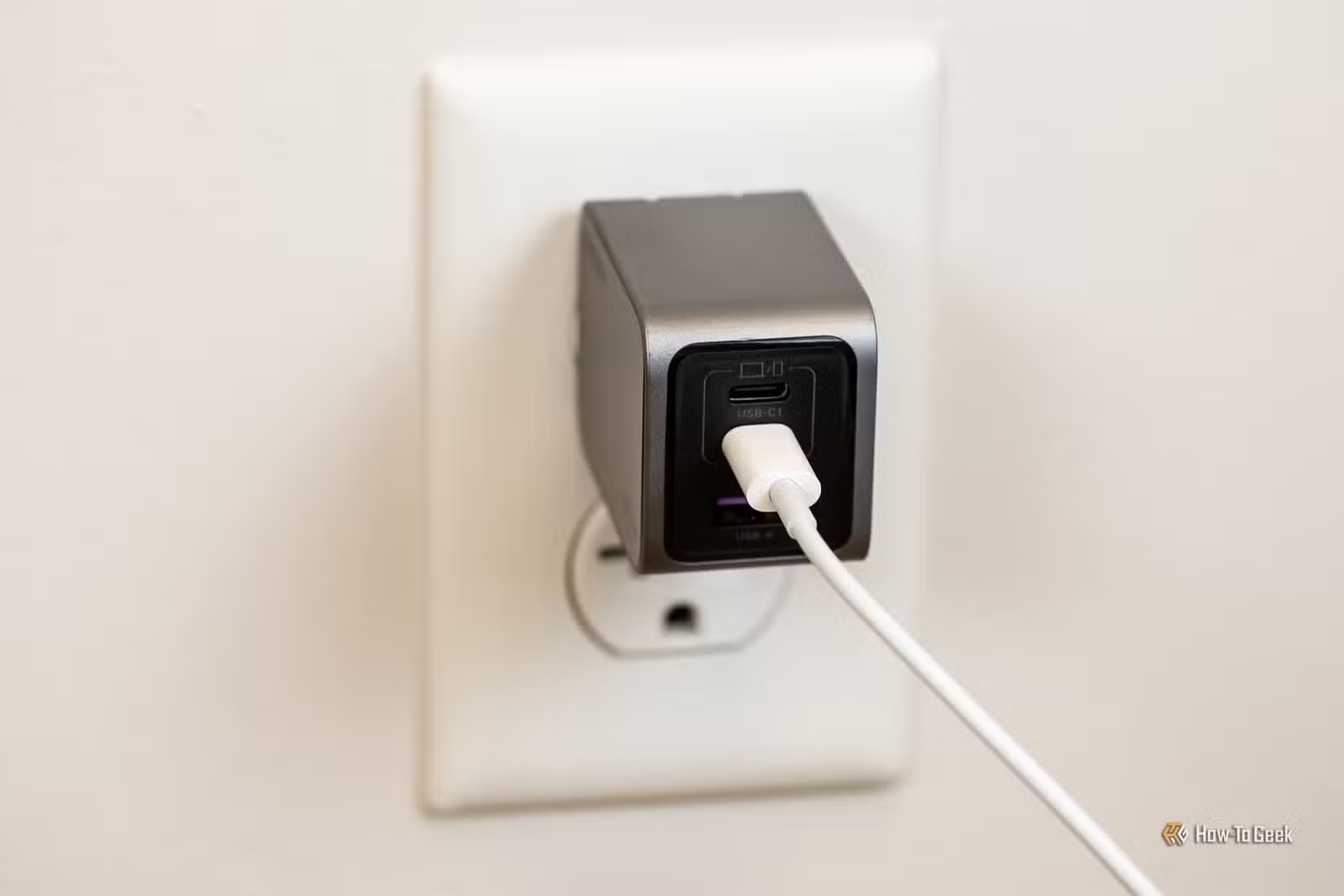
Charging remains the one area where USB-C mostly works as advertised. Plug a USB-C cable into a USB-C charger and a USB-C device, and something will charge. The question is how fast.
Power Delivery negotiation happens automatically between the charger and device. If your charger supports 100W and your laptop accepts 100W, you get 100W. If your cable lacks the E-Marker chip for high wattage, you get less. If your charger only outputs 18W, that is your ceiling. The system fails gracefully, but it also fails silently. You might spend months charging your laptop at 20W without realizing your cable is the bottleneck.
Can the USB-IF fix USB-C incompatibilities?
Engineers on HackerNews frequently point to "standards bloat" as the root problem. The USB-IF wanted USB-C to handle everything: charging, data, video, audio, docking. Each use case brought different requirements. Rather than enforce a baseline, the organization let manufacturers pick which features to implement.
Fixing this now would require either mandatory labeling that persists on the cable itself (not just packaging) or a minimum capability floor for any product using the USB-C name. Neither seems likely. The USB-IF has shown no appetite for restricting manufacturers, and the installed base of substandard cables numbers in the billions.
Another example of hidden tech behaviors causing user frustration
What should buyers do in the meantime?
Keep the packaging. Label your cables. When buying new cables, look for explicit Thunderbolt 4 or USB4 certification rather than generic "USB-C" claims. Check laptop spec sheets for individual port capabilities before purchase. Assume any unlabeled cable in your drawer is USB 2.0 until proven otherwise.
The reversible connector was a genuine improvement. Never fumbling with USB orientation again remains satisfying. But the promise of "one cable for everything" turned into "any cable might work for anything, but probably not well." That is not simplification. It is just a different kind of mess.
Frequently Asked Questions
Why do USB-C ports look the same but work differently?
The USB-IF standardized the physical connector shape but allowed manufacturers to implement any protocol they chose, from USB 2.0 (480 Mbps) to Thunderbolt 4 (40 Gbps). The port shape gives no indication of internal capabilities.
How can I tell if my USB-C cable supports fast data transfer?
Check the original packaging for USB4, Thunderbolt 4, or specific speed ratings (10Gbps, 20Gbps, 40Gbps). If packaging is unavailable, test the cable with a device that reports connection speed, or replace it with a certified cable.
Will a USB 2.0 cable still charge my laptop?
Yes, but possibly slower. USB 2.0 cables without E-Marker chips are limited to 60W power delivery. High-wattage laptops may charge significantly slower or not at all with inadequate cables.
What is the difference between USB-C and Thunderbolt 4?
Both use the same USB-C connector shape, but Thunderbolt 4 guarantees 40 Gbps data transfer, dual 4K display support, and PCIe tunneling. A generic USB-C port may support none of these features.
Why doesn't the USB-IF require minimum capabilities for USB-C?
The organization prioritized manufacturer flexibility over consumer clarity, allowing any USB protocol to use the USB-C connector. This maximized adoption but created the current confusion.
Logicity's Take
The USB-IF made a classic standards body error: they optimized for adoption instead of clarity. By letting anyone use the USB-C connector without capability requirements, they guaranteed market penetration but sacrificed the core promise of universality. The result is a standard that consumers cannot trust without independent verification. This is a governance failure, not a technical one, and it will take regulatory pressure or a competing standard to force change.
Need Help Implementing This?
If your organization is deploying USB-C infrastructure for employee laptops, docking stations, or conference rooms, contact Logicity for guidance on cable certification, port auditing, and procurement standards that prevent compatibility headaches.
Source: How-To Geek
Huma Shazia
Senior AI & Tech Writer
Produced with AI assistance and reviewed by the Logicity editorial team. Learn more in our Editorial Policy.






