Key Takeaways
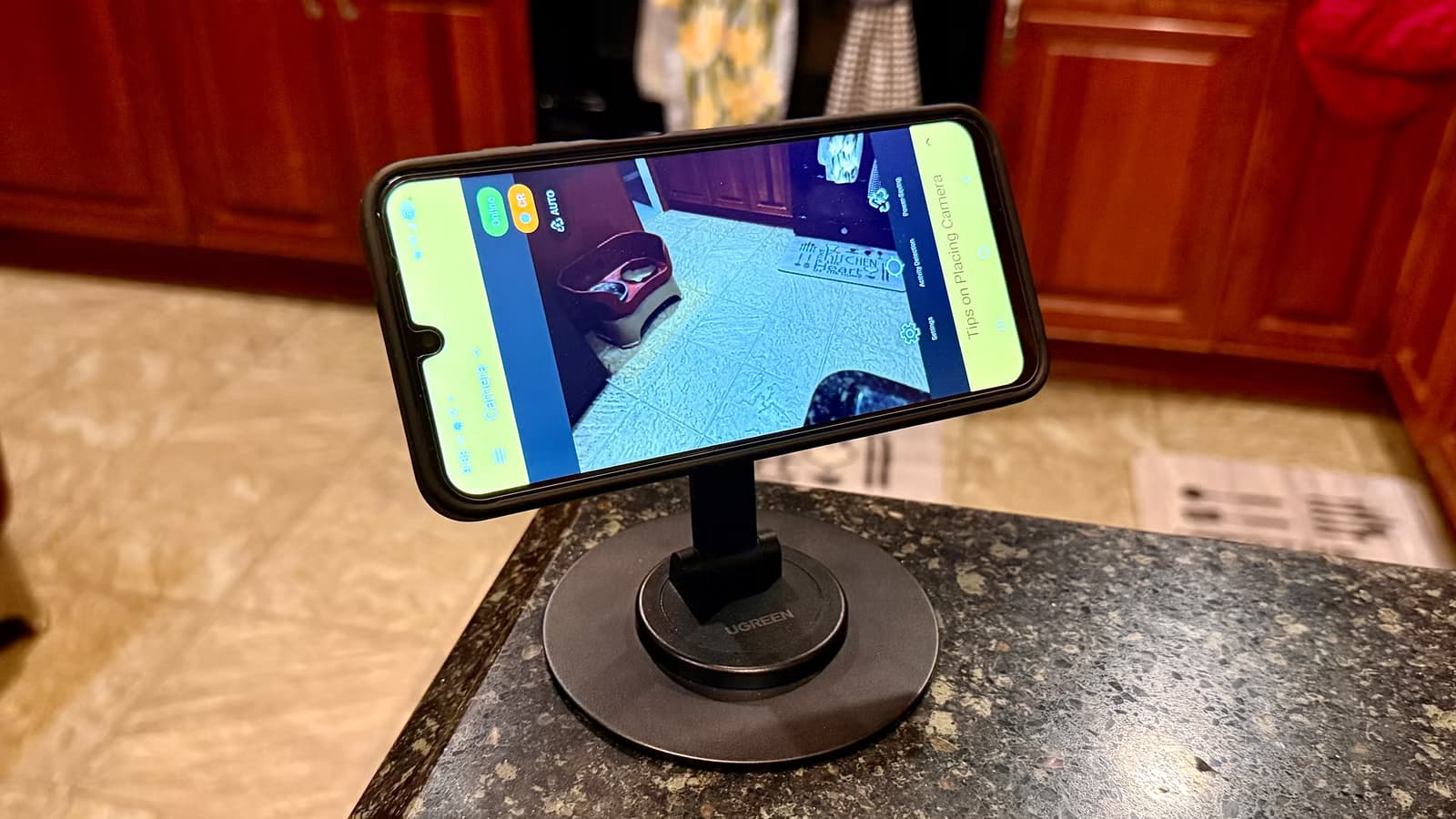
- AlfredCamera is free, works on Android and iOS, and saves motion-detection clips automatically
- A magnetic mount and extended USB-C cable are the only accessories needed for continuous operation
- This DIY setup costs $0 for the app versus $25-150 for commercial security cameras plus monthly subscriptions
That old Android phone collecting dust in your drawer? It can outperform a $150 Wyze security system. Nate Pangaro at How-To Geek tested this exact scenario and found that a free app called AlfredCamera, combined with a magnetic mount and USB-C cable, delivers motion-detection recording and cross-platform viewing without a single monthly fee.
The math is simple. Budget indoor cameras like the Blink Mini start at $25. Mid-range systems run $150 or more. Most require cloud subscriptions for useful features. Your old phone already has a decent camera, WiFi, motion sensors, and a processor that cost you hundreds when you bought it. The hardware problem is solved. You just need the right software.
Why AlfredCamera beats other repurposing apps
Pangaro tested several security camera apps before landing on AlfredCamera. His requirements were specific: motion-detection clips that save automatically, cross-platform support for Android and iOS, and a price of zero. AlfredCamera checks all three boxes.
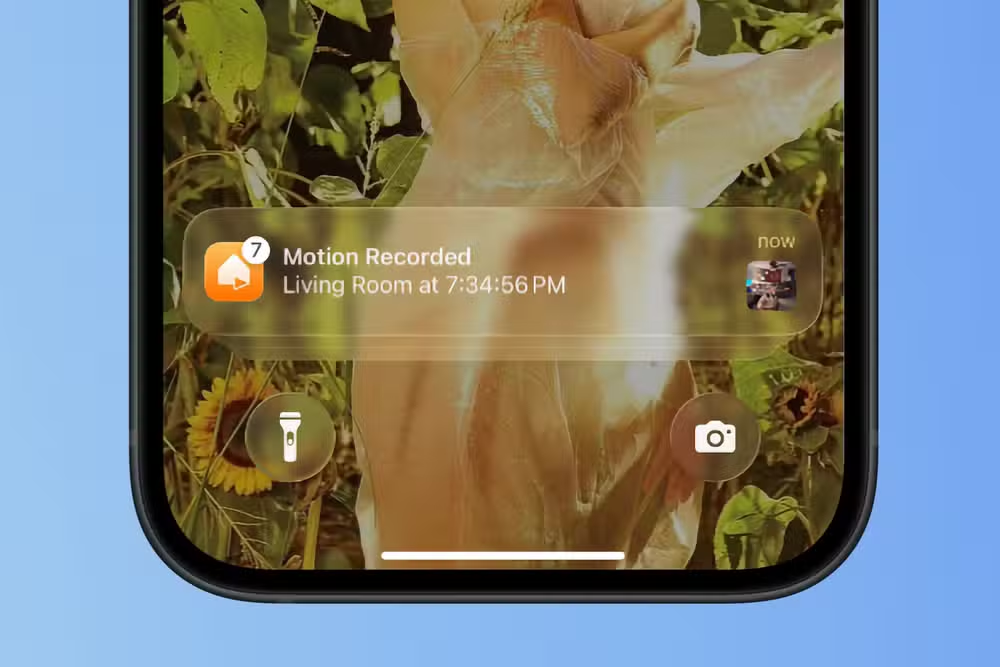
The app turns any old smartphone into a camera that streams to your current phone. When motion triggers, it records the clip and stores it. You can watch live or review saved footage later. Unlike dashcams or video doorbells that require specific hardware, indoor security cameras have lower technical demands. Your five-year-old Android meets them easily.
The hardware setup takes 10 minutes
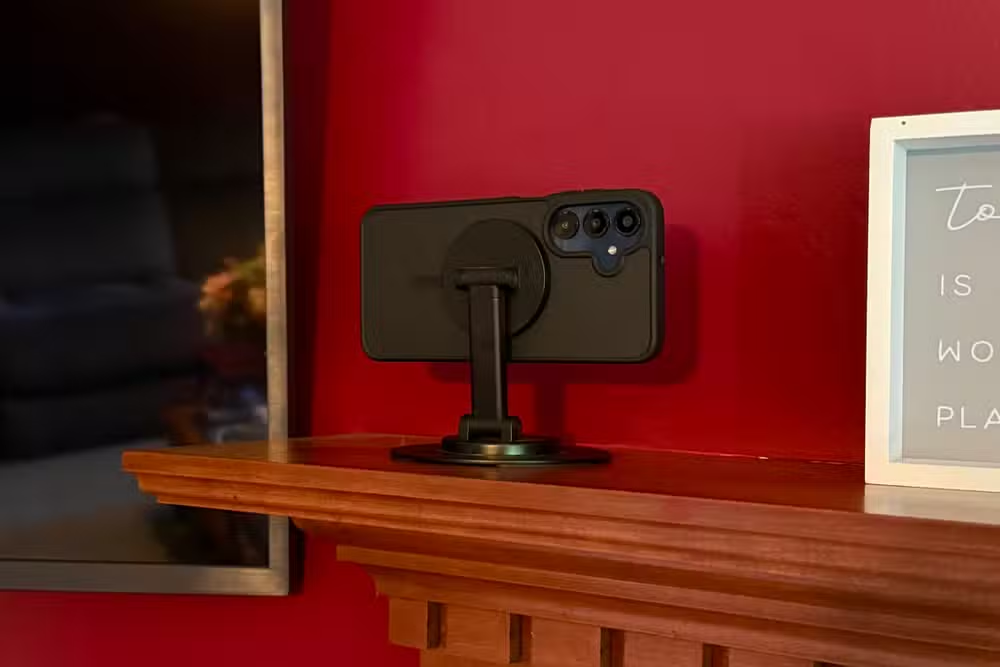
Software alone does not make a security camera. Pangaro needed two accessories: a stand and a reliable power source. For the stand, he chose a magnetic mount. His reasoning? Easy repositioning. If your phone lacks MagSafe-style built-in magnets, a case with magnetic compatibility runs under $15.
A clamp-style stand works too, but magnetic mounts offer more flexibility. The key is adjustability. A fixed-angle stand limits where you can place the camera and what it can see. Spend the extra few dollars for something that tilts and rotates.
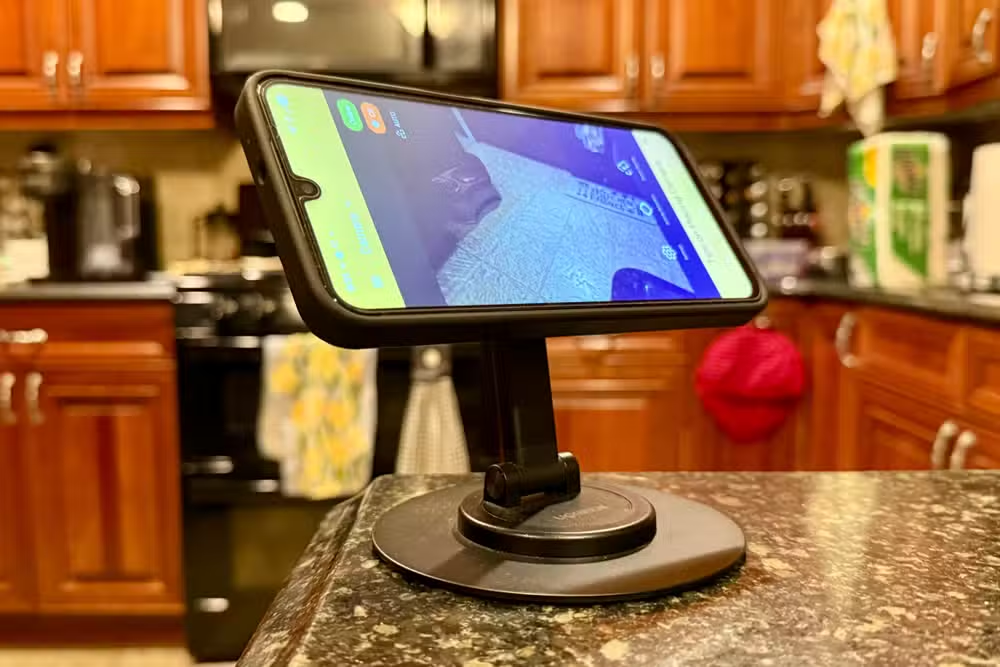
Power is the second consideration. A security camera that dies after three hours is useless. Pangaro bought an extended USB-C cable long enough to reach an outlet while positioning the phone where he wanted it. AlfredCamera includes a power-saving mode that dims the screen while continuing to record, which helps with both battery life and heat management.
What you actually need to buy
- Magnetic phone mount or clamp stand with adjustable angles ($10-20)
- Extended USB-C or micro-USB cable depending on your phone ($8-15)
- MagSafe-compatible phone case if your device lacks built-in magnets ($10-15)
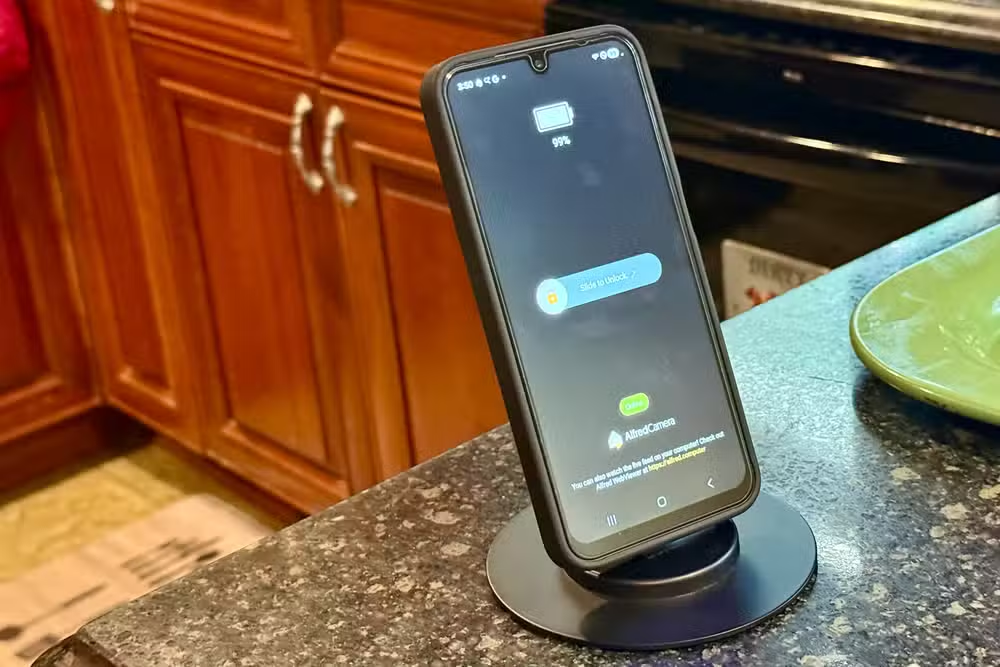
Total cost: under $45 for accessories, often less if you already have some. Total cost for the camera itself: zero, because you already own it. Compare that to the Blink Mini at $25 plus subscription, or a Wyze system at $150 with ongoing fees.
The bigger picture: 200 million phones sit unused
American households have an estimated 200 million unused smartphones in drawers and boxes. These devices originally cost $500 to $1,000. They contain high-quality cameras, WiFi radios, motion sensors, and processors more powerful than what budget security cameras ship with. The hardware is already paid for.
Modern phones age out of software updates but rarely lose hardware capability. A Galaxy S9 from 2018 still shoots excellent video, connects to WiFi 5, and runs apps smoothly. The security camera use case does not demand the latest processor or newest Android version. It demands a camera, a network connection, and continuous power. Your old phone has all three.
If you're repurposing an old Galaxy, this ranking shows which models still hold up
Limitations worth knowing
This setup is not perfect. An old phone cannot match the night vision quality of dedicated infrared cameras. Field of view depends on your phone's lens, which may be narrower than purpose-built cameras. Weather resistance is nonexistent, so this works indoors only unless you add a waterproof enclosure.
Storage depends on your phone's internal memory and AlfredCamera's cloud options. Older devices with 16GB or 32GB will fill up faster. You will need to manage clips manually or pay for cloud storage. Still, these limitations apply to budget commercial cameras too. The Blink Mini lacks local storage entirely. The Wyze Cam v3 requires a subscription for most cloud features.
Logicity's Take
The real story here is not one clever repurposing hack. It is the growing gap between what tech companies sell us and what we actually need. A $150 security camera contains maybe $30 of components. An old phone contains $200 worth of components. The security camera industry profits from planned obsolescence on both ends: convincing us our old phones are worthless while selling us inferior hardware at premium prices. AlfredCamera and similar apps threaten that model by proving the hardware already exists.
Frequently Asked Questions
Does AlfredCamera work without WiFi?
The app requires a network connection on both devices. The camera phone needs WiFi or mobile data to stream footage to your viewer phone. Without internet, the camera cannot transmit clips.
Can I use an iPhone as a security camera instead of Android?
Yes. AlfredCamera supports both iOS and Android, and you can mix platforms. An old iPhone can serve as the camera while your current Android phone acts as the viewer, or vice versa.
How long will an old phone last running as a security camera 24/7?
With continuous power and AlfredCamera's power-saving mode enabled, phones can run indefinitely. Battery degradation over years of use may reduce effectiveness if you run it unplugged, but a plugged-in setup avoids this issue entirely.
Is the video quality as good as a real security camera?
It depends on your phone. A flagship from 2019 or later shoots 1080p or 4K video that exceeds most budget security cameras. Older or cheaper phones may produce lower quality footage, but often still match $25-50 cameras.
Does AlfredCamera cost anything?
The basic app is free with motion detection and live viewing. Premium tiers add features like longer cloud storage and ad removal, but the core security camera functionality costs nothing.
Need Help Implementing This?
Logicity can help your business implement smart repurposing strategies for old hardware, reducing e-waste while cutting equipment costs. Contact us for consultation on sustainable tech practices.
Source: How-To Geek
Huma Shazia
Senior AI & Tech Writer
Produced with AI assistance and reviewed by the Logicity editorial team. Learn more in our Editorial Policy.






