Key Takeaways
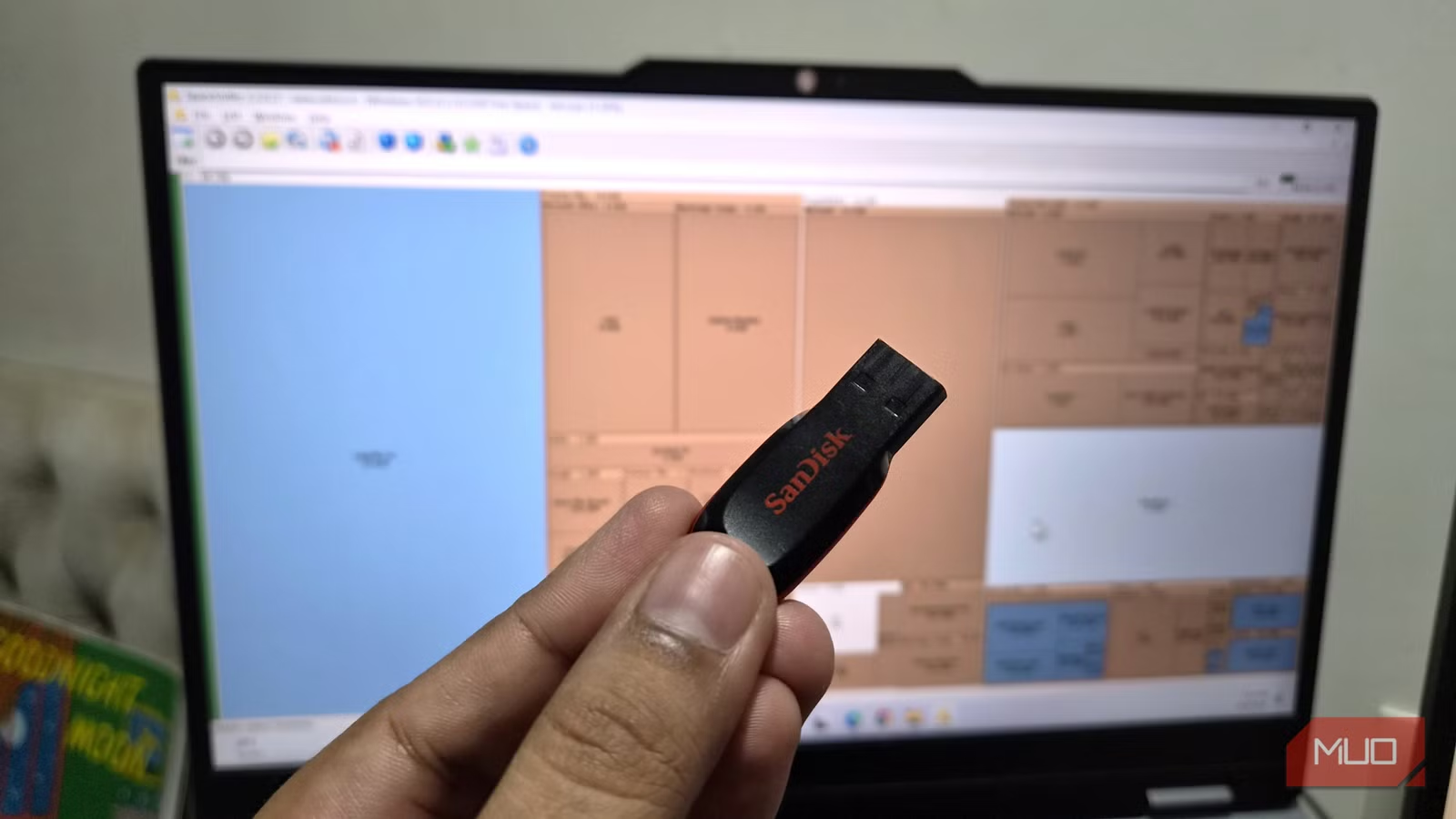
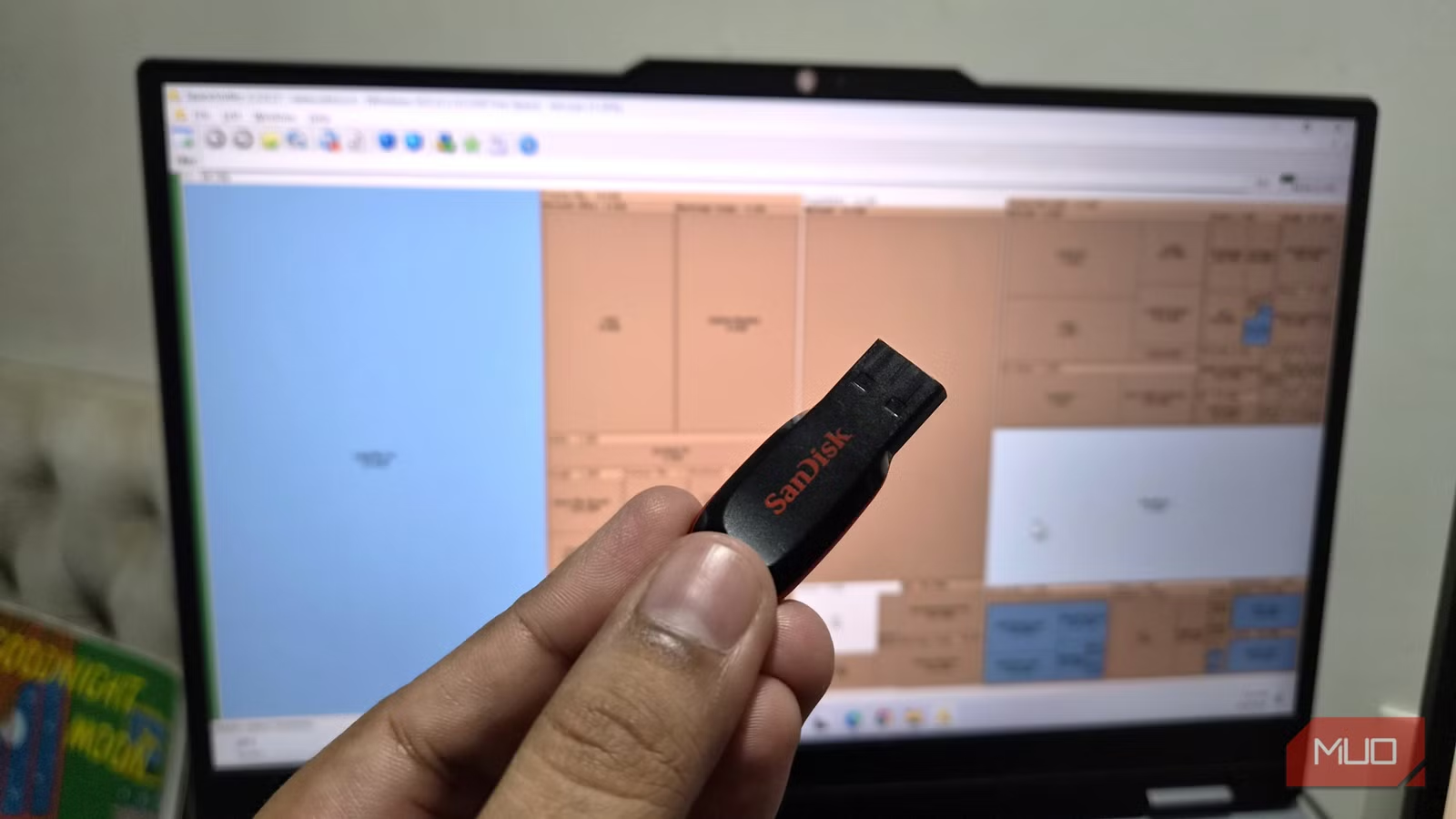
- SpaceSniffer is a 9MB portable app that runs directly from USB without installation
- Its interactive treemap visualization shows storage usage in real time, updating as you delete files
- The tool highlights active files by flashing blocks when Windows reads or writes to them
A Storage Analyzer That Lives on Your USB Drive
Most disk space analyzers require installation. SpaceSniffer doesn't. The entire application is 9MB and runs directly from a USB drive on any Windows PC. No admin rights needed, no registry entries created, no traces left behind.
The tool has one job: show you what's eating your storage. It does this through a treemap, a visualization where each file and folder appears as a rectangle. Bigger rectangles mean bigger storage footprints. You can spot the culprits in seconds, even when they're buried several folders deep.
How the Treemap Works
When you launch SpaceSniffer, you pick a drive to scan. The initial scan takes a couple of minutes on most systems. Once complete, you get a colorful grid of rectangles representing every file and folder on that drive.
The interface is interactive. Click a folder to see its contents. Double-click to zoom in for a closer look. Found a 60GB folder you didn't know existed? Right-click and hit Delete. The treemap updates instantly.
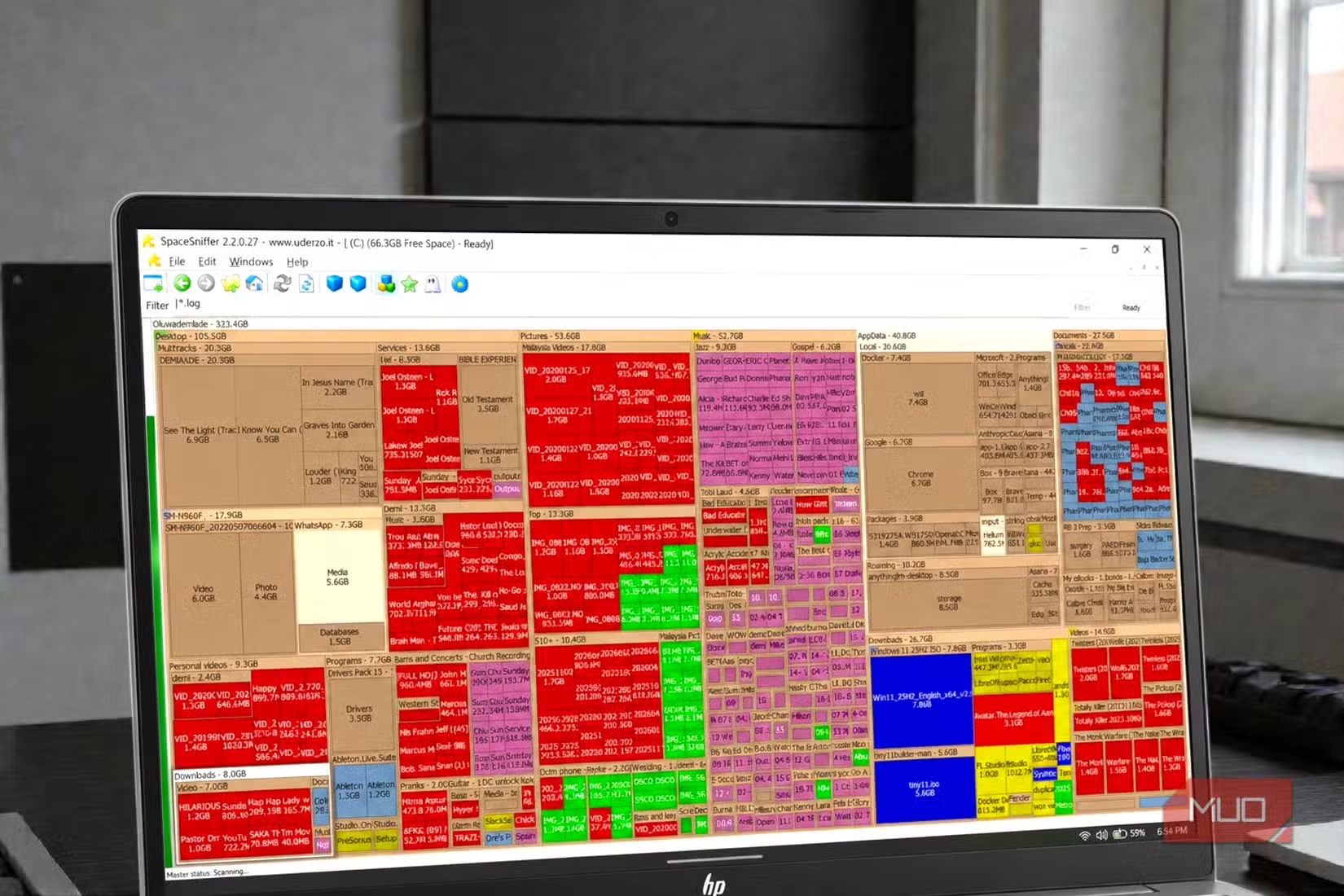
One feature stands out: real-time feedback. Some blocks flash while you watch. These are files Windows is actively reading or writing. Most storage analyzers don't show this. SpaceSniffer does, giving you a live view of disk activity alongside static storage data.
Filtering to Find Specific Storage Hogs
SpaceSniffer includes filters to narrow your search. Want to see only video files? You can filter by extension. Looking for files over 1GB? Set a size threshold. These filters help when you know what type of bloat you're hunting but don't know where it hides.
The combination of visual mapping and filtering makes SpaceSniffer faster for targeted cleanup than Windows' built-in Storage Sense or the Settings app's storage breakdown.
SpaceSniffer vs. Other Disk Analyzers
SpaceSniffer isn't the only tool in this category. TreeSize and WinDirStat offer similar treemap views. WizTree scans faster by reading the Master File Table directly. But SpaceSniffer's real-time updates and portability give it an edge for troubleshooting unfamiliar machines.
| Tool | Size | Portable | Real-Time Updates | Scan Speed |
|---|---|---|---|---|
| SpaceSniffer | 9MB | Yes | Yes | Moderate |
| WizTree | ~10MB | Yes | No | Fast (MFT-based) |
| WinDirStat | ~1MB | No | No | Slow |
Reddit users on r/pcmasterrace frequently include SpaceSniffer in their "emergency USB kits." The consensus: WizTree wins on raw speed, but SpaceSniffer's dynamic visual feedback makes it easier to understand what's happening on a drive.
Why Portable Apps Matter
Portable apps don't touch the host system. They don't write to the registry. They don't require admin privileges on locked-down corporate machines. When you're helping a friend clean up their laptop or diagnosing a client's workstation, a USB drive with SpaceSniffer gets you answers without leaving fingerprints.
The global disk space analyzer market is worth an estimated $2.5 billion in 2024, with 8.6% annual growth projected through 2033. That's a lot of money spent on something a free 9MB tool handles for most use cases.
Logicity's Take
Getting Started
Download SpaceSniffer from the official site. Extract the ZIP to a USB drive. Plug into any Windows PC, run the executable, select a drive, and wait for the scan. That's it. No installation wizard, no account creation, no subscription.
More free tools that solve real problems without complexity
Frequently Asked Questions
Is SpaceSniffer safe to use?
Yes. SpaceSniffer is a well-known utility with a long track record. It doesn't modify system files. It only reads disk data and displays it visually.
Does SpaceSniffer work on Windows 11?
Yes. SpaceSniffer runs on Windows XP through Windows 11. The portable executable works across all modern Windows versions.
Can SpaceSniffer scan external drives?
Yes. When you launch SpaceSniffer, you can select any connected drive, including external USB drives, SD cards, and network-mapped drives.
What's the difference between SpaceSniffer and WizTree?
WizTree scans faster by reading the NTFS Master File Table directly. SpaceSniffer uses standard file system APIs but offers real-time updates and a more interactive treemap.
Need Help Implementing This?
Source: MakeUseOf
Huma Shazia
Senior AI & Tech Writer
Produced with AI assistance and reviewed by the Logicity editorial team. Learn more in our Editorial Policy.






