
Key Takeaways

- HACS (Home Assistant Community Store) is the essential first install for accessing third-party integrations not yet in core
- Whisper and Piper enable fully offline voice assistants without cloud dependencies
- The apps run as software containers alongside Home Assistant OS, offering more power than standard integrations
Home Assistant renamed its add-ons to "apps" in 2026, but the concept remains the same: software containers that run alongside Home Assistant OS, adding capabilities that go beyond what integrations can offer. While integrations add new services and devices to Home Assistant itself, apps deploy entirely separate software that works in tandem with your smart home setup.
For anyone running Home Assistant on a Raspberry Pi, mini PC, or virtual machine, these apps transform a capable home automation platform into something far more powerful. Here are six essential apps worth installing.
Get HACS: The Gateway to Community Integrations
HACS stands for Home Assistant Community Store. It's technically an integration, not an app, but you install it through an app. Think of it as an unofficial app store for integrations that haven't made it into the core Home Assistant project yet.
The installation process requires adding a custom app repository. Navigate to Settings > Apps, then add https://github.com/hacs/addons as a custom repository. Install and run the Get HACS app, restart Home Assistant, and add the HACS integration. Once installed, you can delete the Get HACS app since it's only needed for initial setup.
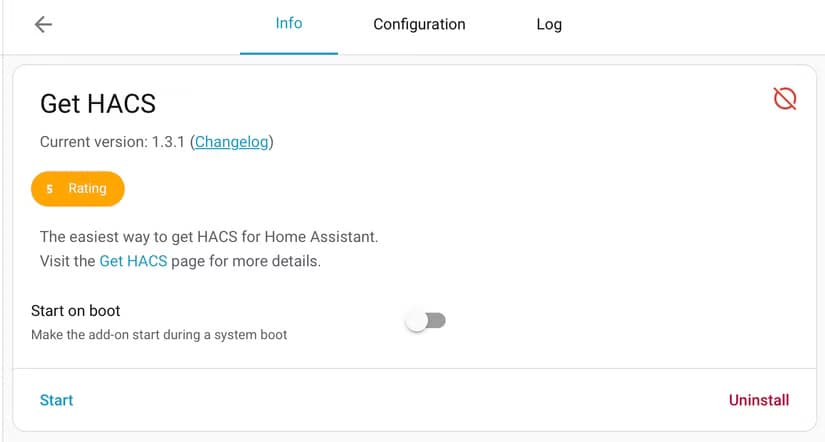
Why bother? Many of the most useful Home Assistant integrations start in HACS before eventually making it into the official repository. If you want access to bleeding-edge integrations or niche device support, HACS is where you'll find them.
Whisper and Piper: Offline Voice Without the Cloud
These two apps work together to create a fully offline voice assistant. Whisper handles speech-to-text, converting your voice commands into text instructions. Piper handles the reverse, converting text responses back into spoken words.
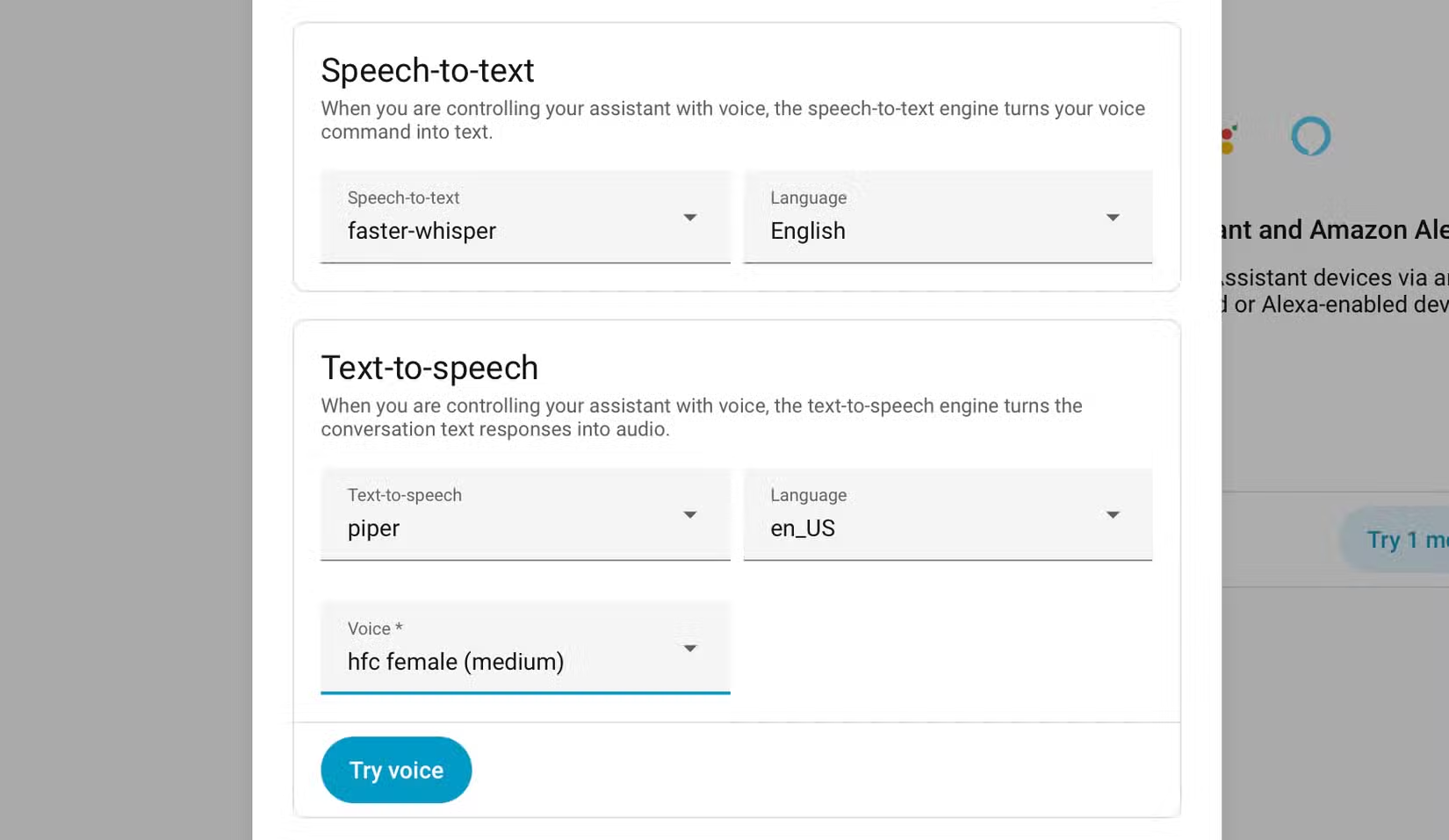
The appeal here is privacy. Every voice command stays on your local network. No audio clips sent to Amazon, Google, or Apple servers. No cloud processing. Your voice data never leaves your home.
Beyond privacy, Piper has practical uses like broadcasting messages over smart speakers. You can trigger spoken alerts for security events, reminders, or any automation that benefits from audio feedback.
OpenWakeWord: Custom Wake Words
OpenWakeWord lets you create custom wake words for your voice assistant. Instead of "Hey Google" or "Alexa," you can train the system to respond to whatever phrase you prefer.
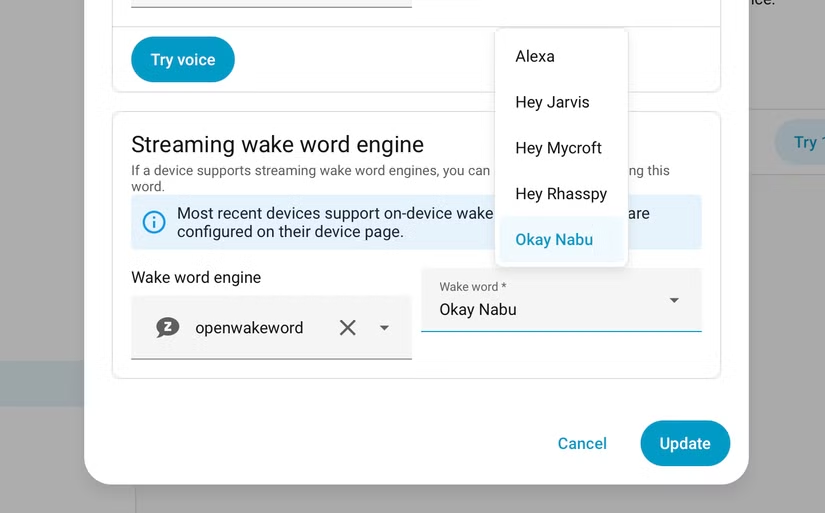
Combined with Whisper and Piper, this completes a fully local voice assistant stack. No internet connection required, no cloud dependencies, and complete control over how your voice assistant responds.
Samba Share: Network File Access
The Samba Share app exposes Home Assistant's configuration files over your local network. On macOS, these appear in Finder. On Windows, they show up in File Explorer. On Linux, you can mount them like any other network share.
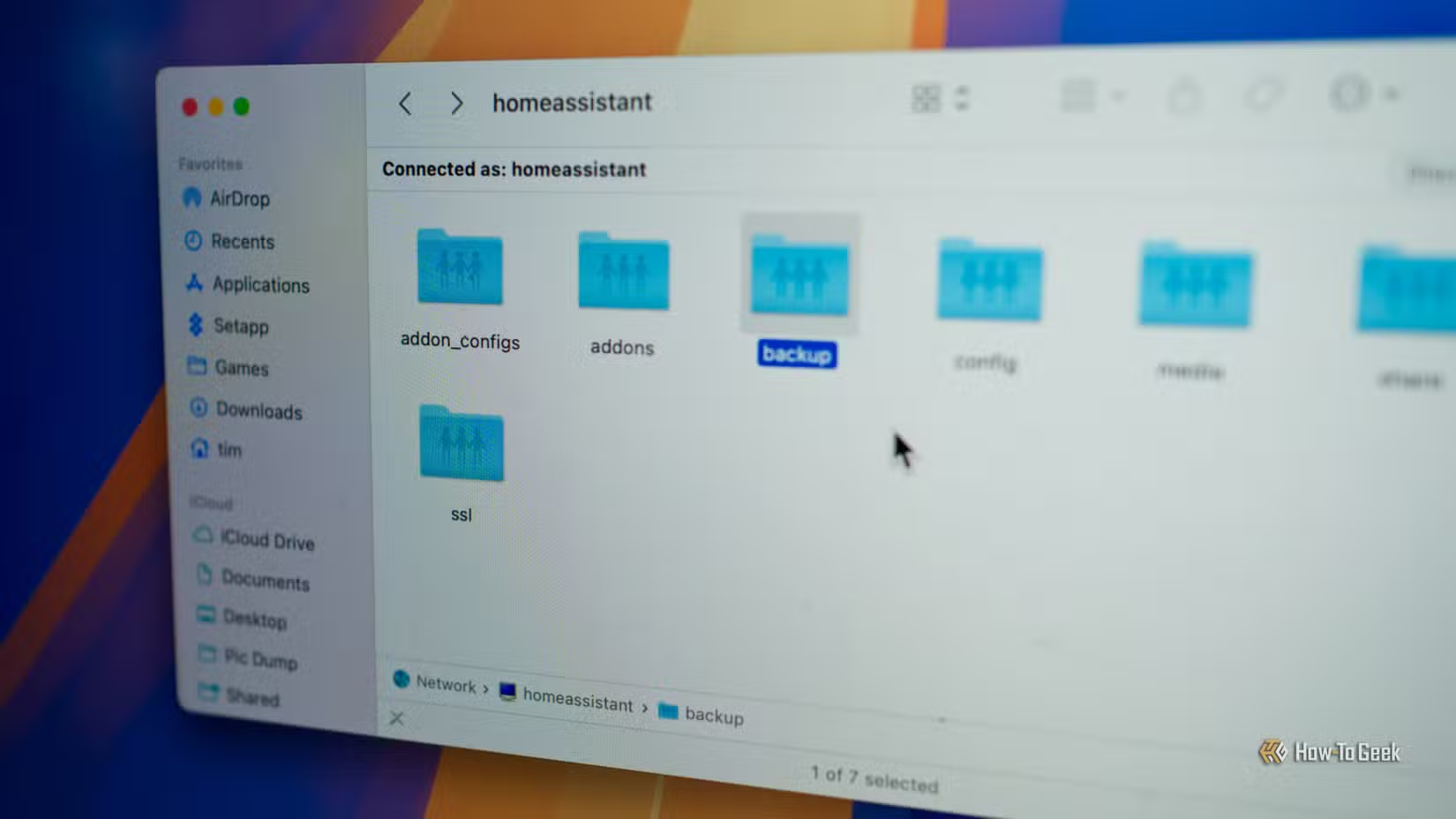
This makes editing configuration files dramatically easier. Instead of using Home Assistant's built-in editor or SSH-ing into your device, you can open YAML files in VS Code, Sublime Text, or whatever editor you prefer. For anyone who spends time tweaking automations, this is a huge quality-of-life improvement.
File Editor and Advanced YAML Editing
For quick edits without leaving the browser, the File Editor app provides a web-based code editor. It's useful for small changes when you don't want to open a separate application or when accessing Home Assistant remotely.
The combination of Samba Share for heavy editing and File Editor for quick fixes covers most configuration needs without requiring terminal access.
System Log Configuration
Home Assistant's logging can be configured to fire events, making it easier to track what's happening in your system. Adding system_log fire_event: true to your configuration.yaml enables this behavior.
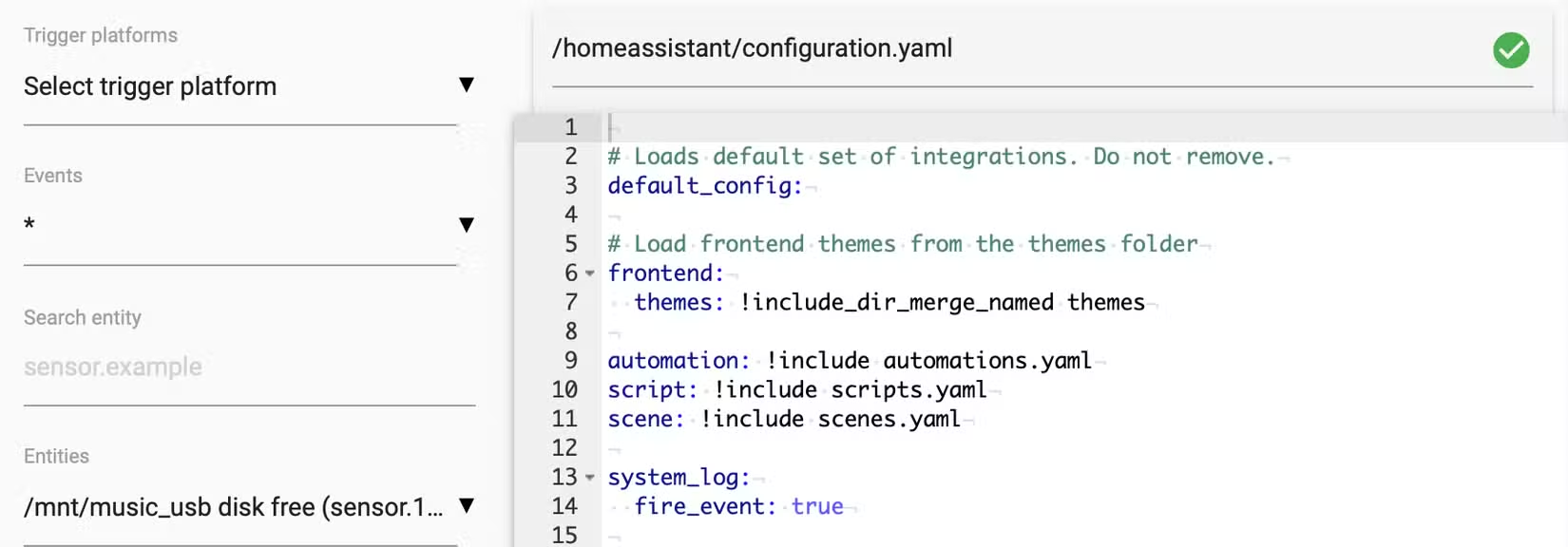
This is particularly useful for debugging automations or tracking down intermittent issues with devices. The logs become actionable events that can trigger notifications or other automations.
Logicity's Take
Installation Basics
All of these apps install through the same path: Settings > Add-ons (or Settings > Apps in newer versions). Search for the app name, install, and configure. Most apps have their own documentation accessible from their settings page.
The apps run as containers, so they're isolated from Home Assistant itself. This means a misbehaving app won't crash your entire smart home system. You can stop, restart, or remove apps without affecting core functionality.
Another guide to stripping bloat from mainstream software
Frequently Asked Questions
What's the difference between Home Assistant apps and integrations?
Integrations run within Home Assistant and add new services or device support. Apps are separate software containers that run alongside Home Assistant OS, offering more powerful capabilities that need isolated execution environments.
Do I need HACS for a basic Home Assistant setup?
Not necessarily. The core Home Assistant project includes thousands of integrations. HACS is useful when you need integrations that haven't been accepted into the official repository yet, or when you want access to community-developed features.
Can Whisper and Piper work without an internet connection?
Yes. Both apps run entirely locally on your Home Assistant device. No audio data leaves your network, making them ideal for privacy-conscious users or setups without reliable internet.
Will these apps work on a Raspberry Pi?
Yes. These apps work on any device running Home Assistant OS, including Raspberry Pi, mini PCs, and virtual machines. Performance depends on your hardware, particularly for voice processing with Whisper.
Need Help Implementing This?
Source: How-To Geek
Huma Shazia
Senior AI & Tech Writer
Produced with AI assistance and reviewed by the Logicity editorial team. Learn more in our Editorial Policy.






