Key Takeaways
- LastPass users got locked out of vaults not by hackers, but by the company's own security remediation
- Self-hosting eliminates vendor-imposed lockouts but shifts maintenance responsibility to you
- KeePass and Vaultwarden are two reliable options for running your own password infrastructure
The lockout that LastPass caused, not hackers
The LastPass breach in 2022 was serious. Attackers made off with encrypted vault backups and metadata, including the URLs of every site each user had saved. No master passwords leaked, but anyone with a weak one was on a silent timer while attackers worked offline.
The real chaos came months later. It wasn't caused by hackers. It was caused by LastPass itself.
LastPass had been running older accounts with low PBKDF2 iteration counts, which made offline cracking faster than it should have been. To fix this, the company pushed automatic iteration upgrades and forced users to re-authenticate with multi-factor authentication on every device.
For users whose authenticator app had drifted, whose recovery email was outdated, or whose device had been replaced, the new MFA flow simply didn't complete. They were locked out of their own vaults.
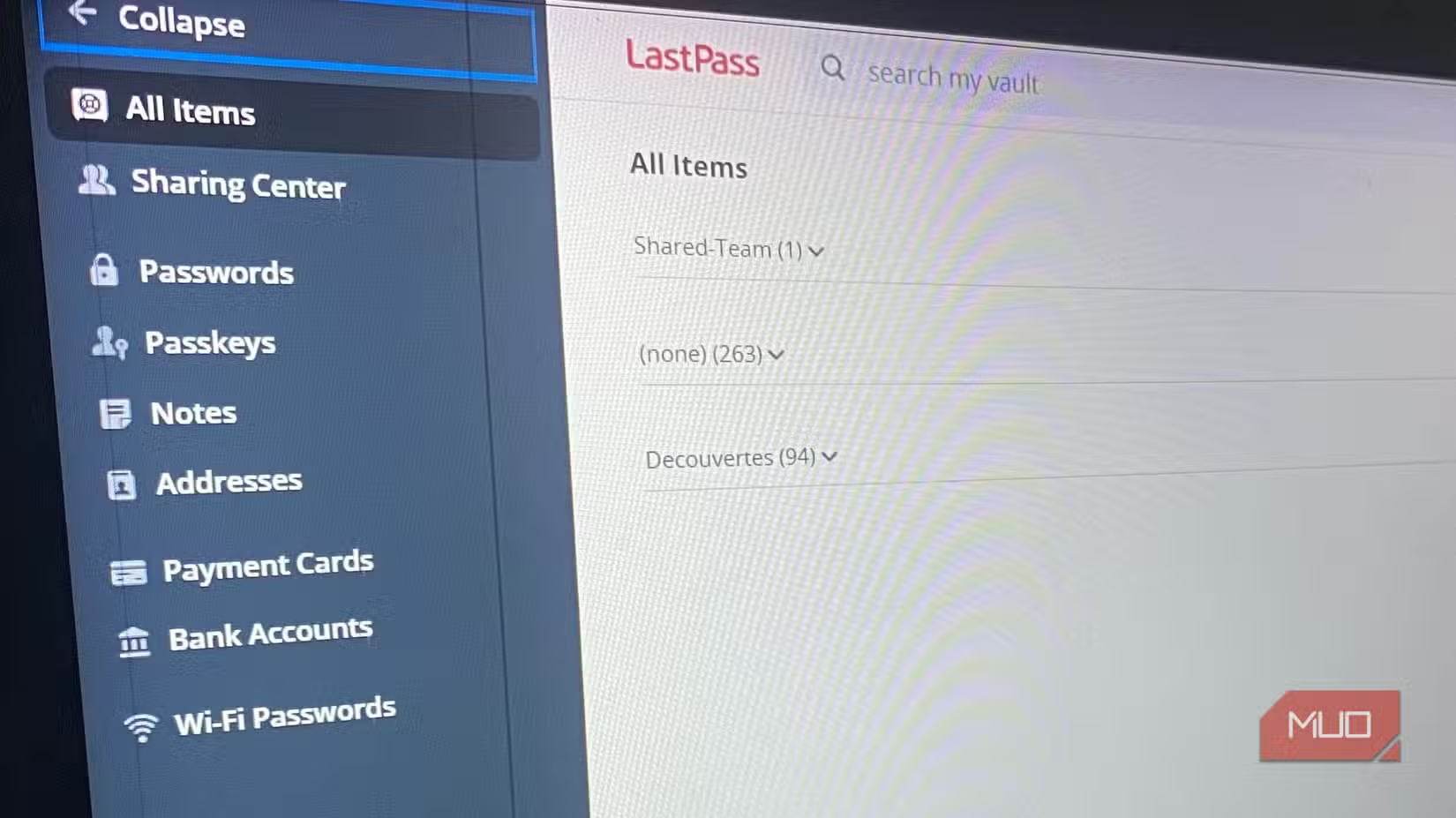
The catch: the only way to escalate a stuck account was through a support portal that required logging in to the account they couldn't access. A security fix designed to protect users ended up trapping some of them outside their own data.
What self-hosting actually means
Self-hosting your password vault means running the server software yourself instead of relying on a third-party cloud service. No company can push a migration on a Tuesday. No vendor can force an MFA resync that breaks your access. The tradeoff is that maintenance, backups, and security updates become your responsibility.
This isn't about paranoia. It's about eliminating a single point of failure. When you control the infrastructure, you control the recovery process. If something breaks, you fix it on your timeline with your tools.
Two practical options for self-hosting
KeePass: local database, no server required
KeePass stores passwords in an encrypted local database file. There's no server component. You can sync the database between devices using any cloud storage service you trust, or keep it on a USB drive, or just use it on one machine.
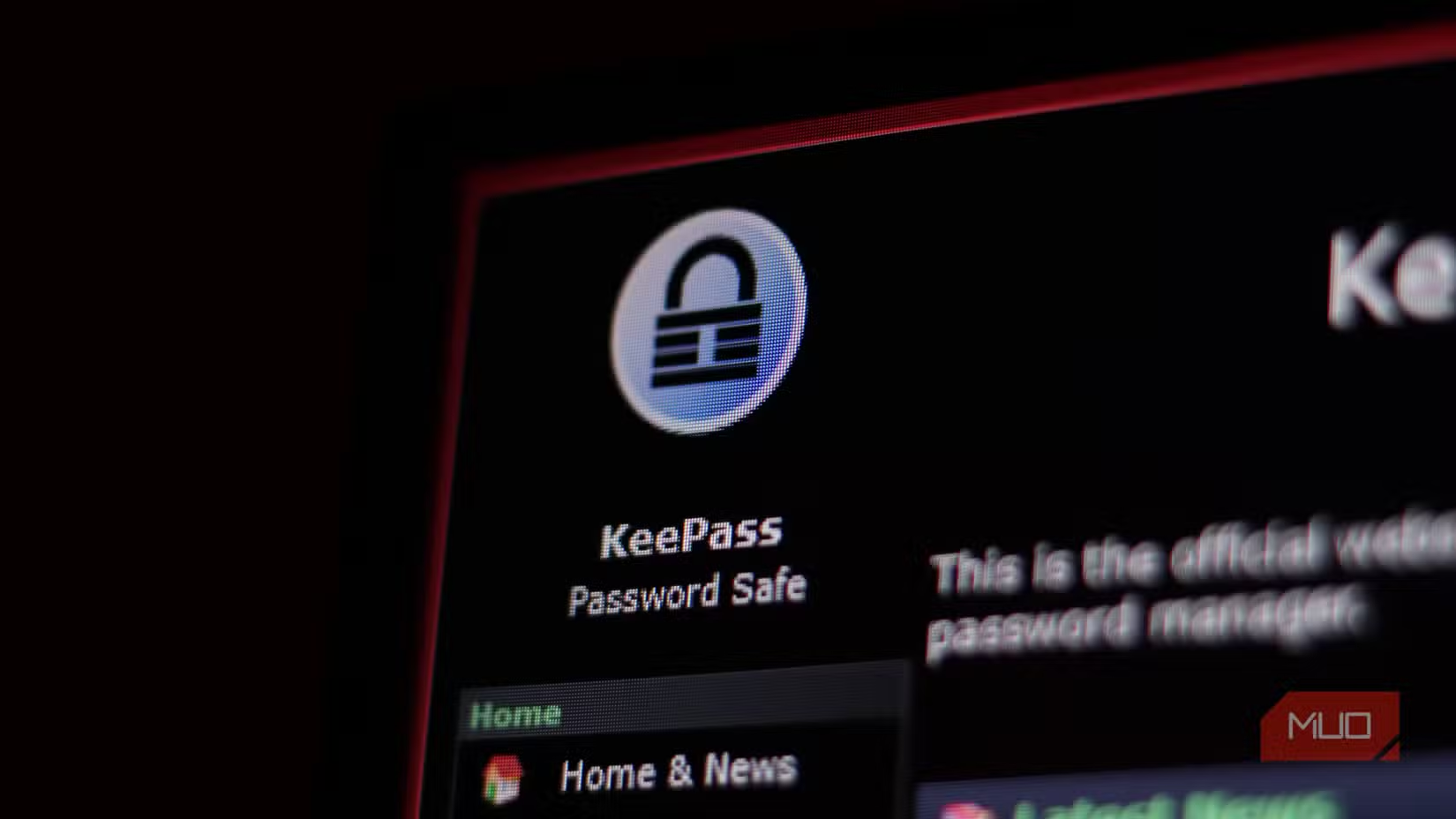
The interface is dated. Browser integration requires third-party plugins. Mobile apps exist but vary in quality. What you get in return is complete control. No account to lock you out. No subscription to cancel. No company to make decisions about your data.
Vaultwarden: self-hosted Bitwarden
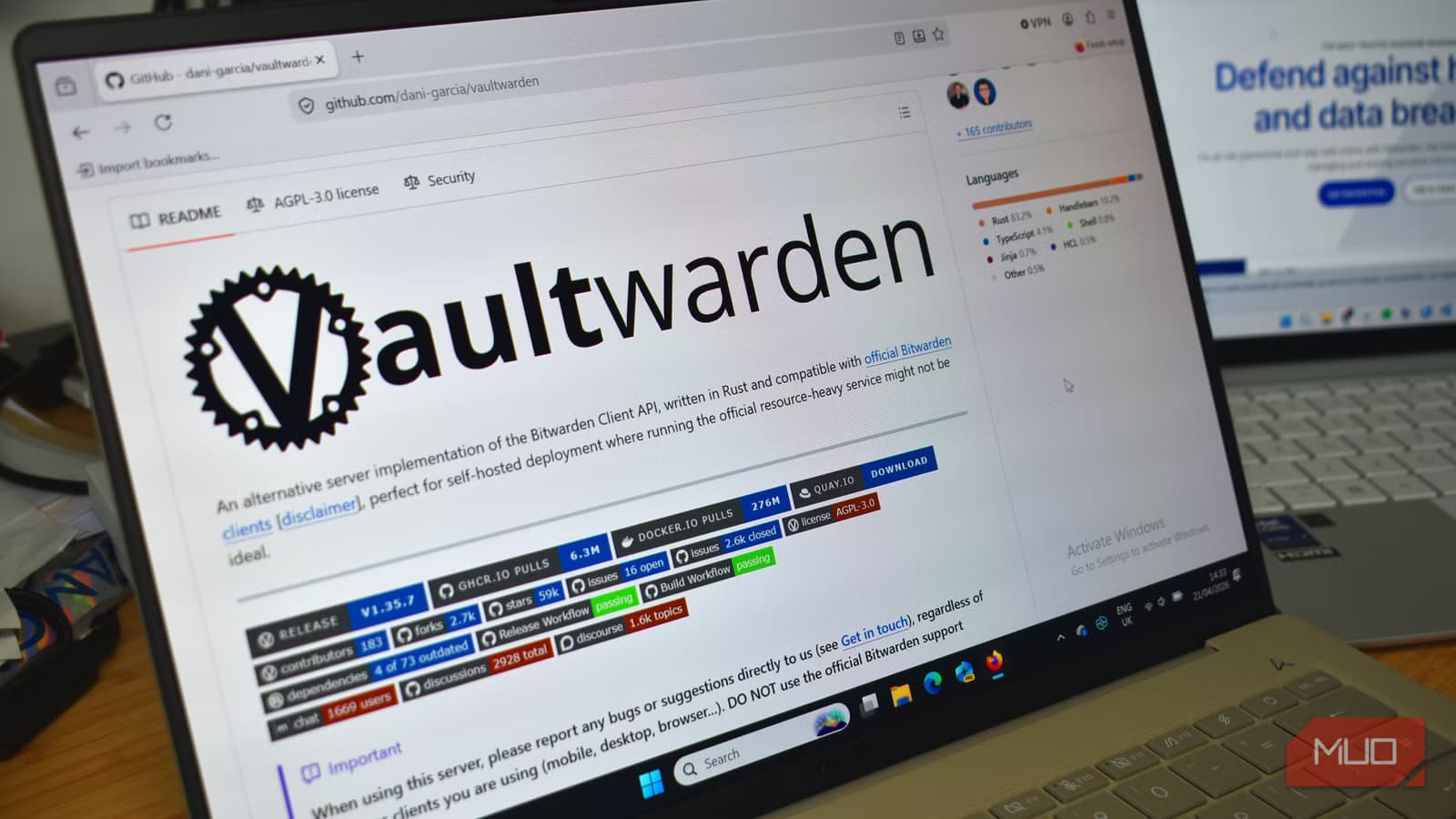
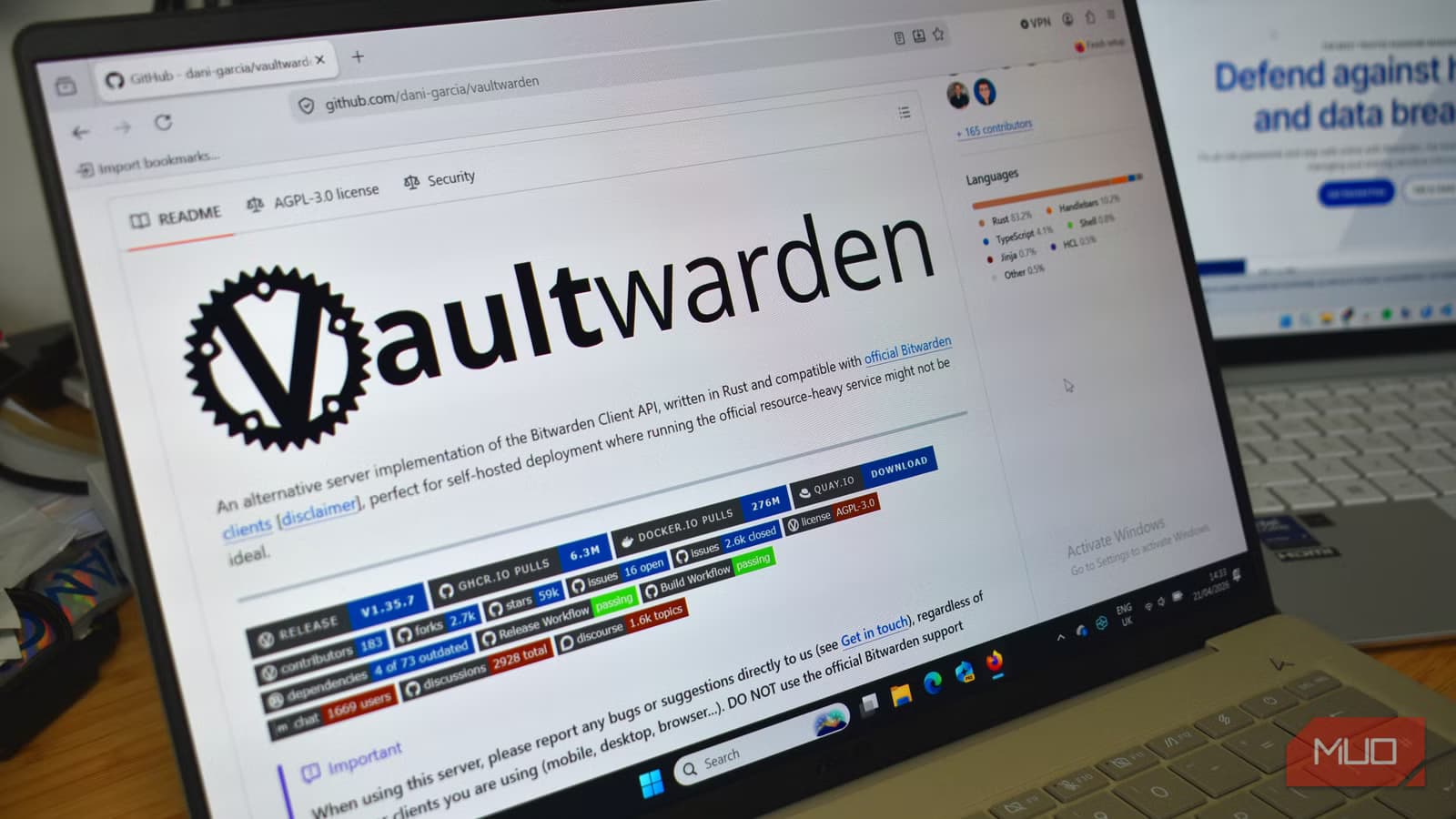
Vaultwarden is an unofficial Bitwarden-compatible server written in Rust. It runs on minimal hardware, including a Raspberry Pi, and works with all official Bitwarden clients. You get the modern interface and browser extensions of Bitwarden without the cloud dependency.
Setup requires basic familiarity with Docker and reverse proxies. You'll need to handle SSL certificates and keep the software updated. But once running, it's indistinguishable from the commercial Bitwarden experience, minus the risk of vendor-imposed lockouts.
The tradeoffs are real
Self-hosting doesn't make problems disappear. It hands them back to you. If your server dies and you don't have backups, your passwords are gone. If you forget to update the software, you're vulnerable to exploits. If you misconfigure SSL, your data could be intercepted.
✅ Pros
- • No vendor can lock you out of your own vault
- • No subscription fees for self-hosted solutions
- • Full control over encryption, backups, and recovery
- • Data never leaves infrastructure you control
❌ Cons
- • You're responsible for backups and disaster recovery
- • Security updates and maintenance are on you
- • Initial setup requires technical knowledge
- • No support team to call when things break
For anyone comfortable with basic server administration, these tradeoffs are often acceptable. You're trading convenience for control. The question is whether the LastPass scenario, where a vendor's remediation locked paying customers out of their own data, is a failure mode you want to eliminate.
Similar theme of self-hosting for control and reliability
Getting started
If you're considering the switch, start with KeePass. It requires no server, no Docker knowledge, and no ongoing maintenance beyond keeping the app updated. Export your current passwords, import them into KeePass, and see if the workflow fits your needs.
If you want the Bitwarden experience without the cloud dependency, Vaultwarden is the path. The official documentation and community guides cover most deployment scenarios. Budget an afternoon for initial setup and testing.
Either way, the core benefit is the same: no company can push a change that locks you out of your own passwords.

Logicity's Take
Frequently Asked Questions
Is self-hosting a password vault secure?
Yes, if you maintain proper backups, keep software updated, and configure SSL correctly. The security risk shifts from vendor breaches to your own operational practices.
What hardware do I need to run Vaultwarden?
Vaultwarden runs on minimal hardware. A Raspberry Pi, an old laptop, or a small VPS are all sufficient. It uses far fewer resources than the official Bitwarden server.
Can I migrate from LastPass to a self-hosted solution?
Yes. Both KeePass and Vaultwarden can import password exports from LastPass. Export your vault as a CSV from LastPass, then import it into your self-hosted solution.
What happens if my self-hosted server goes down?
Your passwords remain accessible in cached form on devices that have synced recently. Regular encrypted backups stored separately ensure you can restore the vault on new hardware.
Is KeePass or Vaultwarden better for beginners?
KeePass is simpler to start with since it requires no server. Vaultwarden offers a better user experience but requires Docker knowledge and server maintenance.
Need Help Implementing This?
Source: MakeUseOf
Manaal Khan
Tech & Innovation Writer
Produced with AI assistance and reviewed by the Logicity editorial team. Learn more in our Editorial Policy.