Key Takeaways
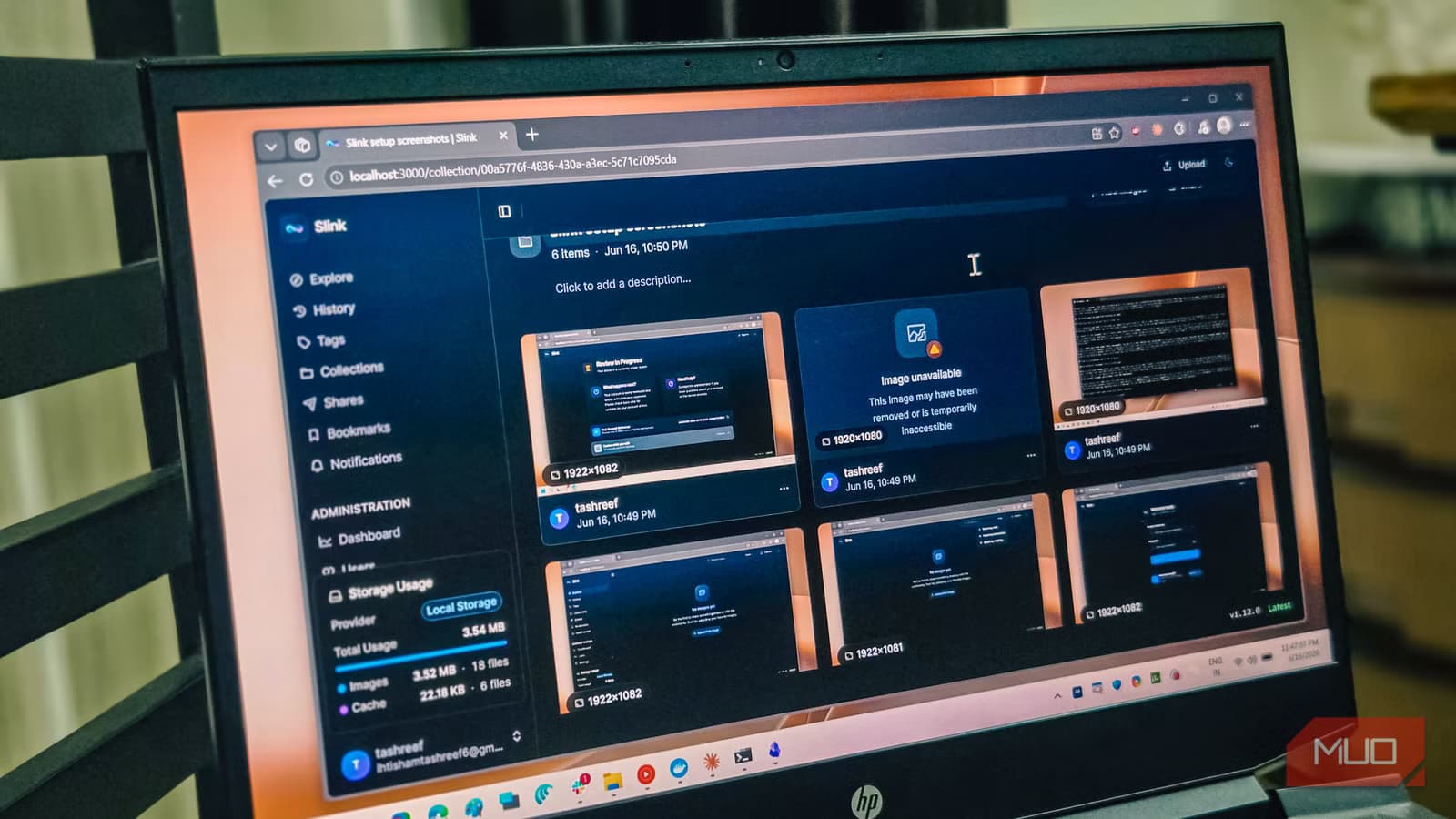
- Slink runs as a single Docker container, bundling web server, database, and image processing together
- ShareX integration lets you capture and upload screenshots without changing your workflow
- Supports local disk, SMB shares, and S3-compatible storage for flexible deployment
If you take dozens of screenshots daily and some contain sensitive data, uploading them to Imgur or other third-party services feels reckless. Slink, an open-source self-hosted image host, solves this problem. It runs from a single Docker container, works with ShareX out of the box, and sits comfortably on modest hardware.
The appeal is simple: upload an image, get a link, share it. No third-party eyes on your data. Tashreef Shareef at MakeUseOf documented his switch from random screenshot sites to running Slink on an old laptop, and the setup takes about fifteen minutes if you already have Docker installed.
Why Slink instead of Immich or cloud storage?
Immich is excellent for backing up photo libraries, but it is heavy. Running a full Google Photos replacement just to host a few screenshots is like using a semi-truck to deliver a pizza. Slink fills the gap between cloud services you do not trust and self-hosted tools that demand too much hardware.
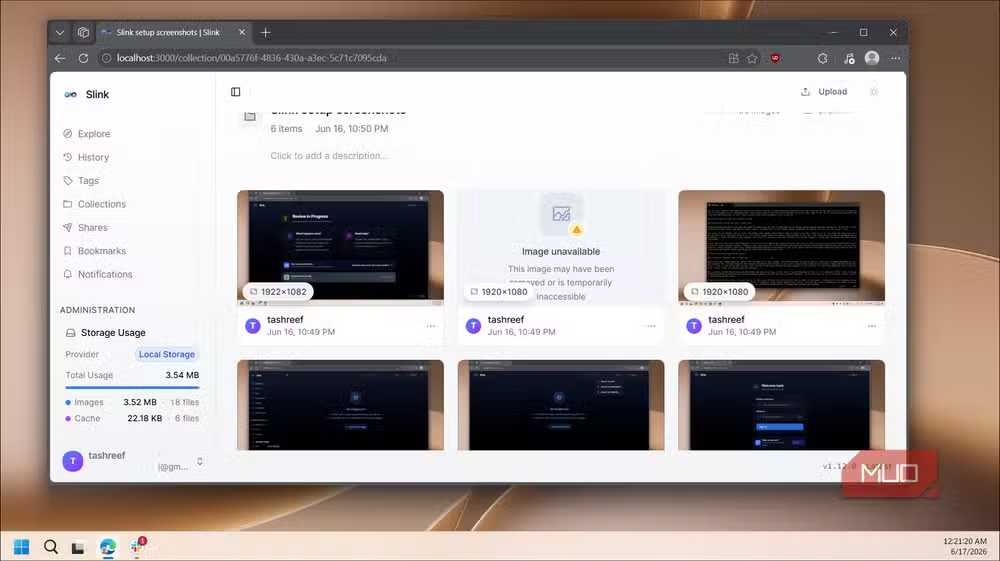
Slink bundles everything into one Docker image. No stack of services to wire together. The web server, PostgreSQL database, and image processing all run from a single container. This makes deployment predictable and keeps resource usage low.
Storage flexibility matters here. Slink supports local disk, SMB shares, and S3-compatible backends. Point it at whatever infrastructure you already run. If you have a NAS or an old PC collecting dust, that is enough.
How to install Slink with Docker on Windows
The installation assumes Docker Desktop is already running with the WSL2 backend. Open PowerShell and run docker compose version to confirm. If that command works without errors, you are ready.
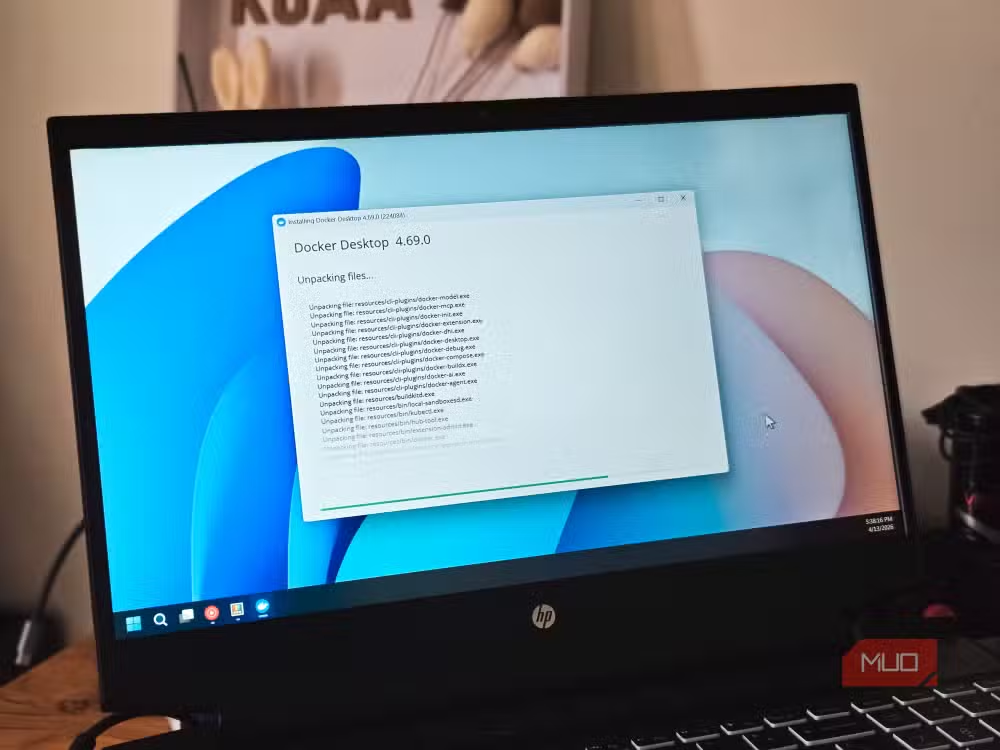
Create a folder for the project and add a docker-compose.yml file inside it. The compose file defines two services: PostgreSQL for Slink's metadata and the Slink app itself, with the web interface mapped to port 8080.
Map two folders from your drive into the container. One holds app data, the other stores uploaded images. This keeps everything on your filesystem instead of locked inside a container that might get deleted.
Slink reads configuration from a .env file. The critical value is APP_URL, which must match how you access Slink in your browser. For local installs, set it to http://localhost:8080. Add your database credentials and storage provider here too.
From the project folder, run docker compose pull followed by docker compose up -d. Docker downloads the images and starts both containers in the background. Once they report healthy, create the admin account by running Slink's admin command inside the app container. Then sign in at http://localhost:8080.
ShareX integration is the real selling point
ShareX handles screenshots for a lot of power users. It captures, annotates, and uploads in one keystroke. Any self-hosted image host needs to work with it, or the workflow breaks.
Slink already has ShareX support through API keys. Generate a key in the Slink dashboard, paste it into ShareX's custom uploader settings, and screenshots go directly to your instance. No extra steps, no manual uploads.
Features beyond basic uploads
Slink is not a bare uploader. It includes URL shortening for cleaner links and a nested tag system for organizing large collections. There is also a light social layer with bookmarks, comments, and notifications, useful if you open your instance to a small team.
Every image carries its own sharing policy. You control who sees what, whether the link is public or restricted. This granularity matters when screenshots contain API keys, customer data, or anything you would not want indexed by search engines.
HTTPS and remote access
If you move Slink behind a reverse proxy for HTTPS, update APP_URL to the new address and restart the container. Links break if this value does not match how users access the service. Nginx or Caddy both work well for this.
For remote access without exposing ports to the internet, Tailscale or Cloudflare Tunnel are good options. Both let you reach your home server from anywhere without opening your router's firewall.
More ways to reduce reliance on third-party cloud services
Logicity's Take
Self-hosting screenshot tools used to mean cobbling together PHP scripts from 2012. Slink represents a shift in how developers package these utilities. Single-container deployment with sensible defaults lowers the barrier enough that anyone running a home server should consider it. The ShareX integration alone makes it worth the fifteen-minute setup.
Frequently Asked Questions
Is Slink free to use?
Yes. Slink is open-source and free. You only pay for whatever hardware or cloud instance you run it on.
Can Slink replace Imgur for public sharing?
It can, but your instance needs to be publicly accessible. For most users, Slink works better as a private or team-only tool.
Does Slink work on Linux or Mac?
Yes. Docker runs on all major operating systems. The setup process is nearly identical on Linux, Mac, or Windows.
How much storage does Slink need?
The app itself is lightweight. Storage depends on how many screenshots you upload. Most users need a few gigabytes at most.
Can I use Slink without ShareX?
Absolutely. The web interface supports direct uploads, and any tool that can POST to an API can integrate with Slink.
Need Help Implementing This?
Our team can help you deploy Slink or other self-hosted tools on your infrastructure. Contact us at hello@logicity.in for a quick consultation.
Source: MakeUseOf
Manaal Khan
Tech & Innovation Writer
Produced with AI assistance and reviewed by the Logicity editorial team. Learn more in our Editorial Policy.






