Key Takeaways
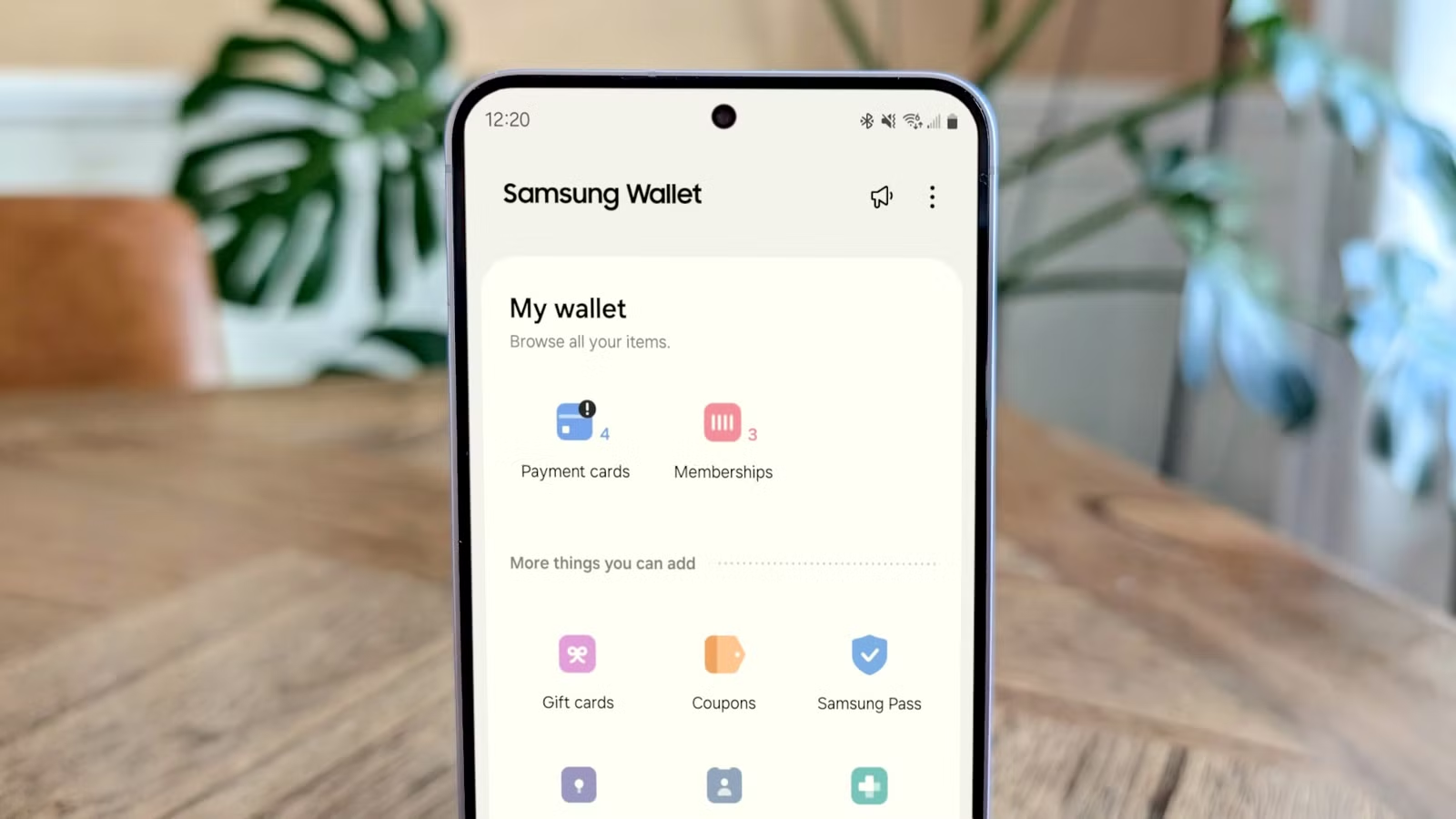
- Samsung Wallet now supports a digital copy of your U.S. passport through a CLEAR partnership, usable at 250+ TSA checkpoints
- The digital ID works only for domestic TSA screening, not international travel or customs
- Setup requires a Galaxy phone on Android 9.0+, a valid physical passport, and a facial scan for verification
Samsung Galaxy phones can now hold a verified digital copy of your U.S. passport through a new partnership with identity verification company CLEAR. The feature, called Samsung ID with CLEAR, lets users breeze through more than 250 TSA checkpoints by scanning a QR code or tapping their phone instead of fumbling for physical documents.
But before you leave your passport at home: this is not a replacement for the real thing. The digital ID works exclusively for domestic TSA screening. No international flights, no customs, no border crossings. Think of it as a fast lane card for security, not a travel document.
How to set up your Samsung digital passport
The setup takes a few minutes and requires some specific hardware and software. You need a compatible Samsung Galaxy phone running Android 9.0 or higher, an active Samsung account, the latest version of Samsung Wallet, and a physical passport in good condition. The enrollment itself is free, though CLEAR+ subscribers get a blue card instead of white, which grants access to expedited lanes.
Open Samsung Wallet and tap Quick Access at the bottom of the screen. Hit the plus icon in the top-right corner, select Digital IDs, then choose Samsung ID with CLEAR. Tap Get Card or Continue. The app will prompt you to scan the photo page of your physical passport using your phone's camera. After that, you complete a live facial scan to verify your identity. Lock it in with your PIN or fingerprint, and you're done.
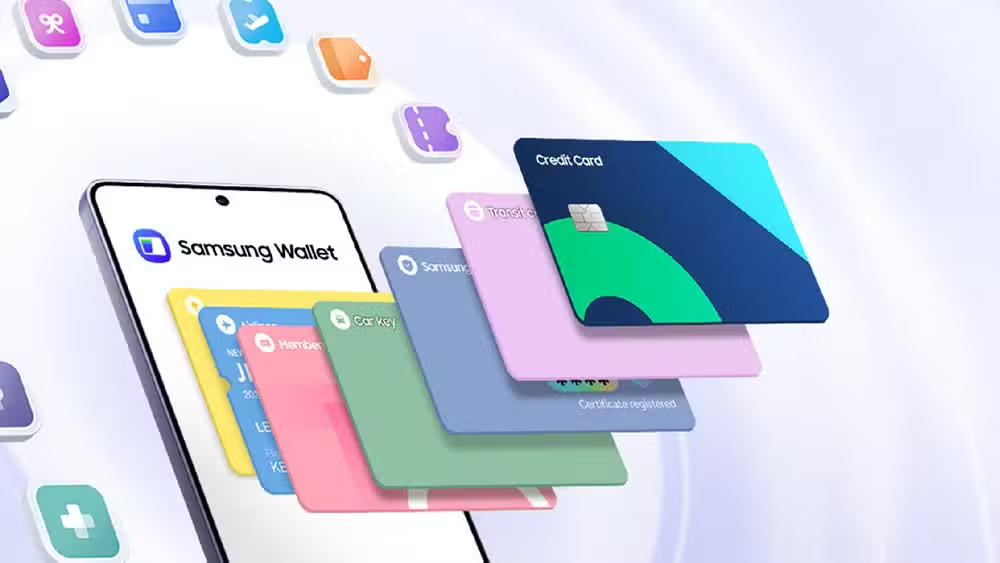
The process mirrors similar identity verification flows you might recognize from banking apps. Samsung stores the verified credential locally on your device, and the facial scan ensures nobody else can enroll using your passport.
What the digital ID can and cannot do
This is where the asterisks pile up. Samsung ID with CLEAR proves your identity to TSA agents inside the United States. Full stop. Foreign immigration officers cannot read or recognize what's stored in your Samsung Wallet. If you're leaving the country, returning to it, or passing through any customs checkpoint, you need your physical passport book.
Even for domestic flights, treating this as a backup rather than a primary ID is wise. The technology fails in predictable ways. Bluetooth connections between your phone and the TSA scanner can drop. Scanners glitch. Phone batteries die at inconvenient moments. Not every checkpoint has compatible equipment, so agents sometimes fall back to checking physical documents. And TSA staff can simply ask for your real ID regardless.
Keeping your physical passport or driver's license on hand remains the safest approach. The digital version speeds things up when everything works; it does not guarantee you get through without the paper.
The security question Samsung hopes you won't ask
Putting federal identity documents on a commercial smartphone app raises obvious concerns. Your passport data becomes a target for hackers who previously had to steal a physical book or breach a government database. Now there's a third vector: your phone and the apps running on it.
Samsung's defense rests on the security architecture of modern Galaxy phones. Biometric data and verified credentials are stored in a secure enclave, isolated from the rest of the operating system. CLEAR has built its business on identity verification for airports and sports venues, so the company has a track record to protect. But letting a private company act as gatekeeper for government ID is a philosophical shift, not just a technical one.
The tradeoff is convenience versus a new category of risk. If your phone is compromised, the attacker potentially has access to your digital identity alongside everything else. If CLEAR suffers a breach, the implications extend beyond your flight schedule.
Samsung catches up to Apple, sort of
Apple has offered a similar feature for iPhones, storing state driver's licenses in Apple Wallet at participating TSA checkpoints. Samsung's passport integration takes a slightly different approach by partnering with CLEAR rather than going directly through state DMVs, which means the credential works nationally rather than state-by-state. The 250+ TSA checkpoints Samsung cites suggests broader availability than Apple's rollout, though both remain limited to U.S. domestic travel.
The question is whether travelers will actually use it. Frequent fliers who already have TSA PreCheck or CLEAR+ subscriptions might find marginal value. Occasional travelers who forget documents at home might find it a lifesaver. Everyone else falls somewhere in between, weighing the setup time against a few minutes saved at security.
Logicity's Take
Samsung's digital passport is a clever convenience feature, not a travel revolution. The real significance is what it signals: phone manufacturers are positioning themselves as identity brokers, not just device makers. If this works for passports, driver's licenses and government IDs come next. That's a business model shift worth watching, even if the current implementation has limited practical use.
Frequently Asked Questions
Can I use Samsung's digital passport for international flights?
No. The Samsung ID with CLEAR feature works only at domestic TSA checkpoints inside the United States. International travel, customs, and border crossings still require your physical passport book.
Is the Samsung digital ID free to set up?
Yes. The basic digital ID is free. CLEAR+ subscribers get additional benefits like expedited lane access, indicated by a blue card instead of white in the app.
What happens if my phone battery dies at the TSA checkpoint?
You'll need to present a physical ID. TSA agents can always request traditional documents, and the digital ID should be treated as a backup rather than a replacement.
Which Samsung phones support this feature?
Any compatible Samsung Galaxy phone running Android 9.0 or higher can use Samsung ID with CLEAR through the Samsung Wallet app.
How many TSA checkpoints accept Samsung's digital passport?
Samsung states the digital ID works at more than 250 TSA checkpoints across the country, though not all locations have compatible equipment.
If you're relying on your phone as a travel document, knowing its actual charging performance matters more than ever
Need Help Implementing This?
Want to learn more about mobile security, digital identity management, or enterprise device policies? Reach out to Logicity for expert guidance on keeping your organization's devices secure while enabling new productivity features.
Source: How-To Geek
Manaal Khan
Tech & Innovation Writer
Produced with AI assistance and reviewed by the Logicity editorial team. Learn more in our Editorial Policy.






