Key Takeaways
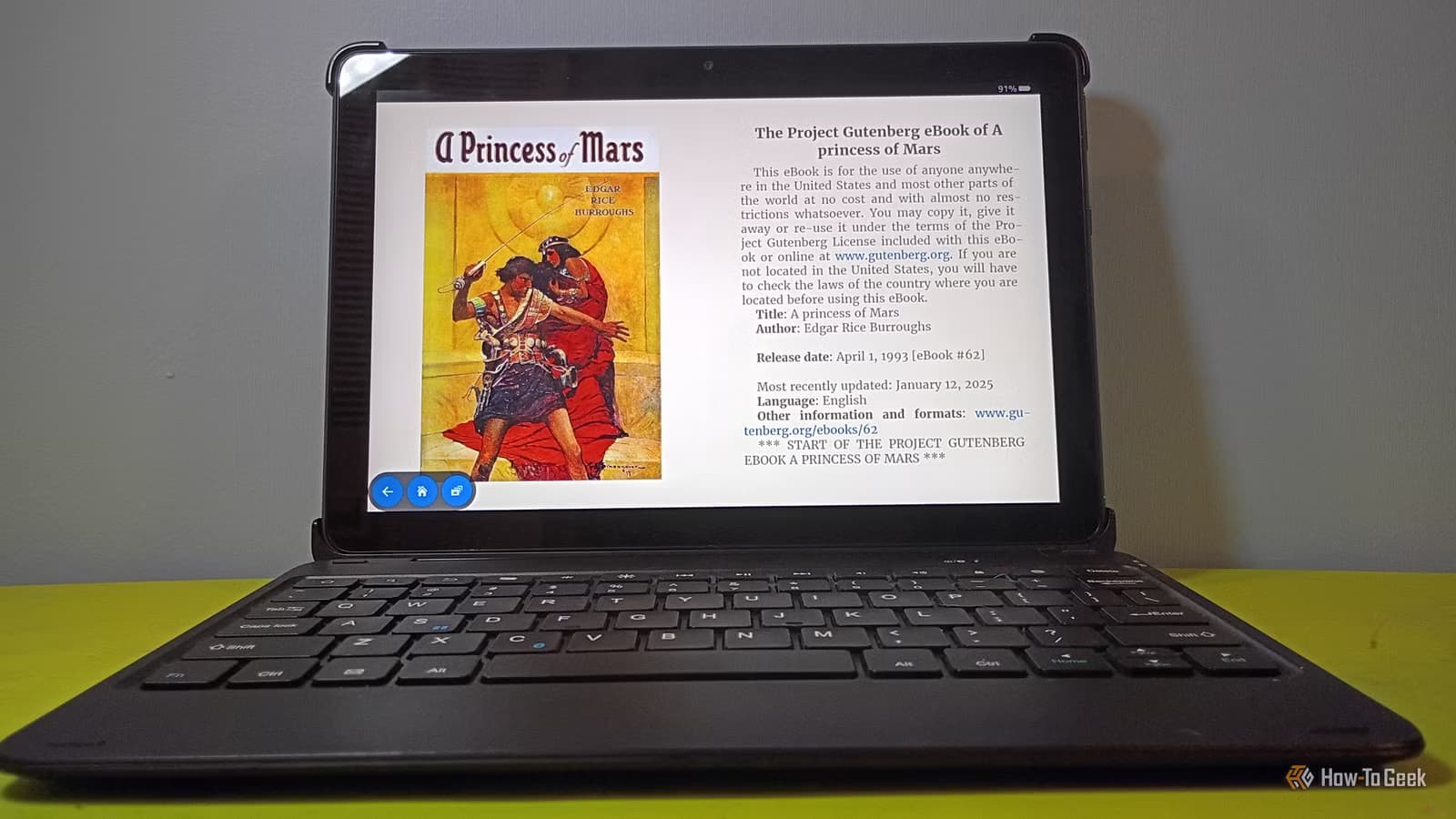
- ReadEra supports 15+ file formats including EPUB, PDF, CBR, and DOCX without requiring payment or registration
- CDisplay Ex costs $6 to remove intrusive mid-reading ads that disrupt comic reading
- Modding Fire Tablets with Google Play unlocks access to high-quality reader apps unavailable through Amazon's Appstore
Amazon's Fire Tablets offer solid hardware at budget prices. But the software? That's where things get frustrating. Fire OS locks you into Amazon's ecosystem, which means the Kindle app and not much else. For readers who've built their own libraries of DRM-free ebooks and comics, that's a problem.
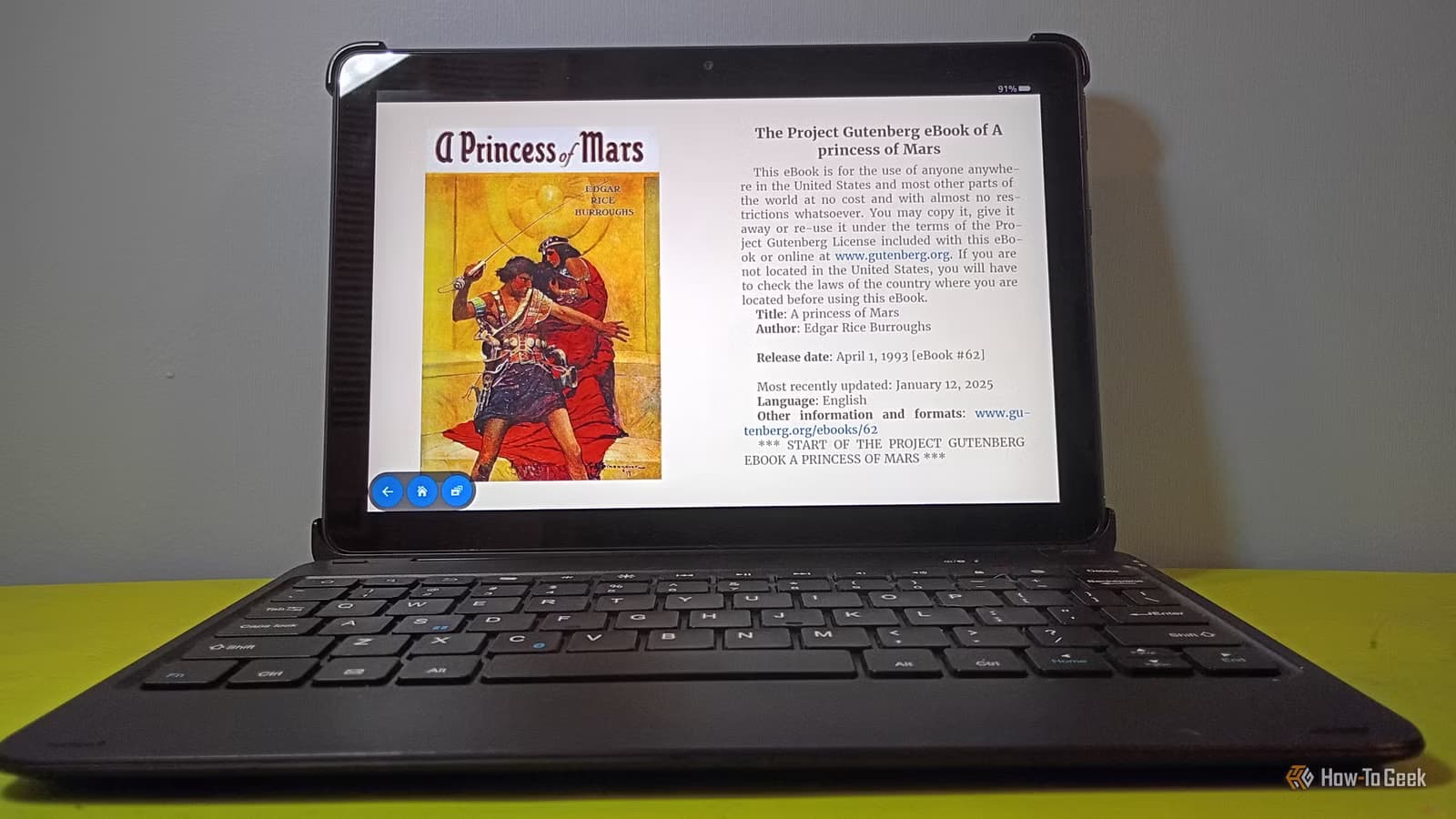
Tech writer David J. Buck spent weeks testing reader apps on a modded Fire Tablet. His goal was simple: find the best app for someone who reads everything from PDFs to comic book archives. After trying CDisplay Ex, Moon+ Reader, Librera, and others, he landed on ReadEra as his daily driver.
“The best reader apps are the ones that get out of the way; they shouldn't feel like a storefront, they should feel like a library.”
— David J. Buck, Author/Researcher at How-To Geek
Why Modding Matters for Readers
Fire OS is Android under the hood. But Amazon strips out Google Play and replaces it with the Amazon Appstore. That means no access to ReadEra, Moon+ Reader, or other popular reading apps unless you sideload them.
The process involves installing the Google Play Store on your Fire Tablet. It's not technically "jailbreaking," but it does bypass Amazon's restrictions. Once you've done it, you can install any Android app. For readers, that unlocks a world of options beyond Kindle.
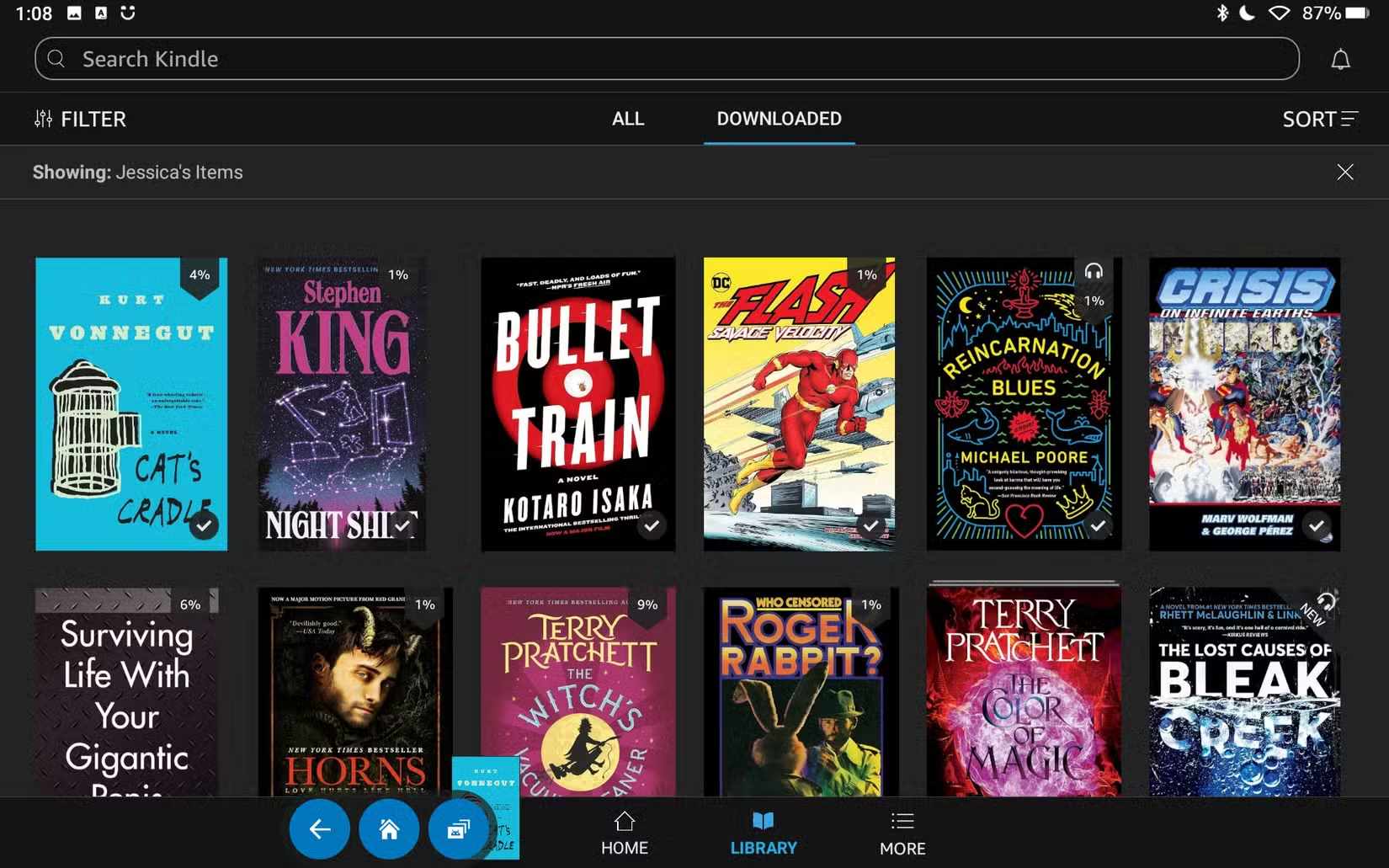
The Kindle app isn't bad. It handles PDFs and can convert EPUBs through the Send to Kindle service. But it's designed to sell you books, not manage the ones you already own. If you've got a collection of DRM-free files, you need something else.
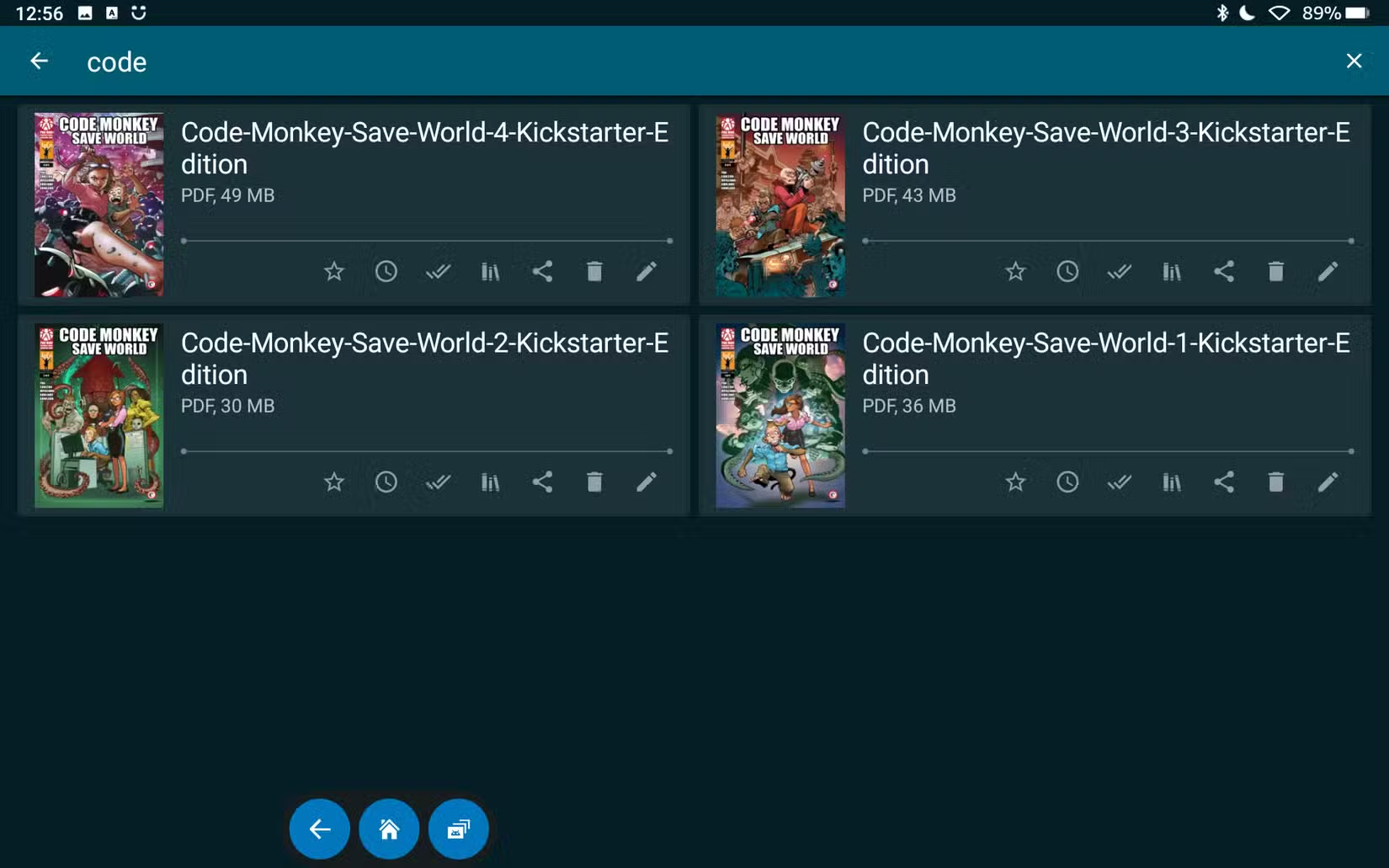
CDisplay Ex: Good for Comics, Bad for Patience
CDisplay Ex has been a standard comic book reader for years. It handles CBZ and CBR files well. These are the standard formats for digital comics, essentially ZIP or RAR archives full of image files.
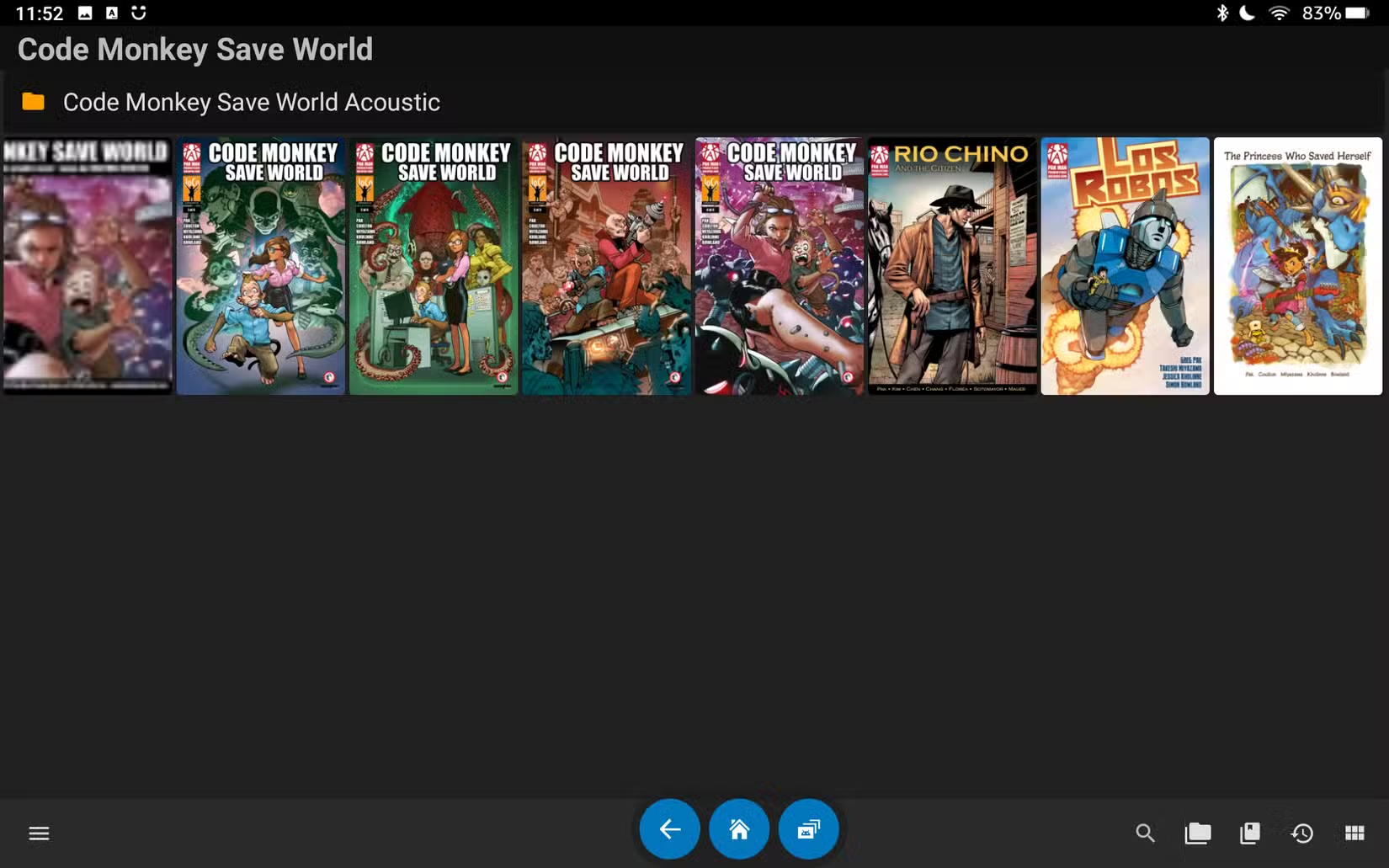
The free version works fine. Until the ads show up. Buck describes them as "awful, bordered, intrusive ads that practically require you to click on them or hide the 'x' in the corner." These aren't the static ads you'd see in a print comic. They interrupt your reading mid-page.
The premium version costs $6, which removes the ads entirely. If you read comics daily, that's probably worth it. But Buck found a better option that doesn't require paying anything.
Moon+ Reader: Powerful but Complex
Moon+ Reader is one of the most popular ebook apps on Android. It's been around for over a decade and has accumulated features accordingly. Text-to-speech, cloud sync, extensive customization options, the list goes on.
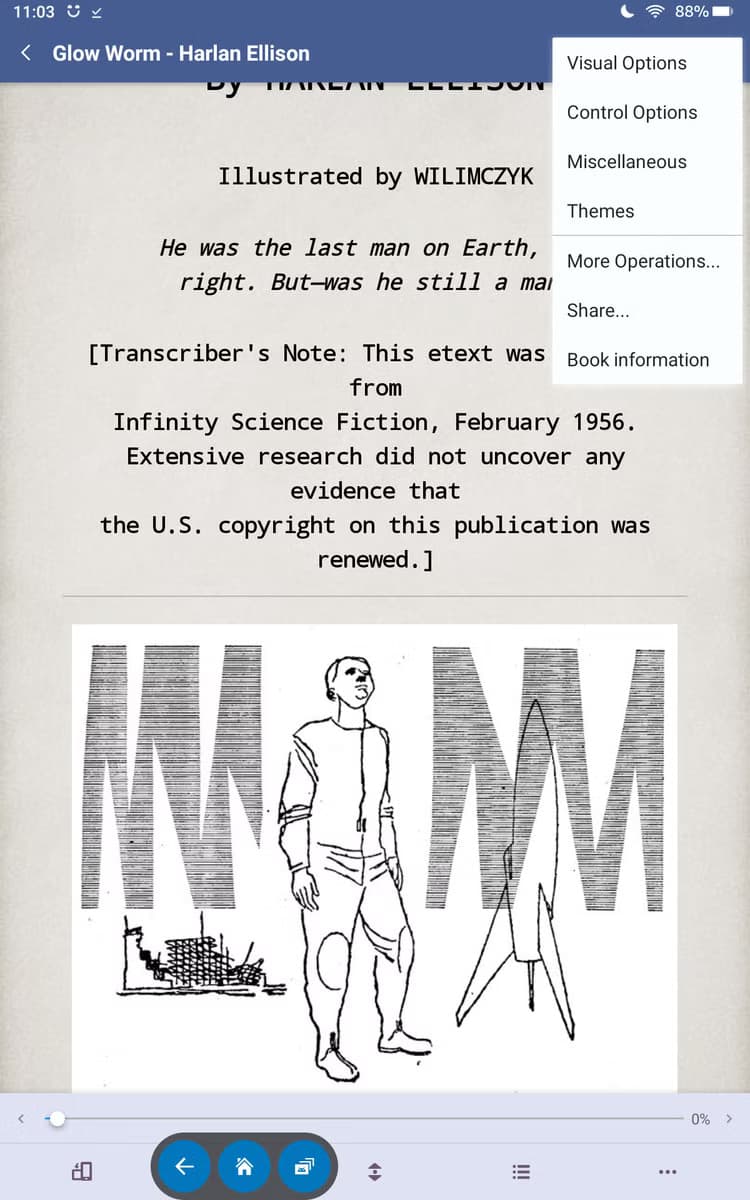
The problem is that all those features can feel overwhelming. If you just want to read a book without fiddling with settings, Moon+ Reader might be more than you need. It's powerful software for power users, but it doesn't get out of the way.
ReadEra: The Winner
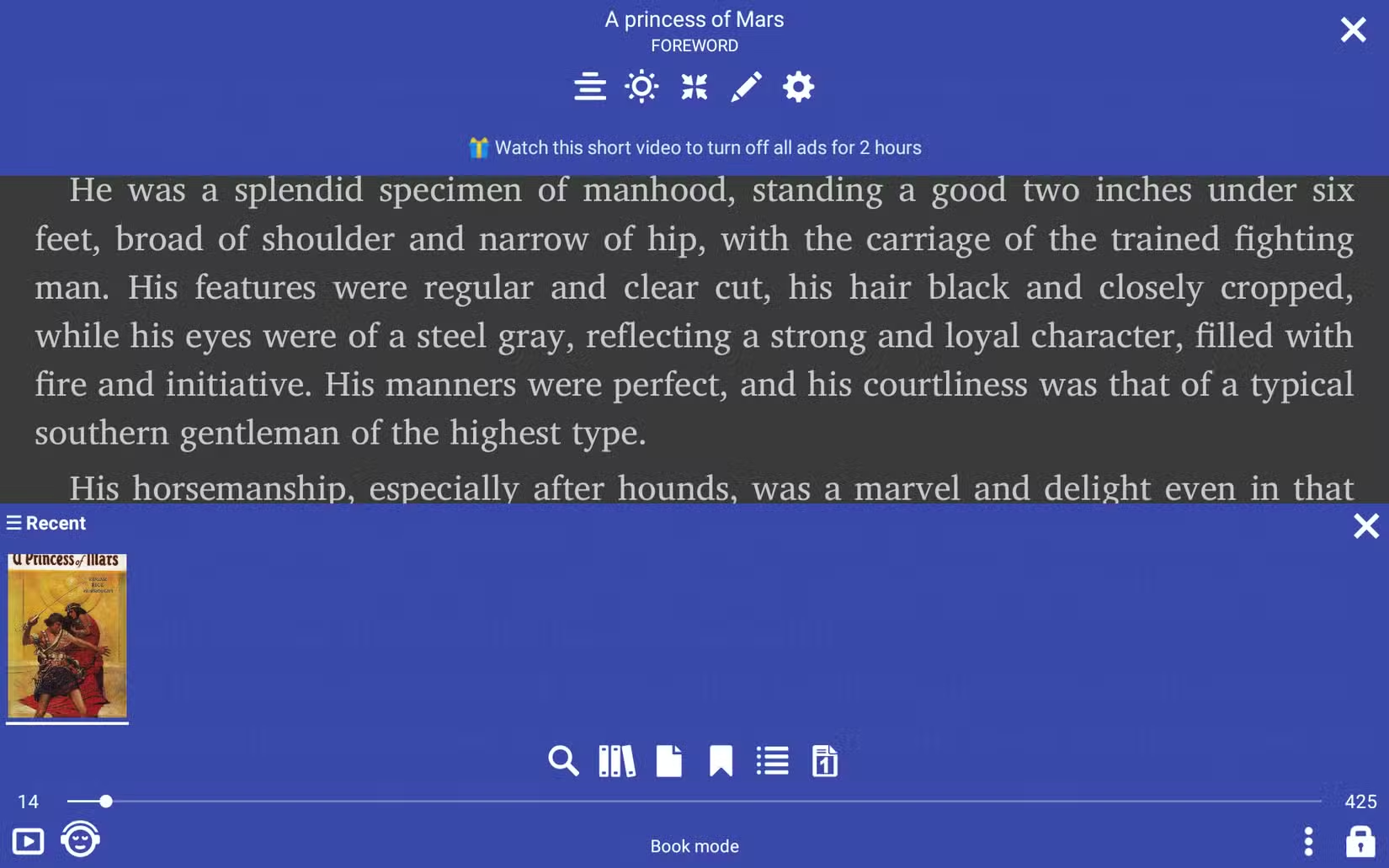
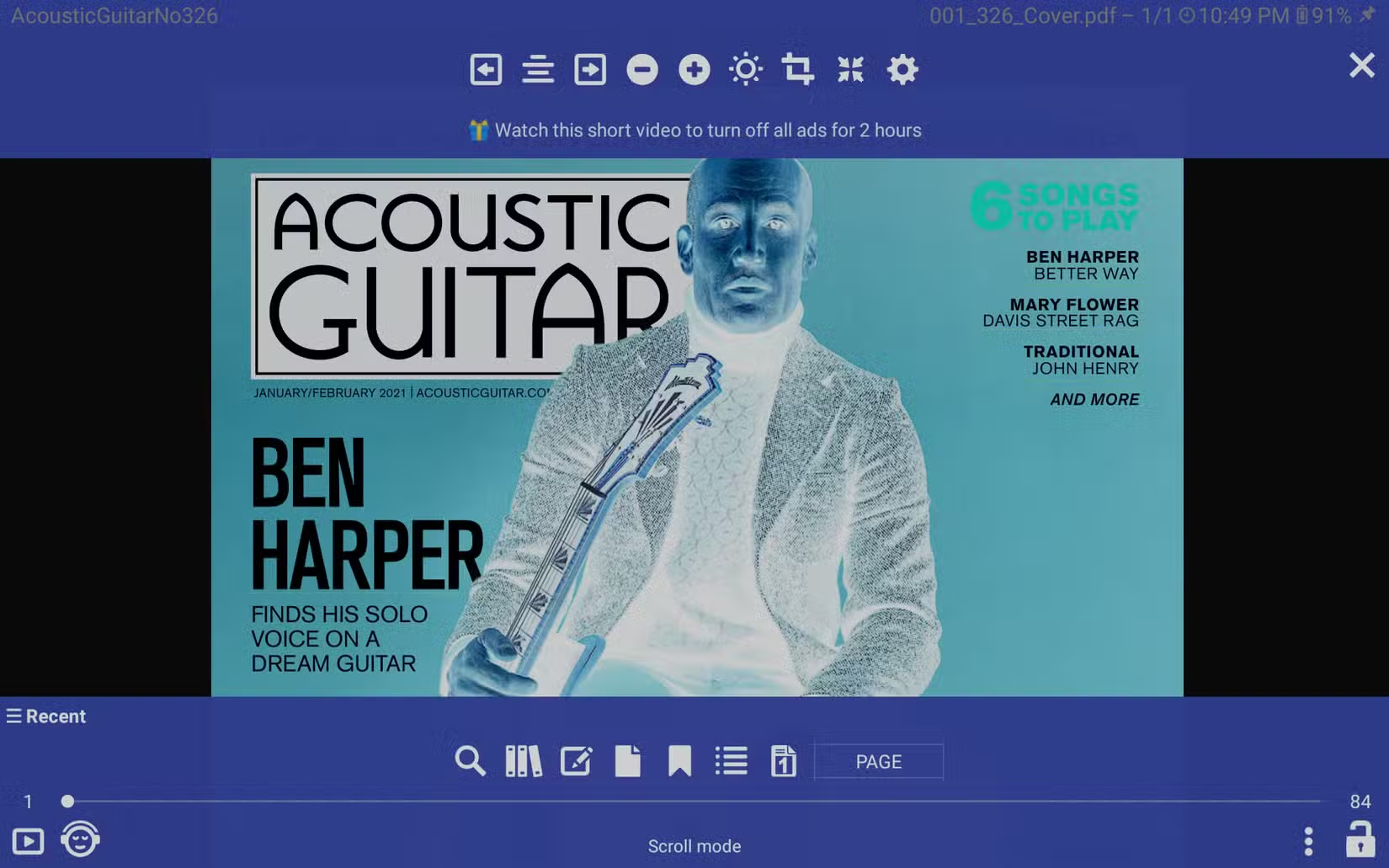
ReadEra takes a different approach. It supports 15+ file formats including EPUB, PDF, MOBI, DJVU, CBR, CBZ, and even DOCX. It handles large PDF files without choking. And the free version doesn't shove ads in your face.
The app doesn't require registration. It doesn't track your reading habits to sell you more books. It just displays your files and lets you read them. Reddit's r/AndroidApps community frequently calls it "clean, no-nonsense," which is exactly what Buck was looking for.
HackerNews users have praised the developer's commitment to avoiding tracking and mandatory registration. In an era where most apps want your email before showing you anything, ReadEra's approach feels refreshing.
Comparing the Options
| App | Free Version Ads | Format Support | Best For |
|---|---|---|---|
| ReadEra | Minimal, non-intrusive | 15+ formats | All-around reading |
| CDisplay Ex | Intrusive mid-reading ads | CBZ/CBR focus | Comic collectors (paid) |
| Moon+ Reader | Banner ads | Extensive | Power users who customize |
| Kindle App | None (ecosystem lock) | Limited without conversion | Amazon purchasers |
Setting Up Your Modded Fire Tablet
The process starts with enabling apps from unknown sources in your Fire Tablet's settings. Then you download the Google Play Store APK files and install them manually. The whole process takes about 15 minutes if you follow a guide.
Once Google Play is running, search for ReadEra and install it like any other app. Your existing ebook and comic collection can be transferred via USB or cloud storage. ReadEra will scan your device for compatible files automatically.
More ways to unlock hidden Android features on your devices
The Case for Owning Your Library
Buck mentions his experience with Kobo Rakuten last year. He bought some TMNT books, then "later learned I didn't own" them. This is the core problem with ecosystem-locked reading apps. You're licensing content, not buying it. If the company decides to revoke access, your library vanishes.
Managing your own DRM-free library on a modded tablet sidesteps this entirely. You own the files. They live on your device. No company can take them away because you didn't read the updated terms of service.
Taking control of your digital life extends beyond ebooks
Logicity's Take
Frequently Asked Questions
Is modding a Fire Tablet legal?
Yes. Installing the Google Play Store doesn't violate any laws. It may void your warranty and violates Amazon's terms of service, but there are no legal consequences for personal use.
Does ReadEra work with DRM-protected ebooks?
No. ReadEra handles DRM-free files only. Books purchased through Kindle, Kobo, or other DRM-protected stores won't open in ReadEra without first removing the DRM.
What's the difference between CBZ and CBR files?
CBZ files are ZIP archives containing comic book images. CBR files are RAR archives. Both work the same way for reading. CBZ is more universal since ZIP is more widely supported.
Can I use Calibre with ReadEra?
Yes. Calibre is desktop software for managing ebook libraries and converting between formats. You can use Calibre to organize your collection, then transfer files to your tablet for reading in ReadEra.
Will modding my Fire Tablet break software updates?
Fire OS updates may remove the Google Play Store installation. You can usually reinstall it after an update, but some users disable automatic updates to avoid the hassle.
Need Help Implementing This?
Source: How-To Geek
Huma Shazia
Senior AI & Tech Writer
Produced with AI assistance and reviewed by the Logicity editorial team. Learn more in our Editorial Policy.