Key Takeaways
- A $30 used office PC is enough to start self-hosting. You don't need a data center.
- RAID protects against hardware failure, not accidental deletion. Follow the 3-2-1 backup rule.
- Never expose ports directly to the internet. Use a VPN or reverse proxy instead.
The Allure and the Reality
Self-hosting has exploded in popularity. Privacy concerns and subscription fatigue have pushed people to run their own media servers, file storage, and web apps on hardware they control. The promise is compelling: no monthly fees, full data ownership, and the satisfaction of building something yourself.
The reality is different. Transitioning from cloud consumer to home sysadmin requires a mindset shift most beginners don't anticipate. They treat home servers like consumer appliances. They skip security basics that are standard in professional IT. They learn expensive lessons the hard way.
Here are the five mistakes that trap nearly every beginner, and how to sidestep them.
Mistake 1: Thinking You Need Expensive Hardware
The most common mistake is overbuying before you even start. Beginners assume they need multiple servers, racks of storage, and enterprise-grade equipment. They delay their projects while saving up for hardware they don't need.
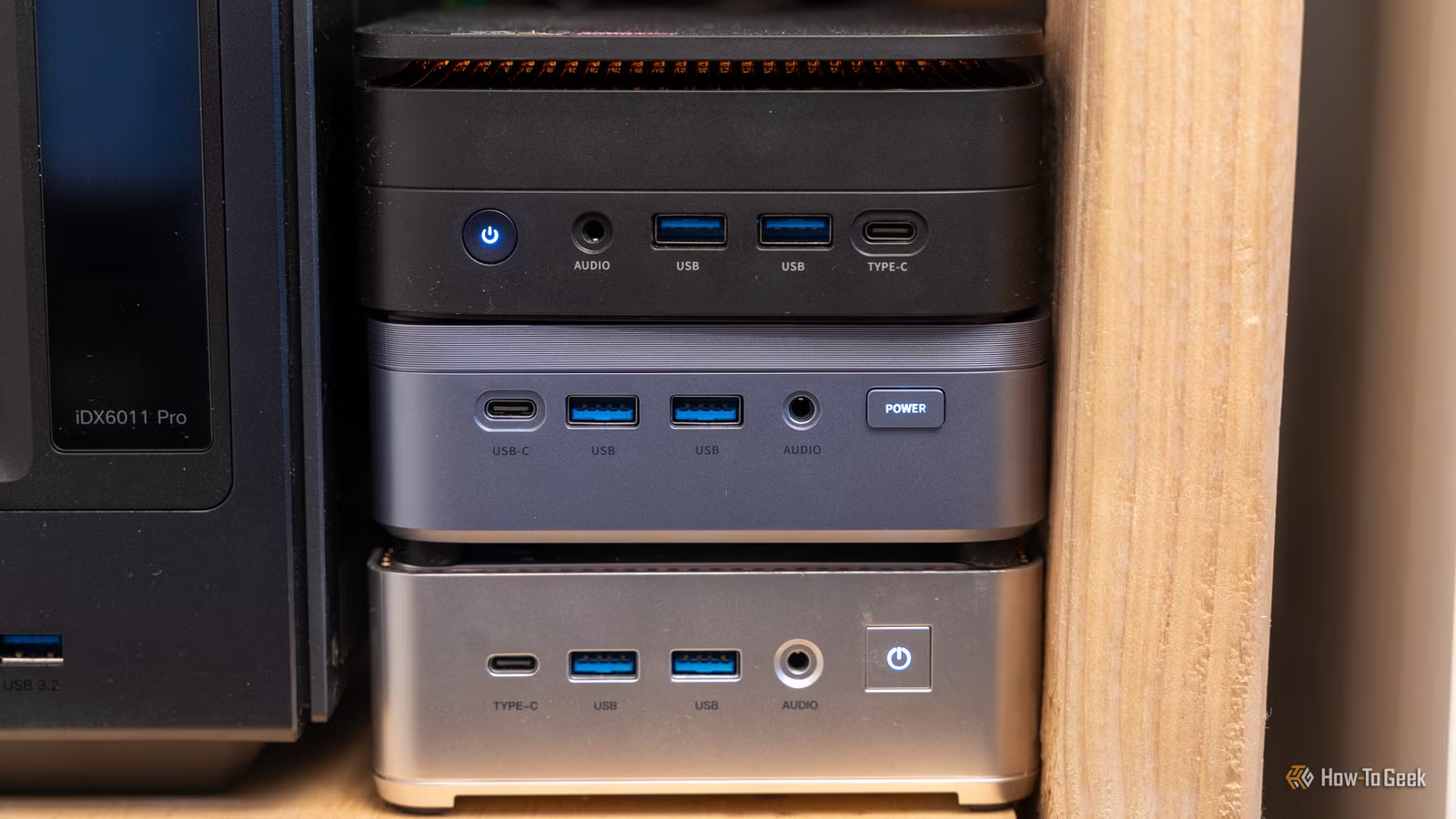
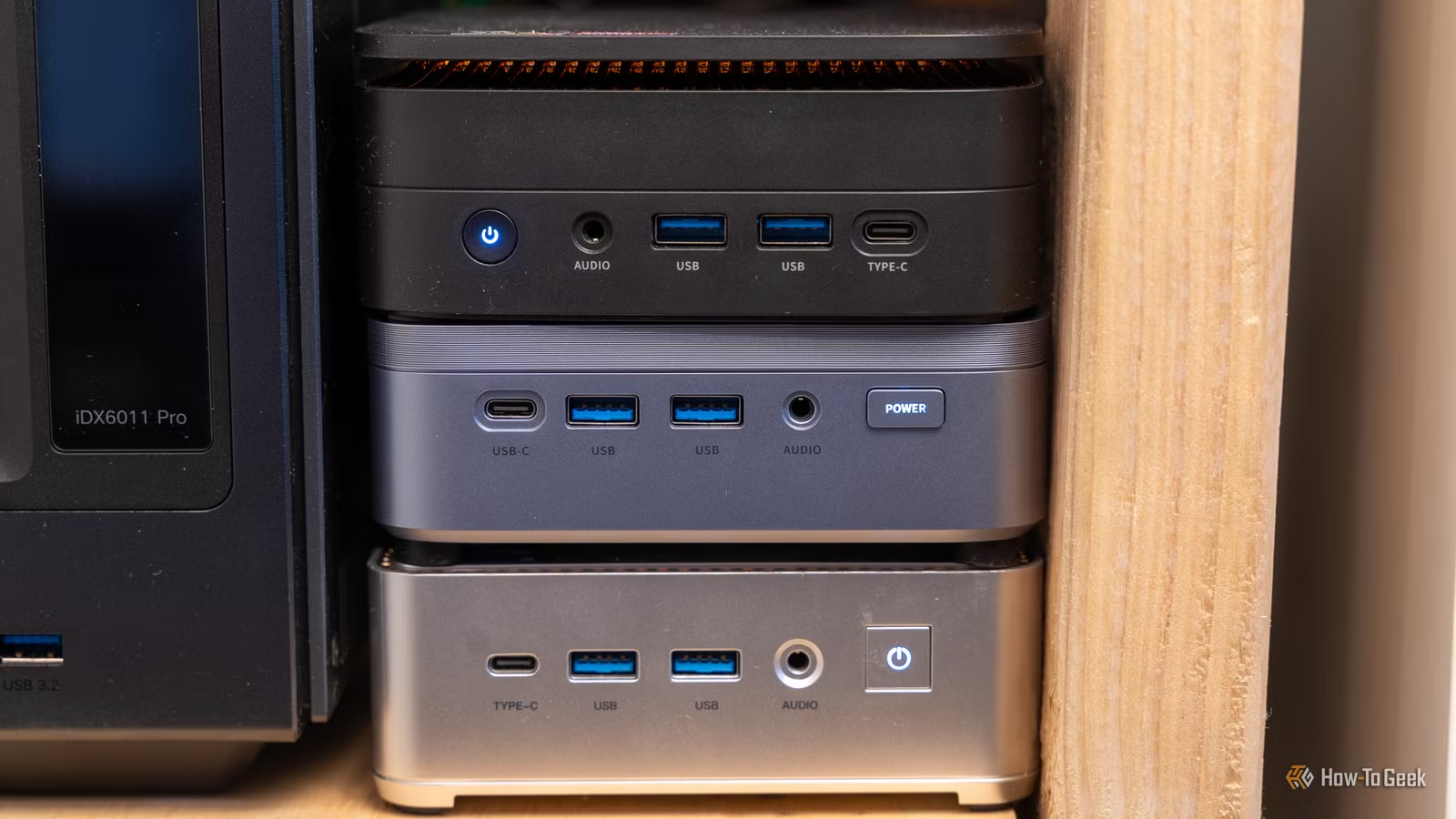
The truth? A Raspberry Pi 3B with 1GB of RAM can run multiple self-hosted apps. They won't be blazing fast, but they'll work. An old office computer from Facebook Marketplace, a Lenovo ThinkCenter or Dell OptiPlex for $30 to $100, is more than enough to get started.
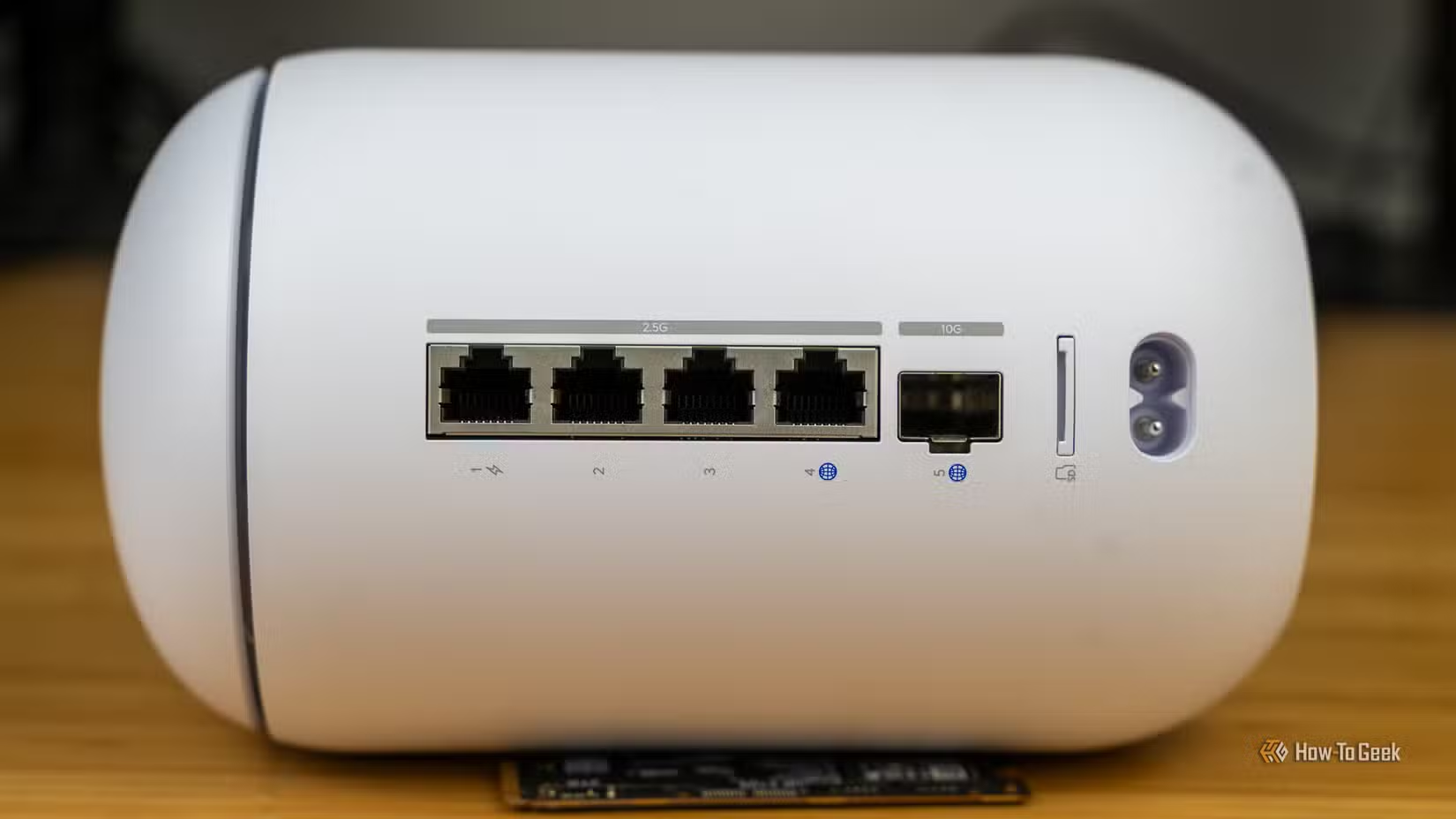
Even a 15-year-old system can self-host basic services. You'll be limited in what you can run, but you can run something. The key is matching your expectations to your hardware. You won't host a modded Minecraft server for 20 players on the same Pi running Plex. But you can start small and upgrade later when you actually understand what you need.
Mistake 2: Confusing RAID with Backup
This mistake has destroyed data for countless beginners. They set up RAID, feel protected, and never implement actual backups. Then they delete something important and discover the truth.
“RAID protects against hardware failure, not human error. If you delete a file, RAID just deletes it faster.”
— Common wisdom in the SysAdmin community
RAID keeps your server running when a drive fails. That's valuable. But it won't save you from accidental deletion, ransomware, fire, theft, or the inevitable moment you run a command you shouldn't have.
The industry standard is the 3-2-1 backup rule: three copies of your data, on two different media types, with one copy off-site. If your self-hosted photos exist only on your NAS, they're not backed up. They're just stored.
Mistake 3: Exposing Ports Directly to the Internet
Beginners want to access their services from anywhere. The obvious solution is opening ports on their router. It's also the most dangerous.
Exposing SSH, web interfaces, or other services directly to the internet invites automated attacks. Bots scan constantly for open ports. They'll find yours within hours. If your passwords are weak or your software is unpatched, you're compromised.
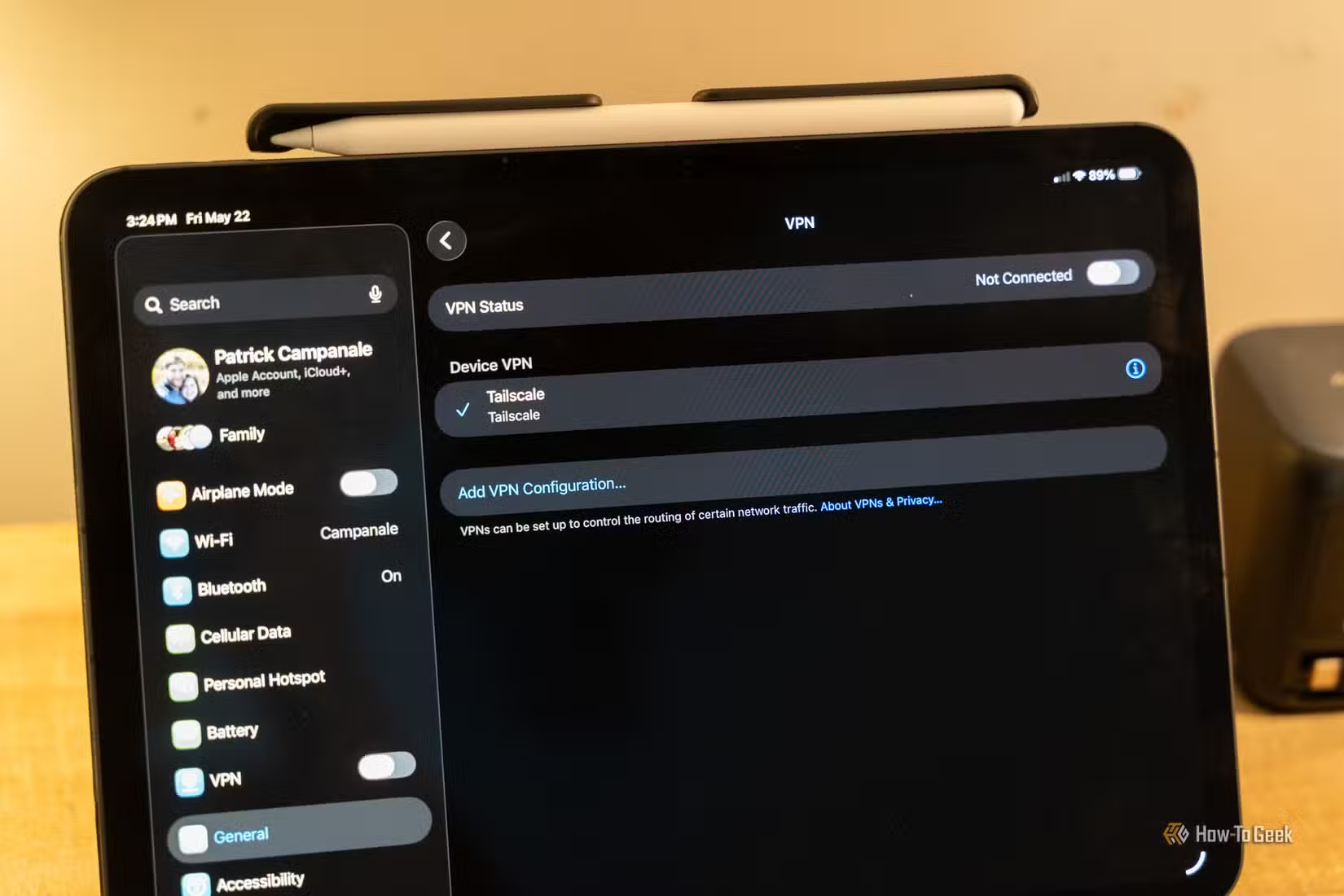
The number of ports you should expose directly to the internet is zero. Use a VPN like Tailscale or WireGuard for remote access. If you need to expose web services, put them behind a reverse proxy with proper authentication. These tools aren't optional extras. They're baseline security.
Mistake 4: Skipping Docker and Fighting Dependencies
New self-hosters often install applications directly on their host system. They fight dependency conflicts, break one app while updating another, and struggle to reproduce their setup when something goes wrong.
Docker solves this. Each application runs in its own container with its own dependencies. They don't conflict. When you need to restore or migrate, you rebuild from a compose file instead of remembering every command you ran six months ago.
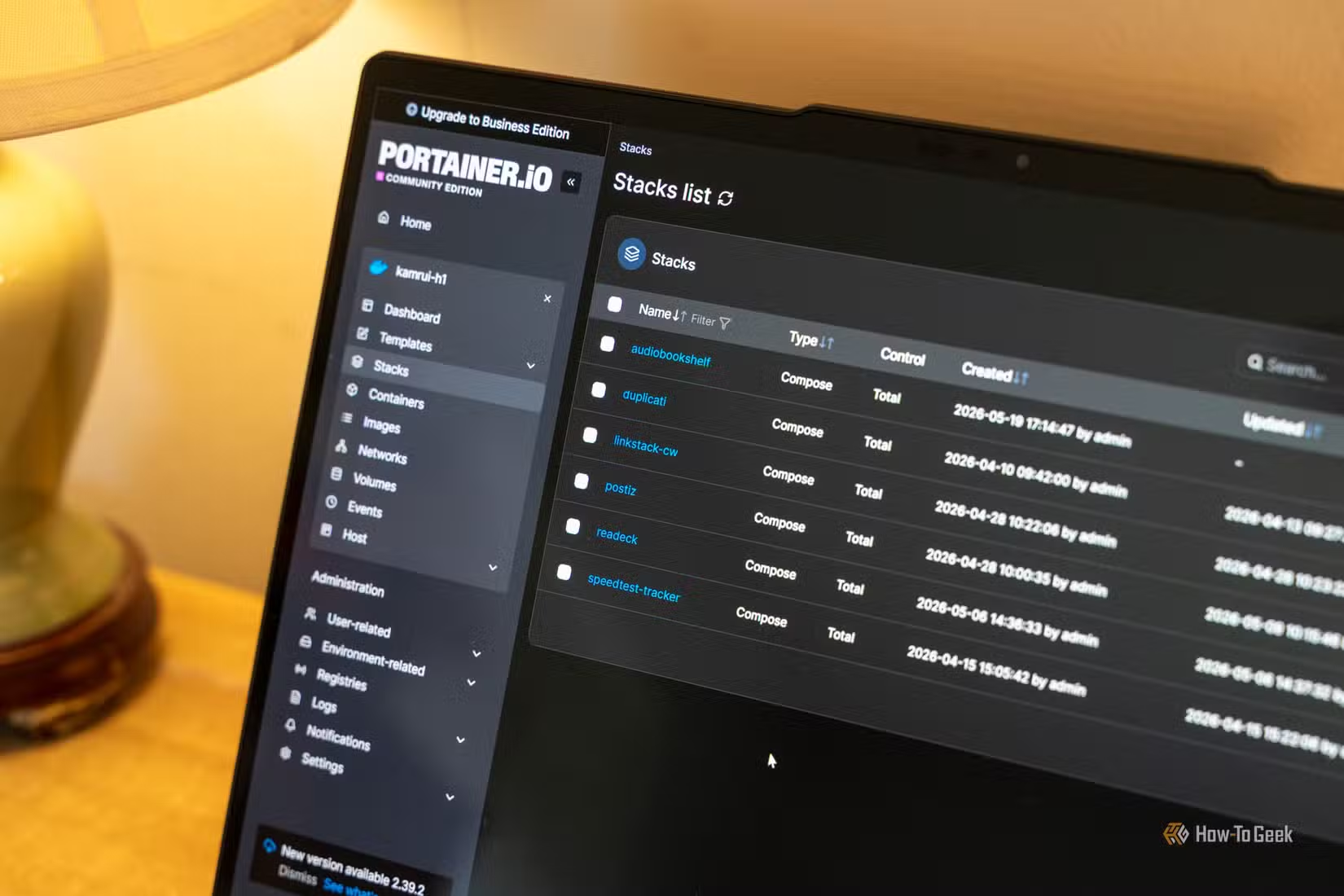
The Reddit community at r/selfhosted repeats one piece of advice constantly: master Docker before touching complex hardware. It provides a standardized environment that makes recovery manageable when things break. And things will break.
Mistake 5: Self-Hosting Email
This one deserves its own warning. Self-hosting email sounds like the ultimate privacy win. In practice, it's a nightmare.
Approximately 90% of your time will go toward fighting email deliverability issues. Major providers like Gmail and Outlook aggressively filter email from unknown servers. Your carefully crafted messages land in spam or vanish entirely. You'll chase SPF records, DKIM signing, DMARC policies, and IP reputation scores. You'll still have problems.
Unless you have a specific reason and technical experience, don't self-host email. Use a privacy-focused provider instead. Save your energy for services where self-hosting actually makes sense.
The Mindset Shift
Self-hosting isn't a consumer purchase. It's an ongoing responsibility. You're not just a user anymore. You're the system administrator, security team, and backup operator for your own infrastructure.
“Self-hosting is a journey from 'I can save money by doing this myself' to 'I am now a full-time sysadmin for my own home network'.”
— Anonymous Homelab Veteran
The best self-hosters aren't the ones with the most hardware. They're the ones who understand their systems well enough to fix them at 2 AM. Start small. Learn Docker. Implement real backups. Keep your services off the open internet. Build from there.
Logicity's Take
More hands-on technical guides for those who like controlling their own devices.
Frequently Asked Questions
What's the cheapest way to start self-hosting?
A used office PC from Facebook Marketplace for $30 to $100. Lenovo ThinkCenters and Dell OptiPlexes from the last 10-15 years work fine for basic services.
Is RAID a backup?
No. RAID protects against drive failure but not deletion, ransomware, or disasters. Follow the 3-2-1 rule: three copies, two media types, one off-site.
How do I access my self-hosted apps remotely without exposing ports?
Use a VPN like Tailscale or WireGuard. For web services, use a reverse proxy with authentication. Never open ports directly to the internet.
Should beginners use Docker for self-hosting?
Yes. Docker isolates applications, prevents dependency conflicts, and makes recovery much easier. Master it before adding complex hardware.
Is self-hosting email worth it?
For most people, no. Email deliverability issues consume enormous time. Use a privacy-focused email provider instead.
Need Help Implementing This?
Source: How-To Geek
Huma Shazia
Senior AI & Tech Writer
Produced with AI assistance and reviewed by the Logicity editorial team. Learn more in our Editorial Policy.