Key Takeaways
- Ratty uses the Bevy game engine to render 3D graphics directly in the terminal
- The project draws inspiration from TempleOS, which supported sprites natively in its command line
- Early benchmarks show 45% lower GPU usage compared to legacy terminal emulators
The terminal has always been brutally efficient. A blinking cursor, a directory path, text output. No frills. But a new Rust project called Ratty wants to change that by turning your command line into a GPU-rendered 3D workspace.
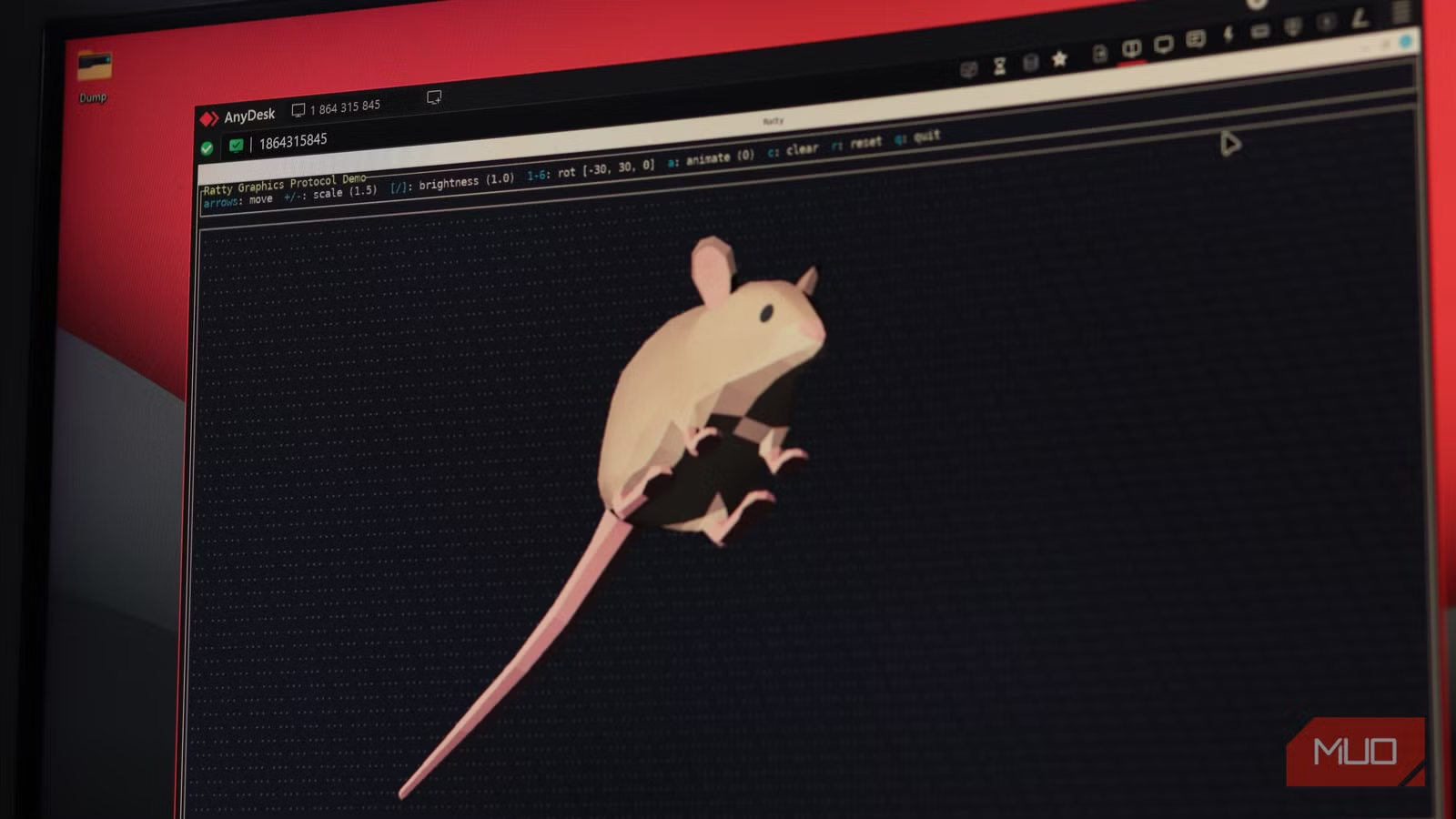
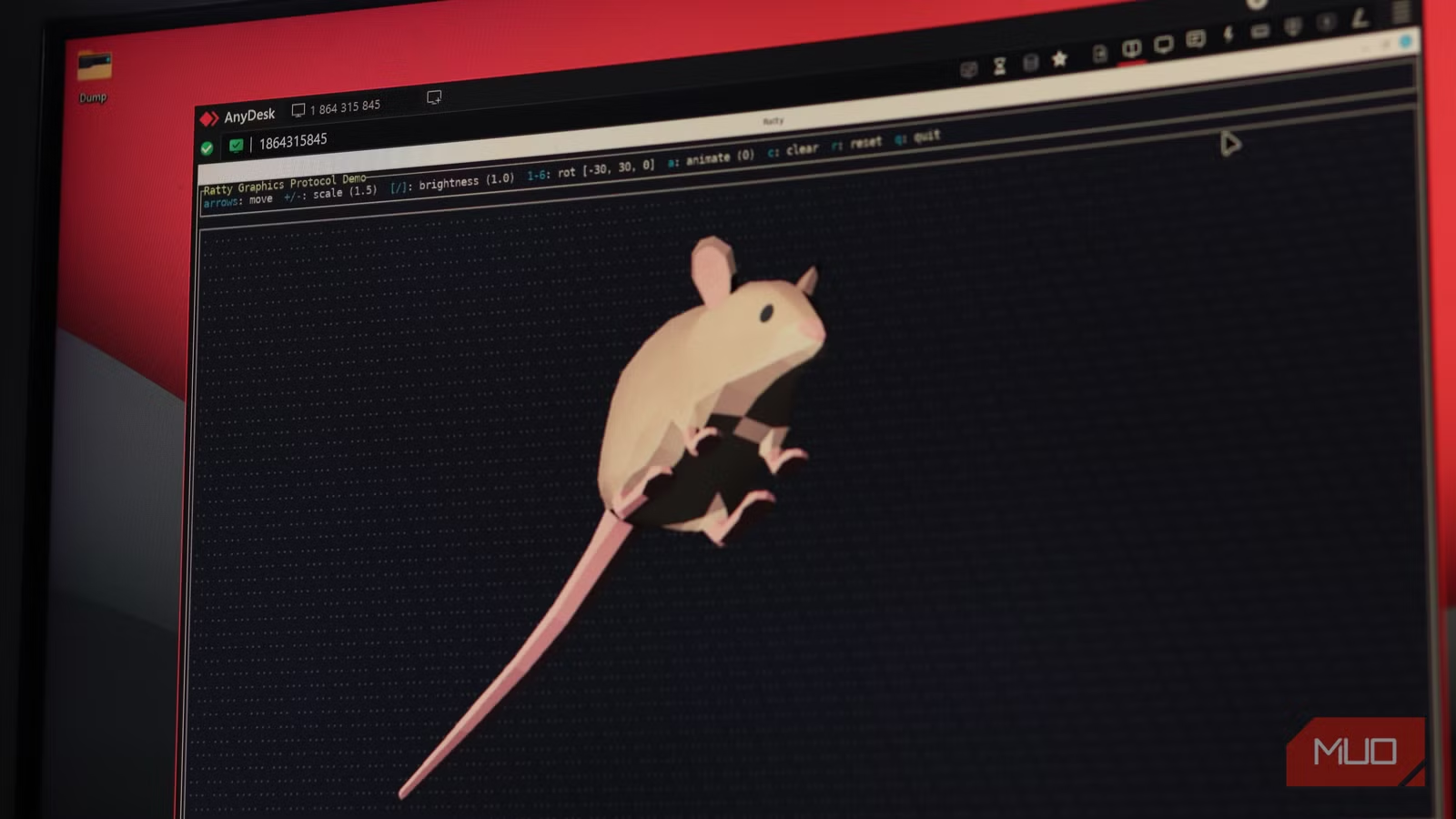
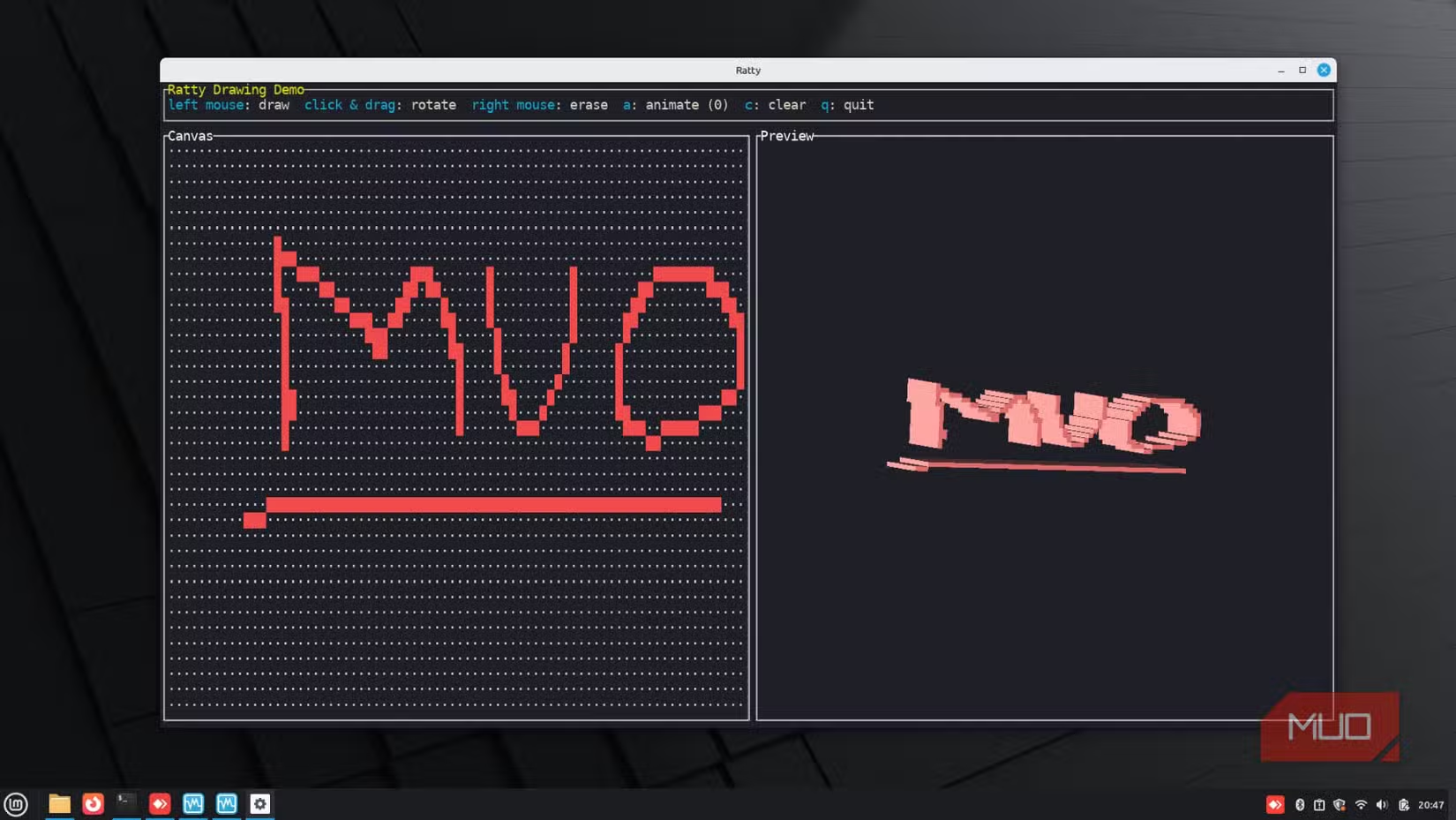
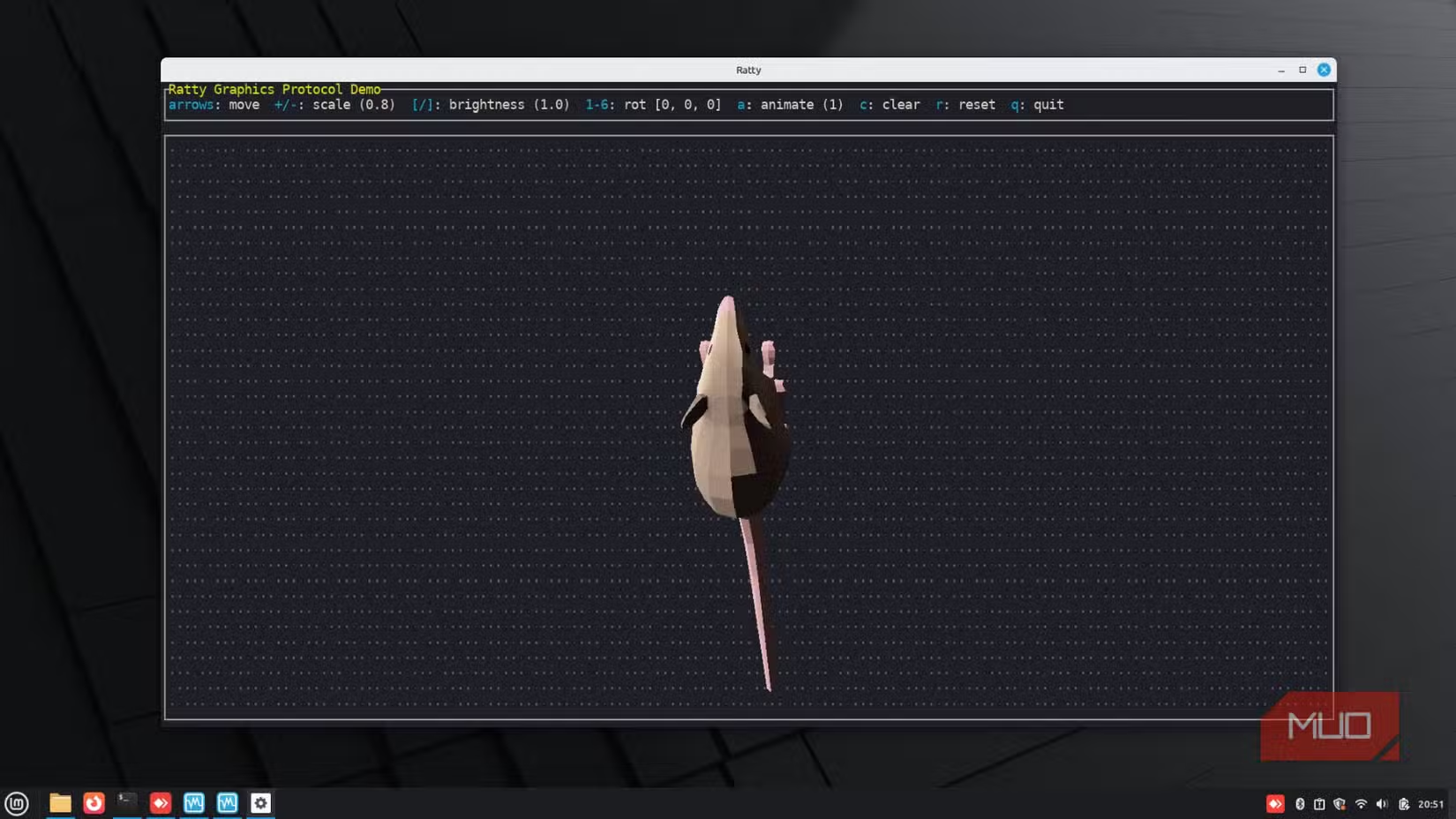
Ratty is an experimental terminal emulator that can embed actual 3D models right next to your commands. You can rotate your workspace in three dimensions, drop meshes into your shell, and yes, have a spinning rat as your cursor. It sounds like a joke, but the underlying tech is serious.
The TempleOS Connection
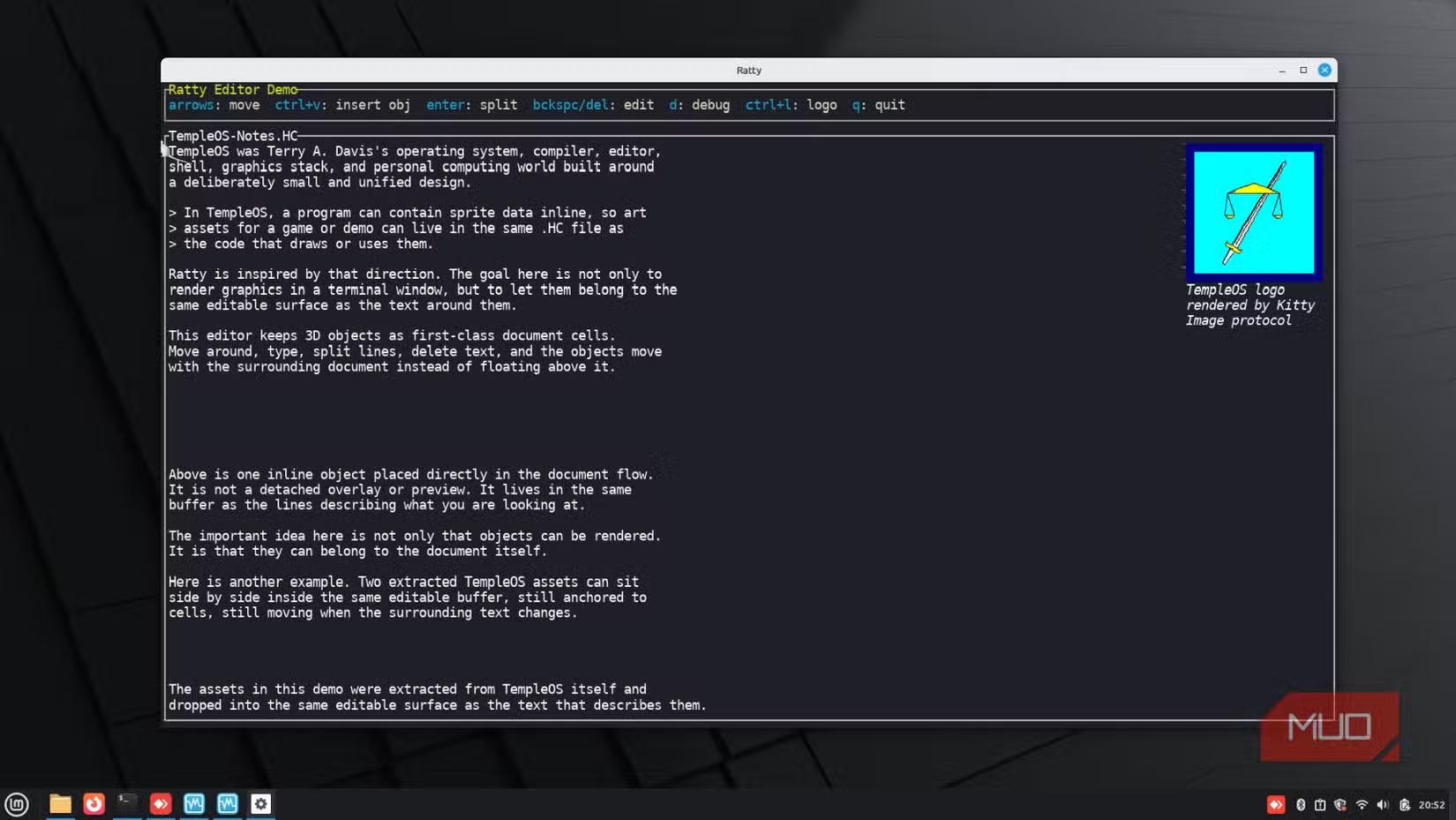
The idea traces back to TempleOS, Terry Davis' unconventional operating system that supported sprites natively in its terminal. In TempleOS, the command line treated graphical images as first-class document entries rather than just text. You could drop 3D meshes and images directly into your shell, source files, and documentation.
Orhun Parmaksız, the Rust developer behind Ratty, had been thinking about this concept for years. He's also the creator of Ratatui, git-cliff, and several other popular open-source terminal tools. The final push came from a rotating VT100 terminal animation built by a community member for his Terminal Tuesdays podcast.
Built on Bevy
Ratty runs on Bevy, a Rust game engine with over 15,000 GitHub stars. The engine handles the GPU-accelerated rendering that makes 3D terminals possible. A live Ratatui terminal interface gets composited directly onto a 3D model's screen texture and rendered in real time.
Early developer benchmarks show Ratty uses 45% less GPU compared to legacy terminal emulator software. That's counterintuitive for a 3D renderer, but Bevy's architecture is optimized for exactly this kind of real-time graphics work.
What You Can Actually Do With It
Ratty is free and open-source, available for Windows, macOS, and Linux. Beyond the novelty of 3D cursors, developers are exploring practical use cases. The most promising: 3D data visualization dashboards that run entirely within the terminal.
Think of viewing log data as a spatial heatmap, or navigating file structures as 3D trees. The graphics protocol Ratty introduces means these aren't hacks built on top of ASCII art. They're actual rendered graphics with depth, rotation, and lighting.
Community Reaction: Future or Distraction?
The project has sparked debate on r/rust and Hacker News. Some developers call it the "future of terminals." Others dismiss it as a "glorified productivity distraction." Both camps have a point.
For most terminal work, 2D text is faster. But for specific visualization tasks, especially in data science, DevOps monitoring, or game development workflows, embedding 3D directly in your CLI could save context switches to separate graphical tools.
Logicity's Take
Getting Started
Ratty is available on GitHub under an open-source license. Installation requires Rust's cargo package manager. The project includes demo modes, including the spinning rat cursor and a Möbius strip visualization that demonstrates the 3D rendering capabilities.
If you've been curious about Bevy or want to experiment with non-traditional terminal interfaces, Ratty is a good starting point. Just don't expect your team to approve it for production CI pipelines anytime soon.
Another approach to rethinking workspace organization
Frequently Asked Questions
What is Ratty terminal emulator?
Ratty is an experimental terminal emulator built in Rust that uses GPU rendering to display 3D models and graphics directly in the command line interface.
What game engine does Ratty use?
Ratty uses the Bevy game engine, a Rust-based engine with over 15,000 GitHub stars, to handle GPU-accelerated 3D rendering.
Is Ratty available for my operating system?
Ratty supports Windows, macOS, and Linux. It's free and open-source.
Does Ratty use more GPU than regular terminals?
Early benchmarks suggest Ratty actually uses 45% less GPU than some legacy terminal emulators, thanks to Bevy's optimized rendering architecture.
Need Help Implementing This?
Source: MakeUseOf
Huma Shazia
Senior AI & Tech Writer
Produced with AI assistance and reviewed by the Logicity editorial team. Learn more in our Editorial Policy.