Key Takeaways
- Phyphox is free, open-source, and developed by RWTH Aachen University
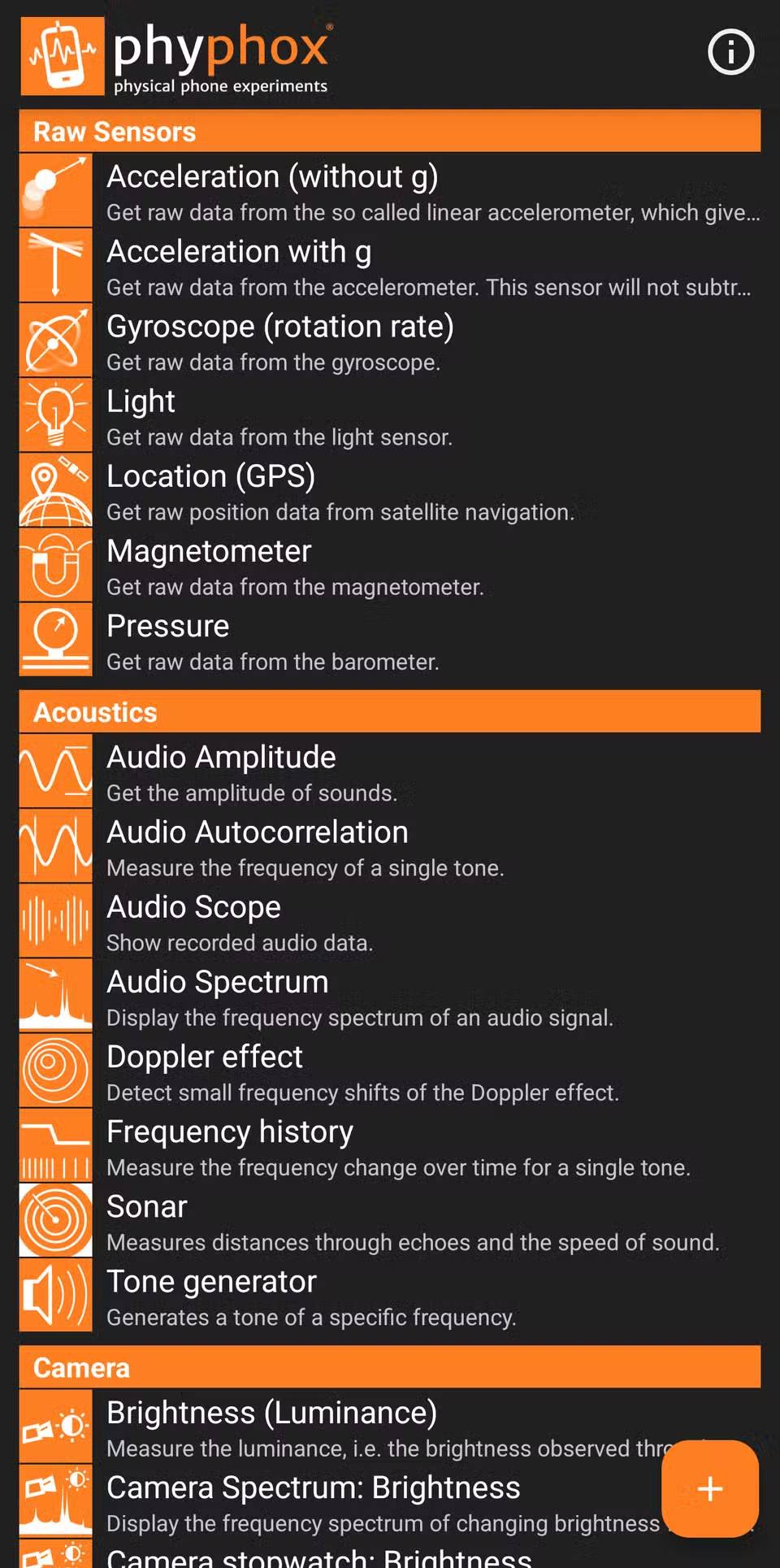
- The app accesses your phone's accelerometer, gyroscope, microphone, magnetometer, light sensor, GPS, and barometer
- You can export collected data as CSV or Excel files for further analysis
Your Phone Is Already a Sensor Array
Your smartphone does more sensing than you realize. It counts steps, orients maps, adjusts screen brightness, detects motion, and rotates the display when you tilt it. All of this happens through built-in sensors: accelerometers, gyroscopes, magnetometers, light sensors, and sometimes barometers.
Most apps hide these sensors behind features. Phyphox takes the opposite approach. It gives you direct access to the raw data.
What Phyphox Does
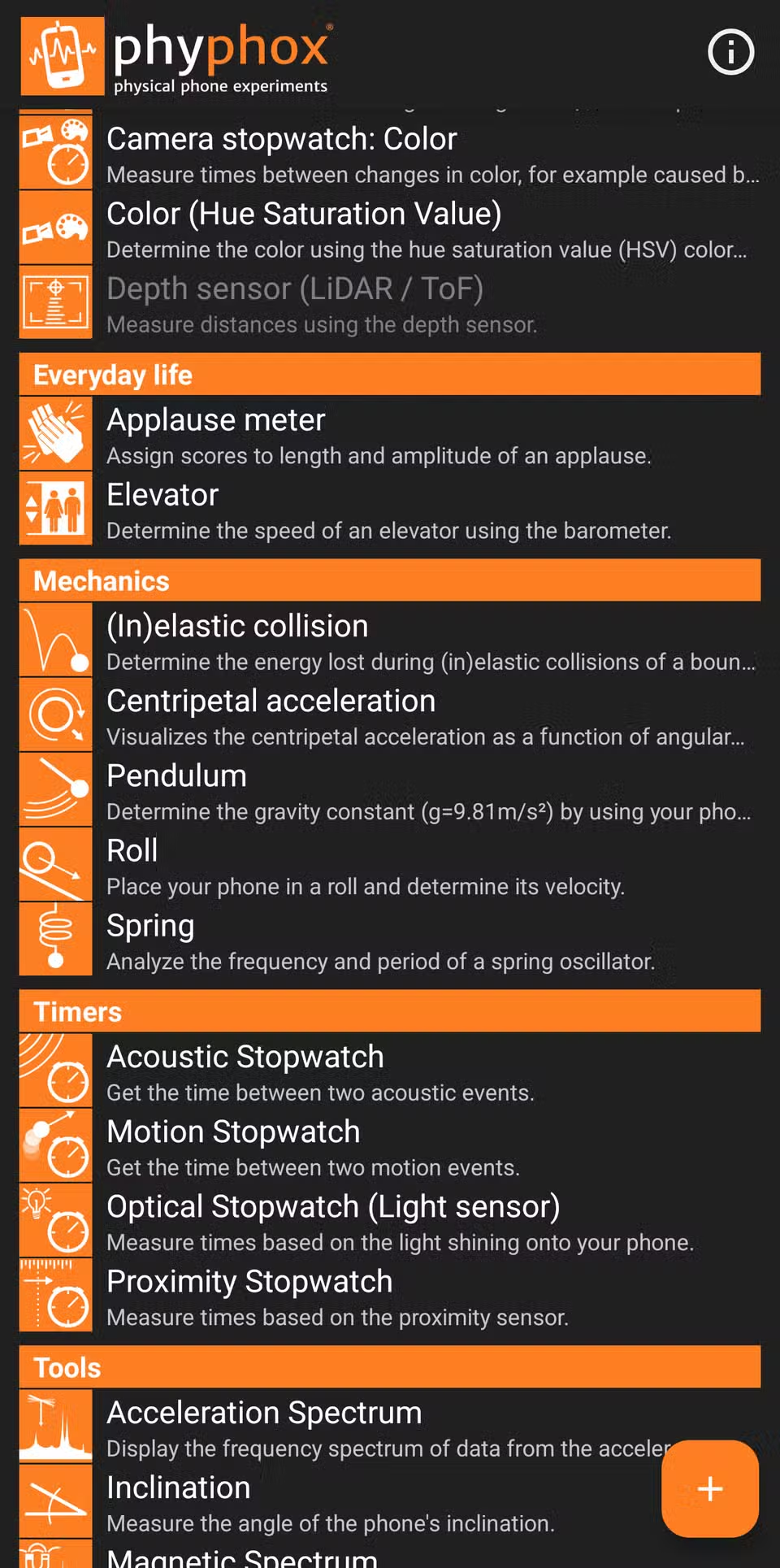
Phyphox, short for "physical phone experiments," is a free, open-source app developed at RWTH Aachen University in Germany. It reads data from your phone's accelerometer, gyroscope, microphone, magnetometer, light sensor, GPS, and barometer (if your device has one).
The app graphs sensor data in real time, runs built-in analysis on what it collects, and exports everything as CSV or Excel files. If you want to learn about the physics of everyday objects and actions, this is a solid starting point.
Audio Experiments: See Sound as a Graph
The microphone is the easiest place to start. Phyphox offers around ten audio experiments, ranging from simple volume meters to full spectral analysis.
Open the waveform experiment and clap your hands. The clap appears as a sharp spike on the graph, turning something that normally lasts a fraction of a second into a visible event. Whistle or hum a steady note, and the audio spectrum experiment breaks the sound into component frequencies using a Fourier transform. You can compare a low hum to a high whistle and see exactly how their frequency signatures differ.
Motion and Acceleration Experiments
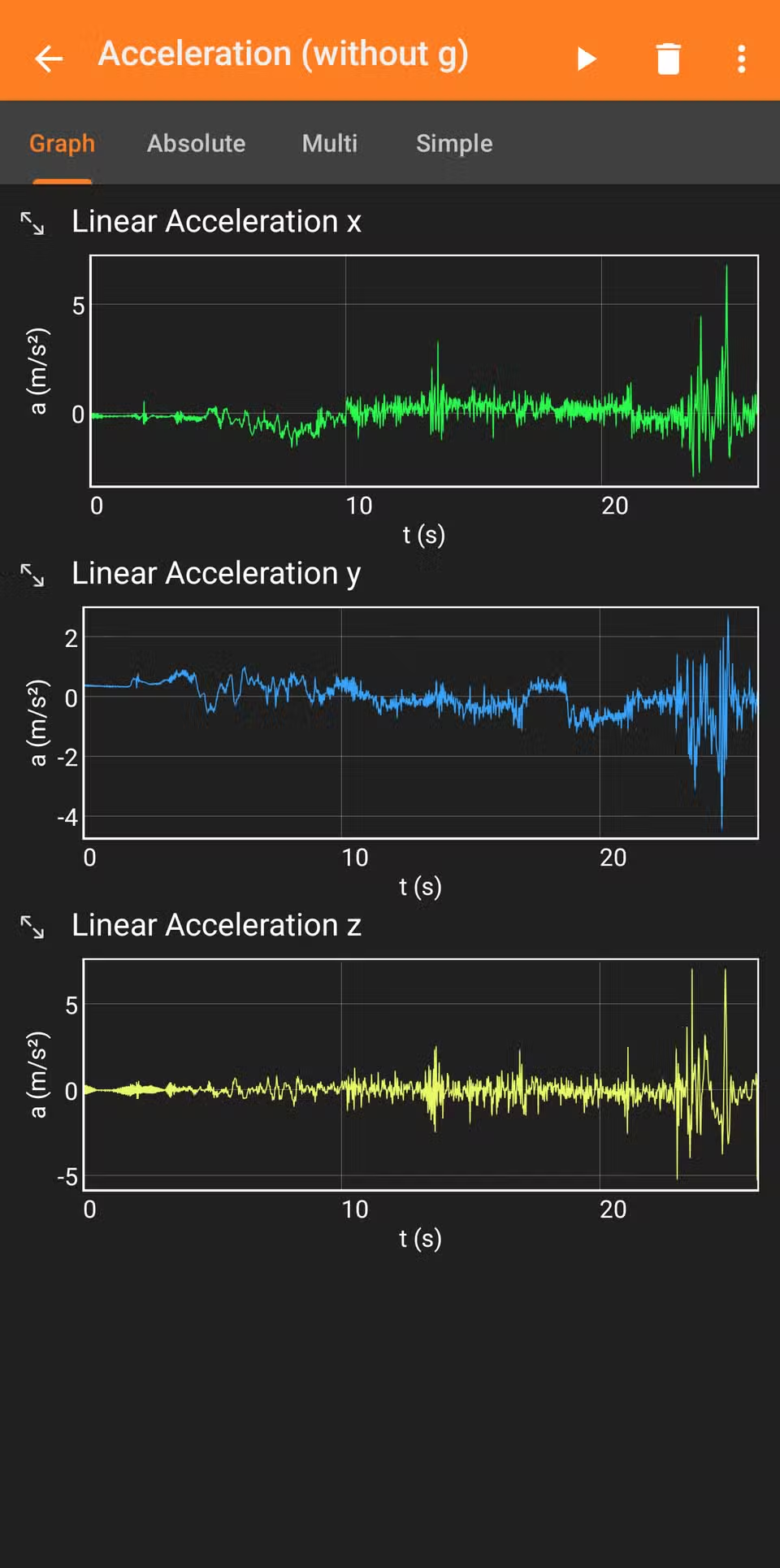
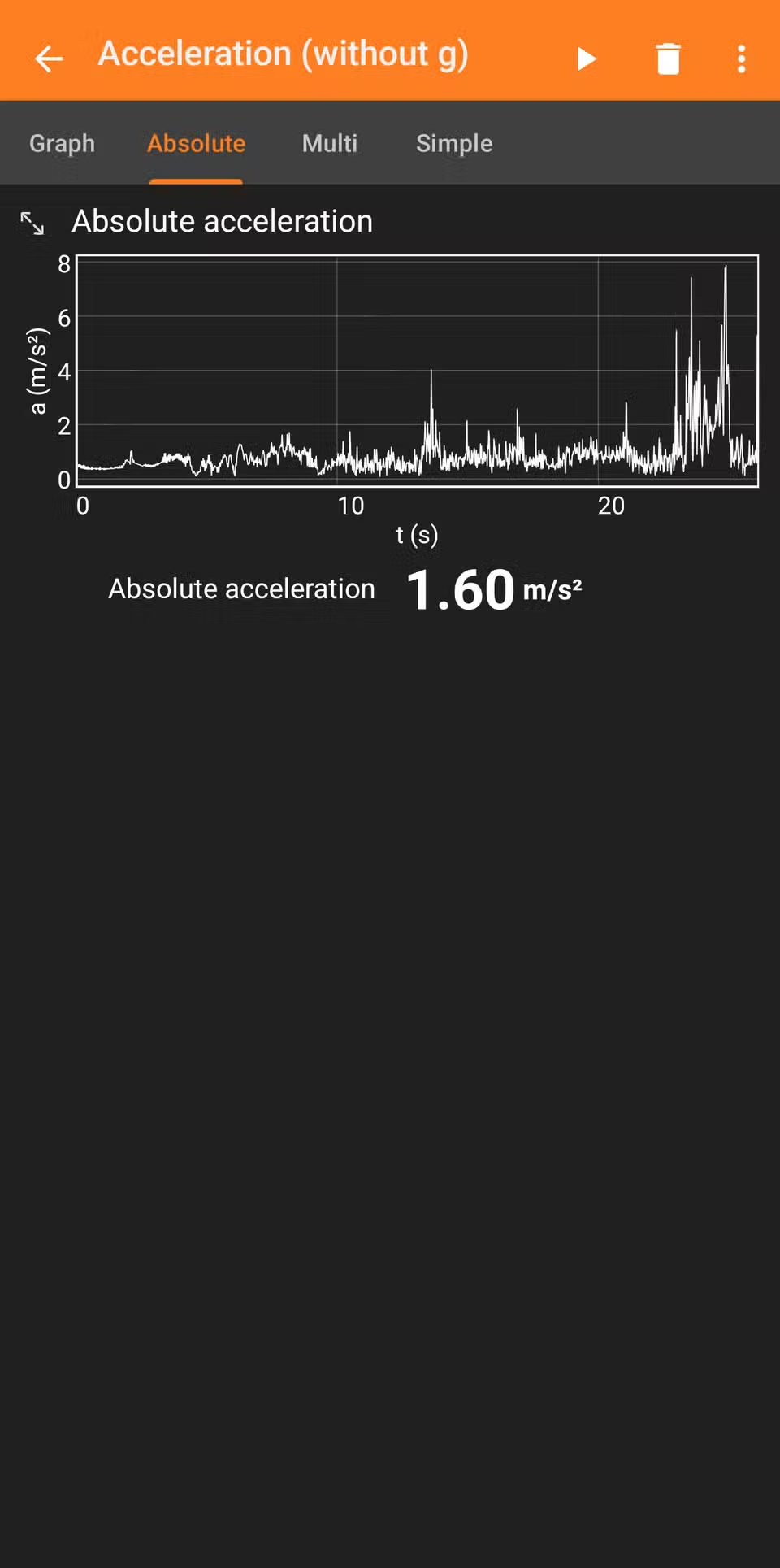
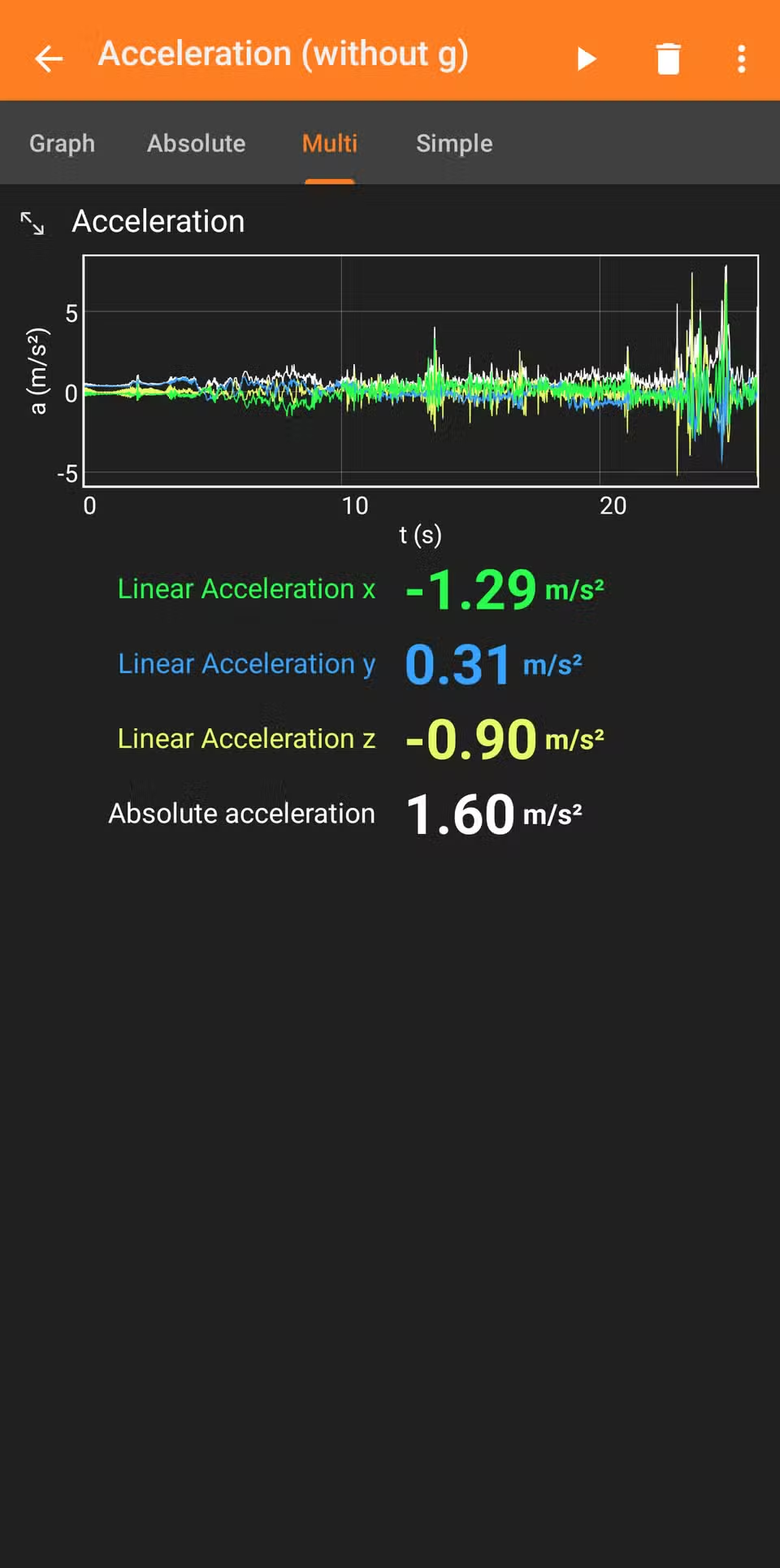
The accelerometer experiments get more interesting when you move. Put your phone on a car dashboard and hit record. The app captures acceleration, deceleration, and turns as distinct changes on the X, Y, and Z axes.
The combined acceleration graph shows absolute magnitude, which is useful for seeing total force regardless of direction. This kind of data is exactly what car manufacturers use to test ride quality, or what fitness apps use to detect whether you're walking, running, or cycling.

Other Sensors Worth Exploring
- Magnetometer: Detect magnetic fields around electronics, speakers, or magnets
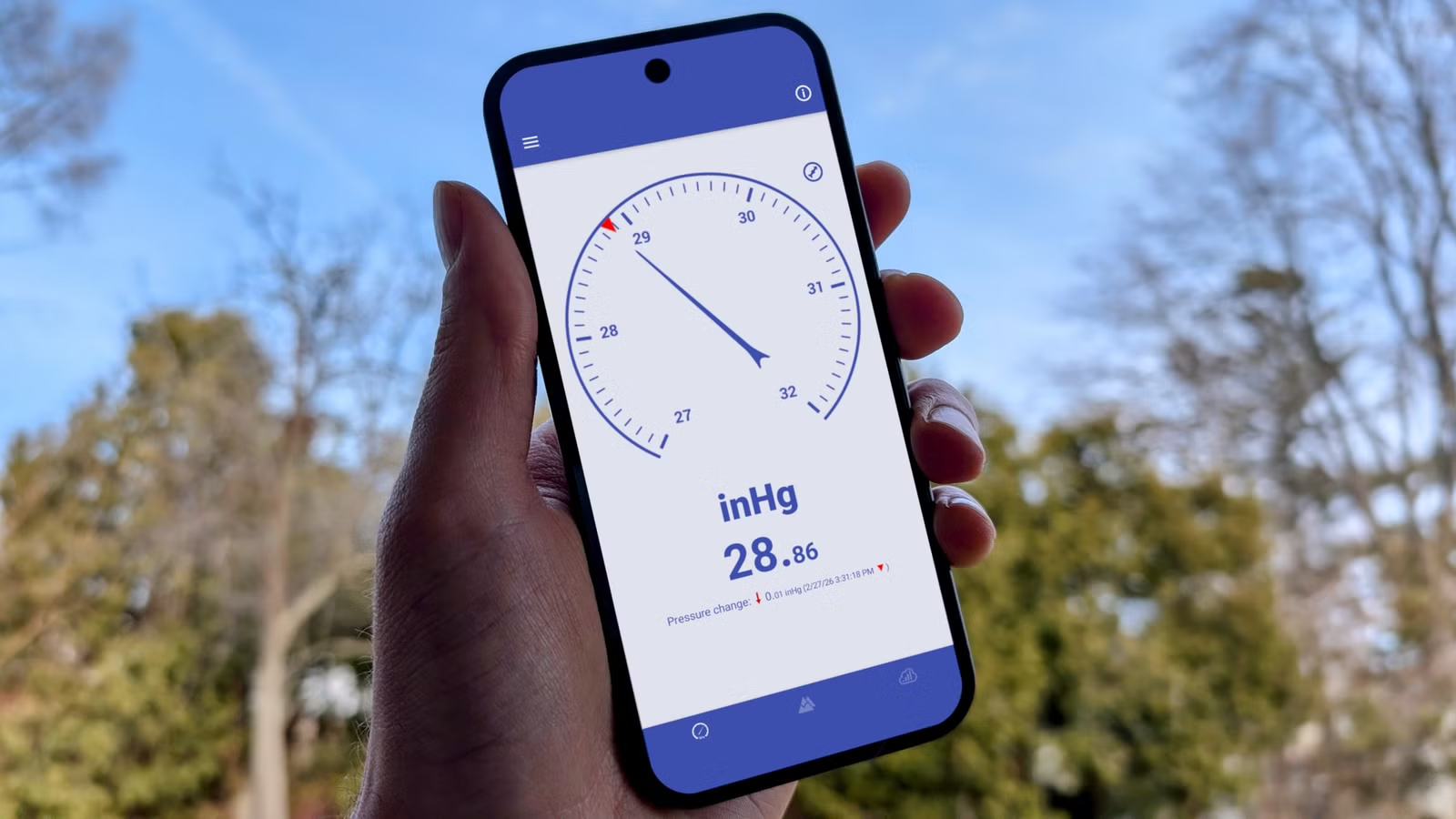
- Barometer: Track air pressure changes as you climb stairs or drive up a hill
- Light sensor: Measure ambient light levels in different environments
- GPS: Log position data for speed and distance experiments
Each sensor opens a different window into the physical world. The barometer, for example, is sensitive enough to detect the pressure change from walking up a single floor.
Why This Matters Beyond Curiosity
Phyphox started as an educational tool, but its applications extend further. Engineers can use it for quick field measurements. Product managers can understand the sensor capabilities they're building features on. Teachers can demonstrate physics concepts without expensive lab equipment.
The data export feature is particularly useful. Once you've captured an experiment, you can open the CSV in Excel, Google Sheets, or any data analysis tool. That turns a phone app into a legitimate data collection instrument.
Logicity's Take
More open-source tools worth exploring
Frequently Asked Questions
Is Phyphox free?
Yes. Phyphox is completely free and open-source, developed by RWTH Aachen University. There are no ads or in-app purchases.
Does Phyphox work on iPhone?
Yes. Phyphox is available for both Android and iOS devices through their respective app stores.
Can I export data from Phyphox?
Yes. The app lets you export experiment data as CSV or Excel files for analysis in other programs.
What sensors does Phyphox support?
Phyphox can access your phone's accelerometer, gyroscope, microphone, magnetometer, light sensor, GPS, and barometer (if available on your device).
Need Help Implementing This?
Source: How-To Geek
Manaal Khan
Tech & Innovation Writer
Produced with AI assistance and reviewed by the Logicity editorial team. Learn more in our Editorial Policy.