Key Takeaways
- Android 17 sets smarter memory limits based on your phone's actual RAM, catching runaway apps before they drain battery
- Per-app theme control finally lets you set dark or light mode for individual apps
- Chat bubbles work more reliably now, making multitasking during conversations smoother
After Google I/O and The Android Show wrapped up, Android 17 suddenly looked interesting. Not for the AI features Google hyped on stage. For the smaller changes that actually affect how your phone feels minute to minute.
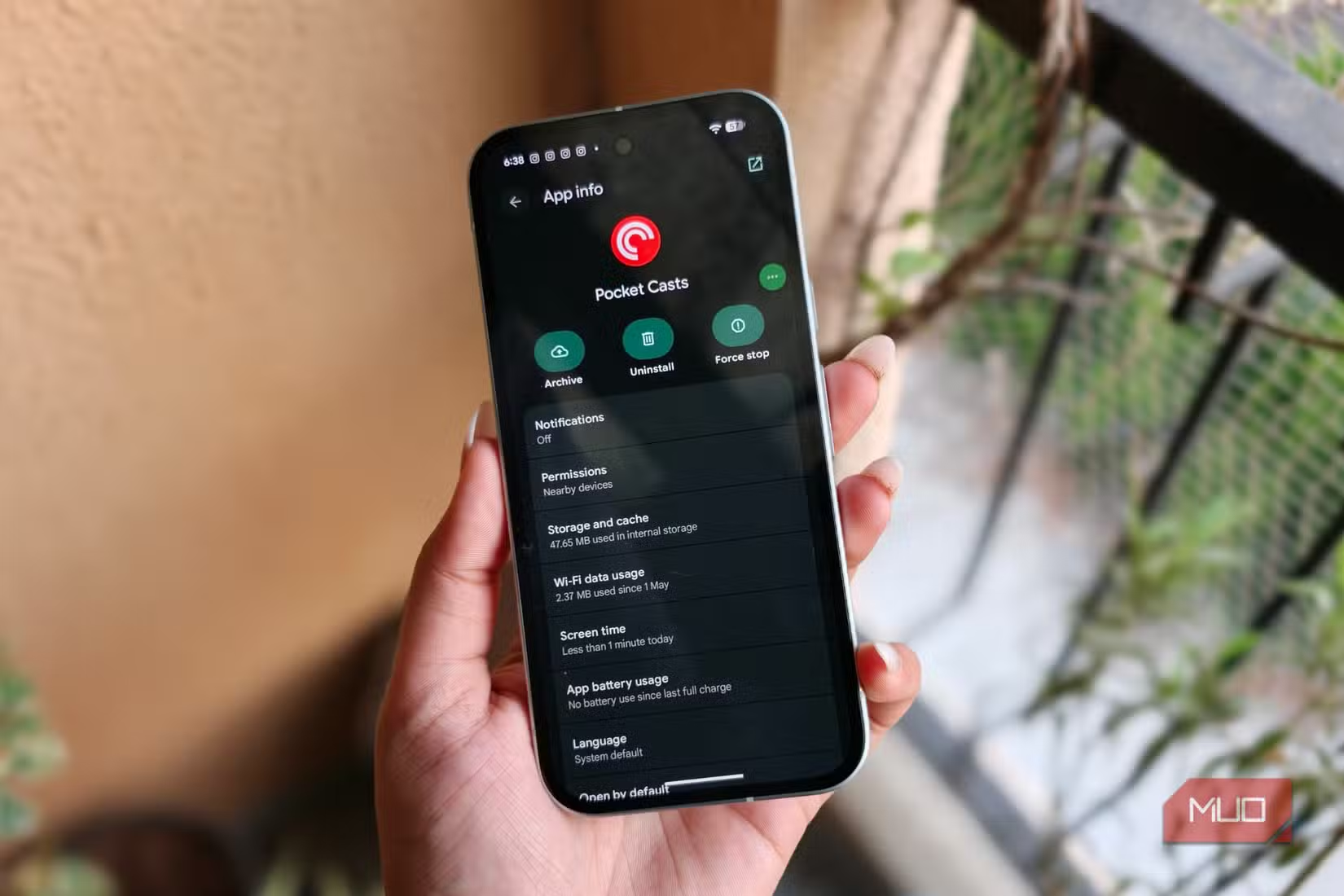
MakeUseOf's Shimul Sood installed the Android 17 beta on a Pixel 10a to test what the stable release will bring. Three features stood out after daily use. They're not flashy, but they fix annoyances Pixel users have complained about for years.
Smarter Memory Limits That Work in the Background
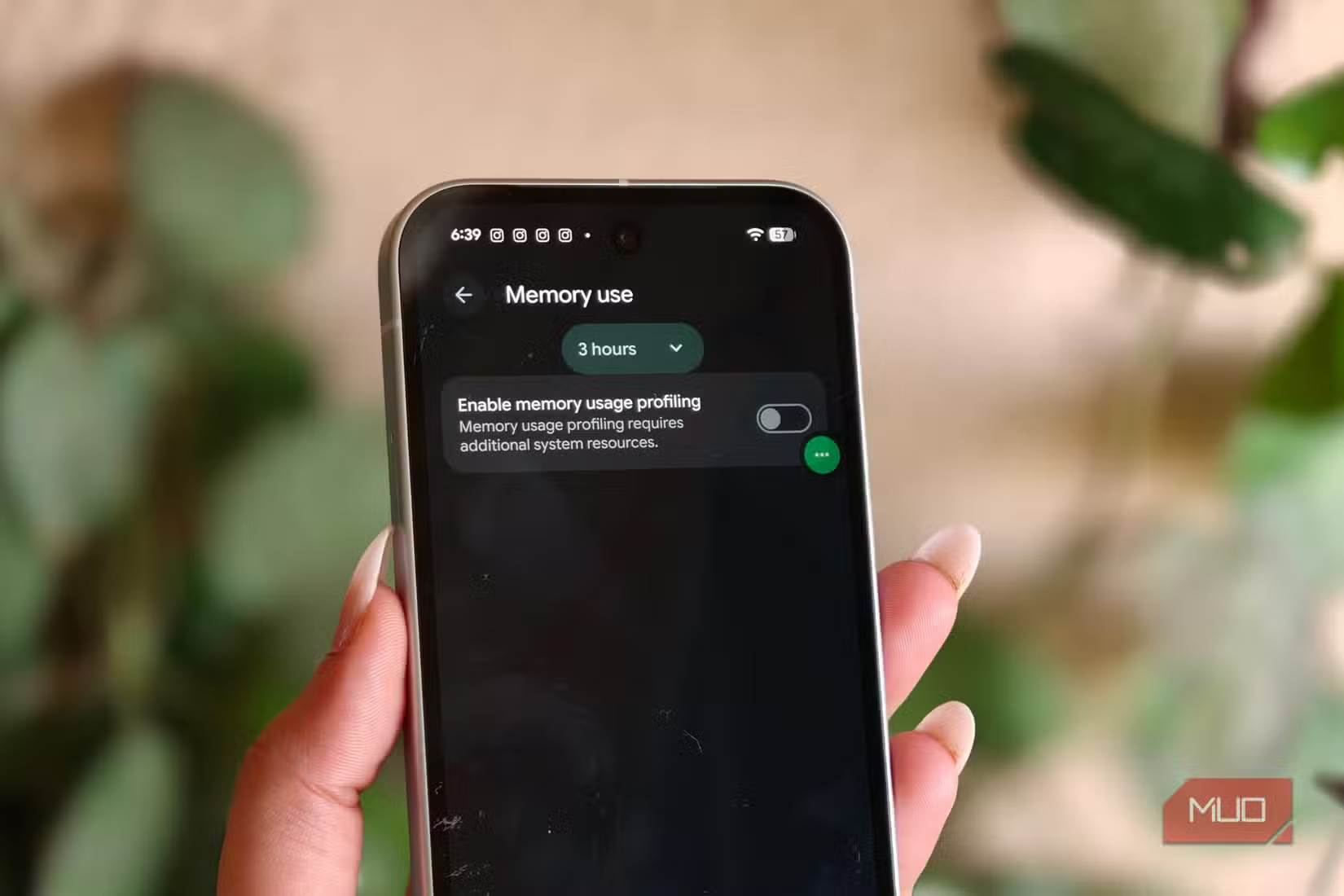
Android 17's quietest change is also its most practical. Google now sets memory limits on apps based on your phone's actual RAM. If one poorly coded app starts hoarding memory, your phone catches it earlier.
The old pattern was familiar: a rogue app eats memory, animations get choppy, apps reload constantly, battery drains faster. The whole phone feels heavier. Android 17 stops that spiral before it starts.
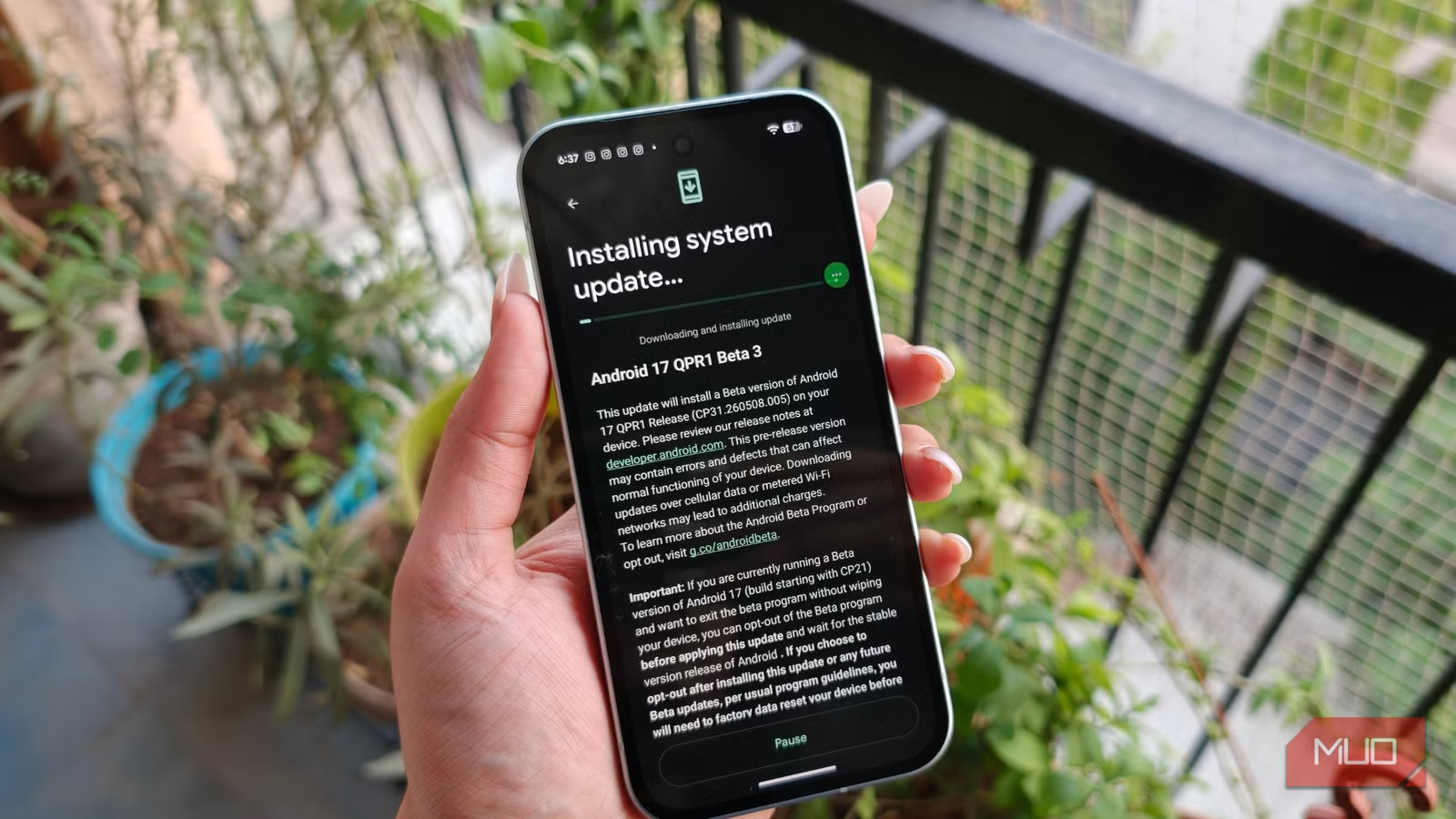
Google says most users won't notice any negative impact during regular use. Sood confirms this matches her experience. The system isn't restricting apps aggressively. It's stopping extreme cases like memory leaks from ruining everything else running on your phone.
This also pressures app developers to write cleaner code. Apps that use memory efficiently open faster, feel smoother, and consume less battery. The carrot and stick work together.
Per-App Theme Control Finally Arrives
Dark mode has been system-wide for years. That's fine until you want one banking app in light mode because its dark theme is unreadable, while keeping everything else dark. Android 17 adds per-app theme control.
You can now set each app to dark, light, or follow the system default. No third-party apps needed. No root access. It's a simple toggle that should have existed years ago.
This matters more than it sounds. Some apps have terrible dark modes with low-contrast text. Others look washed out in light mode. Now you pick what works for each one.
Chat Bubbles That Actually Work
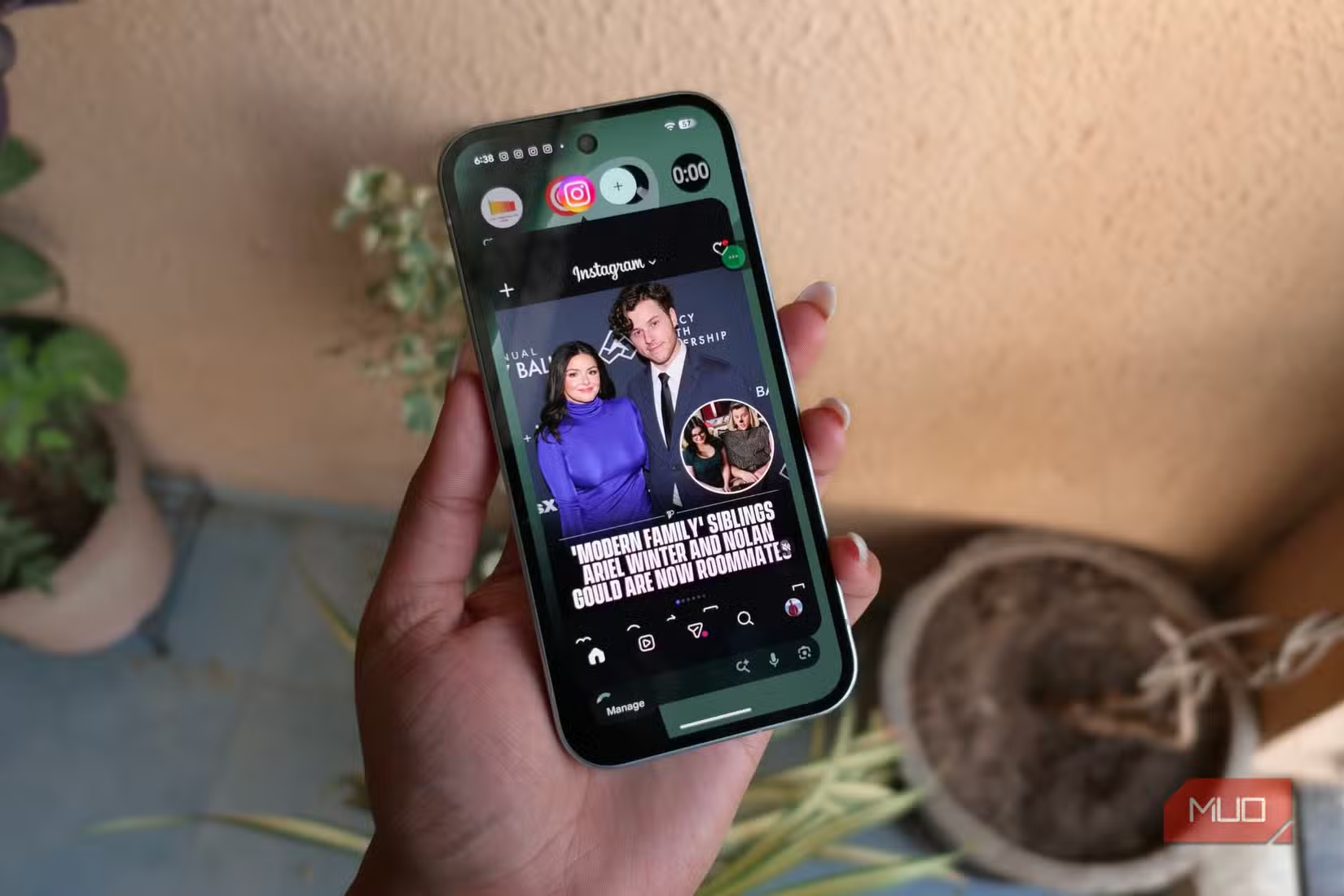
Android introduced chat bubbles in Android 11. The concept was great: floating conversation windows that let you reply without leaving your current app. The execution was inconsistent. Bubbles would vanish, fail to load, or just feel clunky.
Android 17 improves reliability. Bubbles appear faster, stay where you put them, and handle multiple conversations better. It's the feature that was promised four years ago, now working as intended.
For anyone who texts while checking email or browsing, this removes friction. You don't lose context switching between apps. The conversation floats on top.
When to Expect the Stable Release
The Android 17 beta is available now for Pixel devices. Google hasn't announced an exact stable release date, but the pattern suggests late summer or early fall 2026.
Beta software always carries risk. Battery life may be worse. Some apps may crash. If your Pixel is your daily driver for work, waiting for stable is the safer choice.
Context on Google's recent Android ecosystem decisions
What This Means for Your Pixel
None of these features require new hardware. A Pixel 6 will get the same improvements as a Pixel 10a. That's the point. Android 17 makes existing phones feel faster and more customizable.
The memory management improvements matter most for older devices with less RAM. Per-app theming and better bubbles are quality-of-life wins across the board.
Logicity's Take
Frequently Asked Questions
Which Pixel phones will get Android 17?
Google typically supports Pixels for 7 years of OS updates. The Pixel 6 and newer should receive Android 17. Older models like the Pixel 5 have already ended software support.
Is the Android 17 beta safe to install on a daily driver?
Beta software can have bugs, battery drain, and app compatibility issues. If your Pixel is your primary work phone, waiting for the stable release is safer. If you have a backup device, the beta is worth testing.
How do I enable per-app dark mode in Android 17?
Go to Settings, then Apps, select the app you want to customize, and look for the theme or display option. You can choose dark, light, or follow system default.
Will these features come to Samsung or other Android phones?
Android 17 features will roll out to other manufacturers after Google's stable release. Samsung, OnePlus, and others typically adopt core Android features in their next major update, though timelines vary by manufacturer.
Need Help Implementing This?
Source: MakeUseOf
Huma Shazia
Senior AI & Tech Writer
Produced with AI assistance and reviewed by the Logicity editorial team. Learn more in our Editorial Policy.






