Key Takeaways
- LibreOffice causes formatting issues when opening or sending .docx files created in Microsoft Word
- OnlyOffice maintains better compatibility with Microsoft Office document formats
- The compatibility problem only matters when you share documents with others who use Word
The Real Problem With Free Office Suites
You have plenty of options when Microsoft Word feels like overkill for your budget. LibreOffice offers a solid offline solution. Google Docs works well for online-first workflows. But every free alternative runs into the same wall: .docx compatibility.
If you only create documents for yourself, this might not matter. The moment you need to edit someone else's Word file or send a document to a client, compatibility becomes a practical nightmare. Fonts shift. Styles break. Your carefully formatted proposal arrives looking like it went through a blender.
LibreOffice: Great Until You Hit Send
LibreOffice remains one of the best Microsoft Office alternatives for a reason. This open-source project has saved countless users from paying ongoing Microsoft subscriptions. The interface feels familiar to Word users, making the learning curve gentle.
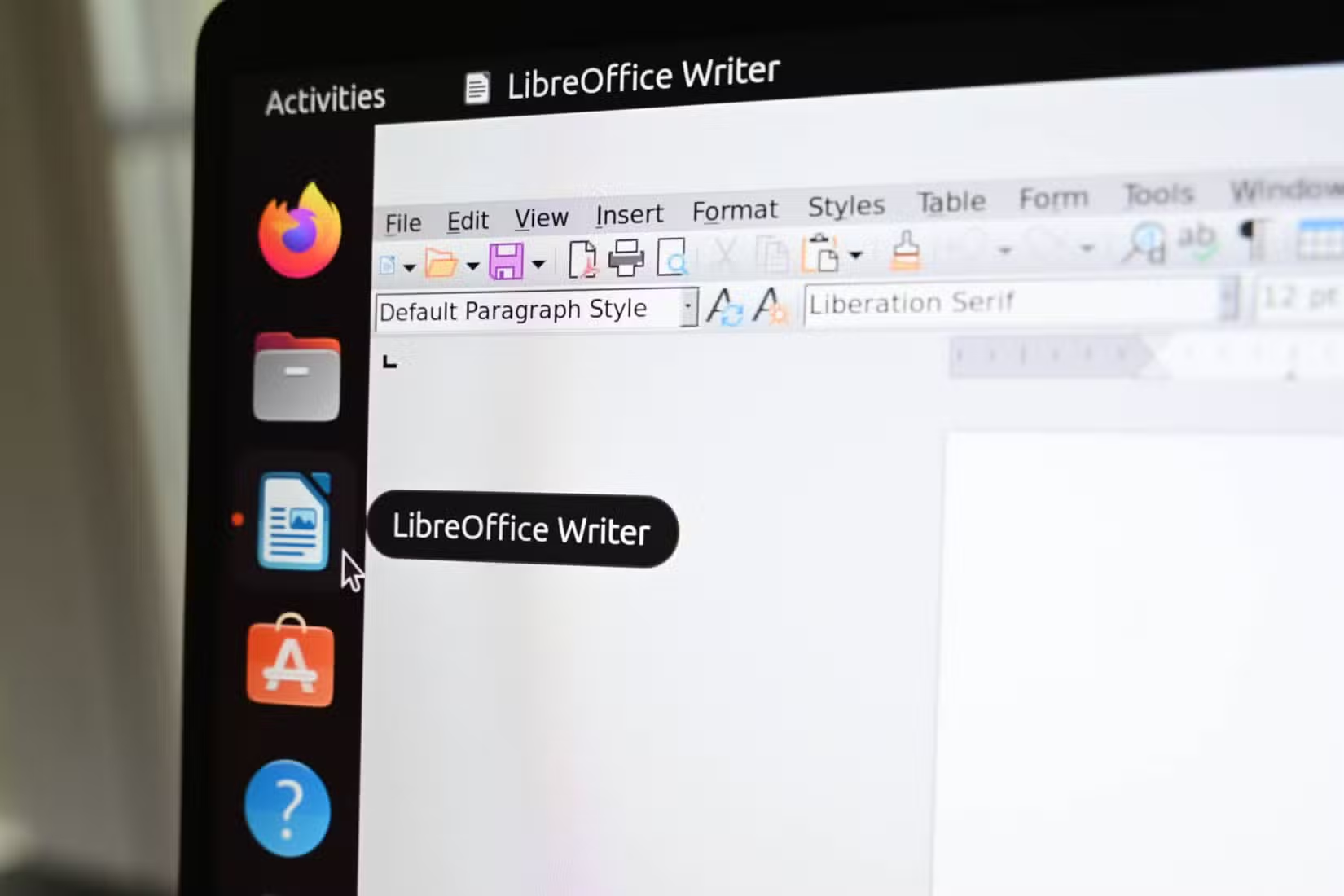
Tech writer Abhijith N Arjunan put LibreOffice Writer through real-world testing. Things worked fine at first. Then the .docx problem showed up within a week.
Opening .docx files created in Microsoft Word revealed multiple instances of style mismatch and font selection issues. The same problems appeared when exporting LibreOffice documents to .docx format for sharing. Every time you hit send, there's a moment of nervousness about whether the formatting survived.
Consider sending a project proposal to a client. You can't let the document break just because you're using a free alternative. Professional credibility depends on documents that look right on the recipient's screen.
OnlyOffice: The Compatibility Fix
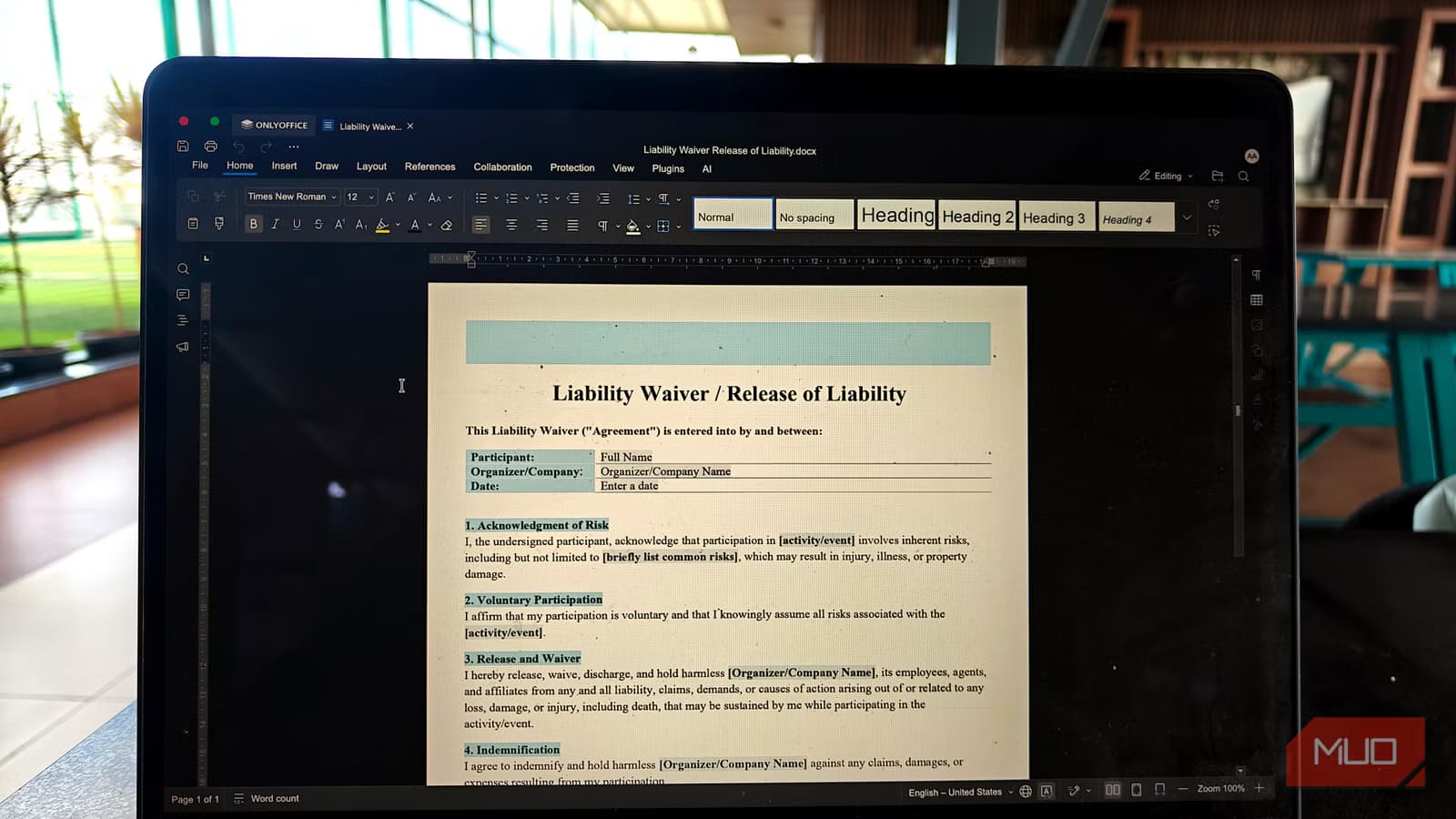
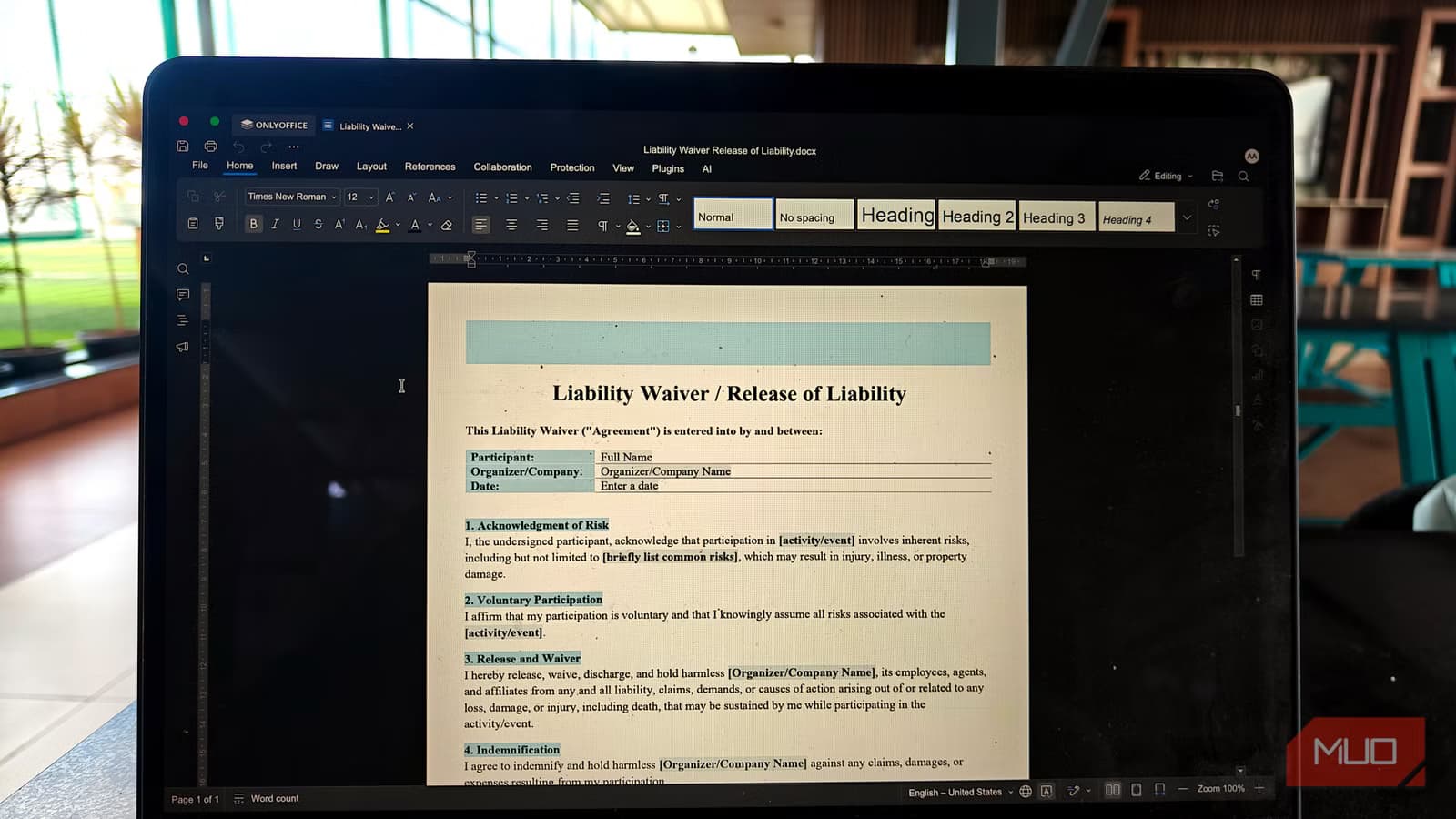
OnlyOffice handles the same files without the formatting casualties. When Arjunan ran a five-document test comparing both applications, the results weren't close.
The difference comes down to how each application interprets Microsoft's document format. OnlyOffice was built with .docx compatibility as a primary goal, not an afterthought. Styles, fonts, and layouts survive the round trip between OnlyOffice and Microsoft Word more reliably.
When Compatibility Actually Matters
Not everyone needs perfect .docx compatibility. If you work alone and never share documents, LibreOffice works fine. Save in native .odt format and you'll never see formatting issues.
But most professional workflows involve collaboration. You receive contracts in .docx format. You send reports to teams using Microsoft 365. You edit documents that will be printed by someone running Word on Windows. In these scenarios, compatibility isn't optional.
- Client-facing documents need to render correctly on their Word installation
- Collaborative editing requires consistent formatting across applications
- Legal and contract documents can't have style shifts that change appearance
- Templates with complex layouts break most easily between applications
Making the Switch
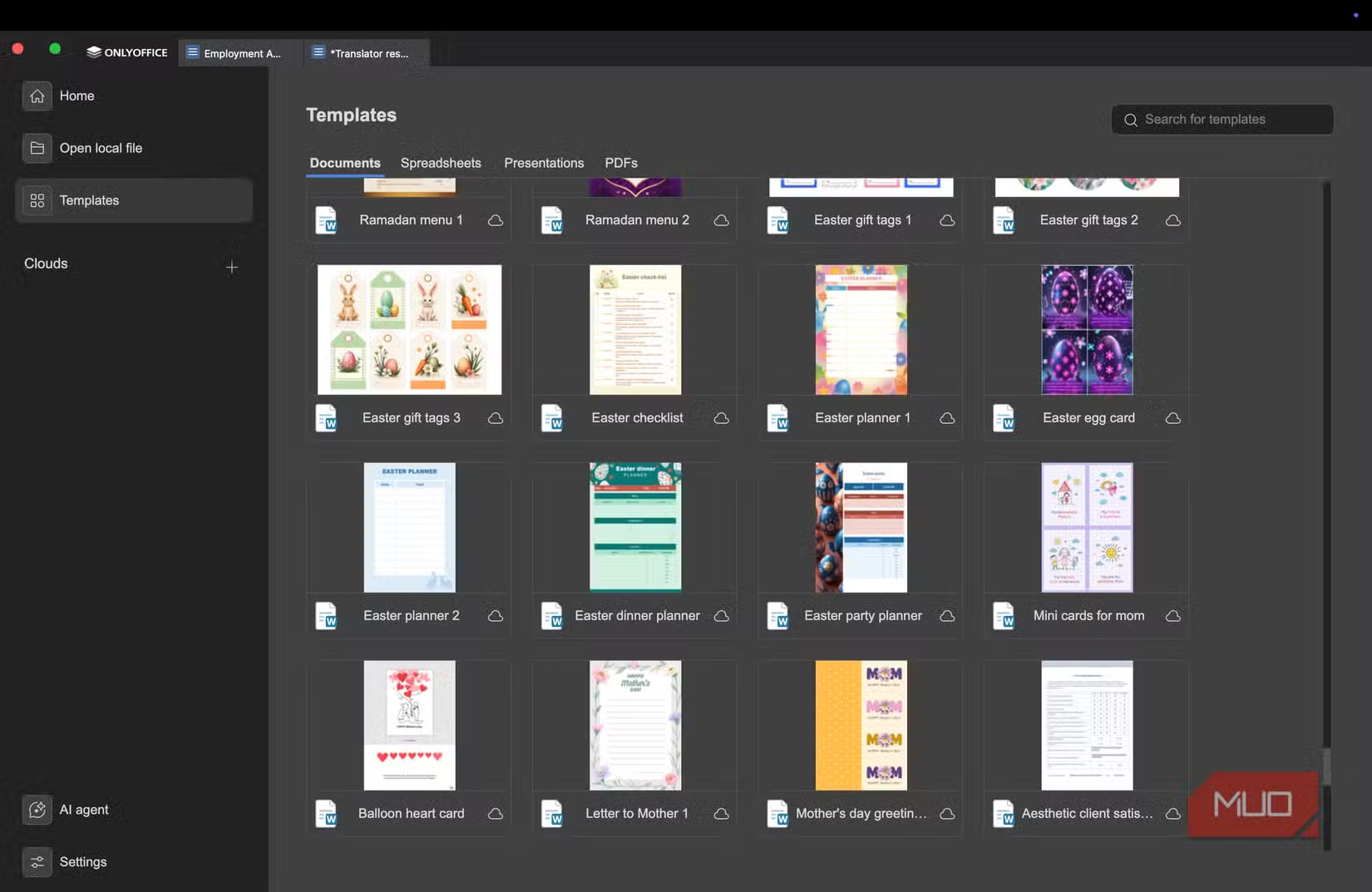
OnlyOffice offers both desktop applications and a cloud-based version. The desktop editors are free and available for Windows, macOS, and Linux. Installation takes minutes, and the interface will feel familiar if you've used any modern word processor.
The key is testing with your actual workflows before committing. Open your most complex .docx files. Check that fonts render correctly. Export back to .docx and open in a different application to verify nothing broke. This five-minute test can save hours of reformatting headaches.
More open-source alternatives worth knowing
✅ Pros
- • OnlyOffice is free for desktop use
- • Better .docx compatibility than LibreOffice
- • Available on all major operating systems
- • Familiar interface for Word users
❌ Cons
- • Less mature than LibreOffice in some features
- • Cloud version requires subscription for advanced features
- • Smaller community compared to LibreOffice

Logicity's Take
Frequently Asked Questions
Is OnlyOffice completely free?
The desktop editors for Windows, macOS, and Linux are free. OnlyOffice also offers paid cloud hosting and enterprise versions with additional features.
Can OnlyOffice open all Microsoft Office file types?
OnlyOffice supports .docx, .xlsx, .pptx, and other Microsoft Office formats. Older formats like .doc have varying levels of support.
Why does LibreOffice break .docx formatting?
Microsoft's .docx format has proprietary elements that LibreOffice interprets differently. Fonts, styles, and layout calculations don't always match between applications.
Should I uninstall LibreOffice if I switch to OnlyOffice?
You can keep both installed. Some users prefer LibreOffice's spreadsheet or presentation tools while using OnlyOffice specifically for Word documents.
Need Help Implementing This?
Source: MakeUseOf
Huma Shazia
Senior AI & Tech Writer
Produced with AI assistance and reviewed by the Logicity editorial team. Learn more in our Editorial Policy.