Key Takeaways
- PDFgear offers desktop-level PDF editing on Android, including text editing, annotations, and page reorganization, completely free
- The app has reached 2.4 million downloads with a 4.7-star rating, averaging 220,000 new installs monthly
- An AI Copilot feature powered by GPT-4 lets users chat with documents to summarize content or find specific data
Desktop Features, Phone Screen
PDF editing has always felt like laptop territory. Bigger screens, precise mouse control, and the full Adobe Acrobat experience made desktop the default choice. But PDFgear argues that most PDF tasks don't need that firepower. Signing a document, fixing a typo, rearranging pages: these take seconds once you have the right tool.
PDFgear launched in 2022 as a free desktop alternative to Adobe Acrobat. The company released its Android version in late 2024, completing a cross-platform suite that now covers Windows, Mac, iOS, and Android. The pitch is simple: premium features like OCR, full text editing, and form filling without the premium price tag. Or any price tag.
What You Can Actually Do
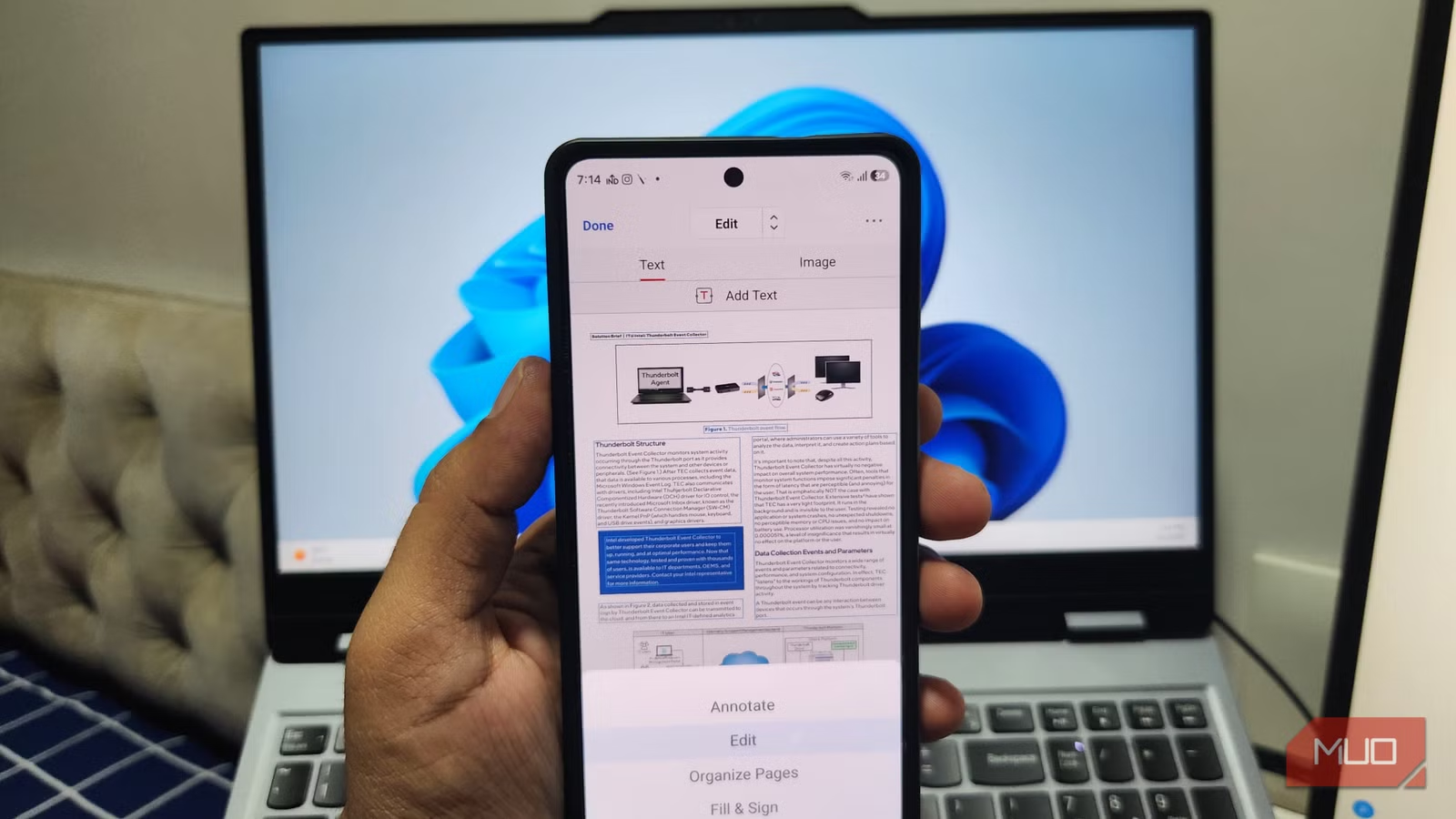
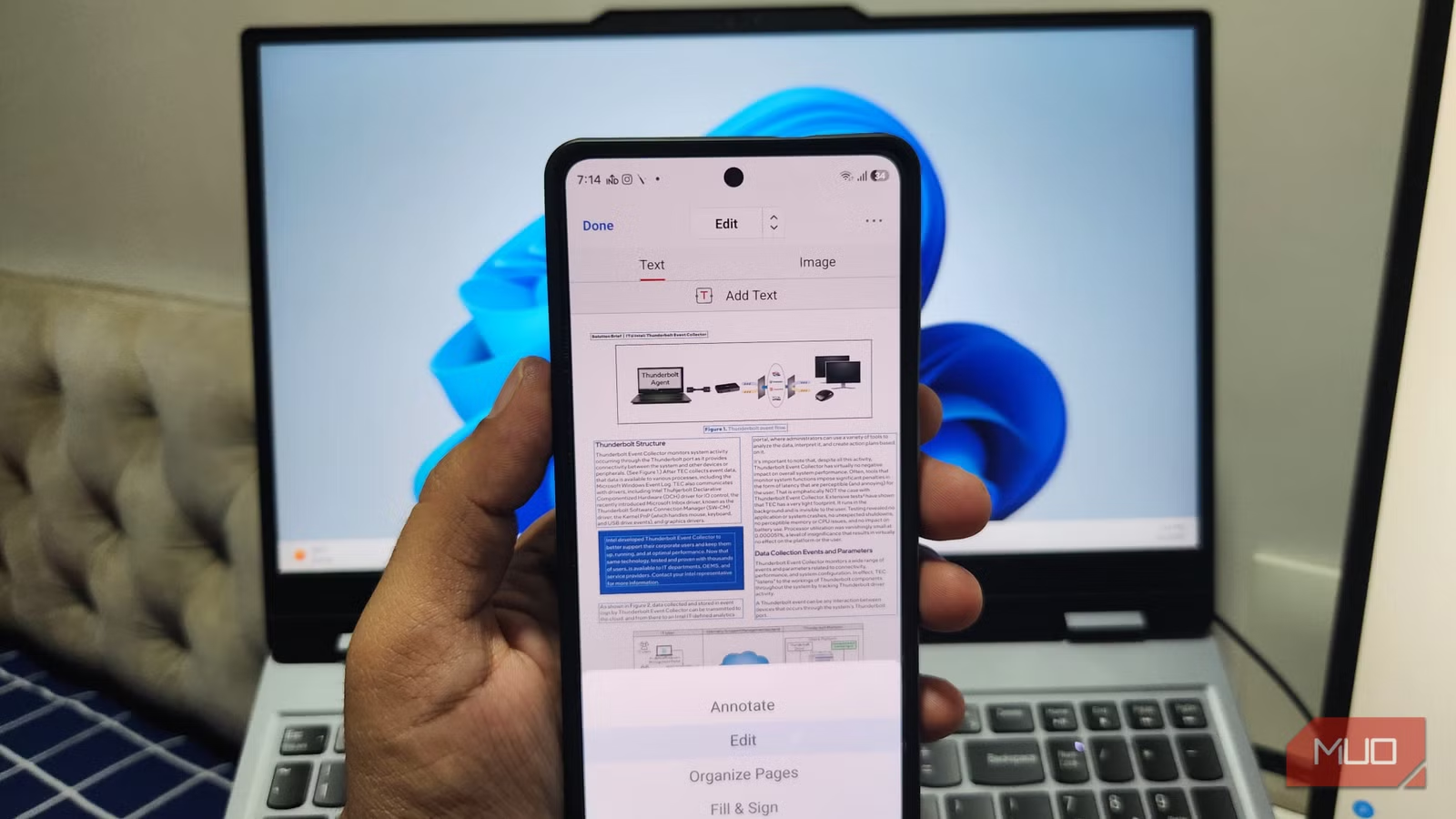
The annotation tools cover the basics well. You can highlight text, underline sections, scribble notes, and add comments. Stylus support makes the experience smoother on foldable phones or tablets, but finger input works fine for quick markup.
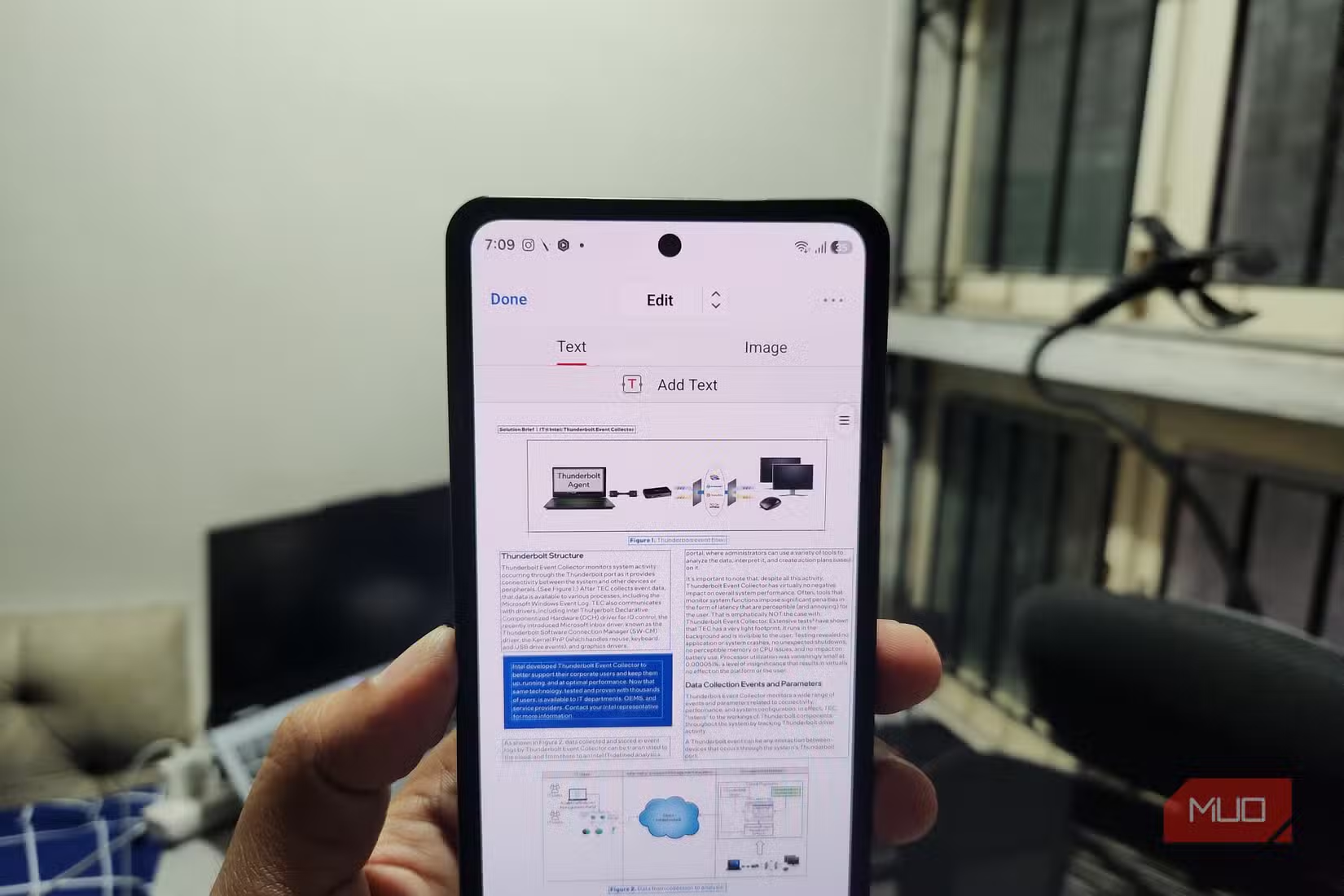
Text editing goes beyond annotation. PDFgear automatically matches font size and style when you modify existing text, so corrections blend in. You can add new text boxes, move paragraphs, and insert or remove images. For last-minute contract changes or fixing a date on an invoice, this beats firing up a laptop.
The Organize Pages feature handles the structural work. Rearranging pages uses drag-and-drop gestures. You can rotate pages, delete unnecessary ones, or add new pages from other PDFs. These operations usually feel clunky on mobile, but PDFgear keeps them intuitive.
AI Copilot: Chatting With Documents
PDFgear integrates GPT-4 powered AI tools that let you interact with documents conversationally. Ask it to summarize a 50-page report, find specific clauses in a contract, or extract key figures from a financial statement. The AI reads the document context and returns answers based on the actual content.
“PDFgear distinguishes itself as a one-of-a-kind PDF editor with its powerful features, free and cross-platform nature, integration with bleeding-edge AI, and reliable performance.”
— Sean Wu, Founder and CEO of PDFgear
Forms, Signatures, and Conversion
Beyond editing, PDFgear handles document workflows. You can fill out forms directly, add electronic signatures, and convert PDFs to other formats. The form-filling tools recognize fields automatically, making insurance paperwork or government forms less tedious on mobile.
The Free Model Question
PDFgear's completely free model raises questions. No watermarks. No registration required for basic features. No premium tier upsell. The app ranks #4 among 390 competitors in the PDF software sector according to Tracxn, with a 4.7 out of 5 rating across over 7,700 reviews.
Reddit users on r/productivity frequently call it "too good to be true," praising the absence of typical free-app hurdles. Hacker News discussions take a more cautious tone. Technical users question the company's long-term sustainability and raise concerns about data telemetry transparency.
The old adage applies: if you're not paying for the product, you might be the product. For a tool this capable, many users seem willing to accept that trade. But organizations handling sensitive documents should evaluate their data policies before adoption.
✅ Pros
- • Completely free with no watermarks or feature gates
- • Full text editing with automatic font matching
- • AI Copilot for document summarization and search
- • Cross-platform sync with desktop versions
❌ Cons
- • Business model sustainability unclear
- • Data privacy concerns for sensitive documents
- • Six-inch screen still limits complex editing work
When Mobile PDF Editing Makes Sense
PDFgear won't replace desktop tools for creating complex documents from scratch. But it handles the 80% of PDF tasks that don't need a full workstation: signing contracts while traveling, fixing typos before a meeting, reorganizing pages for a presentation, or reviewing documents during a commute.
The real shift is psychological. PDF editing doesn't have to mean sitting at a desk. For quick changes and document reviews, a phone works. PDFgear makes that workflow feel natural instead of frustrating.
Logicity's Take
Another Android app replacing bloated defaults with focused functionality
Frequently Asked Questions
Is PDFgear for Android really free?
Yes. PDFgear offers all features without watermarks, subscriptions, or registration requirements. The company's business model and data practices remain less transparent than paid alternatives.
Can PDFgear edit text inside existing PDFs?
Yes. The app lets you modify existing text and automatically matches the original font size and style. You can also add new text boxes and move paragraphs.
Does PDFgear work offline?
Basic editing, annotation, and page organization work offline. The AI Copilot features require an internet connection to process document queries.
Is PDFgear safe for sensitive business documents?
The app's free model raises data privacy questions. Organizations handling confidential documents should review PDFgear's privacy policy and consider their risk tolerance before adoption.
What devices does PDFgear support?
PDFgear is available on Windows, Mac, iOS, and Android. Documents can sync across platforms through cloud storage integration.
Need Help Implementing This?
Source: MakeUseOf
Manaal Khan
Tech & Innovation Writer
Produced with AI assistance and reviewed by the Logicity editorial team. Learn more in our Editorial Policy.