Key Takeaways
- Chrome tabs can use 70-180MB of RAM each, with ad-heavy pages spawning 10+ subprocesses
- Opera's built-in ad blocker, tracker blocker, and data compression reduce load times and battery drain
- Migrating bookmarks and passwords from Chrome to Opera on mobile requires syncing through desktop first
Opera vs Chrome on Android isn't a fair fight anymore. A MakeUseOf writer replaced Chrome with Opera four months ago and reports that pages load faster, apps stop freezing during multitasking, and battery life improved. Nothing else changed on the phone.
The culprit isn't a mystery. Chrome runs each tab as a separate process, consuming 70 to 180MB of RAM depending on page complexity. Open a news site with ads, and Chrome spawns ten or more subprocesses for a single page. On phones where RAM is shared across every running app, that's a problem.
What Chrome actually costs your phone
Chrome doesn't stop working when you close it. It preloads pages and syncs data in the background, draining battery even when you barely touch your phone. The browser includes a built-in ad filter, but it's minimal. Most ads still load.
On desktop, you'd install an extension to fix that. Chrome for Android doesn't support extensions. You're stuck with what Google gives you.
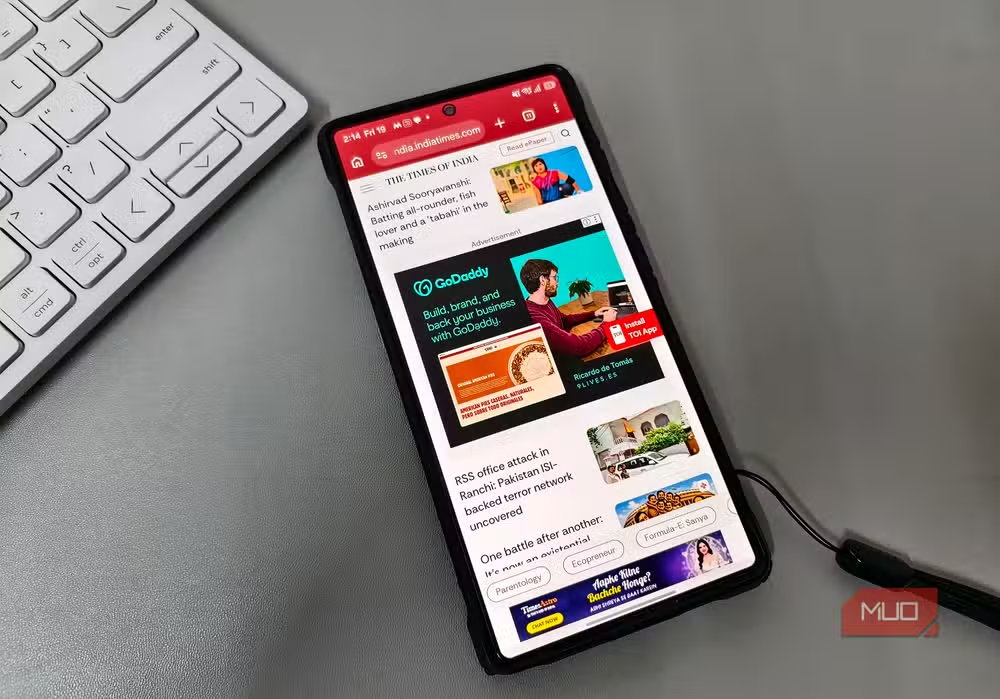
Every time you open a news article, your phone loads ad scripts, tracking pixels, and third-party trackers before the actual content appears. Devices without ad blockers download roughly 25% more data on average. That hits your battery and your data plan simultaneously.
How Opera runs lighter on the same hardware
Opera ships with an ad blocker you can toggle on immediately. The company claims pages load up to 90% faster with it enabled. That figure sounds aggressive, but the MakeUseOf writer reports sites that took several seconds in Chrome loaded in under a second with Opera. Same connection, same phone.
Opera also blocks trackers. This matters more than most users realize. When you browse Chrome, third-party scripts run in the background, collecting data, setting cookies, pinging servers. You don't see it, but your phone does the work. Opera stops those requests before they load, freeing RAM and battery.
The browser bundles a free VPN and data compression. The VPN is basic compared to paid services, but it keeps browsing private on public Wi-Fi without a separate app running. Data compression shrinks images and text before they reach your phone, so pages load faster and consume less mobile data.
| Feature | Chrome Android | Opera Android |
|---|---|---|
| Built-in ad blocker | Limited filter only | Full ad blocker included |
| Extension support | None | None |
| Tracker blocking | No | Yes |
| Free VPN | No | Yes |
| Data compression | No | Yes |
| RAM per tab | 70-180MB | Lower (varies by page) |
Why most Android users haven't switched
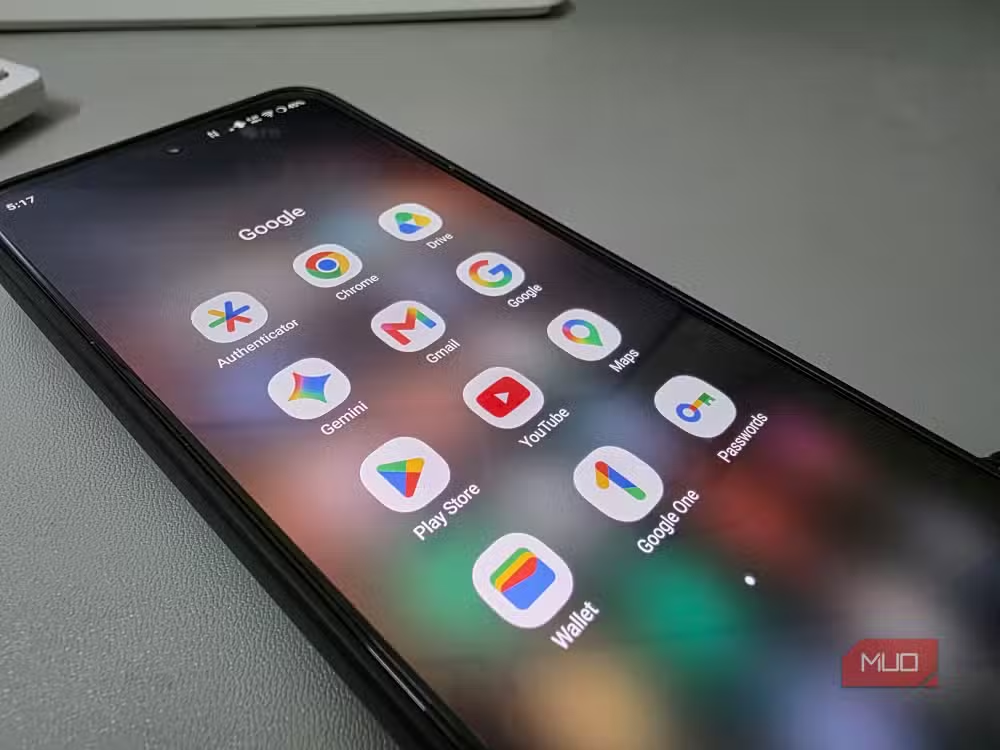
Chrome comes pre-installed on almost every Android phone. Once your Google account is tied to it, switching feels like abandoning the entire Google ecosystem. Your bookmarks, saved passwords, browsing history, it all lives in Chrome.
Migrating data isn't seamless either. Opera lets you import everything from Chrome in a couple of clicks on desktop, but the Android app lacks a direct import button. You'd need to import data into Opera on a computer first, then sync it to your phone. That extra step is enough to make most people postpone the switch indefinitely.
There's also the ownership question. Opera is owned by a Chinese consortium. If privacy drives your interest in switching, that's worth considering. The browser has strong privacy policies and has been independently audited, but the corporate structure raises questions for some users.
Is Opera actually faster or just less bloated?
Both. Opera renders pages quickly, but much of its perceived speed advantage comes from not loading the junk that Chrome loads by default. Blocking ads and trackers means fewer HTTP requests, less JavaScript execution, and less data transfer. Your phone does less work per page.
Chrome's 65% global market share exists because of distribution, not because it's the best mobile browser. It ships on every Android device. Users don't question what's pre-installed.
As phone hardware improvements plateau while software bloat increases, lightweight alternatives gain appeal. Opera's 380 million monthly active users represent a fraction of Chrome's 3 billion, but that gap has narrowed among users who actively choose their tools.
The tradeoffs you accept with Opera
Opera isn't perfect. Its free VPN routes through Opera's servers, which requires trusting the company's data handling. Some websites detect and block Opera's ad blocker. Deep Google integration, like seamless Chrome-to-Android handoffs, works better when you stay in Google's ecosystem.
But if your phone feels sluggish and you haven't upgraded recently, the browser is a free variable to change. The worst outcome is switching back.
Another first-person account of switching to less mainstream tech for better performance
Frequently Asked Questions
Is Opera safer than Chrome on Android?
Opera includes built-in tracker blocking and a free VPN, which add privacy layers Chrome lacks on mobile. However, Opera is owned by a Chinese consortium, which concerns some users despite the company's independent audits and privacy policies.
Can I transfer my Chrome bookmarks to Opera on Android?
Not directly. You need to import bookmarks into Opera on desktop first, then sync your Opera account to the mobile app. The Android app doesn't have a direct Chrome import feature.
How much RAM does Opera save compared to Chrome?
Chrome tabs can use 70-180MB each, with ad-heavy pages spawning additional subprocesses. Opera's ad and tracker blocking reduces the data loaded per page, which lowers RAM usage, though exact savings vary by site.
Does Opera's ad blocker work on YouTube?
Opera's ad blocker works on most websites but may not block all YouTube ads, as Google frequently updates its ad delivery methods. Performance varies.
Why doesn't Chrome for Android support extensions?
Google hasn't enabled extension support on Chrome for Android, citing performance and security concerns. This means you can't install ad blockers like uBlock Origin on mobile Chrome.
Logicity's Take
Chrome's mobile dominance is a distribution story, not a quality story. Google bundles Chrome on Android the same way Microsoft bundled Internet Explorer on Windows. Users accept defaults. But unlike the desktop browser wars, mobile Chrome can't be extended or modified. You can't install uBlock Origin. You can't tweak memory settings. What ships is what you get. Opera exploited that rigidity by baking in features Chrome deliberately omits from mobile. The real question is why Google keeps mobile Chrome feature-limited when the extensions exist on desktop. The answer probably involves ad revenue.
Need Help Implementing This?
Logicity helps technical teams evaluate software alternatives and migration strategies. If your organization is standardizing on browsers or evaluating mobile device policies, contact us for an independent assessment.
Source: MakeUseOf
Manaal Khan
Tech & Innovation Writer
Produced with AI assistance and reviewed by the Logicity editorial team. Learn more in our Editorial Policy.






