Key Takeaways
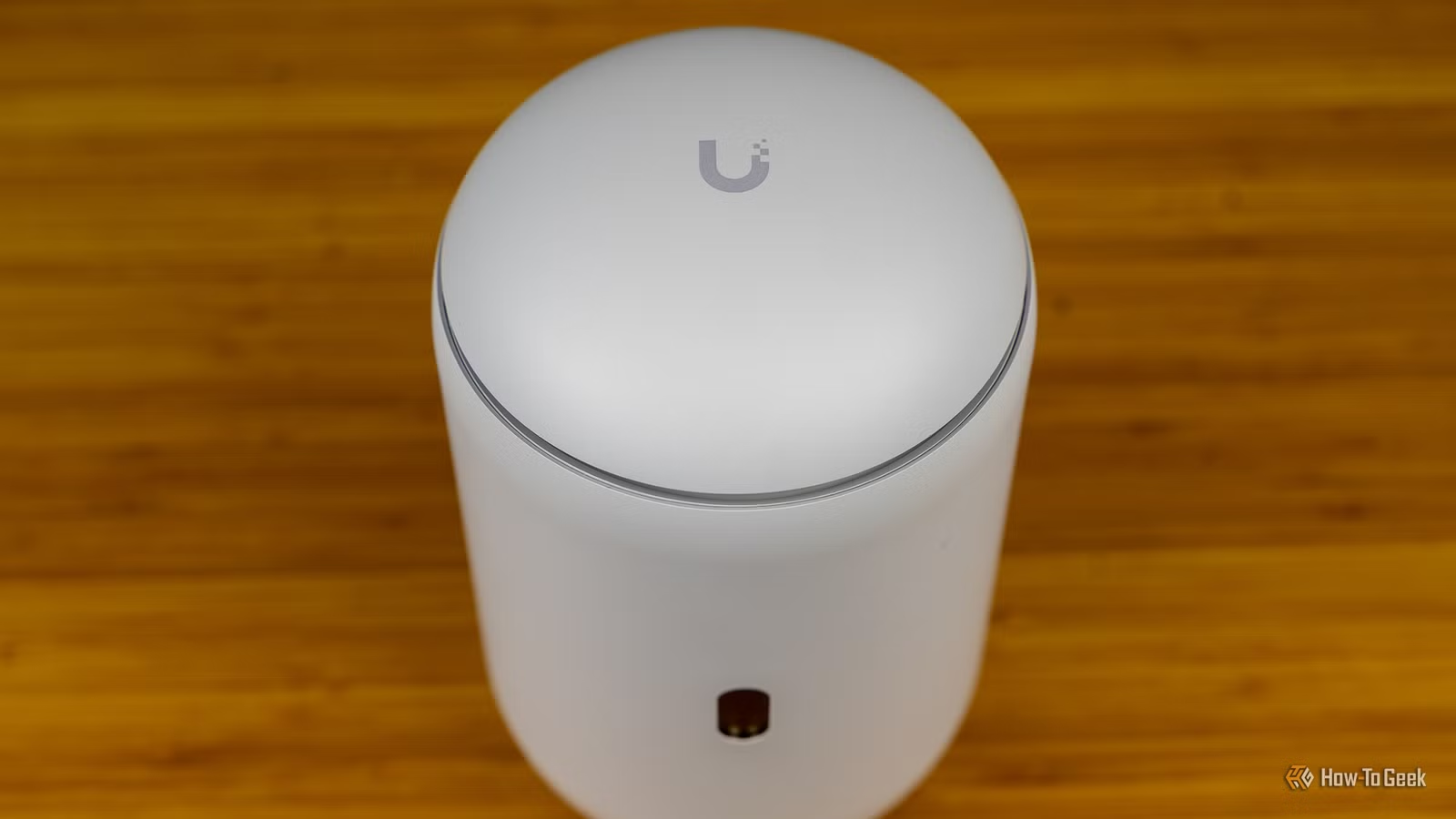
- Eero's Amazon ownership creates privacy concerns and limits options for users who want to avoid the company
- UniFi Dream Router 7 offers enterprise-grade features without requiring deep technical expertise
- The $499 price point positions UniFi as a prosumer alternative with local data storage and granular control
Patrick Campanale, a tech writer with over 14,000 published articles, has stopped recommending Amazon's Eero routers. After years of pointing friends and family toward Eero as his default choice, he now tells everyone to buy UniFi's Dream Router 7 instead. The shift reflects broader frustrations with the consumer mesh router market and growing interest in prosumer-grade networking hardware.
Campanale's reasoning is straightforward. Eero worked fine for non-technical users who just wanted reliable Wi-Fi. It was simple, Amazon supported it well, and the price points made sense. But that simplicity came with trade-offs that eventually outweighed the convenience.
What went wrong with Eero?
The problems fall into three buckets. First, some people simply refuse to buy Amazon products. Since Amazon acquired Eero in 2019, the routers sit squarely in Amazon's smart home ecosystem alongside Ring and Alexa. Privacy-conscious users worry about data collection practices under Amazon's broader policies.
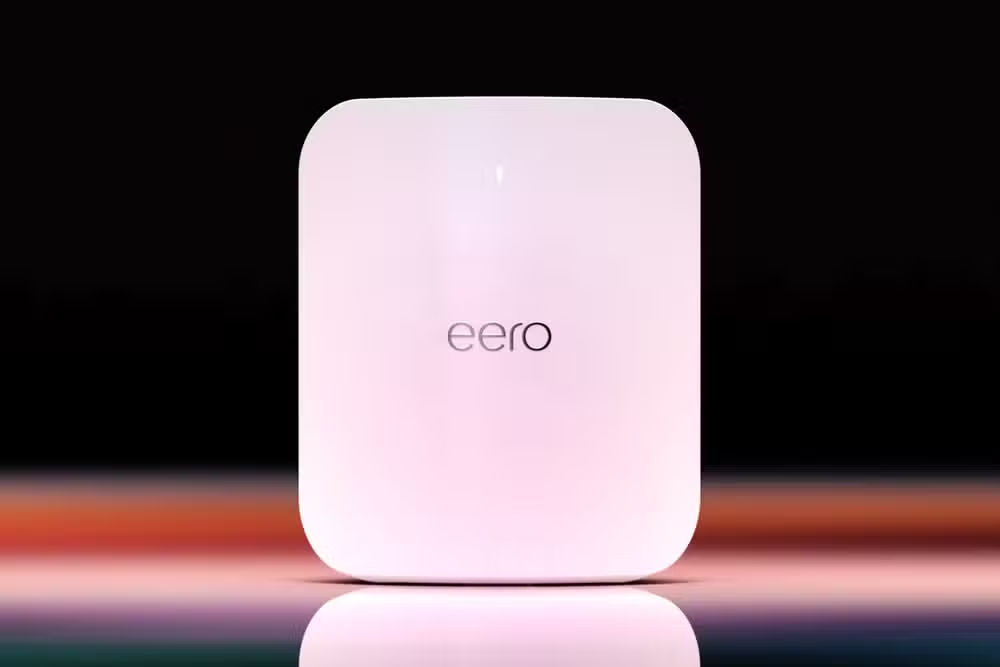
Second, Eero lacks advanced features that power users want. The system prioritizes ease of use over configurability. If you need granular control over your network, Eero's app-first approach becomes a limitation rather than a feature.
Third, Eero requires its mobile app for setup. No browser-based configuration, no command line access. For users who prefer more traditional networking interfaces, this is a dealbreaker.
Why alternatives fell short
Campanale tried recommending other brands. Netgear's quality has slipped in recent years, according to his assessment. TP-Link routers gave him consistent trouble with port forwarding. Neither felt like a complete replacement for what Eero did well.
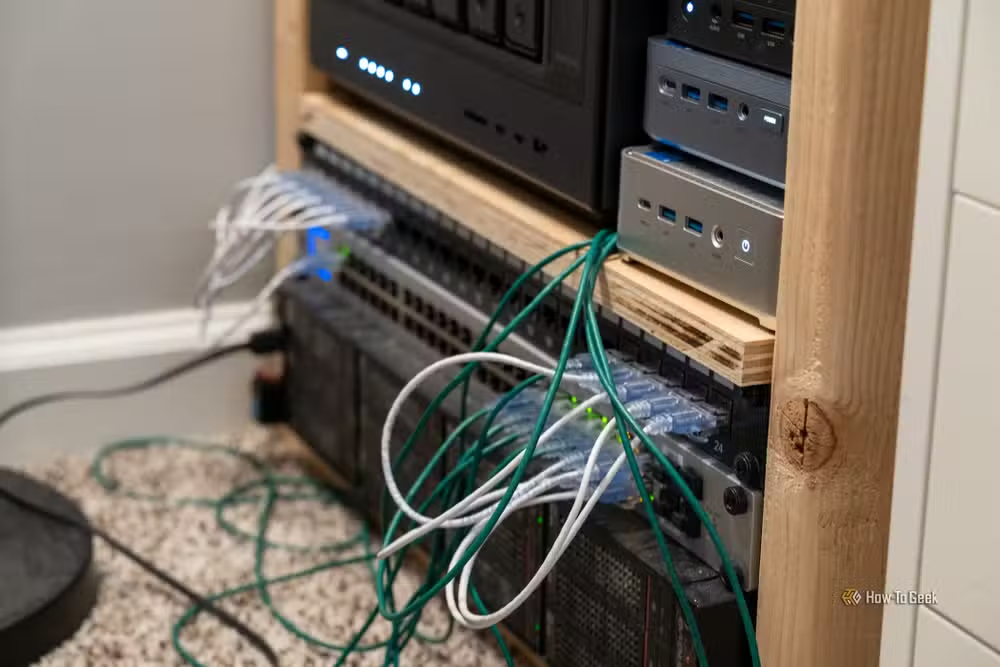
This left him in an awkward position. He could recommend Eero to non-technical users while acknowledging its limitations, or he could suggest enterprise gear that most home users would never figure out how to configure. Neither option felt honest.
The UniFi Dream Router 7 changes the math
UniFi, made by Ubiquiti Networks, has traditionally served businesses and networking enthusiasts. The equipment offers professional-grade features like detailed traffic analytics, VLAN support, and local data storage. The catch was complexity. Setting up a UniFi network meant understanding enterprise networking concepts.

The Dream Router 7 aims to change that. At $499, it sits well above Eero's pricing but delivers substantially more capability. The setup process has been simplified enough that Campanale now feels comfortable recommending it to the same non-technical users he once sent to Eero.
The key differences: local data storage means your network analytics stay on your hardware, not Amazon's servers. The interface gives you enterprise-level control if you want it, but defaults to sensible settings if you don't. And you're not locked into any particular company's broader ecosystem.
Is the price premium worth it?
A basic Eero setup costs around $200. The Dream Router 7 costs more than double that. For many home users, Eero's price makes more sense. But Campanale argues the Dream Router 7 pays off in reliability, features, and future-proofing.
The prosumer market has grown substantially. An estimated 150 million US households have Wi-Fi routers, and the segment of users who want more than basic mesh coverage but less than full enterprise networking keeps expanding. UniFi has positioned the Dream Router line squarely at this audience.
The mesh router market fragments further
This shift reflects a broader trend. Consumer networking has split into distinct tiers. Budget routers from TP-Link and Netgear serve price-sensitive buyers. Eero and Google Wifi target users who value simplicity above all else. And UniFi now occupies the space between consumer and enterprise, offering professional features at prices home users can stomach.
Whether this recommendation holds for your situation depends on your priorities. If you genuinely just want Wi-Fi that works and don't care about Amazon ownership, Eero remains solid. If you want more control, better privacy practices, and don't mind the learning curve, UniFi makes a compelling case.
Logicity's Take
Campanale's switch signals something larger than one writer's preference change. The prosumer networking category barely existed five years ago. Now it's crowded enough to support premium products like the Dream Router 7. As smart home devices multiply and remote work persists, the demand for serious home networking will only grow. UniFi bet on this trend early. Amazon's Eero bet on simplicity. Both strategies have merit, but the market is clearly rewarding the former.
Frequently Asked Questions
Is UniFi Dream Router 7 good for non-technical users?
Yes, according to Campanale. While UniFi has historically required networking knowledge, the Dream Router 7 simplifies setup enough for home users who want more features than Eero provides.
How much does UniFi Dream Router 7 cost compared to Eero?
The Dream Router 7 costs around $499, more than double the price of a basic Eero setup which runs about $200.
Why did Amazon buy Eero?
Amazon acquired Eero in 2019 to strengthen its smart home ecosystem alongside Ring and Alexa. The acquisition raised privacy concerns among some users.
Does UniFi Dream Router 7 store data locally?
Yes. Unlike Eero, the Dream Router 7 keeps network analytics on your own hardware rather than sending data to cloud servers.
What are the main problems with Eero routers?
Critics cite Amazon ownership and privacy concerns, limited advanced features, and mandatory app-based setup with no browser configuration option.
Another prosumer tech deal worth considering
Need Help Implementing This?
Choosing the right networking setup depends on your specific needs, budget, and technical comfort level. If you're evaluating UniFi vs Eero for your home or small office, reach out to a local IT consultant who can assess your space and recommend the right configuration.
Source: How-To Geek
Huma Shazia
Senior AI & Tech Writer
Produced with AI assistance and reviewed by the Logicity editorial team. Learn more in our Editorial Policy.






