Key Takeaways
- Your ISP's default DNS lacks strong security against malicious domains and phishing attacks
- Free alternatives like Quad9, Cloudflare, and OpenDNS offer built-in threat blocking and faster resolution
- Changing DNS takes under two minutes on Windows or macOS without touching your router
Your home internet is probably using the default DNS server your ISP assigned years ago. That means every website lookup passes through servers optimized for convenience, not security. Switching to a secure DNS server like Quad9 or Cloudflare takes two minutes and blocks malicious domains before they ever load on your family's devices.
Chris Hachey at MakeUseOf recently documented his switch, and the reasoning applies to most households. ISP DNS servers work fine for basic browsing. They resolve domains to IP addresses so you don't have to memorize strings of numbers. But they rarely filter out known malicious sites, phishing domains, or botnet command servers. You're relying on your browser or antivirus to catch threats that could be blocked at the network level.
What DNS actually does on your network
The Domain Name System translates human-readable addresses like logicity.in into IP addresses your computer can route to. Every time you click a link or type a URL, a DNS lookup happens first. Your router sends the query to whatever DNS server is configured, and that server returns the IP address.
Most people never change this. A 2023 Broadband Genie survey found 47% of users never log into their router admin panel after initial setup. The DNS your ISP provides works well enough that there's no obvious reason to touch it.
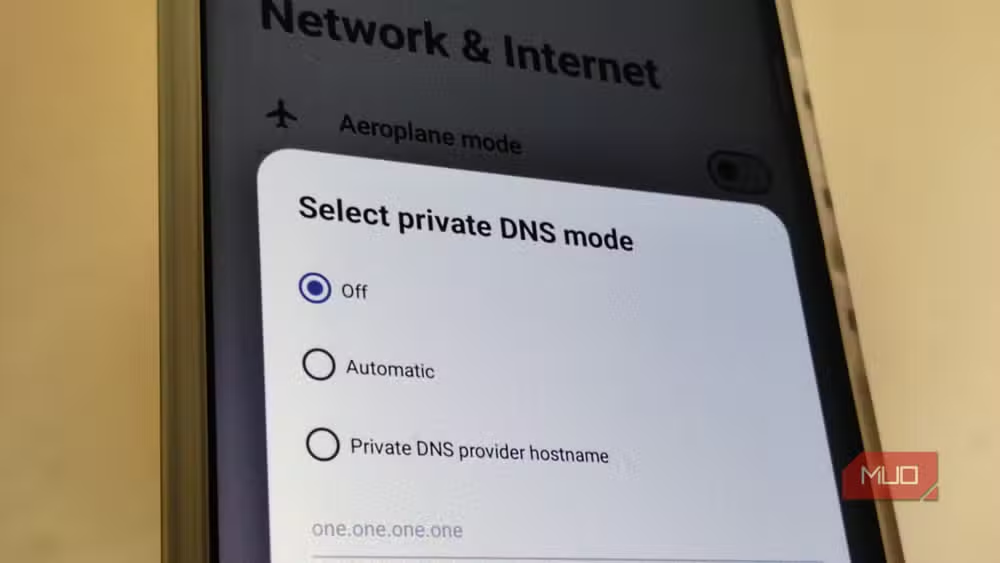
The problem is that ISP DNS servers prioritize speed and reliability over security. They resolve whatever domain you request, including domains hosting malware, phishing kits, or command-and-control infrastructure. Security-focused DNS providers maintain blocklists of known bad domains and refuse to resolve them. The request simply fails, and the malicious page never loads.
Why Quad9 and Cloudflare beat ISP defaults
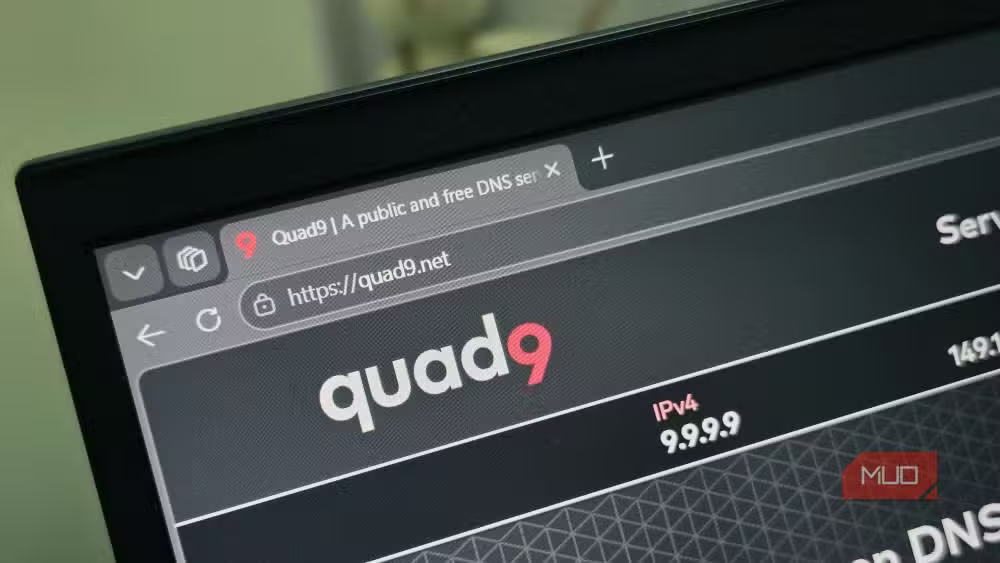
Free public DNS providers have emerged specifically to address ISP limitations. Quad9 (9.9.9.9) was built by a nonprofit consortium focused on threat intelligence. It aggregates blocklists from over 20 security partners and blocks domains associated with malware, phishing, and exploit kits. Cloudflare (1.1.1.1) emphasizes privacy and speed, with a commitment to delete logs within 24 hours. Google Public DNS (8.8.8.8) offers reliability and speed but less aggressive threat blocking.
Hachey chose Quad9 for his family. The service offers three configuration options: 9.9.9.9 for full malicious domain blocking, 9.9.9.10 for DNS resolution without the security filtering, and 9.9.9.11 for secured DNS with EDNS Client Subnet support. For households with children clicking links in messages or stumbling onto sketchy sites, the default 9.9.9.9 makes sense.
How to change DNS on Windows and macOS
You don't need to touch your router. Changing DNS at the device level overrides whatever your router provides. On Windows, navigate to Settings, then Network & internet, then Wi-Fi or Ethernet depending on your connection. Click Hardware properties, then edit the DNS server assignment. Toggle on IPv4 and enter your preferred DNS addresses.
On macOS, open System Preferences and click Network. Select your current connection, then click the DNS tab. Use the + button to add your preferred DNS server addresses. Quad9's primary and secondary addresses are 9.9.9.9 and 149.112.112.112. Cloudflare uses 1.1.1.1 and 1.0.0.1.
For whole-home protection, you can change DNS at the router level instead. Log into your router's admin panel, find the DNS settings under WAN or Internet configuration, and replace your ISP's addresses with your preferred provider. Every device on the network will then use the new DNS without individual configuration.
Speed improvements are real but modest
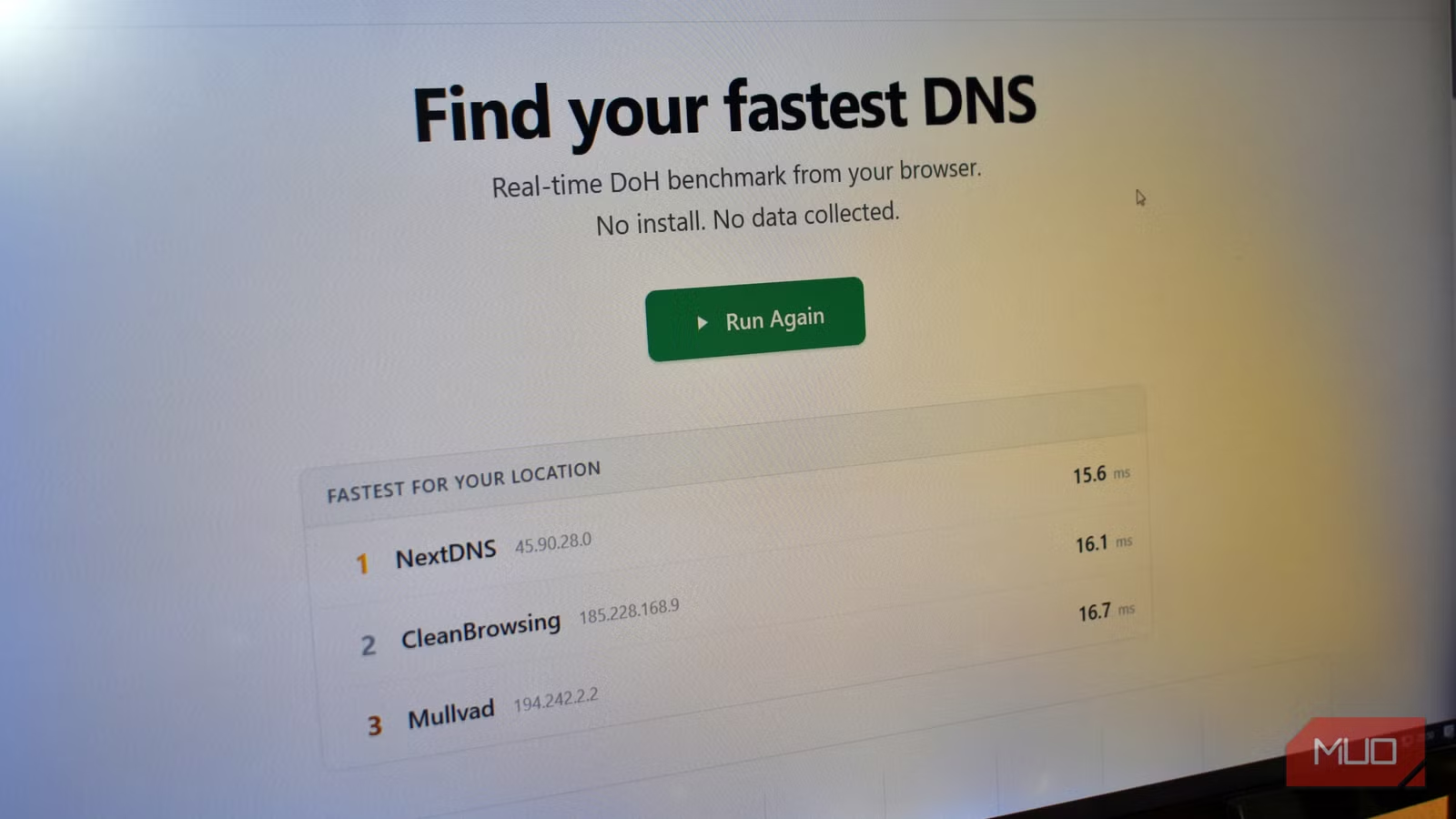
Hachey reports Quad9 runs faster than his ISP's DNS. This matches independent testing. Cloudflare and Google consistently rank among the fastest public DNS resolvers, often outperforming ISP servers that prioritize cost over infrastructure investment. The difference is typically milliseconds per lookup, but those milliseconds compound across the dozens of DNS queries a single page load triggers.
The more significant gain is blocking malicious requests before they waste time and bandwidth. A phishing domain that never resolves is a phishing domain that never loads its credential-harvesting form.
Another low-cost home networking upgrade that solves common performance issues
What secure DNS won't protect you from
DNS-level blocking has limits. It only works for threats hosted on domains in the blocklist. A new phishing site registered this morning won't appear in Quad9's threat intelligence until it's detected and added. Direct IP access bypasses DNS entirely. And DNS filtering does nothing against malicious email attachments, compromised legitimate sites, or social engineering.
Think of secure DNS as one layer in a defense stack, not a replacement for antivirus, browser security features, or basic skepticism about unexpected links. It catches a meaningful percentage of threats at zero cost and zero ongoing effort. That makes it worth the two-minute setup.
Logicity's Take
The average US household now runs 22 connected devices. Every one of them makes DNS queries, and most families have no idea what's resolving those queries. ISPs have no business incentive to invest in threat intelligence for DNS. They're in the bandwidth business, not the security business. Free alternatives like Quad9 exist because nonprofits and infrastructure companies recognized this gap. It's one of the rare cases where the free option is genuinely better than the default.
Frequently Asked Questions
Will changing DNS break anything on my network?
Rarely. DNS is a standard protocol, so any compliant resolver works. Some corporate VPNs or parental control software may conflict, so test before committing network-wide.
Is Quad9 or Cloudflare faster?
Cloudflare typically wins speed benchmarks by small margins. Quad9 prioritizes threat blocking. Both are faster than most ISP DNS servers.
Can my ISP see my browsing if I change DNS?
Yes. DNS only resolves domain names. Your ISP still sees the IP addresses you connect to. For privacy, combine secure DNS with a VPN or DNS-over-HTTPS.
Should I change DNS on my router or each device?
Router-level changes protect every device on the network automatically. Device-level changes let you customize per machine and persist when you're on other networks.
Does secure DNS replace antivirus software?
No. DNS blocking prevents connections to known malicious domains. It won't catch malware in email attachments, compromised legitimate sites, or threats not yet in blocklists.
Need Help Implementing This?
Setting up secure DNS takes minutes but choosing the right configuration for your network depends on your devices and use case. Contact the Logicity team for guidance on home or small office network security improvements.
Source: MakeUseOf
Manaal Khan
Tech & Innovation Writer
Produced with AI assistance and reviewed by the Logicity editorial team. Learn more in our Editorial Policy.






