Key Takeaways
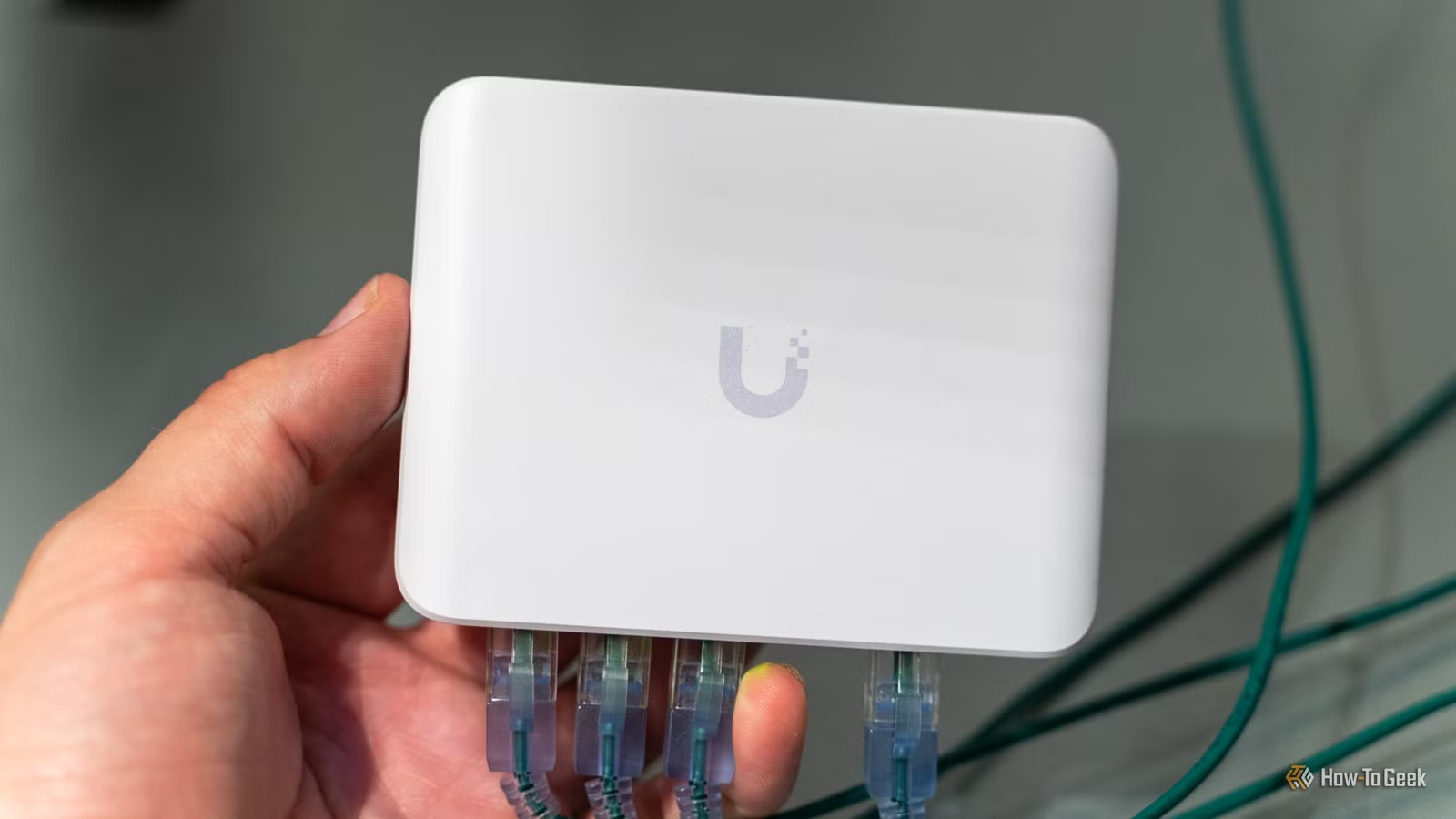
- Unmanaged network switches cost $15-25 and require zero configuration
- Running one cable to a switch eliminates cable clutter at your router
- Wired connections via a switch reduce WiFi congestion for all devices
A $15 unmanaged network switch solves half a dozen home networking problems your router was never designed to handle. Most people buy one only when they run out of Ethernet ports, but that undersells what this simple device can do. The switch requires no configuration, works the moment you plug it in, and addresses issues ranging from cable clutter to WiFi congestion.
Consumer routers typically ship with four LAN ports. That was plenty a decade ago. Today, the average household runs 20 or more connected devices, and many of those perform better on a wired connection: gaming consoles, smart TVs, NAS drives, desktop PCs, streaming boxes. Four ports doesn't cut it anymore.
What problems does a network switch actually solve?
The most obvious fix is port expansion. But the practical benefits go further. Running long Ethernet cables from a router in your basement to every device on the second floor creates a mess. A switch changes the topology: run one cable to a switch upstairs, then branch out with short, tidy cables to nearby devices.
Monica J. White, writing for How-To Geek, puts it plainly: "Instead of running a mess of long cables from your router to every wired device in the house, you can run one cable to a small switch and branch out from there with shorter, cleaner cables." Clean cable routing won't speed up your internet, but it makes troubleshooting and future expansion far easier.
Why wired connections still matter
WiFi is convenient. It's also a shared medium that degrades as more devices compete for airtime. Every device you move to a wired connection frees up WiFi bandwidth for the phones, tablets, and laptops that actually need it. A gaming console that streams 4K content doesn't need to be on WiFi. Neither does your desktop PC.
The math is straightforward. Most consumer routers max out at 1 Gbps per wired connection. That's still ten times faster than typical WiFi speeds in real-world conditions. For file transfers between local devices, streaming, or lag-sensitive gaming, wired wins.
Unmanaged vs managed: which do you need?
An unmanaged switch is plug-and-play. No web interface, no configuration, no learning curve. You connect power, plug in your Ethernet cables, and you're done. Managed switches offer VLANs, traffic prioritization, and monitoring tools, but they cost more and require setup. For most home users, unmanaged is the right choice.
A basic 5-port or 8-port gigabit switch runs between $15 and $25. At that price, you can place multiple switches around your home, creating wired zones wherever you need them. One in the living room for entertainment devices, one in the home office for workstations and printers, one near your NAS or server setup.
Smart home setups benefit the most
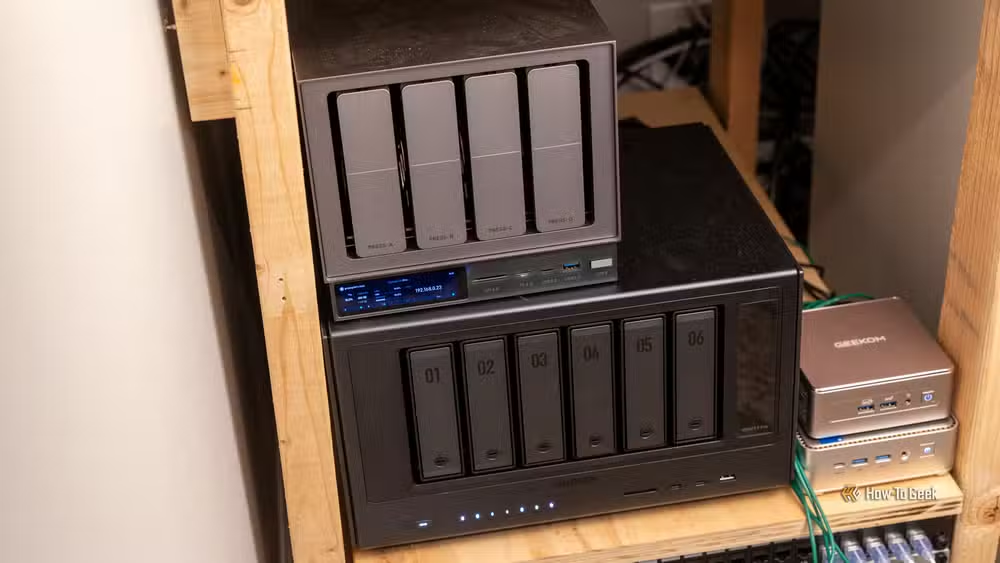
Smart home devices have multiplied faster than router ports. If you're running a home server, a NAS for media storage, a few IP cameras, and a couple of smart hubs, you've already exceeded what most routers provide. A switch gives you room to grow without replacing your router.
Network switches also simplify troubleshooting. When something goes wrong on your network, having devices grouped logically by location makes it easier to isolate problems. Unplug the switch in the living room and see if the issue persists. That's harder to do when every device runs directly back to the router.
What a switch won't fix
A switch can't give you faster internet than your ISP provides. It won't improve WiFi range or signal strength. It doesn't add security features, firewall rules, or traffic shaping. Those remain router territory. A switch is a simple port multiplier for your local network, nothing more.
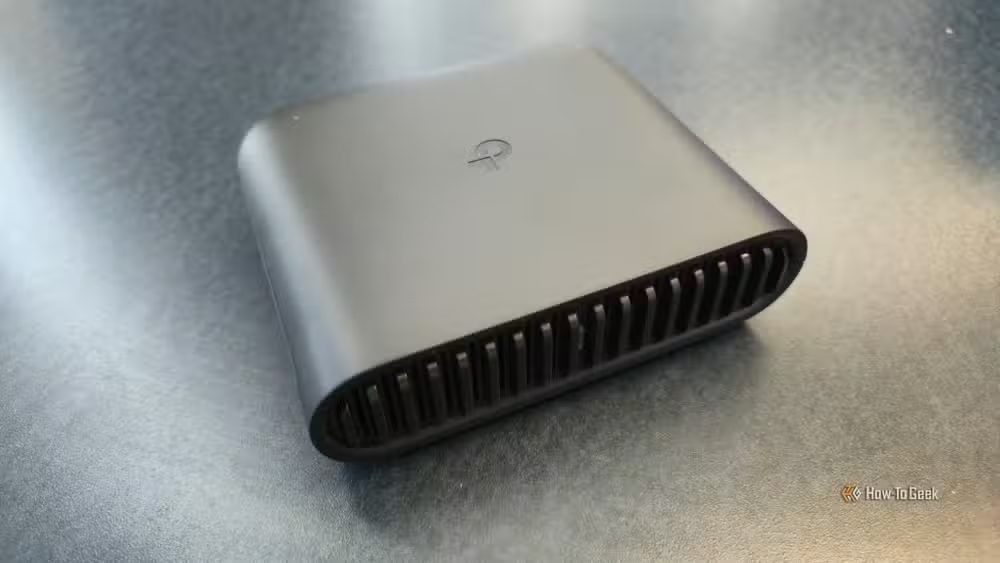
Understanding that limitation is key. The switch handles local traffic between wired devices on your network. Your router still manages the connection to the outside world, assigns IP addresses via DHCP, and handles WiFi. The two work together, each doing what it does best.
Logicity's Take
The $15 network switch is one of the highest-value home tech purchases available. Unlike router upgrades or mesh systems that cost hundreds of dollars, a switch solves real problems for the price of a decent lunch. For anyone running more than four wired devices, or tired of WiFi inconsistency on devices that don't need to move, this is the obvious first step before spending serious money on network overhauls.
Frequently Asked Questions
Do I need to configure an unmanaged network switch?
No. Unmanaged switches are plug-and-play. Connect power, plug in your Ethernet cables, and the switch works immediately with no setup required.
Will a network switch make my internet faster?
Not your internet connection to the outside world. A switch provides gigabit speeds between local devices on your network and reduces WiFi congestion, but your ISP speed remains unchanged.
How many ports should I get on a network switch?
Buy more than you currently need. An 8-port switch costs only slightly more than a 5-port model and gives you room to add devices later without buying another switch.
Can I connect multiple switches to one router?
Yes. You can daisy-chain switches or connect several directly to your router. Each switch expands your available ports without performance penalties for typical home use.
Another low-cost tech preparation that solves problems before they become emergencies
Need Help Implementing This?
Setting up a network switch is straightforward, but optimizing your entire home network topology takes planning. Reach out to Logicity for guidance on home lab setups, cable routing best practices, and choosing the right equipment for your specific needs.
Source: How-To Geek
Huma Shazia
Senior AI & Tech Writer
Produced with AI assistance and reviewed by the Logicity editorial team. Learn more in our Editorial Policy.






