Key Takeaways
- Windows malware becomes inactive when viewed from a Linux boot environment
- A Linux live USB can recover files from a Windows PC that won't boot
- Tools like Ventoy let you boot multiple Linux distributions from one USB drive
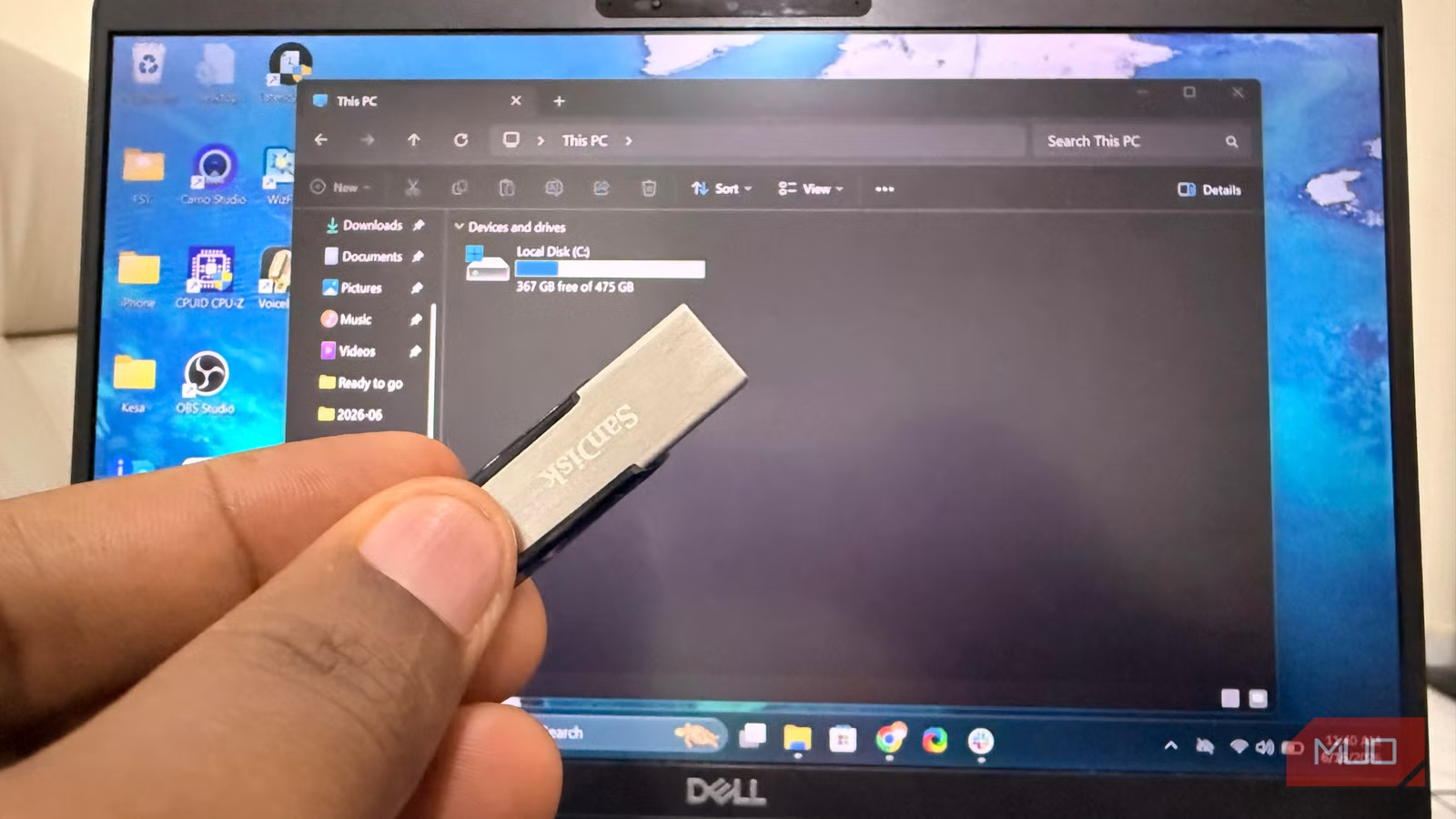
A Linux live USB can save your Windows PC when nothing else works. When Windows crashes, malware locks you out, or a failed update breaks the boot process, this $10 piece of hardware bypasses the entire problem. You boot into a separate operating system, access your files, and often identify what went wrong.
The approach works because Windows malware depends on Windows. Ransomware payloads, trojans, and other threats require Windows services, registry entries, and Win32 APIs to execute. Boot into Linux, and those dependencies vanish. The malware sits on the drive as an inert file, unable to run or interfere while you work.
How does a Linux USB neutralize Windows malware?
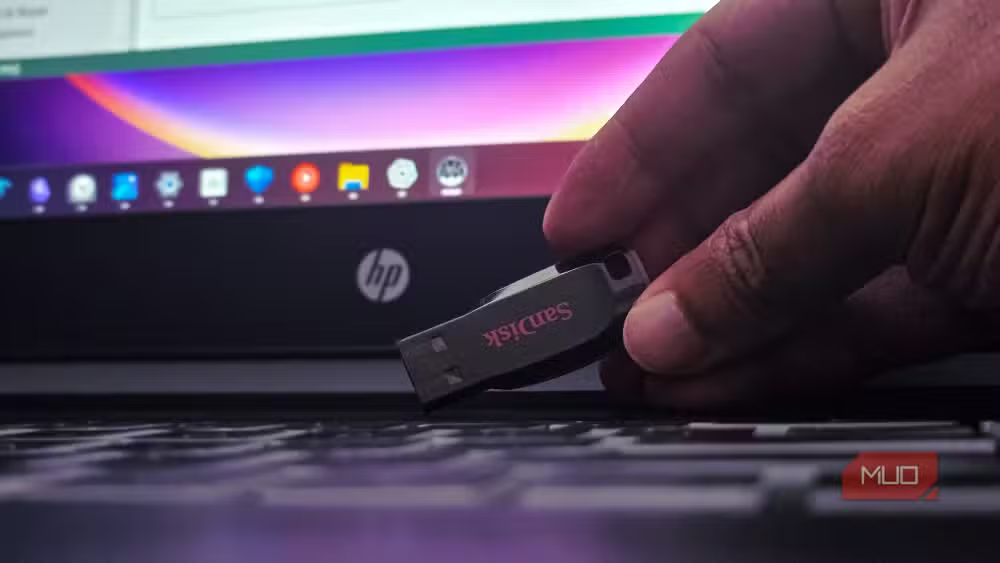
Windows threats lose their power the moment you load a different operating system into memory. Linux can't run Windows programs, but it can read Windows file systems. That means you can browse your Documents folder, copy photos to an external drive, and inspect the file structure without triggering anything malicious.
| Situation | Windows running | Linux live USB |
|---|---|---|
| Malware can execute | Yes | Usually no |
| Startup entries processed | Yes | No |
| Files can be inspected safely | Sometimes | Usually yes |
| Personal files accessible | Maybe | Usually yes |
This doesn't mean Linux automatically cleans the infection. Rebooting into Windows without addressing the underlying problem will reactivate the malware. But during an active crisis, Linux gives you a clear view of the system without interference.
A small caveat: some malware is cross-platform. Threats written in Python or Java can theoretically run on Linux. But most consumer malware targets Windows exclusively, making the live USB approach effective in the vast majority of cases.
Recovering files when Windows won't boot
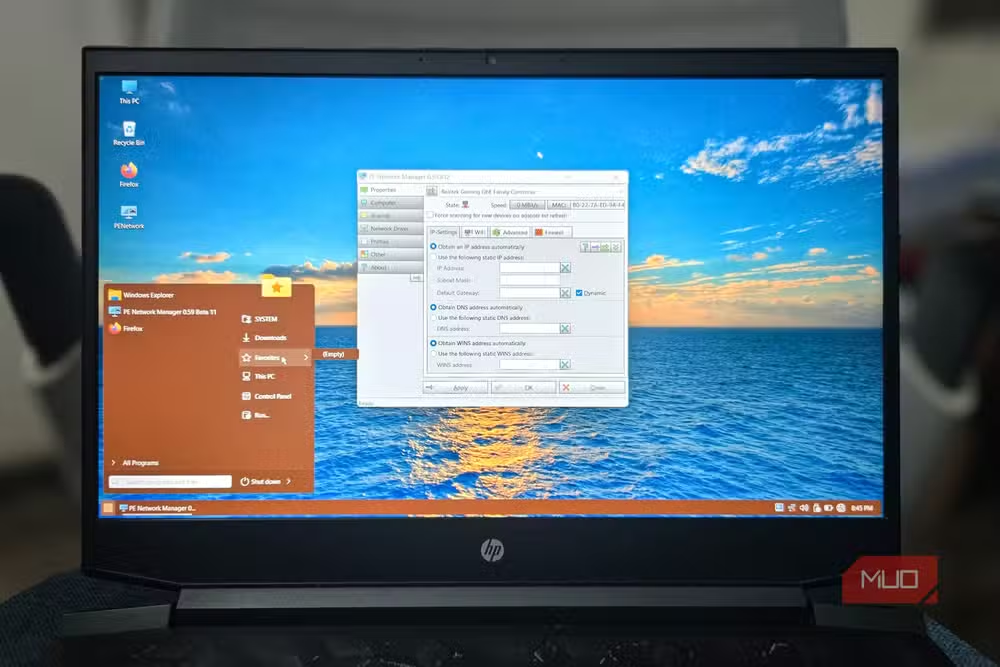
Malware isn't the only reason to keep a Linux USB ready. Failed Windows updates break systems regularly. When the OS won't start, most users panic about their data. The PC becomes a black box, and the instinct is to reinstall Windows or take the machine to a repair shop.
But here's the thing: people don't care about Windows as much as they care about what's on the PC. You can reinstall an operating system. You can't reinstall years of photos, documents, and project folders.
A Linux live USB mounts your Windows partition like any external storage device. The file manager reads your folders directly. You browse, select, and copy everything that matters to an external drive before attempting any repairs. This changes the order of operations. Instead of jumping straight to startup repair tools or system restores, you secure what matters first.
What a Linux USB can't fix
A Linux rescue USB is useful, not magical. It won't automatically clean an infected drive. It won't repair a corrupted bootloader. If a hard drive is physically failing, it can't reverse the damage. Encrypted files remain unreadable without the decryption key.
The value lies in working around these problems. You can access files, diagnose issues, and prepare for repairs. You can identify what went wrong before deciding whether to reinstall Windows, run antivirus tools from a live environment, or take the machine to a professional.
Setting up a multi-boot USB with Ventoy
The traditional method involved downloading a Linux ISO, using a tool like Rufus to flash it to a USB drive, and repeating the process whenever you wanted a different distribution. Ventoy, released in 2020, eliminated this friction.
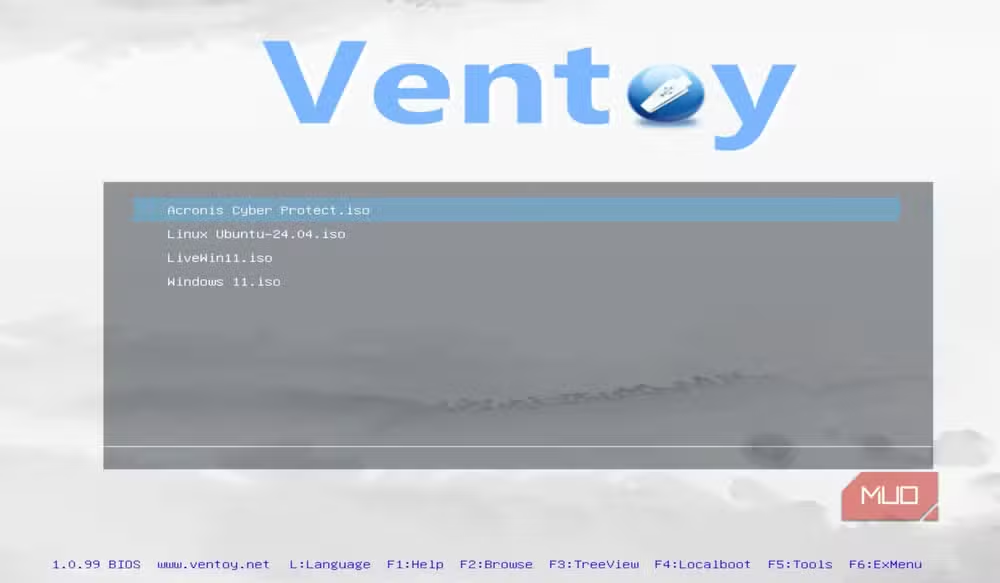
Ventoy formats the USB once. After that, you drag ISO files onto the drive like any other file. The tool supports over 900 ISO files, including Linux distributions, Windows installers, and specialized rescue tools. When you boot from the USB, Ventoy presents a menu listing every ISO on the drive.
This means one USB can hold Ubuntu for general use, a lightweight distro like Puppy Linux for older hardware, and a dedicated rescue distribution like SystemRescue. Five minutes of setup provides insurance against most Windows emergencies.
Which Linux distribution works best for rescue?
Ubuntu is the most popular choice because of its hardware compatibility and familiar interface. Linux Mint offers a Windows-like desktop that feels immediately usable. For pure rescue work, SystemRescue includes pre-installed tools for disk recovery, partition management, and network diagnostics.
The right choice depends on the scenario. For file recovery, any mainstream distribution works. For advanced diagnostics, specialized rescue distros save time. With Ventoy, you don't have to choose. Put three distributions on the same USB and use whichever fits the situation.
Logicity's Take
The Linux USB approach has gained traction as Windows failure modes grow more complex. BitLocker encryption, forced cloud account requirements, and increasingly aggressive updates create more scenarios where the OS blocks access to your own files. A Linux boot drive sidesteps all of it. For IT teams supporting remote workers, standardizing on a Ventoy USB with approved tools could reduce emergency support calls significantly.
Frequently Asked Questions
Can a Linux USB remove ransomware from my Windows PC?
Not automatically. Booting into Linux prevents the ransomware from running, letting you safely access and copy files. But removing the malware requires additional steps, like running antivirus tools from the live environment or reinstalling Windows.
Will a Linux USB work if my Windows drive is BitLocker encrypted?
Linux can mount BitLocker-encrypted drives if you have the recovery key. Without the key, files remain inaccessible. Microsoft provides recovery keys through your Microsoft account if you enabled this feature during setup.
How much storage does a Linux USB need?
Most Linux distributions fit on a 4GB USB drive. For Ventoy with multiple ISOs, 16GB or 32GB gives room for several distributions and rescue tools.
Does booting from Linux void my Windows warranty?
No. Booting from external media doesn't modify your Windows installation or hardware. You're loading a separate operating system into RAM temporarily.
Can I access OneDrive files from a Linux live USB?
Only if those files are synced locally to your Windows drive. Files stored only in the cloud require signing into OneDrive through a browser or Linux client.
Need Help Implementing This?
Setting up a Linux rescue USB takes about 15 minutes. For enterprise deployments or custom rescue environments, reach out to Logicity's technical team for guidance on standardizing emergency boot tools across your organization.
Source: MakeUseOf
Huma Shazia
Senior AI & Tech Writer
Produced with AI assistance and reviewed by the Logicity editorial team. Learn more in our Editorial Policy.






