Key Takeaways
- The GreatXML exploit requires local access and prior use of Defender Offline Scan to work
- Security researchers have raised doubts about how practical the attack actually is
- Microsoft's June 2026 patch addresses 206 vulnerabilities including this one
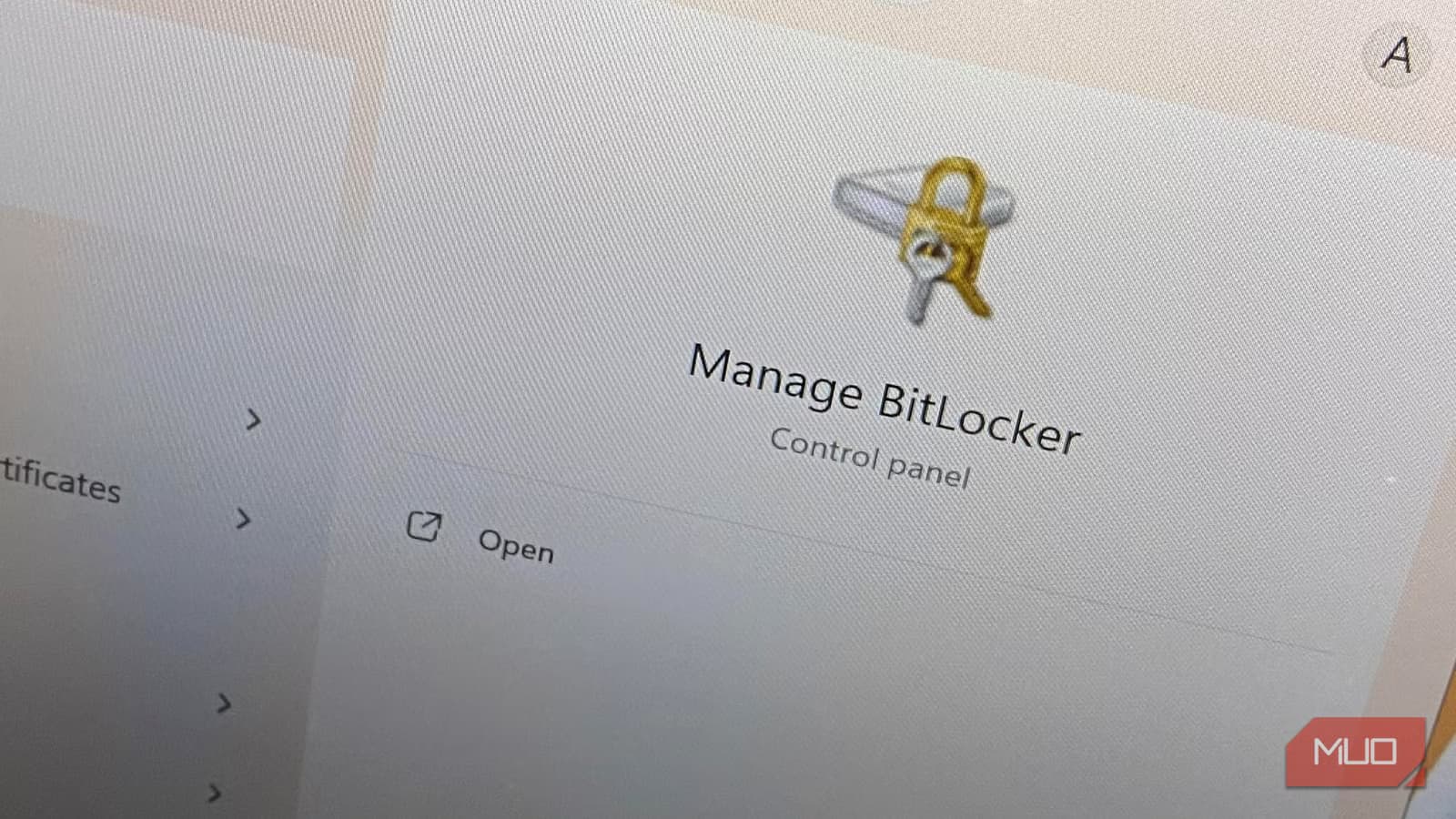
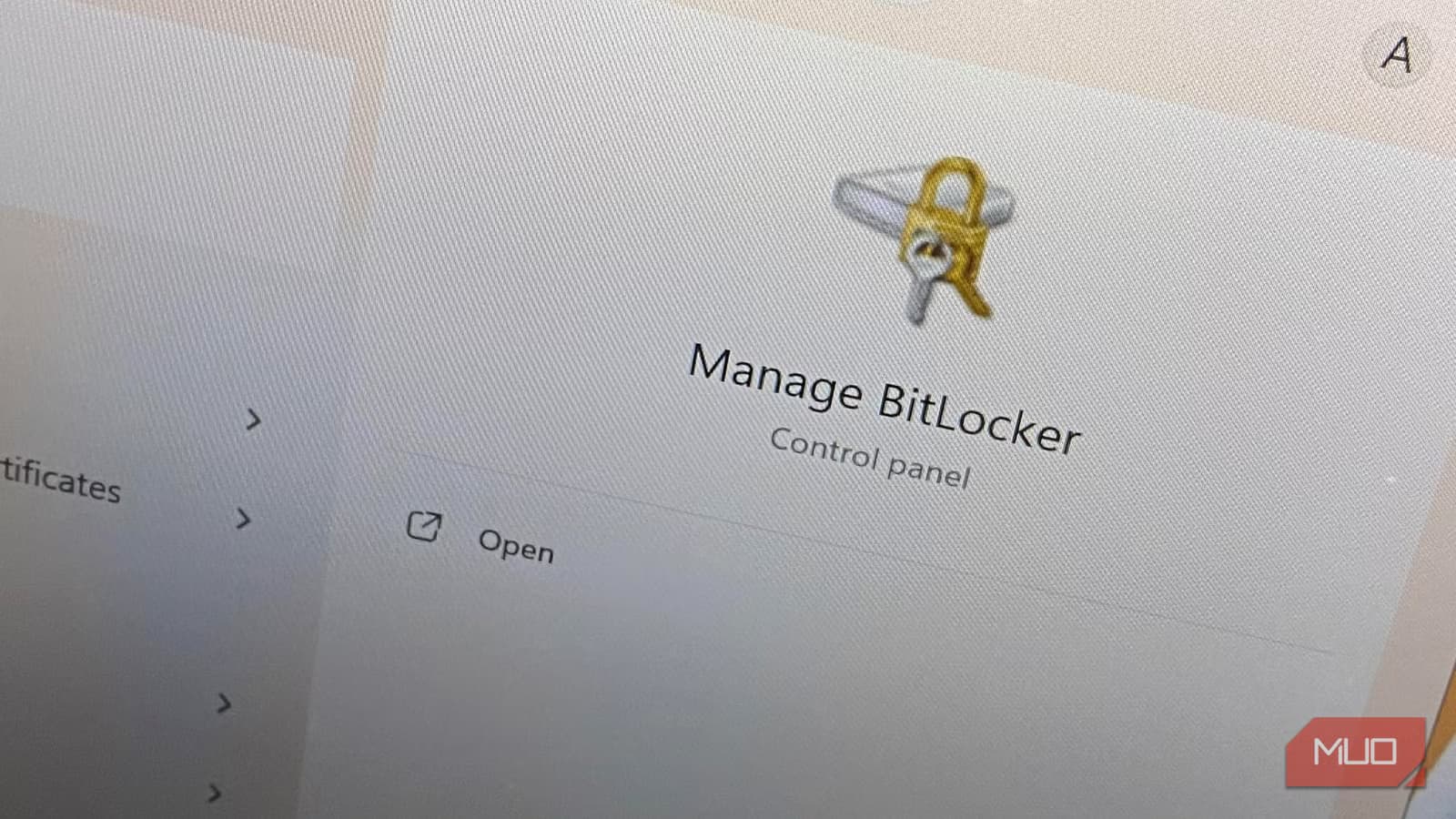
A new Windows zero-day exploit is making headlines, with some reports suggesting it can give attackers access to BitLocker-protected data. The vulnerability, called GreatXML, was discovered by a researcher known as Nightmare Eclipse, who claims it took about four hours to find.
Before you panic: security researchers who've examined the exploit say it requires a very specific set of conditions to actually work. This isn't the kind of attack where someone halfway around the world can randomly break into your encrypted drive.
What the Exploit Actually Requires
According to Will Dormann, a security researcher who posted analysis on Infosec.exchange, the GreatXML exploit only works when several conditions are met. The most important: the target system must have previously used Microsoft Defender's Offline Scan feature.
That's a significant limitation. Defender Offline Scan runs before Windows fully boots to catch rootkits and other persistent malware. Most users have never triggered it manually, and it's not part of standard scheduled scans.
The attack also requires some form of local access to the machine. In some scenarios, administrative access may even be needed beforehand. Dormann noted that reproducing the exploit wasn't as straightforward as the original writeup suggested.
The Drama Behind the Disclosure
Nightmare Eclipse has an adversarial relationship with Microsoft. The researcher publicly disclosed the vulnerability after what they describe as failed bounty negotiations, claiming Microsoft's security leadership repeatedly ignored their reports.
This tension matters because it affects how you should interpret the threat. Researchers with a grudge may overstate severity. That doesn't mean the vulnerability isn't real. It means you should wait for independent verification before assuming the worst.
Microsoft's June 2026 Patch Cycle
The GreatXML disclosure came during Microsoft's largest Patch Tuesday ever. The June 2026 update addressed 206 vulnerabilities, including three actively exploited zero-days. The BitLocker issue was one of them.
If you've already installed the latest cumulative updates, you're protected against the known attack vector. If you haven't, now is a good time. The June patch addresses not just GreatXML but two other zero-days that were being actively exploited in the wild.
Who Should Actually Worry
The practical threat model here is narrow. You're at risk if:
- Someone can get physical access to your machine (stolen laptop, malicious coworker, border inspection)
- You've previously run Microsoft Defender Offline Scan
- You haven't installed the June 2026 patches
For most home users, this combination is unlikely. Corporate environments with strict device policies may have more exposure, especially if Defender Offline Scan is part of IT security protocols.
The broader concern isn't this specific exploit. It's that BitLocker, like any encryption system, depends on a chain of software that can contain bugs. Secure Boot bypasses, TPM attacks, and now XML parsing issues have all been vectors in the past.
More context on the researcher behind this disclosure
What to Do Now
- Install the June 2026 cumulative update if you haven't already
- Check if your organization uses Defender Offline Scan as part of security protocols
- Continue treating physical device security as important. Encryption helps, but it's not magic
The security community is still analyzing GreatXML. More details may emerge that change the risk assessment. For now, the evidence suggests this is a narrow exploit that requires conditions most users don't meet. Update your system, keep an eye on your devices, and don't lose sleep over this one.
Logicity's Take
Frequently Asked Questions
Can hackers remotely access my BitLocker-encrypted drive using GreatXML?
No. The exploit requires physical or local access to your machine. It cannot be triggered remotely over the internet.
Do I need to disable BitLocker because of this vulnerability?
No. BitLocker still provides strong protection. Install the June 2026 Windows update to patch the specific vulnerability.
How do I know if I've used Microsoft Defender Offline Scan?
Defender Offline Scan runs before Windows boots and requires manual triggering or IT policy deployment. If you don't remember running it, you probably haven't.
Is the June 2026 Windows update safe to install?
Yes. It addresses 206 vulnerabilities including three actively exploited zero-days. Installing it is strongly recommended.
Who is Nightmare Eclipse?
A security researcher who disclosed GreatXML after claiming Microsoft ignored their vulnerability reports during the bounty process. They've released other Windows zero-days recently.
Need Help Implementing This?
Source: MakeUseOf
Manaal Khan
Tech & Innovation Writer
Produced with AI assistance and reviewed by the Logicity editorial team. Learn more in our Editorial Policy.