Key Takeaways

- Microsoft Bookings is effectively free for Microsoft 365 subscribers paying $12.50/month or more
- Calendly wins on advanced features like workflows, paid bookings, and third-party integrations
- The choice often comes down to vendor consolidation vs feature depth
Microsoft 365 has over 400 million paid monthly active users. If you're one of them, you already have access to Microsoft Bookings at no extra cost. So why would you pay $12 to $20 per user per month for Calendly?
That's the real question behind any Microsoft Bookings vs Calendly comparison. It's not about which tool has more features. Calendly wins that contest. It's about whether those extra features justify another line item on your software bill.
I've used Calendly for years and recently tested Microsoft Bookings head-to-head. Here's what I found across pricing, usability, features, team capabilities, and integrations.
The Quick Verdict
Microsoft Bookings works best for Microsoft 365 users on a budget who need basic scheduling for one-off meetings with colleagues and clients. Calendly fits better for solopreneurs and teams who rely on advanced features like workflows, automation, AI notetaking, and paid bookings.
“The decision to use Microsoft Bookings over a specialized tool like Calendly is almost always a decision about vendor consolidation, not feature parity.”
— Sarah Thompson, Senior Enterprise Productivity Analyst at Gartner
Pricing: Bookings Wins on Paper
| Feature | Microsoft Bookings | Calendly |
|---|---|---|
| Starting Price | Included with M365 ($12.50/user/mo) | $12/user/month |
| Team Plan | Included with M365 | $20/user/month |
| Free Tier | No standalone free tier | Yes, basic scheduling |
| Ease of Use | ⭐⭐⭐ (3/5) | ⭐⭐⭐⭐⭐ (5/5) |
| Advanced Features | ⭐⭐ (2/5) | ⭐⭐⭐⭐⭐ (5/5) |
| Team Features | ⭐⭐⭐ (3/5) | ⭐⭐⭐⭐⭐ (5/5) |
| Integrations | Microsoft apps only | 300+ apps including Salesforce, HubSpot, Zoom |
Microsoft Bookings is bundled with Microsoft 365 Business Standard, which starts at $12.50 per user per month. That subscription includes Word, Excel, PowerPoint, Outlook, Teams, and dozens of other apps. Bookings is just one more tool in the pile.
Calendly's starting price of $12 per month per user is reasonable for individuals. But teams usually need the $20 per user per month plan for features like round-robin scheduling and admin controls. A 10-person team pays $200 per month. That's $2,400 per year on top of whatever you're already paying for Microsoft 365.
Calendly does offer a free tier that handles basic scheduling. If you just need a simple booking link and don't care about automation, the free plan works. But you'll hit limits fast if you schedule meetings with multiple people or need custom branding.
Ease of Use: Calendly Is More Polished
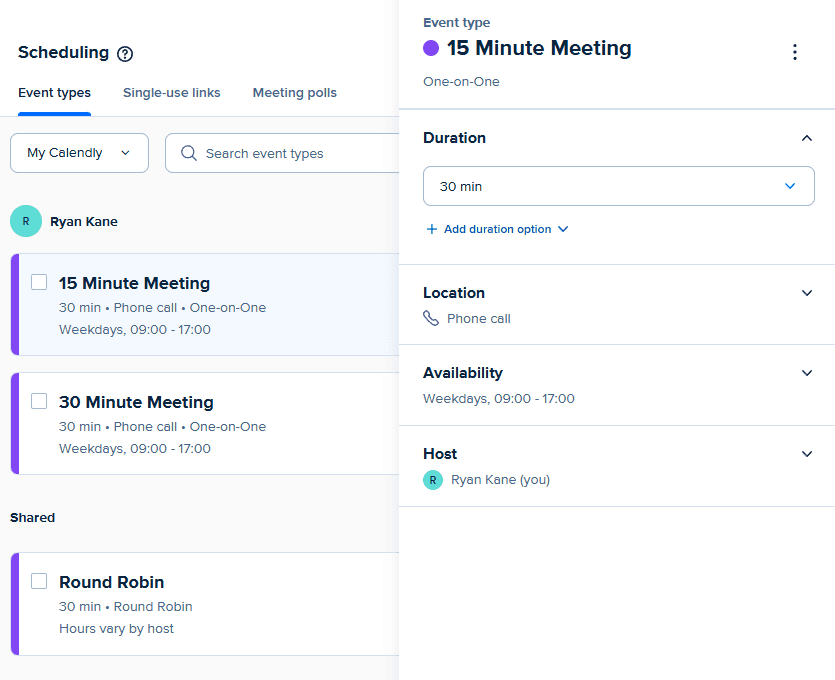
Calendly's interface feels modern and intuitive. You can set up your first booking link in about two minutes. The mobile app works well for checking your schedule and making quick changes on the go.
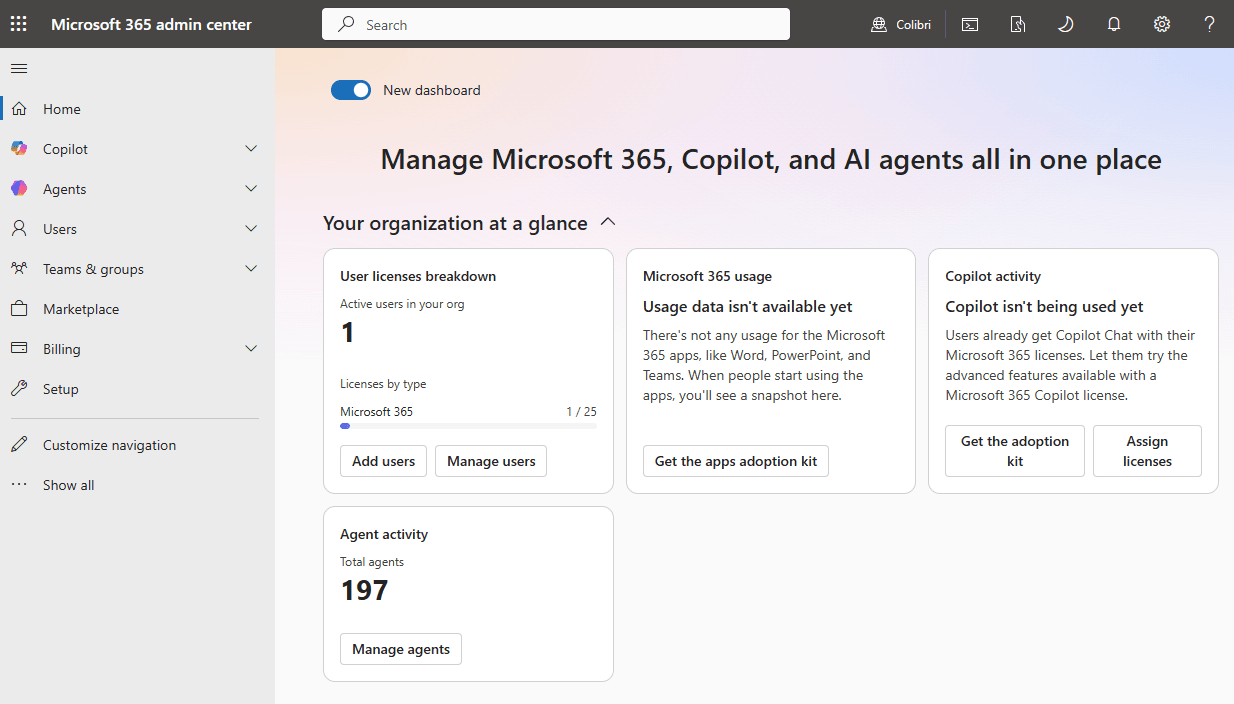
Microsoft Bookings is functional but clunky. Setup is easy if you already live in Microsoft 365. You access it through Outlook or Teams, and it pulls your calendar automatically. But the user experience feels like an afterthought. There's no dedicated mobile app.
The difference shows up in daily use. Calendly is full of small time-saving features. Smart time zone detection. One-click rescheduling. Clean confirmation emails. Bookings gets the job done, but it doesn't feel as smooth.
Advanced Features: Calendly Pulls Ahead
This is where the gap widens. Calendly offers features that Microsoft Bookings simply doesn't have.
- Workflows and automation: Send custom email sequences before and after meetings
- Routing forms: Ask questions before booking to direct invitees to the right person or meeting type
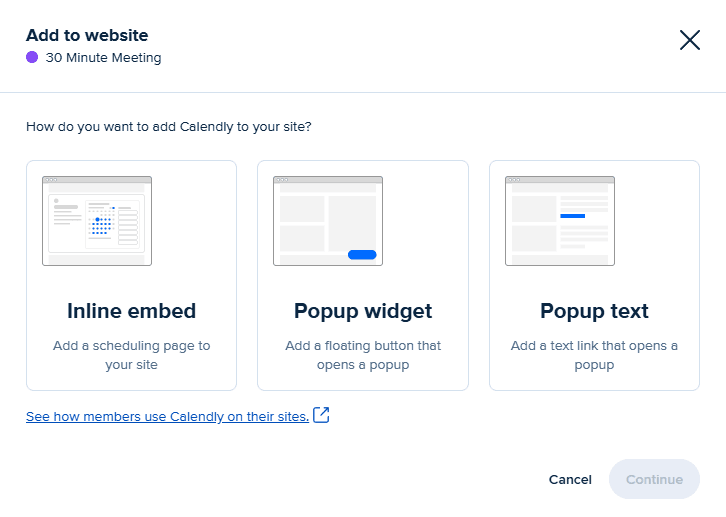
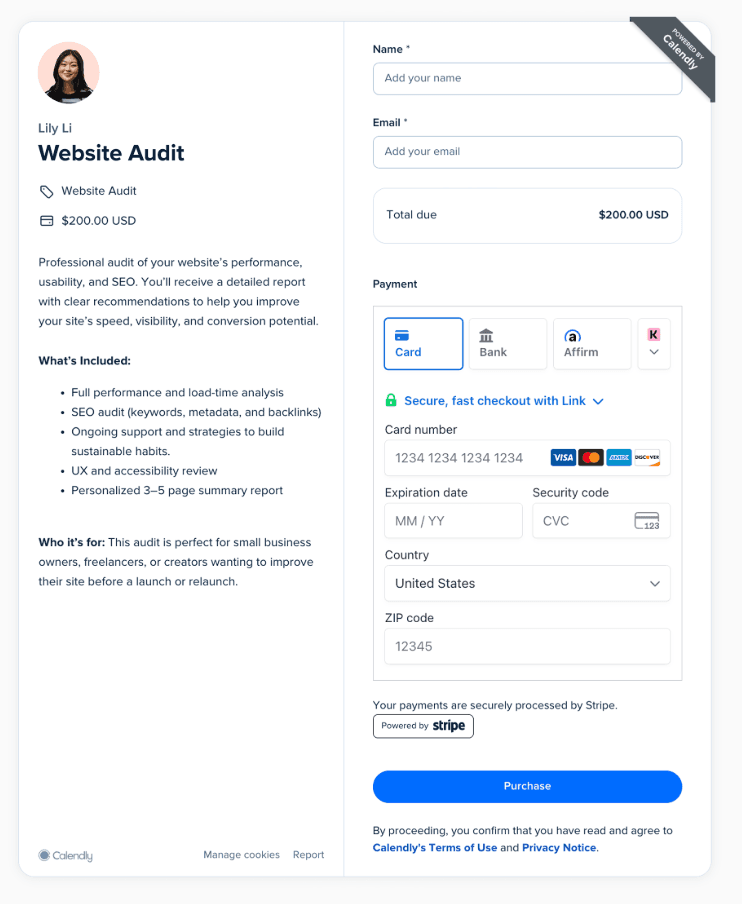
- Paid bookings: Collect payments through Stripe or PayPal at the time of scheduling
- AI notetaking: Automatic meeting summaries and transcriptions
- Round-robin and pooled availability: Distribute meetings across a team automatically
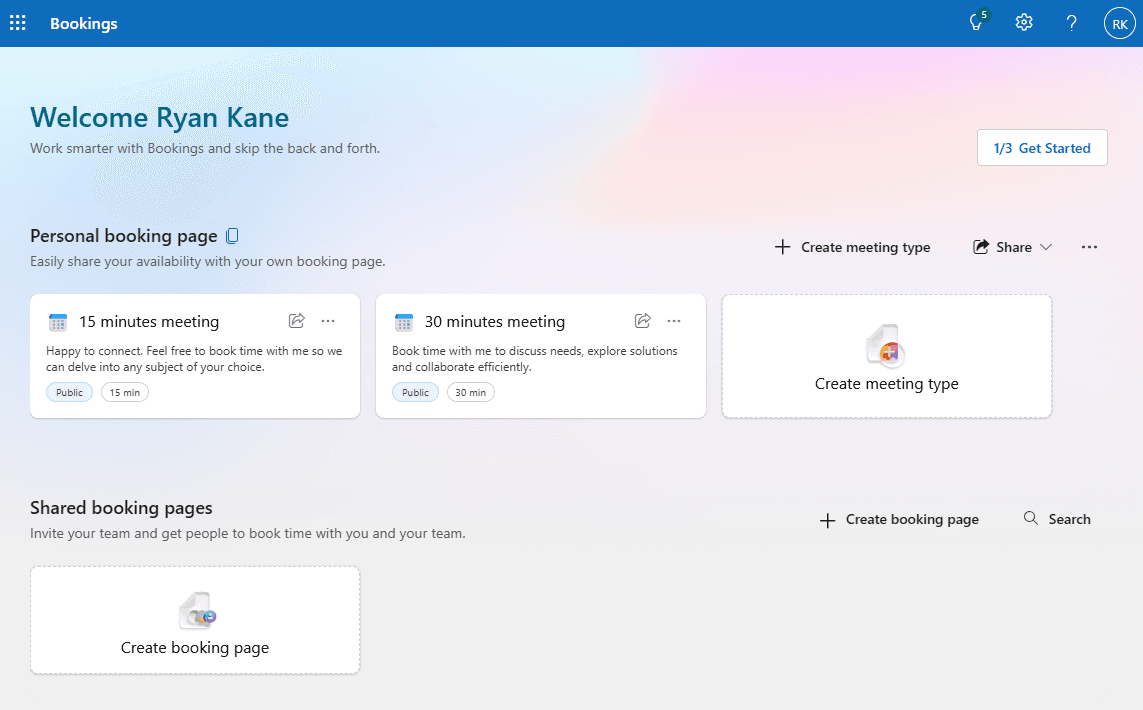
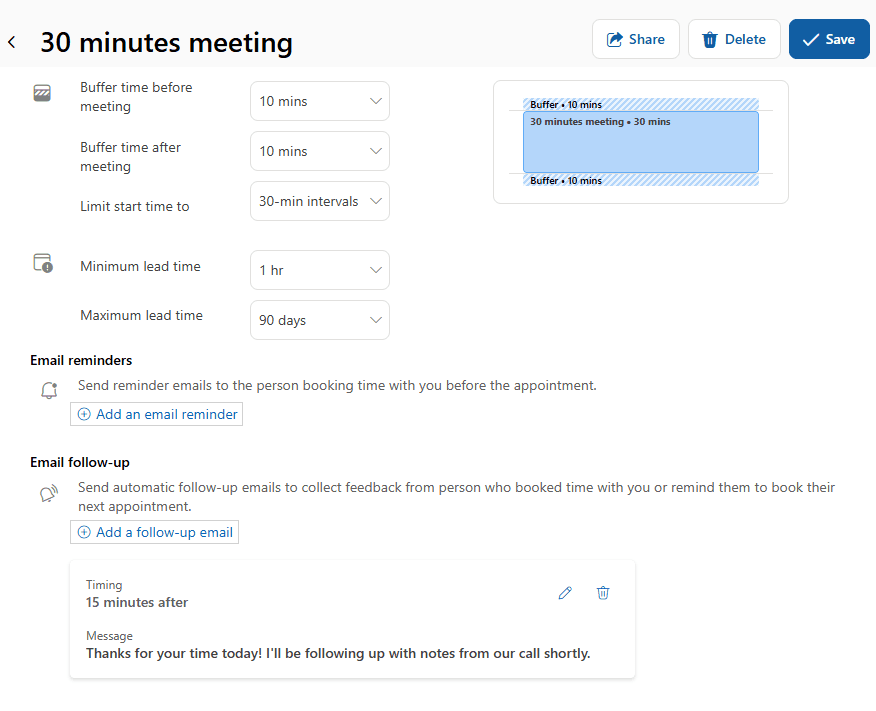
Microsoft Bookings covers the basics. You can create booking pages, set availability, send confirmation emails, and sync with your calendar. But that's about it. No workflows. No paid bookings. No AI features.
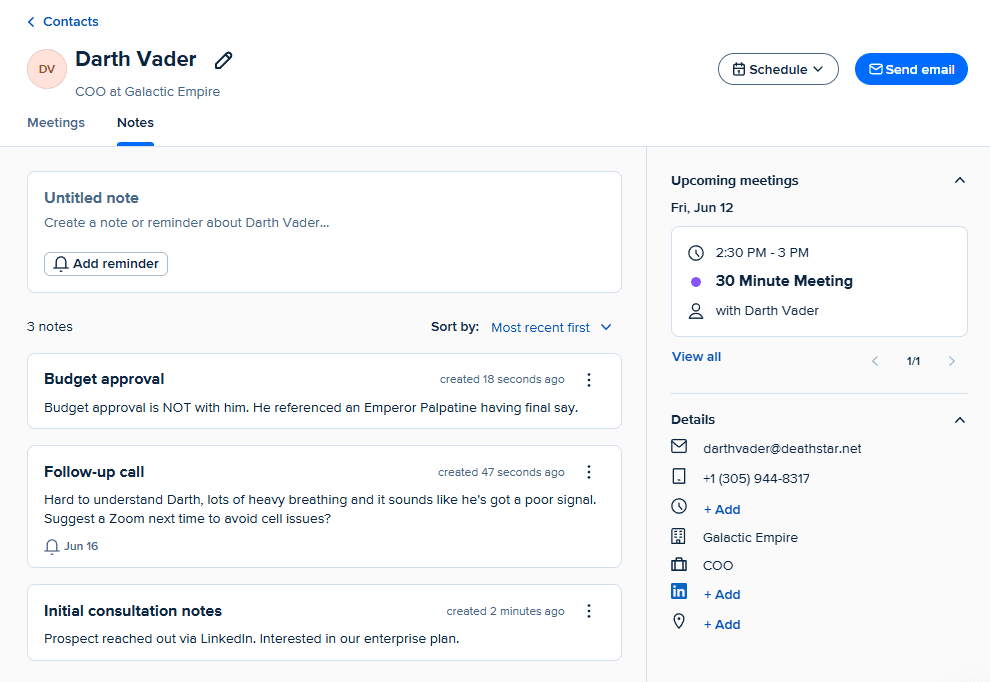
For sales teams, consultants, or anyone who monetizes their time, Calendly's advanced features matter. The ability to collect payment at booking removes a step from the sales process. Workflows let you send prep materials automatically. Routing forms qualify leads before they hit your calendar.
Team Features: Calendly Scales Better
Microsoft Bookings works for teams, but it doesn't offer groundbreaking collaboration features. Large companies already using Microsoft 365 can share booking pages and see team availability. That's the baseline expectation.
Calendly's team features are more robust. Admin controls let managers see how meetings are distributed. Team pages let multiple people show availability on a single link. The round-robin feature balances workload automatically.
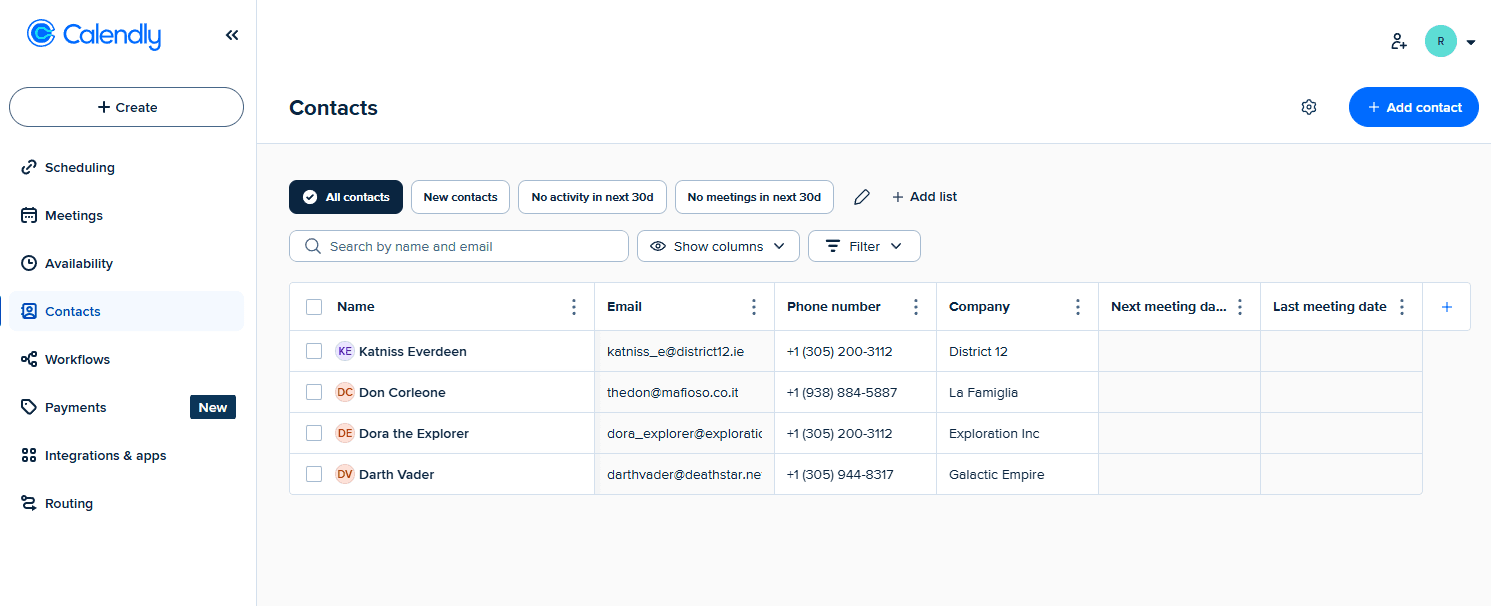
Sales teams often prefer Calendly because of its CRM integrations. When someone books a meeting, Calendly can create a contact in Salesforce, log the activity, and trigger a workflow. Microsoft Bookings can't do that without custom development.
Integrations: The Real Deciding Factor
Calendly integrates with over 300 apps. Salesforce. HubSpot. Zoom. Google Calendar. Slack. Stripe. Zapier. If you use a tool, Calendly probably connects to it.
Microsoft Bookings integrates with Microsoft apps. Outlook. Teams. That's the extent of native integrations. If you need to connect Bookings to Salesforce or HubSpot, you'll need custom development or third-party middleware.
This matters more than it might seem. Reddit discussions in r/sysadmin and r/productivity consistently highlight that Bookings struggles with external email addresses. If you're scheduling meetings with people outside your organization, especially those using Gmail or other non-Microsoft services, you may run into inconsistent behavior.
Calendly doesn't care what email provider your invitees use. It just works.
Who Should Choose What
Pick Microsoft Bookings if you already pay for Microsoft 365, your scheduling needs are simple, and you want to avoid another subscription. It handles basic meeting scheduling without additional cost.
Pick Calendly if you need workflows, paid bookings, CRM integrations, or you schedule meetings with people outside the Microsoft ecosystem. The monthly cost pays for itself if you're booking sales calls or client consultations.
✅ Pros
- • Microsoft Bookings: No extra cost for M365 subscribers
- • Microsoft Bookings: Tight integration with Outlook and Teams
- • Calendly: Superior automation and workflow features
- • Calendly: 300+ third-party integrations including major CRMs
- • Calendly: Polished mobile app and user experience
❌ Cons
- • Microsoft Bookings: No mobile app
- • Microsoft Bookings: Limited integrations outside Microsoft
- • Microsoft Bookings: Inconsistent with external email addresses
- • Calendly: Per-user pricing adds up for teams
- • Calendly: Most useful features require paid plans
The Vendor Consolidation Question
For enterprise companies, this decision is often less about features and more about procurement. An estimated 50% of Calendly's traffic comes from small and mid-sized businesses looking to avoid complex vendor processes. If your company has strict vendor limits or security reviews for new software, using the tool you already have makes sense.
Microsoft knows this. Bookings exists not to beat Calendly on features but to keep Microsoft 365 subscribers from leaving the ecosystem. For many organizations, "good enough" is good enough.
But if scheduling is central to how you make money, the extra $12 to $20 per month per user could be your best productivity investment. Calendly's automation alone might save you an hour a week in manual follow-up emails. Over a year, that's real money.
Logicity's Take
Frequently Asked Questions
Is Microsoft Bookings really free?
Microsoft Bookings is included with Microsoft 365 Business Standard and higher plans, which start at $12.50 per user per month. There's no additional charge, but you need an active M365 subscription.
Can Microsoft Bookings accept payments?
No. Microsoft Bookings does not support paid bookings. Calendly integrates with Stripe and PayPal to collect payments at the time of scheduling.
Does Calendly work with Outlook and Microsoft Teams?
Yes. Calendly integrates with Outlook for calendar sync and can create Teams meeting links automatically. You don't have to choose between Calendly and Microsoft's calendar apps.
Which is better for scheduling with external clients?
Calendly handles external scheduling more reliably. Microsoft Bookings users report inconsistent behavior when booking meetings with non-Microsoft email addresses.
Can I try Calendly for free?
Yes. Calendly offers a free tier with basic scheduling features. You'll need a paid plan for workflows, team features, and integrations.
Compare Calendly against another major scheduling competitor
More Windows and Microsoft productivity tips
Need Help Implementing This?
Source: The Zapier Blog
Huma Shazia
Senior AI & Tech Writer
Produced with AI assistance and reviewed by the Logicity editorial team. Learn more in our Editorial Policy.