Key Takeaways
- Create a single inbox folder and let Claude handle all filing and pattern detection
- Claude can hold your entire vault in view and find connections across months of notes
- This approach works with Claude's free tier through the desktop app
The Problem With Every Obsidian System
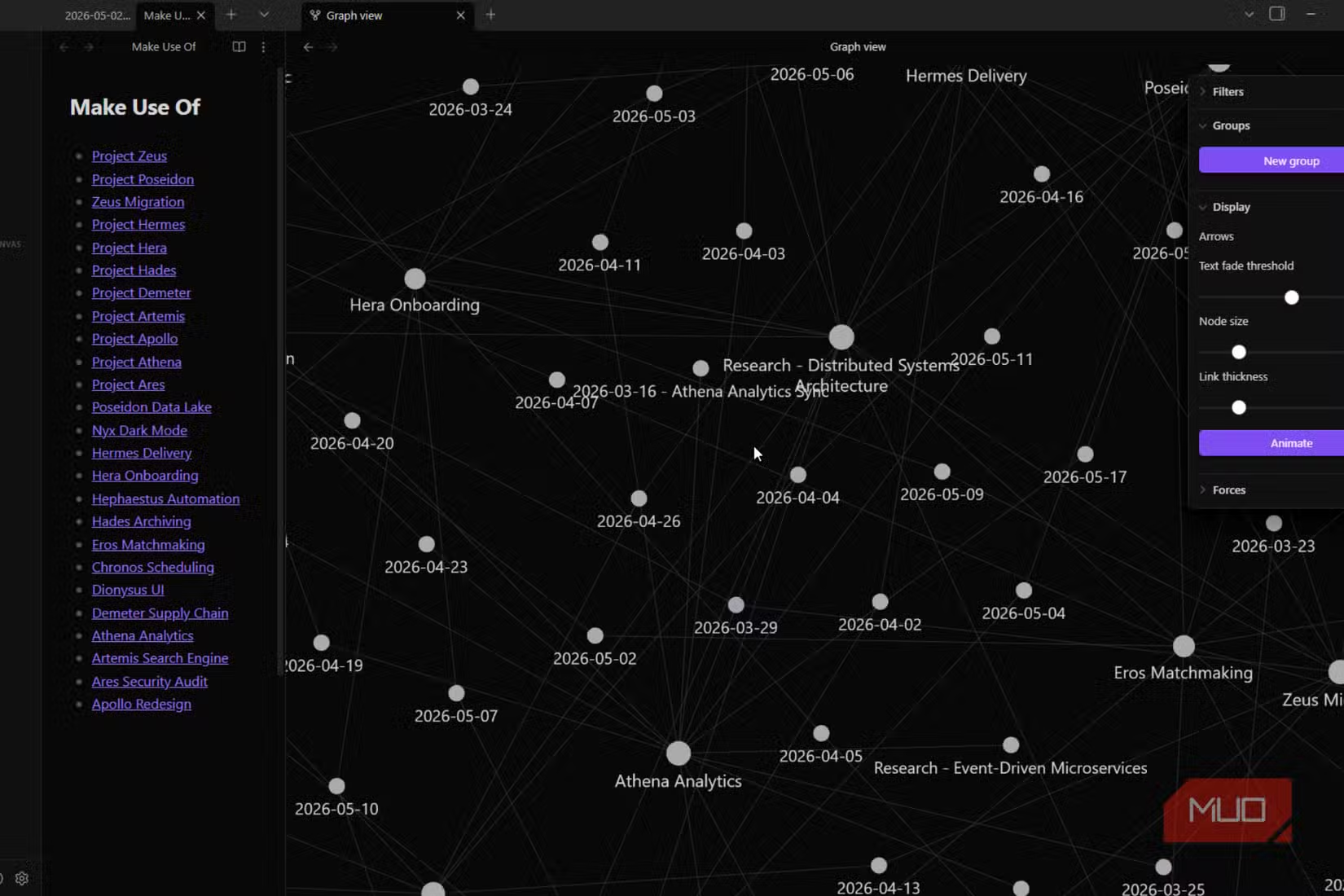
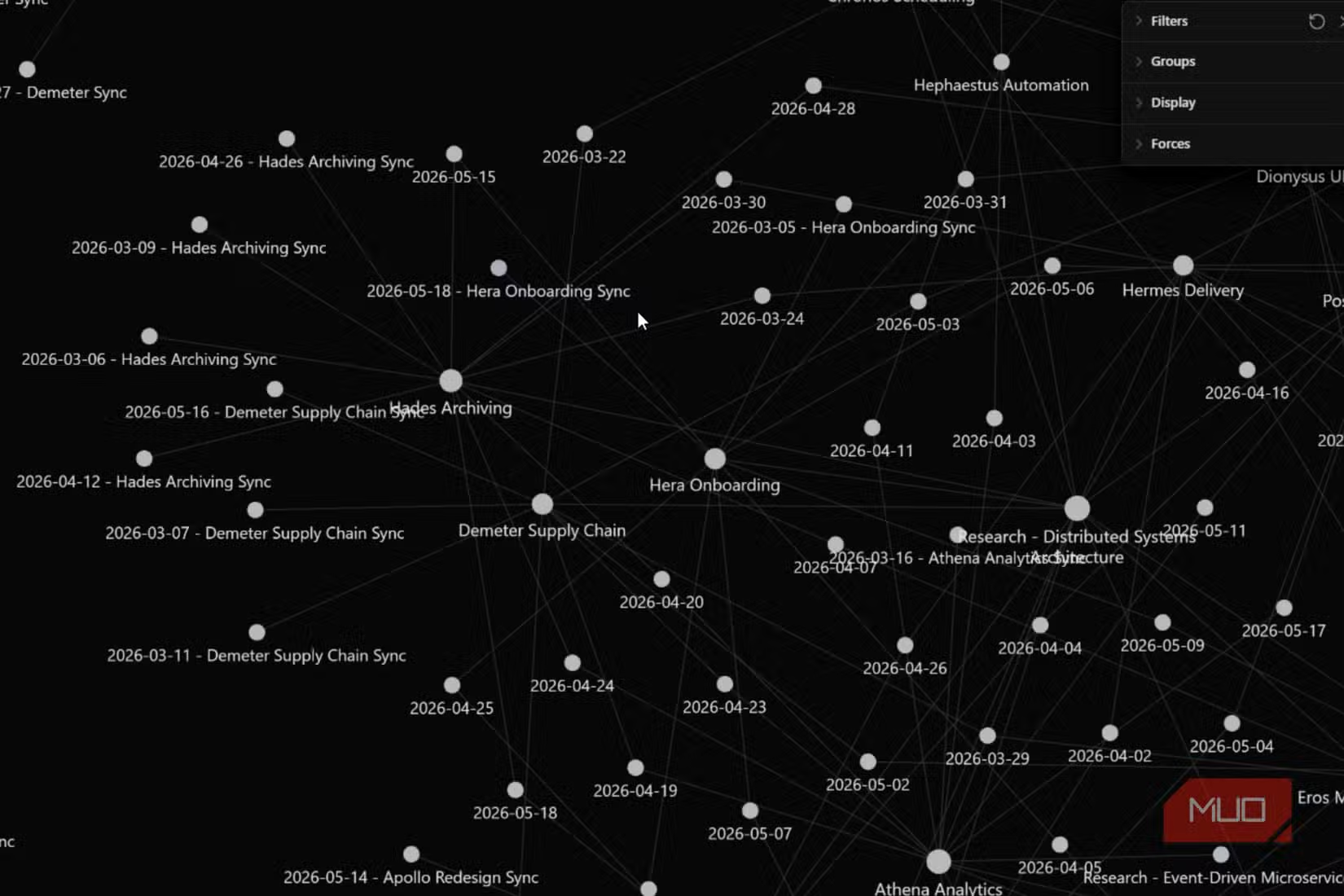
Most Obsidian vaults follow the same trajectory. Week one: clean folders, logical tags, everything in its place. Month three: orphaned notes everywhere, a tagging system that requires a flowchart to remember, and more time spent deciding where to file a note than actually writing it.
Technology writer Jorge Aguilar calls this phenomenon out directly. The vault becomes another thing to manage instead of a place to think. Research surveys suggest the problem is widespread. Roughly 70% of digital workers report feeling overwhelmed by their personal knowledge management systems.
Aguilar's solution throws out the conventional model entirely. No folders to maintain. No tags to apply. No metadata fields to fill in. The only thing you do is write notes and drop them in one inbox folder. Everything else becomes Claude's job.
The Single-Inbox Method
The setup is almost too simple. Create one folder in your Obsidian vault called inbox. Every note goes there. Meeting notes, article highlights, half-formed ideas, anything that felt important when you read it. Write them however they come out. No formatting, no organization, no editing.
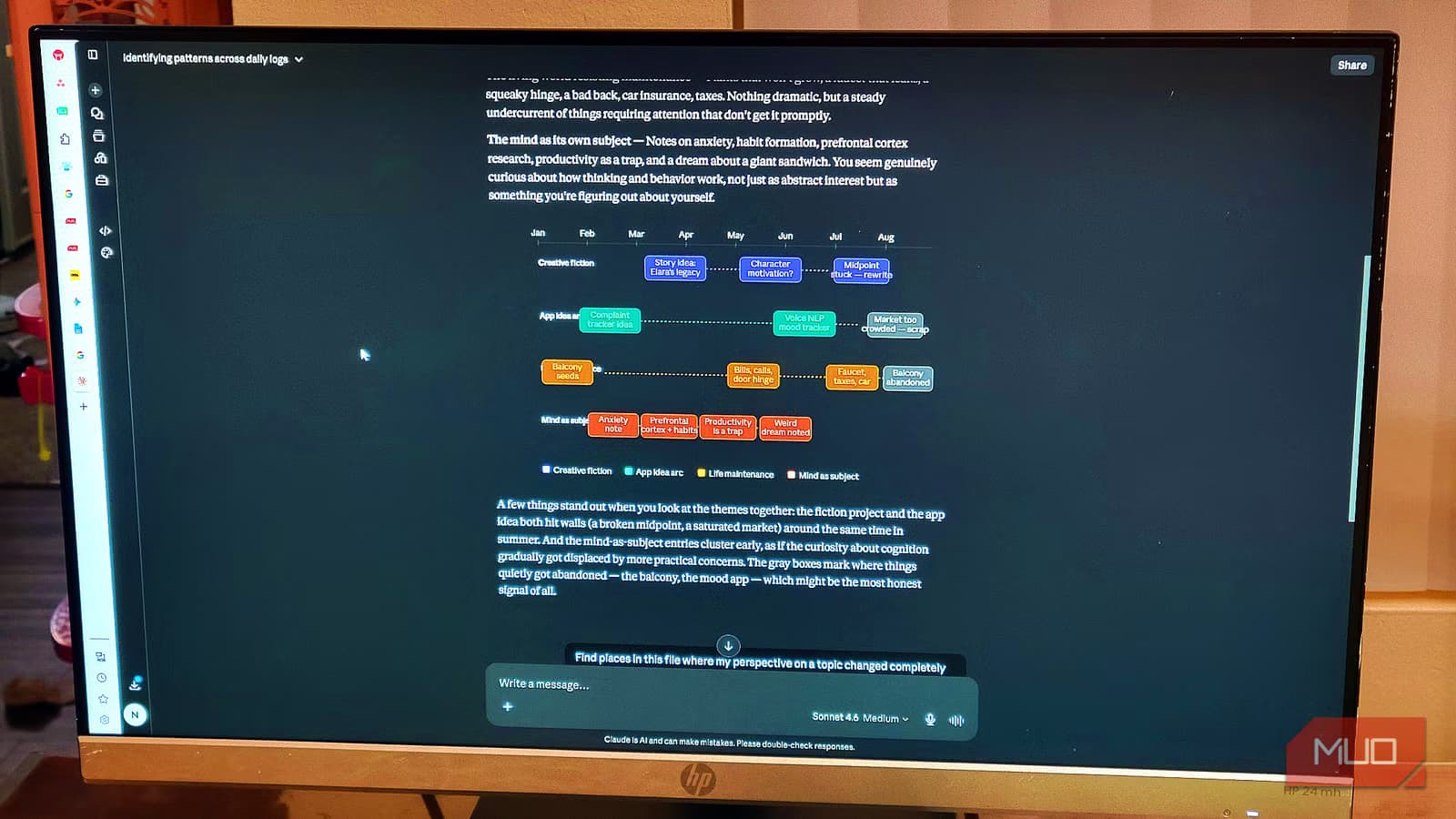
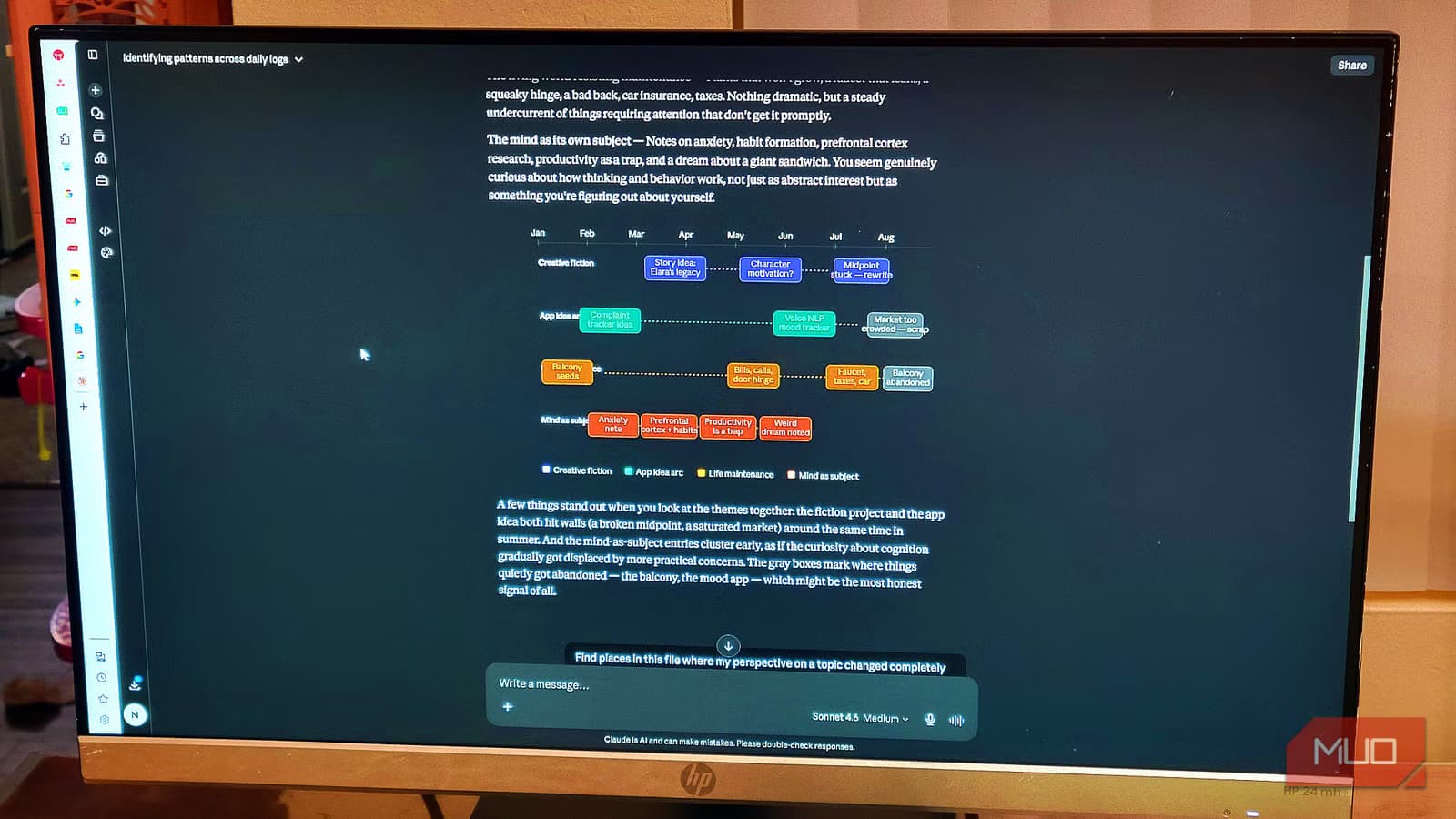
Then set up a Claude Project and point it at your vault. Inside that project, you instruct Claude to read through everything in the inbox and identify threads and patterns across notes. The goal is finding connections you forgot you made, or never realized existed.
The key insight is perspective. When you're writing individual notes, you're too close to see how they relate to each other. Claude isn't. It can hold the full contents of your vault in view at once, compare notes across months, and notice that the question you wrote in February is answered by something you captured last week.
What Makes This Different From Manual Organization
Traditional Obsidian workflows ask you to be both the thinker and the librarian. You capture ideas, then immediately switch context to decide where they belong. That context-switching has a cost. Users who automate vault organization with LLM agents report saving an average of 15 hours per month.
The single-inbox approach separates capture from organization entirely. Capture happens when ideas are fresh. Organization happens later, handled by an AI that doesn't get tired of filing and can process your entire vault in seconds.
Aguilar emphasizes that you're not asking Claude to find connections you already suspected. You're asking it to surface the ones you forgot or never noticed. That's the real value. A human scanning 500 notes will skim. Claude reads every word.
Setting Up Claude Projects for Your Vault
The workflow uses Claude's desktop app, which can access local files. Importantly, Aguilar notes this works without a paid subscription. The free tier handles the core functionality.
- Create an inbox folder in your Obsidian vault
- Set up a new Claude Project through the desktop app
- Point the project at your vault directory
- Write a system prompt instructing Claude to scan the inbox and identify patterns across all notes
- Run the synthesis whenever you want to review your thinking
The prompt you give Claude matters. Ask it to look for recurring themes, questions that appear in multiple notes, and instances where one note answers or contradicts another. Ask for a readable summary, not just a list of connections.
Community Response and Cautions
The Obsidian community on Reddit has responded with enthusiasm, but also caution. The consensus in r/ObsidianMD: keep local backups before allowing any AI to perform bulk file operations. This is good advice for any automated system touching your data.
Hacker News discussions have framed this as part of a larger shift toward agentic local workflows. Users prefer keeping data in local plain-text files like Markdown while using AI agents to handle structure. You get the portability of plain text with the organizational power of AI.
Obsidian's user base has grown to 4.2 million monthly active users, reflecting broader adoption of personal knowledge management tools. As vaults grow larger, the case for automated organization grows stronger. A 50-note vault is manageable by hand. A 5,000-note vault is not.
When This Approach Works Best
The single-inbox method works best for heavy note-takers who capture ideas faster than they can organize them. If you're already drowning in orphaned notes, this gives you a path forward without manually sorting through everything.
It's also useful for research-heavy work where connections across sources matter more than perfect categorization. Writers, researchers, and anyone building a second brain will find immediate value.
The approach works less well if you need strict hierarchies for compliance or team collaboration. It's a personal knowledge management tool, not a team wiki replacement.
Logicity's Take
Practical Next Steps
If you have an existing vault, start by creating an inbox folder and routing new notes there. Let your old notes stay where they are. You can point Claude at the entire vault, not just the inbox, when you want synthesis.
Commit to a review cadence. Weekly works for most people. Sit down, run Claude's analysis, and read what it surfaces. The value compounds over time as your vault grows and connections multiply.
Don't overthink the prompts. Start simple: identify themes, find contradictions, surface questions I've answered elsewhere. Refine based on what's useful.
More local-first AI tools for privacy-conscious users
Frequently Asked Questions
Does Claude require a paid subscription for this workflow?
No. According to the source, this approach works with Claude's free tier through the desktop app.
Will Claude modify or delete my Obsidian notes?
In this workflow, Claude reads and analyzes notes but doesn't automatically change them. The community recommends keeping backups before any bulk AI operations regardless.
Can I use this with an existing messy vault?
Yes. Create an inbox folder for new notes and point Claude at your entire vault for analysis. You don't need to reorganize existing notes first.
How often should I run the Claude analysis?
Weekly works for most users. The value grows as your vault expands and more connections become possible.
Does this work with other note-taking apps besides Obsidian?
The principle applies to any markdown-based system where Claude can access local files. Obsidian's plain-text format makes it particularly well-suited.
Need Help Implementing This?
Source: MakeUseOf
Huma Shazia
Senior AI & Tech Writer
Produced with AI assistance and reviewed by the Logicity editorial team. Learn more in our Editorial Policy.